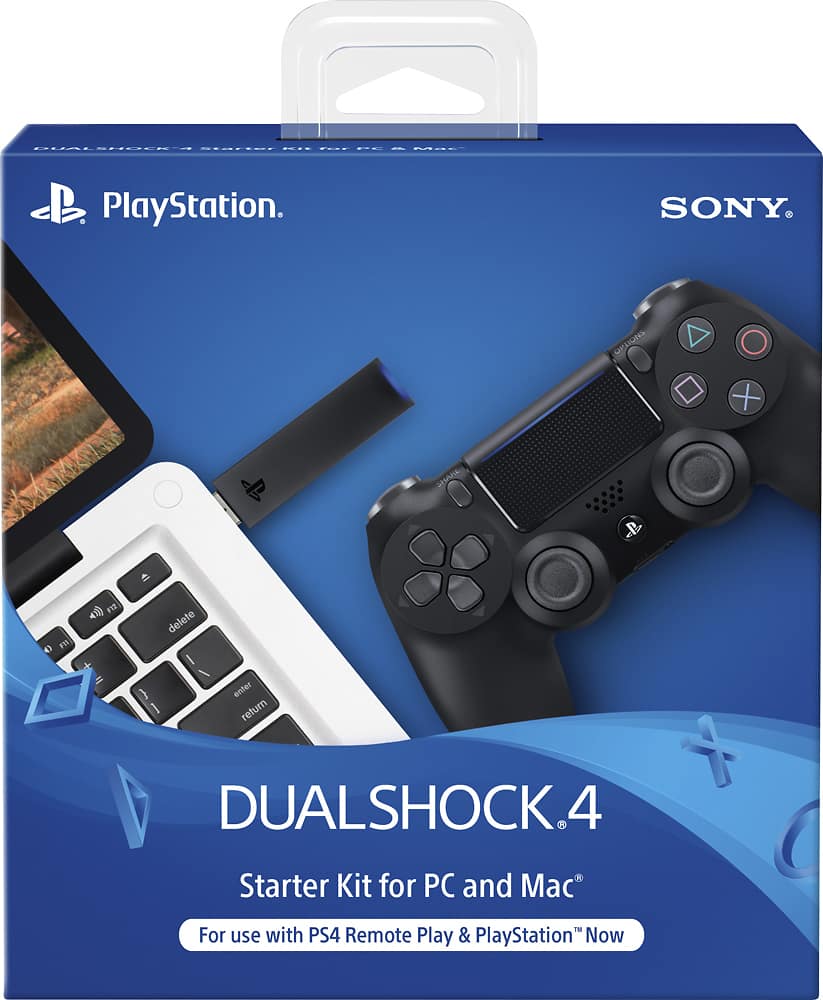
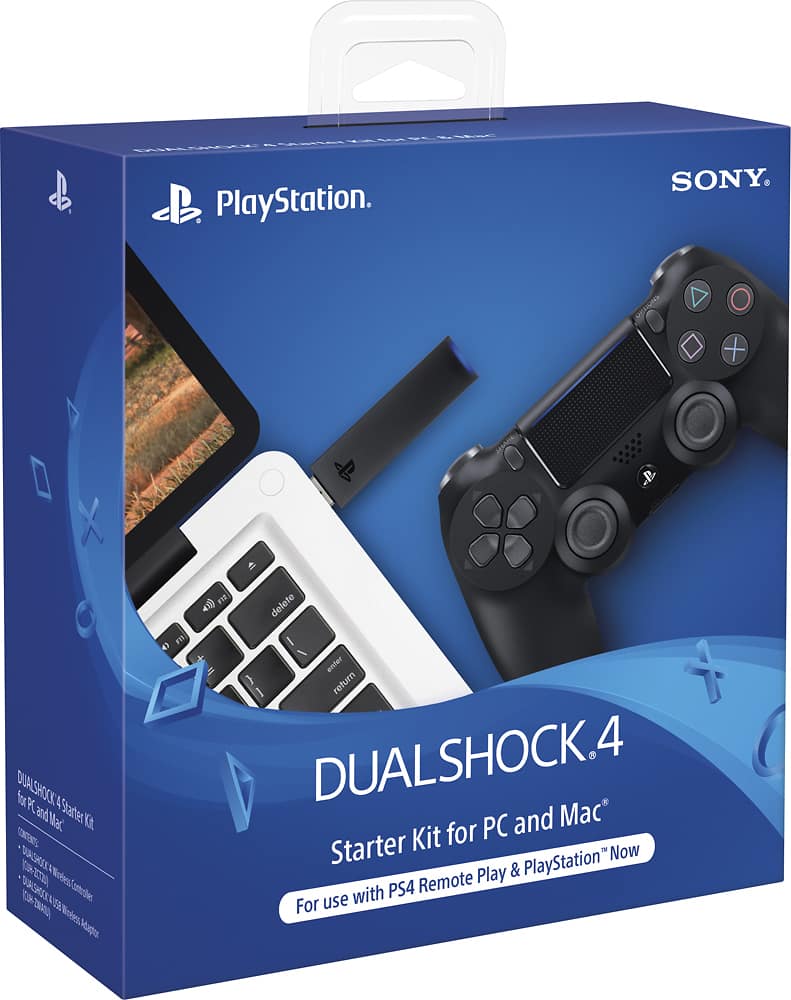
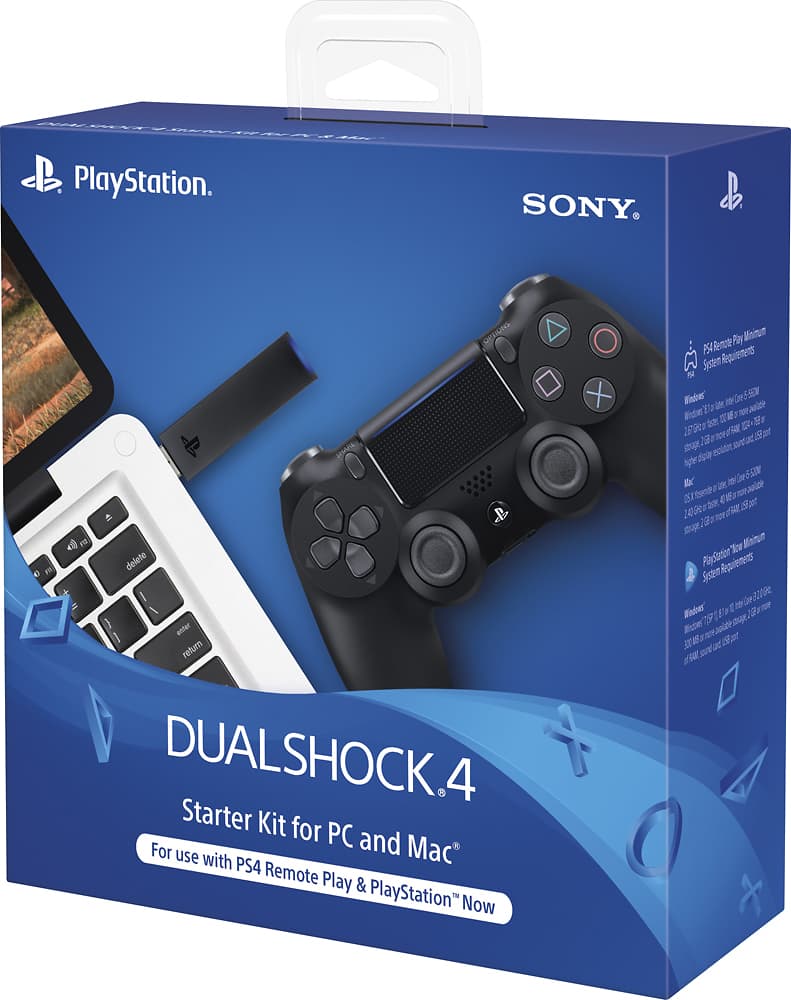
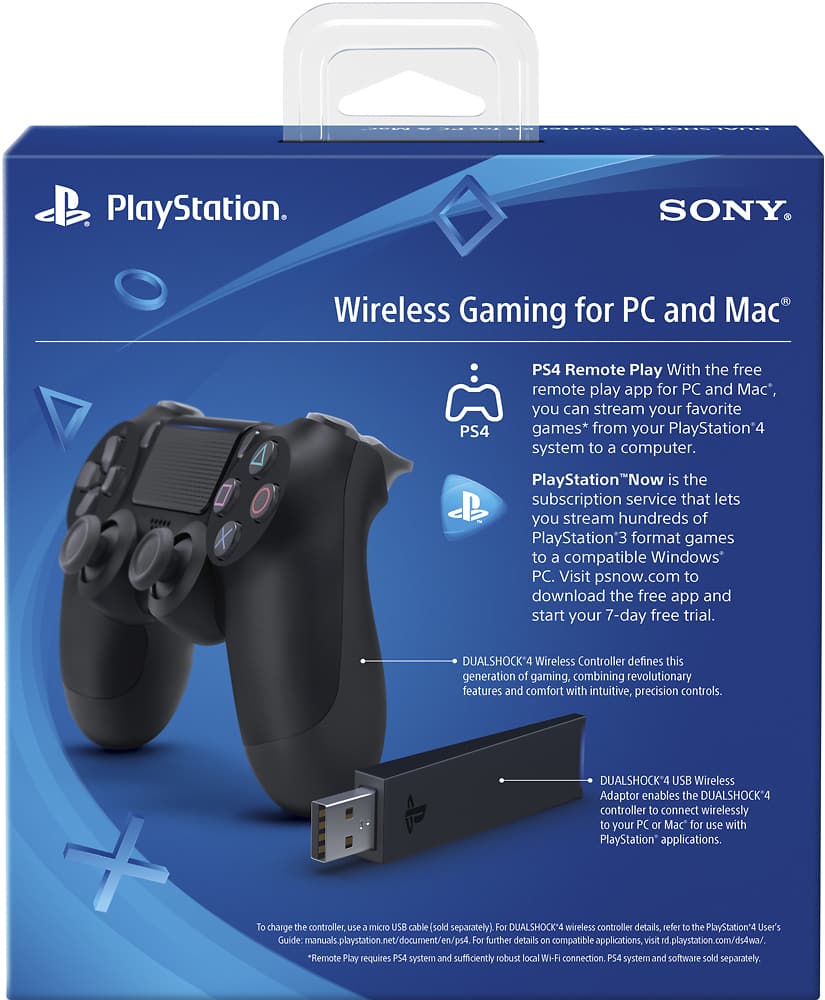
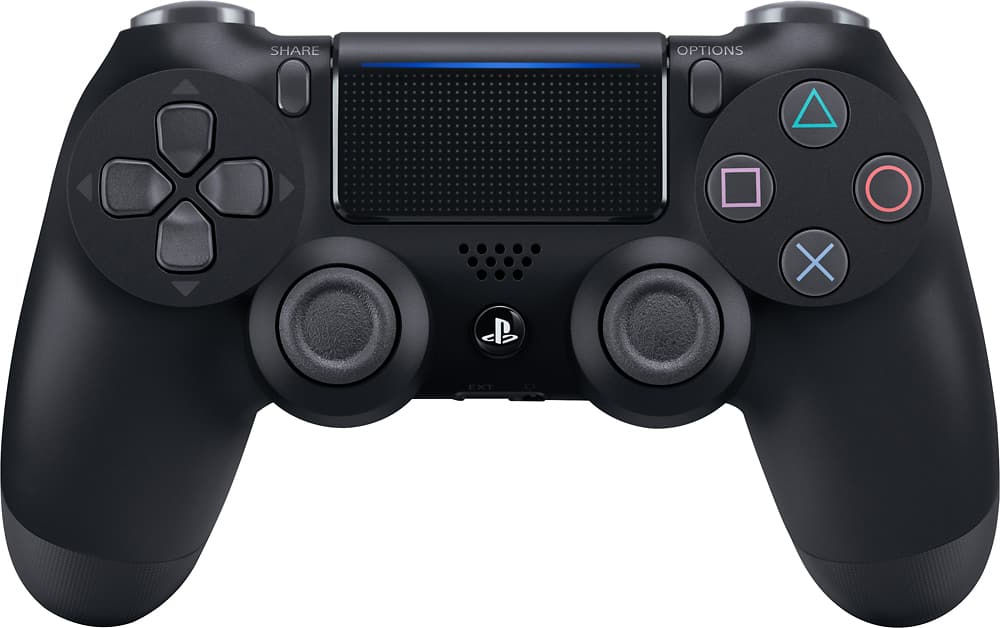
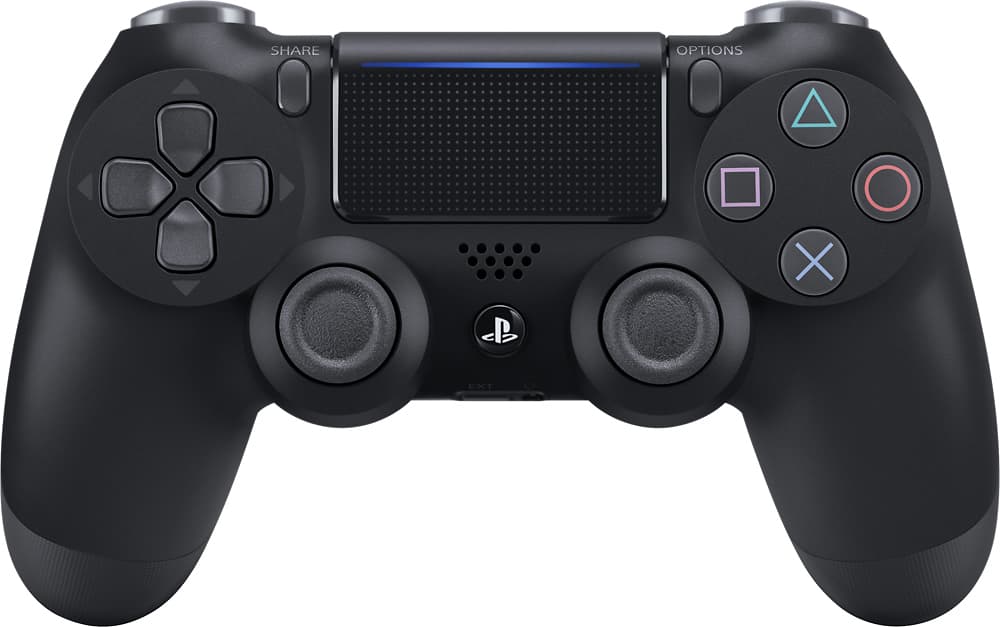
A:AnswerYes it works just fine because Windows 10 recognizes it as a wireless controller. It may not have the exact mapping of the controller but you can always change that.
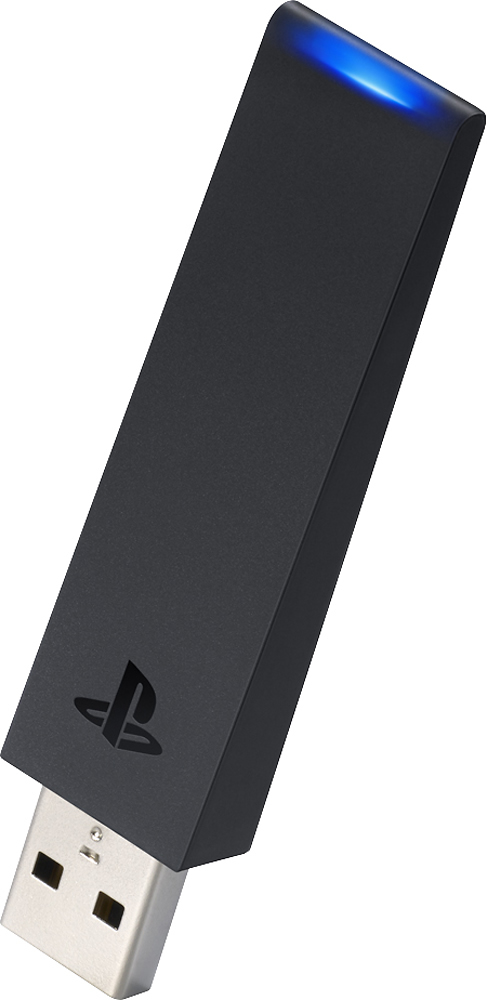
A:AnswerYes, you would need an additional USB dongle for each controller you want to connect. I've read of people who've had 3-4 connected to a single PC.
A:AnswerI do not know about LAN party unless you have multiple PS4s on the LAN. However, if you are playing games that allow side-by-side multiplayer then extra controllers definitely come in handy. If you are talking about using this with a PC and a PS4 on the same LAN, I guess it would depend on the game. I am not sure of which games allow cross-platform multiplayer like that though.
A:AnswerWhat is the title of the software you are using to allow access to the controller? I am using DS4Windows and the button layout is the same as an XBOX controller. Mainly, A on the xBox is X on PS4, and [ ] is the X button on xBox. Triangle is Y and Circle is B.
Hope this helps
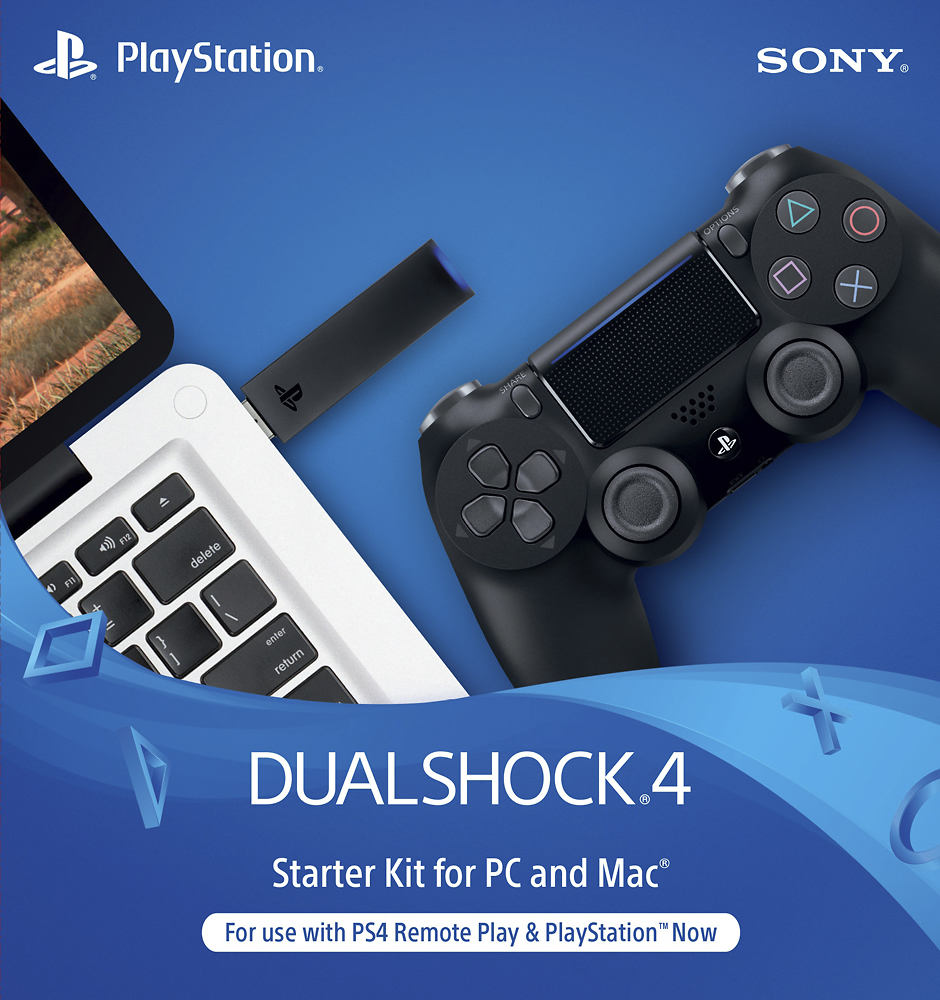
A:AnswerThis controller comes with an adapter for your computer. If your question is if it works with computer games, yes it should. I have tested it on a few steam games and it works flawlessly. If you're looking for a gaming controller for your computer, this should work with most games. However there is probably more affordable options if all you want it for is PC gaming.