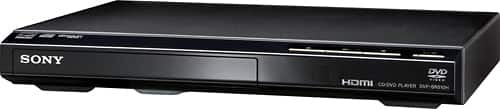
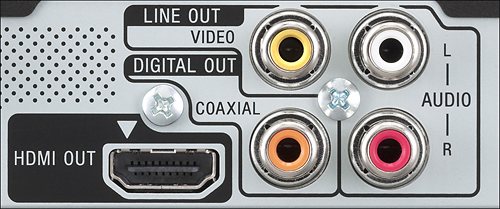
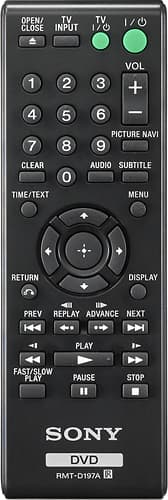
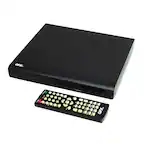
A:AnswerYour ,older sony player stopped working , that's bad luck , my older Sony ns57p still works perfectly, , buy the Sony sr210p since you don't need the hdmi port and you can just replace the player and use the very same older cables , if your older player was using component cables you can activate the Progressive scan line doubling and enjoy a higher quality picture, the remote may not be interchangeably, the lack of a front display is the biggest fault in all the new models
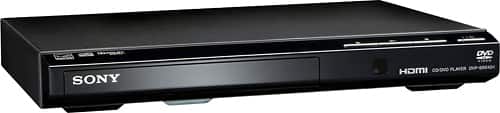
A:AnswerBuy a panasonic s700 or s500 DVD player if you need that feature most buyers want the display info to disappear in 6 seconds to avoid disturb movie viewing
A:AnswerIf you connect your DVD to to your TV with an HDMI cable, it should play in 5.1 surround as long as your TV is correctly connected to your surround sound system.
A:AnswerBased on what I know, I want to say yes. The screen you view on has the most to do with picture quality, but HDMI has better resolution capabilities. So I assume that it would be better.
A:AnswerI would suggest that you check and adjust the format of the discs- then double check against what any machine will do. Also I'm not sure anymore but if you are trying to burn copyright material in a "work-around" you might find that a little hard from even a top line machine- also you might find it easier to send the signal to your a/v system since you have discs that will play on your computer-