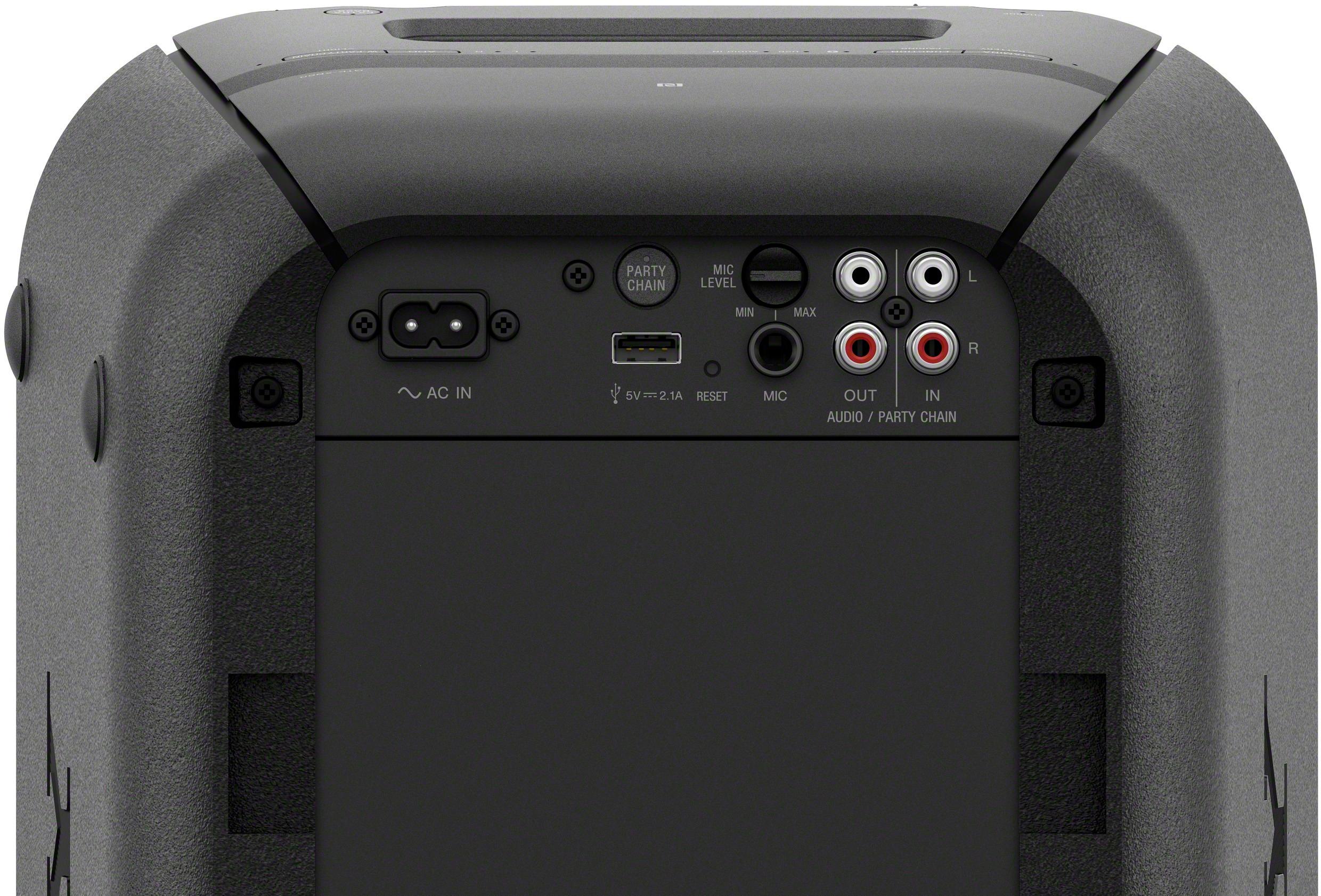
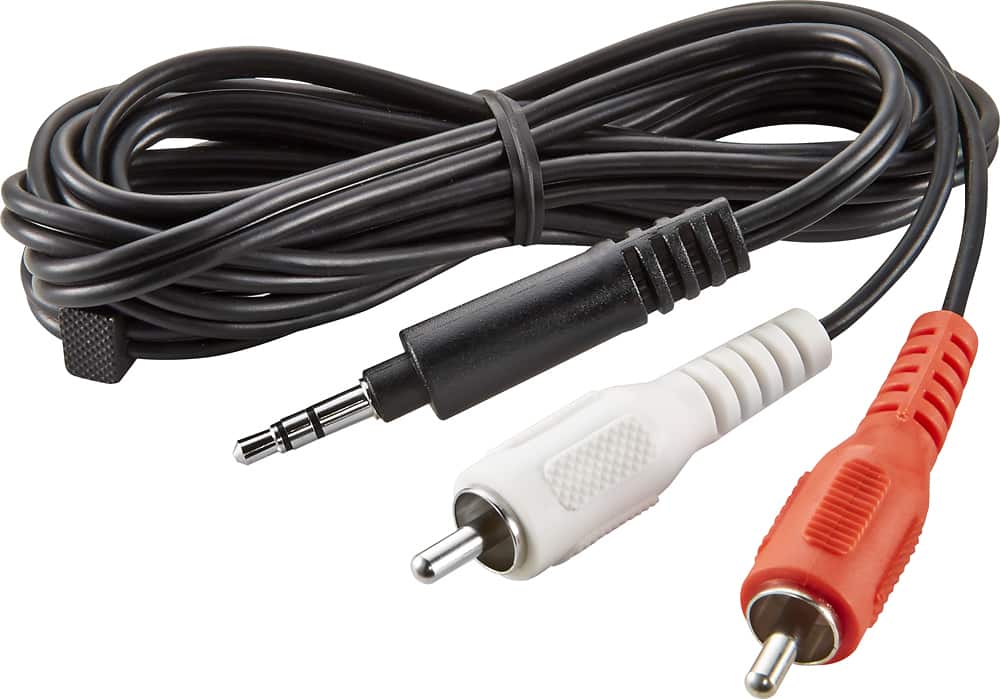
A:AnswerHi, Microphone! You may use a dynamic microphone with a normal plug. The unit has a mic in jack for connecting an external microphone. For more information, please refer to page 32 of this link:
https://www.sony.com/electronics/support/res/manuals/4697/d47cfba8df269571b0546ef0f060bbf3/46972271M.pdf
~Ralph
A:AnswerHi Poet, Yes, it is designed for phone calls. You may refer to page 31 of this link:
https://www.sony.com/electronics/support/res/manuals/4697/d47cfba8df269571b0546ef0f060bbf3/46972271M.pdf
~Ralph
A:AnswerHello Mlx, regarding this concern, kindly refer to the helpful link provided below:
https://www.sony.com/electronics/support/articles/00178845
Regards, _Bob
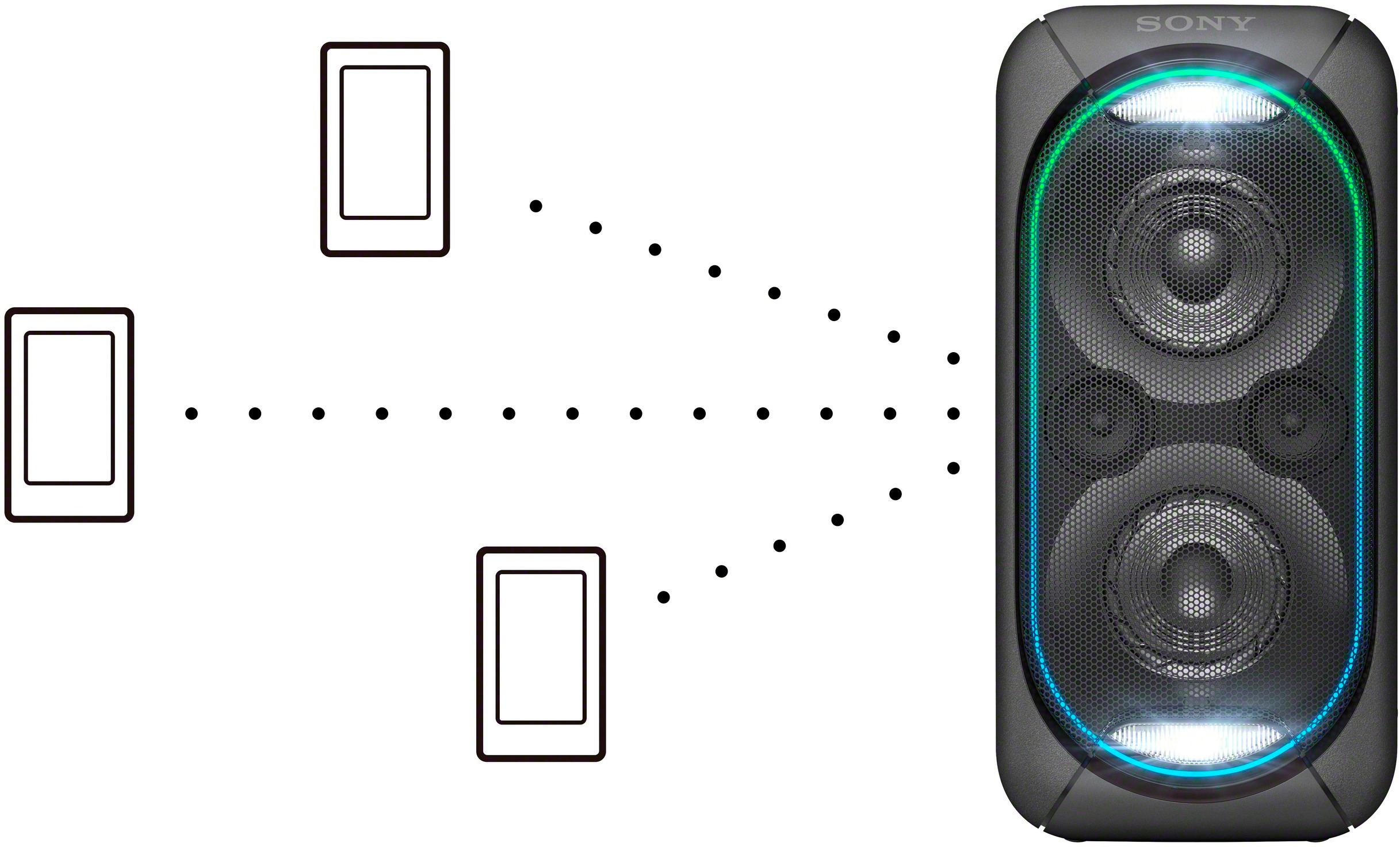
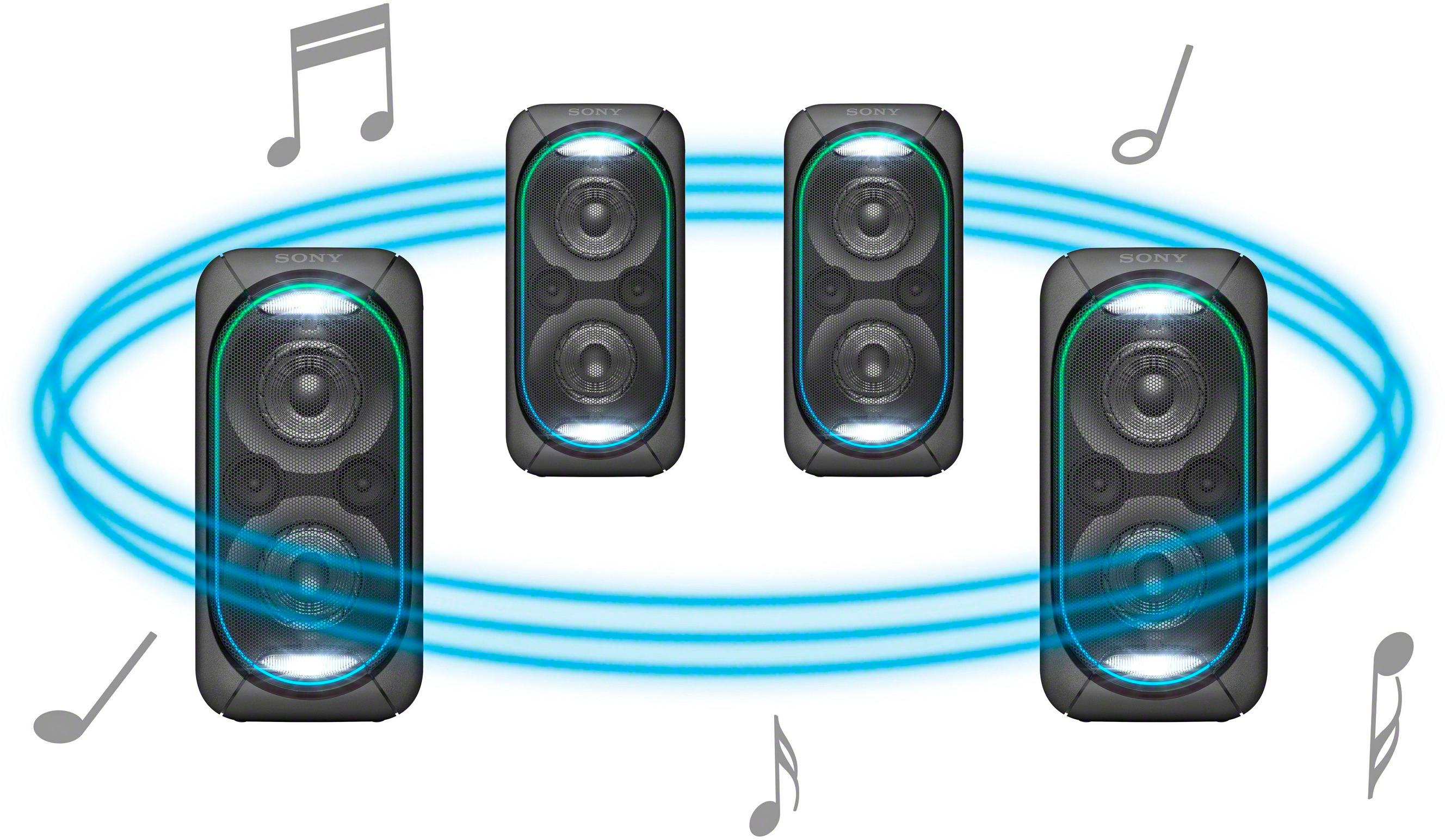
A:AnswerHi Nmc1111, Yes, you may use the Wireless Party Chain function. You may refer to this link for more information:
https://www.sony.com/electronics/support/articles/00191840
~Ralph
A:AnswerNo, since this speaker is quite large, I wouldn't recommend hanging this up anywhere. You only are able to get the full bass feeling when it's placed on a solid surface. If you do want to place it higher up, I'd recommend some sort of wall stand that goes under the speaker rather than trying to hang it up with a bracelet.
A:AnswerHi Junior, please refer to pg.24 of the link below for more information on how to use the Wired Party Chain function. I hope it helps. Regards, ^Ron
https://docs.sony.com/release//Manual_4697227113.pdf
A:AnswerHello there! this unit doesn't have a battery. You may need to plug it to a power outlet to turn the unit on. For reference, please visit the link below:
https://docs.sony.com/release//Manual_4697227113.pdf, see page 10.
Regards, _Bob
A:AnswerYou have to log on to your Alexa account via a computer. Select the settings and underneath Wireless select Bluetooth. Make sure your speaker is in pairing mode. The instructions provided with the speaker will give you details on how to pair.
A:AnswerHi Moris, please refer to pg.40 of the link below for more information about this speaker. I hope it helps. Regards, ^Ron
https://docs.sony.com/release//Manual_4697227113.pdf
A:AnswerYou can connect it to your smart tv easily with Bluetooth. It's definitely louder than most sound bars and is dual purpose because you can take it camping or elsewhere. Perhaps cant compete with full surround sound systems but then you take into consideration the price and the fact you could just buy 2 or 3 ect and sync them up over bluetooth which would still be a better option than buying an expensive surround system and running wires everywhere
A:AnswerHi Customer,
With 3 ohms loads, both channels driven at 1 kHz; rated 15 watts per channel minimum RMS power, with no more than 1% total harmonic distortion from 250 milliwatts to rated output.
Power requirements: AC 120 V, 60 Hz
Regards,
David
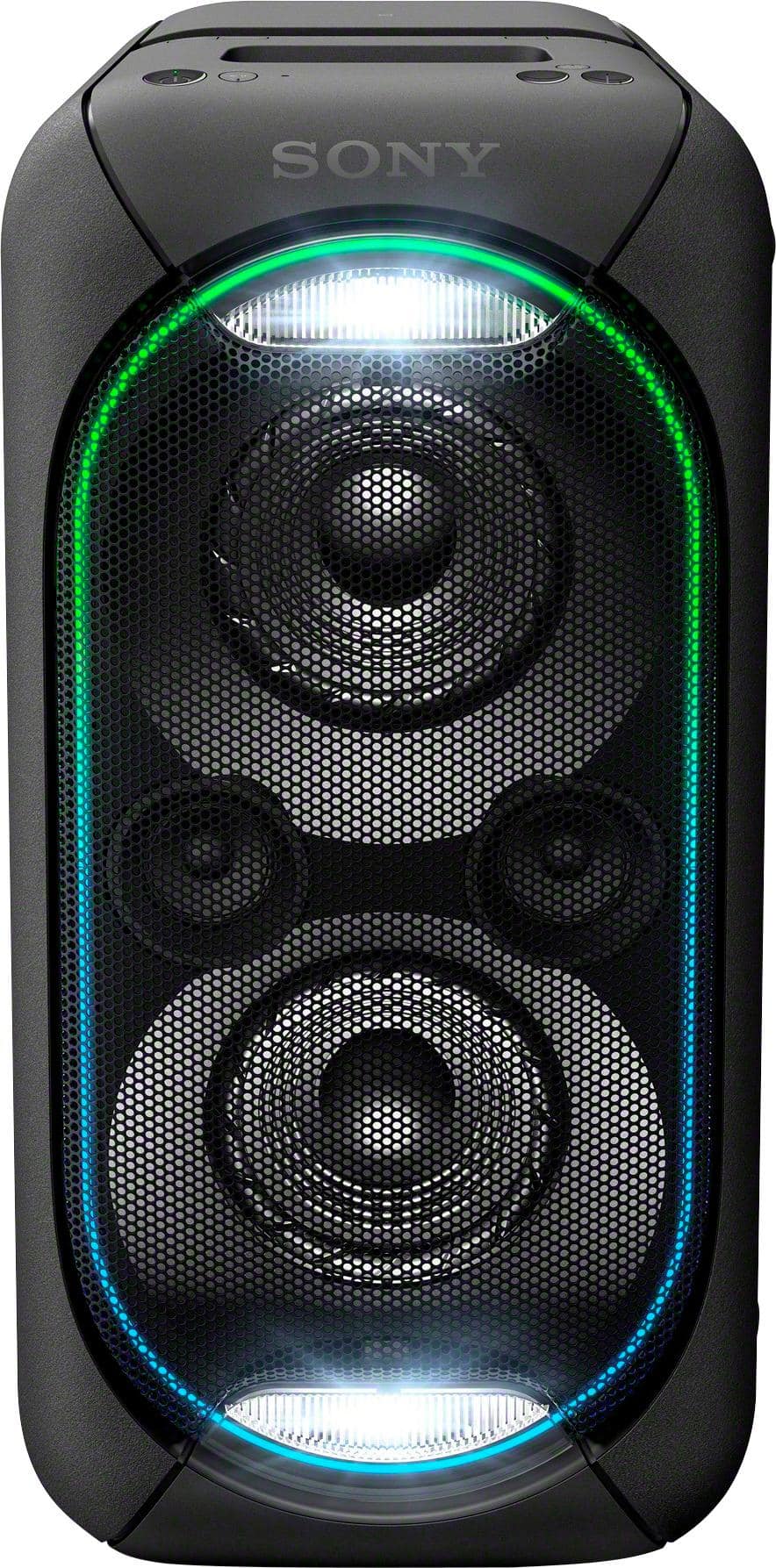
A:AnswerHi Iceman, No, the Party Chain feature is only available in Sony speakers. To know more about this, please refer to pg. 24 - 29 of the link below. I hope it helps. Regards, ^Ron
https://www.sony.com/electronics/support/res/manuals/4697/d47cfba8df269571b0546ef0f060bbf3/46972271M.pdf
A:AnswerHello Jaye, if you are referring to the power consumption, then it's 55 watts. For reference, please visit the link below:
https://docs.sony.com/release//Manual_4697227113.pdf, see page 41.
Regards, _Bob
A:AnswerHi Rodney, The Sony GTKXB60 can be connected to your TV as long as it supports RCA L/R cable. Please visit this link for more details on its parts and controls: https://docs.sony.com/release//Manual_4697227113.pdf -Jerome