Main Content

Questions & Answers

Page Showing 21-40 of 379 questions
  • QuestionCan I bluetooth a radio to this soundbar?

    Asked by RJI.

    • Answer If the radio is Bluetooth enabled. I have my phone and a Bluetooth turntable connected to it.

      Answered by Viejito

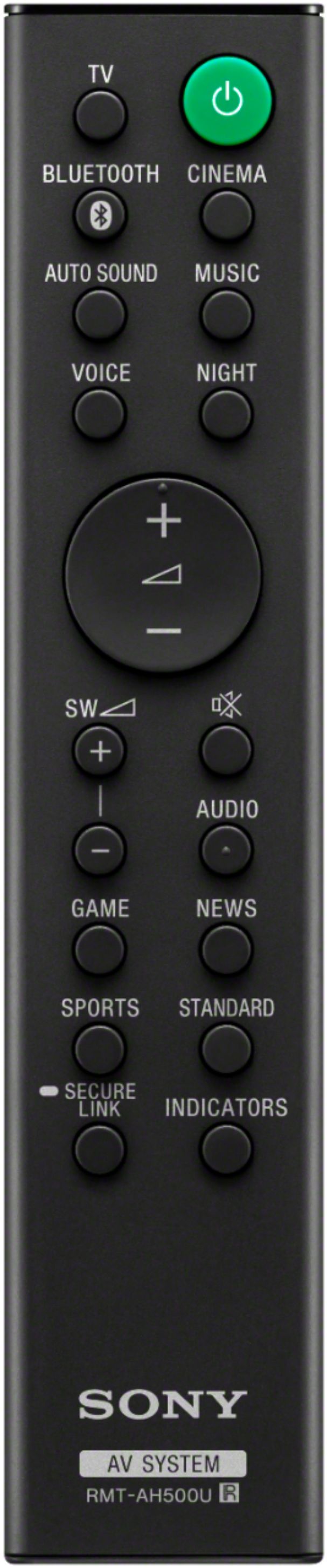
  • QuestionA Best Buy guy on the phone and he said I could use my Direct TV remote to change the volume on this Sound Bar. Just making sure others have been able to do that (too many remotes). Also do you know of any other Sound bars that will work that way as well.

    Asked by Kalen.

    • Answer IF your TV has an HDMI ARC connector you can plug into this soundbar, your regular TV remote WILL work. Of course, you have to set the TV settings to do this, which was not obvious how to do on my Panasonic TV. It took me a bunch of tries to get this working right, but now it works seamlessly. When I turn on/off the TV, the soundbar comes on/off automatically and the volume display on the TV shows the soundbar volume. This answer might be too late for you, but hoping it helps someone else.
      Answered by SkepticalFred

  • QuestionCan you use the soundbar without the Subwoofer?

    Asked by Little8.

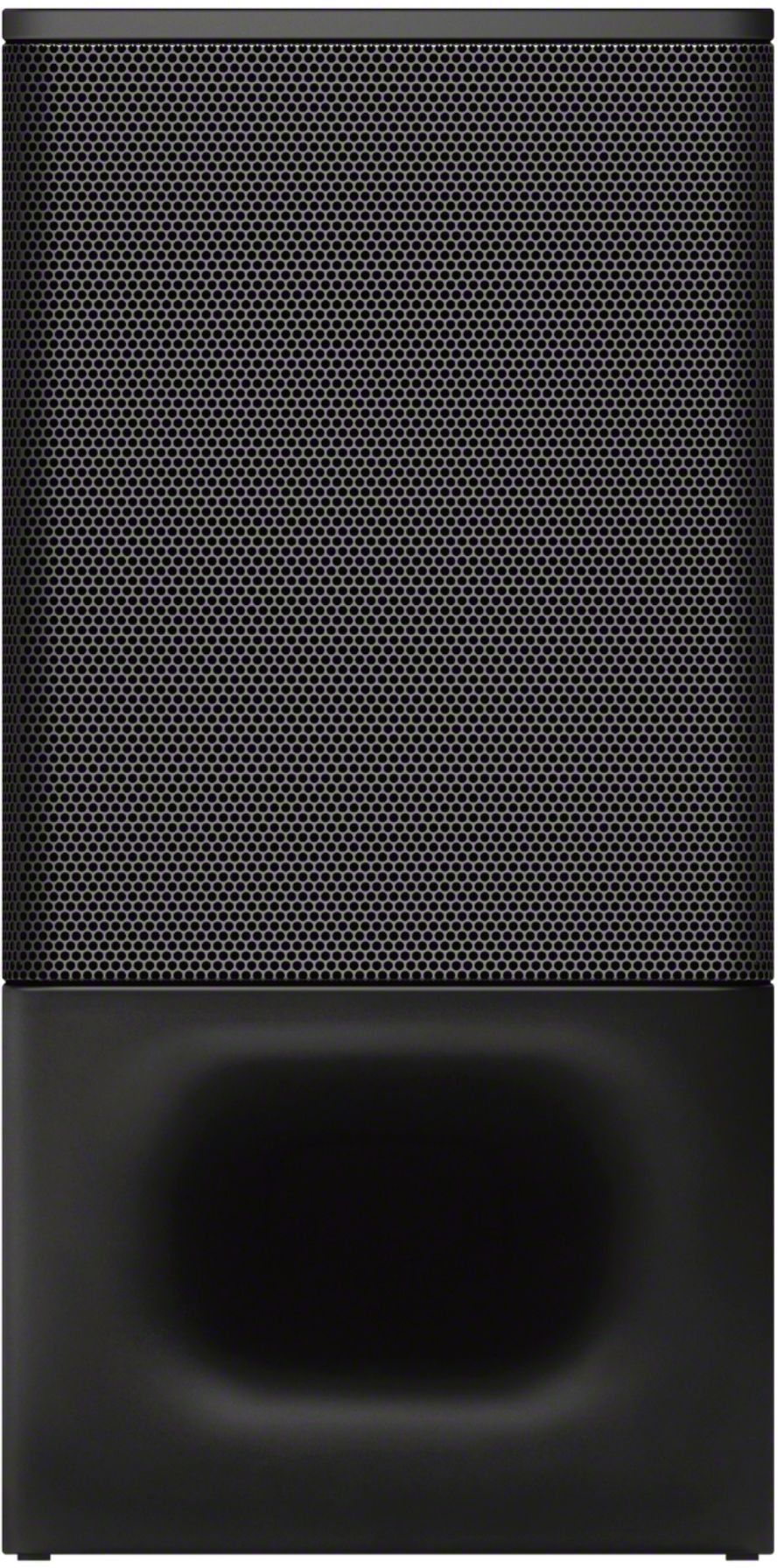
    • Answer You can but you won’t get the bases sound.

      Answered by Anonymous

  • QuestionCan i buy an extra sub-woofer for this system?

    Asked by dane.

    • Answer Hi dane, Thanks for your inquiry! Unfortunately, no. You can only pair one subwoofer (SAWS350) at a time on this soundbar. I'd recommend checking out our Sony AV receiver such as the STRDH590, STRDH790, and STRDN180 models if you're looking for a sound system that is capable of connecting two subwoofers. Hope this helps! -Sam

      Answered by SonyListens

  • QuestionI purchased this system for my main TV room and liked the system so much I purchased a second system for a second room. Now when I turn on the system in the TV room the sub in the second room turns on. How do I keep this from happening in the future?

    Asked by Tom.

    • Answer Hi Tom, Thank you for purchasing the Sony HTS350 soundbar! Please make sure that the subwoofer in your TV room is connected to the soundbar via secure link. You may refer to the link below for more details: https://www.sony.com/electronics/support/res/manuals/4748/e34a75abf7aac4f23b7cd29347800824/47487571M.pdf (see page 26) Also,we recommend keeping subwoofer near the soundbar, Should you need further assistance, please contact our product support team via phone call or chat through this link: https://us.esupport.sony.com/support/s/service?language=en_US. Regards, Sam

      Answered by SonyListens

  • QuestionDoes this sound bar have a center speaker?

    Asked by Bill.

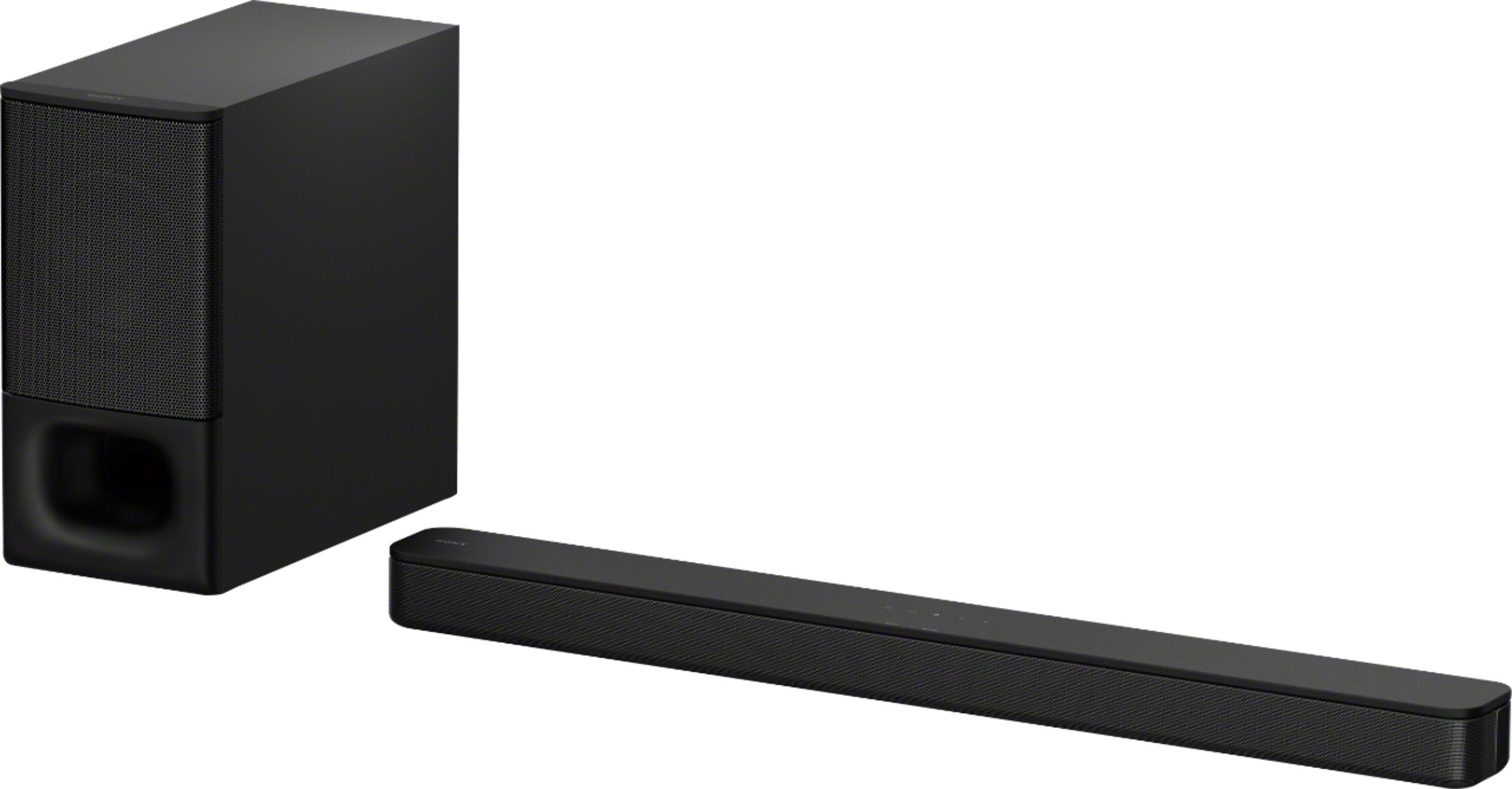
    • Answer Hello Bill, Thank you so much for your inquiry. Unfortunately, no. The HT-S350 only have 2.1ch (wireless Subwoofer) speaker structure. However, the drivers at each end of this sound bar deliver a clear mid and high range, while a wireless subwoofer fills in the rumbling lows. Additionally, the HT-S350 features a sound mode that is tailored to sound sources and voice mode to make dialogs clearer. You can adjust it to your liking by pressing the buttons on its bundled remote control. I hope you find this information to be helpful! Thank you so much for considering Sony! - Romeo

      Answered by SonyListens

  • QuestionWhat is the correct wall mount to use for this sound bar?

    Asked by Anonymous.

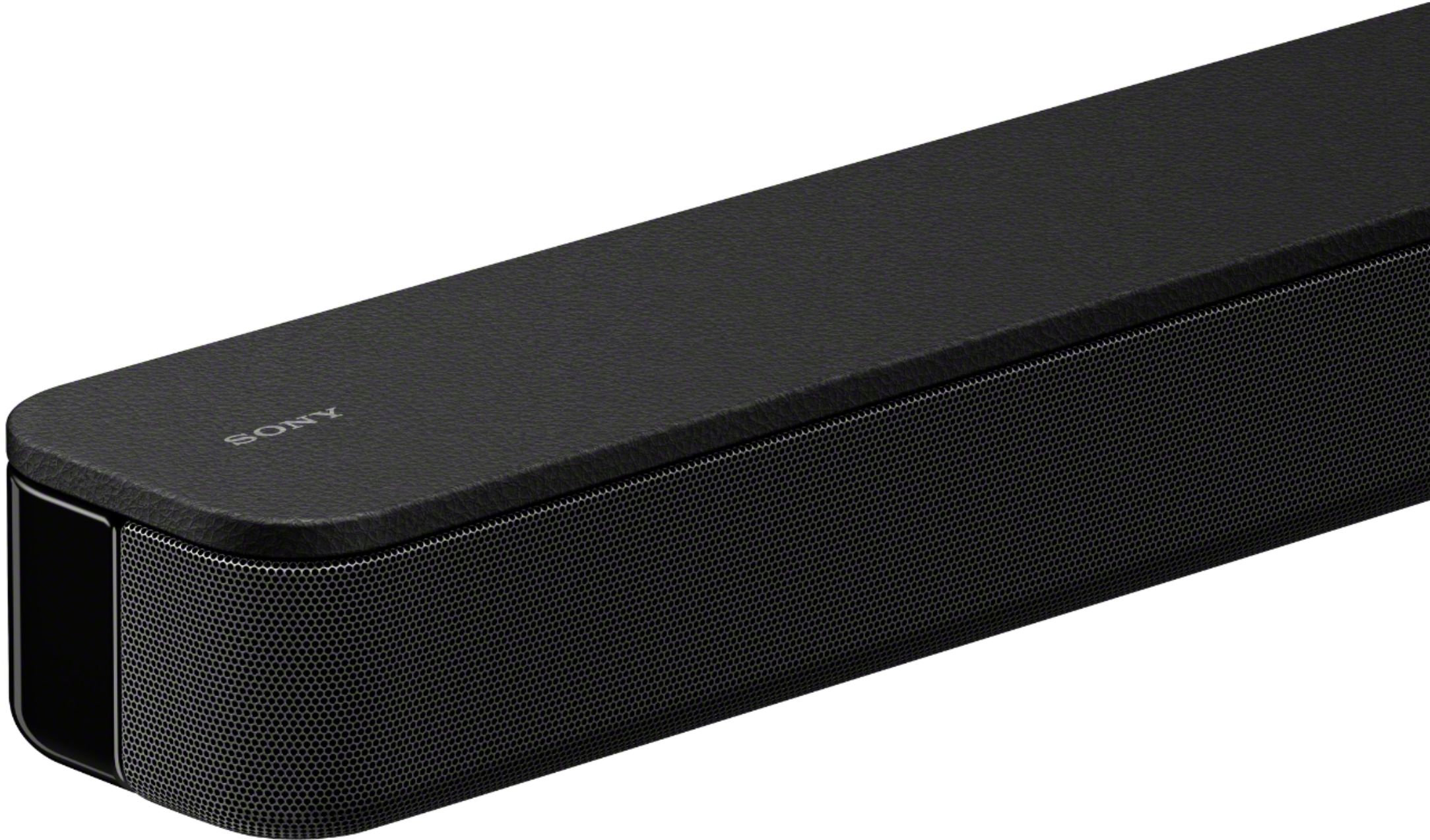
    • Answer Hi there, thank you for the inquiry. This soundbar does not need wall mount brackets to install it on a wall. You just need to prepare screws (not supplied) that are suitable for the wall material and strength. As a plasterboard wall is especially fragile, attach the screws securely in the wall beam. Install the speakers horizontally, hung by screws in studs in a continuous flat section of the wall. Note: Have the installation done by a Sony dealer or licensed contractor and pay special attention to safety during the installation Please refer to this link for the step-by-step guide on how to properly mount the soundbar on the wall. https://www.sony.com/electronics/support/res/manuals/4748/e34a75abf7aac4f23b7cd29347800824/47487571M.pdf ( see page 17 ) Regards, Sam

      Answered by SonyListens

  • QuestionCan the subwoofer be hardwired? Wireless speakers lose fidelity and have noticeable lag.

    Asked by Frenzo.

    • Answer Hi Frenzo, thank you for your inquiry. Unfortunately, no. You can only connect the bundled subwoofer to the soundbar via wireless connection. Please move the subwoofer to a location near the soundbar to ensure optimal listening experience. Also, please follow the steps in “Performing the Wireless Connection of the Subwoofer" (SECURE LINK) (page 26 of the operating instructions). REF: https://www.sony.com/electronics/support/res/manuals/4748/e34a75abf7aac4f23b7cd29347800824/47487571M.pdf If you are unable to resolve your concern, please email us at socialsupport@am.sony.com with the following details: Name: Username: Model Number: Issue: Telephone Number: Sincerely, Sam

      Answered by SonyListens

  • QuestionMy woofer doesn’t want to link?? Any suggestions??

    Asked by Cuco.

    • Answer Hi Cuco, thank you for reaching out. Please follow the troubleshooting steps below if you're unable to link the subwoofer to the soundbar. Perform a factory reset. Please Reset the Sound Bar as follows. 1. Press and hold the – (volume) and (power) on the Bar Speaker for more than 5 seconds. All indicators on the Bar Speaker flash 3 times, and the settings return to their initial status. 2. Disconnect the AC power cord (mains lead). 3. Connect the AC power cord (mains lead), then press power to turn on the Sound Bar. Then after successfully resetting the unit, please perform the Wireless Connection of the Subwoofer (SECURE LINK). You may follow the step-by-step procedure on this link: https://www.sony.com/electronics/support/res/manuals/4748/e34a75abf7aac4f23b7cd29347800824/47487571M.pdf (see page 26) If you are still unable to resolve your concern, please email us at socialsupport@am.sony.com with the following details: Name: Username: Model Number: Issue: Telephone Number: Sincerely, Sam

      Answered by SonyListens

  • QuestionI am using a bluetooth 5.0 transmitter to pair two sets of wireless headphones. Can I pair the bluetooth 5.0 transmitter with this soundbar to use both pairs of Seinheiser wireless headphones, which are bluetooth 4.2?

    Asked by ShannonG.

    • Answer Hi ShannonG, Unfortunately, no. This soundbar is designed to receive a Bluetooth signal from a Sony TV(A2DP compatible), smartphone, or tablet. It is not capable of transmitting one to a Bluetooth device such as wireless headphones or speakers. Hope this helps! -Sam

      Answered by SonyListens

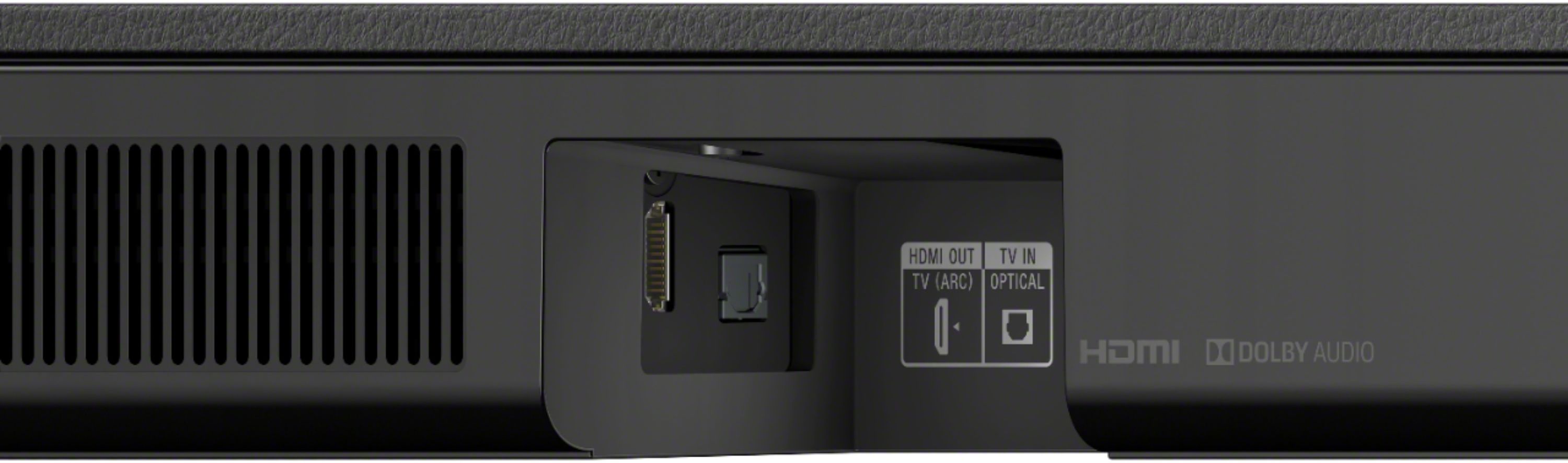
  • QuestionWhat is the best connection for lip synch with video. -- Optical ? -- How come the HDMI is shown as the OUTPUT and not an Input from your TV ?

    Asked by rodin66.

    • Answer Hi rodin66, thank you for your inquiry. When you are watching movies, you may hear the sound with a slight delay from the image only when connected via Bluetooth. So the best connection can be optical or HDMI as long as it is a wired connection. It is shown as an output because the HDMI port of the soundbar is labeled as HDMI OUT TV ARC. Hope this helps! -Sam

      Answered by SonyListens

  • QuestionDoes it need a receiver to work...or can I hook it right to tv?

    Asked by Notamember.

    • Answer Hi Pig, Thank you for your inquiry. No, it doesn't need a separate receiver for the unit to work. You can directly hook up your TV to this soundbar and enjoy the deeper, richer bass and immersive surround sound of the HTS350 soundbar. Hope this helps! -Sam

      Answered by SonyListens

  • QuestionDo you have to have a Sony Smart TV to use this sound system with it?

    Asked by Alice.

    • Answer Hi Alice, Thank you for your inquiry. This soundbar is a great companion with a Sony Smart TV, but you don't need to have one. You can listen to your music by connecting the soundbar to your smartphone or mobile device via Bluetooth. Hope this helps! -Sam

      Answered by SonyListens

  • QuestionHi. I have a Samsung tv and the sound bar turns off when I use the tv controller to turn off tv so in other words they both turn off at same , but it does not turn on together, I need to use sound bar control to turn on. Can you help?

    Asked by Sync.

    • Answer Hi Sync, Connect this soundbar to your television using HDMI connection. Check the link for more details. https://www.sony.com/electronics/support/home-theater-sound-bars-home-theater-systems/ht-s350/articles/00014997 We encourage you to make use of our many online resources to help with questions regarding your Sony product. https://www.sony.com/electronics/support (Sony Support website) https://us.esupport.sony.com/support/s/support-contact?language=en_US (Chat support) Happy to help, David

      Answered by SonyListens

  • QuestionDoes this have bluetooth 5.0?

    Asked by Joseph09.

    • Answer Hi Joseph09, Yes, the soundbar Bluetooth version is 5.0. Happy to help, David

      Answered by SonyListens

  • Questioncan we connect an apple TV to this sound bar? if so which edition(s)?

    Asked by Applique.

    • Answer Hi Leaf, Unfortunately, there is only one HDMI port on this soundbar which is the ARC. We recommend connecting the Apple TV to your TV so it can output the audio from the soundbar. You just need to change the sound settings on your television. Regards, David

      Answered by SonyListens

  • QuestionI put the soundbar in standby as the TV remote does not turn the soundbar back on after turning it off. My other option is to leave the soundbar on all the time. Does turning standby off cause any significant damage versus leaving it in standby?

    Asked by Anonymous.

    • Answer Hi there, We regret to hear you're having an issue turning on the soundbar. Have you tried pressing the power button on the soundbar itself to turn it on? And, no. Turning the Standby off function will not affect the unit. Let's try to isolate this issue by following the steps on this link: https://www.sony.com/electronics/support/home-theater-sound-bars-home-theater-systems/ht-s350/articles/00032599 If you are unable to resolve your concern, please email us at socialsupport@am.sony.com with the following details: Name: Bestbuy Username: Model Number: Issue: Telephone Number: Sincerely, Sam

      Answered by SonyListens

  • QuestionDoes it come with a mounting bracket to mount to the tv?

    Asked by SoundcoreLibertyAir2.

    • Answer Hi john, Thanks for your inquiry. No. it does not. However, this sound doesn't need a mounting bracket to mount it on a wall. You just need to prepare two screws (not supplied) that are suitable for the wall mount holes on the rear of the Bar Speaker. Ref: https://www.sony.com/electronics/support/res/manuals/4748/e34a75abf7aac4f23b7cd29347800824/47487571M.pdf (page 17) Regards, Sam

      Answered by SonyListens

  • QuestionCan this be hung on wall or is it only table top?

    Asked by Help.

    • Answer Hi Help, Thanks for your inquiry. Yes, you can do both. You can mount the Bar Speaker on a wall or place it on top of a table stand. Hope this helps! -Sam

      Answered by SonyListens

  • QuestionIs this compatible with my Sony KDL 50R 550A tv?

    Asked by Randy.

    • Answer Hi Randy, Thank you for your inquiry. Yes, you can connect this soundbar to your KDL-50R550A via optical and HDMI ARC connection. Hope this helps! -Sam

      Answered by SonyListens