A:AnswerHi Caution,
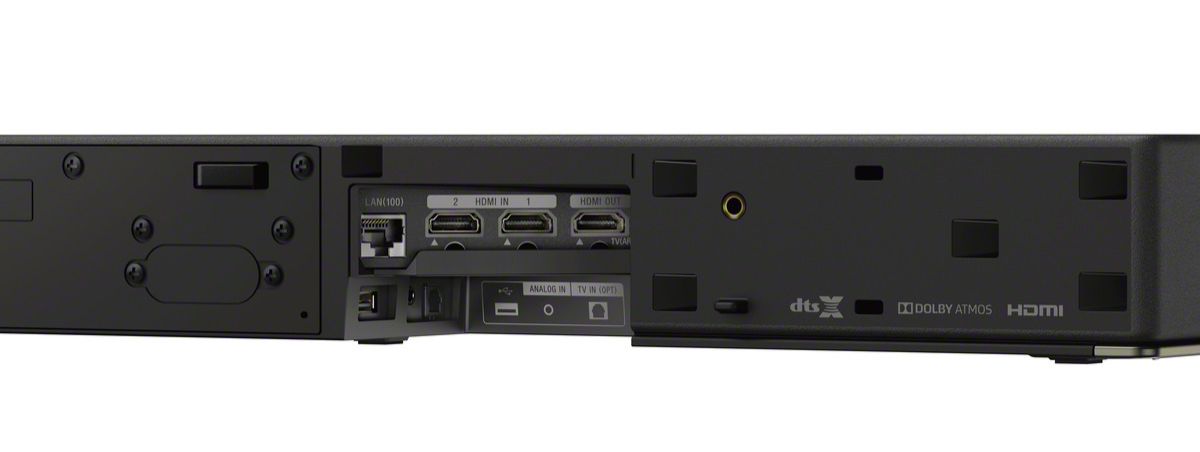
Thank you for inquiry. You may connect the Z9F Dolby Atmos soundbar depend on the available ports of the TV. You may open this link on different types of connection on the soundbar to TV and other devices: https://www.sony.com/electronics/support/home-theater-sound-bars-home-theater-systems/ht-z9f/articles/00014997
Should you need further assistance, please email us at socialsupport@am.sony.com with the following details:
Name:
Bestbuy Username:
Model Number:
Issue:
Telephone Number:
Regards,
Kris
A:AnswerHi cheech,
Thank you for purchasing the HT-Z9F Soundbar. Connecting a device such as a TV or Bluray Disc player compatible with the Control for HDMI function by an HDMI cable enables you to easily operate the device by a TV remote control. If you enable the Control for HDMI(“BRAVIA” sync) function when using a TV manufactured by Sony, the Control for HDMI function of the system is also enabled automatically. When the [Control for HDMI] settings are changed to [On], “DONE” appears in the front panel display. You may open this link for troubleshooting steps if the Control for HDMI, ARC Function, and Bravia Sync is not working on the TV and Soundbar:
https://www.sony.com/electronics/support/home-theater-sound-bars-home-theater-systems/ht-z9f/articles/00173195
If you are unable to resolve your concern, please email us at socialsupport@am.sony.com with the following details:
Name:
Bestbuy Username:
Model Number:
Issue:
Telephone Number:
Regards,
Kris
A:AnswerHi DLA,
Thank you for purchasing the HT-Z9F. Unfortunately no, the HT-Z9F are active soundbar that has a built-in surround sound processor that acts as a receiver and amplifier. This mean that a soundbar is self contained and does not need any extra hardware to properly function and process sound. We'd love to troubleshoot and isolate the issue.
If the TV sound from this system lags behind the image. Set the adjustment value of the delay between the picture and sound to 0 msec if it is set to the range between 25 msec and 300 msec.
A time gap between the sound and picture may occur depending on the sound source. If your TV has a function that delays the image, use it
for adjustment.
The sound is delayed behind the picture when using the wireless multi room function. When the sound of the [TV] (including the connection with the BLUETOOTH function), [HDMI1], [HDMI2],[Bluetooth Audio], or [Analog] input is played in the wireless multi room
function, the sound of the system is delayed behind the picture to synchronize with the sound of other speakers. If you are bothered by the
time gap between the sound and picture, try the following.
• For the HDMI1 or HDMI2 input: Press OPTIONS and set [Multi-room Sync] to [Off].
• For the TV or analog input: Press OPTIONS, up/down until “MSYNC” appears on the front panel display, and (enter), then press / until “OFF” appears on the front panel display and press (enter).
The sound of the system is synchronized with the picture though the sound output from other speakers is delayed.
Please open the manual on this link for reference. page 71-72: https://www.sony.com/electronics/support/res/manuals/4727/d3668cdaf4f83107b52ee9bdb84fa5a0/47275331M.pdf
I hope this helps. If you are unable to resolve your concern, please email us at socialsupport@am.sony.com with the following details:
Name:
Bestbuy Username:
Model Number:
Issue:
Telephone Number:
Regards,
Kris
A:AnswerHi 4260, Thank you for your inquiry! The Soundbar can be connected using HDMI to your TV or wireless using Bluetooth, please keep in mind that the TV needs to be compatible with A2DP (Advanced Audio Distribution Profile) BLUETOOTH profile. I hope this helps! -Carl
A:AnswerHi Thatguy,
We're sorry to hear you're having an audio issue when watching Dolby Atmos content. There are some things we’d like for you to try and see if we can resolve your audio cut off.
First, verify the HDMI cables you are using are rated for high speed and are at least 18 Gbps cables. Try replacing them if you have not. Next, ensure CEC control is enabled on the soundbar and your TV. You’ll need to refer to your TV manual, and for the soundbar, it’s on page 64 of this link https://www.sony.com/electronics/support/res/manuals/4727/d3668cdaf4f83107b52ee9bdb84fa5a0/47275331M.pdf. We’re not sure which brand of TV you have your soundbar connected to; however, please ensure both are on the latest firmware. For the soundbar, please follow the steps provided on this link https://www.sony.com/electronics/support/home-theater-sound-bars-home-theater-systems/ht-z9f/downloads.
You can also try this procedure if the drop off is being caused by wireless interference within your home: https://www.sony.com/electronics/support/home-theater-sound-bars-home-theater-systems/ht-z9f/articles/00200429.
If this does not help, please email us at socialsupport@am.sony.com with the following details:
Name:
BestBuy Username:
Model Number:
Issue:
Telephone Number:
Sincerely,
Romeo
Sony Social Support
A:AnswerHi Han,
Thank you so much for your inquiry! If your Samsung TV support one or both of the following connections, yes, you can.
• Bluetooth A2DP (Advanced Audio Distribution Profile) for wireless speakers and headphones connection
• HDMI ARC/EARC
• Digital Optical Connection
I hope this helps! Thanks again for considering Sony!
- Romeo
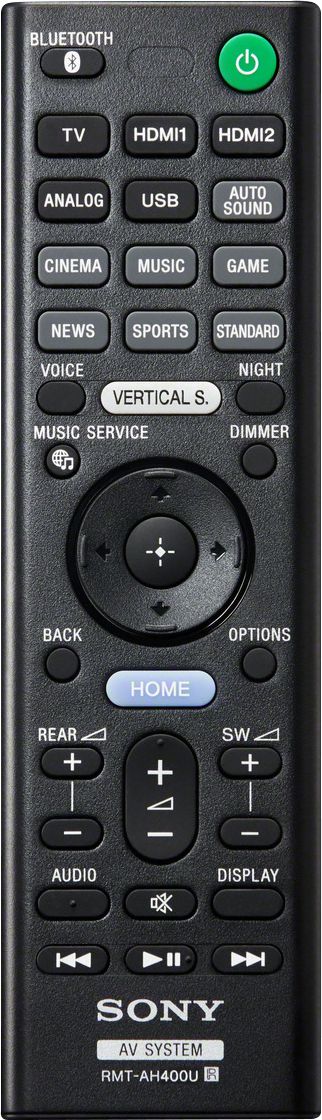
A:AnswerHi Roseville, Thank you for your inquiry! Great news! The TV remote can control the soundbar using the TV remote, please make sure that the the bravia sync of the TV and the soundbar is enabled. You may refer to these manuals for more information on the bravia sync function.
for the TV
https://helpguide.sony.net/tv/husltn2/v1/en-003/04-07_01.html
for the Soundbar
https://www.sony.com/electronics/support/res/manuals/4727/d3668cdaf4f83107b52ee9bdb84fa5a0/47275331M.pdf
I hope this helps!
Regards,
Carl
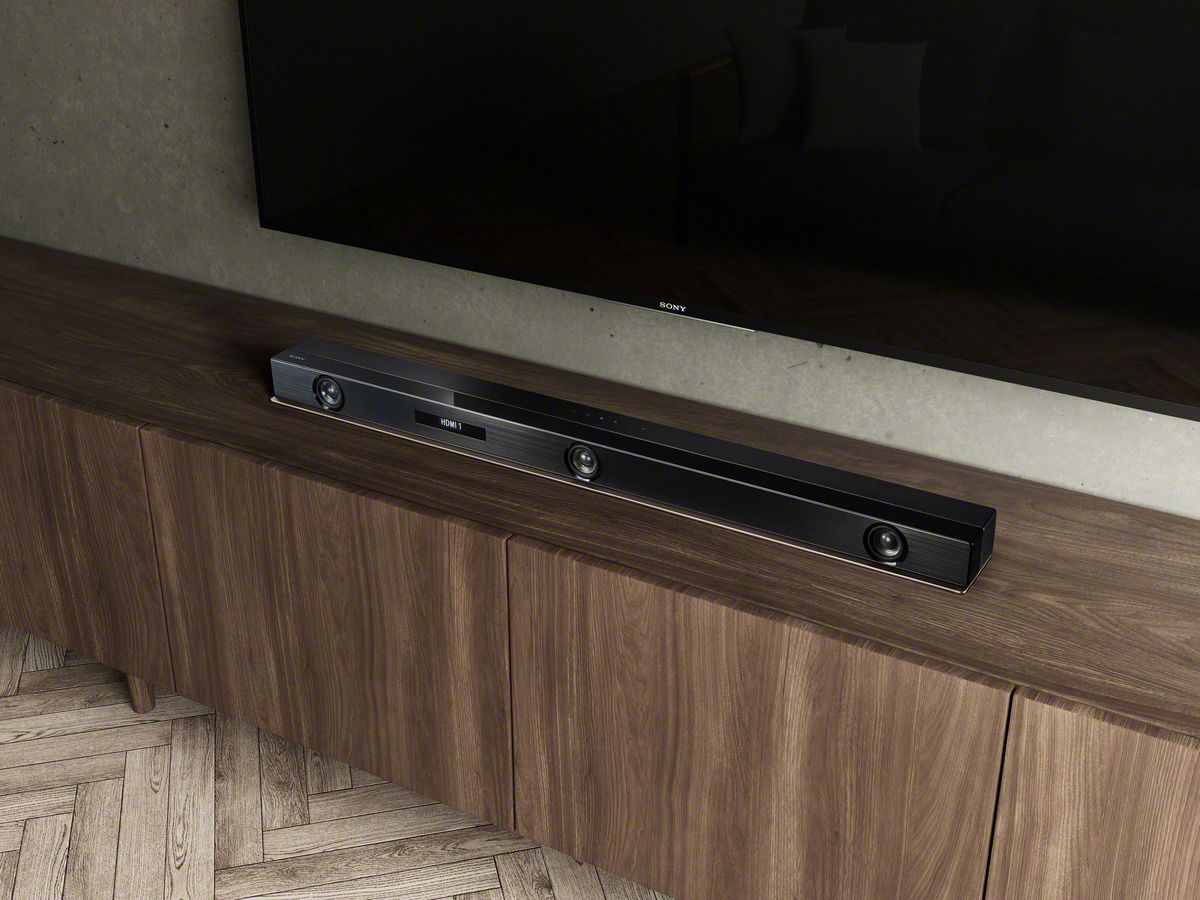
A:AnswerHi Barney, The dimension of this soundbar is 1000 × 64 × 98 mm (without grille frame), 1000 × 64 ×99 mm (with grille frame) (not including projection portion). Thanks for inquiring about the Z9F Dolby Atmos soundbar. -Jess
A:AnswerYes, BUT...
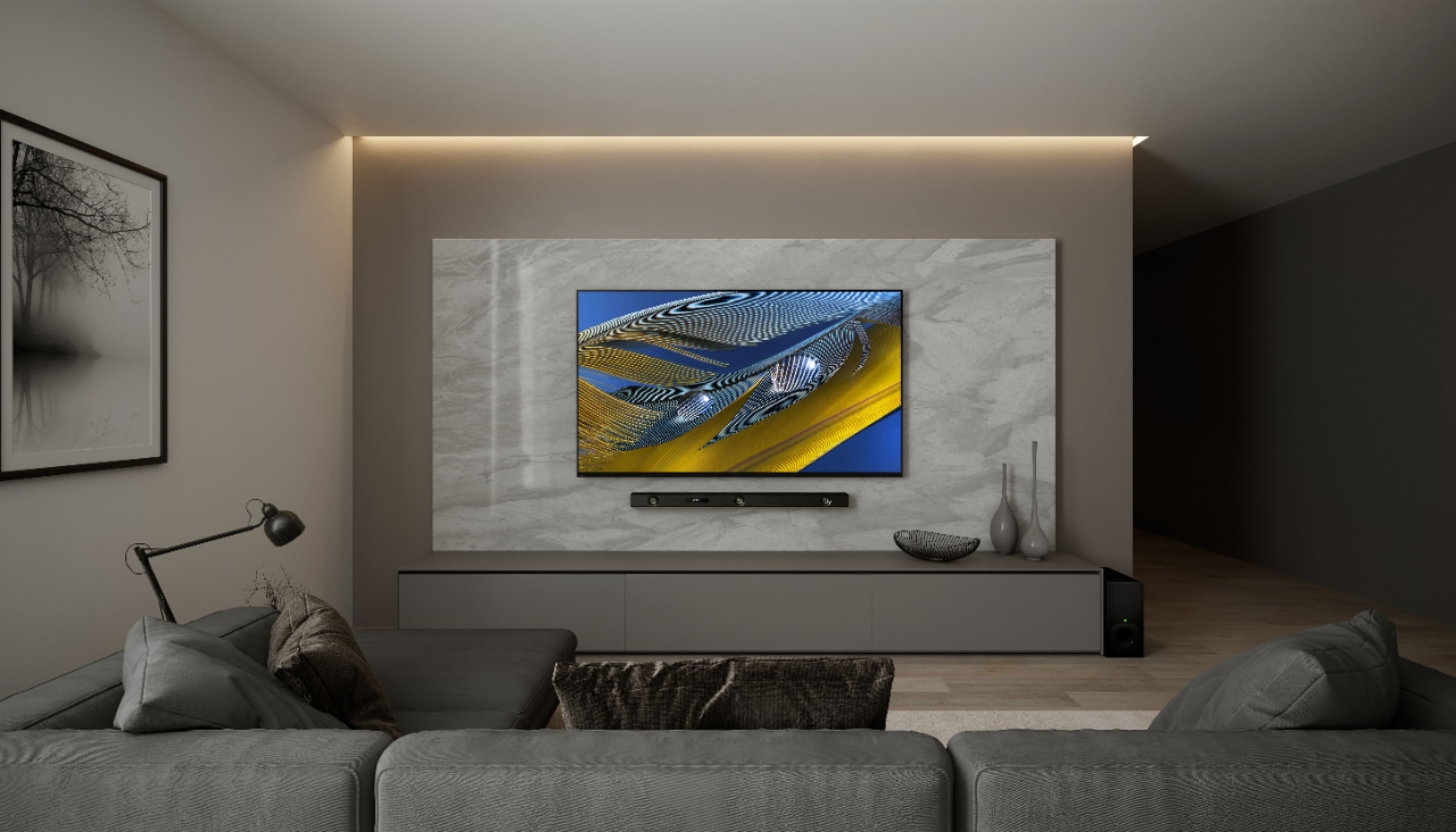
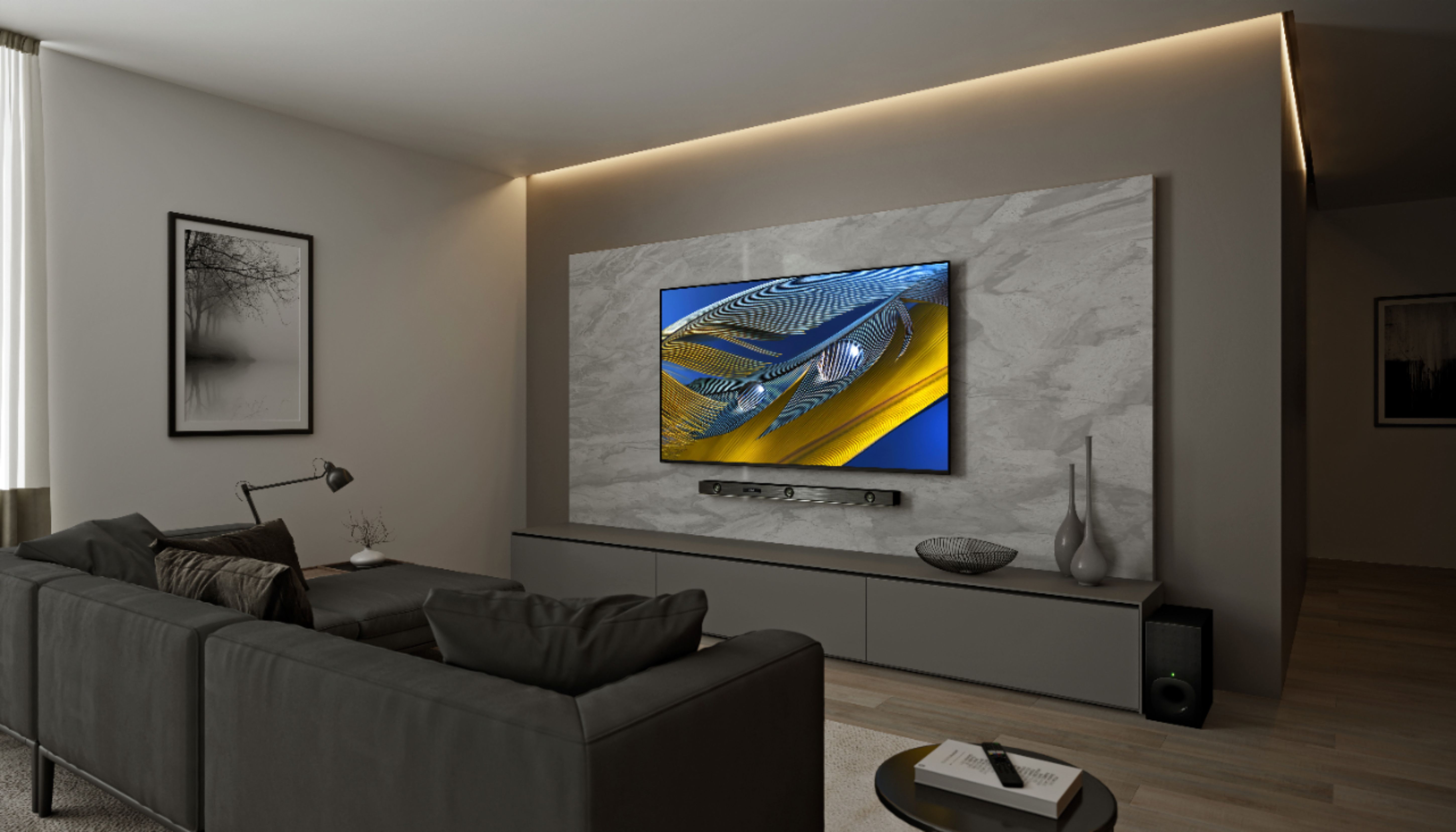
it depends on the mount you buy for this bar. I actually mounted it to my wall which of course involves drilling holes. To do a wall mount and flush it would be very difficult. Personally I like a slight bit of gap. Making everything level and match the same levelness is really the trick. Again, finding the right mount that connects to your TV is probably the key for you. Attached is my Sony 85" with the Z9F soundbar.
A:AnswerHi Kel,
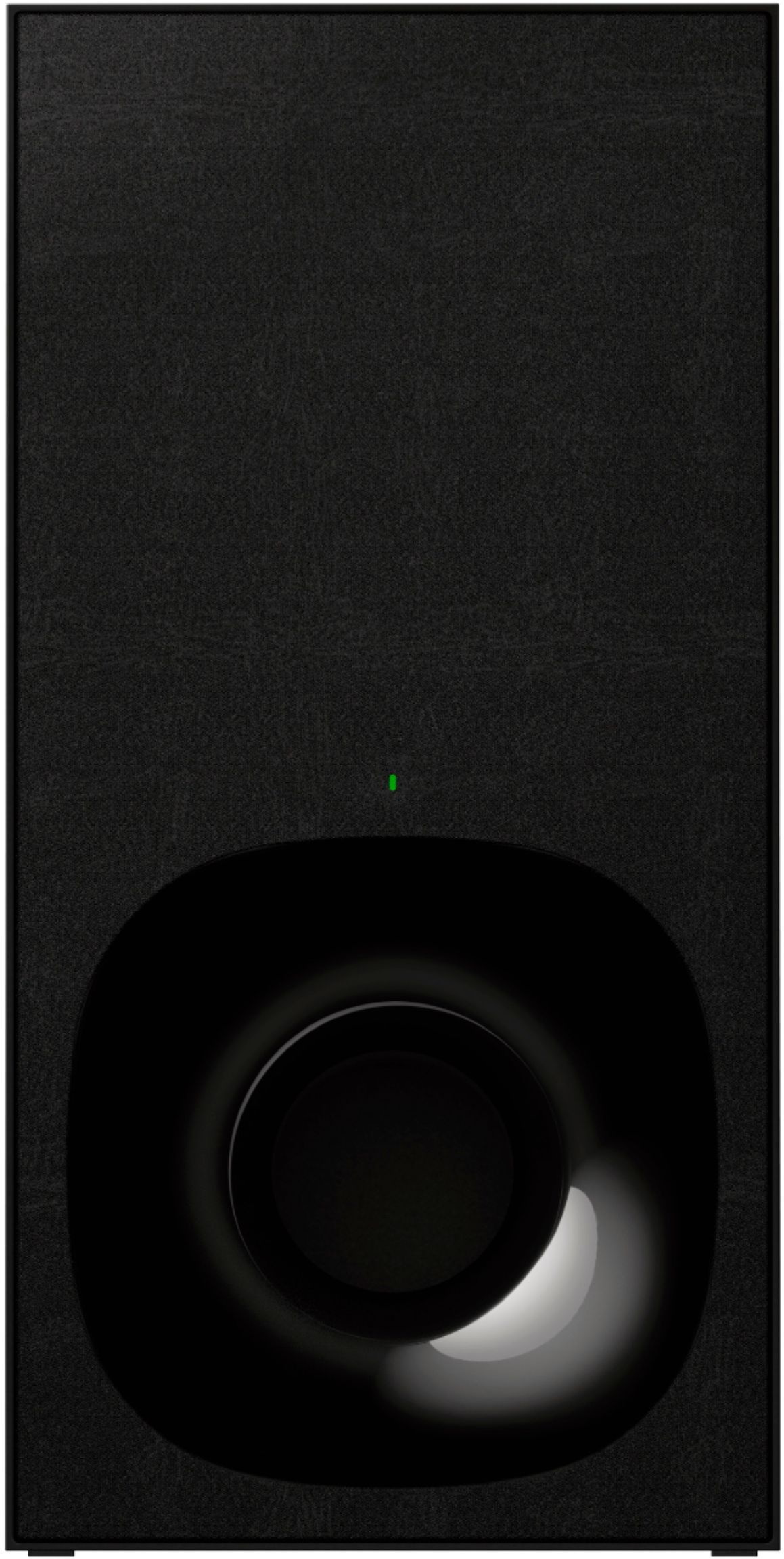
Thank you so much for your inquiry! We apologize, the subwoofer of our Z9F Dolby Atmos soundbar is designed to be wireless. It doesn't support wired connections. I hope this helps! Thanks again for considering Sony!
- Romeo
A:AnswerHi there,
Thank you so much for your interest in our Z9F Dolby Atmos soundbar! Great news! Yes, the HTZ9F can be connected to different TV brands that support one or both of the following connections: Bluetooth, HDMI ARC/EARC, optical digital cable, or analog audio cable.
I hope this helps! Thanks again for considering Sony!
- Romeo
A:AnswerHi Dillan,
Thank you so much for your interest in our Z9F Dolby Atmos soundbar. We apologize, the HTZ9F doesn't support additional subwoofer.
Thanks again for considering Sony!
- Romeo
A:AnswerHi Abigail,
We regret to hear you're having audio cut out issue when using your Apple TV and watching movies from purchased TV apps. Let's try to perform some troubleshooting steps to isolate the problem.
Perform a power reset by unplugging the power cord of the TV & Apple TV, soundbar, and router for two minutes, and then plug it back in.
Turn on the TV. Verify if it resolves the issue.
If the problem is still occurring, please check your internet connection speed to ensure it meets or exceeds the recommendations:
Recommended for SD quality - 3.0 Megabits per second
Recommended for HD quality - 5.0 Megabits per second
Recommended for Ultra HD quality - 25 Megabits per second
Notes
• Your streaming service provider can provide specific recommendations for their service.
• If your internet speed does not meet the recommendations, contact your internet provider for help.
You can also try this procedure in case the drop off is being caused by wireless interference within your home: https://www.sony.com/electronics/support/home-theater-sound-bars-home-theater-systems/ht-z9f/articles/00200429.
When doing this RF Channel procedure, please ensure the connection process takes 1 minute to connect. If the connection process takes less than 15 seconds, repeat the operation a second time. Once that is done, you may also perform the Secure Link operation which is shown on page 33.
If this does not help, please email us at socialsupport@am.sony.com with the following details:
Name:
BestBuy Username:
Model Number:
Issue:
Telephone Number:
Sincerely,
Romeo
Sony Social Support
A:AnswerHi Pato,
Thank you for reaching out with your concern, and we're so sorry to hear about what happened. Please send us an email at socialsupport@am.sony.com with the following details so we can better assist you.
Name:
BestBuy Username:
Model Number:
Issue:
Telephone Number:
Sincerely,
Romeo
Sony Social Support
A:AnswerMine does this too while watching streaming apps via the native Sony Android OS on a Sony TV. I’m able to listen no problem to cable or apps through the cable system without any issues. This must be a Sony software issue.
A:AnswerHi Mxrombal58, Thank you for your inquiry. We apologize, the soundbar does not support a second subwoofer connection even if the subwoofer is for the same product. Should you need more assistance or information, please email us at socialsupport@am.sony.com Sincerely, Romeo