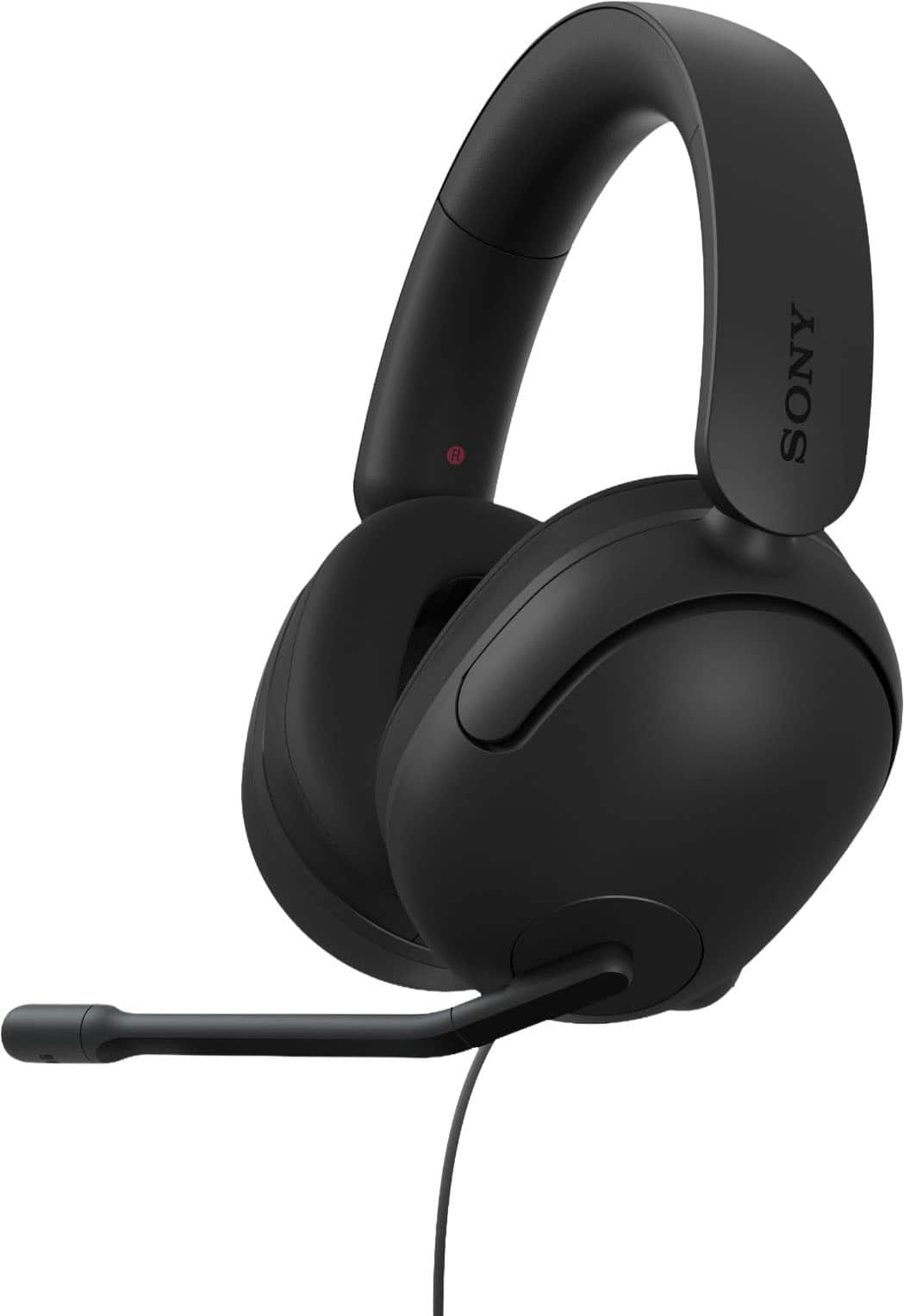
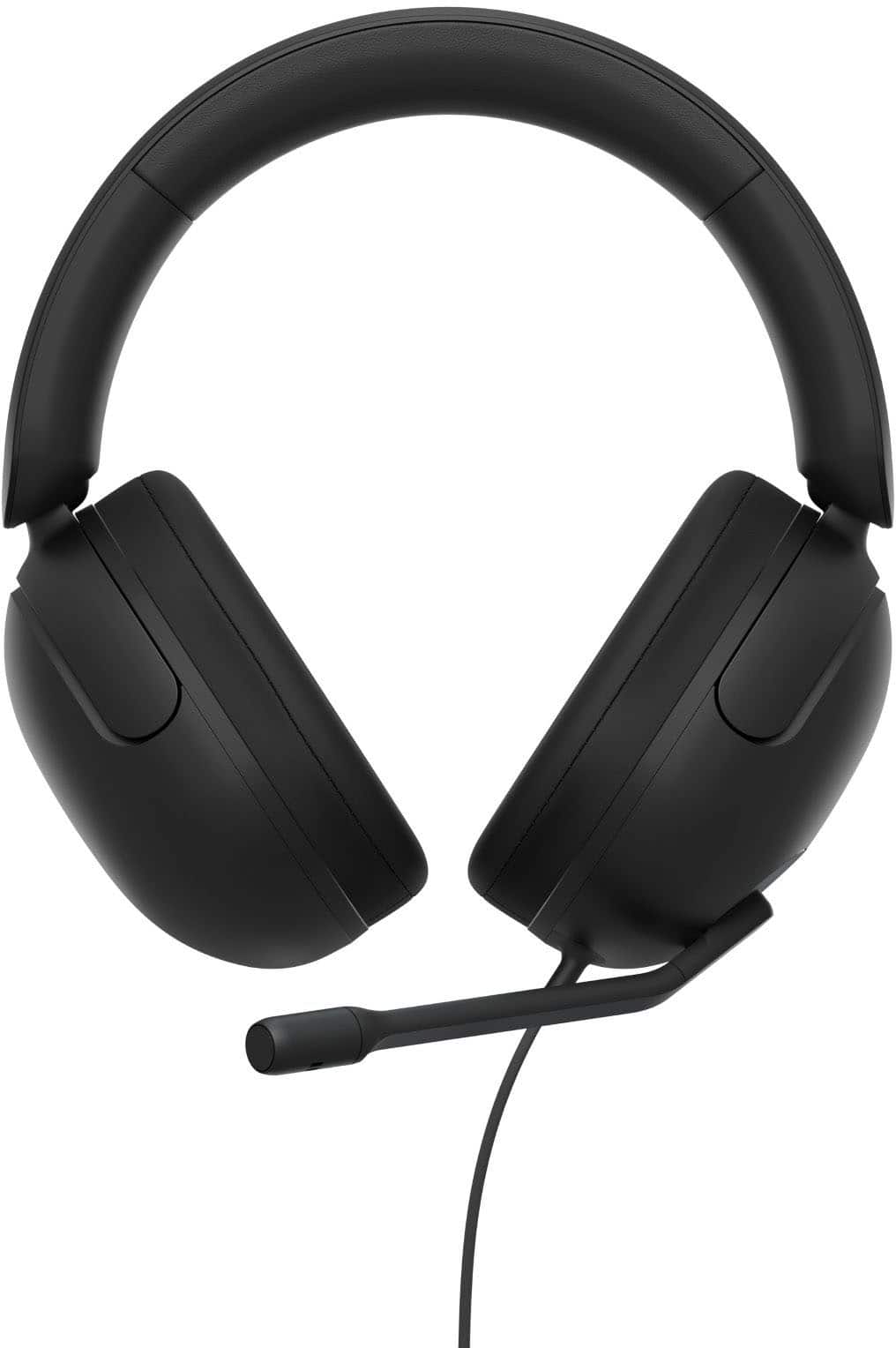
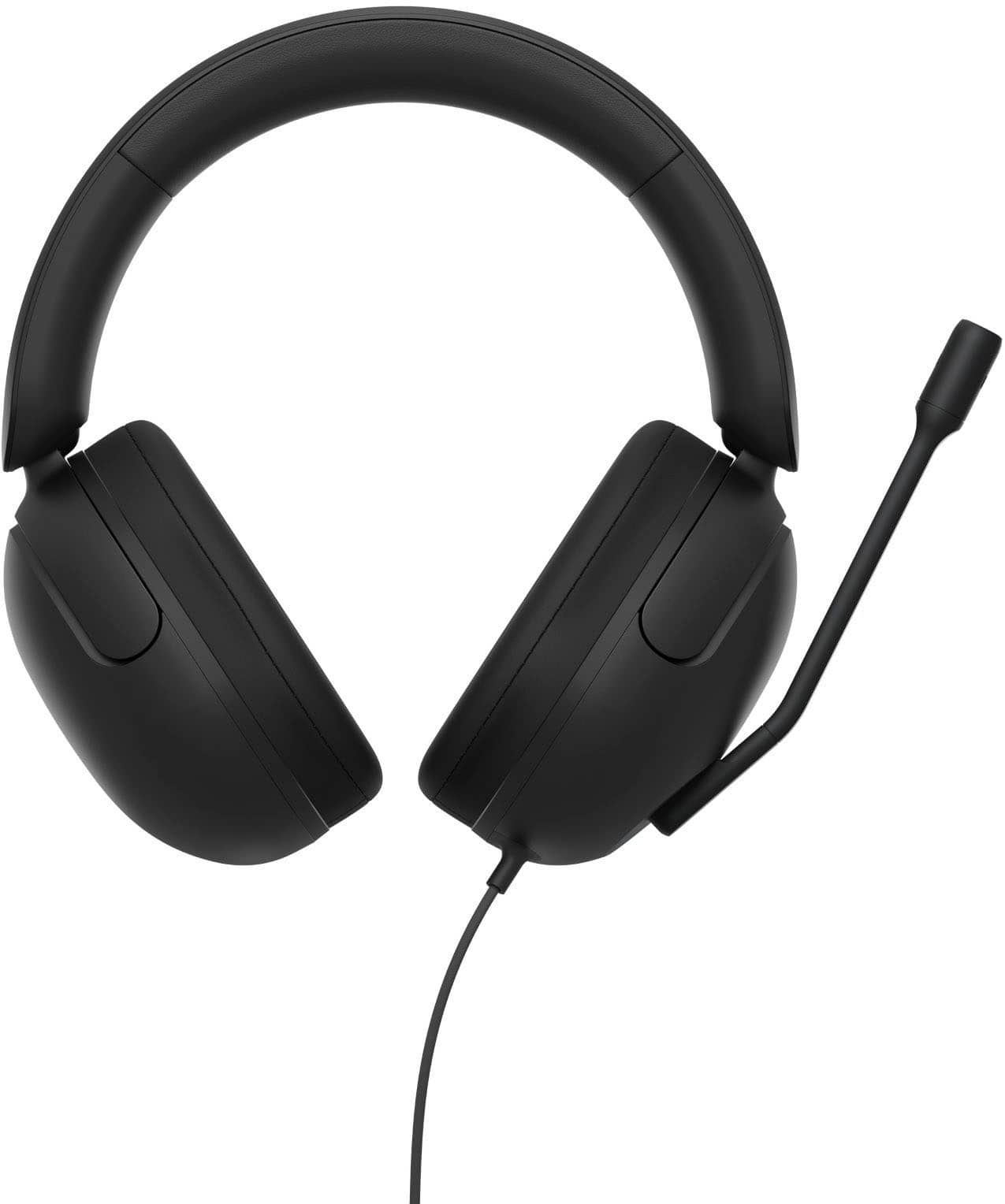
A:AnswerYes, you can personalize your experience through the INZONE Hub software, which allows you to customize a variety of sound and hardware settings.
This question and answer was generated by AI based on customer and product data.
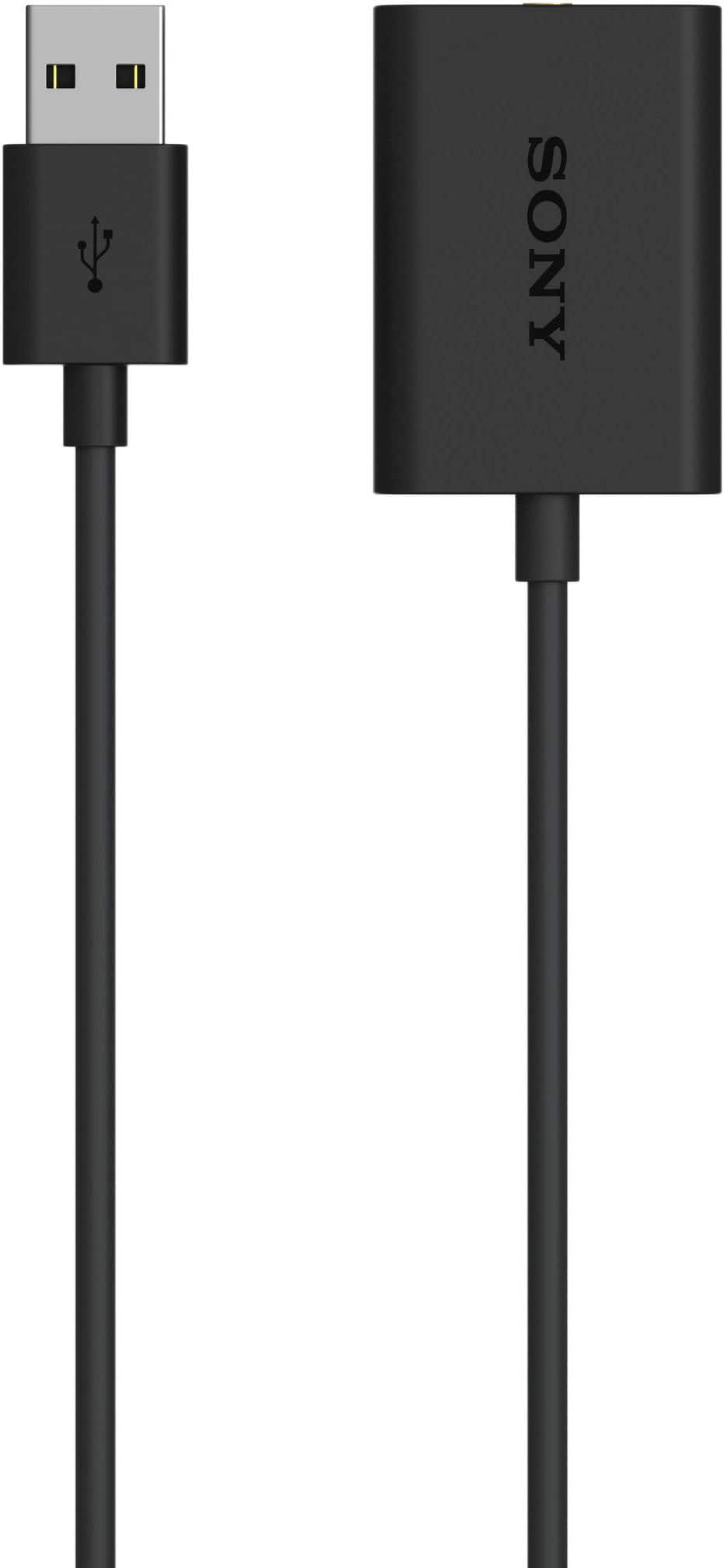
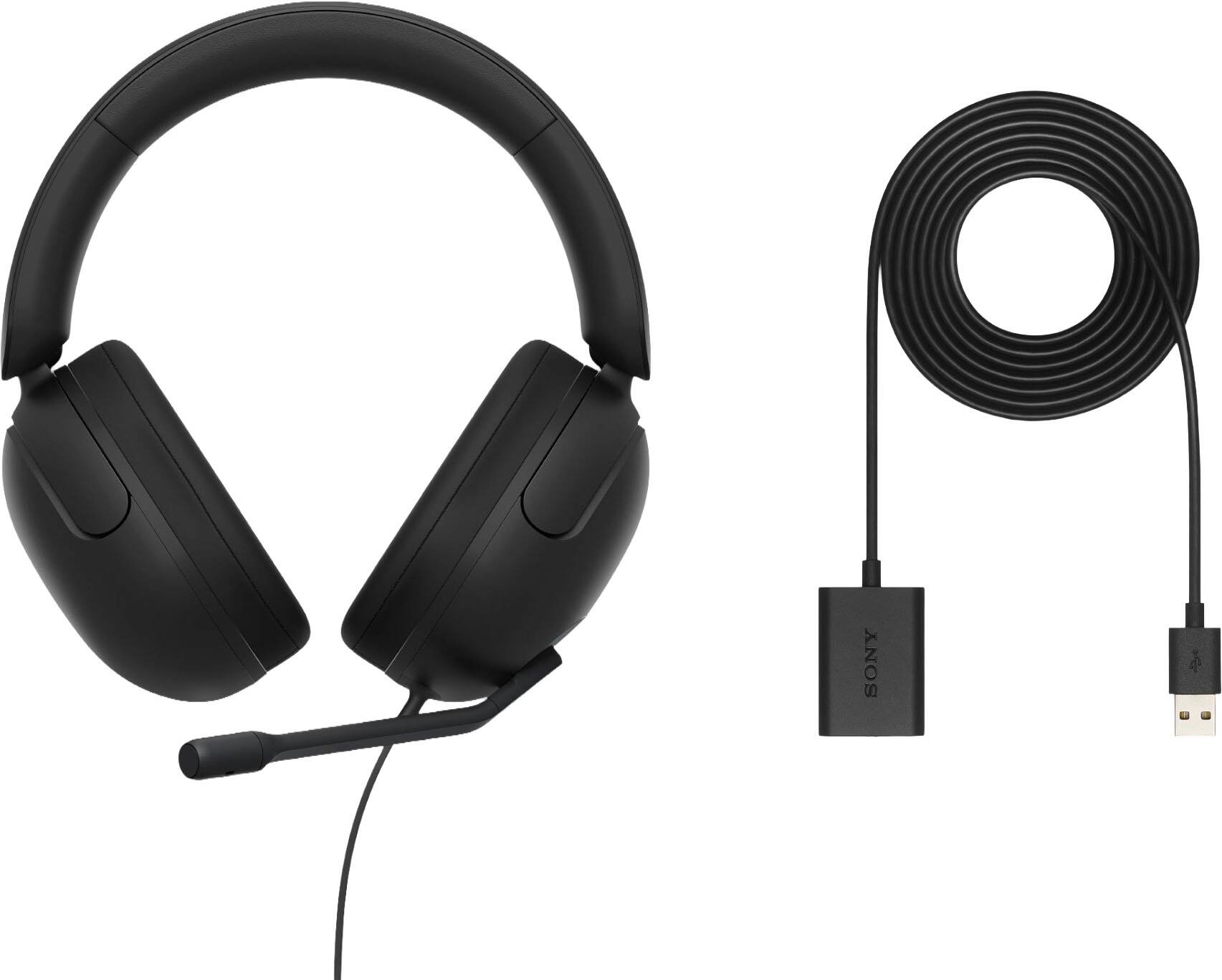
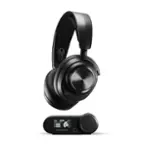
A:AnswerThanks for your inquiry, HeadsetForWork. Yes, you can connect the headset to a computer and use them without downloading the INZONE Hub software. Make sure to connect the headset to the USB audio box and then connect the box to a computer. When you connect the headset to a game console (computer or PS5), you can adjust the volume and switch the microphone on/off.
However, to get the most out of your INZONE H3, downloading the INZONE Hub software allows you to personalize your INZONE H3 experience by customizing a wide range of operations, including a variety of sound and hardware settings. Fine tune sound frequencies to your game for more clarity and immersion using the EQ function.
For more on "What you can do while connected to a game console (computer or PS5)", refer to this help guide link: https://helpguide.sony.net/mdr/2961/v1/en/contents/TP1000670406.html
Regards,
Jess
A:AnswerHi Tony!
Thank you for reaching out with your question. We can certainly help you with that.
The INZONE H3 headset should work with your PS4 for basic audio and chat. You just need to plug the headset into your controller’s headphone jack. That will let you hear game sound and use the microphone for voice chat.
Features that need the USB audio box or special software, like advanced sound settings or custom surround sound might not be available on PS4, since that support is really designed for PC and PS5. But for everyday gaming and chatting, you’re good to go.
If you want all the advanced features, using the headset on a PC or PS5 is the way to get the most out of it. For PS4, you can still enjoy quality sound and chat with friends through the standard connection.
We hope this helps. Thanks for considering Sony products!
Best regards,
Estefany
A:AnswerHi gus,
Thank you for your question. The earpads of our INZONE H3 are replaceable. If the earpads deteriorate or are damaged through long-term use and storage, we recommend that you have them replaced by an Authorized Service Center.
Should you need more information, please contact us by following the steps below:
Unfortunately, due to the current Best Buy phishing protocol for your protection, we cannot provide a direct email or phone number for customer support as of now. Please find Sony Electronics' Support information: Go to our support website > click on “Support” > scroll down click on “Contact Support” > click on "Headphones" and from there you'll see different ways to contact us.
Apologies if you disclosed some of this information in your review and to customer service, we just want to ensure that we have your accurate details at the time of communication.
Name:
BestBuy Username:
Model Number:
Question/concern:
Telephone Number:
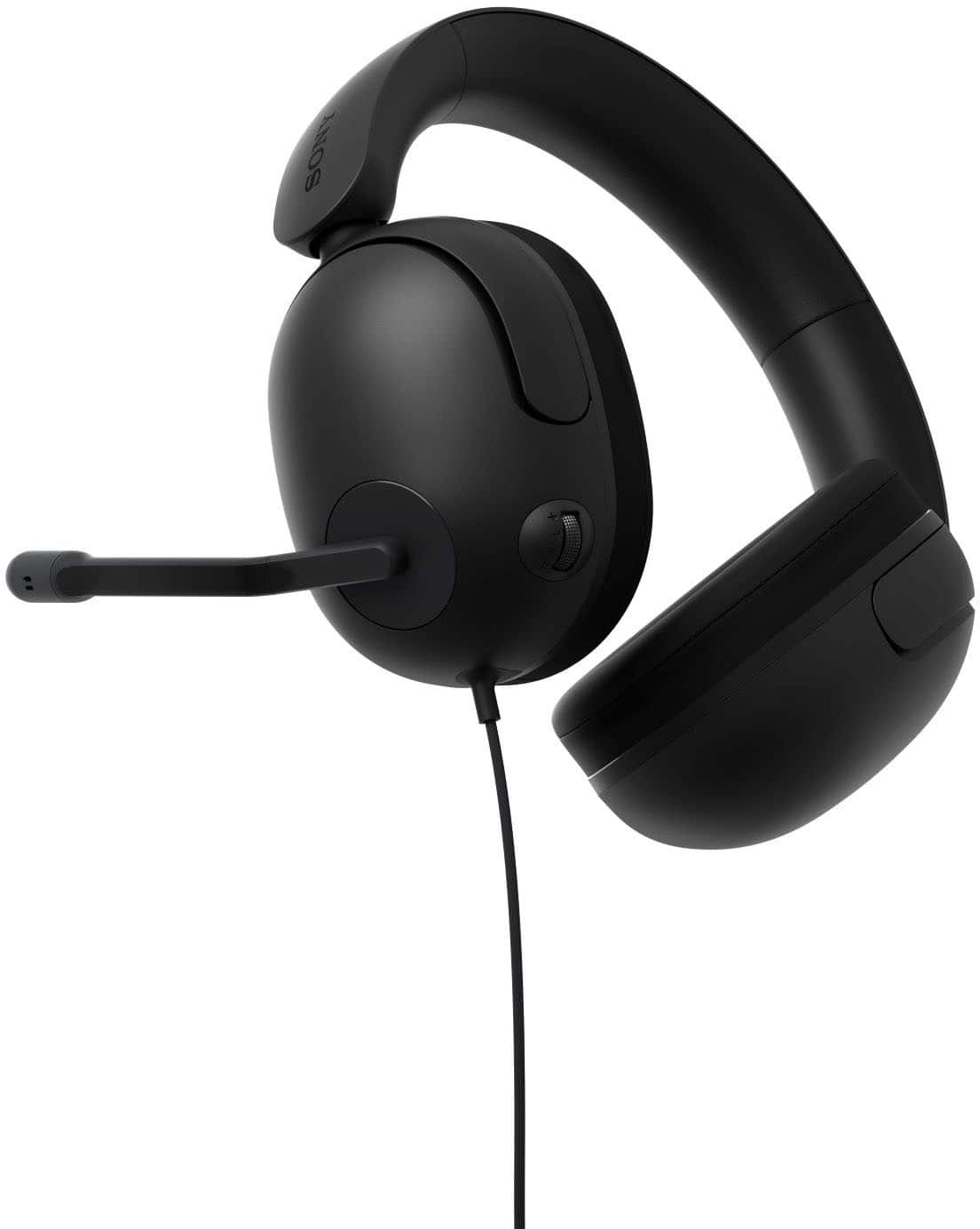
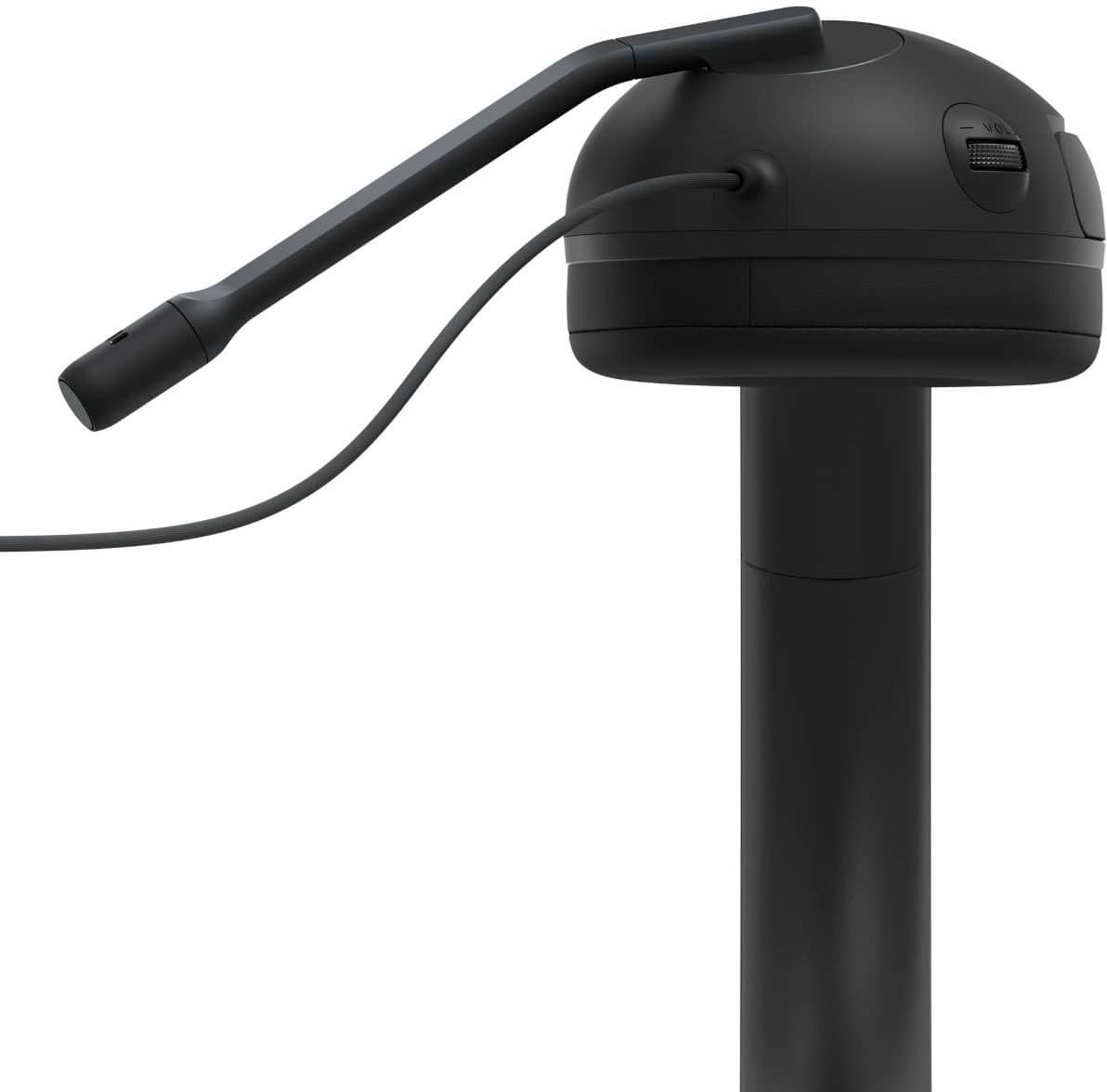
The INZONE H3 headsets are designed with 360 Spatial Sound for Gaming and our proven hardware technology, so you can detect where your opponents are and how far away. Even players hiding in shadows, or behind walls and obstacles, can’t stay hidden for long. A flexible flip-up boom microphone with mute function allows you to communicate effortlessly in-game with squad members. The volume dial has a protruding design for easy operation and the cable joints are highly durable for worry-free gaming. Our INZONE Hub PC software allows you to personalize your INZONE H3 experience by customizing a wide range of operations, including a variety of sound and hardware settings. Fine tune sound frequencies to your game for more clarity and immersion using the EQ function. Designed to be secure and stable when worn, with minimal side pressure, this is a headset that’s ready to take you into the action for hours on end.
I hope this helps!
Best regards,
Romeo