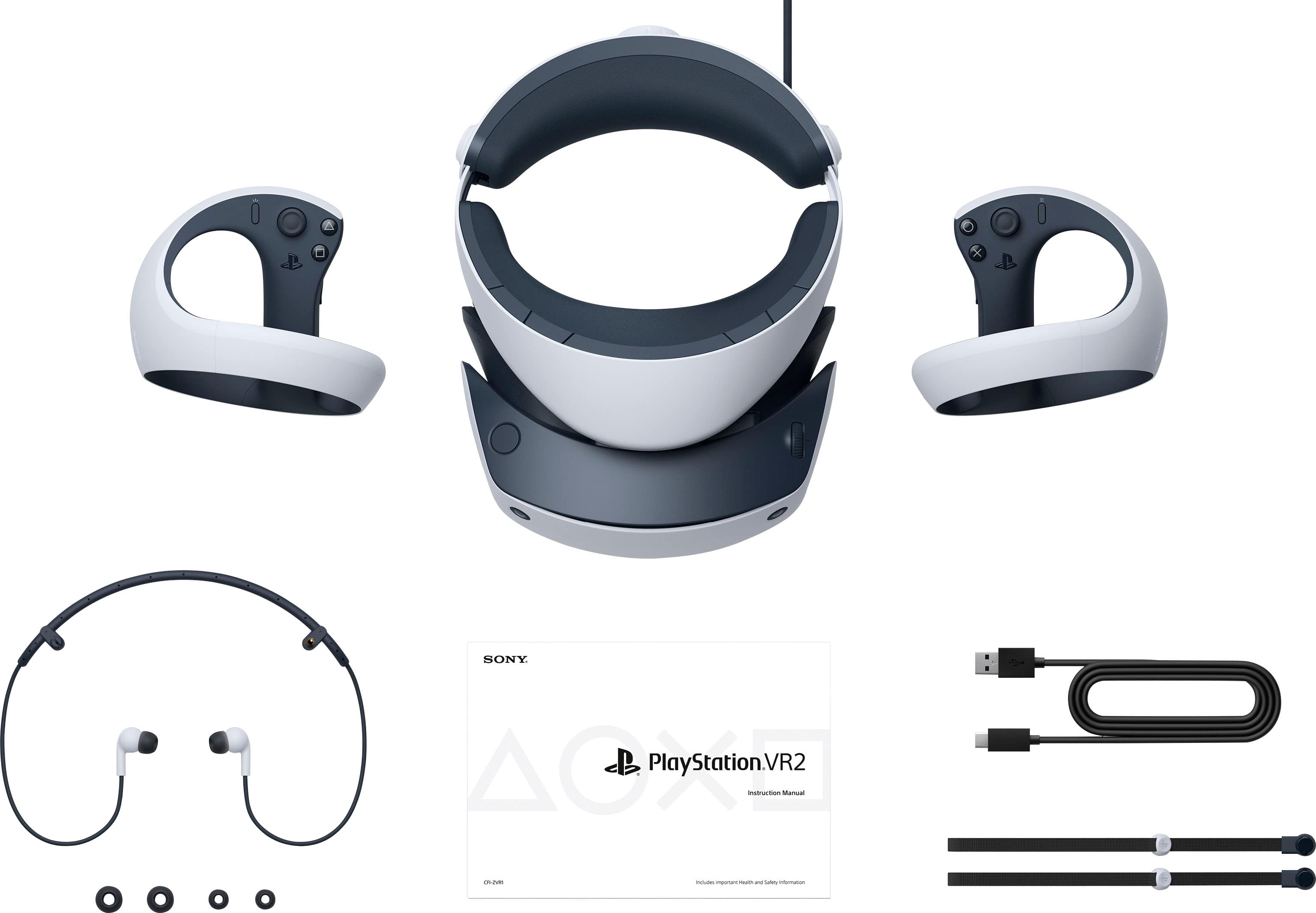
A:Answer To fix a black screen on the PS VR2,
securely reconnect the headset’s USB-C cable to the front of the PS5, restart the console completely (not in Rest Mode), or try a different USB-C port. If it remains black, perform a hard reset by unplugging the headset, powering off the PS5, and unplugging the console's power cable for 60 seconds to clear cache.