A:AnswerHi Notsotechie,
Please check the full specifications of these models in the links below.
https://docs.sony.com/release//SPECS/SRSXB20BLK_mksp.pdf
https://docs.sony.com/release//specs/SRSXB2_mksp.pdf
Thanks,
>Joffrey
A:AnswerI can’t speak to other speakers. This speaker is Bluetooth. If you laptop has Bluetooth capabilities, it would be able to connect. I have only used my speaker with an IPad or IPhone for teleconferences or online training.
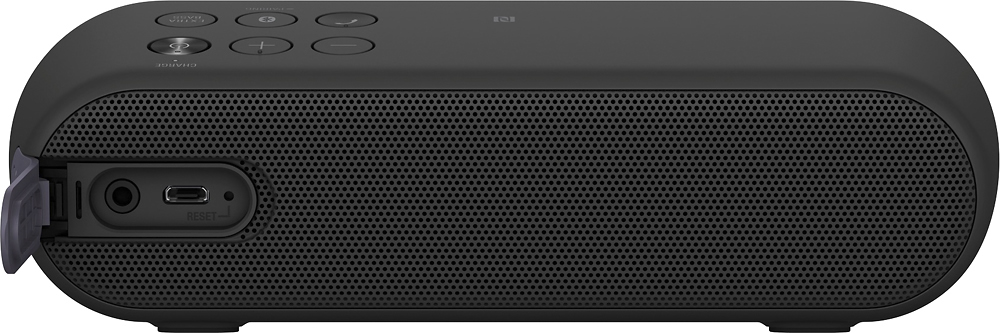
A:AnswerHello Jilly, thank you for your message. If no Bluetooth capabilities for your Ipod Nano, the Portable Speaker has a stereo mini jack (IN) for you to connect other devices to it. Oscar.
A:AnswerRobyn,
I believe the inactivity period is somewhere around 15-20 minutes. I haven't actually timed it, but I haven't experienced and issues with it turning off quickly.
A:AnswerHi shutup, kindly try resetting the speaker by pressing the button inside the small hole at the unit's rear panel. After the reset, try pairing your devices with it again. Thanks, -Mark
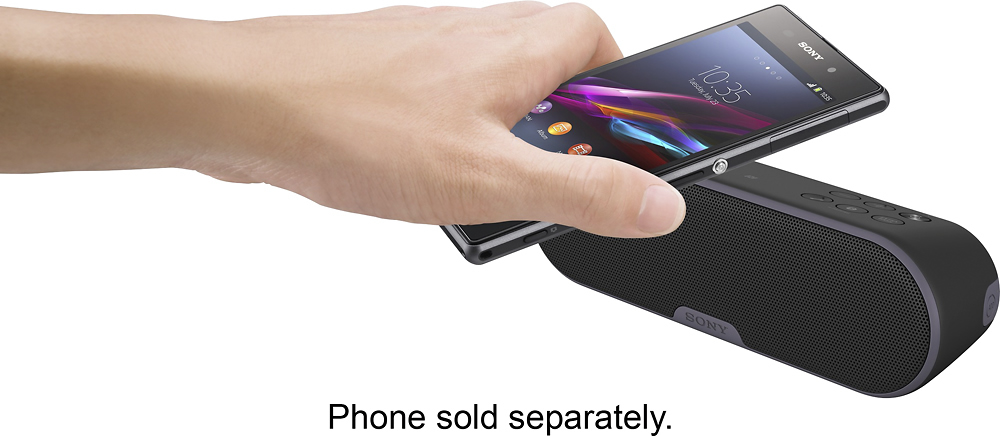
A:AnswerI actually have it paired with my note 5. It works great, I often have it in the garage when working out and leave the phone in my master bedroom, about 40ft away. Still works great. Make sure both devices are discoverable, you should see it pop up on your phone and just choose pair.
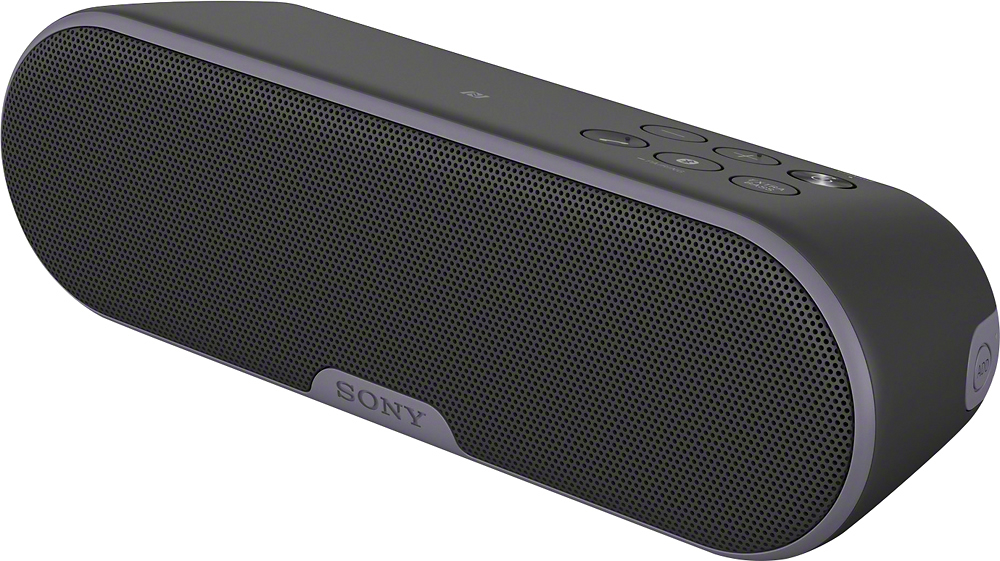
A:AnswerYes you can answer calls clearer than any other blue tooth speaker. Soon as call comes in you answer it and are hands free as if person on phone is in room with you.
A:AnswerI have not experienced any beeping sounds when pairing with the speaker, nor when I turn up the volume. I am not sure that I have had occasion to max out the volume. I am extremely happy with this inexpensive speaker
A:AnswerHi! To answer your question, unfortunately you cannot stop calls from coming through. Whatever comes through on your iPhone (emails, calls, and/or texts), you'll hear the indicator.