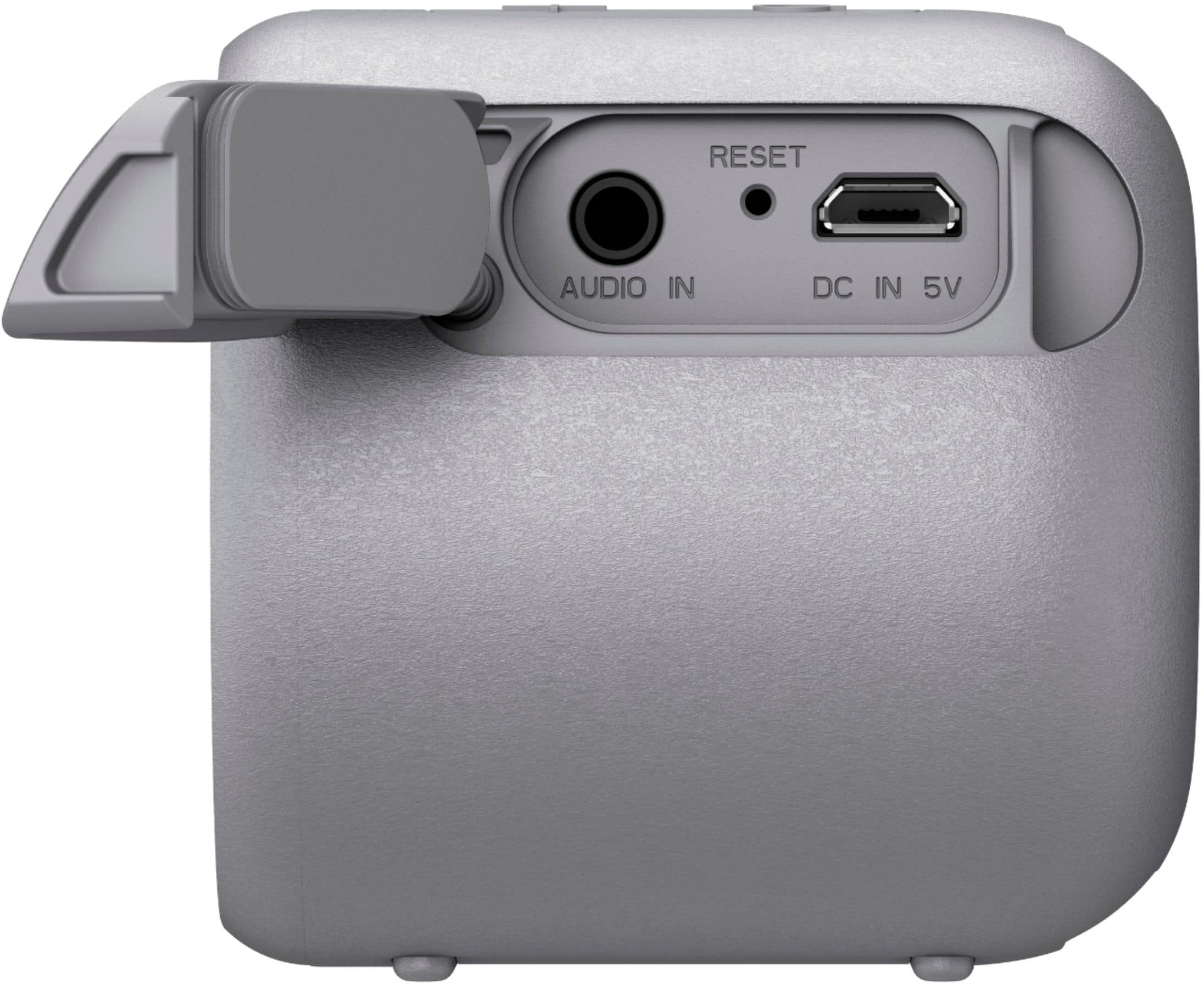
A:AnswerHi, leaving the speaker plugged-in all the time may affect the battery life of the speaker. Please refer to the links below for more information about charging the speaker. Thanks! ^Ron
- https://helpguide.sony.net/speaker/srs-xb01/v1/en/contents/TP0001705155.html
- https://helpguide.sony.net/speaker/srs-xb01/v1/en/contents/TP0001705171.html
A:AnswerThere is a short beep when powered on but a not disruptive. If you connect it to your phone for a music app, there will be a louder tone when you receive a call...still not disruptive in an office atmosphere.
A:AnswerHi, Muggs! The Bluetooth device has a transmission operating range of approximately 30 feet (10 meters) within a line of sight but will vary depending on the surrounding conditions.
NOTE: Communication range will vary according to whether walls or other obstacles are located between the devices, the material used in the intervening walls, the presence of Radio Frequency (RF) interference and other environmental conditions, and the type of software being used, if applicable.
~Ralph
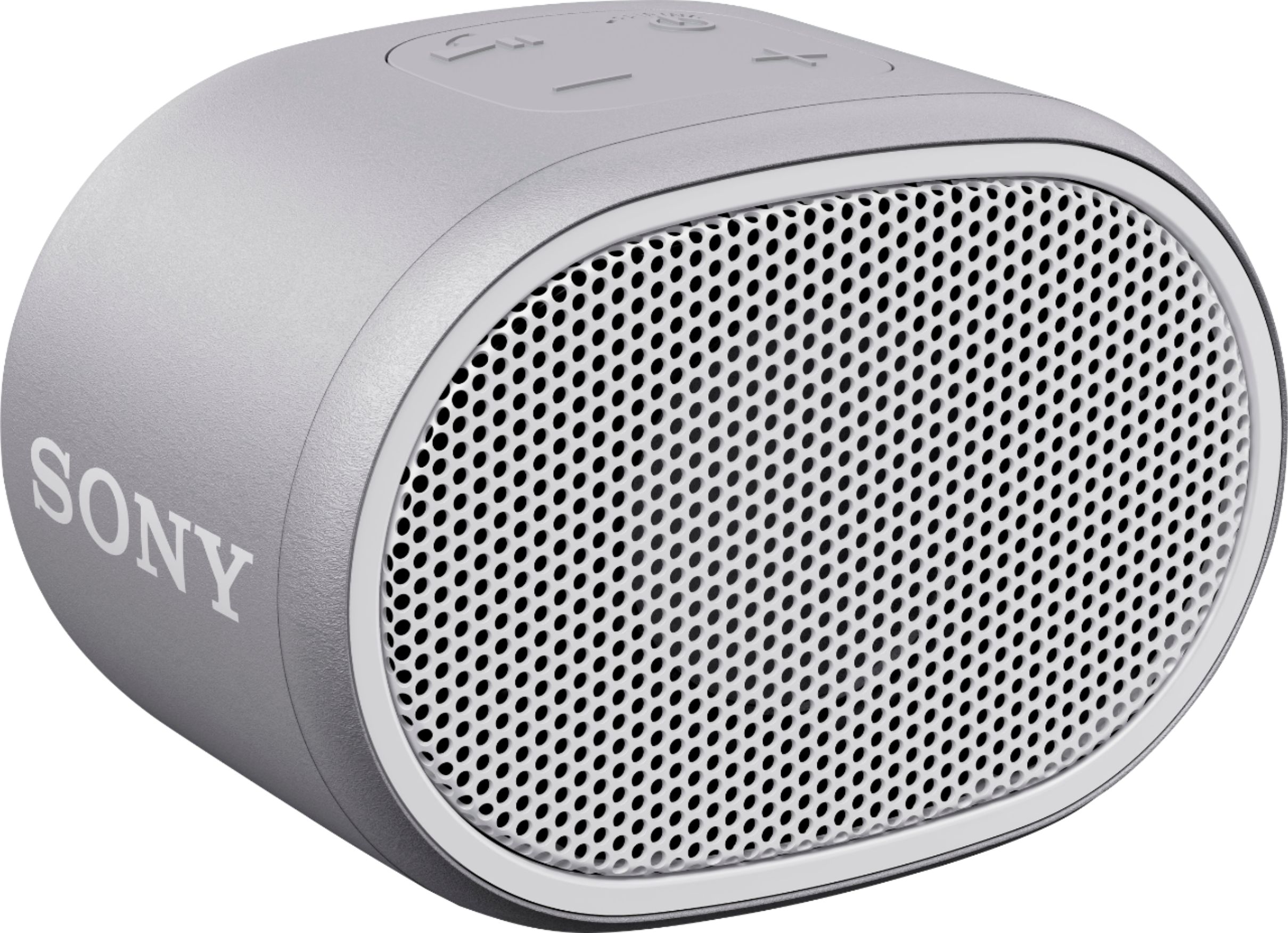
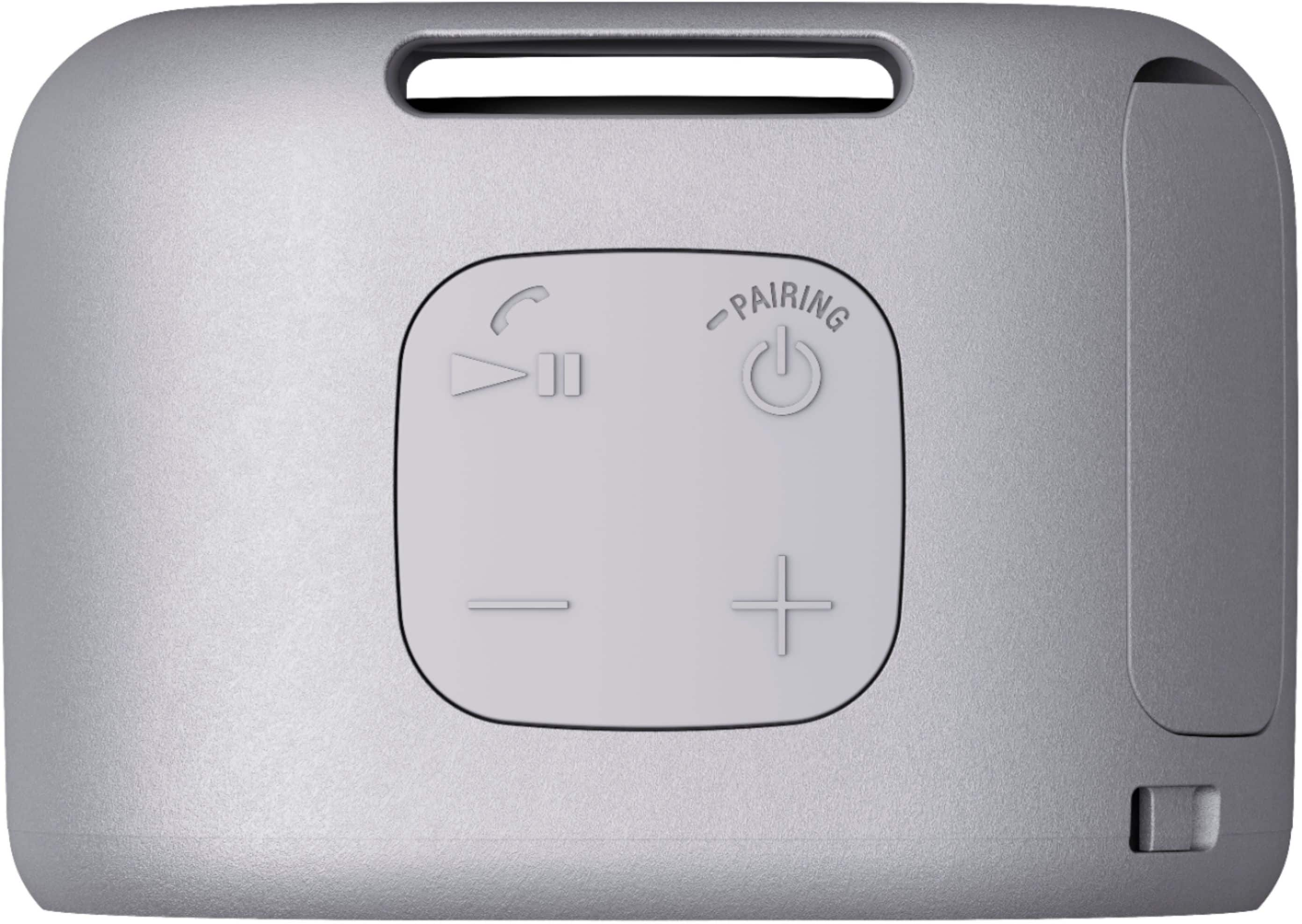
A:AnswerYes. By pressing the play/pause/call button twice quickly during playback, the XB01 will skip to the beginning of the next song. I found it necessary to wait a second or two until the next song began playing before skipping to the next song. If it registers your presses too close together (3 presses), it may think you want to go back to the beginning of the current song.
A:AnswerUnfortunately it won’t. Now, I used AirPods for this test. I connected the speaker to the back of my Sony TV with an aux cord and when I tried to pair both the Sony speaker and my AirPods, they won’t “talk” to each other. I guess I need a “direct” Bluetooth signal transmitter between the the speaker and TV to accomplish what you need.
Sorry
A:AnswerHi, SummerBoy! It will depend on the specifications of the iPod. You may connect devices to the speaker either via Bluetooth or audio cable. You may refer to these links for more information:
https://helpguide.sony.net/speaker/srs-xb01/v1/en/contents/TP0001705164.html
https://helpguide.sony.net/speaker/srs-xb01/v1/en/contents/TP0001705166.html
~Ralph
A:AnswerHi Swamprat67, Press the Power/PAIRING button to turn it off. You may refer to this link for more information:
https://helpguide.sony.net/speaker/srs-xb01/v1/en/contents/TP0001705157.html
~Ralph