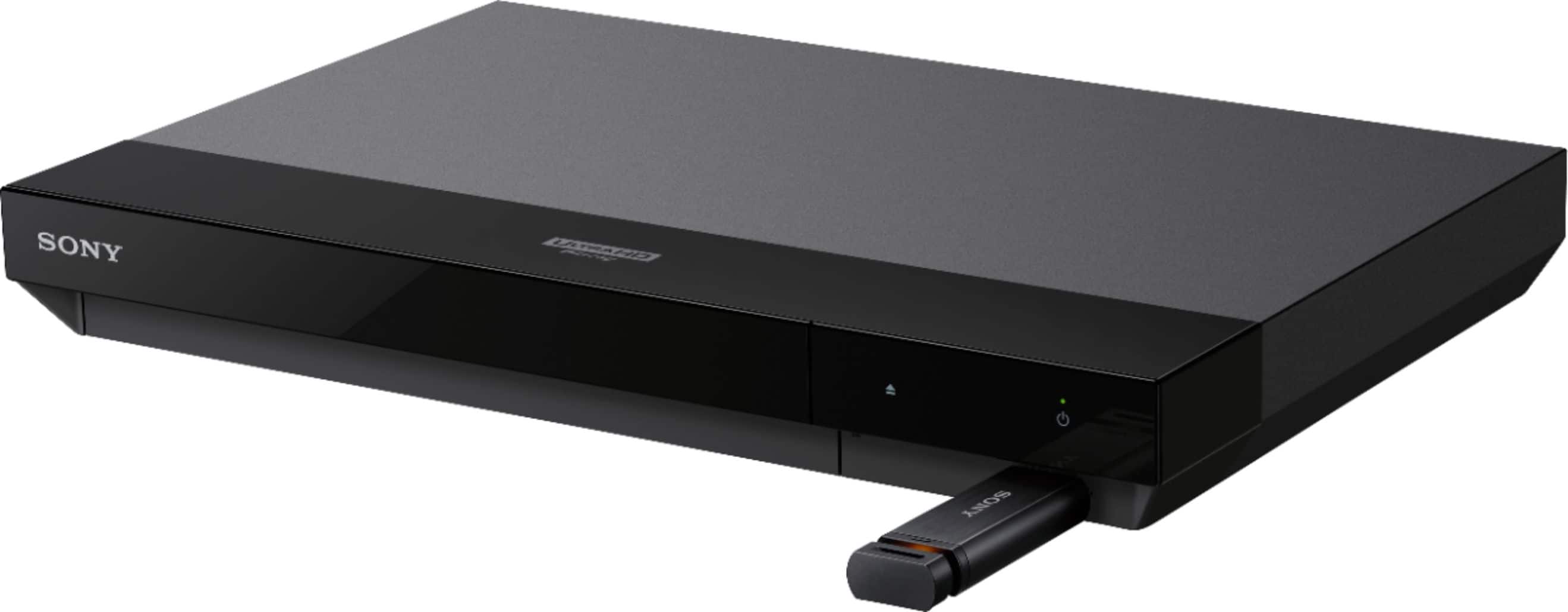
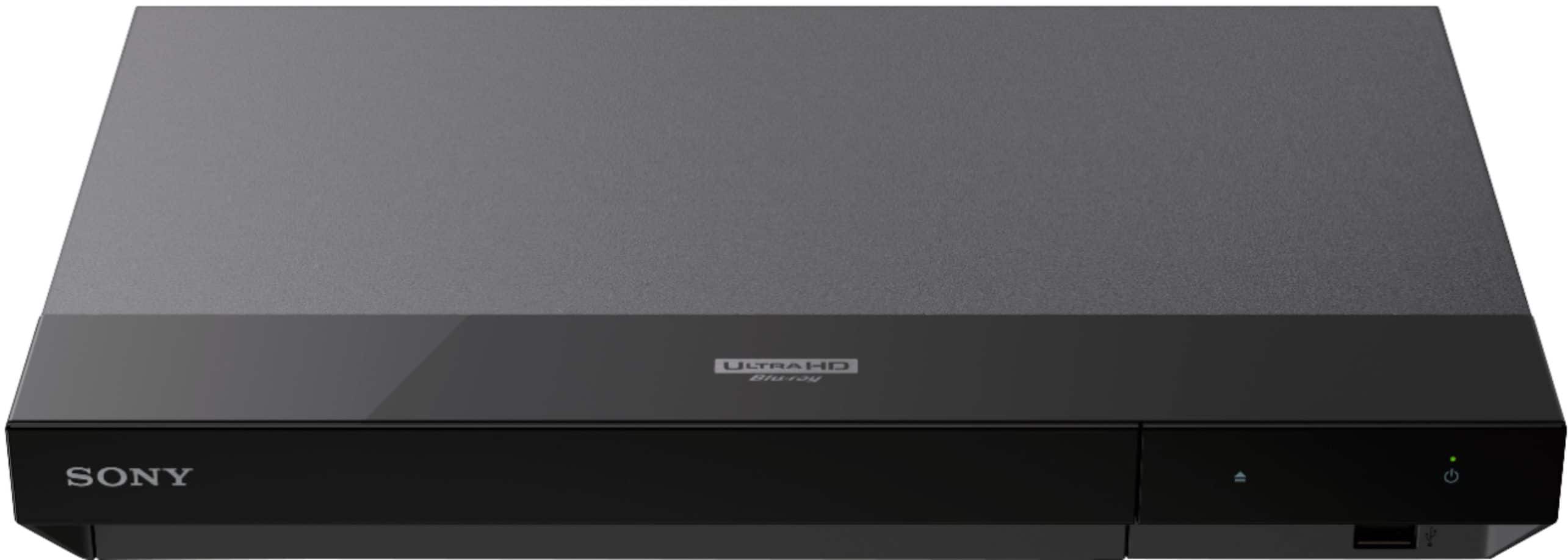
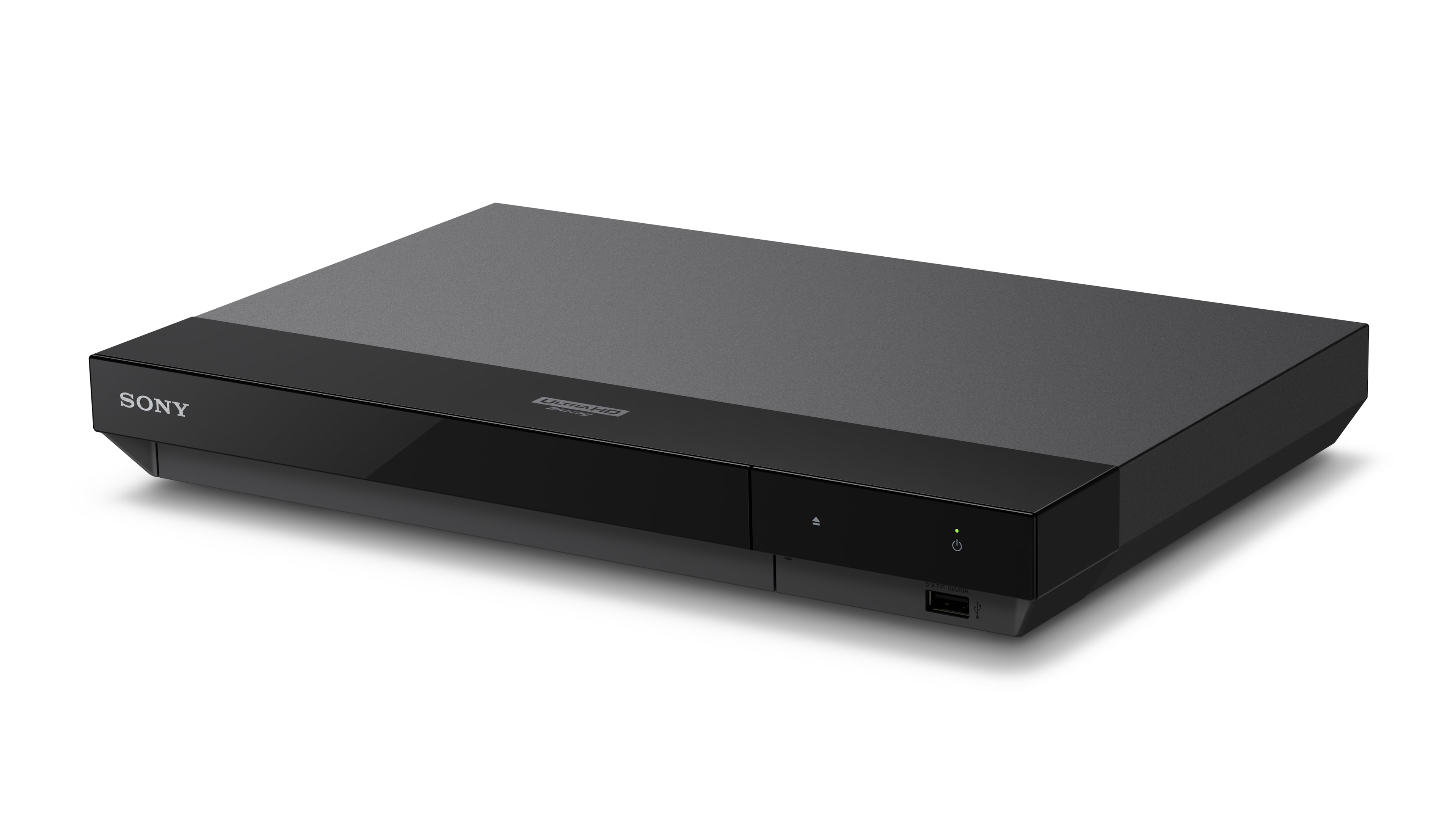
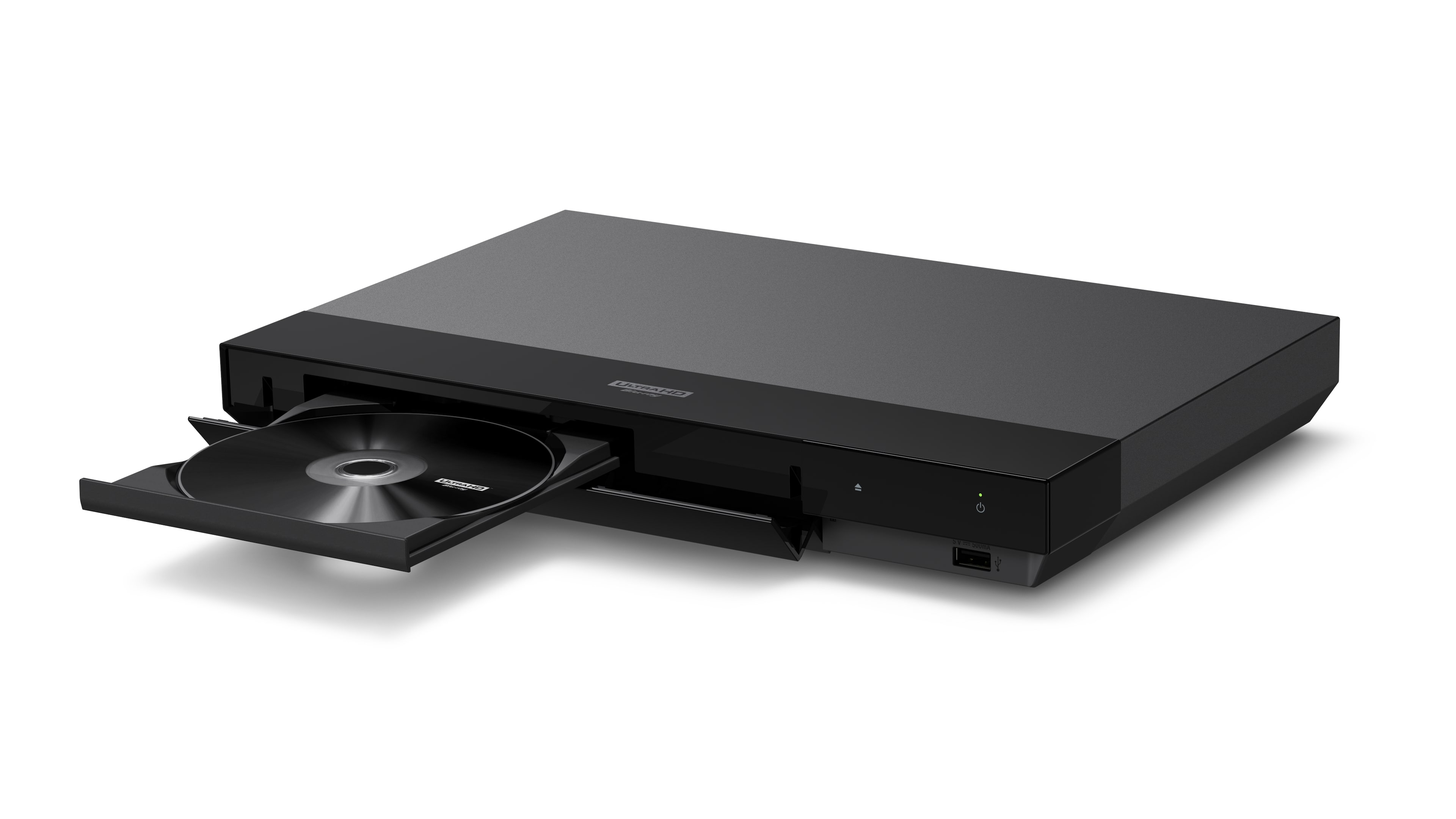
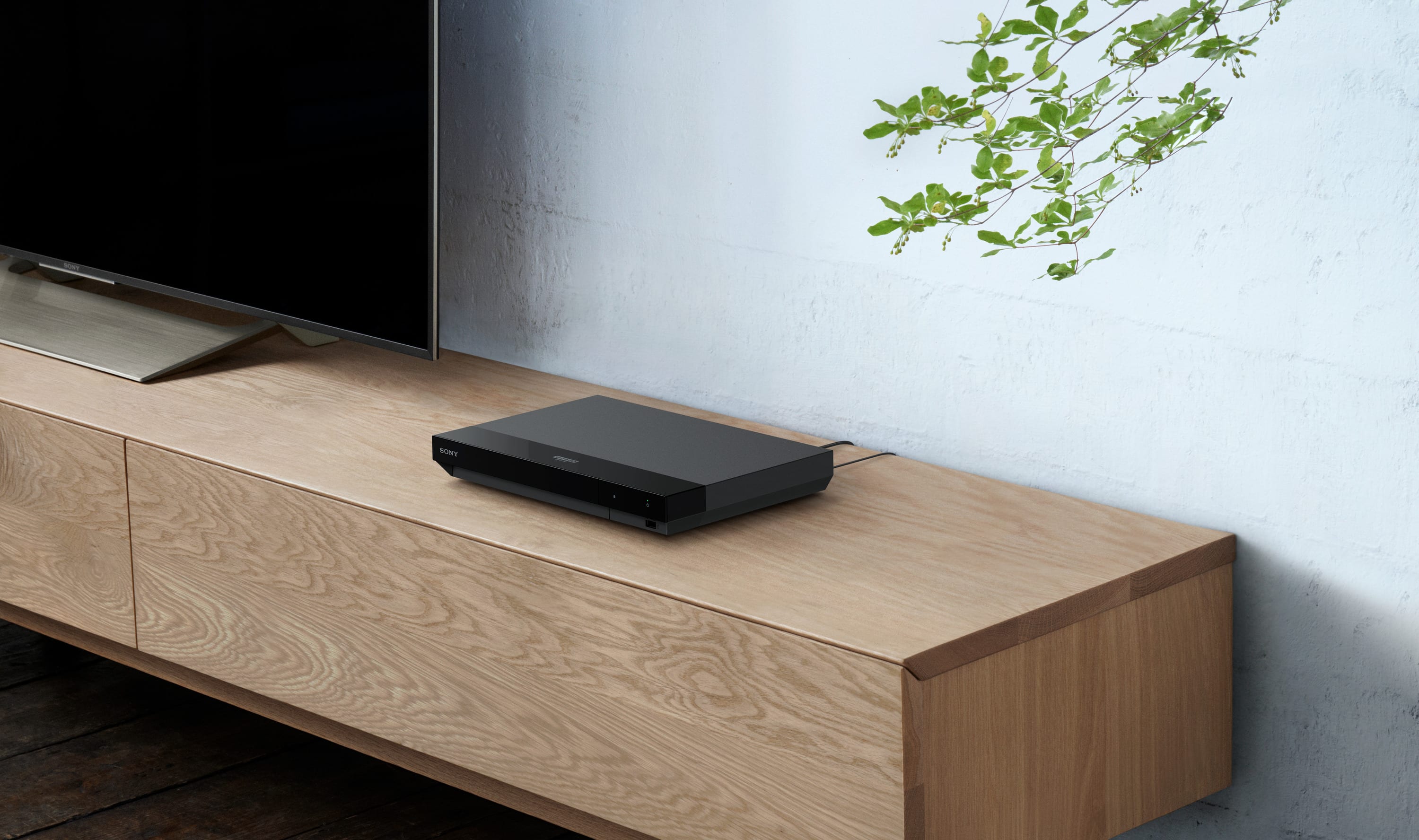
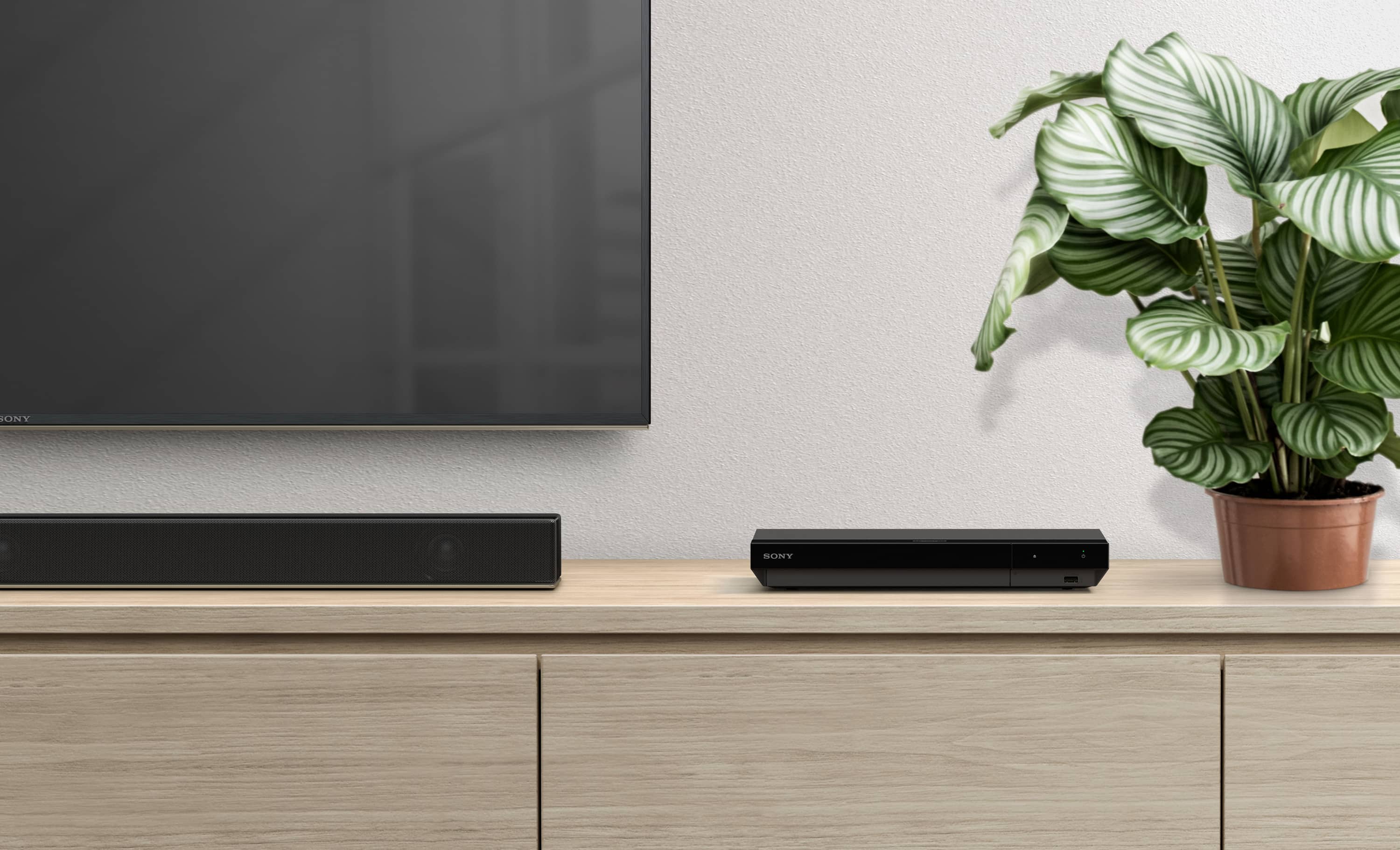
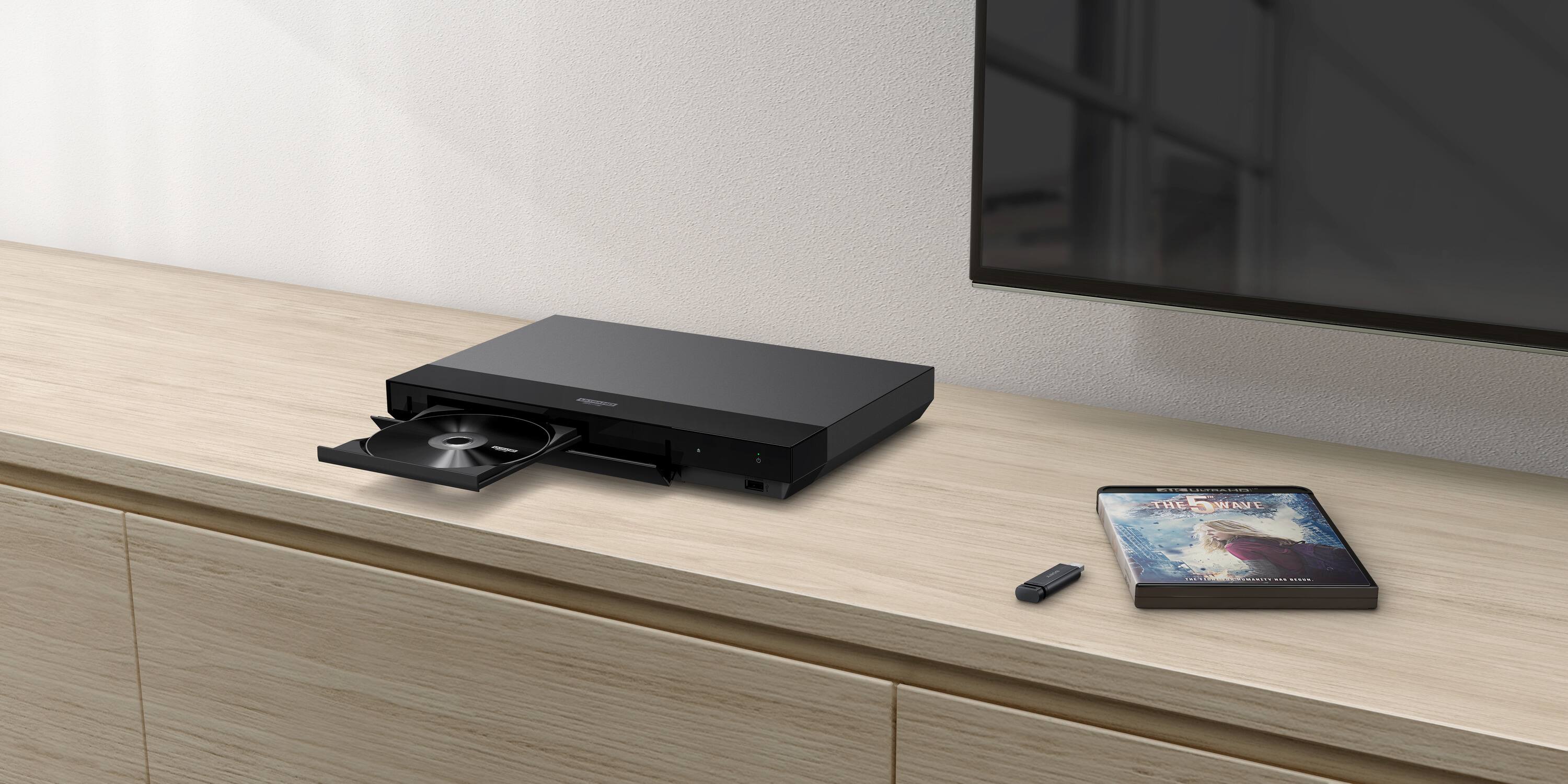
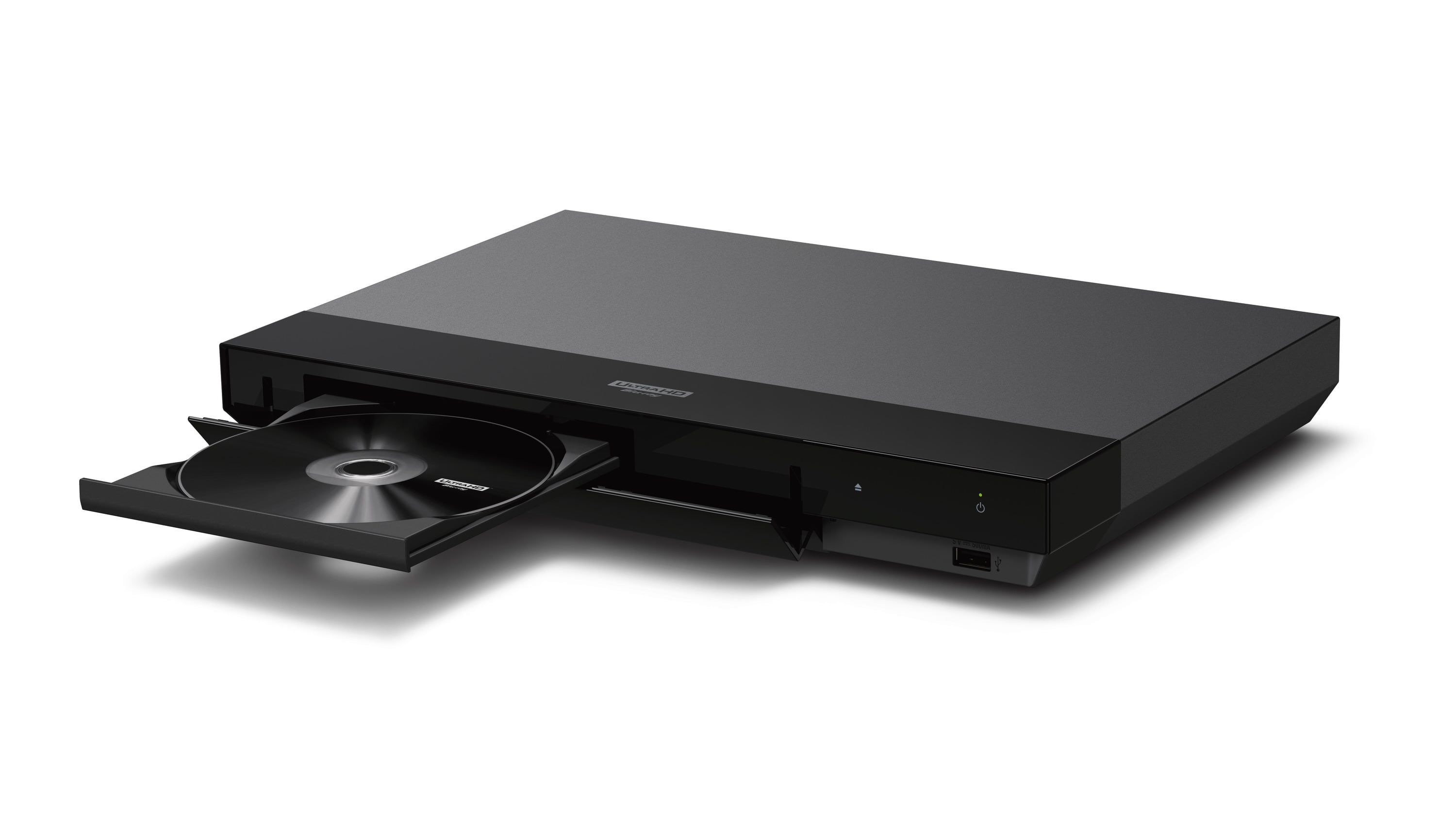
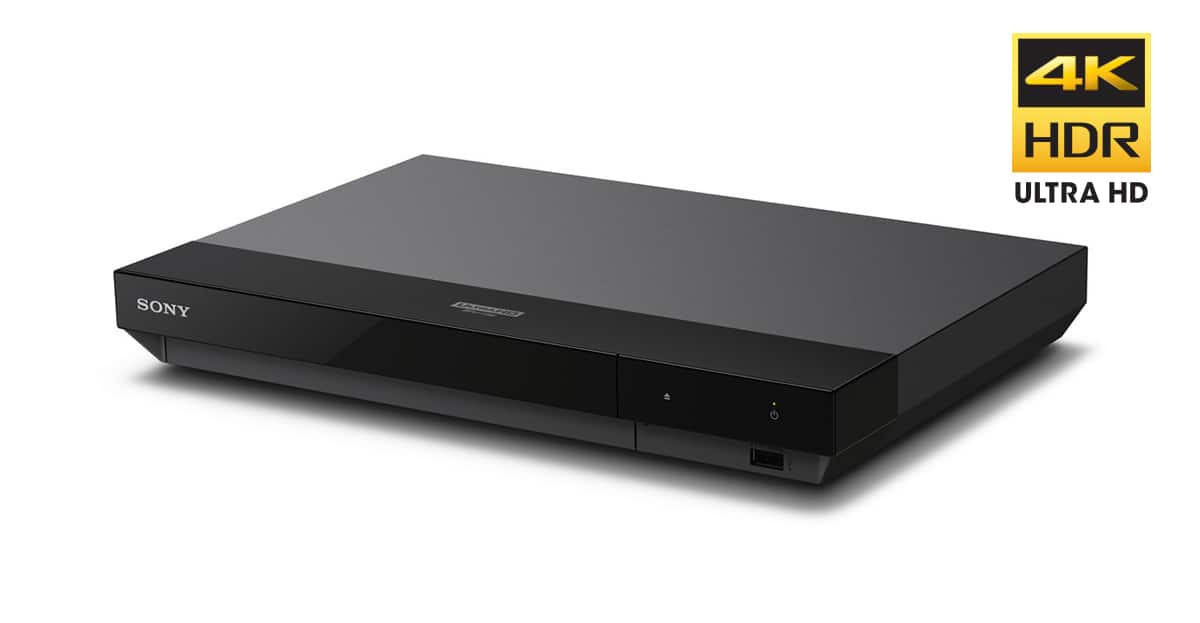
A:AnswerYes, you can play dvds and blu rays on any 4K player,,this Sony has great picture quality. I have two other players different company, this Sony has a better picture. Any 4K, UHD player will play dvds
A:AnswerDepends on your TV (age). Basically, out of the box it is super easy if you have a free HDMI port on the TV. Unpack, hook up the HDMI cable to open HDMI port on the TV and back of the Blue Ray Player. Plug in the HDMI player and your ready to watch movies. Hope this helps.
A:AnswerI've played standard blu-ray (1080p) and dvds (480p) with it on my 4k tv, so because it played those lower resolutions, it probably will on a lower res. tvs. Plus if it doesn't work on your tv, best buy gives you 14 days to return it.
A:AnswerIt will play 4k UHD blurays from anywhere--but not standard blurays that are region locked (I bought the Dawn of the Dead 4k 4 disc set from the UK, it had 3 4k discs with edits/versions of the movie and a standard bluray with special feature. This doesn't play the special feature disc.
A:AnswerYes but not many newer TV’s will support 3D. I upgraded everything to 4K and found out my large collection of 3D DVDs can only be viewed on my older 2016 TV and not the new 2022 I just purchased.
A:AnswerNot aware of any current DVD player with a tuner. You may be looking for a DVR like the Aluratek that records TV shows. Other solutions would be to use a TV providers built in storage for playback like Hulu, youtubeTV, etc or go old school with computer software to capture and CD/DVD burner for long term storage/playback.