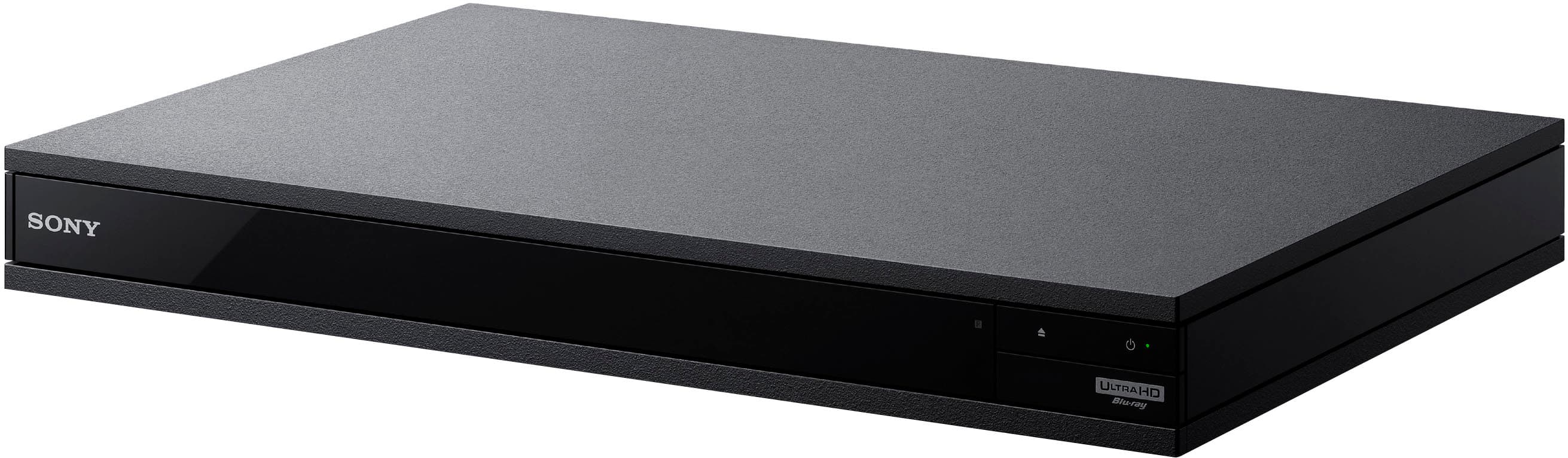
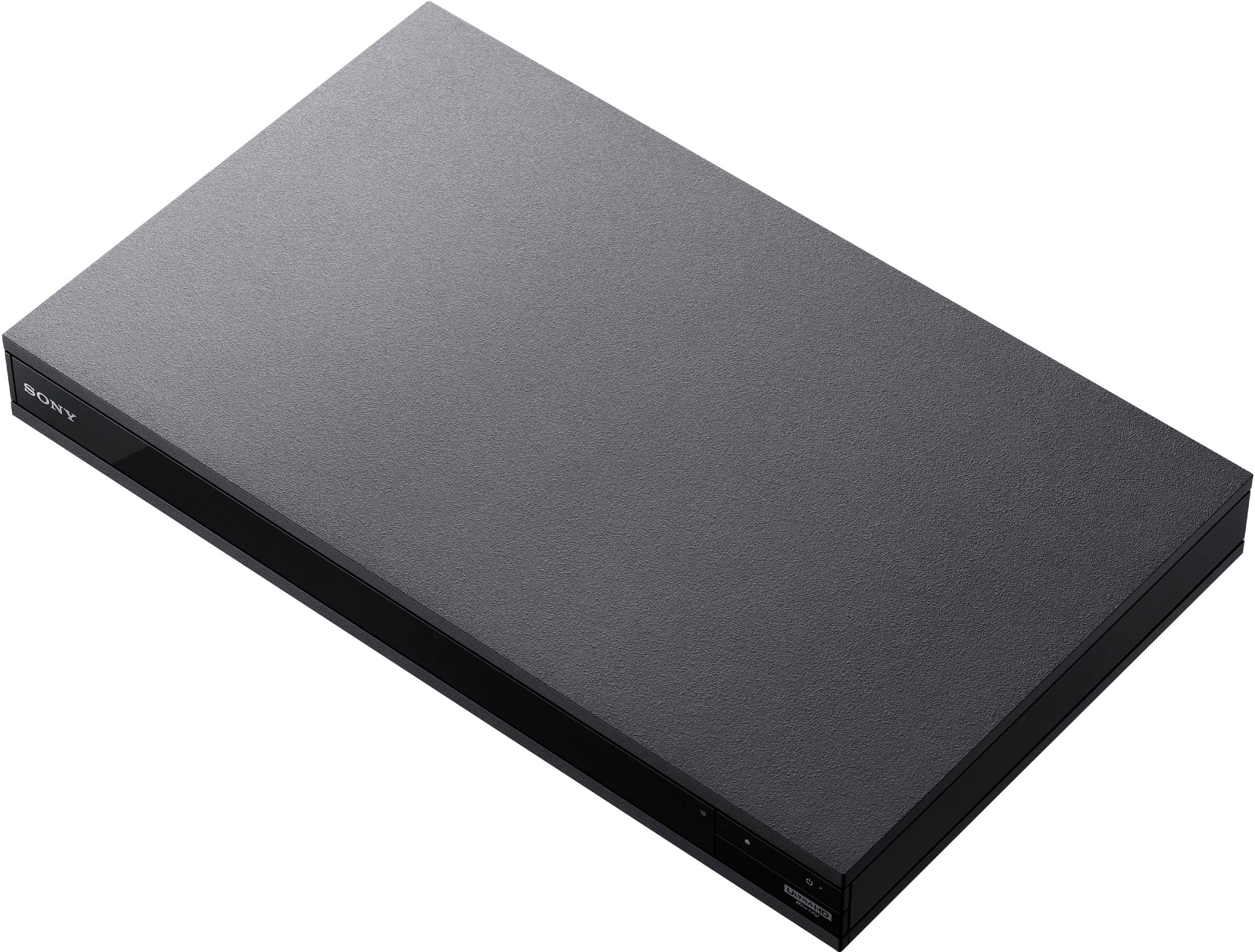
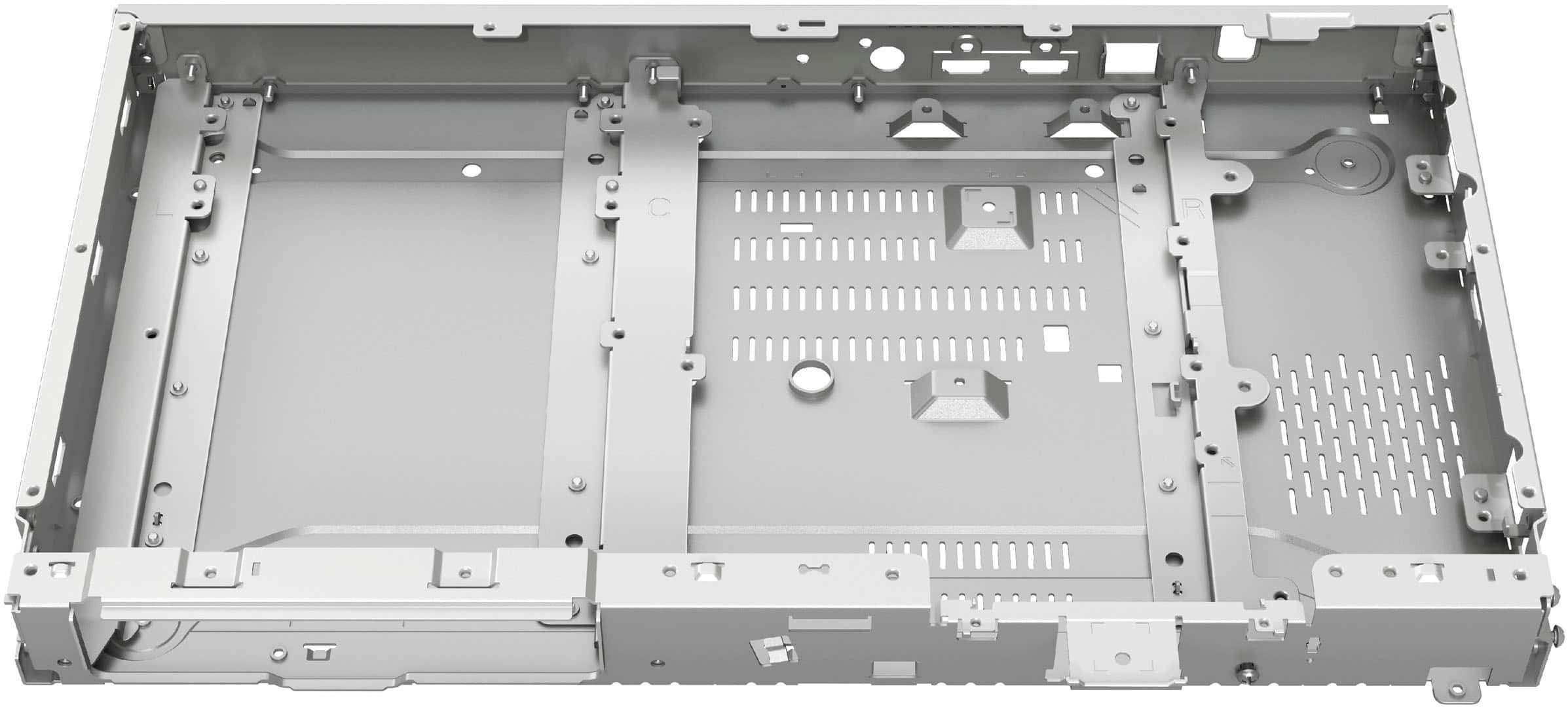
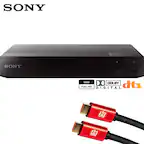
A:AnswerThis unit supports many varieties of surround sound. Also supports Dolby Atmos. Just depends on the capabilities of yout tv sound system or Audio Video Reciever.
A:AnswerOptical / TOSlink is a very old and it used to be a good method for sending digital sound. That isn't the case anymore. Toshiba invented it in 1983.
TOSlink does not have the bandwidth to carry uncompressed versions of Dolby TrueHD, DTS-HD Master Audio, or more than two channels of uncompressed PCM. And it and isn't compatible with Dolby Atmos.
Get a good 8k HDMI 2.1 cable and connect your TV to your A/V receiver through the eARC HDMI port on your TV. Your sound will improve quite a bit.
As far as picture quality and sound, in general, what you get with more expensive 4k players is this:
Better DACs, better processors for upscaling DVD and Blu-ray to 4k. You get more discreet audio channels if you want to connect component sound directly to the player and you get codec for DolbyVision color (which is better than HDR 10 and HDR 10+). DolbyVision is only going to matter to people with a TV capable of displaying DolbyVision (Samsung TV's ARE NOT COMPATIBLE WITH DOLBYVISION).
I hope that helps you.

A:AnswerFrom what I've read on a q&a or review if you push on the colors on the remote for example yellow would be region 1 red would be region two or blue would be region 3 now if that works I don't know cuz I don't have any of those discs other than the region I live in. Best to call Sony and ask.
A:AnswerYou don’t need to convert. All 4k players are region free. The issue you need to find out is about the blu ray aspect. I have been able to play blu rays from other regions. When it comes to 4k. All 4k discs are region free.
A:AnswerJust run your HDMI cable to your soundbar from the Blu-ray player your arc HDMI out on your soundbar to your TV arc port. Everything should be fine with that The audio out only on the Blu-ray player is for people who want to run it to a sound system for audio only. I do not use that and I have a Dolby atmos soundbar. From Vizio the elevate if your TV supports Dolby Atmos pass through you can run the Blu-ray player directly to your TV and then have it coming from the arc.port down to your soundbar. Going from the Blu-ray to your soundbar would be best in case you want to play just music CDs in there you don't have to have your TV on for that.
A:AnswerYou need to have a receiver that can play DSD and multichannel over HDMI - my entry level Yamaha does. The unit has a second audio-only HDMI for this very reason. One to the stereo and a second one to the TV. And yes, you can either use receiver only sound or use TV speaker or sound bar sound or even receiver sound with only TV for video using both HDMI outputs.
A:AnswerIts region free for 4k discs. It might be for blu ray. I have playes blu rays from other countries and it has worked. But that could be the disc. I don’t play dvds so I don’t know about them.
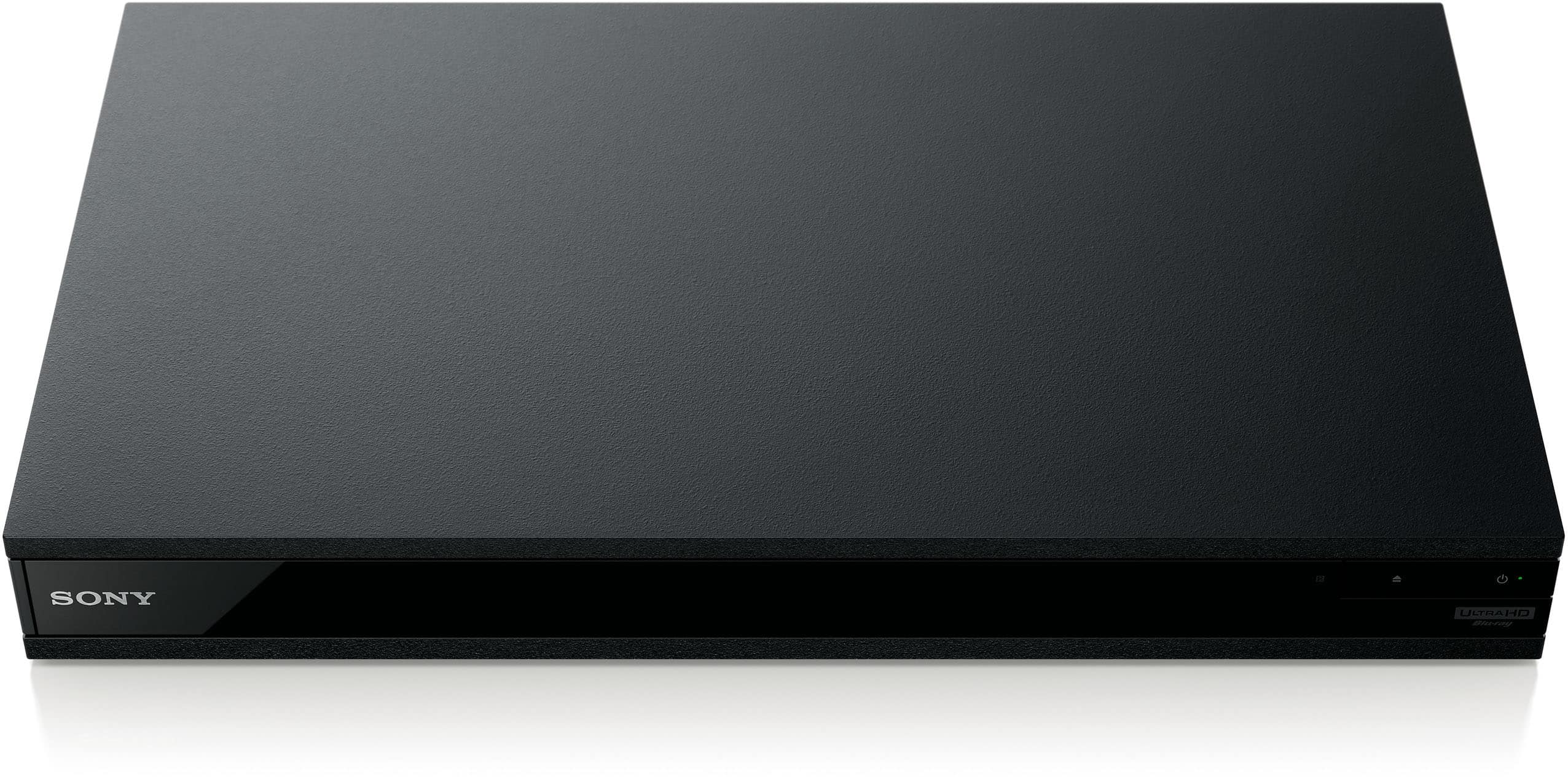
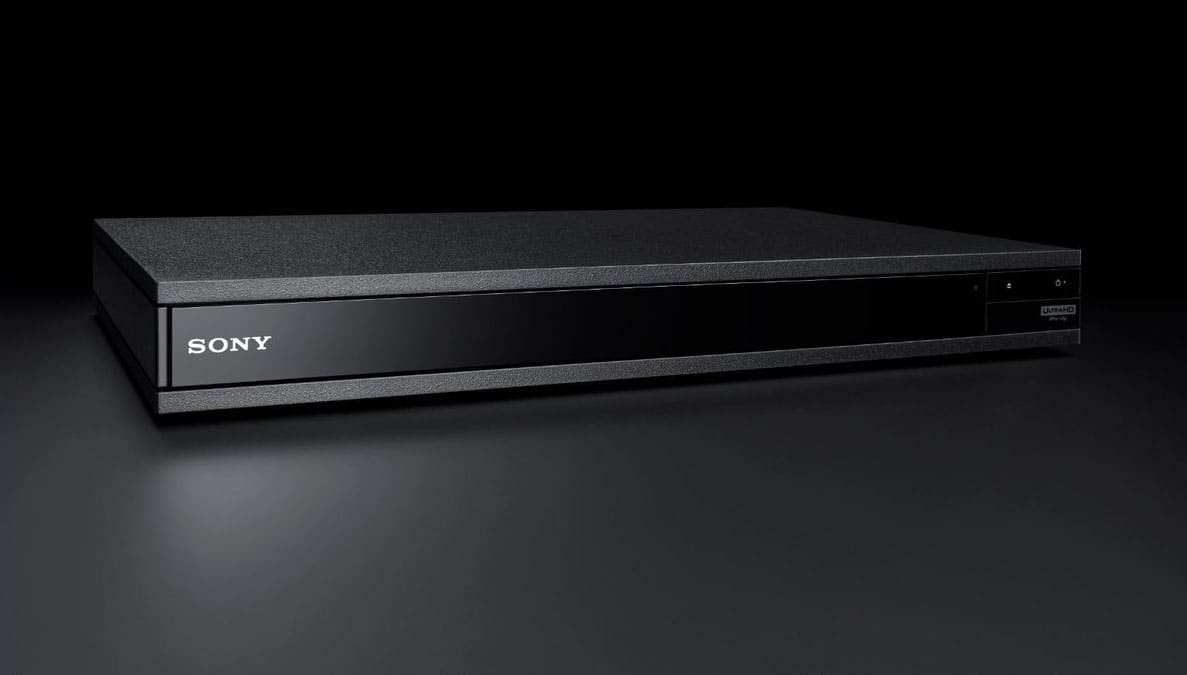
A:AnswerThe Sony x800m2 will work with any TV. The Sony x800m2 is a 4k blu ray player, not a DVD player. It plays standard blu rays, dvds, cds, and of course, 4k blu rays.
A:AnswerFirst, the Sony ubp-800m2 is a 4k blu ray player, not a dvd player. It can play 4k blu ray disc as well as standard blu ray, cds, and of course dvds. As to your general question the Sony ubp-800m2 will work with any tv as long as the tv has hdmi and/or optical.
A:AnswerIt does support Dolby Atmos. I have not seen anything on it in reference to a screen reader. Unless this feature is hidden somewhere in the menu that I have not looked I would say it’s not available.