A:AnswerHi there,
Thanks for your inquiry. You can only plug in two microphones - or one microphone and a guitar.
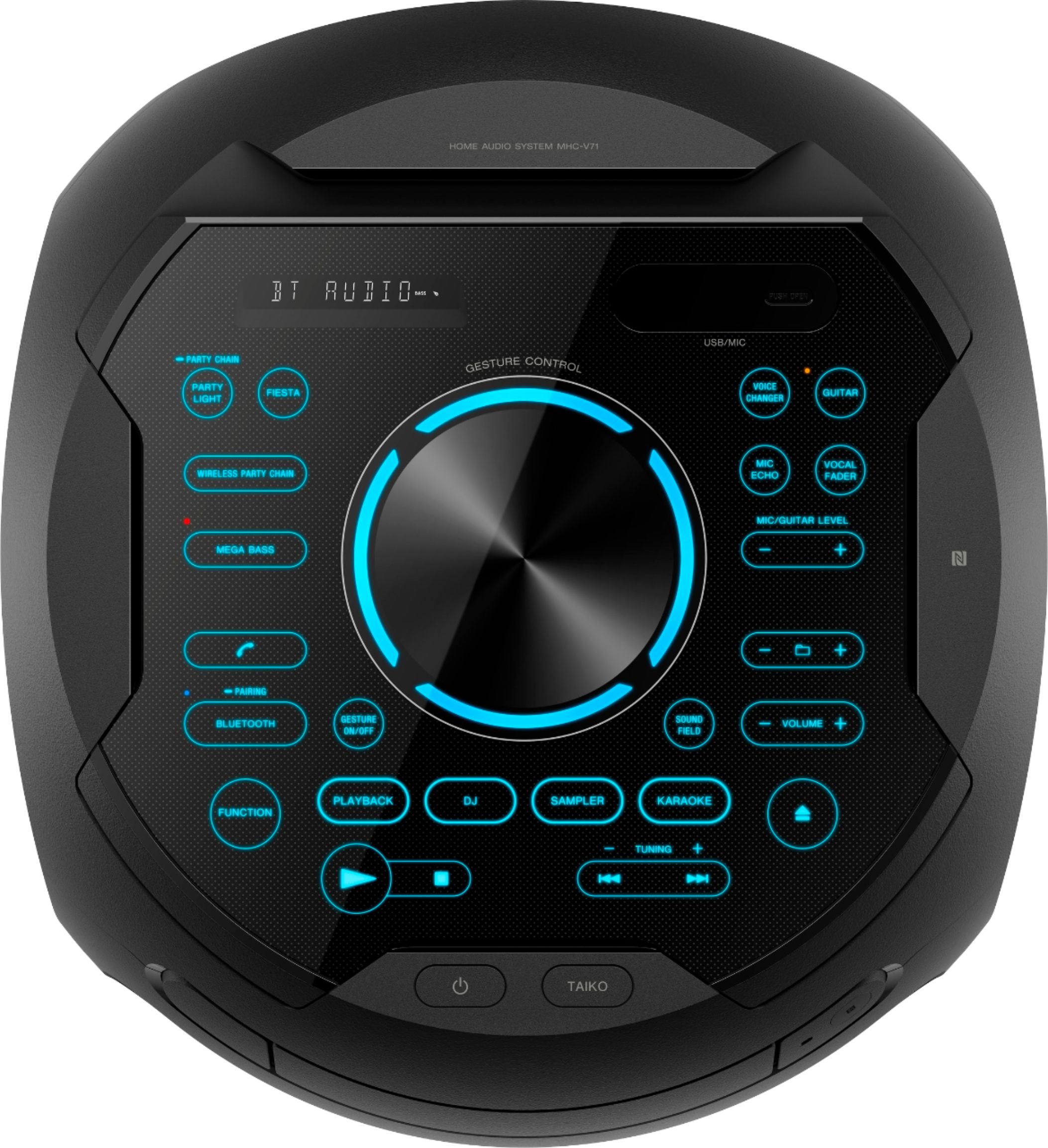
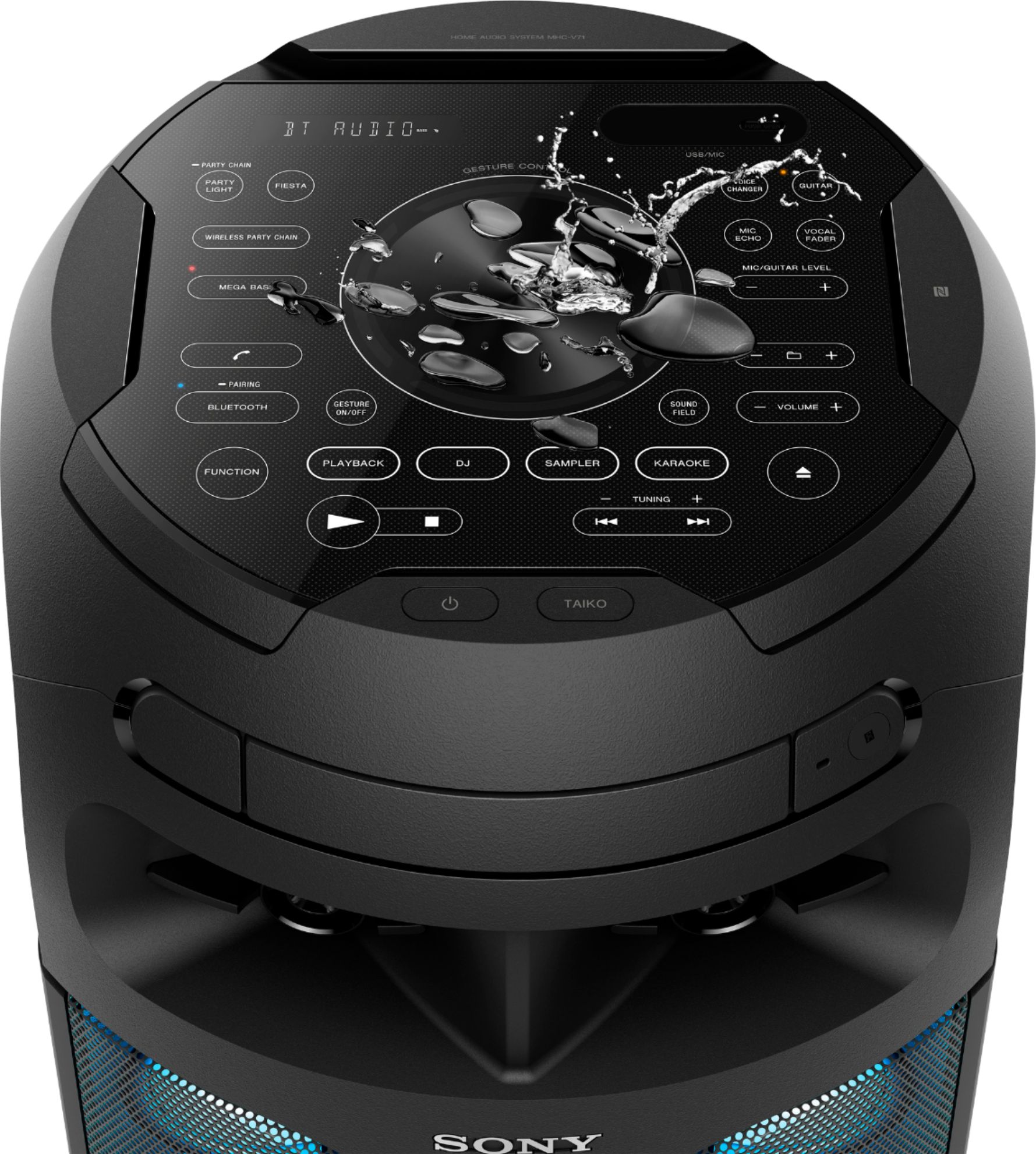
Keep everyone entertained — with two mic inputs (MIC1 jack and MIC2/Guitar jack), you and your guests can go head-to-head singing along to your favourite tunes. Add a rock and roll layer by alternatively connecting a guitar to one of the inputs and using the system as a guitar amp.
Regards,
Jess
A:AnswerHi Eli,
Thanks for your inquiry! Yes, you can reduce the sound of the vocal in stereo source. Press VOCAL FADER repeatedly to select “ON V FADER”. You can also change the key by pressing KEY CONTROL on the remote to suit your vocal range. For more details, please check the manuals (operating instructions) of the product below.
https://www.sony.com/electronics/support/res/manuals/4735/3ce14310a60b8e237c02440d9a8637e2/47358511M.pdf (See page 46)
Regards,
Jess
A:AnswerHi T,
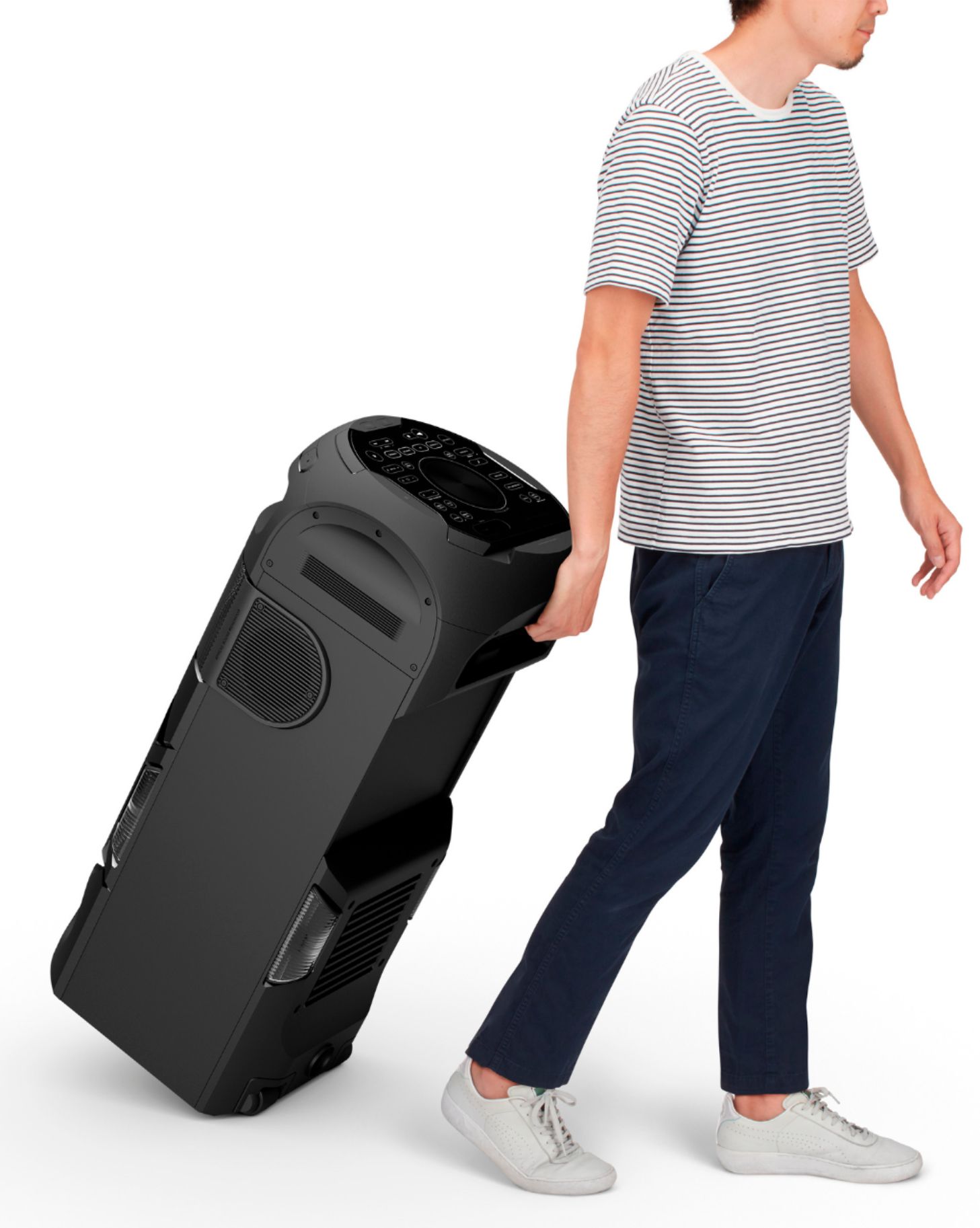
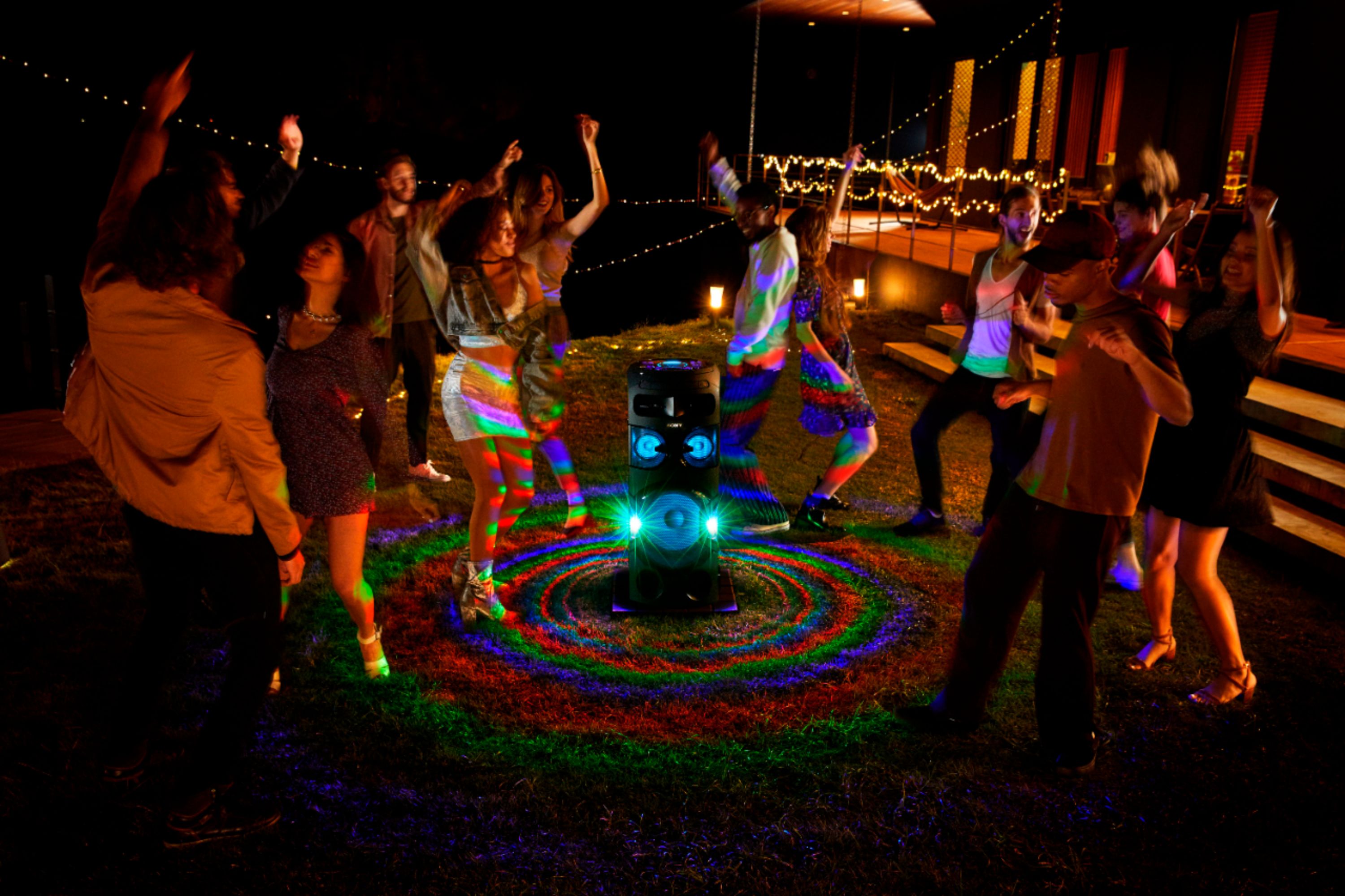
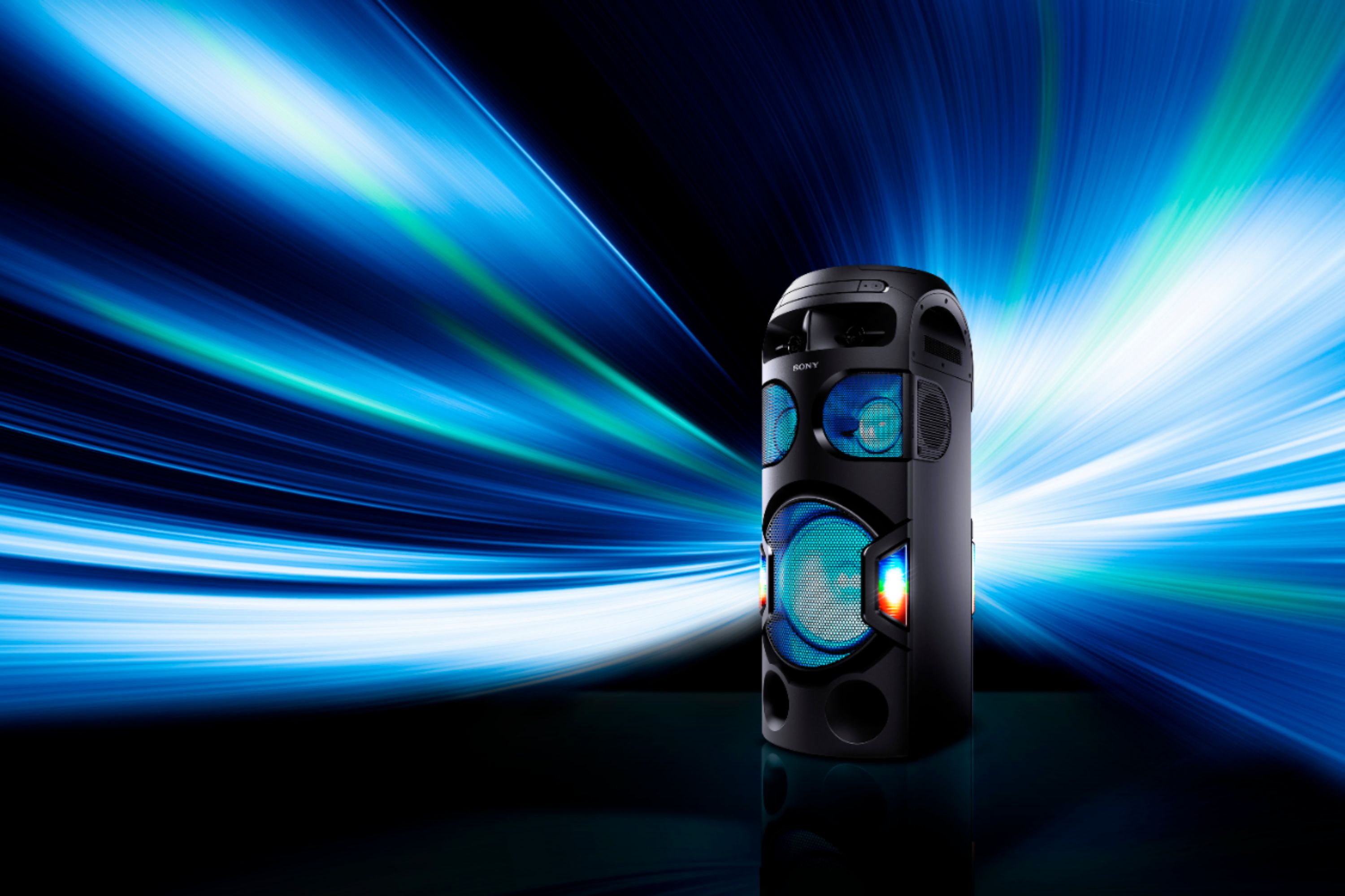
Thank you for your inquiry. Yes, you can! This speaker features a splash proof panel, so the party can keep going all night. With tilt and roll for easy portability, Not only is this speaker great for music, it also features football mode for a new type of game watching experience, and connections for easy guitar or mic for karaoke. Be sure to download the Sony Music Center app to control your music and sound settings, & the Fiestable app to take charge of karaoke and speaker lighting features. To give you party a boost you can also pair up to 50 of the V71 and with Taiko Game mode put your rhythm to the test. We assure you that purchasing this device is worth the money! Thank you for considering Sony! - Kris
A:AnswerHi Xqiixq,
We regret to hear about what happened. Try following the troubleshooting steps from the link below to resolve this issue:
https://www.sony.com/electronics/support/audio-systems-mhc-series/mhc-v71/articles/00025095
Regards,
Jess
A:AnswerHi Vuhong,
Thanks for your inquiry. If your TV can connect via Bluetooth then you can enjoy wireless hook up. However, when the system entered Wireless Party Chain setup mode, connection to the BLUETOOTH device is terminated automatically.
This model can also connect using Audio cables (red and white). The sound is output through this system. Please keep in mind that when you use the microphone or play the guitar on Party Host (Wired or Wireless Party Chain), the sound will not be output from Party Guests. For more information about setting up the Wired Party Chain, please visit the link below.
https://www.sony.com/electronics/support/res/manuals/4735/3ce14310a60b8e237c02440d9a8637e2/47358511M.pdf (p. 36-38)
Regards,
Jess
A:AnswerHi Curious,
Thanks for your inquiry. Unfortunately, no. The V71 cannot be used with the SRS-XB43. The Wireless Party Chain function can be used only with other models that support the same function. Wireless Party Chain compatible models and Party Connect compatible models are not compatible with each other. For Wireless Party Chain compatible models, please refer to the link below.
https://www.sony.com/electronics/support/audio-systems-mhc-series/mhc-v71/articles/00191840
Regards,
Jess
A:AnswerHi Mia,
We are sorry to hear about what happened. For us to better assist you, please email us at [email protected] with the following details:
Name:
Best Buy Username:
Model Number:
Issue:
Telephone Number:
Sincerely,
Jess
A:AnswerHi there, you can connect this speaker wirelessly to your smartphone or other devices via Bluetooth connection and listen to your music library without needing any internet service or cellular data if that is what you're referring. This model can also connect to the TV via Bluetooth connection or using Audio cables (red and white). The sound is output through this system. Thanks! -Jess
A:AnswerHi TL
Thank you for inquiring about the V71. Yes, the V71 can be used with XB90. The Wireless Party Chain function can be used only with other models that support the same function. For Wireless Party Chain compatible models, please refer to this helpful link: https://www.sony.com/electronics/support/audio-systems-mhc-series/mhc-v71/articles/00191840
Regards,
Jess
A:AnswerHi RiverRat,
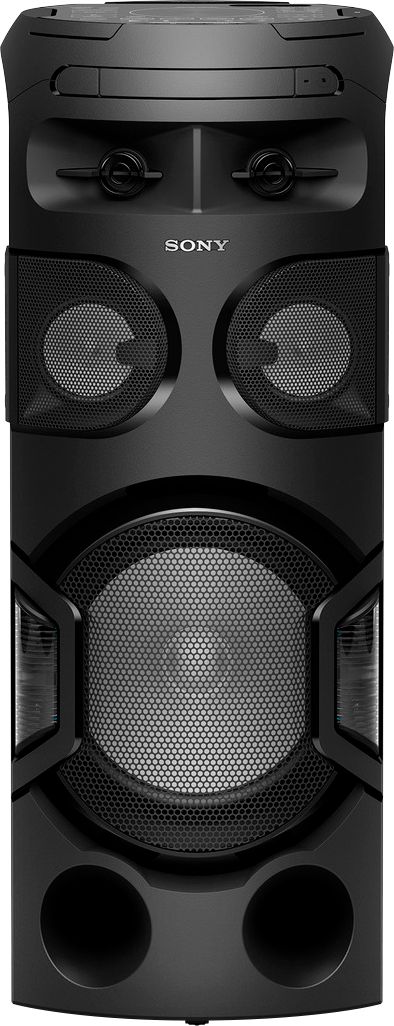
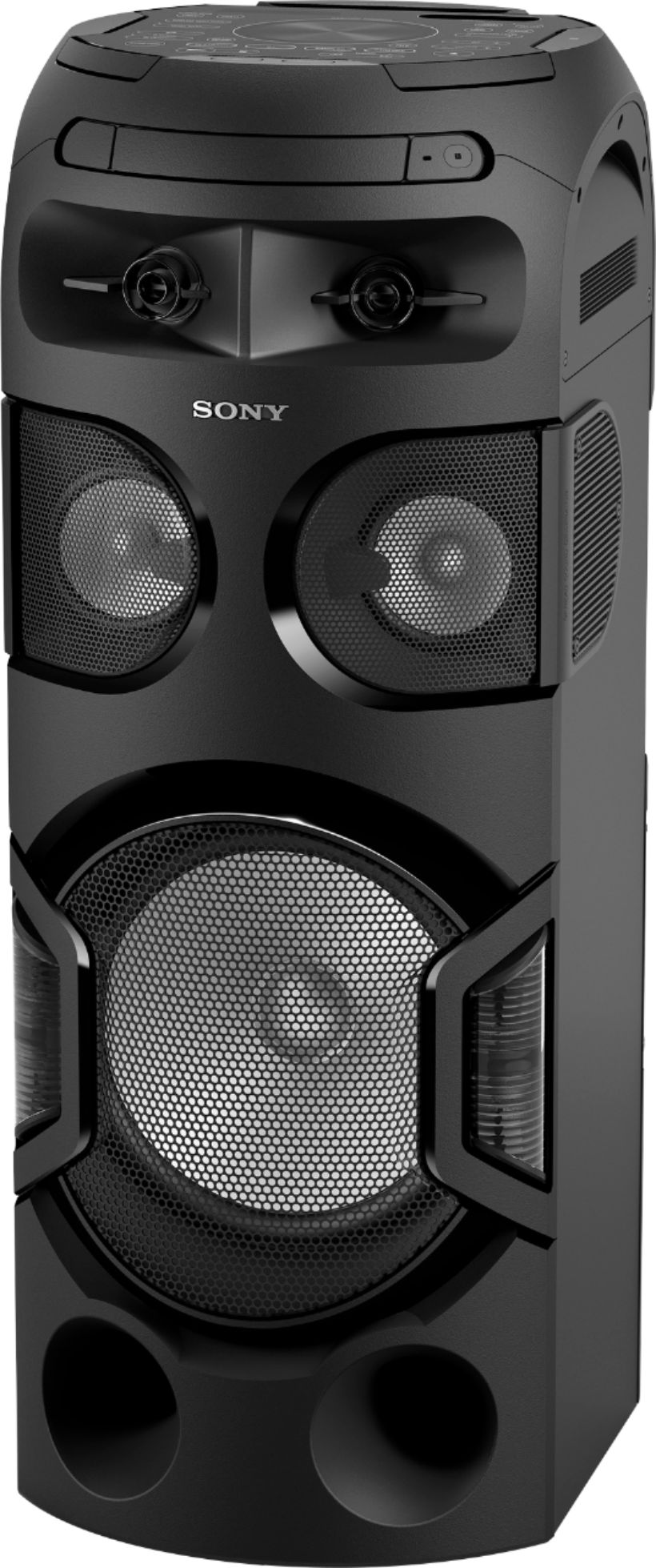
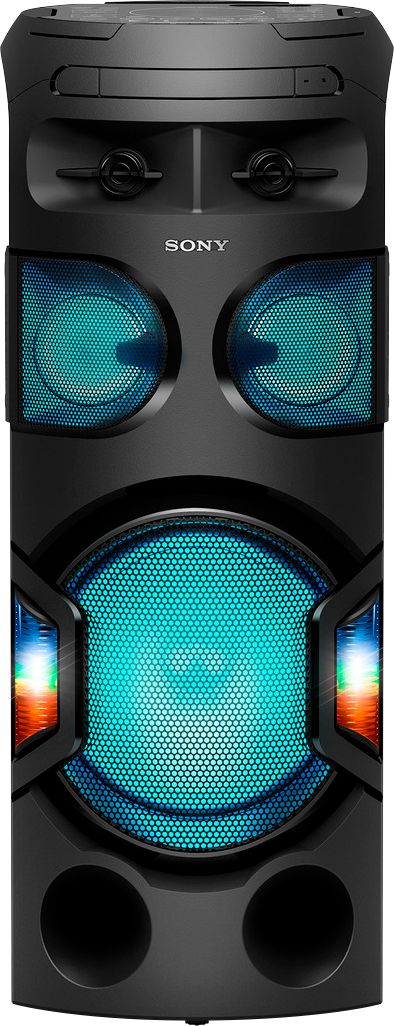
Thanks for your inquiry. Unlike the XB72 speaker that can can be placed either standing or laid horizontally (multi-placement), the V71 is designed to be positioned in vertical mode with its LIVE sound. Unfortunately, it does not have padded feet on its side to set the speaker horizontally.
Regards,
Jess
A:AnswerHi Nicki,
We're sorry to hear your Audio System won't turn on. To isolate this issue, check that the AC power cord (mains lead) is connected securely. Follow the provided steps from the link below.
https://www.sony.com/electronics/support/audio-systems-mhc-series/mhc-v71/articles/00032599
If applicable, reset the system to factory default settings. See “Resetting the system” (page 57) of the manuals.
https://www.sony.com/electronics/support/res/manuals/4735/3ce14310a60b8e237c02440d9a8637e2/47358511M.pdf
If you are still having the same issue, you can email us at [email protected] with the following details:
Name:
Best Buy Username:
Model Number:
Issue:
Telephone Number:
Regards,
Jess
A:AnswerHi Ice, thanks for your inquiry. Yes. You can connect multiple audio systems to produce higher sound output and play the same music or sound via:
1. Wired Party Chain function
2. Wireless Party Chain function
3. Speaker Add function ( two same model systems are required.
I hope this helps.
Regards,
Erin