A:Answer To transfer files from a PC with Windows 10 you do not need special software or Sony’s Media Center.
It took a few tries to get it working.
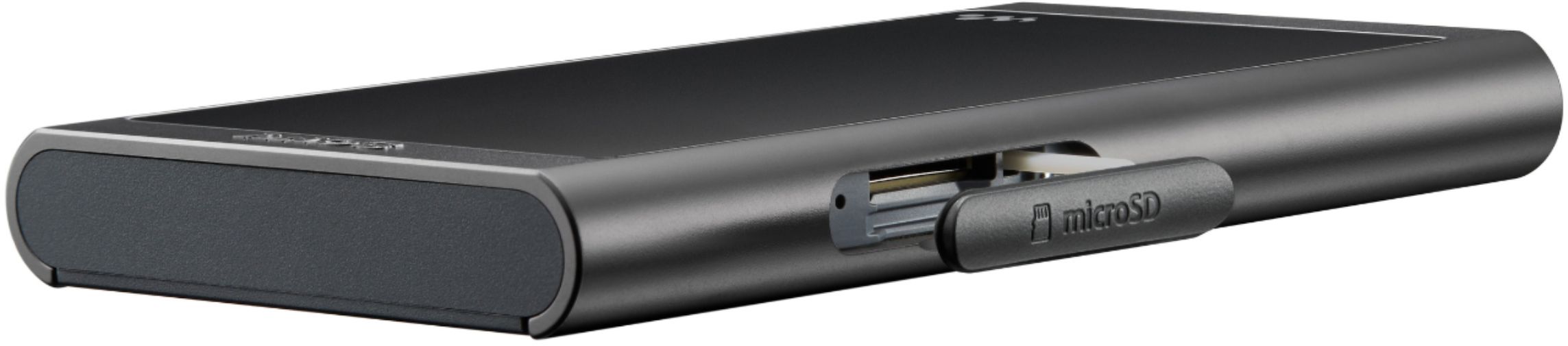
If using a Micro SSD card, first insert it on the Sony and then go to Settings / Device Settings / Reset Format.
There you will have the option of formating the card on the Sony, it must be done or it will not recognize it. Formating on the PC does not work.
Then you can take the card out or leave it there, but if you want to use the Sony while you copy a bunch of music into the card, then take it out and use the Micro SD adapter or not and plug it to whatever USB card reader you have. The PC may already have a slot for writing/reading cards. Beware that some USB card readers have the bad habit of disconnecting after a while especially when copying a large amount of stuff leaving the last album incomplete.
Now you will see the card on Windows Explorer and if you open it you will see a System folder and a MUSIC folder.
The music folders to be transferred need to be organized as “Album Artist/Album”. So for example, there needs to be a Folder Named “Beatles” or “The Beatles” if preferred and then inside it the Albums, like “Revolver.” Make sure the ID tag matches by using a program like the free and excellent Mp3tag.
Then you can just copy or drag the folders into the Sony card Music folder.
To transfer into hte internal memory is the same but the Sony needs to be plugged into the PC.