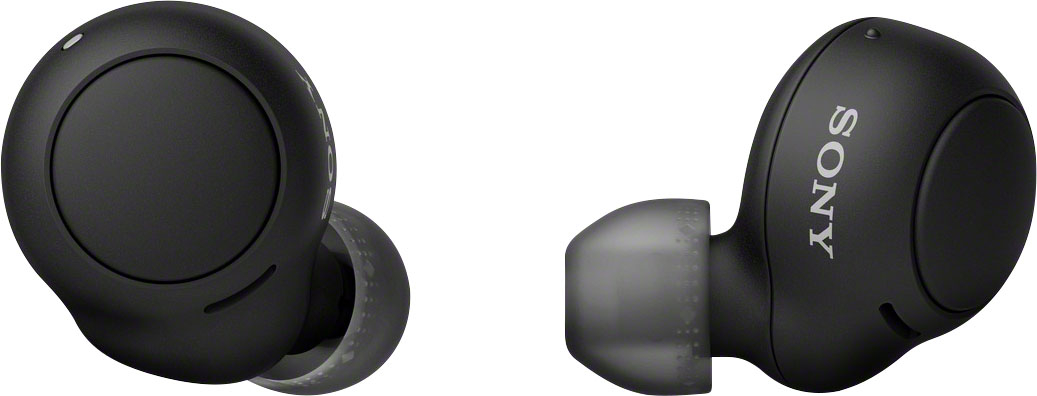
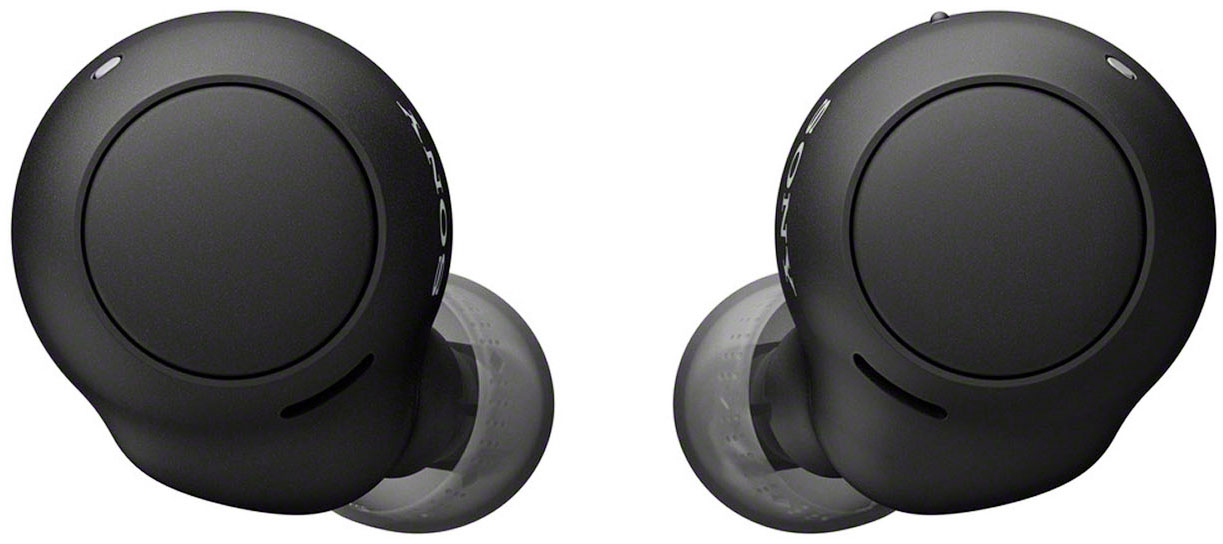
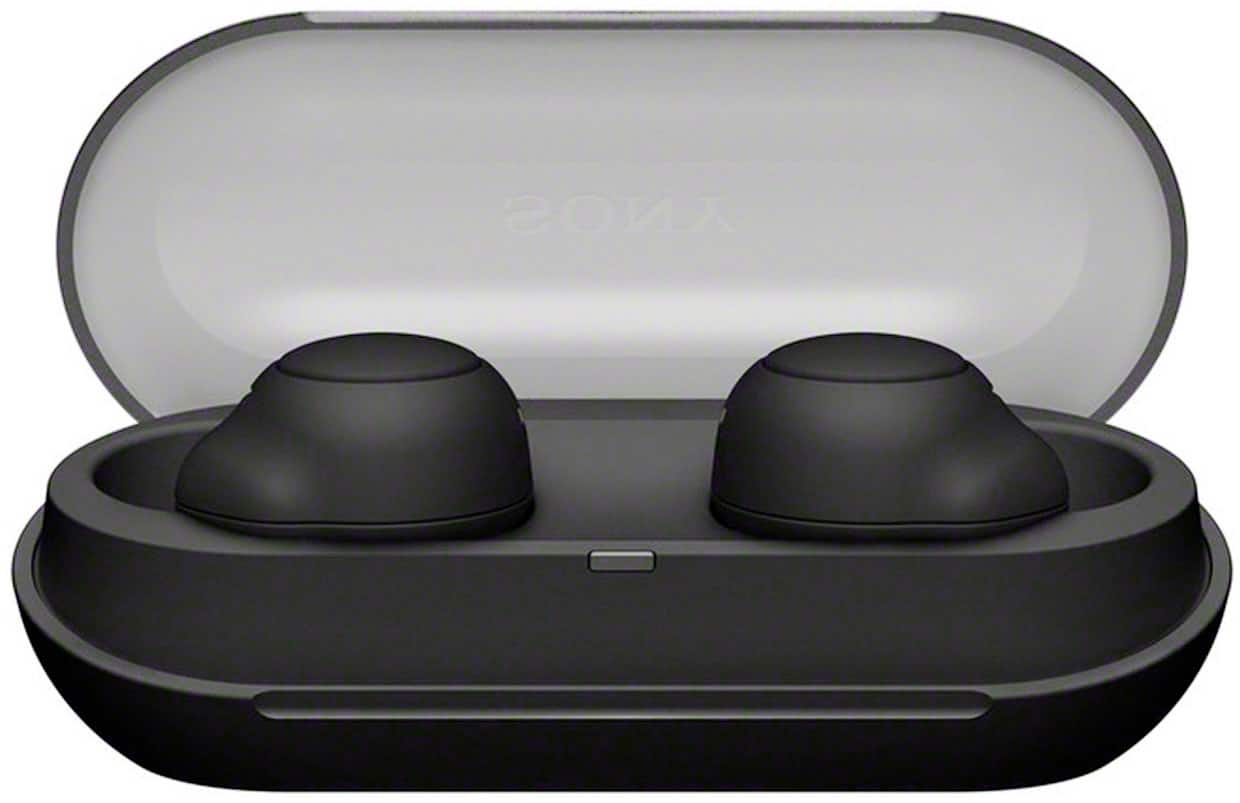
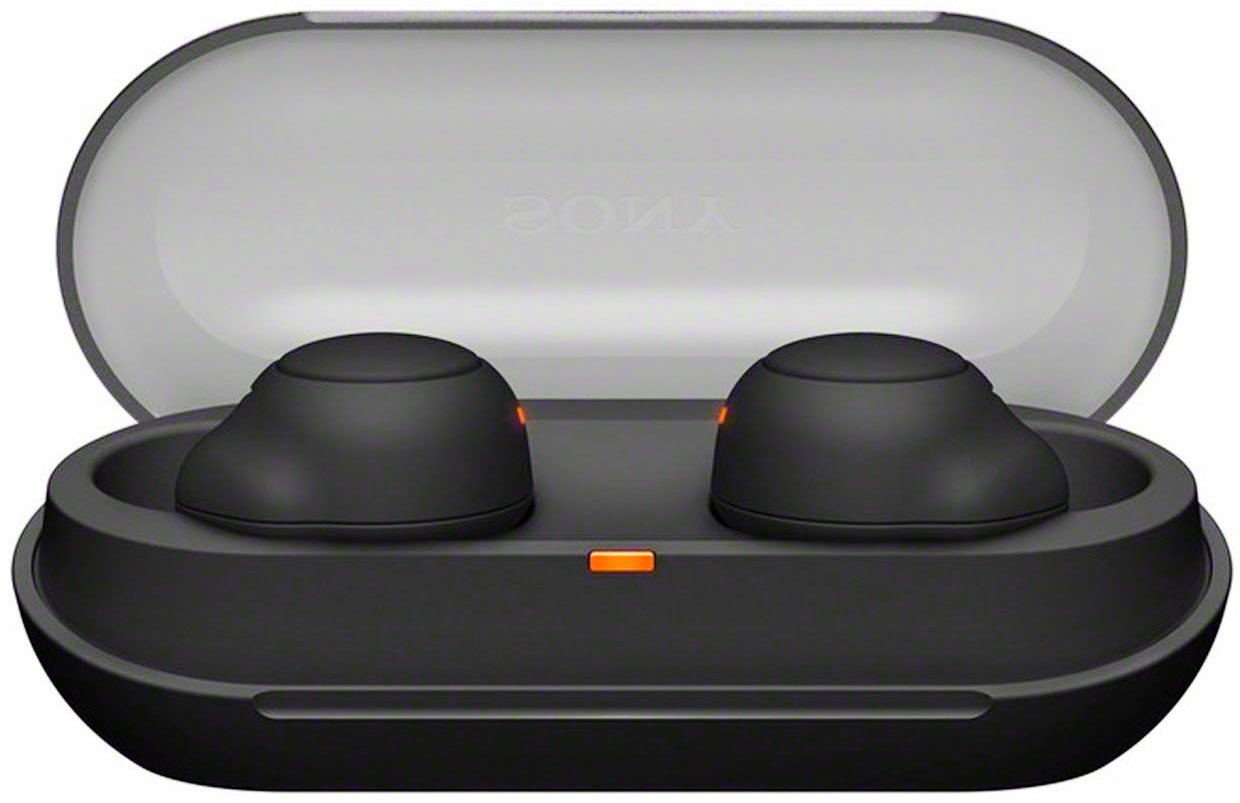
A:AnswerNo it doesn’t matter which one you use. For work I use my left one all day. At home I’ll use my right one in. Most times I don’t feel like putting both in. Whichever one I’m using, I leave the other one inside the case. You’ll be fine using just one for a while. They last very long. I charge my case once a week. So you’re okay to just use one if that’s what you choose to do
A:AnswerEach earbud has one button. It’s physical touch to turn up the volume, turn down the volume, pick up a phone call or hang up a phone call. Also they can be used for whatever voice assistant your phone uses. I got my self a pair. I love them. They also have a very clear instruction booklet that also teaches you how to use each earbud. The box itself also has a QR scanner code that you can scan and the website also has the same instructions if you don’t wanna read the instruction booklet.
A:AnswerIf your TV has Bluetooth, then yes these can be used on it. You just need to connect them, you don’t need a fancy box or anything. Just look up the pairing process and take it from there.
A:AnswerIt only works with the phone the app is on. The way to get those settings to other devices is to download the app and sign in to your account to allow syncing of the settings. Then those settings would automatically work on that device.
A:AnswerI tried connecting them to my ps5 but no success. Maybe i need to go through different settings but not fully sure. I would recommend connecting them to your smart tv when you play though. Worked for me that way and the sound quality is awesome.
A:AnswerYes, I just needed to follow the instructions in the box that came with the earbuds. After the upgrade, they work again with my new phone (iPhone 14). Really good battery life with these. I use them everyday and hardly ever have to charge them.