A:Answer Thank you for contacting Sony, Charlie.
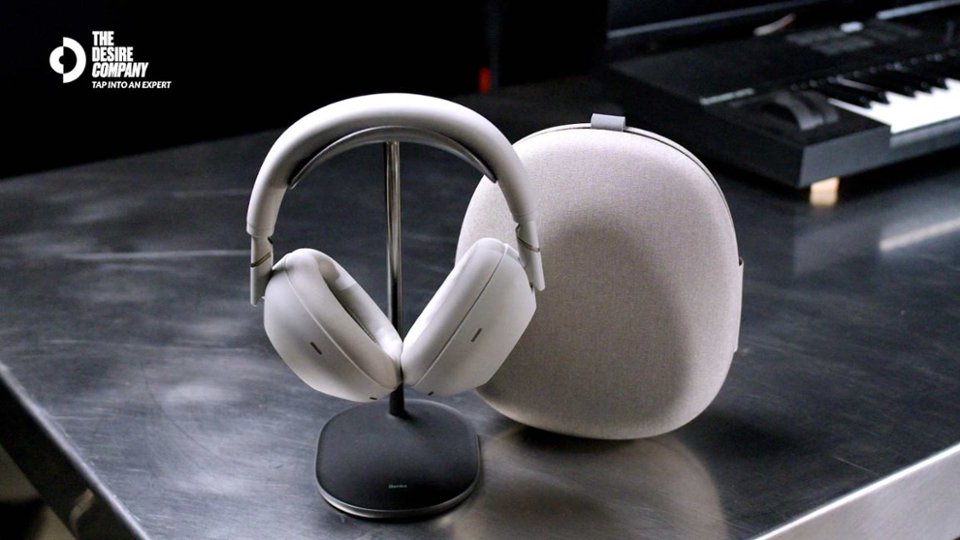
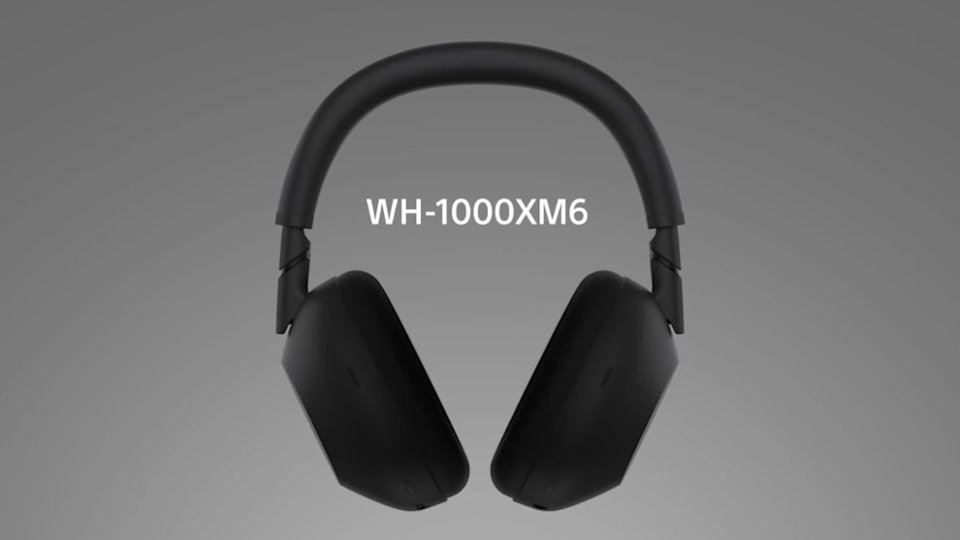
We can confirm that the WH-1000XM6 does integrate fully with popular smart assistants. You can activate Google Assistant or Amazon Alexa, allowing you to control your music, get notifications, and perform other tasks hands-free. While the headphones do not directly integrate with the Apple Home ecosystem for device control, they pair seamlessly with Apple devices via Bluetooth.
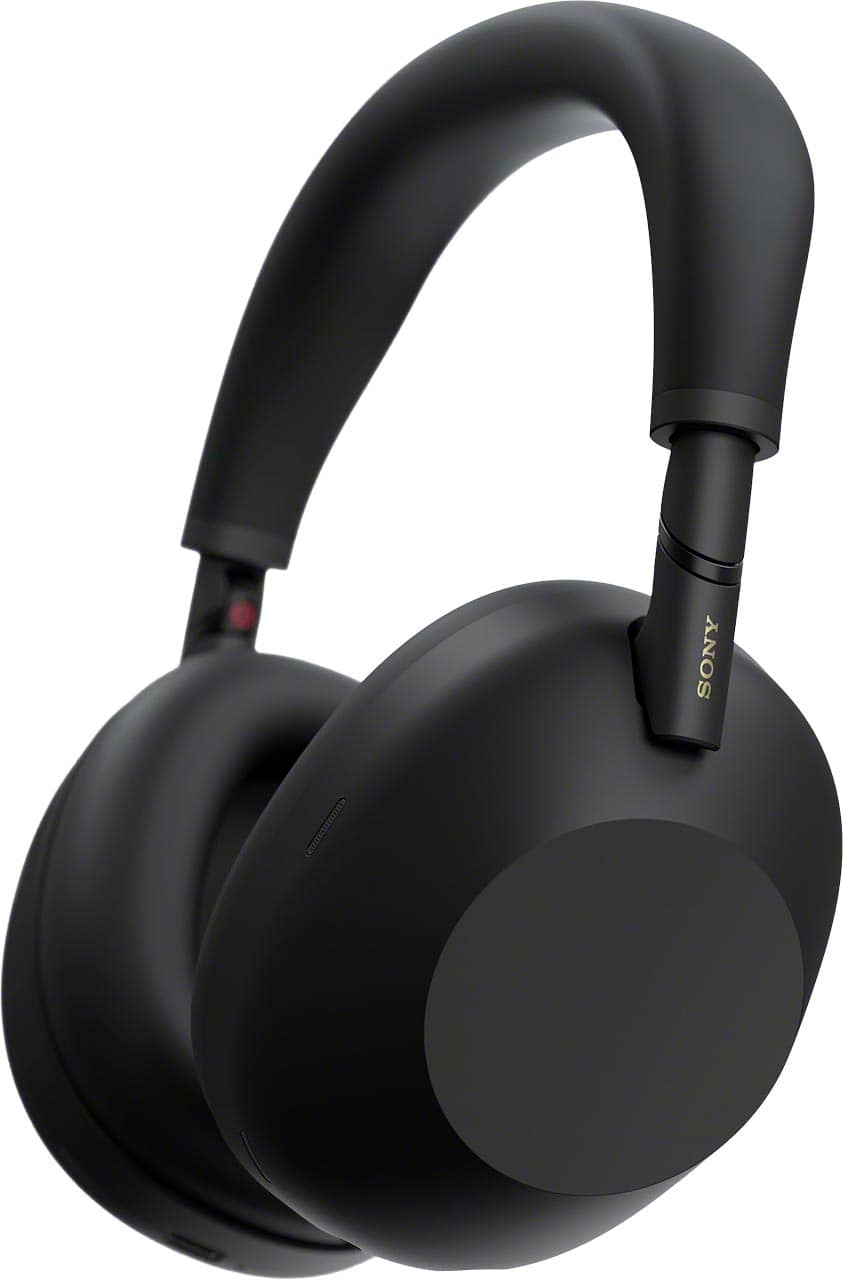
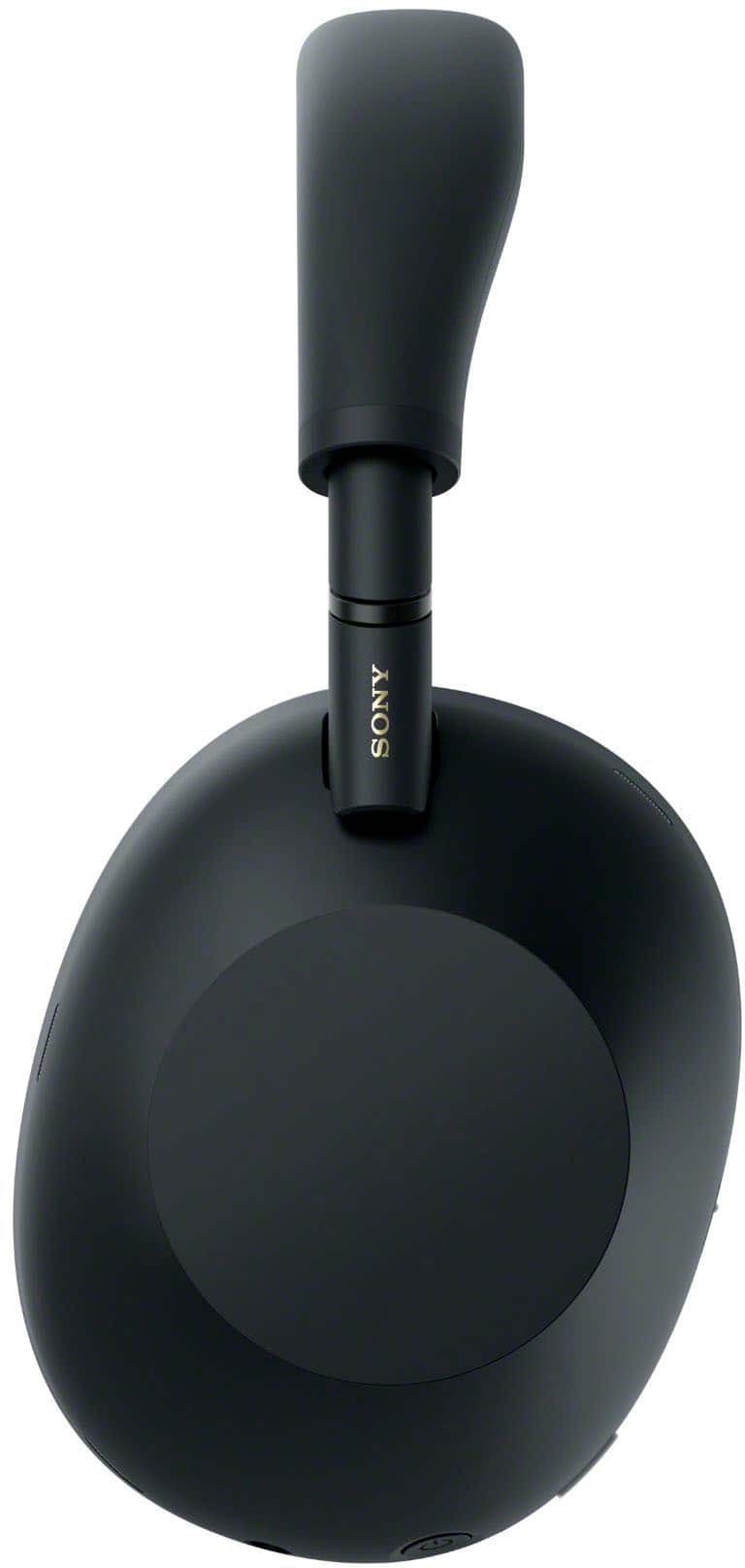
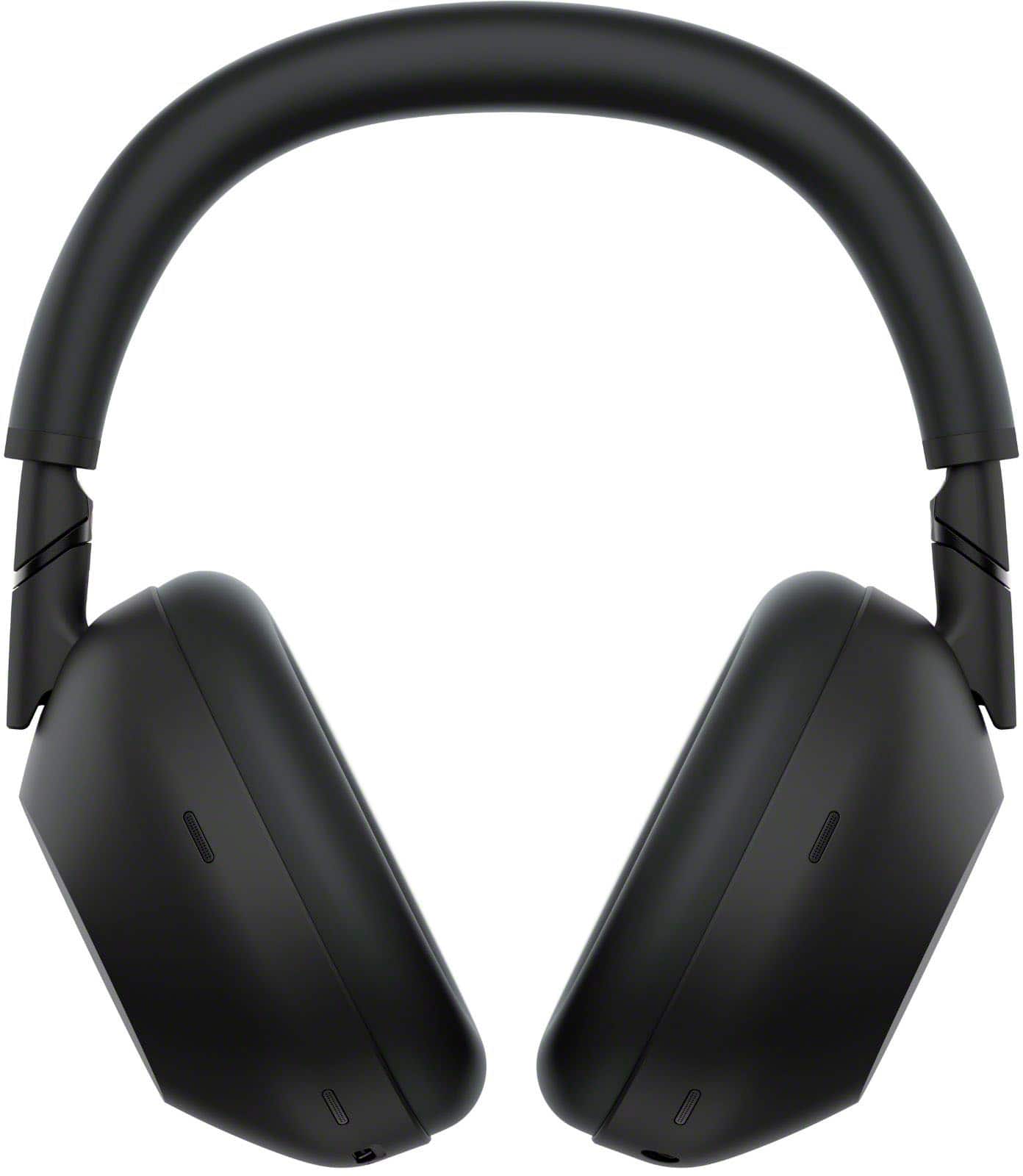
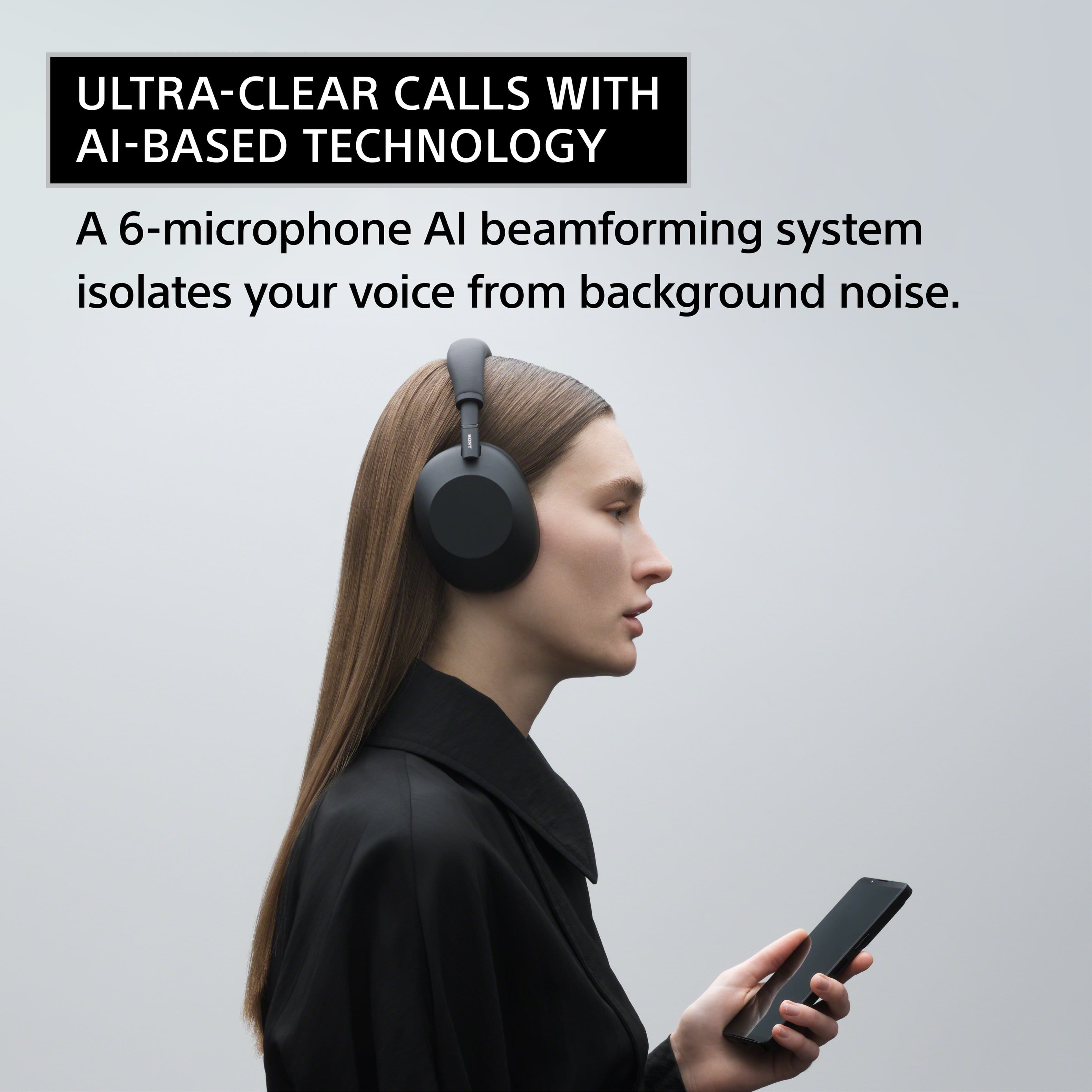
Regarding the microphone features, the WH-1000XM6 utilizes our advanced Precise Voice Pickup Technology. This technology uses multiple microphones and advanced audio signal processing to achieve both Environmental Noise Control (ENC) and Microphone Noise Cancelling. This ensures that your voice is isolated and crystal clear during calls, effectively suppressing background noise like wind, traffic, or office chatter for the person on the other end.
We appreciate your interest in Sony products. Should you require any further assistance, please don't hesitate to reach out for support here:
https://us.esupport.sony.com/support/s/support-contact?language=en_US&category=headphones
Best regards,
Gus, Sony North America Customer Support