Appliances Presidents’ Day SaleEnds 2/25. Limited quantities. No rainchecks.Shop now

Skip to contentGo to Product SearchGo to Footer
Main Content

Questions & Answers

$49.99
Save $18.01
Comp. Value: $68.00
Page Showing 41-60 of 206 questions
  • QuestionCan they be used for watching TV?

    Asked by Yep.

    • Answer Yes

      Answered by Shortclown

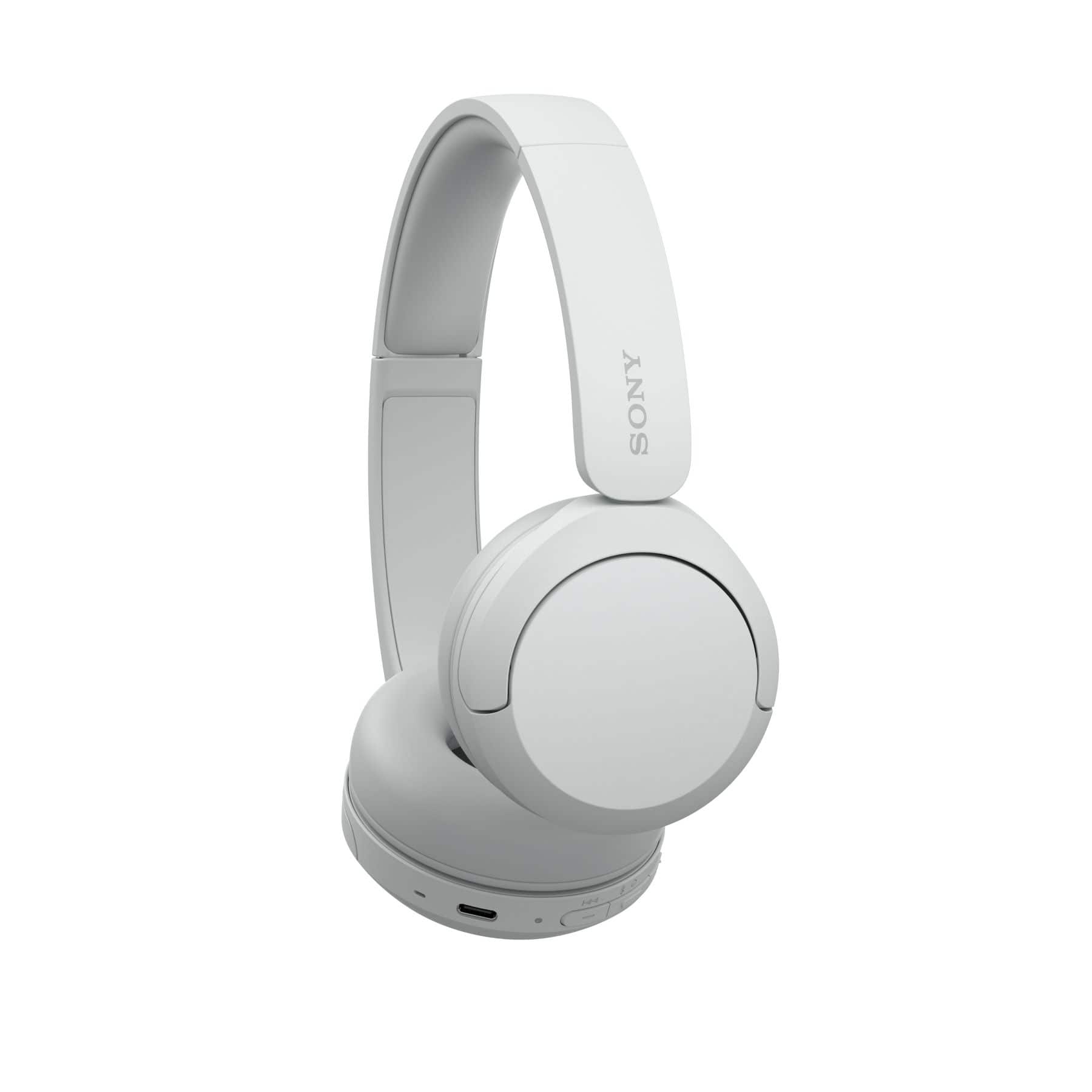
  • QuestionWhere can I buy replacement earpads for these?

    Asked by GaryR.

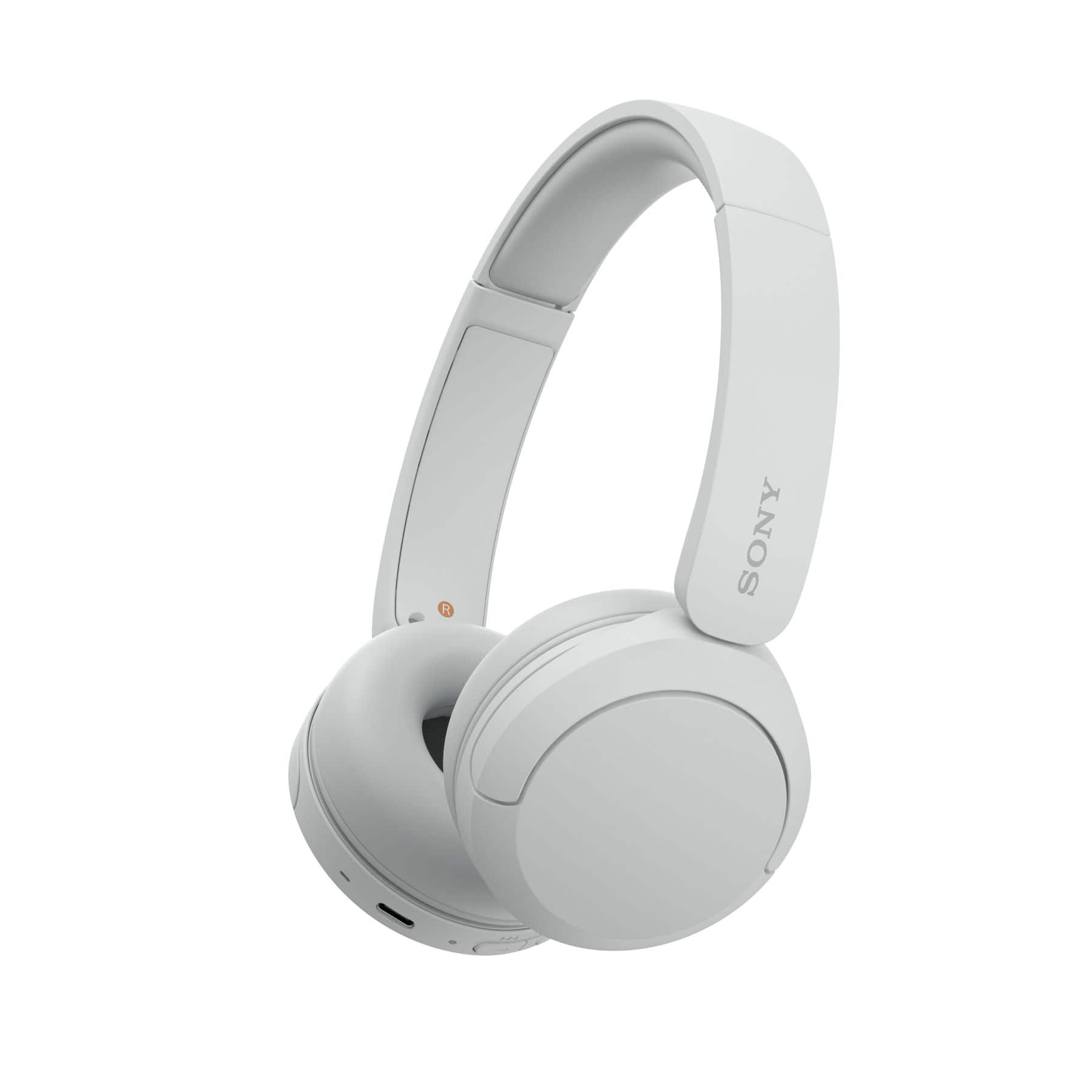
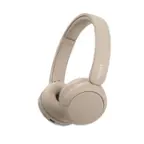
    • Answer Hello GaryR, Thank you for considering Sony products! We appreciate your inquiry regarding replacement earpads for the WH-CH520 headphones. The specific part number is 930101695. To purchase this part, please contact our authorized parts distributor, Encompass Supply Chain Solutions Inc. You may visit their website at https://sony.encompass.com/ or reach them by phone at 1-866-779-5153 (Monday - Friday, 8:00 am - 6:00 pm ET). Their team will be pleased to assist you with your order. Best regards, -Fred

      Answered by SonyListens

  • QuestionAre they PS5 compatible?

    Asked by Alacia.

    • Answer Hi Alacia, The WH-CH520 features Bluetooth technology and is designed to connect seamlessly to any Bluetooth-capable device, such as smartphones, tablets, or computers. Since the PS5 does not natively support Bluetooth audio, you can enjoy your games wirelessly by pairing the headphones directly to a Bluetooth-enabled TV or by using a compatible USB Bluetooth adapter plugged into the console. Thanks for choosing Sony. Best regards, Eliab

      Answered by SonyListens

  • QuestionCan I connect the usbc cable to my phone and use as wired headphones?

    Asked by R.

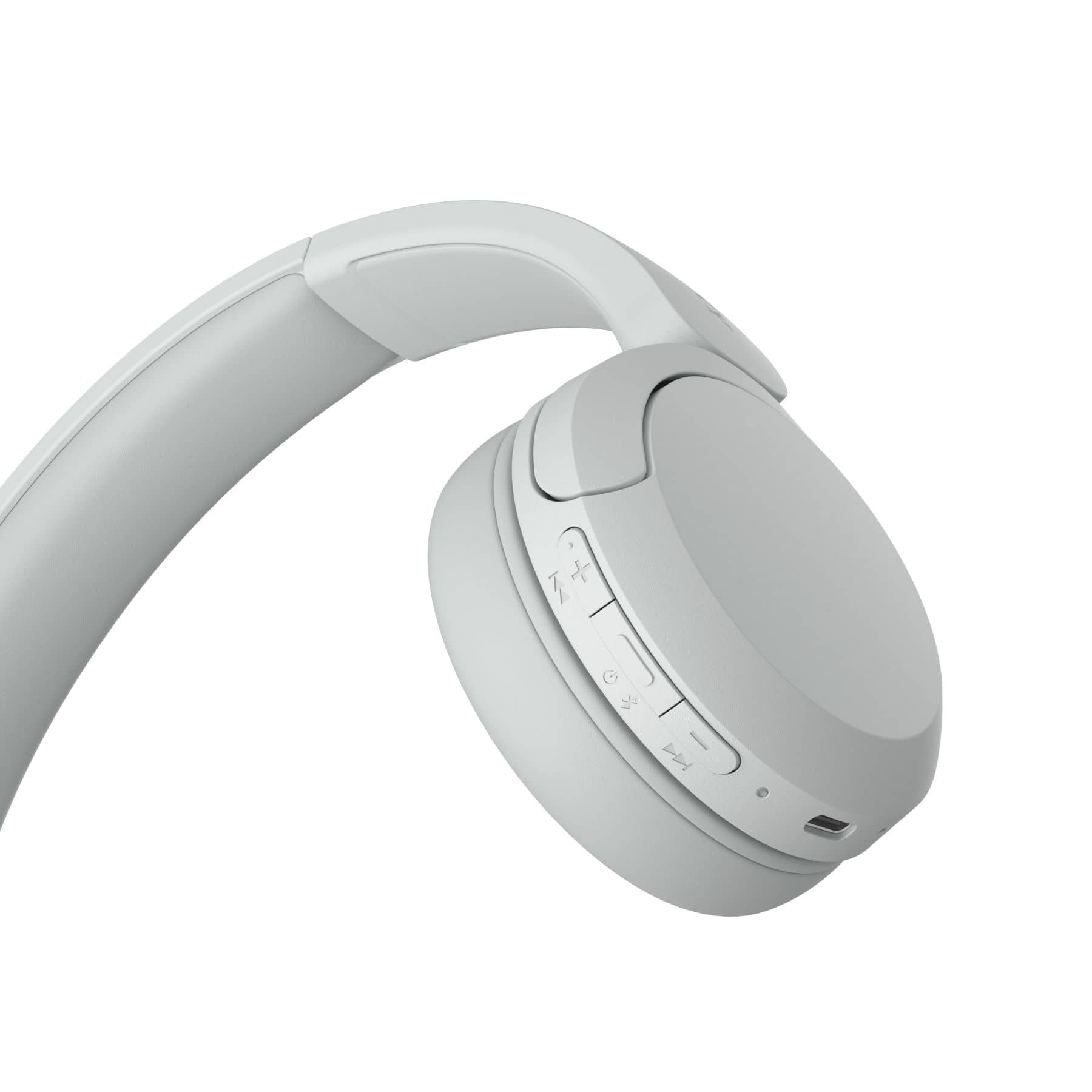
    • Answer Hi R! We appreciate your question. We're happy to clarify that information for you! The Sony WH-CH520 headphones are designed for wireless Bluetooth connectivity and do not support wired audio input. The USB-C port on these headphones is solely for charging purposes and does not facilitate audio passthrough. If you’re looking for a Sony model that supports wired listening, the Sony WH-CH720N is a great option. It has a 3.5mm audio jack, so you can connect it directly to your phone or other devices with a cable when you want. If you'd like to learn more about this product, please visit the link and click on 'Help Guide' for additional information. https://www.sony.com/electronics/support/wireless-headphones-bluetooth-headphones/wh-ch520/manuals Thank you for making Sony part of your purchasing consideration! Best regards, Estefany

      Answered by SonyListens

  • QuestionAre these compatible with a tcl roku tv model 43S455? Also are these compatible with a Samsung s22 phone?

    Asked by Elaine.

    • Answer Hi Elaine! Thanks for the question! We’re happy to assist. The WH-CH520 headphones are fully compatible with your Samsung phone. You can connect them easily through your phone's Bluetooth settings or by using our Sony | Sound Connect app for extra features. To connect these directly to your TV, the TV must support the A2DP Bluetooth profile, which is the standard for sending high-quality audio to headphones. We recommend checking your TV's manual or the manufacturer's website for this specific model to confirm it has this feature. For more detailed information, please refer to the following resource. https://helpguide.sony.net/mdr/2958/v1/en/contents/TP1000776866.html Thank you for making Sony part of your purchasing consideration! Best regards, Estefany

      Answered by SonyListens

  • QuestionDo these headphones have sidetone or the ability to hear yourself talking while on a call?

    Asked by Jen.

    • Answer Thank you for contacting Sony, Jen. Yes, the WH-CH520 headphones do feature Sidetone! This function automatically activates when you are on a phone call or a video chat, allowing you to hear your own voice through the microphones. We appreciate your interest in Sony products. Should you require any further assistance, please don't hesitate to reach out for support here: https://us.esupport.sony.com/support/s/support-contact?language=en_US&category=headphones Best regards, Gus, Sony North America Customer Support

      Answered by SonyListens

  • QuestionWhen the yellow light goes off charging WH-CH520 are they fully charged

    Asked by Anonymous.

    • Answer Yes

      Answered by RichardB

  • QuestionHow long do they take to charge?

    Asked by DavidG.

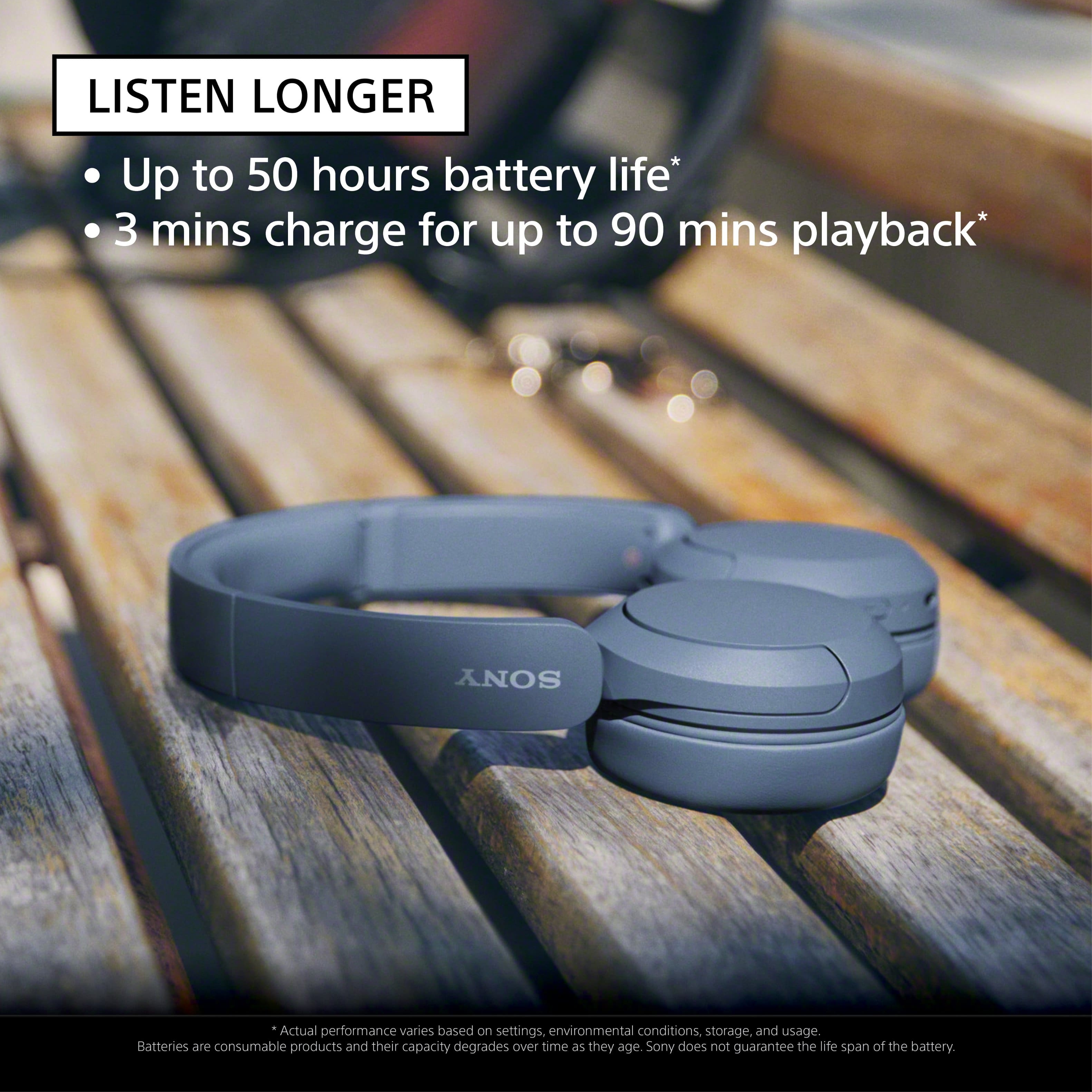
    • Answer Hello DavidG, Thank you for considering Sony products! We appreciate your question and are here to assist you. The Sony WH-CH520 headphones require approximately 3 hours to fully charge from an empty battery. For a quick boost, a short 3-minute charge can provide up to 1.5 hours of playback, making it convenient when you’re on the go. For more details about the specifications, please visit: https://www.sony.com/electronics/support/wireless-headphones-bluetooth-headphones/wh-ch520/specifications Best regards, -Fred
      Answered by SonyListens

  • QuestionWill it work for television

    Asked by Anonymous.

    • Answer Hi there, We appreciate your question. We're happy to clarify that information for you! Yes, the WH-CH520 headphones can work with a TV, as long as your TV supports the A2DP Bluetooth profile. A2DP is the technology that lets your TV send high-quality sound to Bluetooth headphones like the WH-CH520. Just make sure your TV has this feature and you’ll be able to enjoy your shows wirelessly. For more detailed information, please refer to the following resource. https://helpguide.sony.net/mdr/2958/v1/en/contents/TP1000776852.html Thanks for considering Sony products! Best regards, Estefany

      Answered by SonyListens

  • QuestionCan you please tell me if these headphones will work with a Sony Bravia K55XR70 television ?

    Asked by Anonymous.

    • Answer Hi there! Thank you for reaching out with your question. We can certainly help you with that. The WH-CH520 headphones should work with the BRAVIA K-55XR70 TV. Both the headphones and your TV are listed as compatible with each other for Bluetooth audio. If you need help pairing them, you can find step-by-step instructions here: https://helpguide.sony.net/mdr/2958/v1/en/contents/TP1000776852.html We really appreciate you thinking of Sony for your purchase! Best regards, Estefany

      Answered by SonyListens

  • Questionwill these headphones connect to Android phones

    Asked by Headphone.

    • Answer Hello there! Thank you for reaching out with your question. We can certainly help you with that. The WH-CH520 headphones will connect to Android phones without any trouble. They use Bluetooth, so you just need to pair them like you would with any other wireless headphones. Once connected, you’ll be good to go for music, calls or whatever you need. If you’d like to learn more about this product, feel free to check out the following link: https://helpguide.sony.net/mdr/2958/v1/en/index.html We sincerely appreciate you considering a Sony product! Best regards, Estefany

      Answered by SonyListens

  • QuestionWill the headphones work with a the playstation 5 gaming system?

    Asked by Muff.

    • Answer Hi Muff, Thanks for sending your question about the WH-CH520 headphones. We're happy to clarify that for you! While the PS5 console itself does not natively support connecting Bluetooth audio devices like the WH-CH520 directly for a seamless experience, you certainly have a couple of options to make it work: -You can use the WH-CH520 headphones with the PS5 by pairing them to your Bluetooth-enabled television (which uses the A2DP profile). The TV routes the PS5 audio to your headphones, but you likely won't be able to use the microphone for chat, and you may experience some audio lag depending on your TV model. -A better option for gaming is a USB Bluetooth transmitter dongle plugged into the PS5. This bypasses console limitations, allowing you to pair the WH-CH520s, often resulting in lower audio latency and possibly enabling microphone use, depending on the specific adapter. -You can use your headphones by connecting them directly to the controller's 3.5mm headphone jack using a compatible audio cable. This provides a guaranteed, direct audio connection from your PS5 to the headphones. For a guaranteed and fully integrated experience, we highly recommend one of our dedicated INZONE gaming headsets, designed specifically for the PS5. Hopefully, that clears things up! For more detailed information, please refer to the following resource: https://helpguide.sony.net/mdr/2958/v1/en/index.html Thanks for considering Sony products! Best regards, Estefany

      Answered by SonyListens

  • QuestionIs there a case for Sony wh-ch520 headphones

    Asked by Syljan.

    • Answer Thank you for contacting Sony, Syljan. The WH-CH520 headphones do not include a case in the box. However, you can easily find protective third-party hard-shell cases online designed specifically to fit the WH-CH520 for travel and storage. We appreciate your interest in Sony products. Should you require any further assistance, please don't hesitate to reach out for support here: https://us.esupport.sony.com/support/s/support-contact?language=en_US&category=headphones Best regards, Gus, Sony North America Customer Support

      Answered by SonyListens

  • QuestionWindows 11 compatible?

    Asked by Morm.

    • Answer Hi Morm, That's a great question! Yes, the Sony WH-CH520 headphones are fully compatible with Windows 11. You can easily pair them with your computer via Bluetooth. We have a complete guide to walk you through the pairing process: Pairing and connecting with a computer (Windows® 11) https://helpguide.sony.net/mdr/2958/v1/en/contents/TP1000940509.html Thank you for considering Sony products! Regards, Dominick

      Answered by SonyListens

  • QuestionHow do you turn the headphones on and off

    Asked by Bob.

    • Answer Hi Bob, Thank you for asking! Turning the Sony WH-CH520 headphones on and off is simple, as both actions use the same dedicated (power) button. To Turn the Headphones On: Press and hold the (power) button for approximately 2 seconds or more. The indicator light (blue) will flash, confirming the headphones are active. To Turn the Headphones Off: Press and hold the (power) button for approximately 2 seconds or more. The indicator light will flash briefly before turning off completely, indicating the headphones are powered down. We hope you find this information helpful, and thanks for considering Sony products! Regards, Dominick

      Answered by SonyListens

  • QuestionWill this earphone allow others to hear tv at same time

    Asked by Trspr.

    • Answer Hi Trspr! Thank you for reaching out with your question. We can certainly help you with that. If you connect your WH-CH520 earphones to the TV using Bluetooth, usually the TV's built-in speakers will turn off automatically. So, in that case, only you would be able to hear the sound through the headphones. While some newer smart TVs have a special setting that lets you play audio through both the Bluetooth device and the TV speakers simultaneously, the short answer is that it depends on your specific TV. If your TV is connected to the headphones via Bluetooth, you'll need to check the TV's sound settings for an option to keep the speakers on; if that feature is available, then yes, others will hear it, too. We'd recommend checking your TV's manual or reaching out to their support to see if that's a feature your model offers. We really appreciate you thinking of Sony for your purchase! Best regards, Estefany

      Answered by SonyListens

  • QuestionDo these earphones support auracast?

    Asked by Soju.

    • Answer Hi Soju, thanks for your interest in our headphones! We can definitely assist you with that. The WH-CH520 is an awesome pair of headphones, especially for battery life and sound quality, but they don't actually support Auracast. Auracast is a feature that needs the newer Bluetooth LE Audio technology, and the WH-CH520 doesn't have that built-in. If Auracast is a must-have for you, we've definitely recommend checking out the WH-1000XM6. They're our top-of-the-line wireless headphones and they support Auracast. We really appreciate you thinking of Sony for your purchase! Best regards, Estefany

      Answered by SonyListens

  • QuestionCan you use blootooth with hearing aids as well

    Asked by DM.

    • Answer yes, you can

      Answered by Josei

  • QuestionAre these good for exercise?

    Asked by TarBurg.

    • Answer Hi TarBurg, We appreciate your interest in our headphones. We're here to help! While the WH-CH520 are excellent as general-purpose wireless headphones for casual daily use, they are not recommended for exercise, particularly workouts involving sweat or outdoor activity, due to the lack of water/sweat resistance. For workouts, it’s better to choose headphones with a certified water/sweat resistance rating and sport-focused stability features like our WF-SP700N and Float Run models. We hope this helps! Thanks for considering Sony products. Best regards, Estefany

      Answered by SonyListens

  • QuestionI'm a high schooler teen who loves to listen to music 24/7 and I sleep with them on so are these headphones really good with good durability ? because I also do sports

    Asked by question.

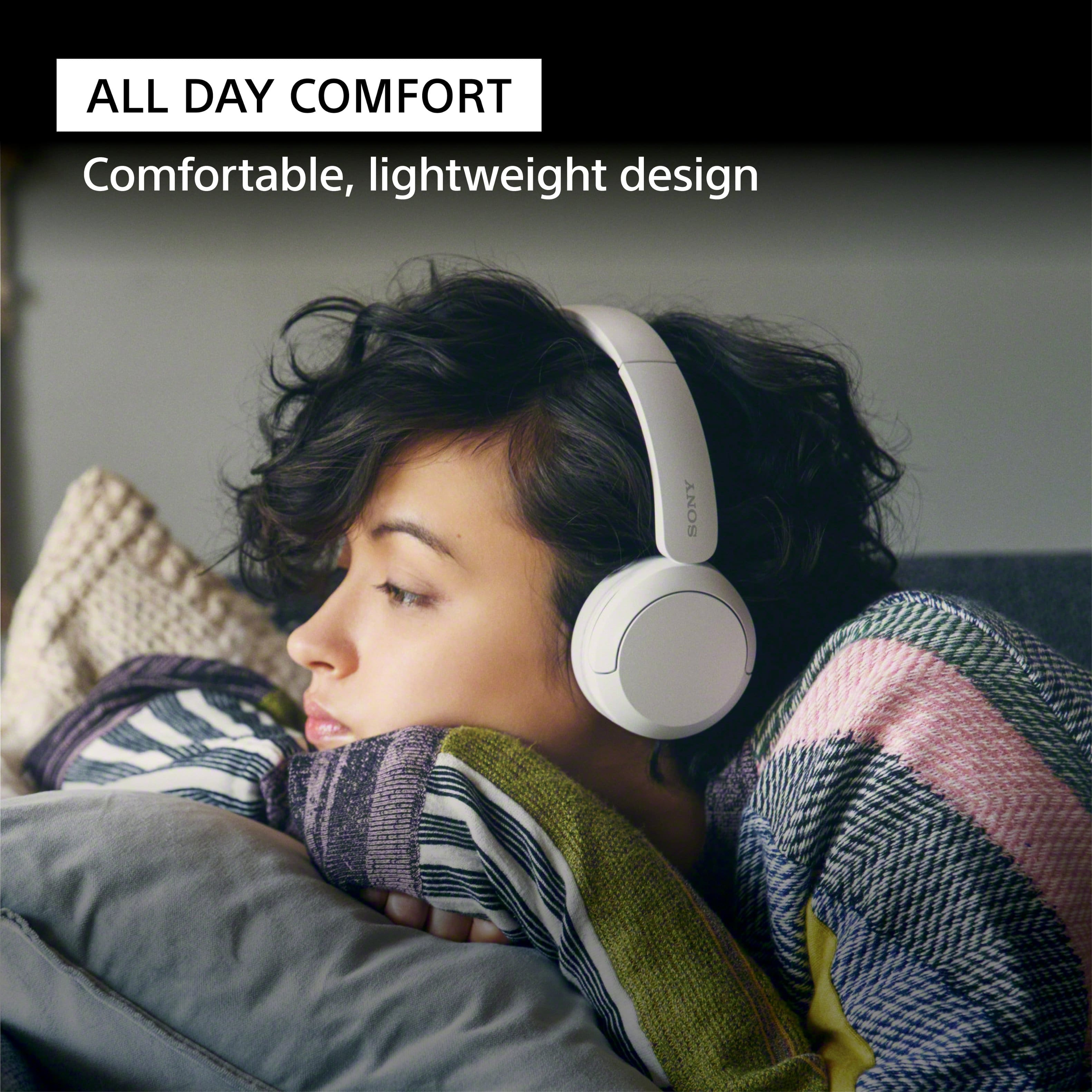
    • Answer Hi question, The WH-CH520 headphones are designed to be lightweight and comfortable for all-day listening, but they are not specifically made for sports and are not waterproof or sweatproof. For a secure fit and durability during sports, we would recommend a truly wireless model like the WF-C510 or the WF-C710N, which are designed to handle moisture and stay in place during physical activity. Thanks for choosing Sony. Best regards, Eliab

      Answered by SonyListens