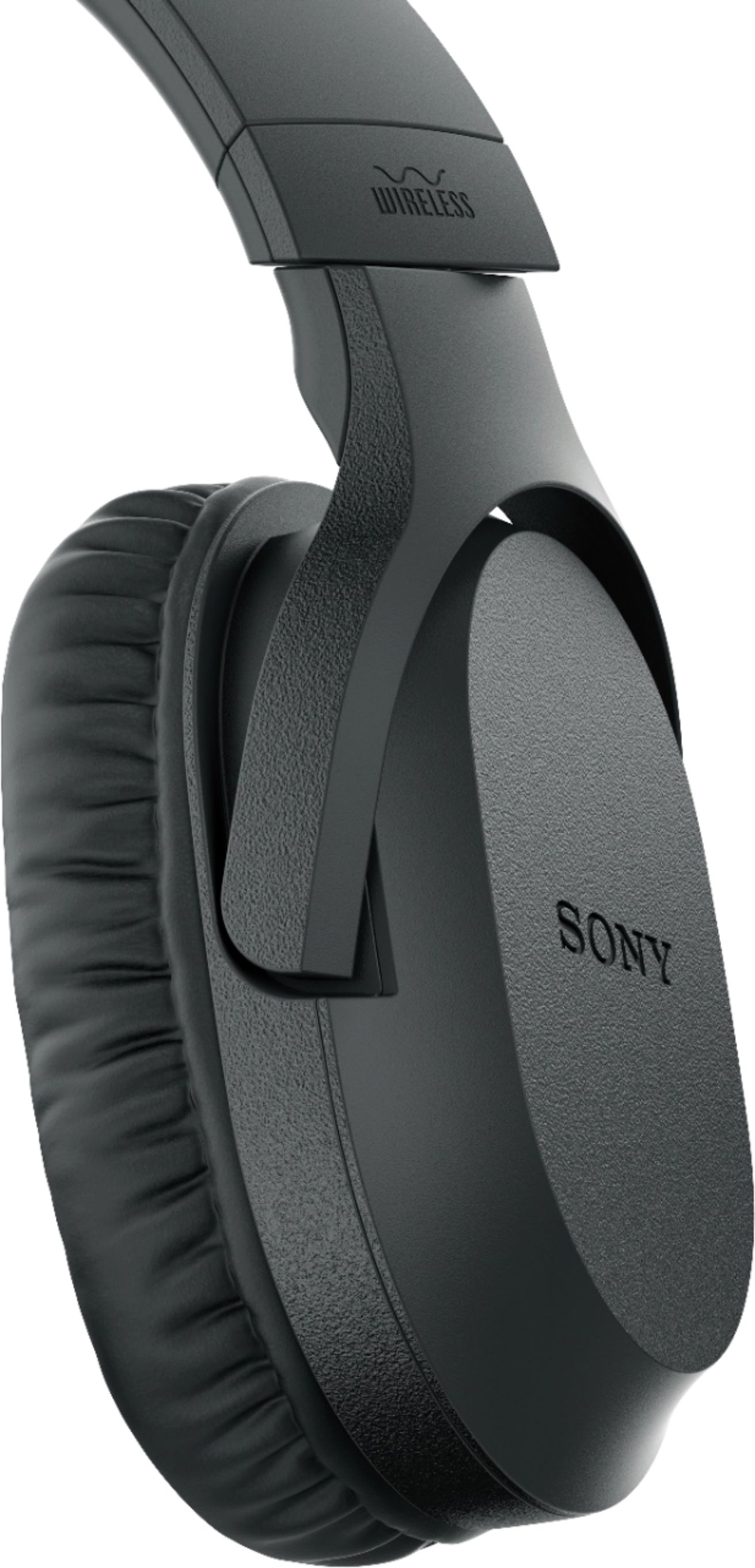
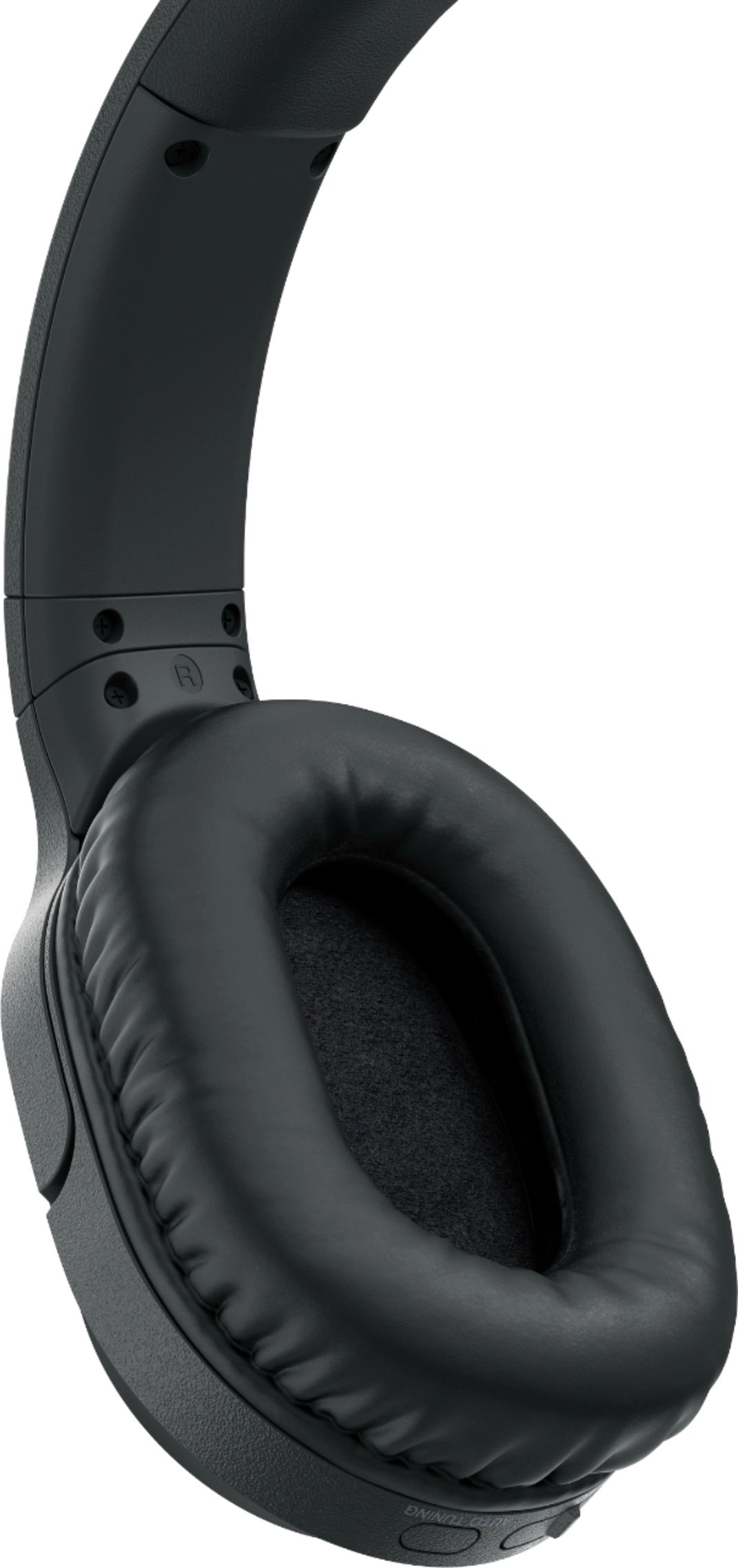
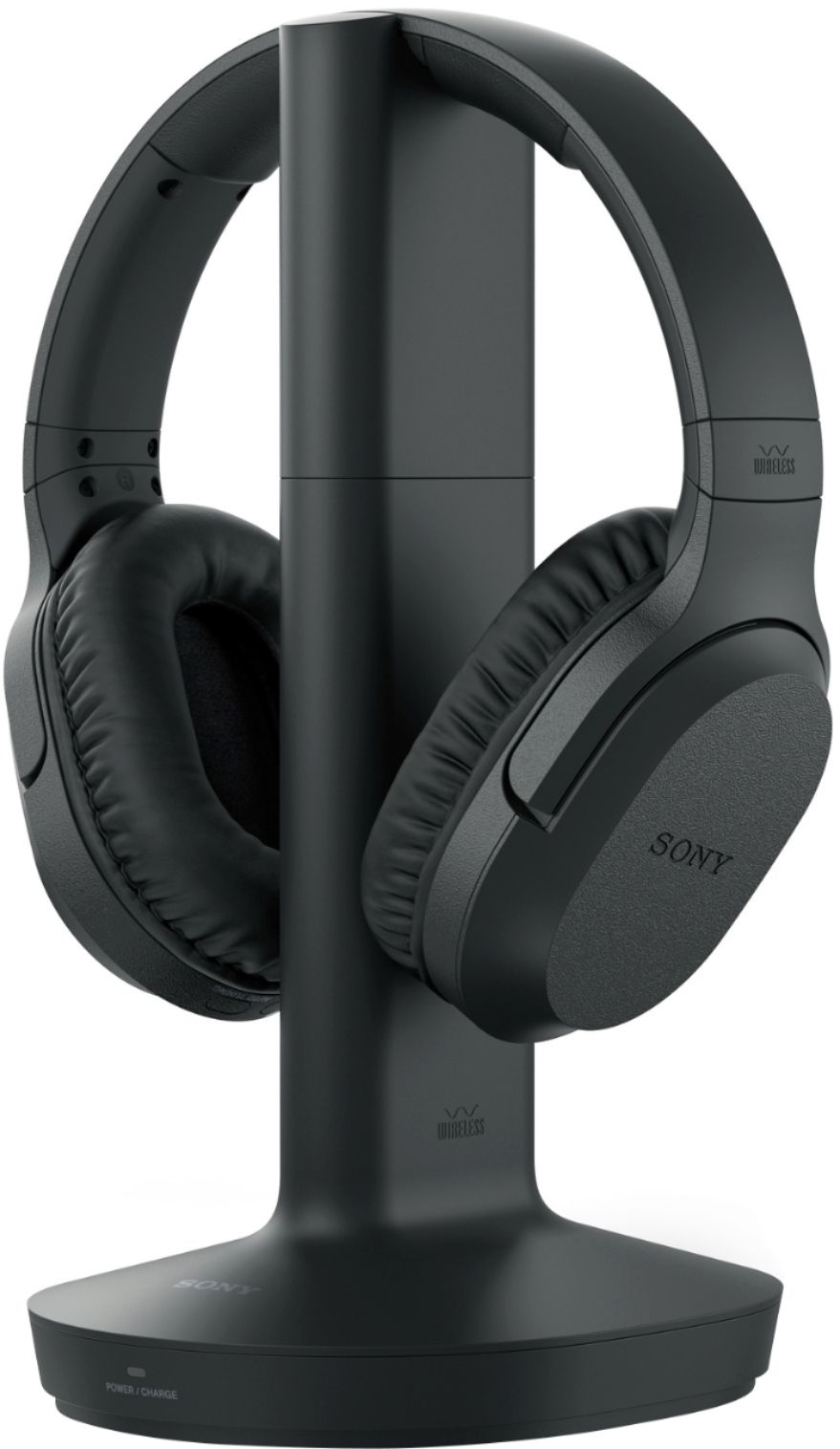
A:AnswerIf you are talking about charging then each would need its own tower. The headphones rest in the middle and need to be precisely placed to charge.
A:AnswerI think so I have a sound bar and my sound bar is connected with a different cable so my headphones are plugged in to the headphone jack on the TV. So you just turn the sound down on the sound bar and it does not effect headphone volume.
A:AnswerPlug in the connector in the headphone jack in the back of your TV. Only problem I had was when I wanted to watch TV without headphones I had to unplug them because I did not have a sound system. I ended up buying one so I could use the remote to turn the headphones on and off. If you don't hear any sound make sure the headphones are turned "ON" and you might have to press the "auto tuning" button which is on the actual headphones a few times too. Also to charge I had to make sure mine were turned off. You might have to charge them before your first use also.
A:AnswerHad this same issue. Removed L/R connection splitter and inserted into cable into the "Audio Out" port below the ARC port (see photos attached). This is a Samsung but would imagine most televisions provide the same options.
A:AnswerShould be multiple options for audio out on the back of the television besides HDMI - I posted some pictures in response to a similar question and included them here as well, hopefully those will be useful to you!
A:AnswerHi Farmer,
I understand you're having an audio issue when playing Amazon Prime movies. Please make sure that headphones are properly connected to the audio device https://www.sony.com/electronics/support/wireless-headphones-rf-headphones/wh-rf400/articles/00024939.
If you are unable to resolve your concern, please email us at [email protected] with the following details:
Name:
BestBuy Username:
Model Number:
Issue:
Telephone Number:
Sincerely,
Romeo
Sony Social Support
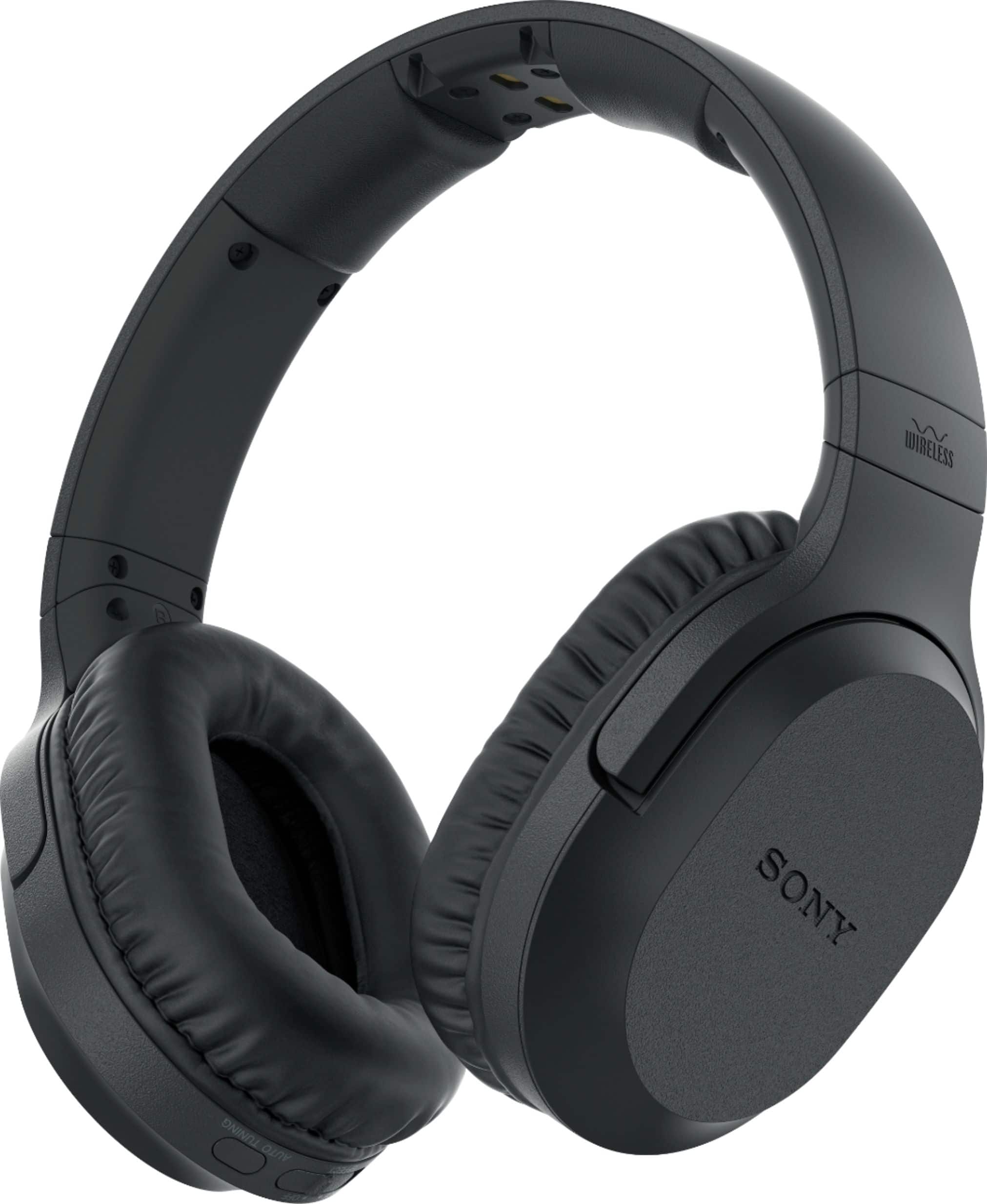
A:AnswerIt sounds like you may have a defective unit. The base charging unit on my pair will blink green when the headphones are off the base and turned off. The base is turned on all the time and I have no issue with the headphones turning off unless I physically turn them off myself (on/off button located on the left ear side of headphones).
A:AnswerNot necessarily. The charging station is “on” all the time. The On/Off switch for the headphones is located on the left ear side of the headphone itself. You can leave it on or turn it on or off without taking the headphones off. What you wouldn’t want to do is leave them on without returning them to the charging station when not is use (that will wear battery down). Volume control in on the right ear side. Good headphones, BTW. Good volume and sound for the TV watching I do.
A:AnswerHello, in order to hear sound from headphones and the TV speakers at the same time when watching TV or a movie, the source device must have multiple audio outputs. You may check out this link for detailed instructions https://www.sony.com/electronics/support/wireless-headphones-rf-headphones/wh-rf400/articles/00049501. Should you need more assistance, please feel free to email us at [email protected]. Thanks! - Romeo