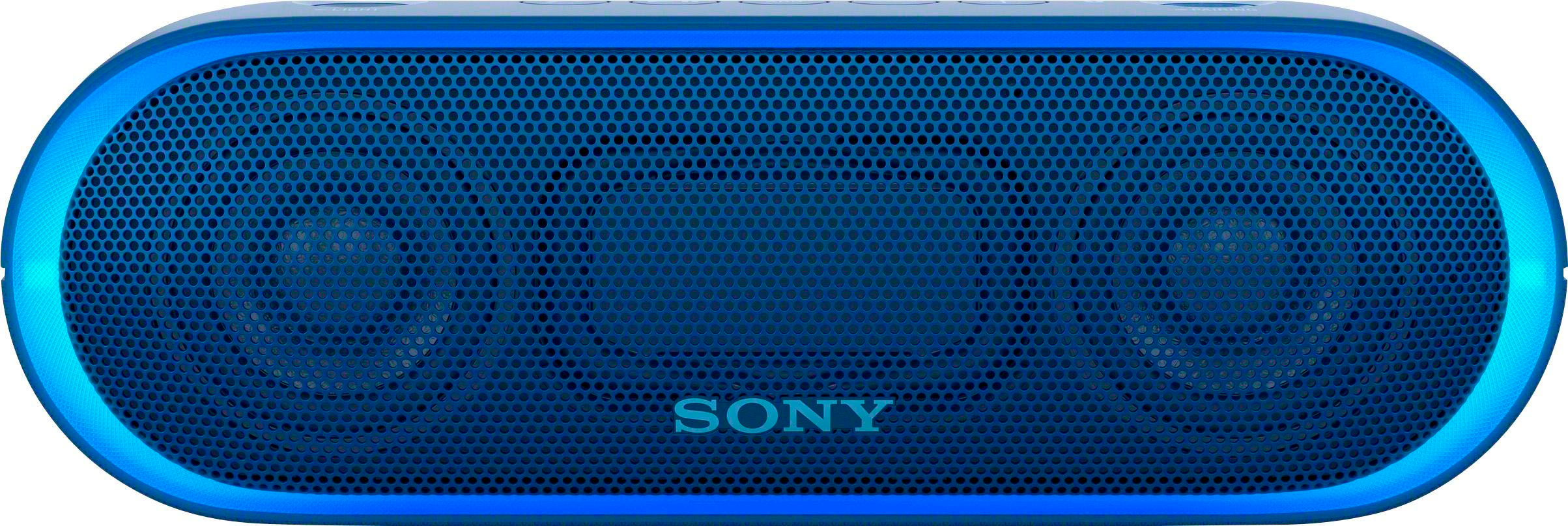
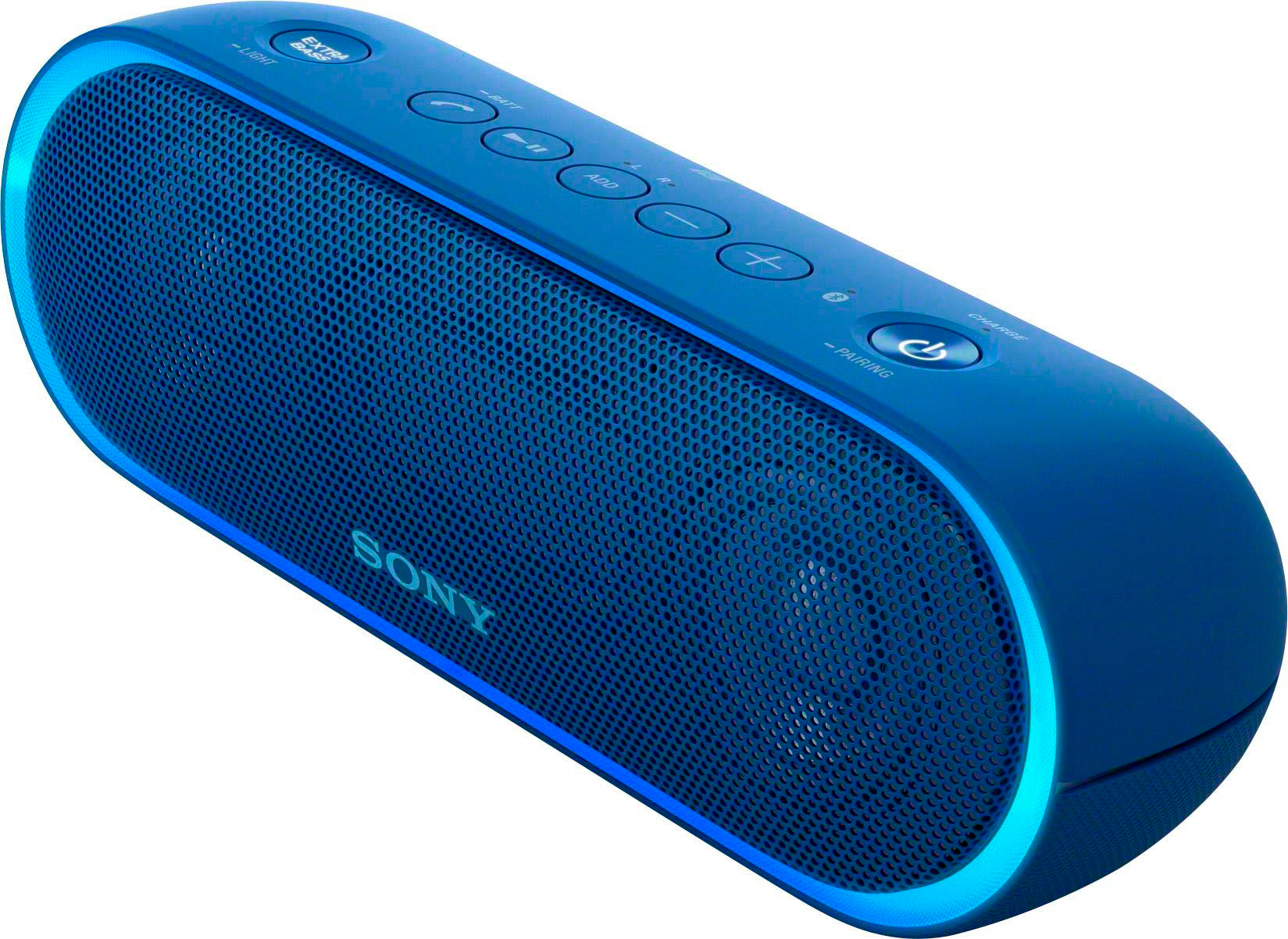
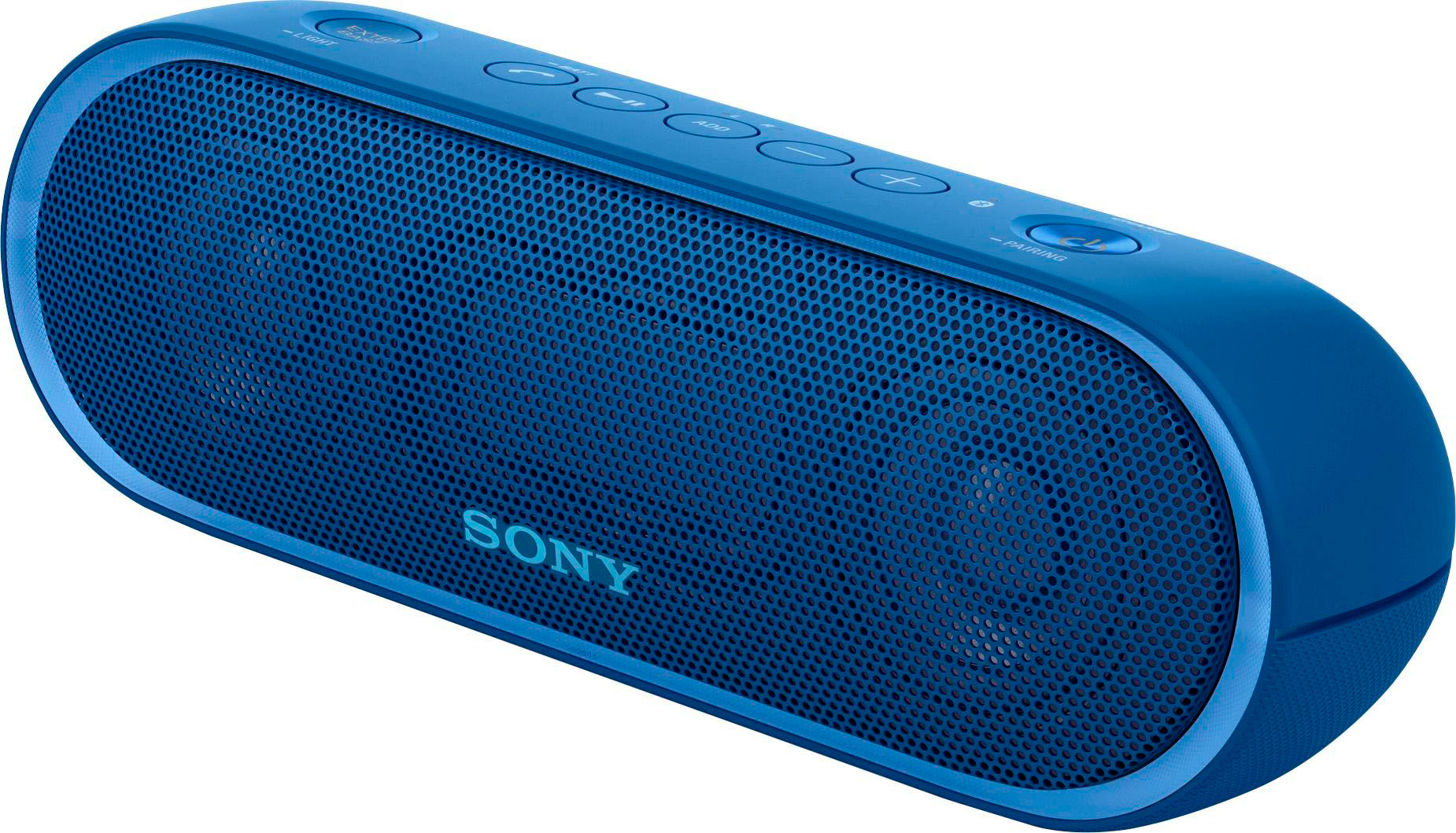
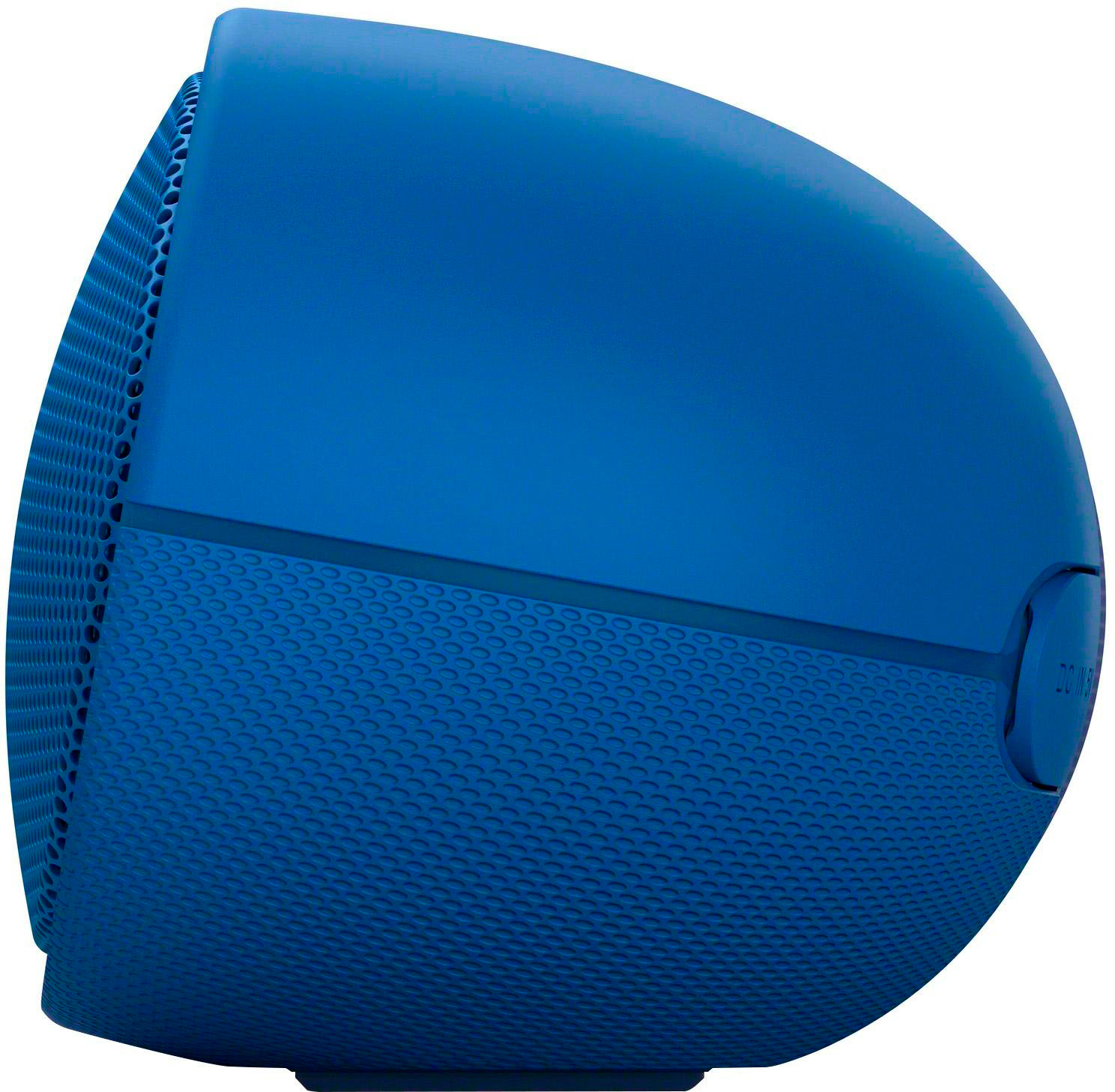
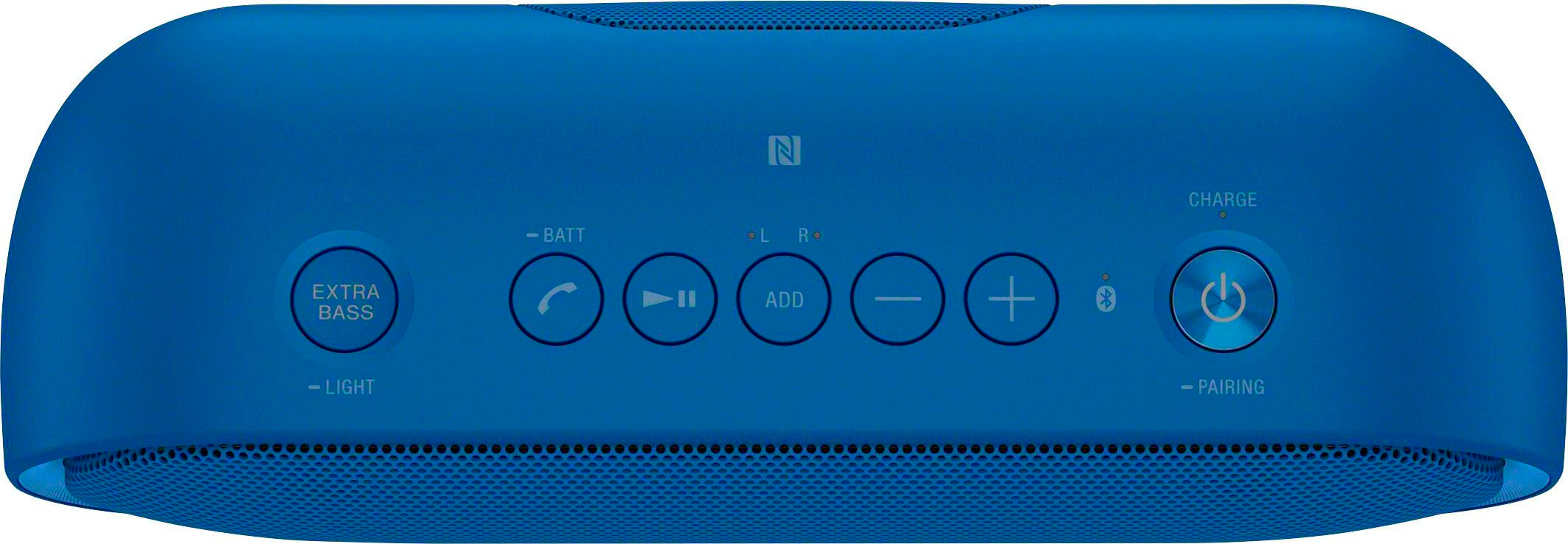
A:AnswerThe charge light is Amber in color when charging. No amber light indicates the speaker is fully charged. The amber colored light is only visible when the speaker is turned off and plugged in.
A:AnswerIt will stay on. If it is green you don't need to charge it yet. If it is red then you will need to charge it soon however it will verbally tell you to charge it when battery is getting low.
A:Answere, This speaker can be charged by connecting to an AC outlet using a USB AC adaptor (not supplied): https://helpguide.sony.net/speaker/srs-xb20/v1/en/contents/TP0001270358.html The operating voltage of this unit is 100 V – 240 V AC,
A:AnswerYes, you can disable the light. Sadly, I do not have the speaker with me. (I leave it at work)
But, if I remember right, the button on the left, if you press and hold it, it will turn off the light.
A:AnswerHi Bill, To better assist you with this, please send us an email at [email protected]. Do not forget to include all the details of the unit and your concern.
Regards,
Vincent
A:AnswerHi Tai, We suggest following the steps from this page:
http://helpguide.sony.net/speaker/srs-xb20/v1/en/contents/TP0001266516.html
If you followed all the possible steps from the links above, try to reset it again and initialize the speaker to fully isolate the issue:
http://helpguide.sony.net/speaker/srs-xb20/v1/en/contents/TP0001266519.html
Regards,
Vincent
A:AnswerHi YoungDagger, That's definitely not the news that we would like to hear. Kindly check on page 103 of this link for troubleshooting steps to help isolate the issue:
https://docs.sony.com/release//Help_4694127114.pdf
If still not resolved, kindly reset and initialize the speaker. Refer to pages 110-111 of the link that was provided
Regards,
~Ralph
A:AnswerHi Brother, The add button is for the feature called Speaker Add function. This feature allows you to connect two (2) SRS-XB20 speakers via BLUETOOTH: http://helpguide.sony.net/speaker/srs-xb20/v1/en/contents/TP0001271286.html
Regards,
Vincent
A:AnswerHi Maddog437,
We do apologize for the inconvenience. In this case, you may refer to this link on how to troubleshoot your Bluetooth speakers.
https://www.sony.com/electronics/support/articles/00027363
Regards,
-David
A:AnswerHi Togs, please visit the links below for more information about charging this speaker. Thanks! ^Ron
- http://helpguide.sony.net/speaker/srs-xb20/v1/en/contents/TP0001270358.html
- http://helpguide.sony.net/speaker/srs-xb20/v1/en/contents/TP0001266514.html
- http://helpguide.sony.net/speaker/srs-xb20/v1/en/contents/TP0001266586.html
A:AnswerHi Joe, Yes, you may use it while charging. You may refer to pages 4-6 of this link for more information (Hint):
https://docs.sony.com/release//Help_4694127114.pdf
~Ralph
A:AnswerHi Weewooo, We apologize for the inconvenience. Please refer to this link for further assistance; https://docs.sony.com/release//Help_4694127114.pdf (page 10). If the issue is still unresolved, service may be required. Regards, Jen
A:AnswerHi Weewoo, We are sorry to hear that you're having issues with this unit. Let's try to isolate and fix the issue by following some troubleshooting steps, kindly check this link: http://helpguide.sony.net/speaker/srs-xb20/v1/en/contents/TP0001271526.html Thanks, Zac