A:AnswerHi puzzled, below is the list of the supported Bluetooth profiles. Please check the specifications of your laptop. Thanks! ^Ron
- A2DP (Advanced Audio Distribution Profile)
- AVRCP (Audio Video Remote Control Profile)
- HSP (Headset Profile)
- HFP (Hands-free Profile)
- SPP (Serial Port Profile)
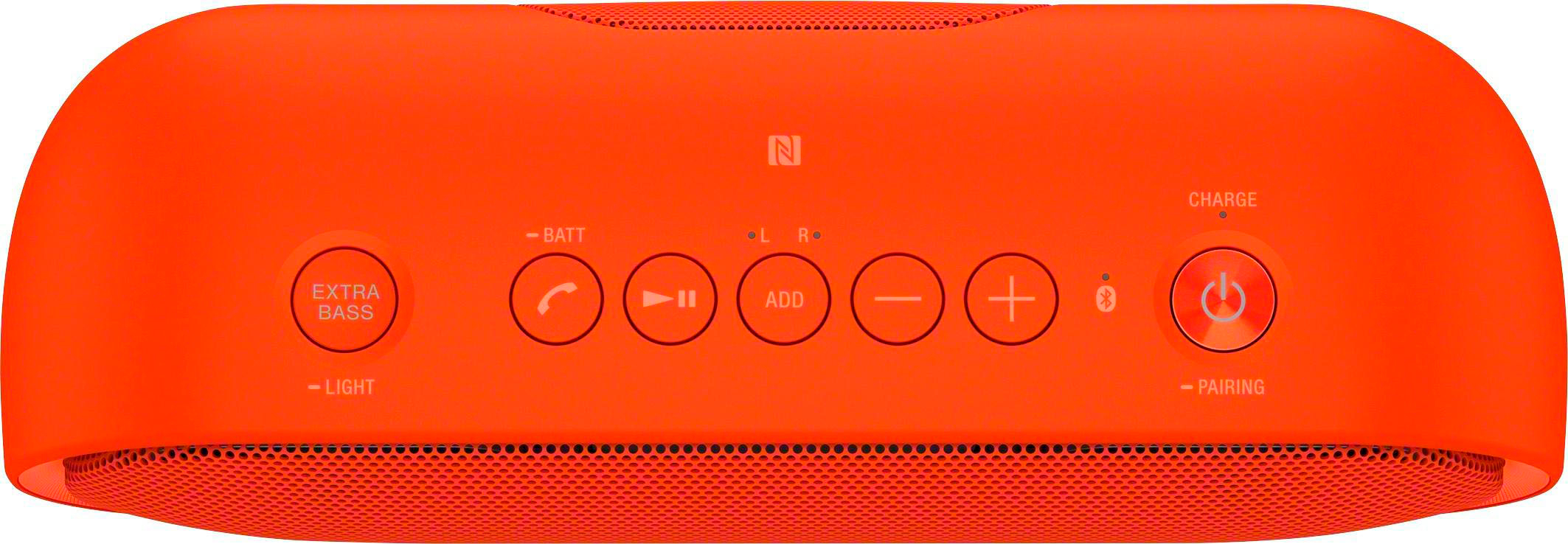
A:AnswerHi Toni, Yes, it can be used while charging if it is connected to a booted computer or AC outlet via a USB AC adaptor (not supplied) though the CHARGE indicator does not light up. -Jerome
A:AnswerIt could be the age of your phone. I had the same problem with my previous phone...tried everything I could think of. Then I realized that changes had been made to Bluetooth technology. With my newer phone ( now a year old ) the problem has gone away. Phone is currently the S 7 Edge.
A:AnswerHi Jake, when using the speaker for the first time, be sure to charge the battery for more than 1 hour before turning on the power. Thanks, -Mark