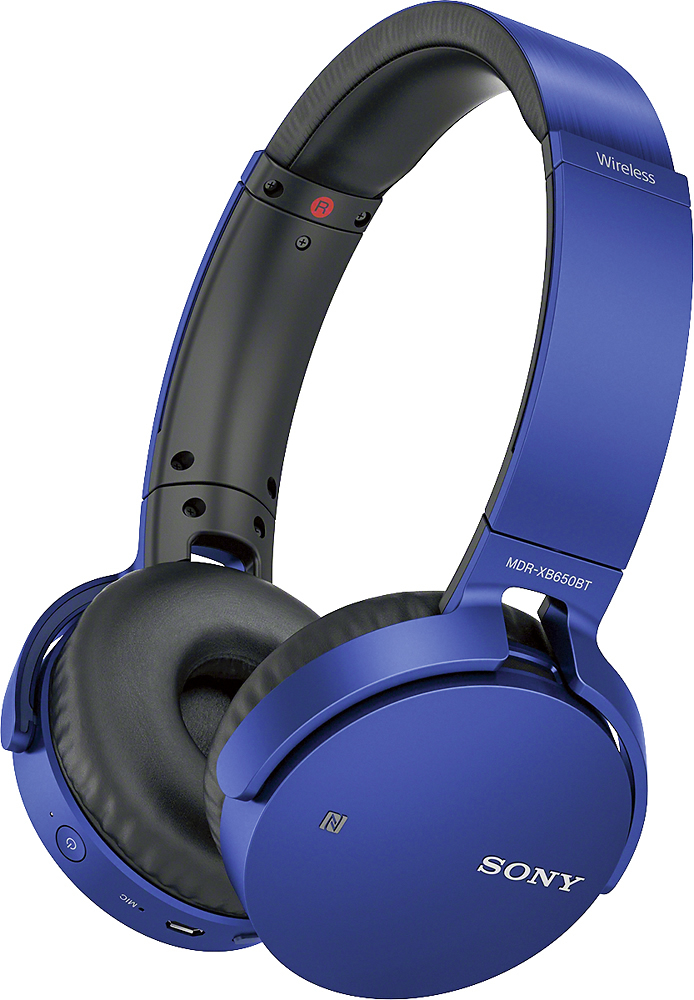
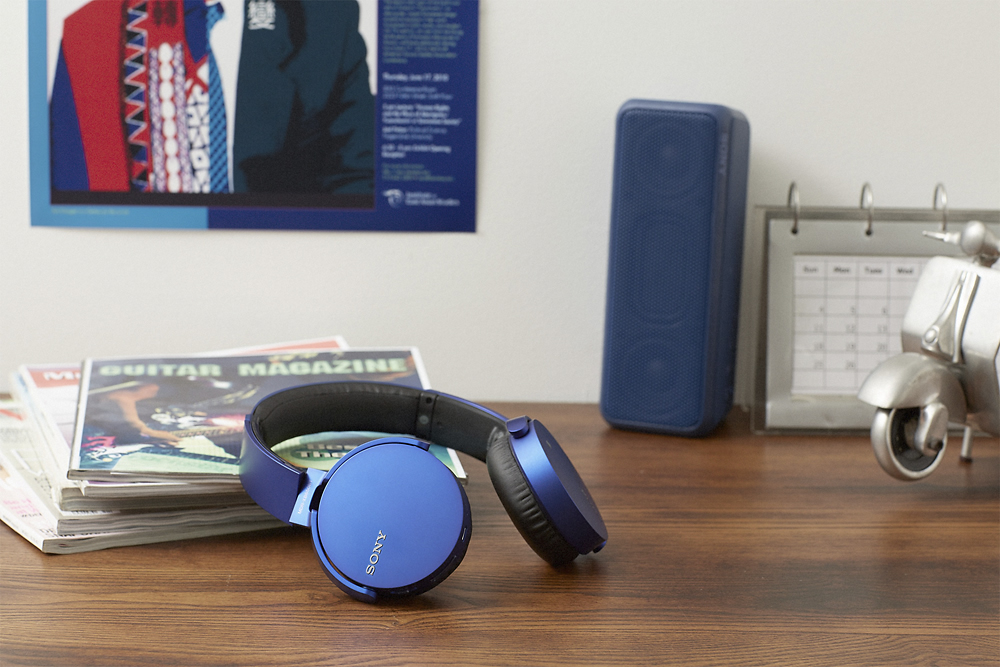
A:AnswerWell, it depends on whether your TV is enabled for Bluetooth or NFC (Near Field Communication). Those are the two ways the headset can communicate with a device.
A:AnswerIncluded in the package is the USB charger. No wall charger is included however the USB does fit into apple block chargers. 99% sure they will fit into any block charger.
A:AnswerHi Steve, Yes, it is adjustable. You may refer to the link below for more information:
https://docs.sony.com/release//QSG_4588510111.pdf
~Ralph
A:AnswerYou can use any Micro USB charger even the one you use for your Android phone. and if you have a Wall charger you can use that and it chargers a lot faster then the computer.
A:AnswerI just opened the box containing my new headset. A cable to connect the headset to a USB port on a computer was included. If you did not get a cable with your headset, you can purchase one. They are quite inexpensive. You need a cable with a regular USB connector on one end and a microUSB connector on the other end.
A:AnswerHi Video, No, PS4 doesn't support Bluetooth headphones. You may refer to this link for more information:
https://www.sony.com/electronics/support/wireless-headphones-bluetooth-headphones/mdr-xb650bt/articles/00073432
~Ralph
A:AnswerHi Ed, You can use an optional USB power adapter to charge the headphones. Use the micro-USB cable that was supplied with the headset to connect the unit to the USB power adapter with a power output of at least 5 V/1.5 A. -Jerome
A:AnswerHi G, It is compatible with iPhone, iPad, or iPod touch (iOS 5.0 or later). Please check the link below for steps on how to pair and connect an iPhone (page 30). https://docs.sony.com/release//Help_4591692111.pdf -Jerome
A:Answeryes. i use my spotify with these headphones all the time. there's a switch on the headphones to play the next song or to play back a previous song. spotify or any other music app on my smartphone has never been a problem.
A:AnswerHi Anonymous, You may isolate this issue by following the guide from this link: https://www.sony.com/electronics/support/articles/00024605
Regards,
Vincent
A:AnswerHi Dianed, Yes. You can pair and connect these headphones with computers:
https://helpguide.sony.net/mdr/xb650bt/v1/en/contents/TP0001109565.html?search=computer
Regards,
Vincent
A:AnswerYes, you need to click the button twice to enter 'comms' mode (which is a lower quality and mono mode). You can have music and other sounds working in the backgroud if you want (just go to 'comms' tab on windows sound options (to get there right click on your windows speaker icon).. you need to set "do nothing" if you … see more
By David P on July 4, 2017
Yes, it can. But it need to double click the MFB to enter call mode to use mic. And the background music may hide or with not good quality while you use the mic.