Questions & Answers
- Model:
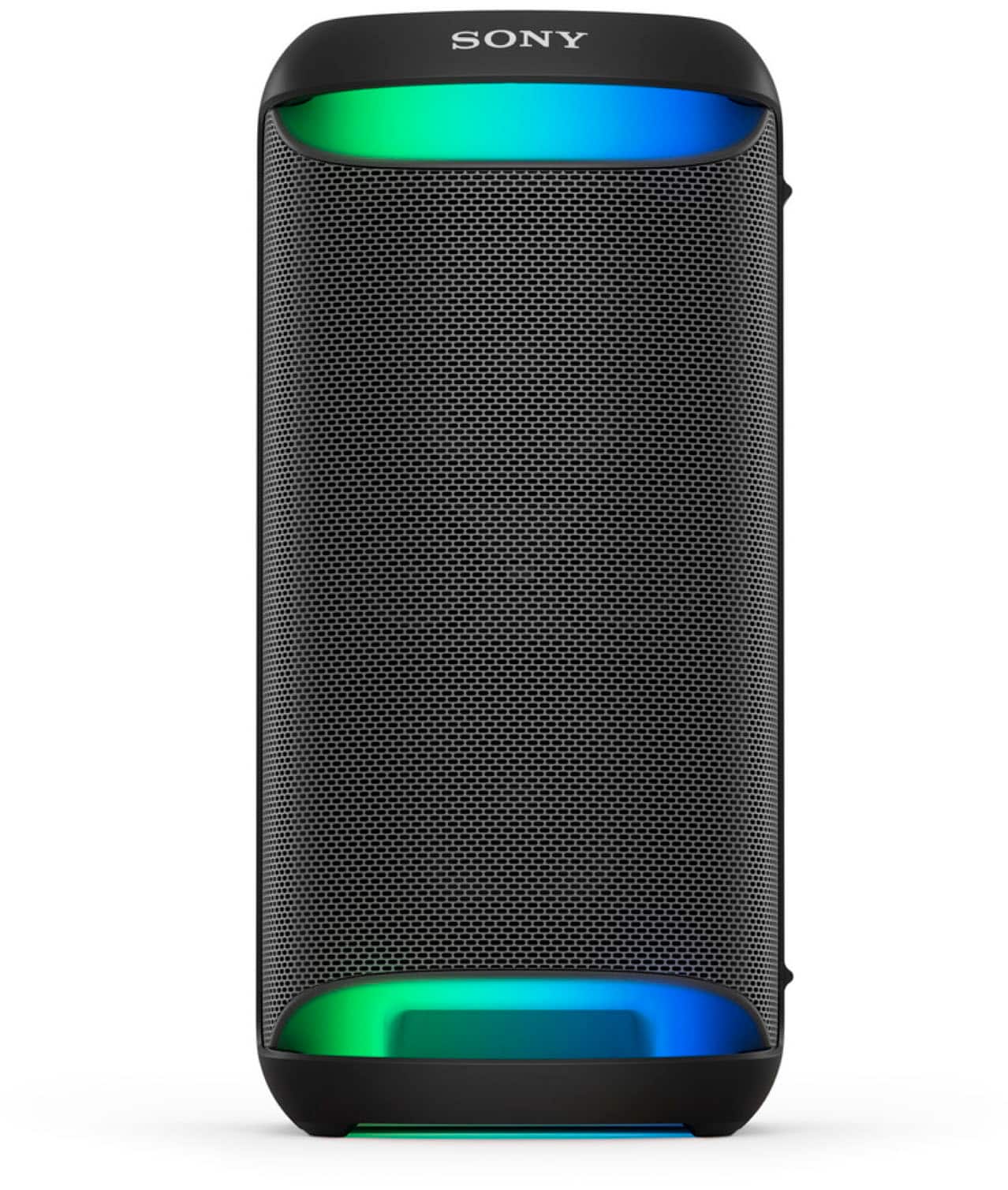
- SRSXV500
- |
- SKU:
- 6573335
Highly rated by customers for: Sound Quality, Battery Life, Bass
$399.99
Page Showing 21-40 of 48 questions
Q: QuestionCan u play cds on this device.
Asked by Tavis.
- A:Answer NO, NO CD PLAYER IN DEVICE
Answered by DonT
Q: QuestionCan it be mounted to a speaker stand?
Asked by TK.
- A:Answer OF COURSE, BUT WHY ONE STRONG POINT IS ITS MOBILITY. JUST PICK UP AND CARRY
Answered by DonT
Q: QuestionDoes this speaker come with a remote control?
Asked by Bigvic.
- A:Answer Is there an aftermarket remote control I can purchase
Answered by Anonymous
Q: QuestionWill the speaker connect with an older Sony SRS XP 500 speaker for the party mode
Asked by Kenny.
- A:Answer It did not work for me. So I had to return the XV500.
Answered by Anonymous
Q: QuestionCan I connect this to SONY XBR75 tv and wireless microphones as Karaoke setup?
Asked by FloatingOnion.
- A:Answer Hi FloatingOnion, Thank you for your inquiry! Yes, you can connect the SRS-XV500 to your Sony XBR75 TV and use wireless microphones for a Karaoke setup. For this, please check out our Fiestable where you can enjoy various features including Karaoke, Voice Control, Party Light, Party Playlist, and Party King. Regards, Carl
Answered by SonyListens

Q: QuestionCan I connect my Sony speaker via Blue Tooth to a Victoria 6 in 1 Nostalgic Record Players?
Asked by World.
- A:Answer Hi World, Thank you for your question. This unit connects to devices that support the A2DP Bluetooth profile. We recommend checking if your record player supports A2DP (Advanced Audio Distribution Profile) Bluetooth profile for wireless speaker playback. If your record player/turntable has a built-in phono preamp, you can plug it into the speaker's AUDIO IN jack using an audio cable. Hope this helps. Regards, Jess
Answered by SonyListens

Q: QuestionWhat is the range of the wireless microphone? Need something to cover 100 feet or so indoors. Thank you.
Asked by Howie.
- A:Answer Hi Howie, Thanks for your inquiry. The XV500 has two inputs for microphones so you can karaoke with a friend. It is designed to be used with wired microphone that you can plug directly into the speaker. If your Wireless Mic uses a standard 1/4" plug and has its own receiver, it should work. But you cannot connect via Bluetooth to a microphone. If using a wireless microphone is your priority, you may consider getting the Sony ULT TOWER 10. The Sony original wireless mic is included, so you're ready for all the fun of karaoke right out of the box. You can also output your voice from the speaker by connecting a dynamic microphone with a normal plug (Φ 6.3 mm) (commercially available). Regards, Jess
Answered by SonyListens

Q: QuestionHow many microphones can you connect? Is it suitable for karaoke with 2 people.
Asked by Mics.
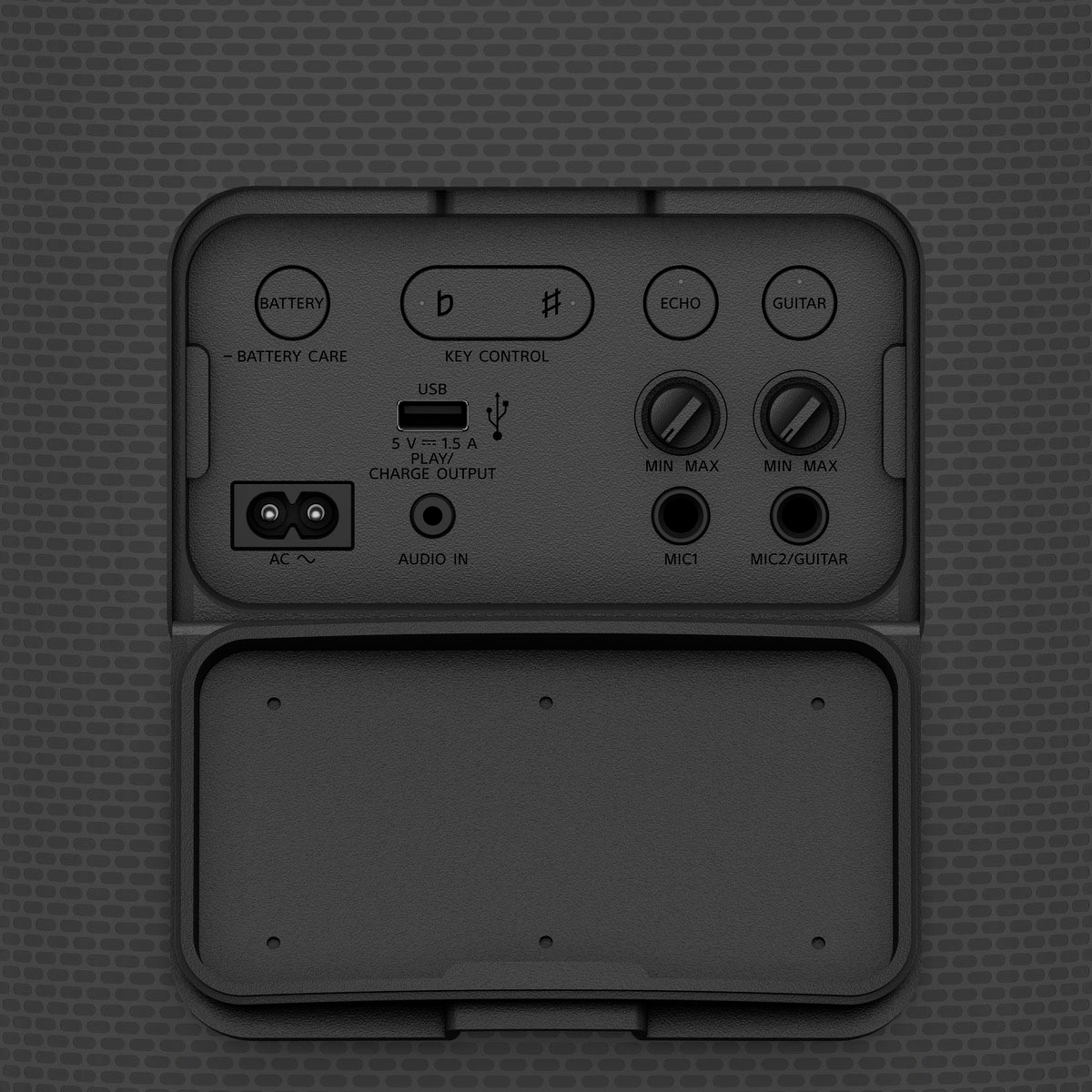
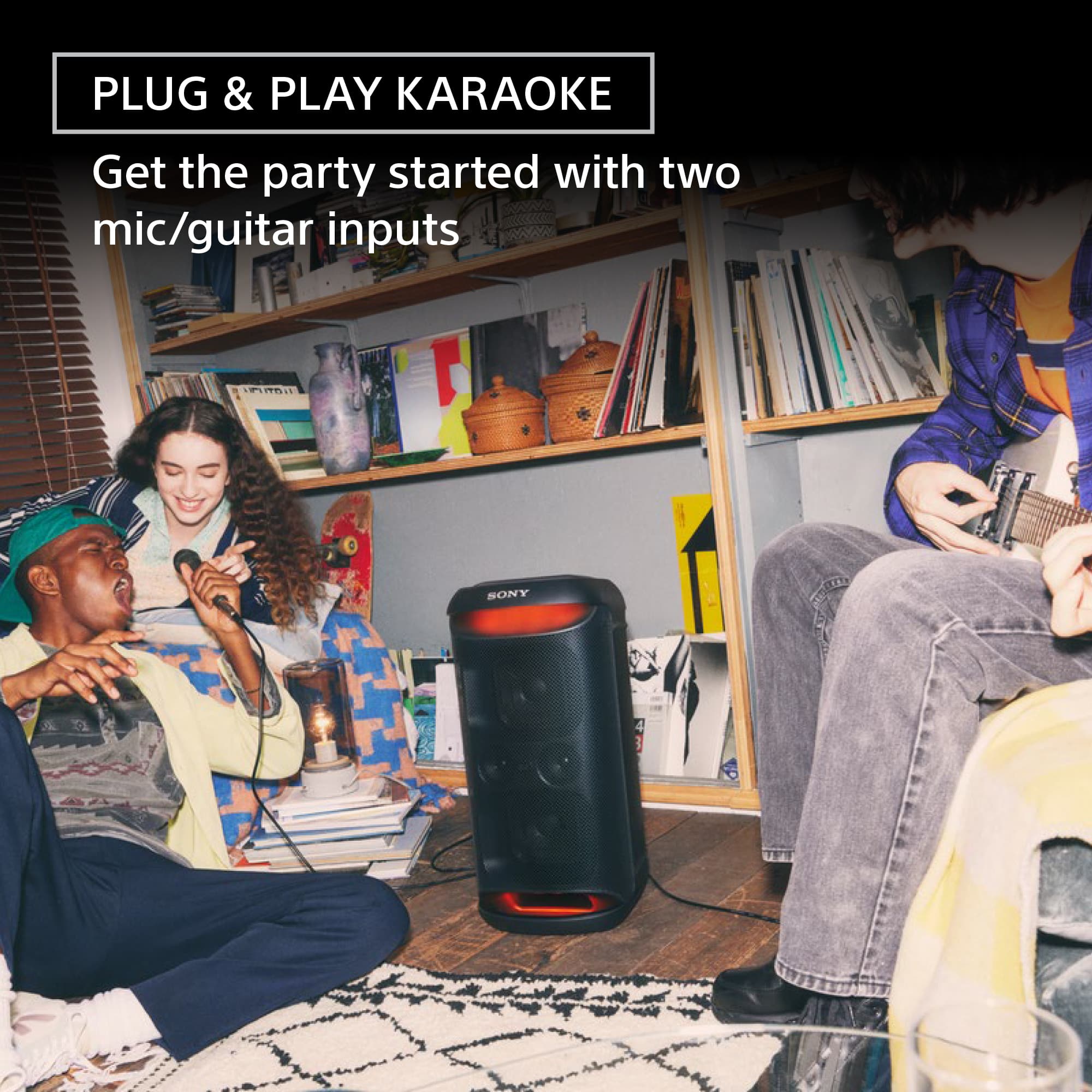
- A:Answer Hi Mics, Thank you for the inquiry! The XV500 has two inputs for microphones so you can karaoke with a friend. To belt out your favorite song, simply plug in a karaoke mic and press play. The Echo and Key Control on the rear panel of the unit let you adjust sound to your preference. And there is a second input too, so you can duet with a friend on a second mic or even plug in a guitar to ramp things up even further. Regards, Jess
Answered by SonyListens

Q: QuestionWHat is the weight and the dimentions of this product?
Asked by Anonymous.
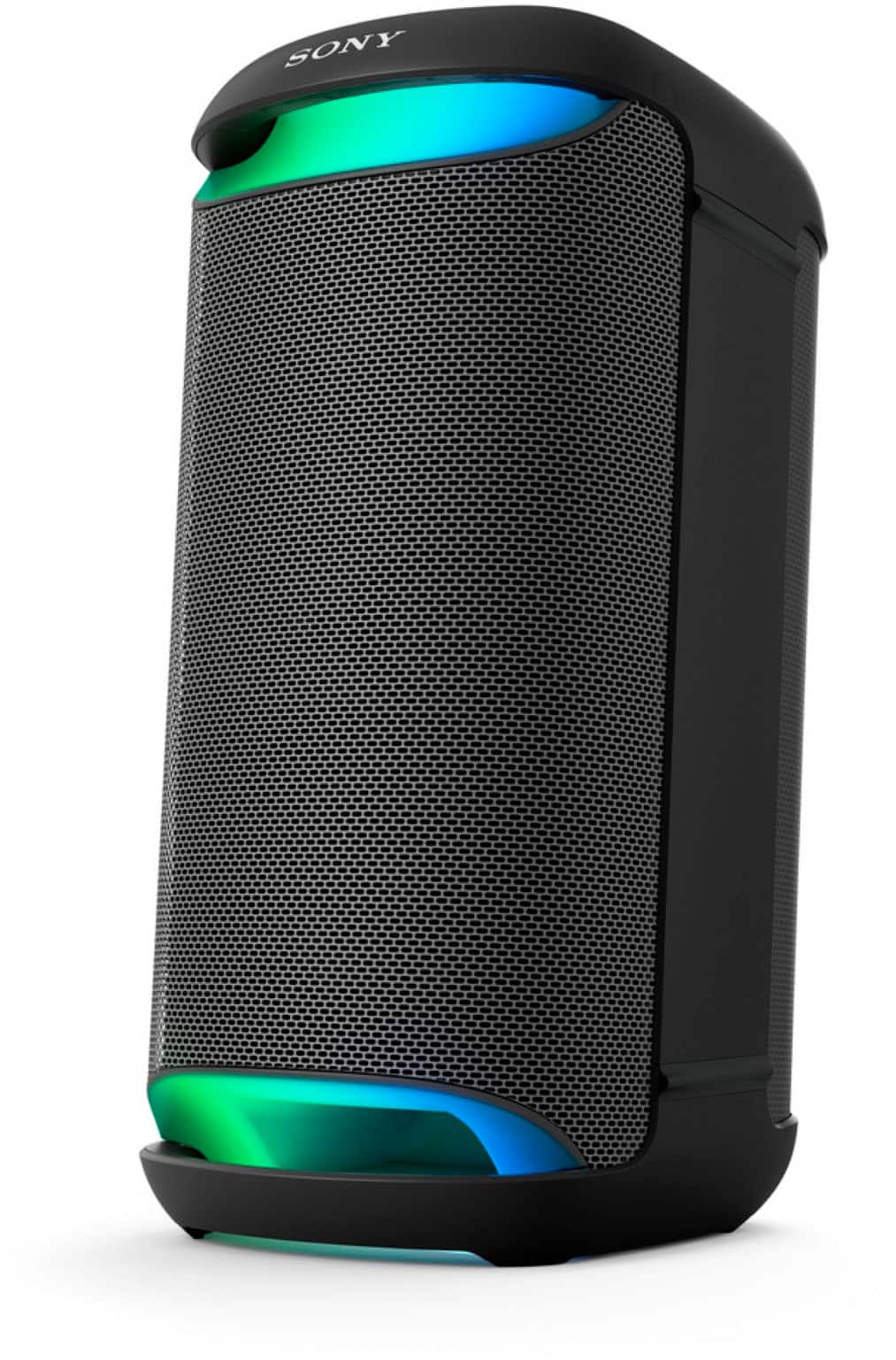
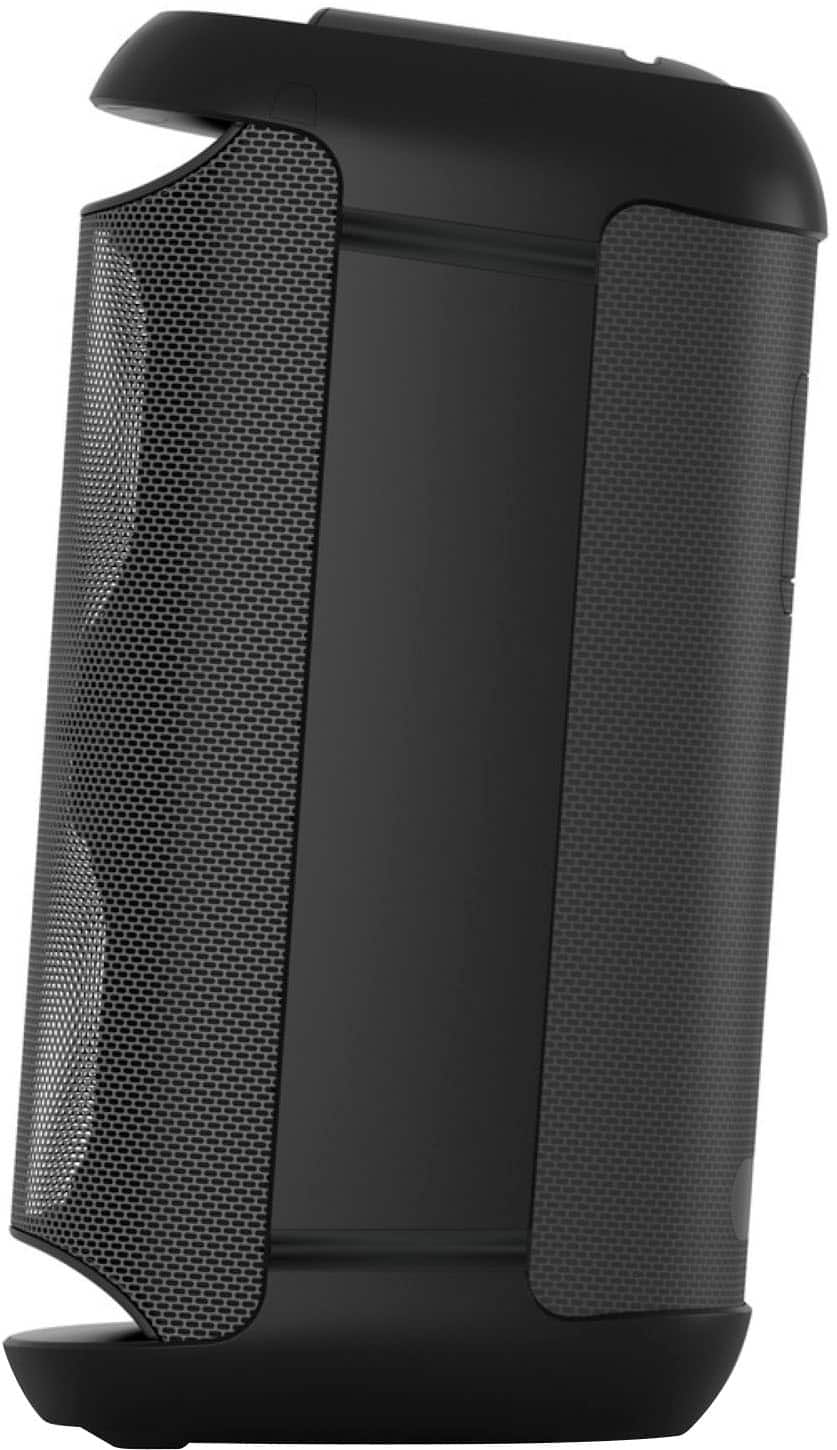
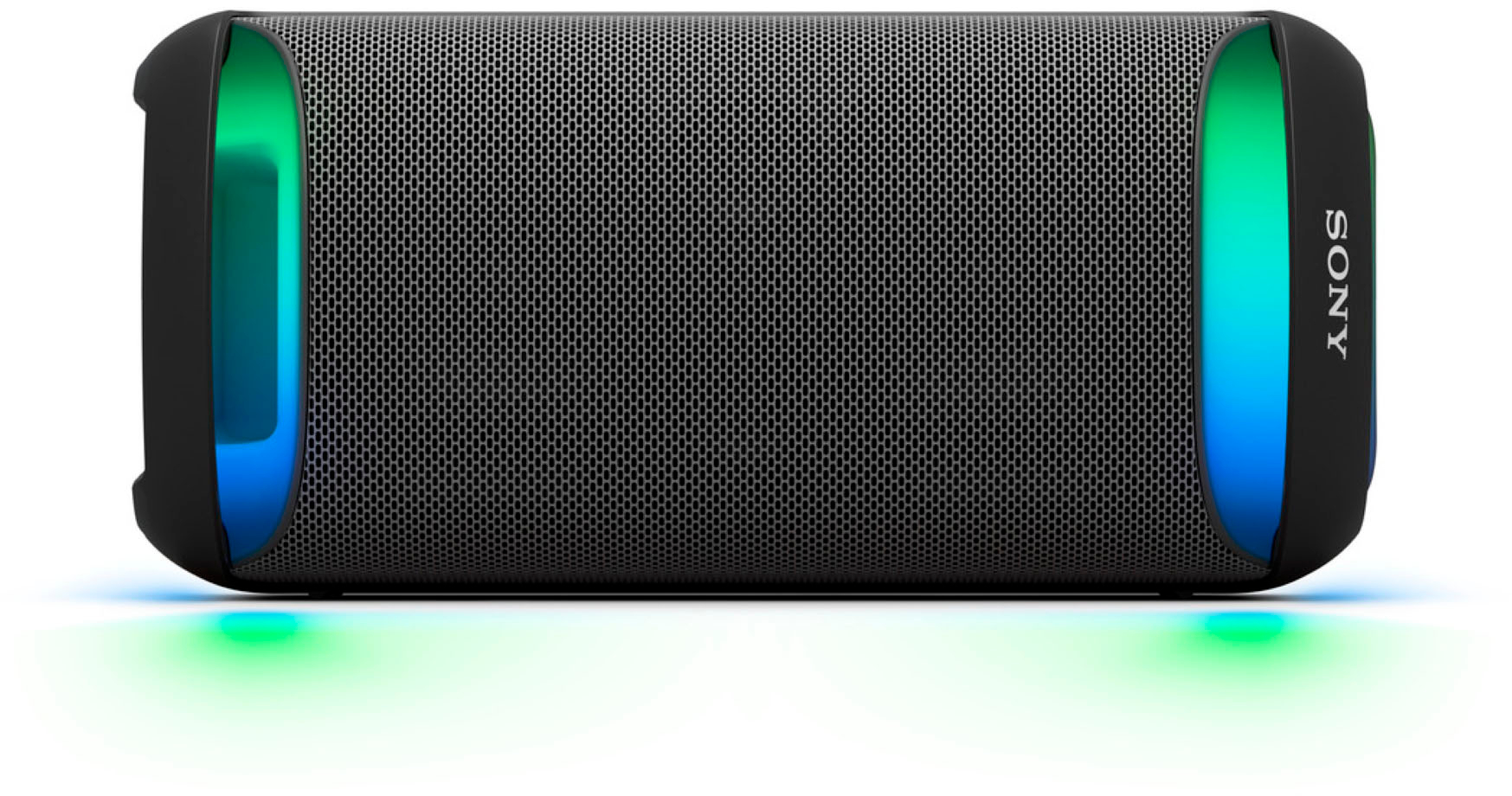
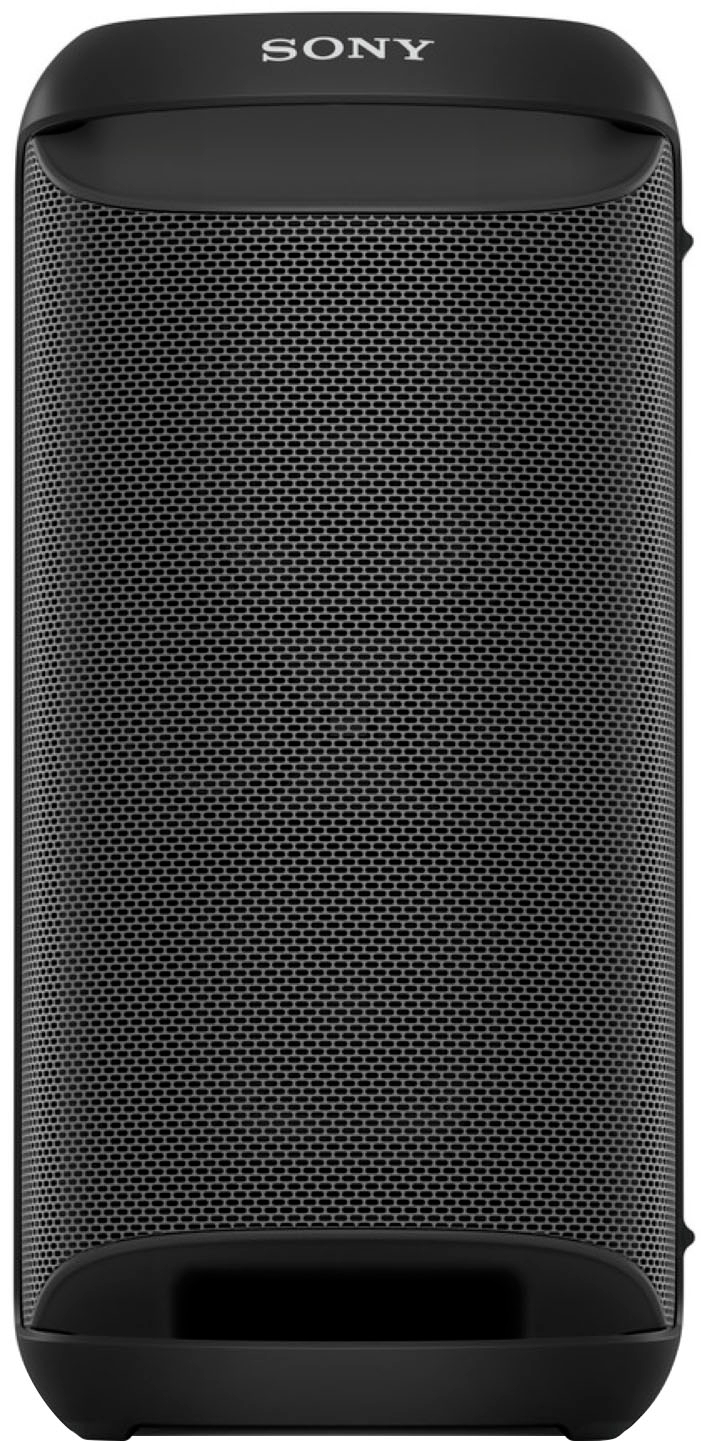
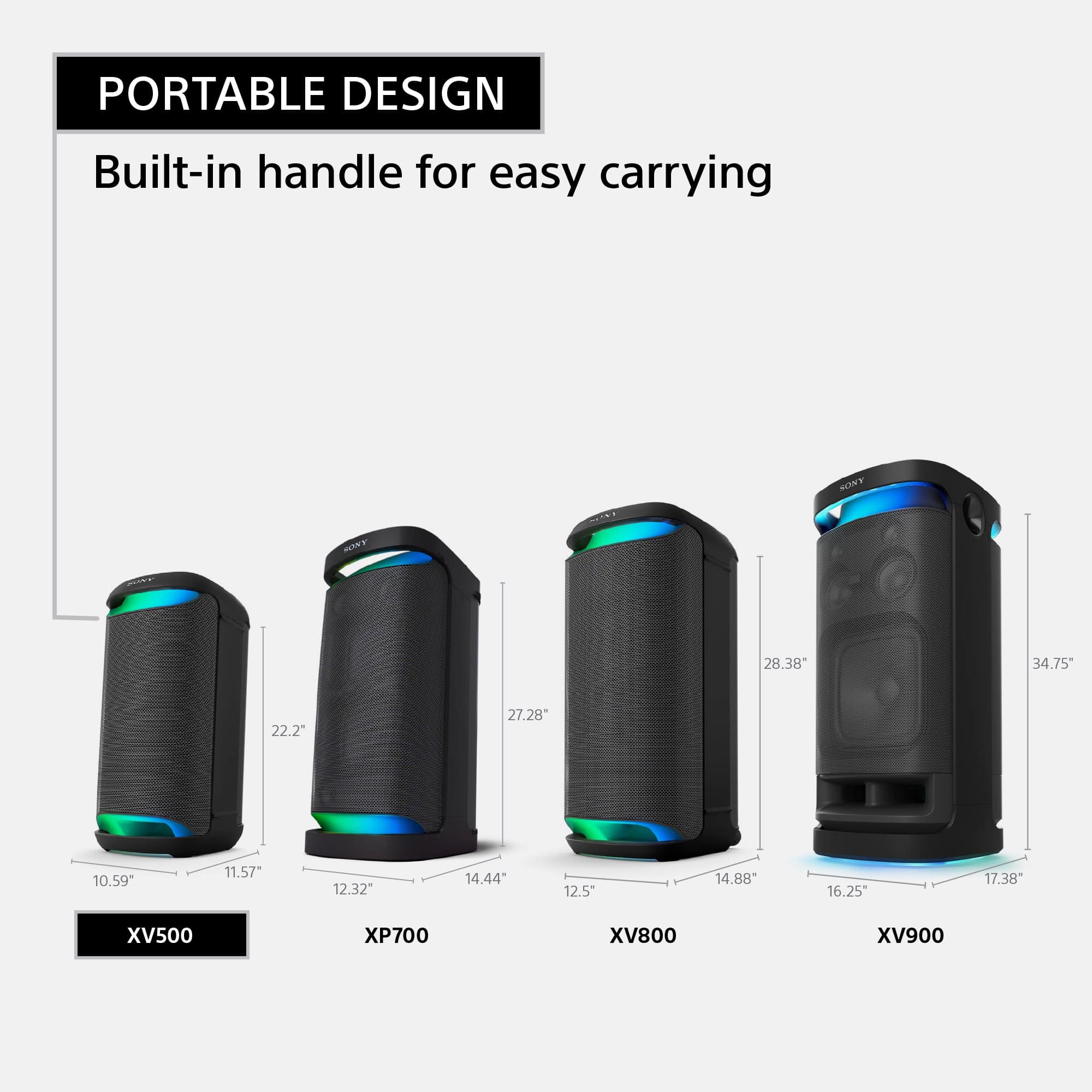
- A:Answer Hi there, Thanks for your question. For the XV500, this speaker has a dimensions (w/h/d) of approx. 269 mm × 564 mm × 294 mm (10 5/8 in × 22 1/4 in × 11 5/8 in) and weight of approx. 11.2 kg (24 lb 12 oz). Grab the SRS-XV500 wireless party speaker and take the party wherever you go. This speaker packs powerful sound, built-in lighting and a long-lasting battery—you can even plug in a karaoke mic and sing the night away. With the XV500, you have everything you need to entertain your friends and family. Regards, Jess
Answered by SonyListens

Q: QuestionCan i connect it to my sony smart tv with Bluetooth?
Asked by Momtomiranda.
- A:Answer Hi Momtomiranda, Good question! If your Sony TV supports A2DP (Advanced Audio Distribution Profile) Bluetooth profile, then you should be able to pair your TV to this speaker. Please note that not all Android TVs can be used with Bluetooth headphones or speakers. We recommend checking if your Sony TV supports A2DP (Advanced Audio Distribution Profile) Bluetooth profile for wireless speaker playback. You may check the link below for TV models that are confirmed to work with Bluetooth audio devices such as Headphones, Wireless Speakers, and Soundbars. https://www.sony.com/electronics/support/articles/00159290 If your TV doesn’t support Bluetooth for speaker but has a Headphone audio out (3.5 mm/Aux) port, then you can connect it to the AUDIO IN jack of the SRS-XV500 using a 3.5 mm audio cable (commercially available). Regards, Jess
Answered by SonyListens

Q: QuestionCan you pair multiple speakers together? Can you connect a wireless microphone to the speaker for outdoor fitness events? Can you confirm the speaker is 300 watts?
Asked by Lara.
- A:Answer Yes
Answered by DannyM
Q: QuestionDoes it connect to my phone?
Asked by Dopey.
- A:Answer Yes I connect my iPhone to my Sony
Answered by AnayaD
Q: Question“Can i connect it to smart tv without bluetooth connection function?
Asked by MrsM.
- A:Answer Yes
Answered by DannyM
Q: QuestionDoes it take usb/flashdrives?
Asked by Debo.
- A:Answer Yes I can connect a flash drive.
Answered by AnayaD
Q: QuestionDoes this specific speaker have to stay plugged in?
Asked by Anonymous.
- A:Answer No my Sony is Bluetooth.
Answered by AnayaD
Q: QuestionCan this speaker be used as a rear speaker with HT A7000 soundbar system?
Asked by LeenaM.
- A:Answer 200 watts
Answered by AnayaD
Q: QuestionHow about microphone
Asked by Speaker.
- A:Answer Hello Speaker, Thank you for choosing Sony! We appreciate your question and are here to assist you. The Sony SRS-XV500 has two microphone inputs (MIC1 and MIC2/GUITAR) for connecting external mics, ideal for karaoke or performances. You can adjust mic volume, add echo effects, and control the music key to suit your voice. For more details on using the microphone, visit: https://helpguide.sony.net/speaker/7855/v1/en/contents/TP1001275026.html?search=mic Best regards, -Fred
Answered by SonyListens
Page 2, Showing 21-40 of 48 questions