
A:AnswerIf this can translate real time 100 languages with an app on your phone then why can't you use it during calls? If I am talking to someone in another country, I'd like to see the translation as I speak, i.e. real time. So if it can't be used during calls, what's the point?
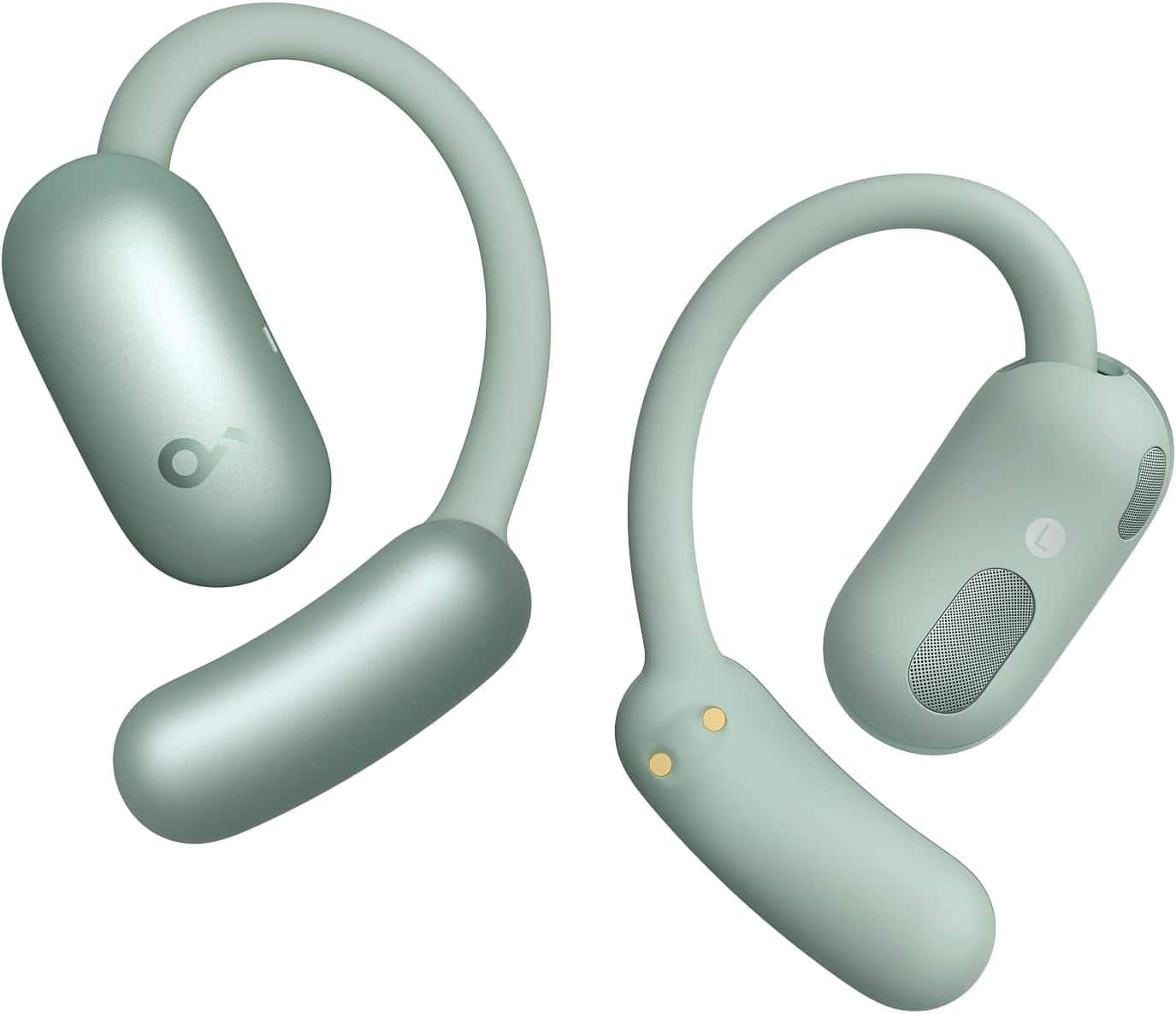
A:AnswerTo adjust the volume or switch songs on the Soundcore AeroFit 2 Open-Ear Headphones, touch controls can be customized through the Soundcore app. By default, volume adjustment via touch controls is disabled, but you can enable it and assign specific gestures to control volume or switch tracks using the app.
If you're worried about accidental touches, such as unintentionally pausing music when turning your head, the Control Lock feature in the Soundcore app allows you to disable the touch controls entirely to avoid accidental activation. This ensures that head movements won't interfere with your listening experience.
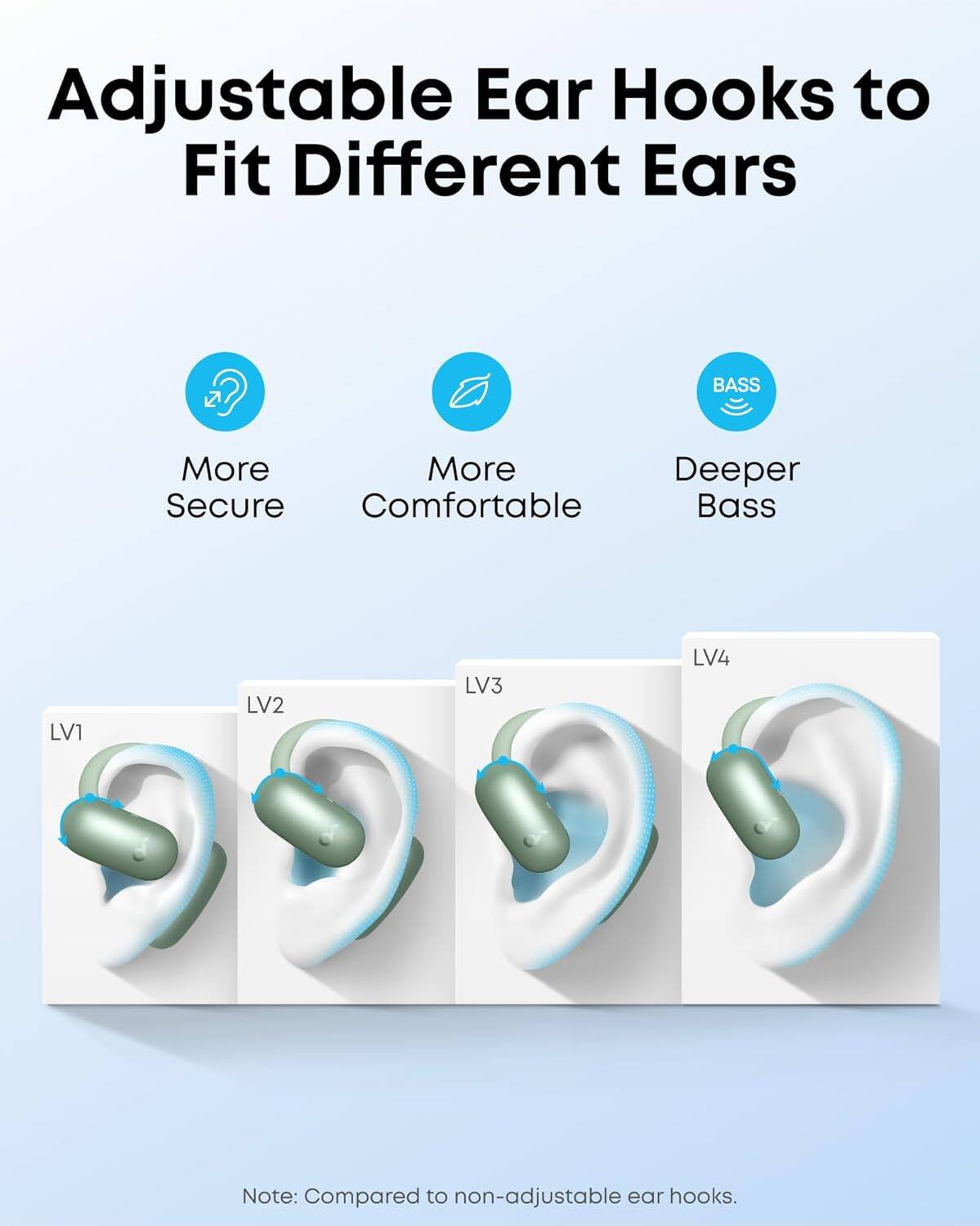
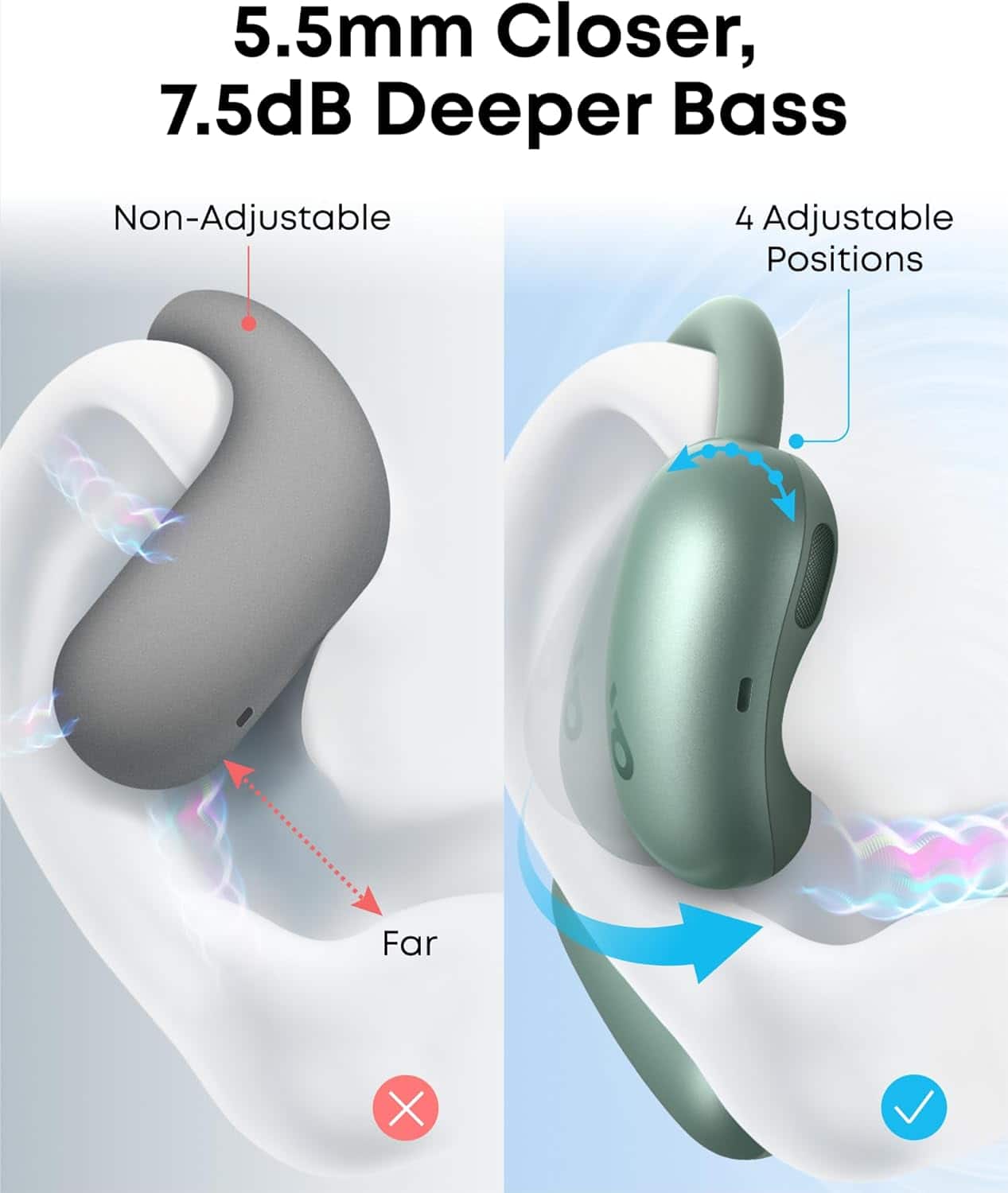
A:AnswerThe Soundcore AeroFit 2 open-ear headphones are suitable for small ears. They feature adjustable ear hooks that can be set in four different positions to ensure a comfortable and secure fit, even for smaller ear sizes. Specifically, ear hook positions LV1 and LV2 are recommended for small to medium-sized ears. This flexibility makes them a great option for users with smaller ears, providing a secure and stable fit during various activities.
A:AnswerWhen comparing the AeroFit 2 open-ear earbuds to a traditional over-ear design with hooks around the earlobe, the sound experience, particularly the bass quality, can vary based on the structure and design.
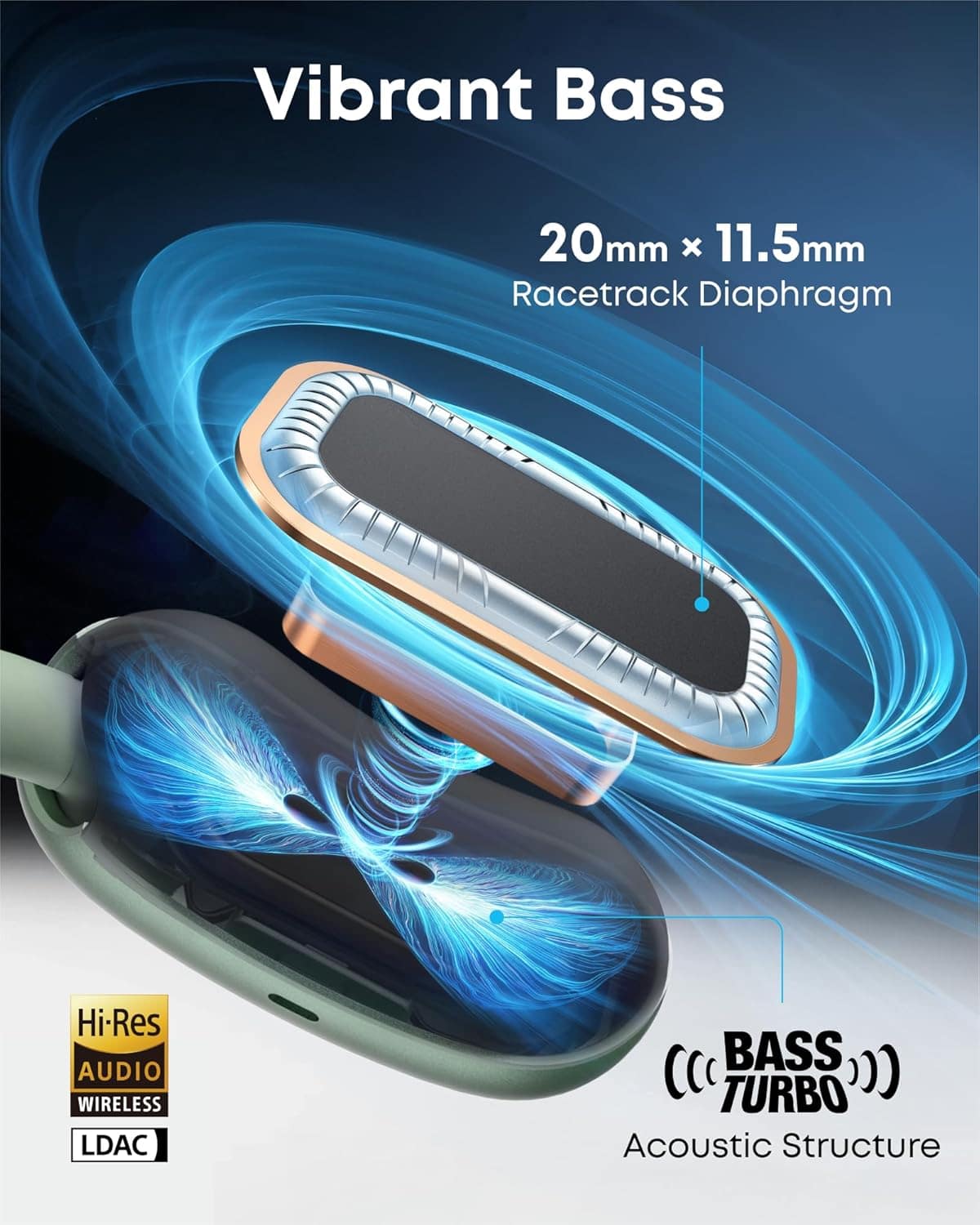
The AeroFit 2 earbuds are equipped with the BassTurbo acoustic structure, designed to deliver impressive bass performance for an open-ear model. Proper placement of the earbuds is essential, as the closer the speaker is to your ear canal, the better the sound quality and bass response. Additionally, customizing the EQ in the Soundcore app with presets like "Bass Booster" can further enhance the bass experience.
However, keep in mind that over-ear headphones, with their typically larger drivers and closer proximity to the ear, may naturally deliver a deeper and more immersive bass experience compared to open-ear designs. The choice ultimately depends on your preferences and intended use—whether you prioritize the unique lightweight and comfortable design of open-ear buds or the potential deeper bass of over-ear headphones.
A:AnswerTo find the serial number (SN) for your Soundcore by Anker AeroFit 2 Open-Ear Headphones, check either of these locations:
The main body of the product, often printed on a sticker, tag, or etched directly onto the headphone.
The charging cable that came with the headphones may also contain a sticker or tag with the serial number.
Carefully examine the inner and outer sides of the earbuds, the charging case, and the cable, as these are the most common spots for the serial number on Soundcore products.
A:AnswerThe Soundcore AeroFit 2 Open-Ear Headphones are compatible with the Soundcore app, which allows for additional features and settings. However, the app may not currently support a "Find My Device" feature.
To pair the headphones with the Soundcore app, follow these steps:
Ensure you have the latest version of the Soundcore app (V3.39 or above). If necessary, uninstall and reinstall the app.
Pair the AeroFit 2 headphones with your phone via Bluetooth.
Open the Soundcore app and select "Add Device." Allow location permissions when prompted.
If the automatic connection fails, use "Set Up Manually" to locate and connect the headphones.
It’s important to note that the Soundcore app does not support computers, and certain features might not be available depending on the model or region settings. If you're looking specifically for a "Find My Device" feature, the headphones might not provide this functionality.