Questions & Answers
- Model:
- A3138011
- |
- SKU:
- 6611728
Highly rated by customers for: Sound Quality
$129.99Your price for this item is $129.99
Page Showing 1-3 of 3 questions
Q: QuestionCan I connect this to my TV or surround sound system?
Asked by JimmyJ.
- A:Answer The activation of Transparency Mode on the Soundcore P30i can be done manually. While no direct mention is made of compatibility with an iPhone SE, such devices typically work seamlessly with modern Bluetooth earbuds and their features, so it should work as expected. Once Transparency Mode is activated (either through the earbuds button or the Soundcore app), it remains active until you manually switch to another mode (like Noise Cancelling or Normal mode). You can use the "NC" button or the app to toggle between the modes. If you are using the Transparency Mode while playing music, keep in mind that although it lets in natural ambient sounds, it does not amplify them, and you may need to lower or pause the music for clearer conversations.
Answered by Soundcore Team
Q: QuestionCan I connect my phone to this soundcore box and hear the music I select on YouTube?
Asked by Sophia.
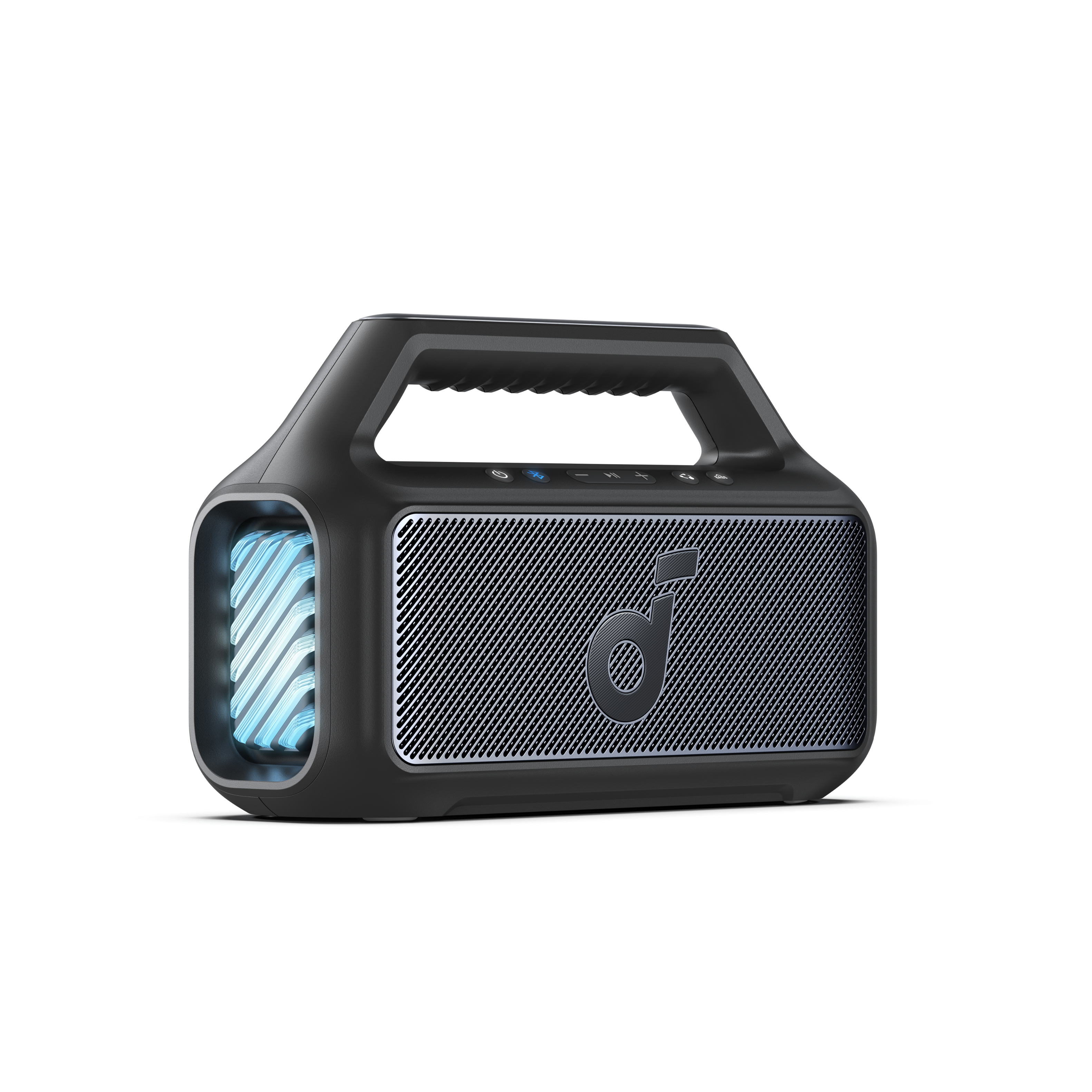
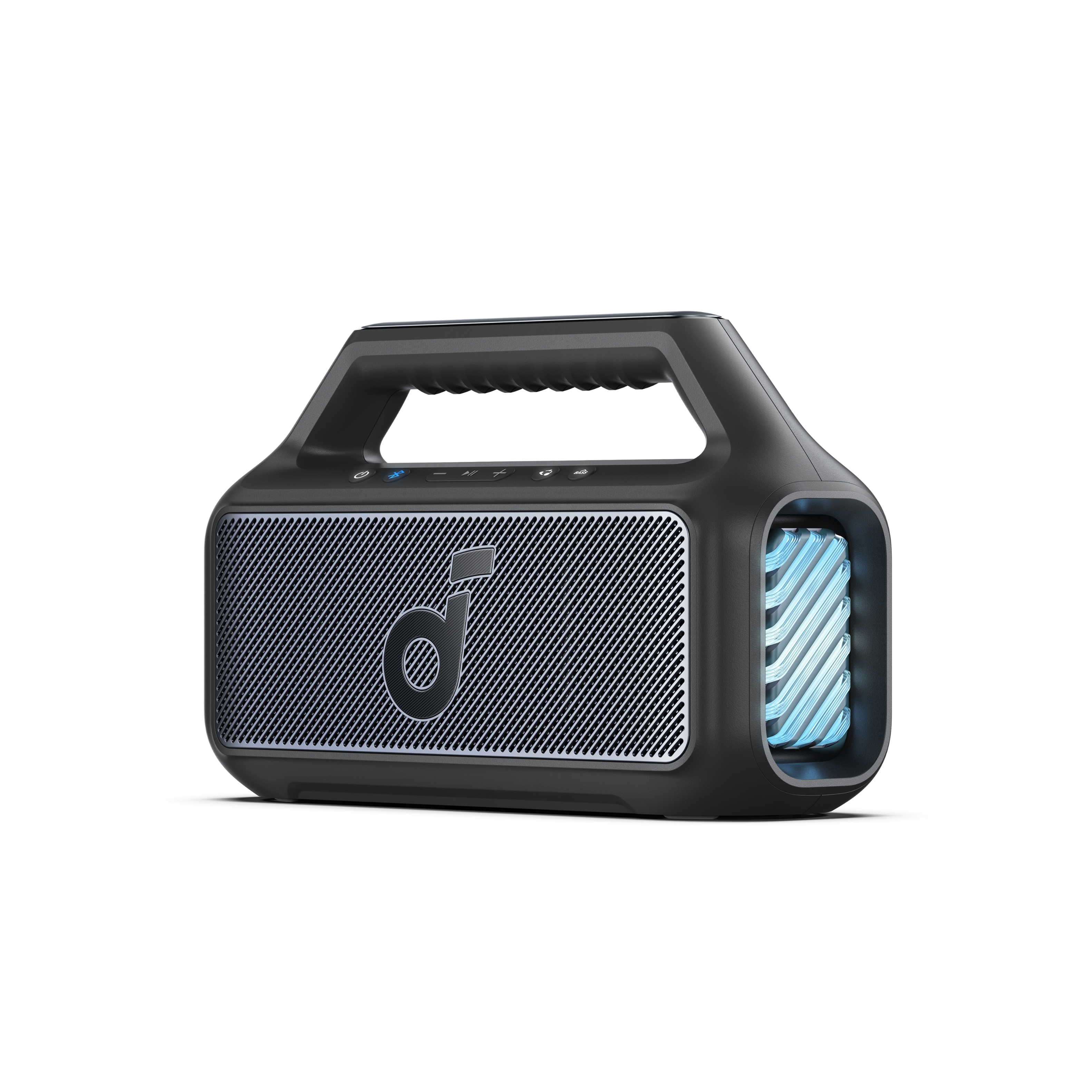
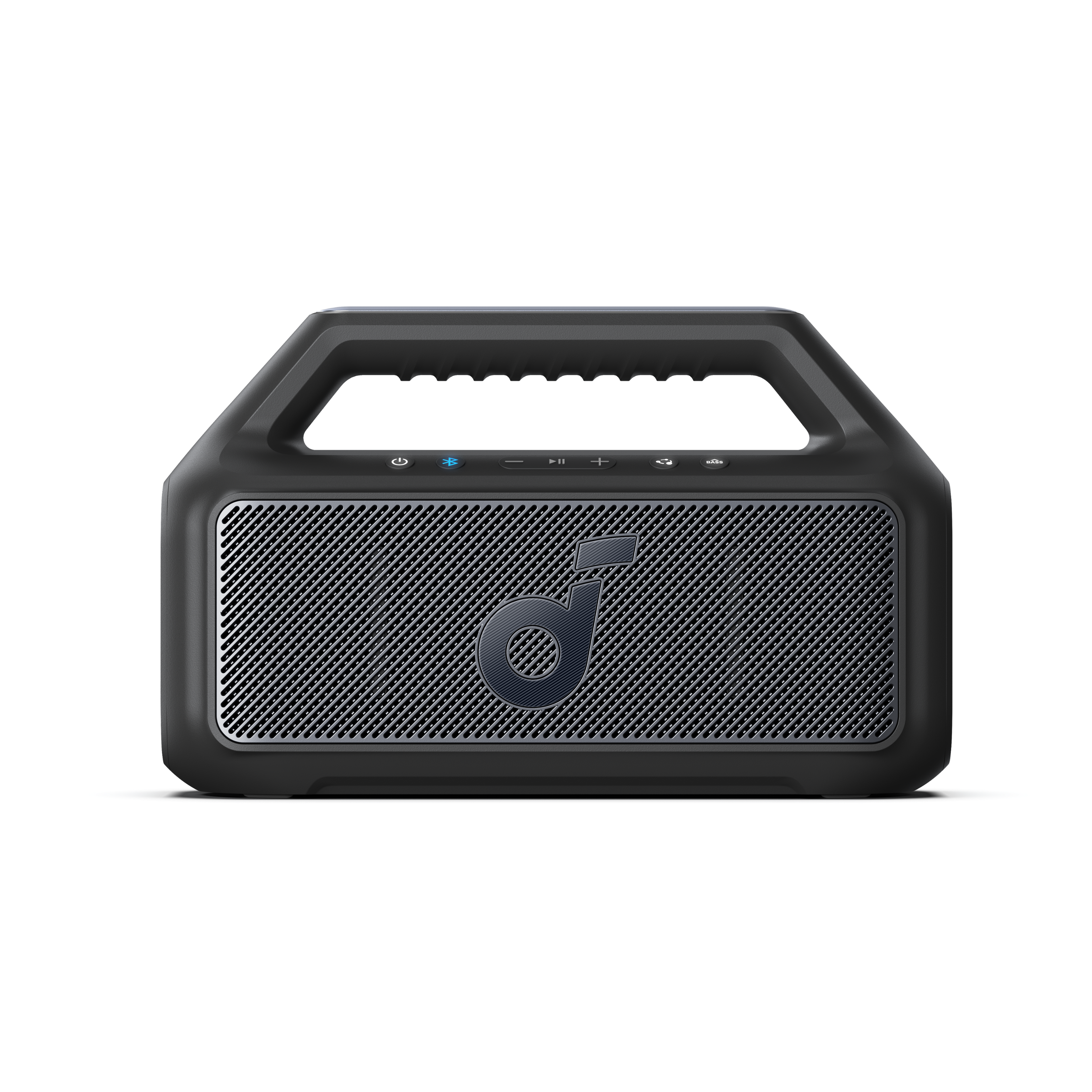
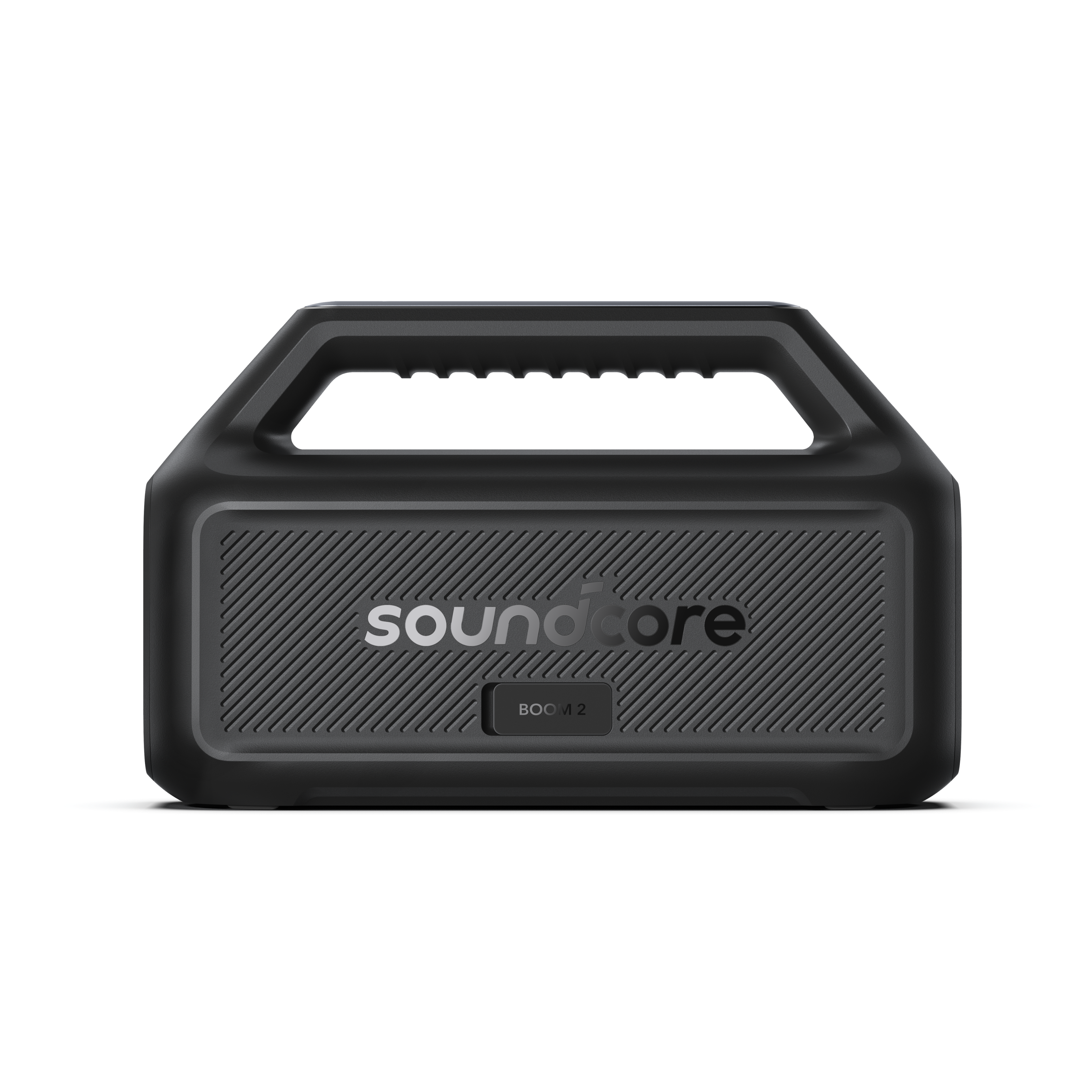
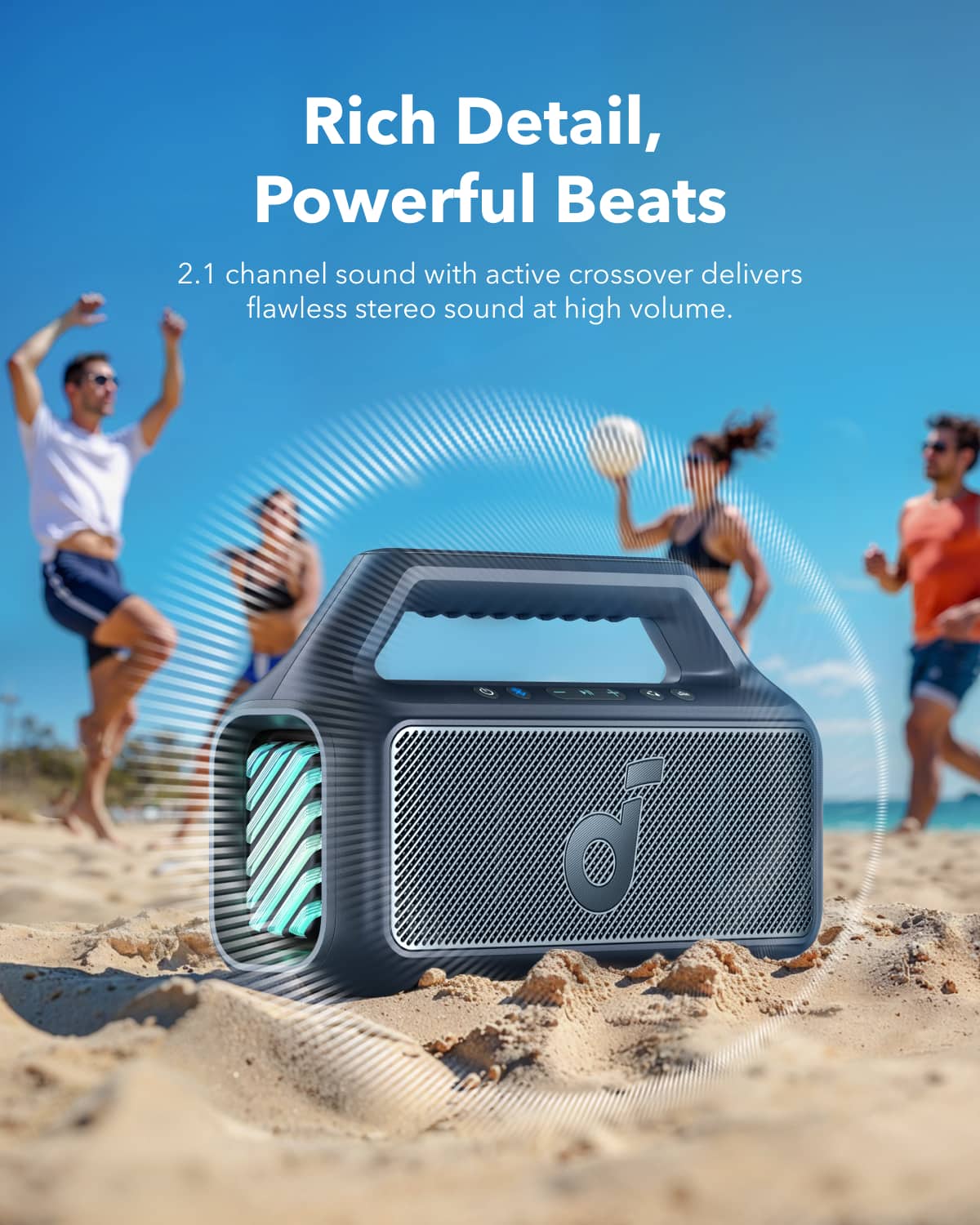
- A:Answer Yes, you can connect your phone to the Soundcore Boom 2 IPX7 Waterproof Floatable 80W Bluetooth Speaker via Bluetooth and play music from YouTube. Simply turn on the speaker, activate Bluetooth pairing mode, and connect it to your phone. Ensure that your phone is within Bluetooth range for optimal functionality.
Answered by Soundcore Team
Q: QuestionCan the light show be turned off??
Asked by Anonymous.
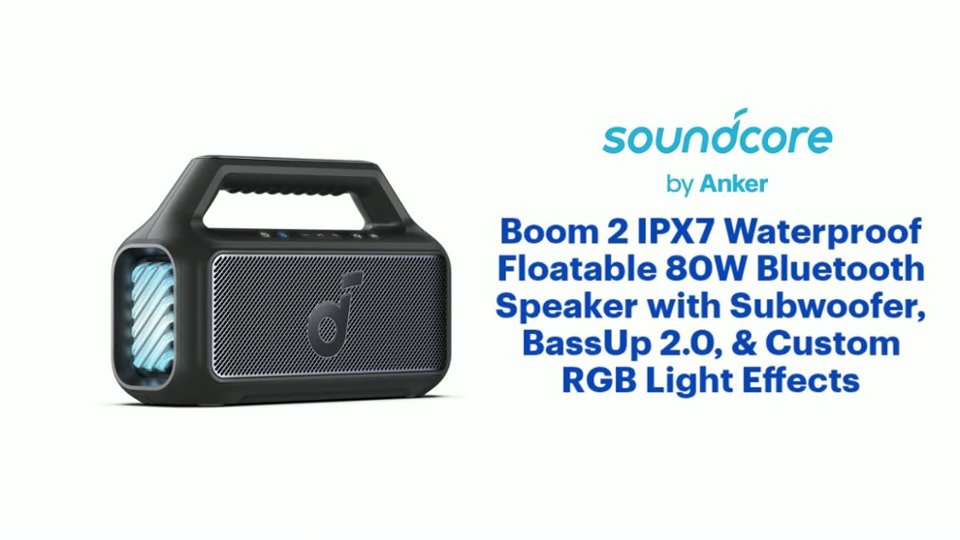
This question was asked about the related product: Soundcore - by Anker Boom 2 IPX7 Waterproof Floatable 80W Bluetooth Speaker with Subwoofer, BassUp 2.0, & Custom RGB Light Effects - Blue
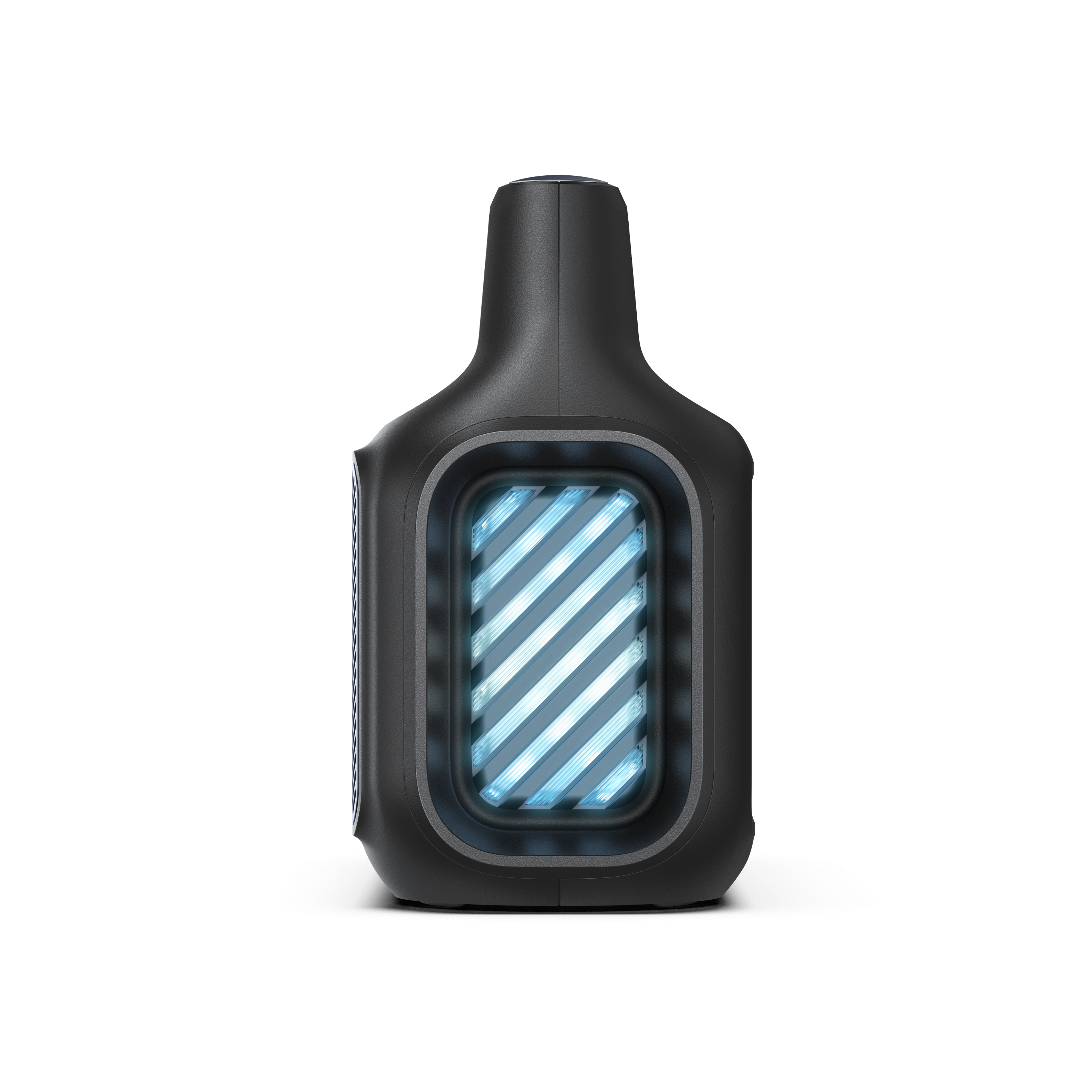
- A:Answer Yes, the light show on the Soundcore Boom 2 speaker can be turned off. You can customize its settings and features using the Soundcore app. While the knowledge provided focuses on auto-off features or blinking during charging, typically RGB light effects can be controlled and turned off through the app or device interface. Be sure to explore the Soundcore app's settings to manage the light features manually.
Answered by Soundcore Team
Page 1, Showing 1-3 of 3 questions
Most-viewed items
- $567.99Your price for this item is $567.99$629.95The comparable value for this item is $629.95
- Winter Sale Deal$748.00Your price for this item is $748.00
- $849.95Your price for this item is $849.95
- $699.00Your price for this item is $699.00
- Winter Sale Deal$329.00Your price for this item is $329.00
- $449.95Your price for this item is $449.95
- $329.95Your price for this item is $329.95
- $348.00Your price for this item is $348.00$399.99The comparable value for this item is $399.99
- $1,199.99Your price for this item is $1,199.99
- $299.99Your price for this item is $299.99
- $99.95Your price for this item is $99.95
- $1,899.95Your price for this item is $1,899.95
- $379.95Your price for this item is $379.95
- $579.95Your price for this item is $579.95
- $199.00Your price for this item is $199.00$269.00The comparable value for this item is $269.00
- $499.95Your price for this item is $499.95
- $649.99Your price for this item is $649.99$699.99The comparable value for this item is $699.99
- $199.95Your price for this item is $199.95
- $549.99Your price for this item is $549.99
- Winter Sale Deal$179.99Your price for this item is $179.99