A:AnswerMy fan doesn’t always run when plugged in. I did have power supply issues and finally the entire computer broke down after a month when I had the leather portfolio spectre prior to this one.
I really liked the leather portfolio version but no cooling fan was the problem on that one.
A:AnswerI don't believe HP makes a docking station for this laptop. There are, however, MANY USB-C stations that will add USB-A ports, as well as HDMI, card readers, etc. Check out some of the ones made by J Create. These are much more portable than a dock.
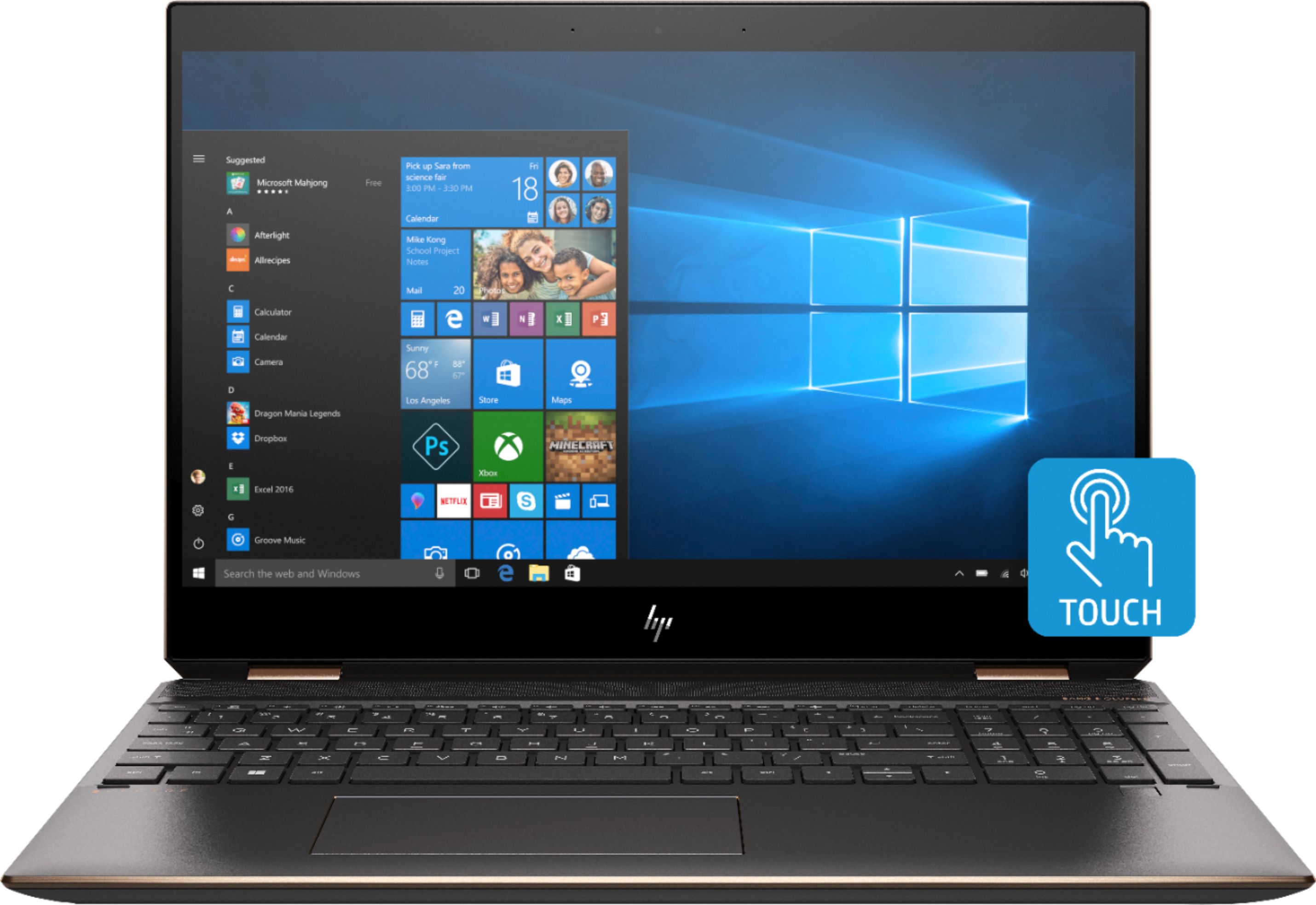
A:AnswerYes, the number of Bluetooth connections is not specifically limited. However, usually the connection will suffer if you try to have too many things connected at once. More than 10 would most likely start to be an issue.
A:AnswerYou're going to need more than the GPU this laptop has to push the C49RG9. You're talking about the 49" Gaming monitor that comes out next month at close to 4K resolution?
This laptop basically have an GTX 1030 which is a beginners GPU. You need at minimum a 1070 to take advantage of the pixels that panel has. I'd say get a laptop with an RTX 2070 or higher if you're spending the money on the C49RG9!!! Do not buy this laptop for that monitor.
A:AnswerCurrently Best Buy has chosen to carry only HP Omen and HP Gaming Pavilion laptops with that graphics card, not the HP Spectre. However, in the future that may change.
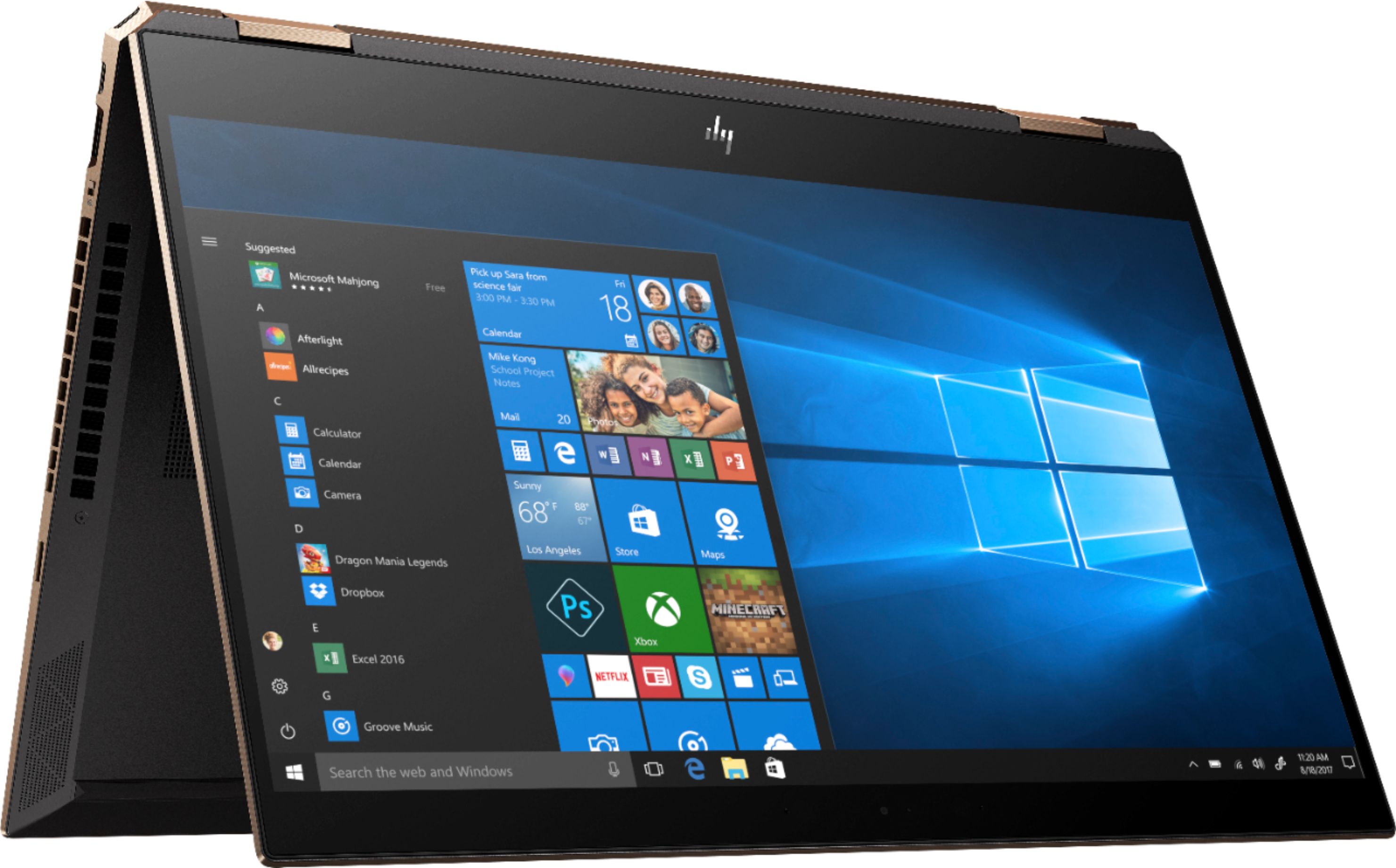
A:AnswerYou can use Windows Ink Workspace on any Windows 10 PC, with or without touchscreen. However, yes, this has additional Windows Ink features you can only access with a touchscreen and x360 configuration.
A:AnswerPlease contact HP Tech Support if you are having issues with your computer. We can only give you the answer as to how it's meant to operate. They can help you further here: https://support.hp.com/us-en