A:AnswerNot all of Samsung's phones are supported by Square anymore, though we do our best to reach all devices. Square will run on most Android devices with the following features:
Android v5 or higher
3.5 mm headset jack (which includes a microphone input)
GPS
There are several thousand Android devices on the market, and we strive to support them all. In some cases, however, the Android device may meet all the requirements for compatibility but still doesn’t communicate properly with Square hardware or with the app.
To check and see if your device is supported, visit the device compatibility page: squareup.com/compatibility
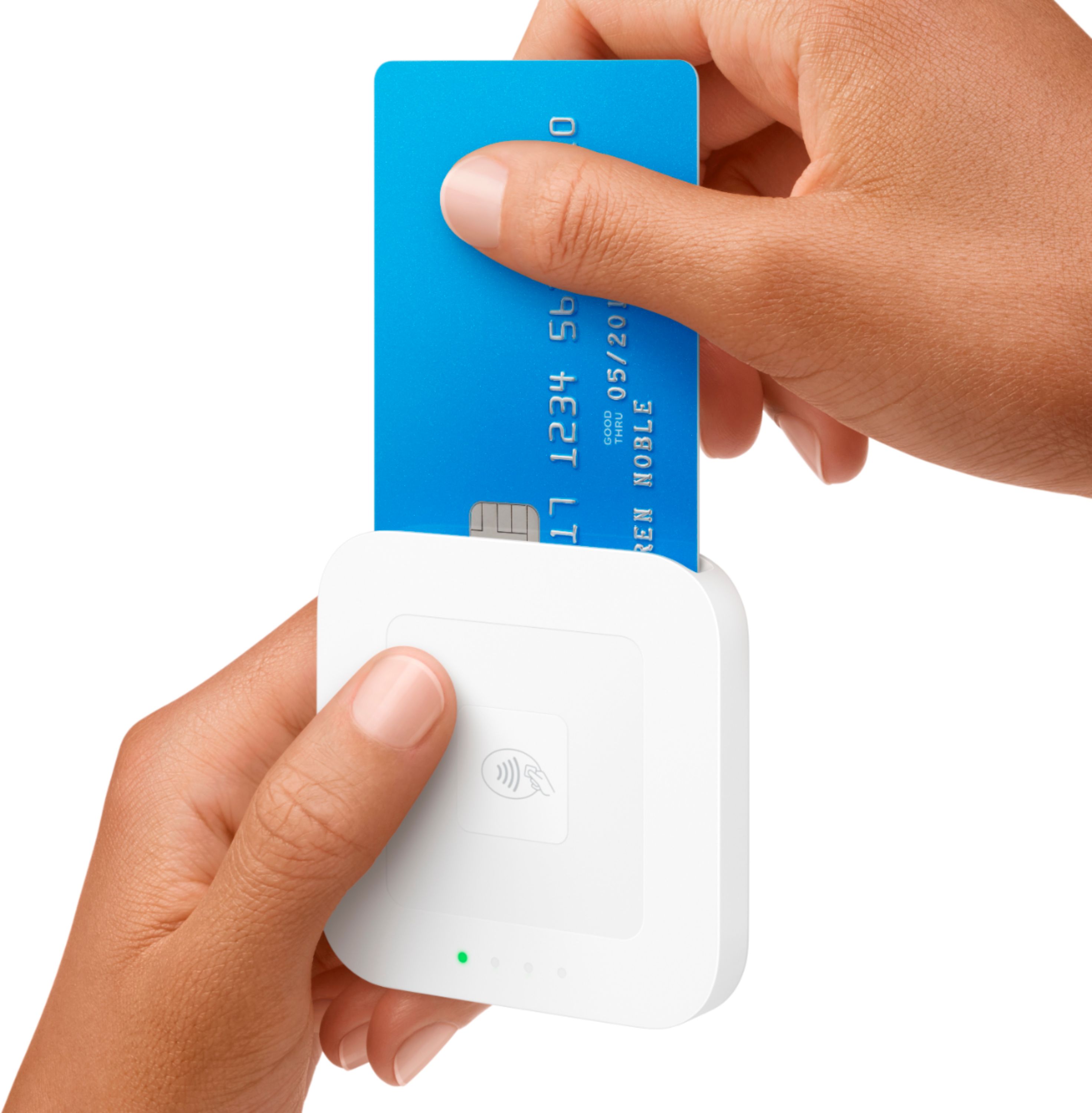
A:AnswerWhen you purchase a Square Reader for contactless and chip, a magstripe reader with headphone jack is included as a freebie. If you need one with a lightning connector, you can order your first free Square Reader for magstripe after creating your Square account: squ.re/readerrequest - be sure to select the lightning connector option there.
A:AnswerThe speed at which your funds arrive in your bank account will depend on the transfer schedule you set up. You can learn about your options here: bit.ly/squaretransfers
A:AnswerWhen you purchase a Square Reader for contactless and chip, a magstripe reader with headphone jack is included free of charge. If you need a lightning connector instead, you can order your first free Square Reader for magstripe after you create your account - be sure to select the lightning connector option here: squ.re/readerrequest.
A:AnswerYou can link a bank account and set up transfers that way (bit.ly/linkbankaccount). If you prefer not to use a bank account - or don't have one - you may want to look at the Square Card: bit.ly/getasquarecard.
A:AnswerYou can check for device compatibility before making a hardware purchase by searching for your device using this tool: squareup.com/compatibility.

A:AnswerSquare offers a Magstripe Reader with Lightning connector that's compatible with newer iPhones. Visit our Shop to purchase one: squareup.com/shop