A:AnswerOur Support team would be able to look into this with you.
When you have a moment, please reach out directly by logging into your Square account and heading here: squ.re/contactsqsupport.
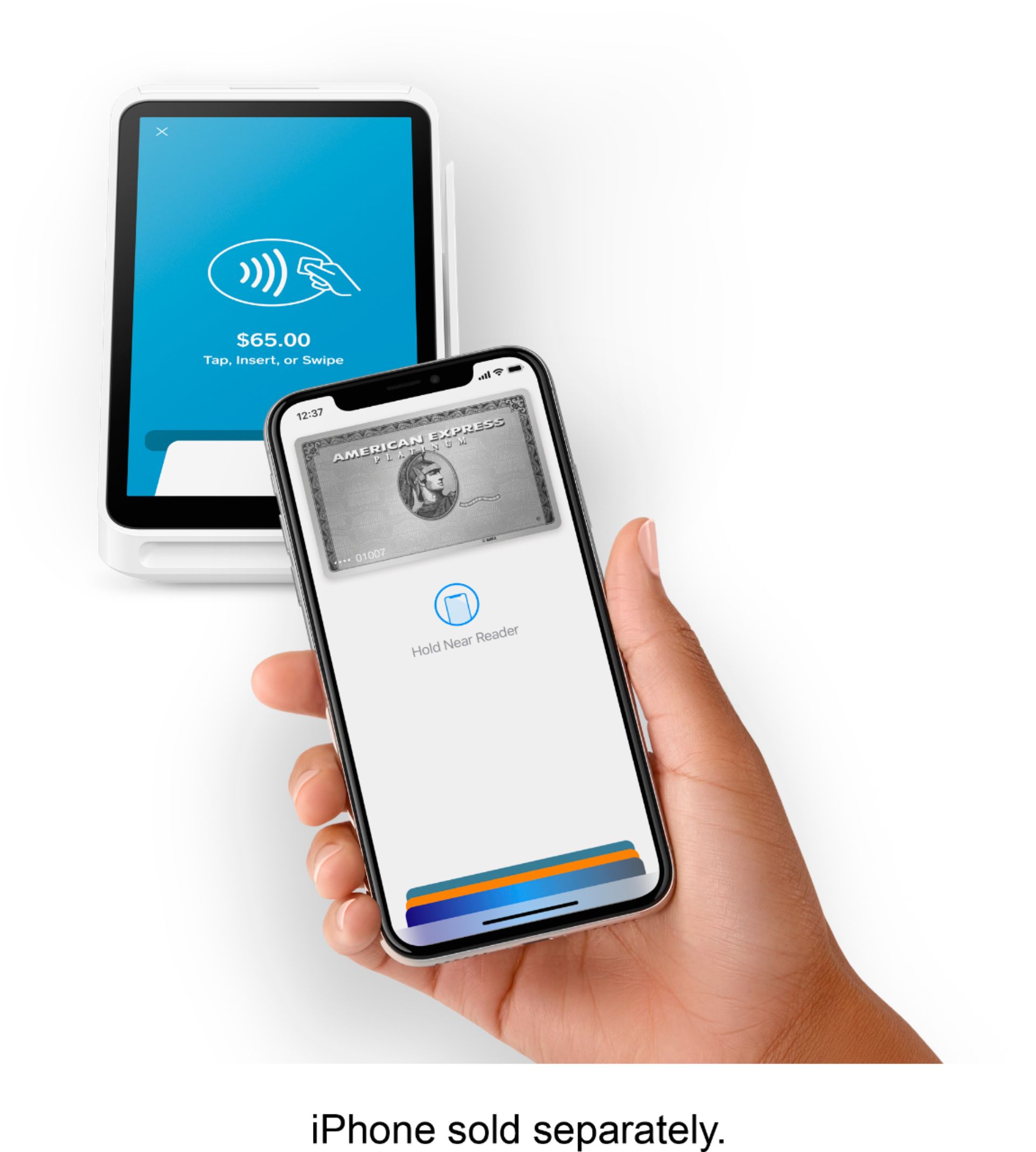
A:AnswerThat's a great question! We do not currently integrate with Odoo. Square works with any US-issued and most internationally-issued magstripe or chip cards bearing a Visa, Mastercard, American Express, Discover, JCB, or UnionPay logo. Square also supports mobile wallets such as Apple Pay, Google Pay, and Samsung Pay. Learn more here http://squ.re/2C7y1d4.
A:AnswerSquare offers "offline mode", check it out here: https://squ.re/3T5kPtD
Here's an instructional video on our Advanced Reporting: https://squ.re/AdvancedReporting
A:AnswerYou'll need access to wifi, or a hotspot, to connect the Terminal to the internet. Otherwise, the Square Terminal is ready to accept payments out of the box!
A:AnswerCross-border card payments are unsupported. This means that card transactions attempted outside of the country where you activated your Square account can’t be processed with Square. Learn more about international availability here https://squ.re/2mRiRCG.