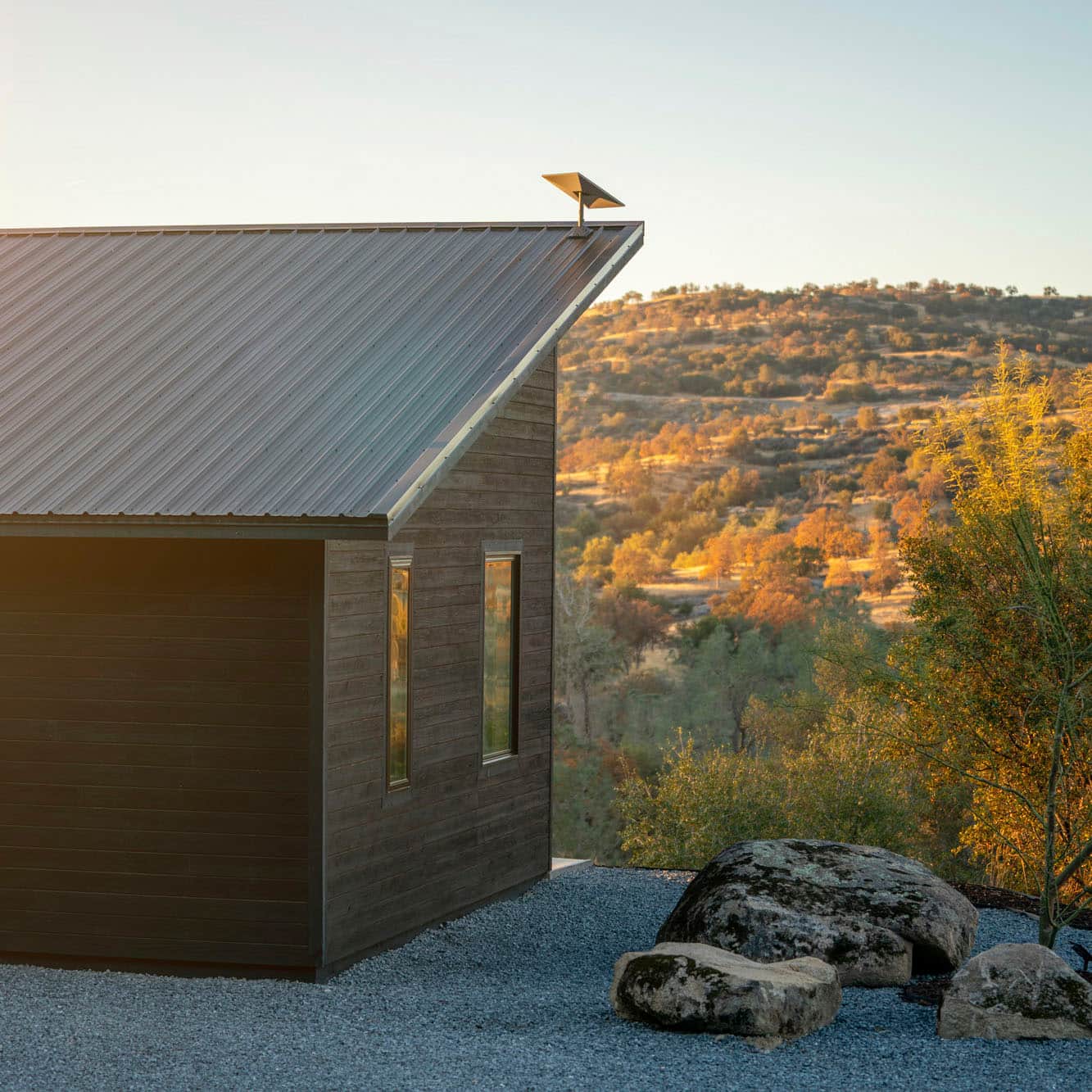
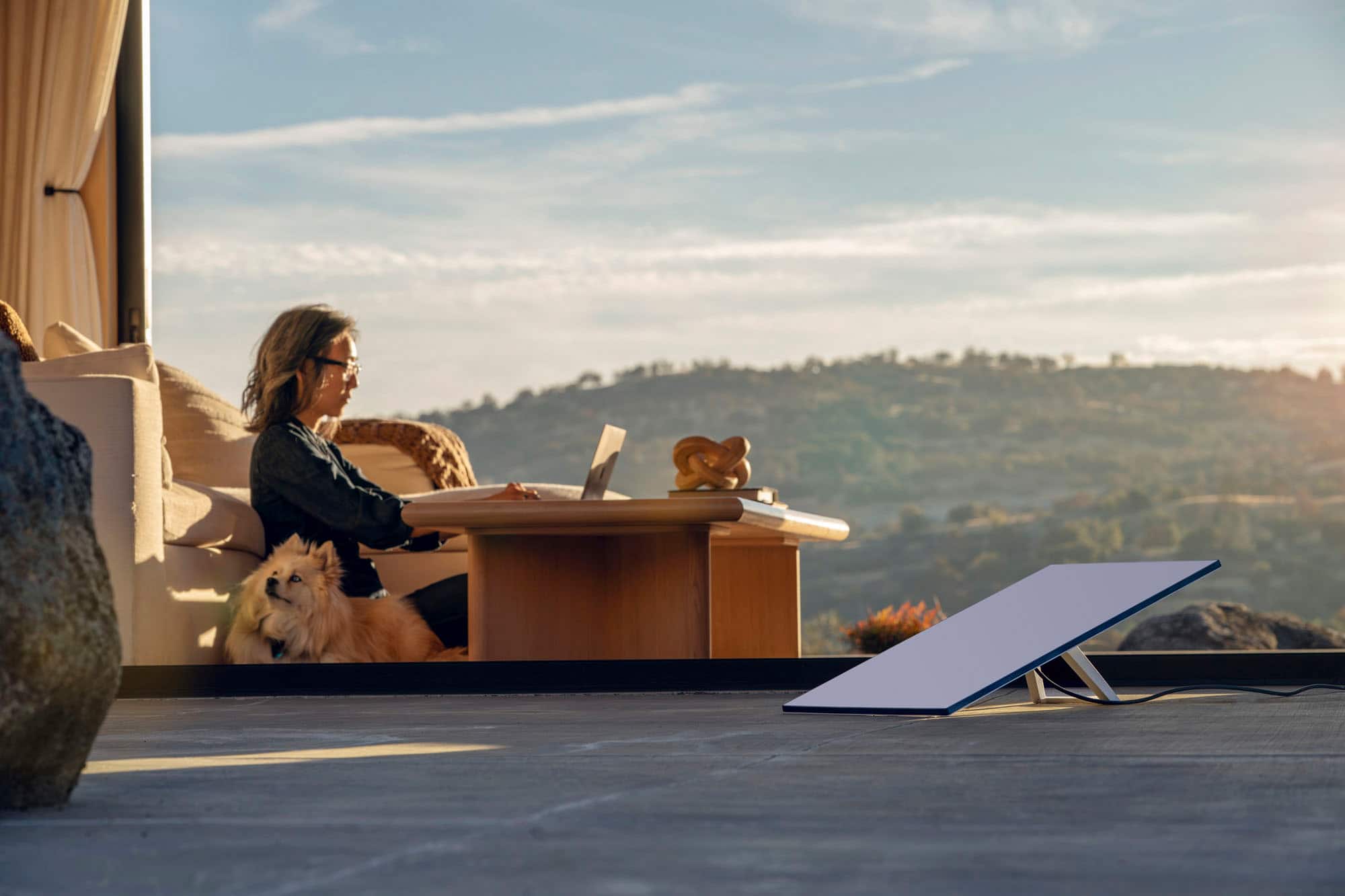

A:AnswerWhoever said you aren't in a rural enough area if you receive mobile network is not true. We have a mobile network and can still get a mobile hot spot through our carrier, but the service sucks. The only other options where we live is Starlink because we live in the sticks. We literally live down a gravel road in the middle of nowhere.
A:AnswerGen 3 Starlink system has an average power consumption of 75–100 watts, which is higher than the Gen 2's 50–75 watts. One Reddit user measured the power consumption of a Gen 3 router, dish, and AC adapter running off a 120V inverter, and found that the power delivered to the Starlink AC adapter averaged around 49 watts, fluctuating from 37 to 61 watts. During a speed test, it hovered for a few seconds around 69 watts. Another user tested the Starlink Gen 3 system in a remote location in Anza Borrego State Park, and found that it used between 48 and 60 watts
A:AnswerYes, but you will need to extend the network. Either get a 200 ft direct burial shielded Cat5e or higher Ethernet cable and lay it between the buildings or install a point to point wireless bridge such as TP-Link 5GHz CPE210 (2 units). You may need a tech savvy person help you configure the wireless bridge.
A:AnswerIt can.
If you stream everything you’ll be all good. Get this and a Roku and you get all your Netflix, Hulu etc. and regular tv channels.
A lot of cable providers also sell a box that you can get that has all of your streaming channels like Netflix and all of your local and regular channels you get on cable. You have to pay for the box which is usually $50-$100 and then you have to pay for a monthly subscription, in my area it’s 24.99, for 70 channels, including locals.
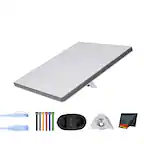
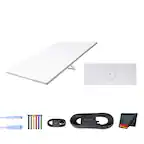
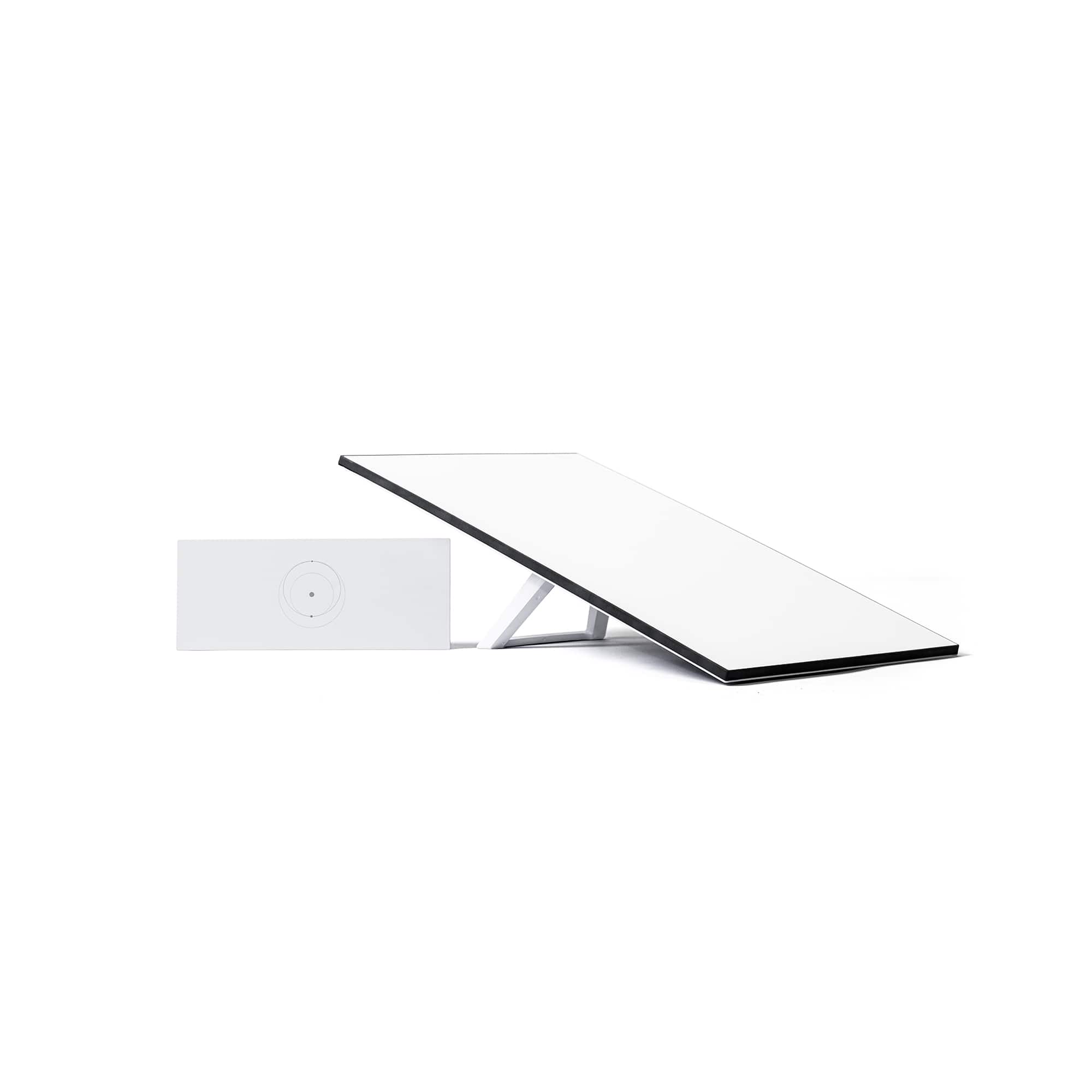
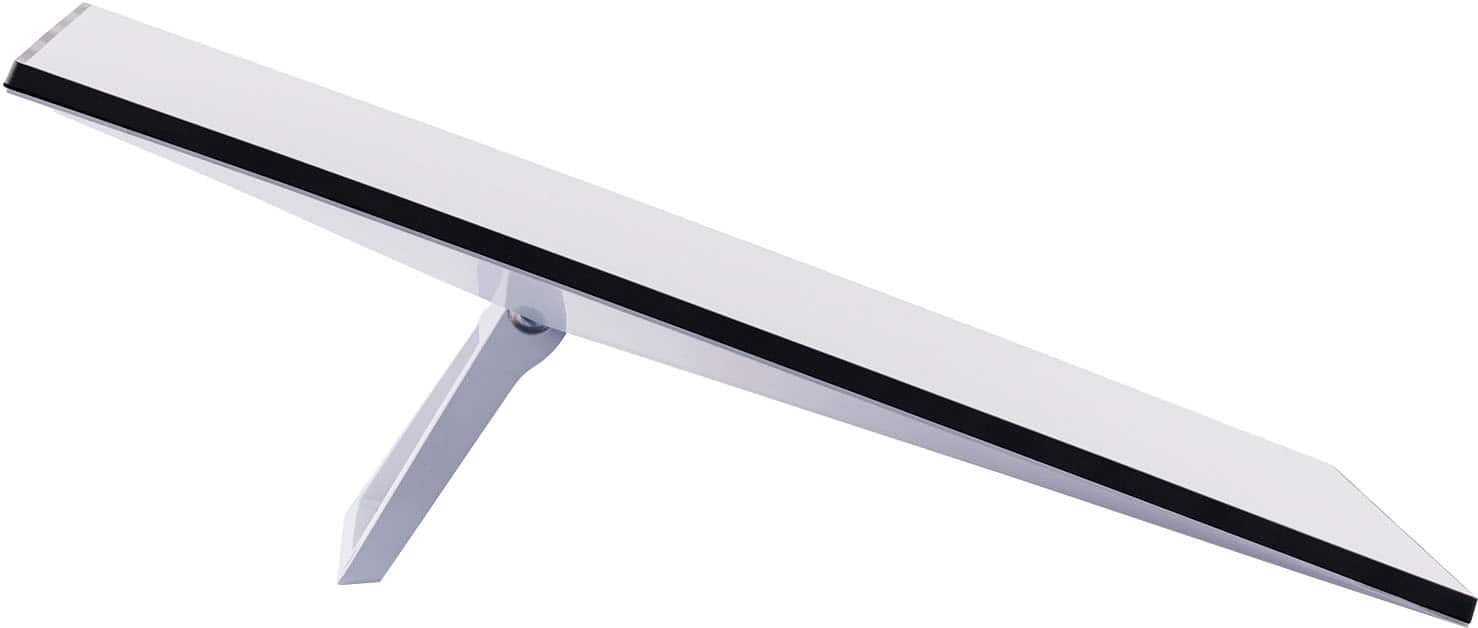
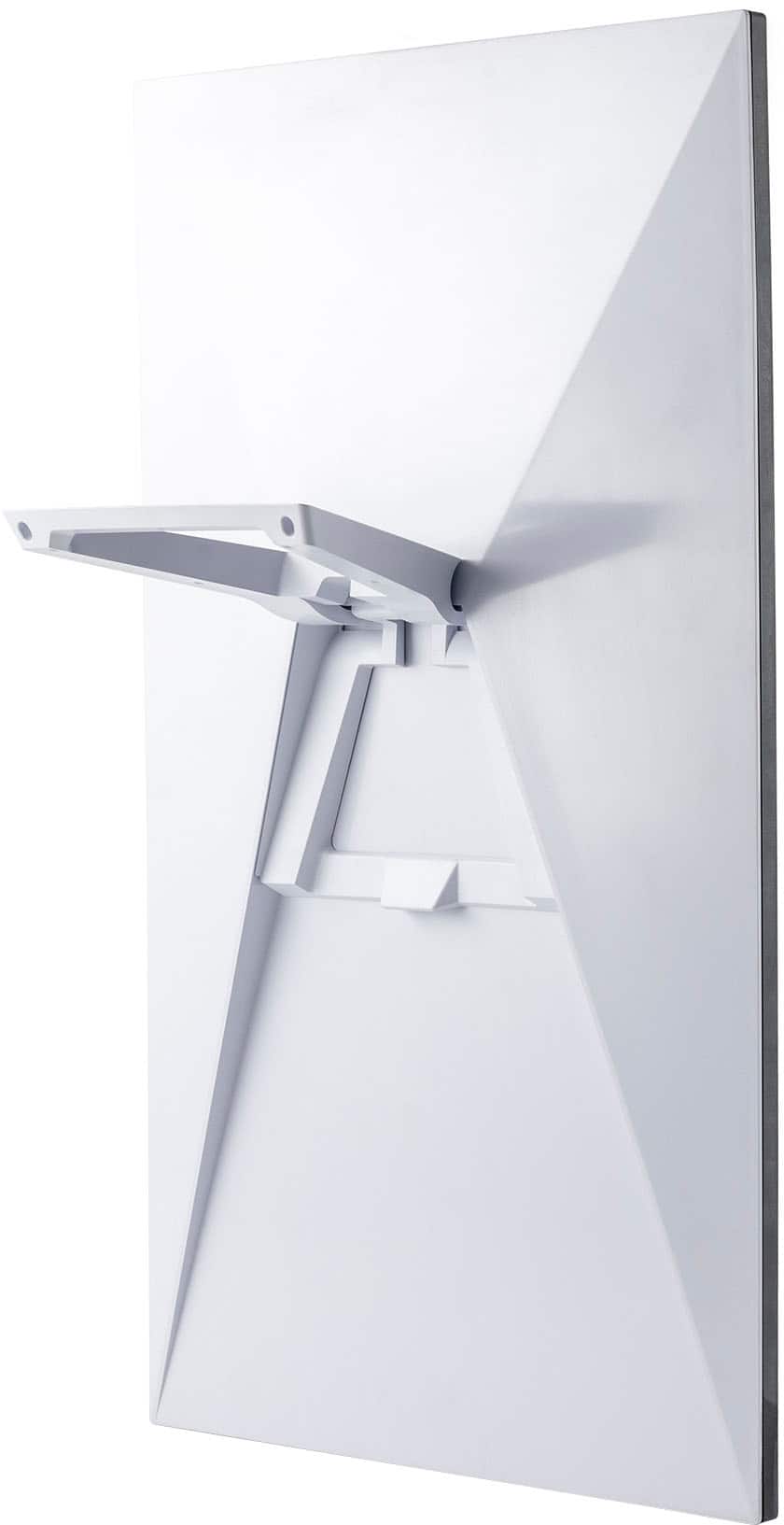
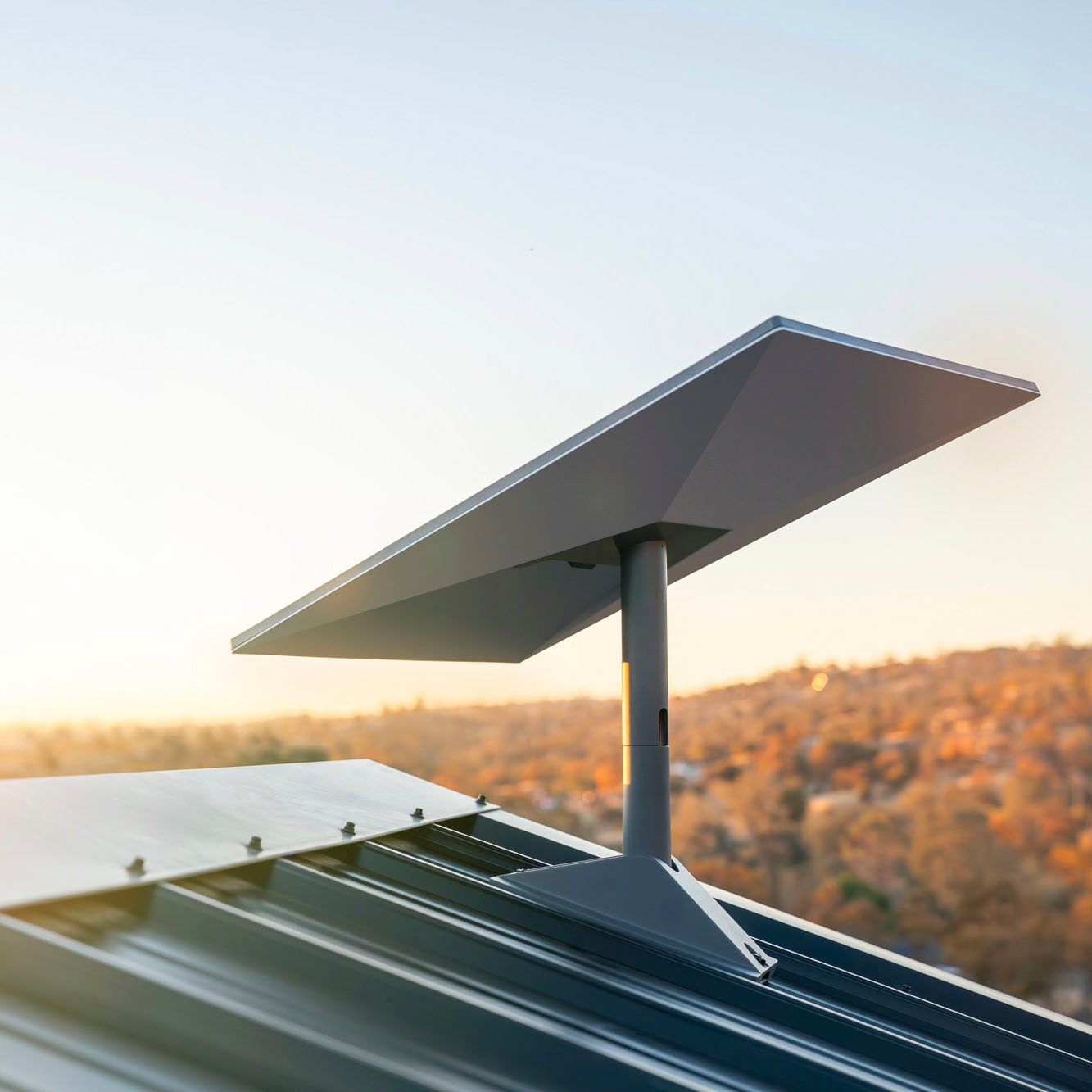
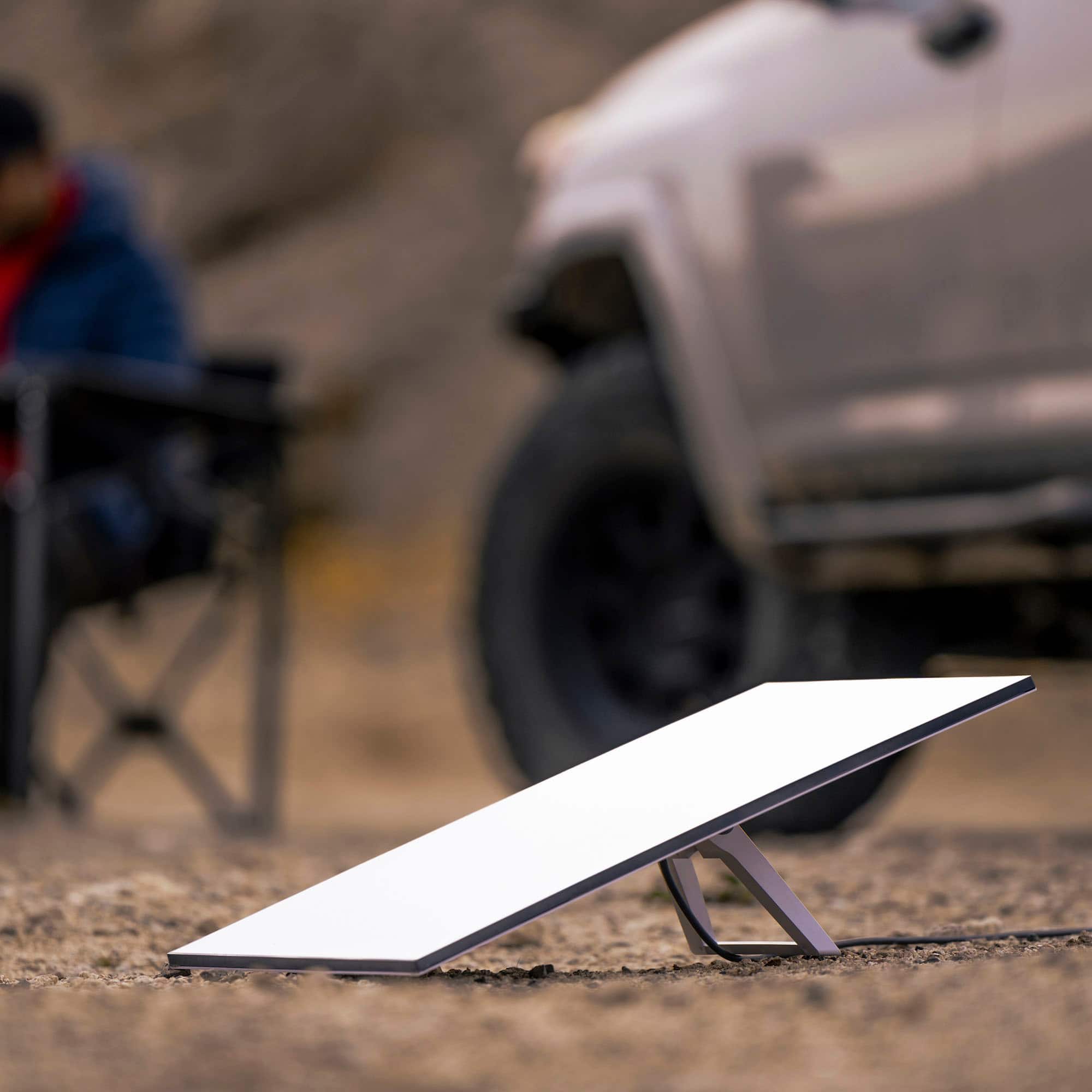
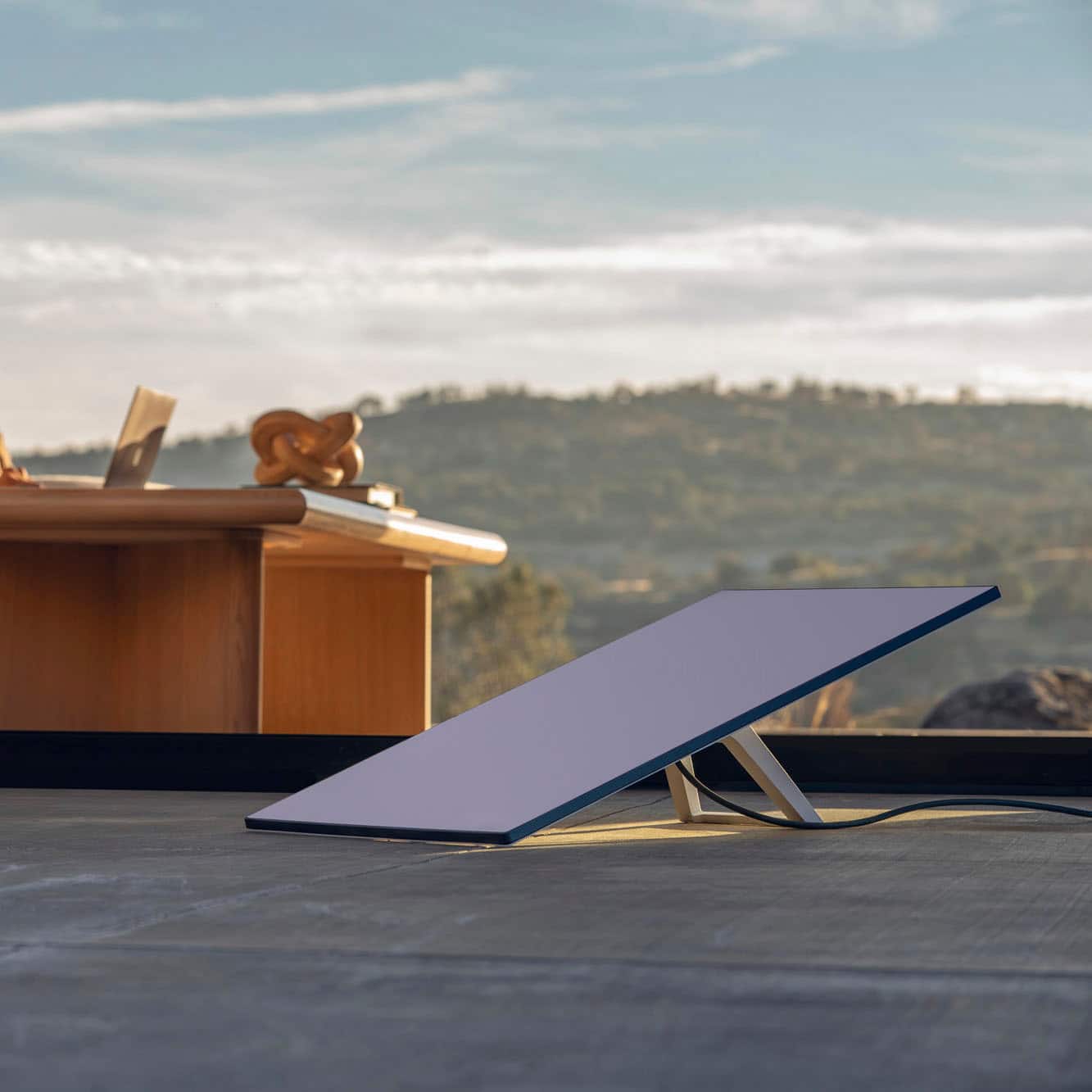
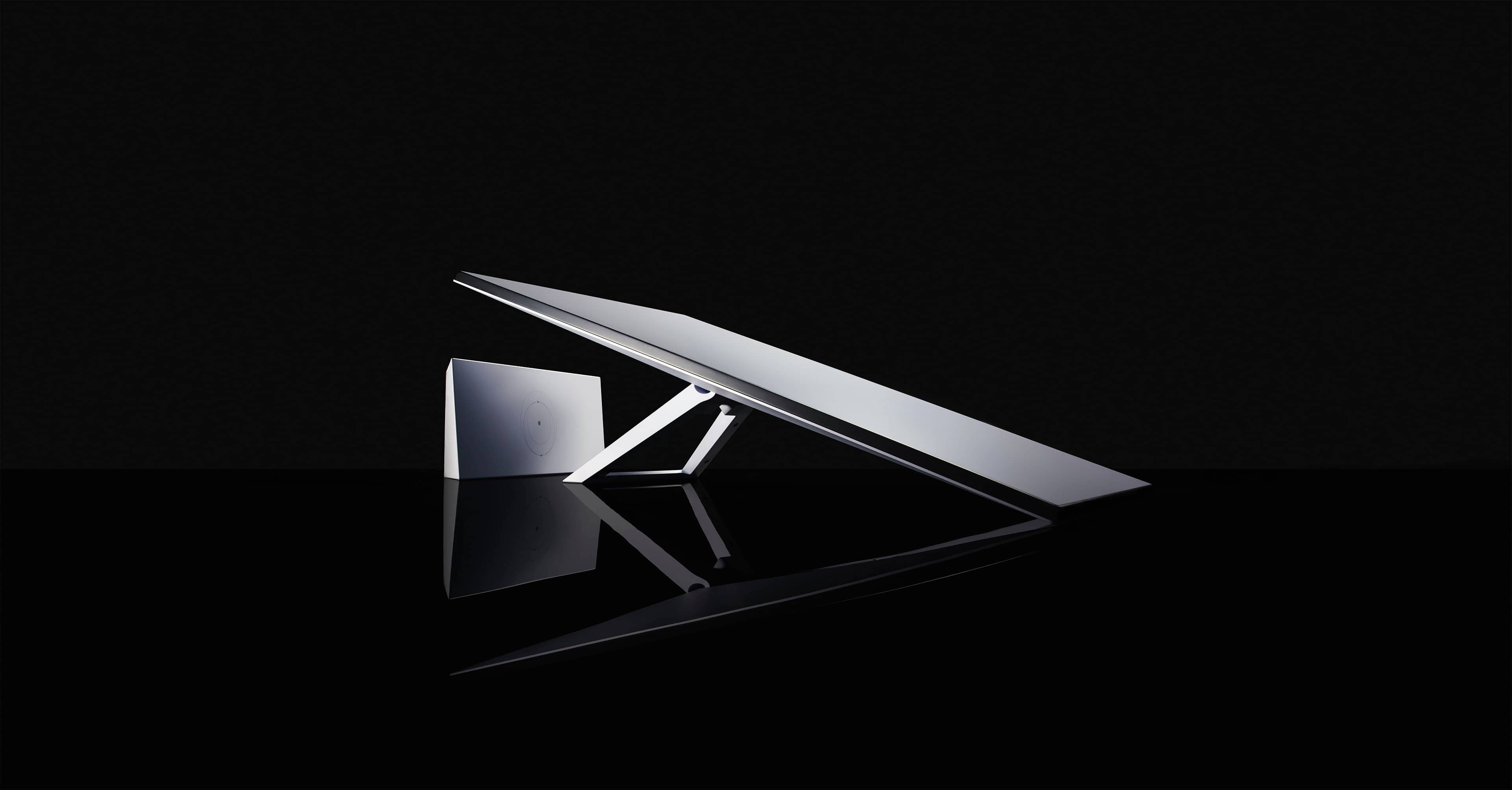
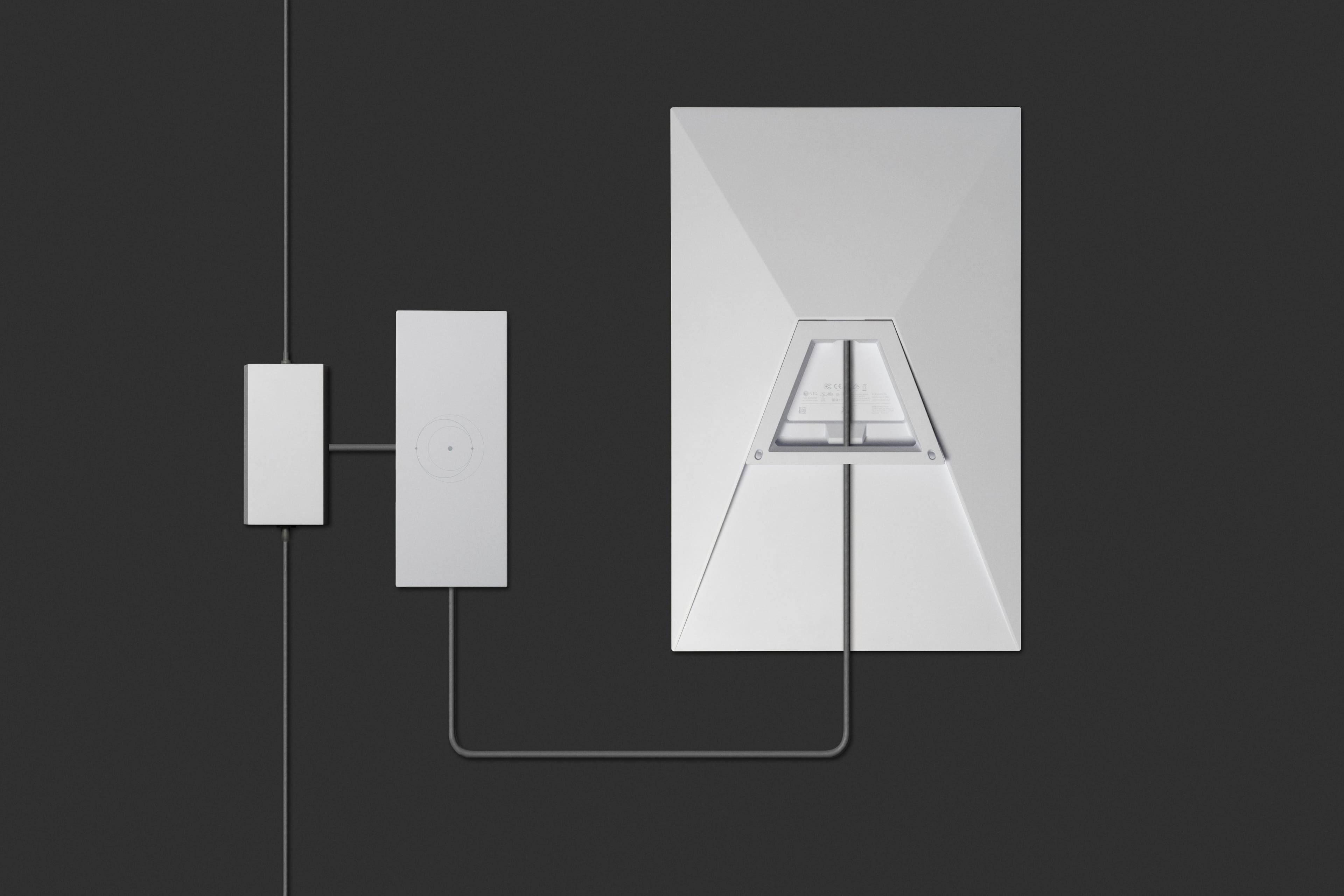
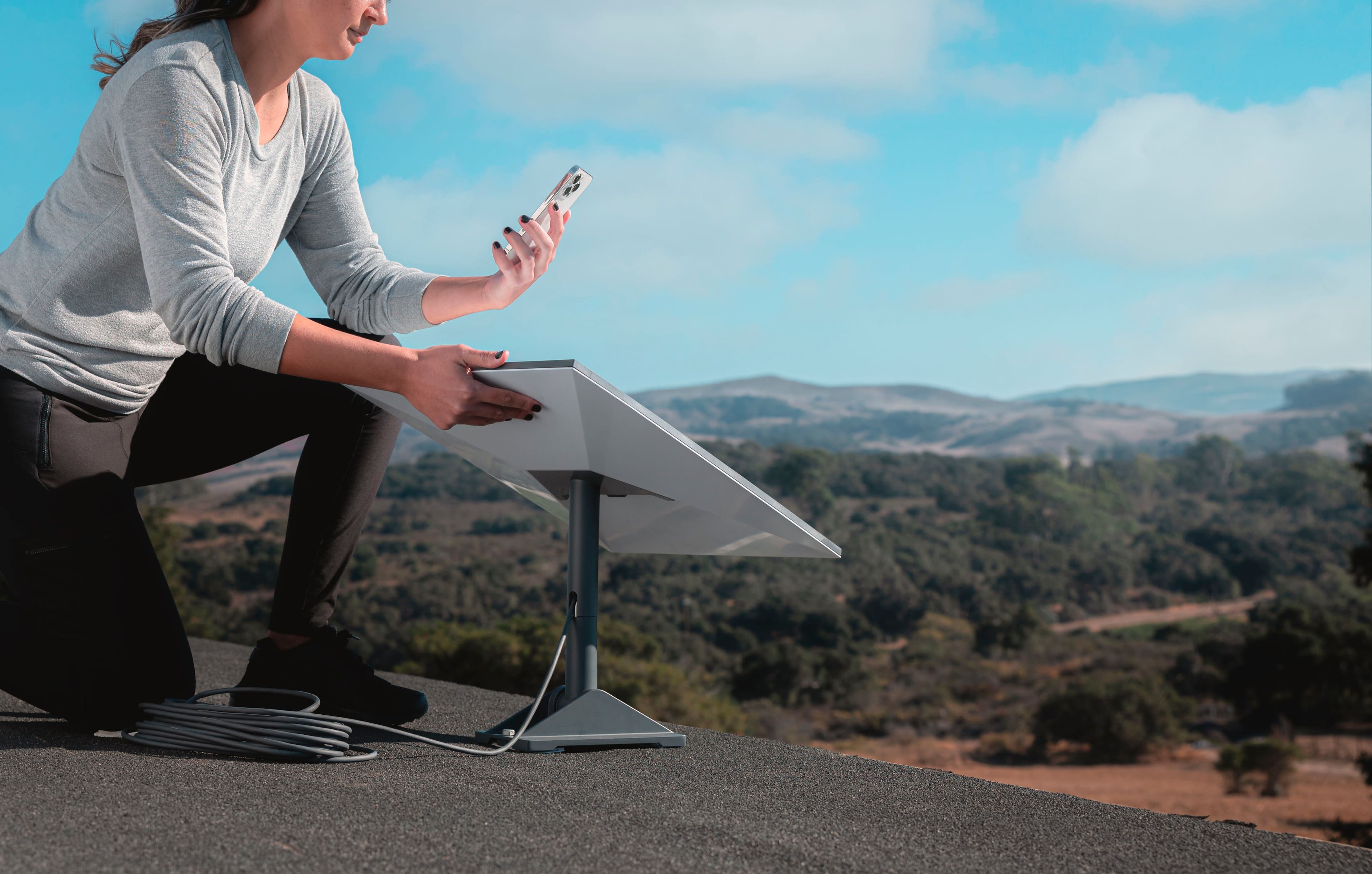
A:AnswerYour Starlink Kit includes everything you need to connect to the internet including your Starlink, WiFi router/power supply, cables, and base. Based on your specific installation needs, additional mounts and accessories are available for purchase on the Starlink Shop once your Starlink Kit is ready to ship. For more information, check this out: https://support.starlink.com/topic?category=10&category=36
A:AnswerIf you buy the kit from a retail store, yes, the kit can be stored until you are ready to activate it. If you purchase the kit through Starlink, it will automatically activate 30 days after the purchase date.
A:AnswerThis device has a GPS; Starlink knows exactly where you are using your device. If it's on a standard fixed-location plan, it can only be used in the location specified on your account; it will not work anywhere else.
I doubt your means of payment is relevant here; ask the Starlink customer service folks what plan you need.
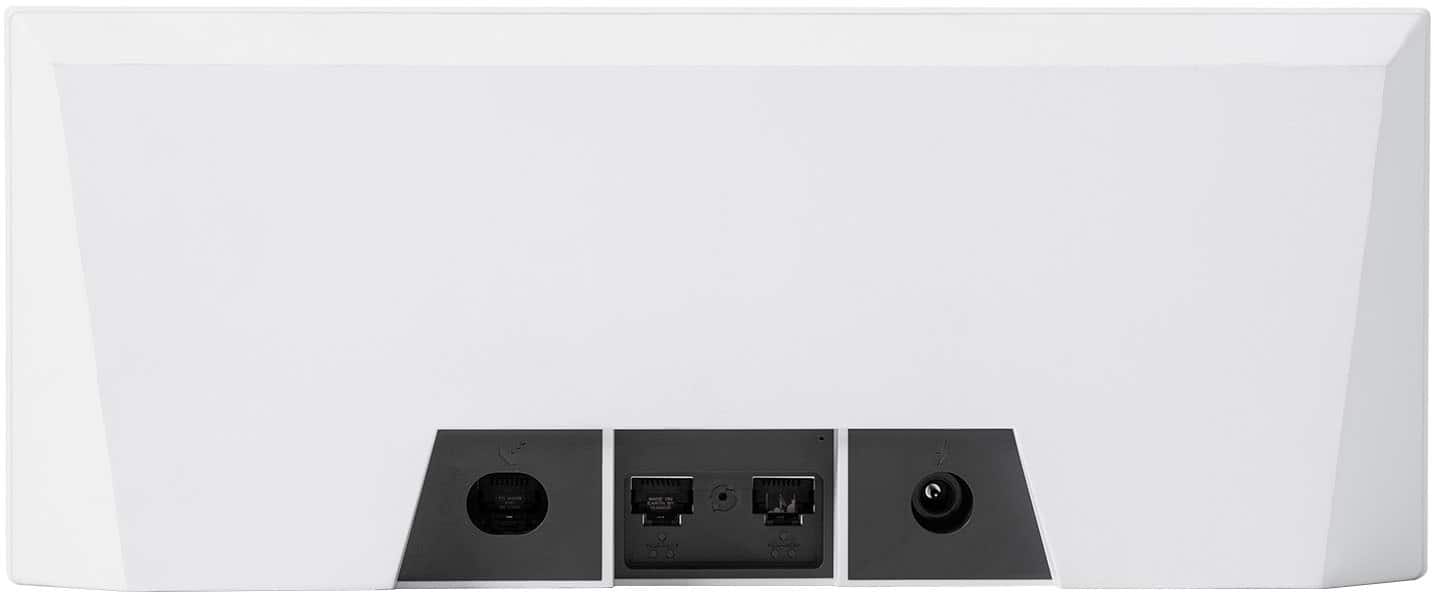
A:AnswerYes, it has 2. I have my VPN hooked to one and google wifi hooked to the other. Once you plug in external router to Starlink router, you no longer have starlink router available. but still need it to control account and dish.