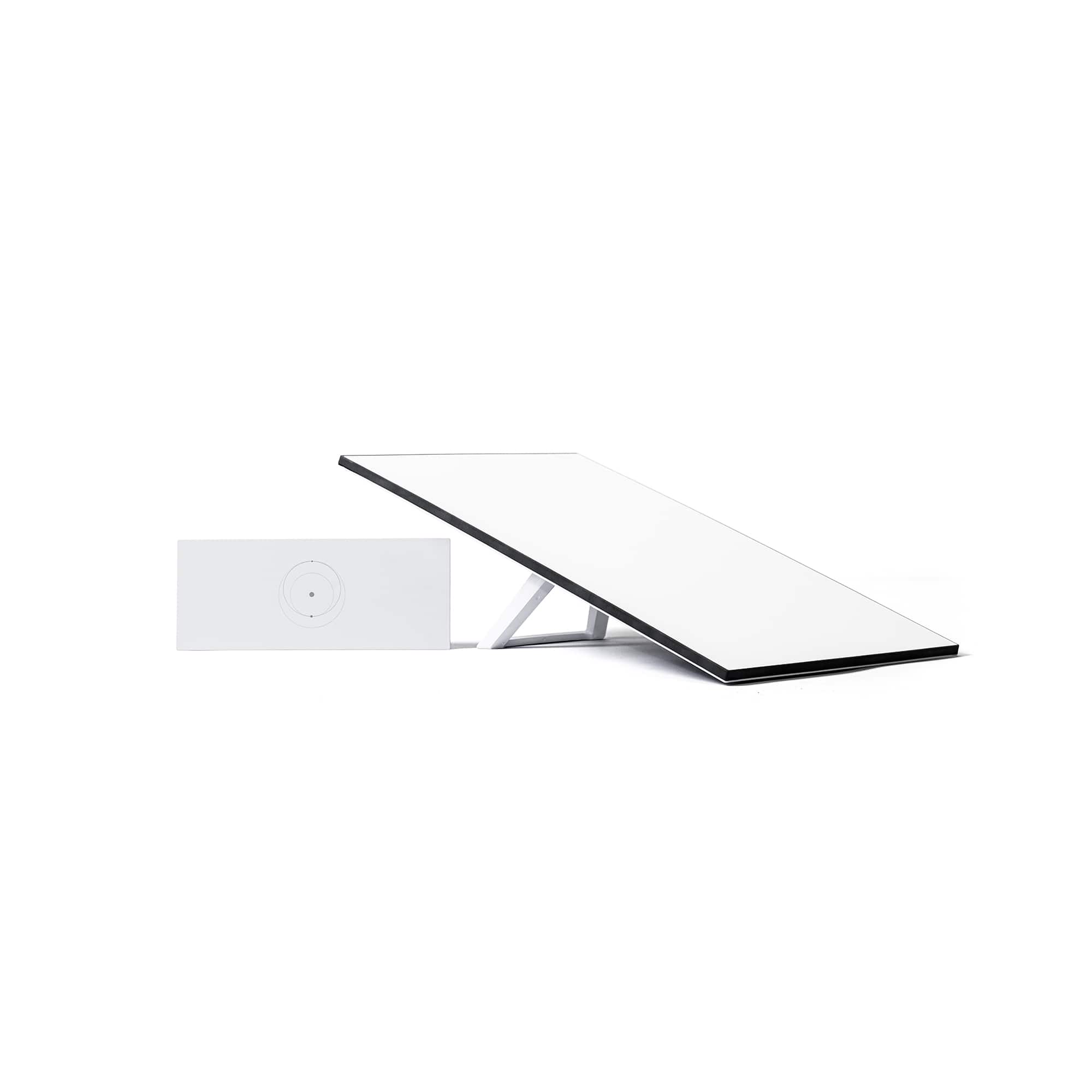
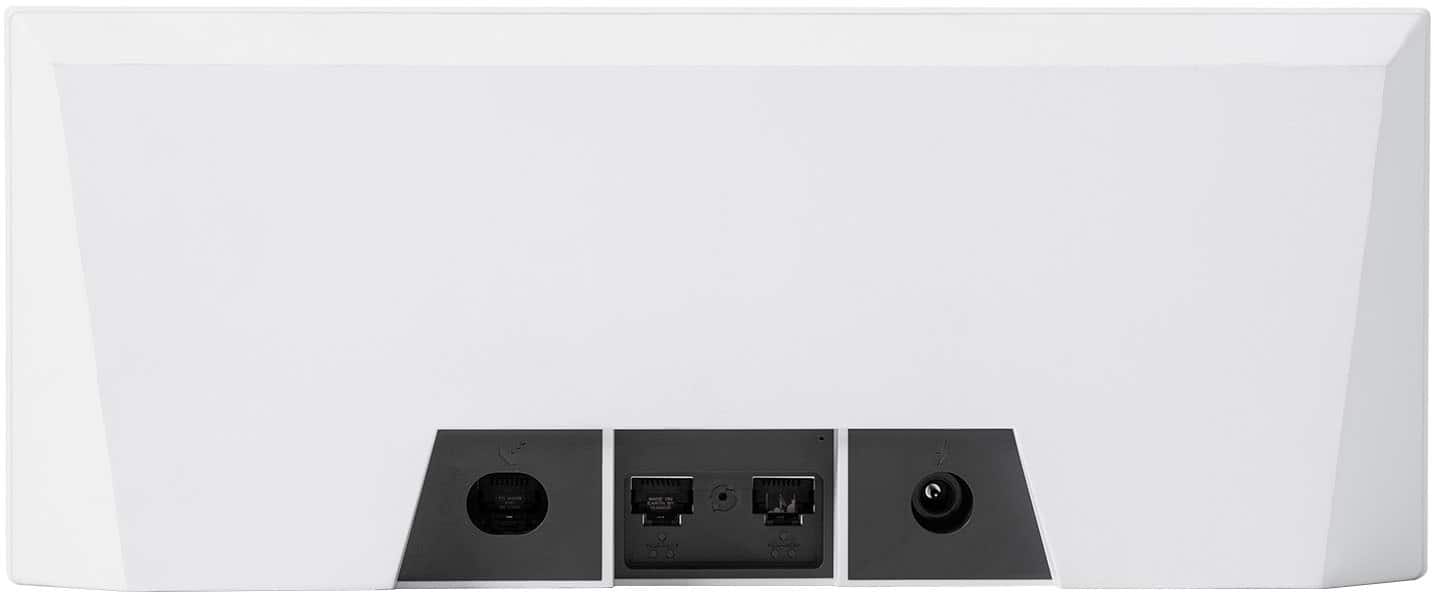
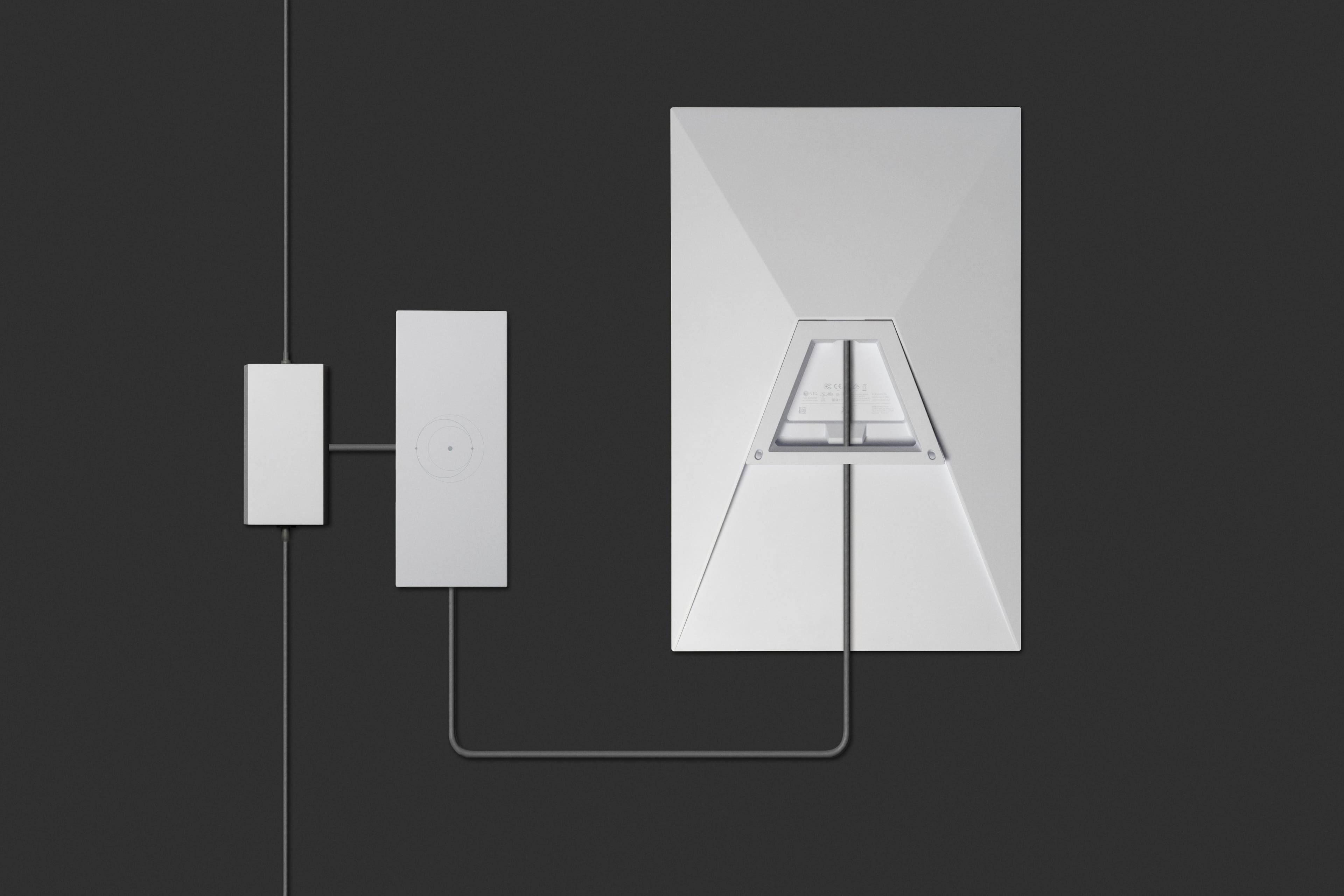
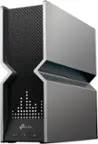
A:AnswerThe standard kit does include the wifi router that you can use from Starlink. Or if you already have a wifi router set up in your home then you can set the Starlink router into "bypass" mode and put an ethernet cable between the Starlink router and your preexisting wifi router and that works too.
A:AnswerThis device you’re asking the question about is the Gen 3 so it is the newest device available. And no you do not have to join Geek Squad to purchase from Best Buy.
A:AnswerJust a normal Ethernet. However I used a mesh system with my previous isp but I did not need it with Starlink. Way better signal in all rooms without the mesh.
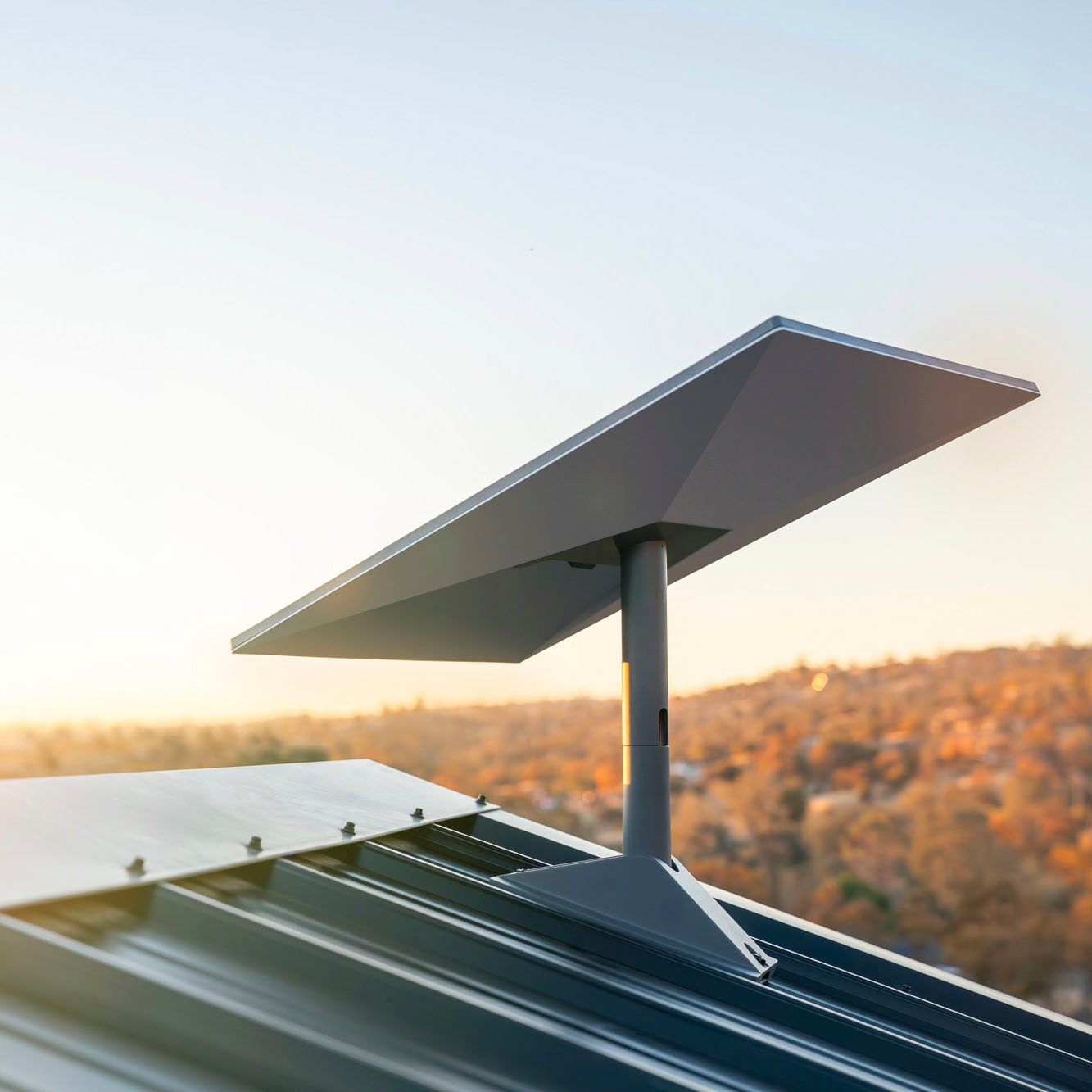
A:AnswerYes but shop around for price and use an insured installer. I called my existing internet company that uses a dish on the roof, and they allowed their installer to setup my new starlink dish for $200. Other folks in my area paid $450 which I though was too much. Good luck, happy streaming.
A:AnswerYep. Be glad you don't live in Southcentral Alaska (Anchorage) or Interior Alaska (Fairbanks). The demand surcharge for new customers signing up for service is $1,500. OUCH
A:AnswerStarlink is available in many countries around the globe, however, it is not available everywhere. Please refer to the Starlink service map at this link: https://www.starlink.com/map
A:AnswerStarlink's payments are on a month-to-month basis. If you are planning on pausing your service you can do this through the app on your phone. You can then reactivate your service through the app whenever you want.
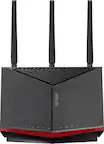

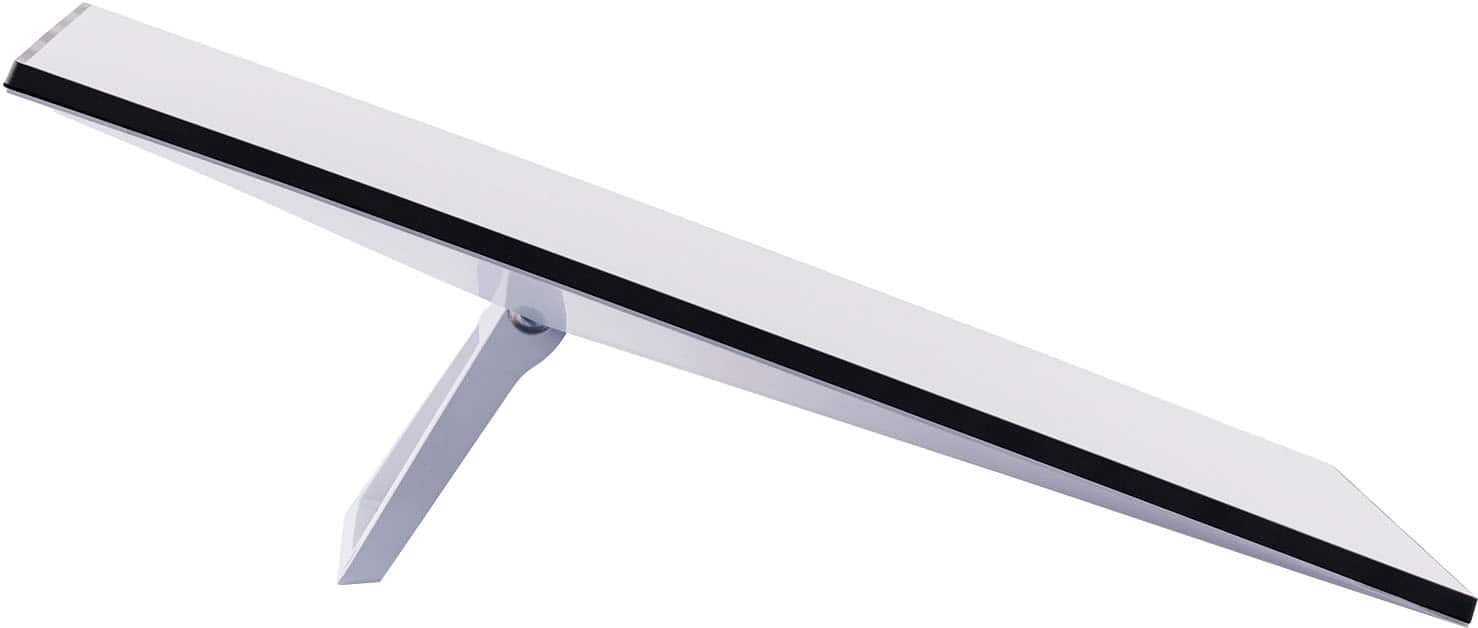
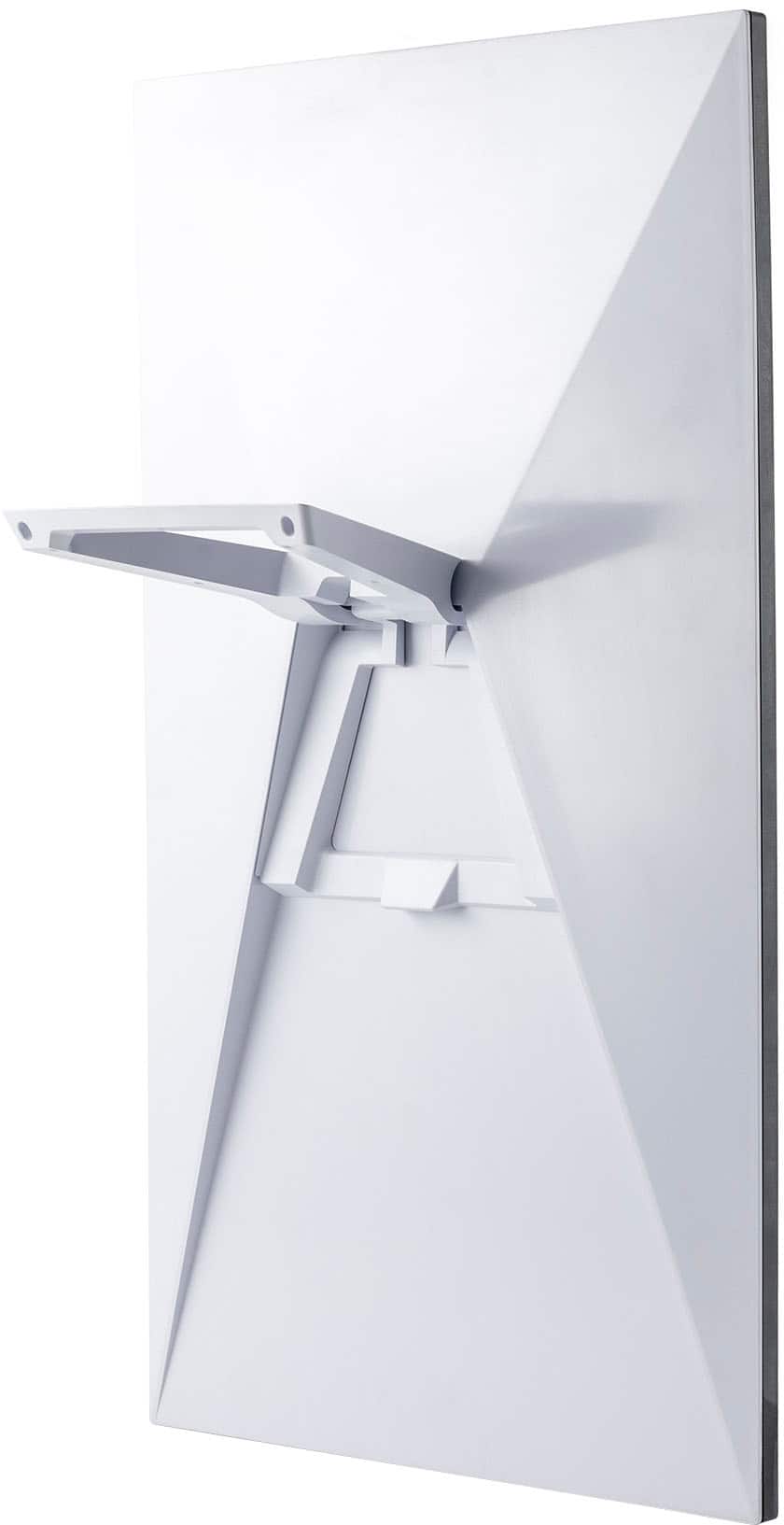
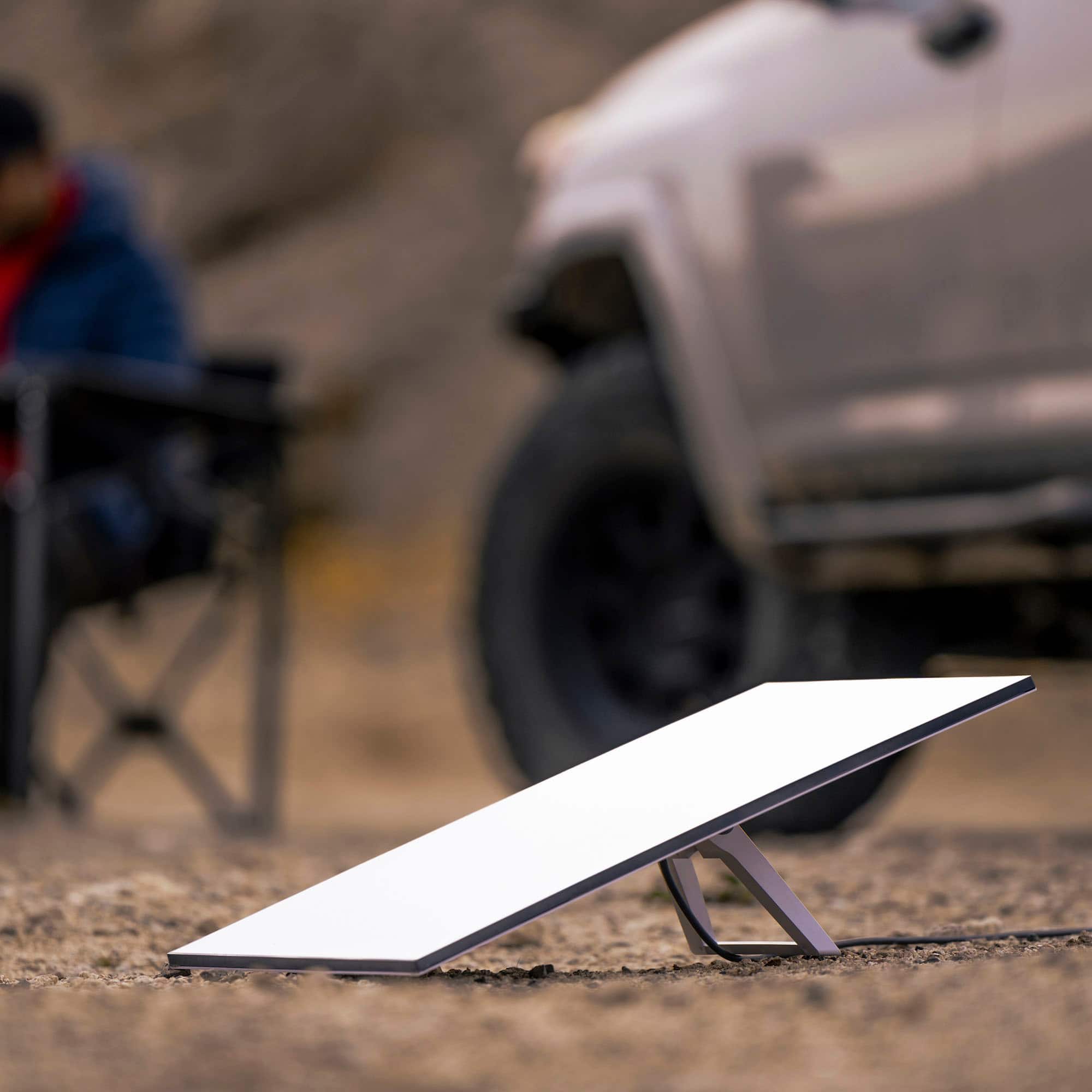
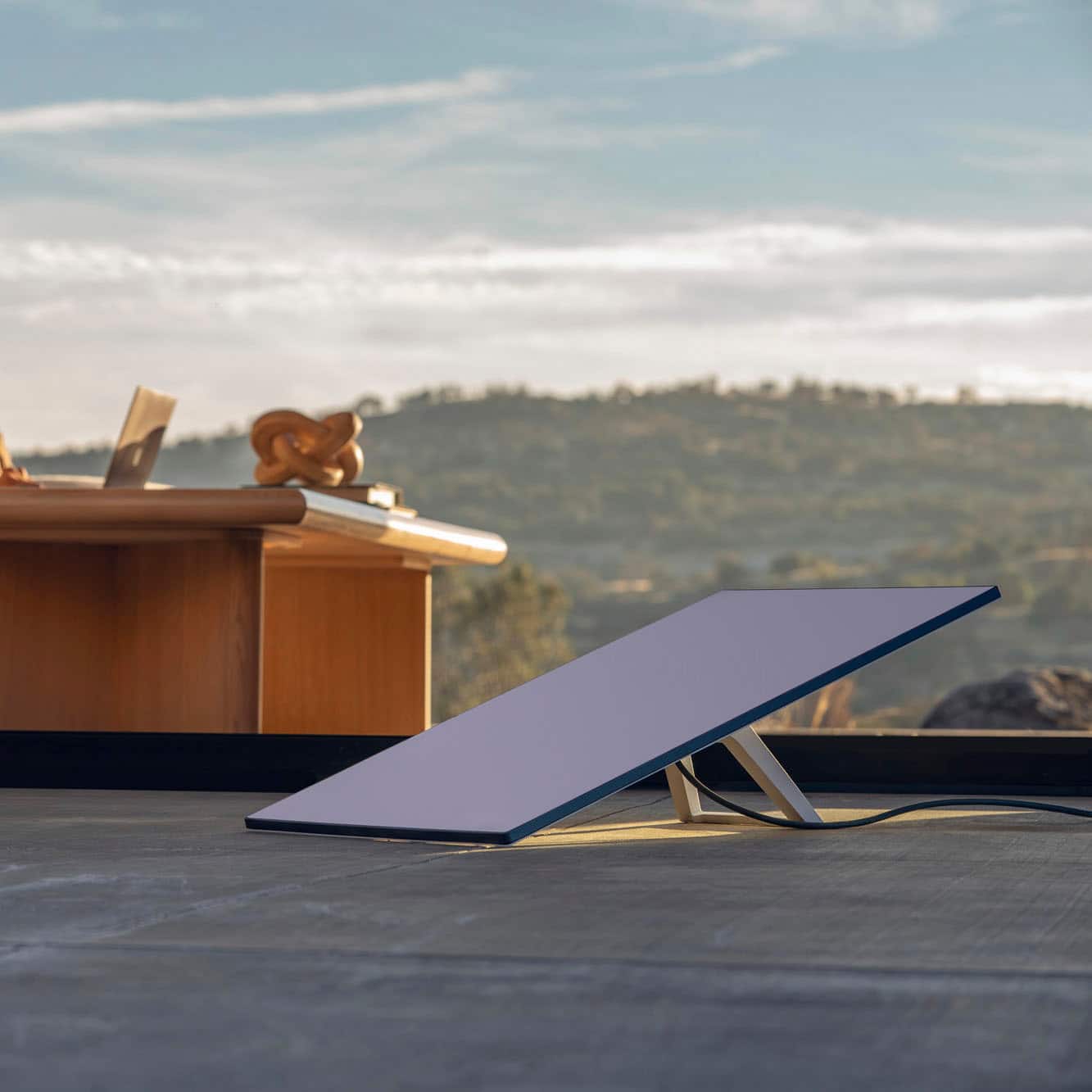
A:AnswerThe Starlink kit is just the antenna (the flat panel) and all it connect to the starlink wifi router that is part of the kit. The wifi router is what your computer or phone connects too. There is no wifi router you can connect to that has a 900ft reach. You can either get another kit for the shop OR less expensive is to connect your wifi to a Ubiquiti NanoStation or similar (point to point bridging)