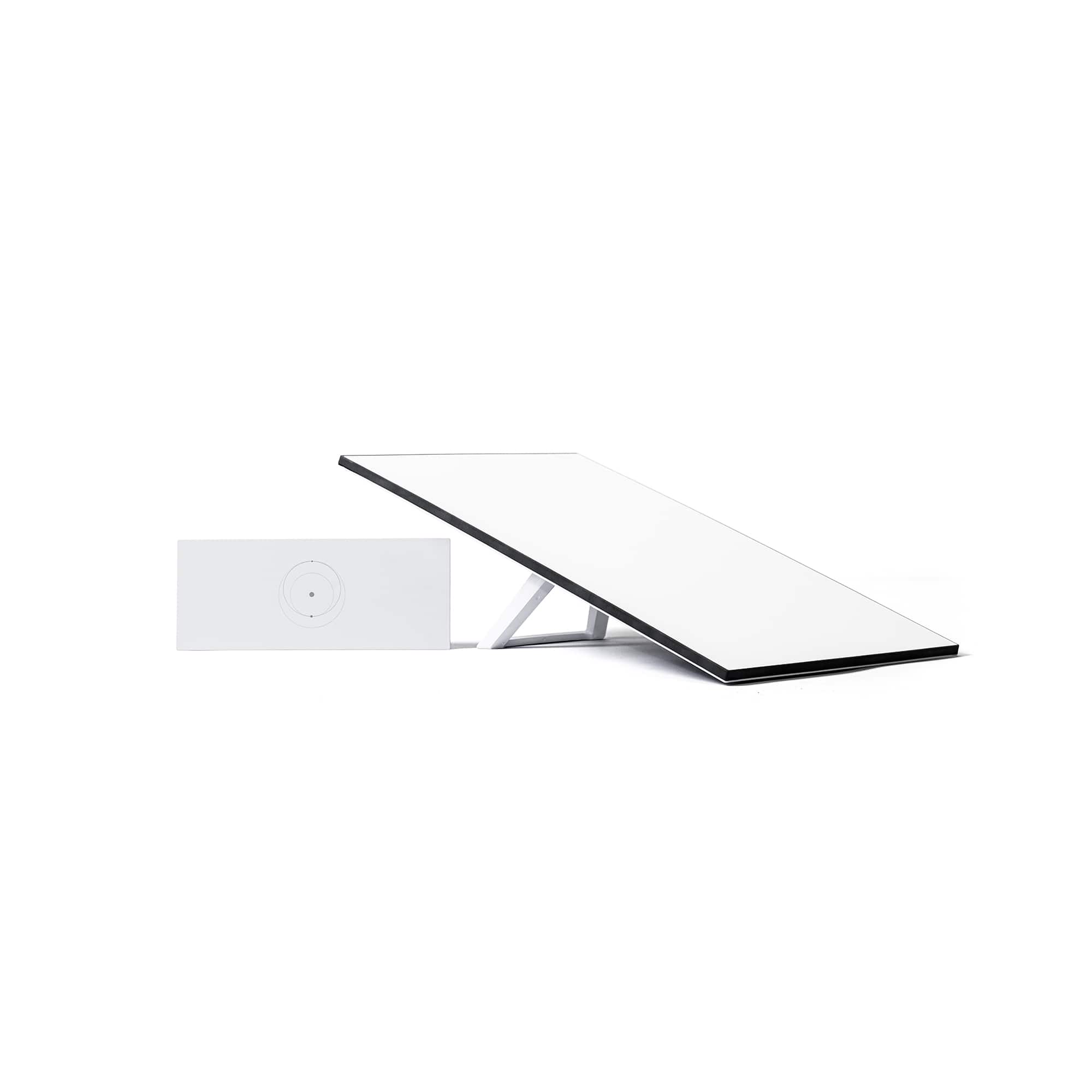
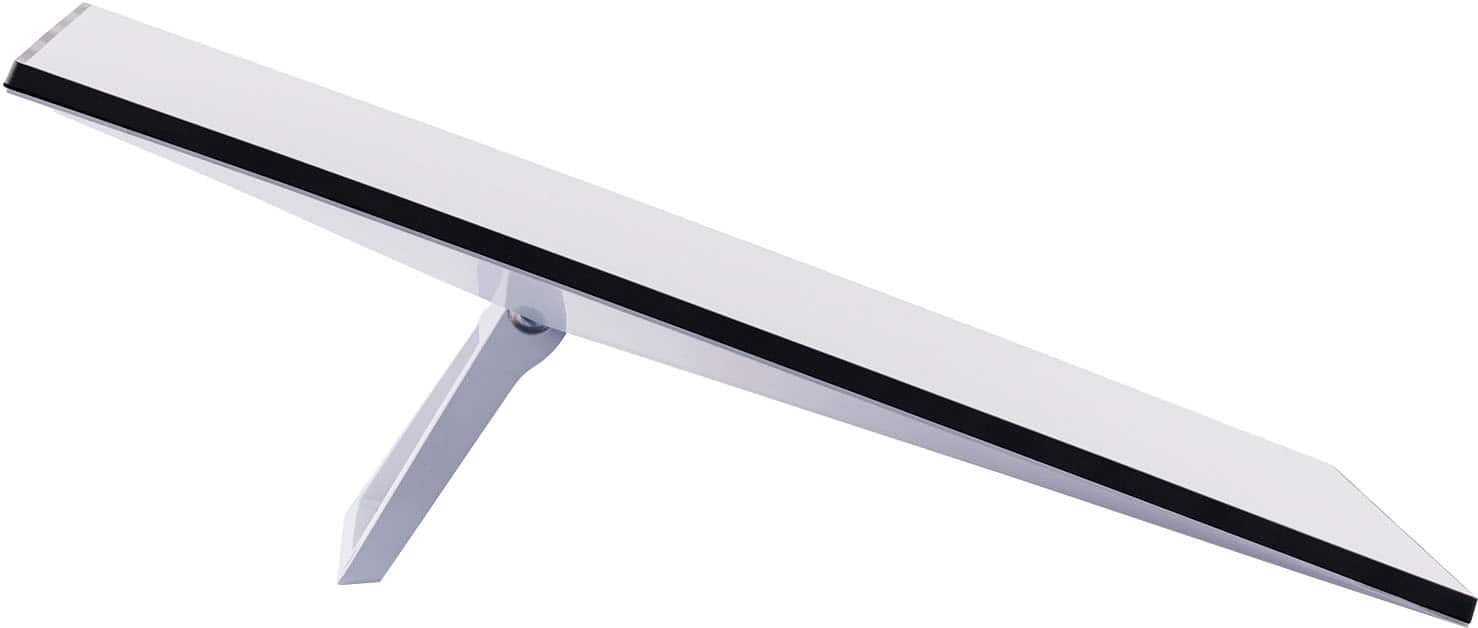
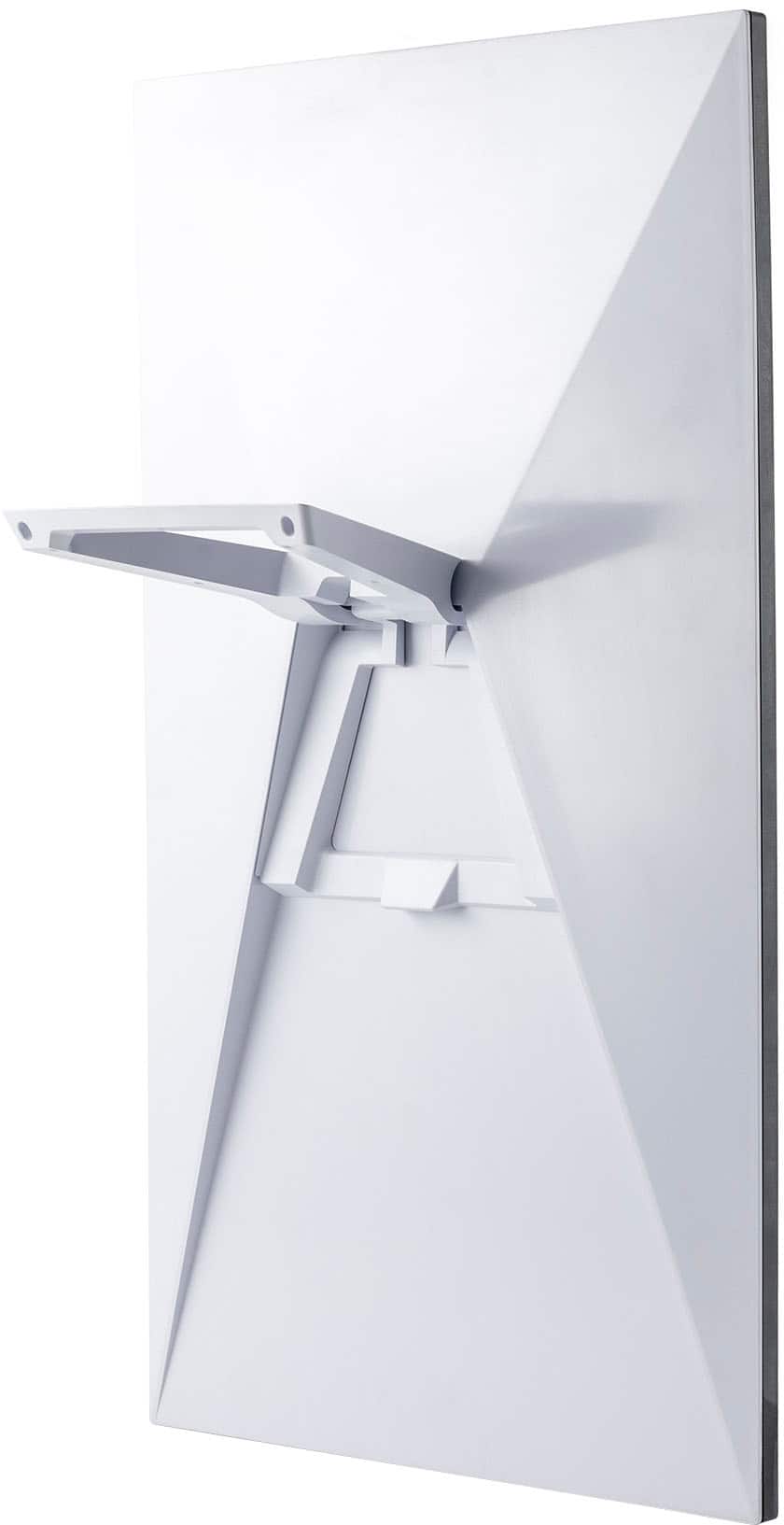
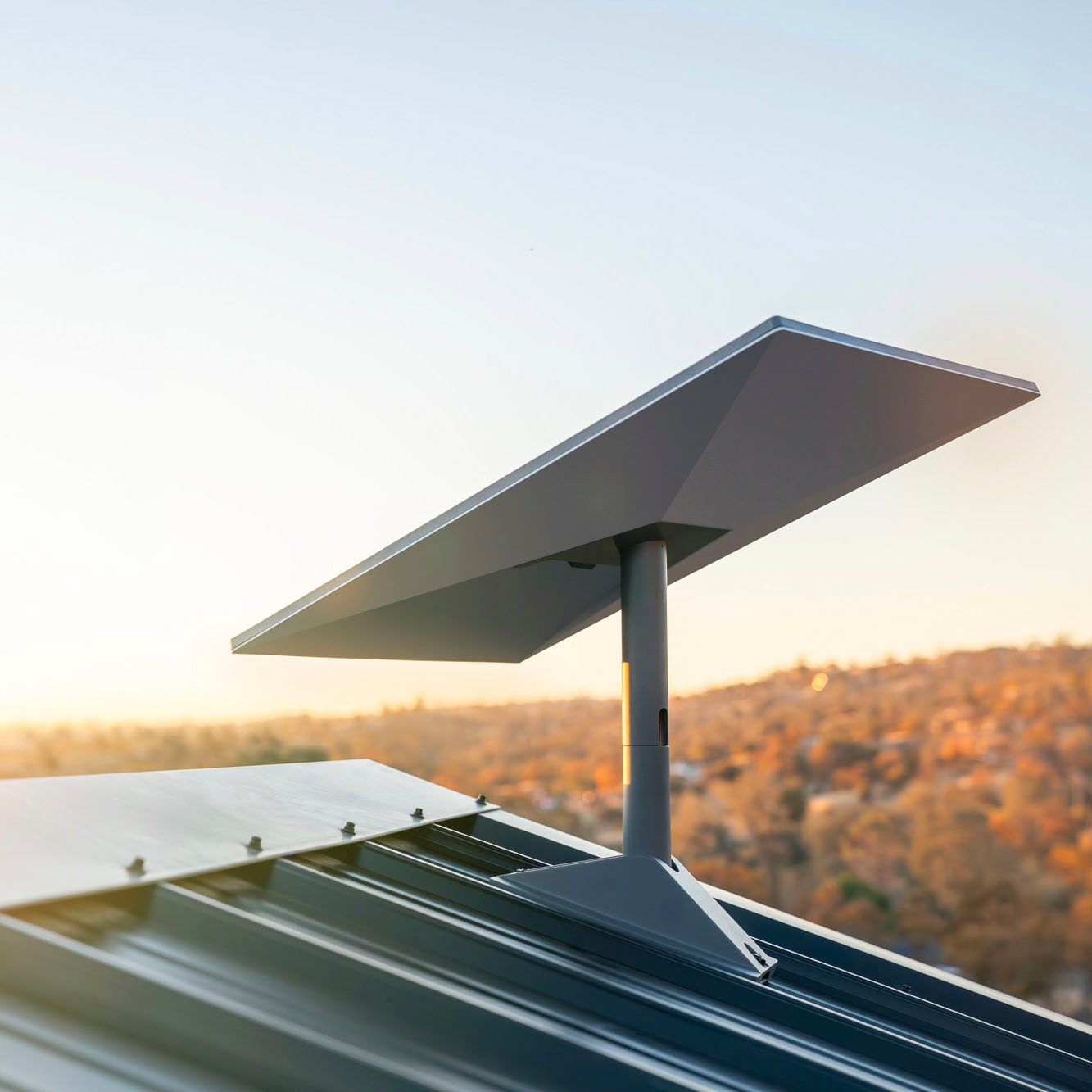
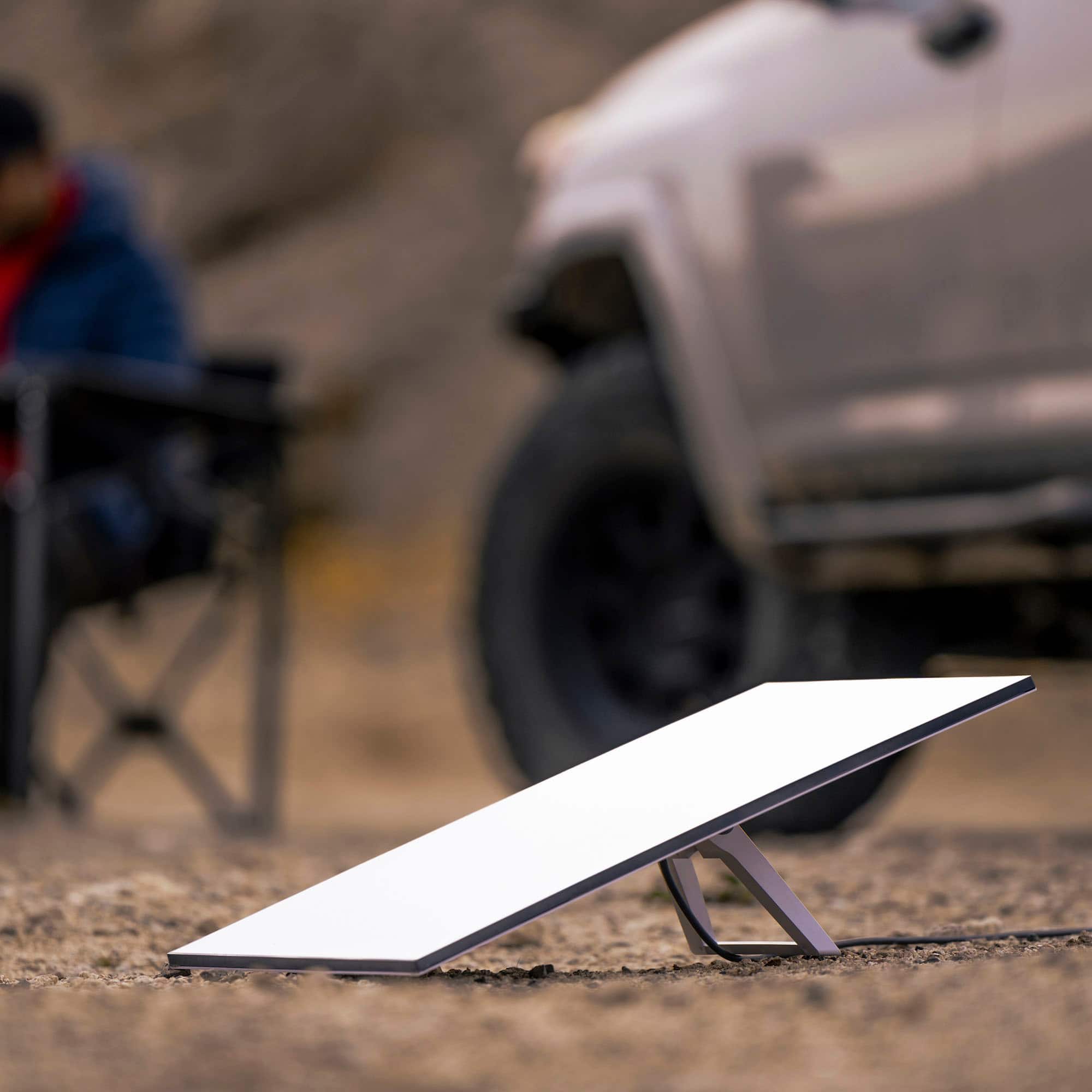
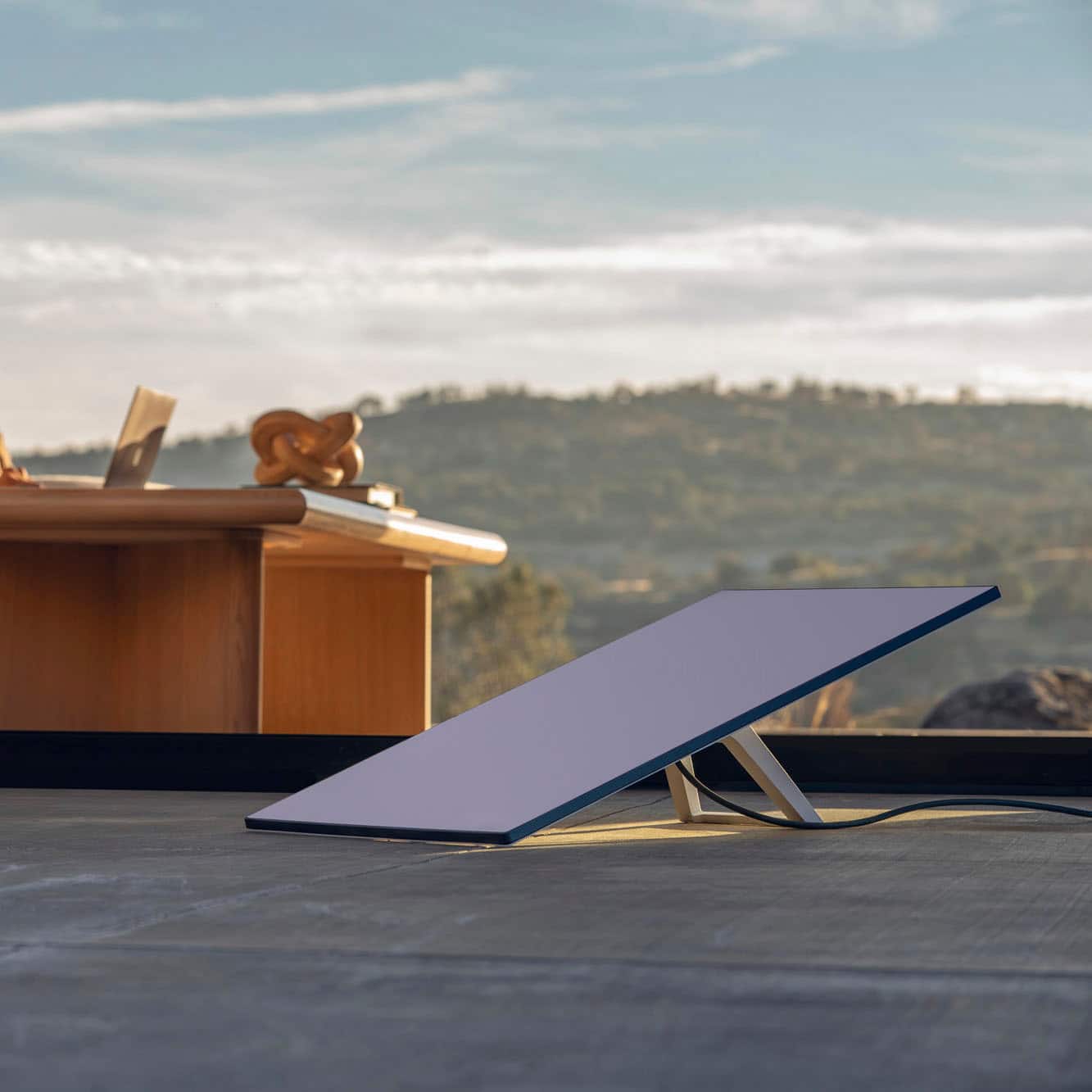
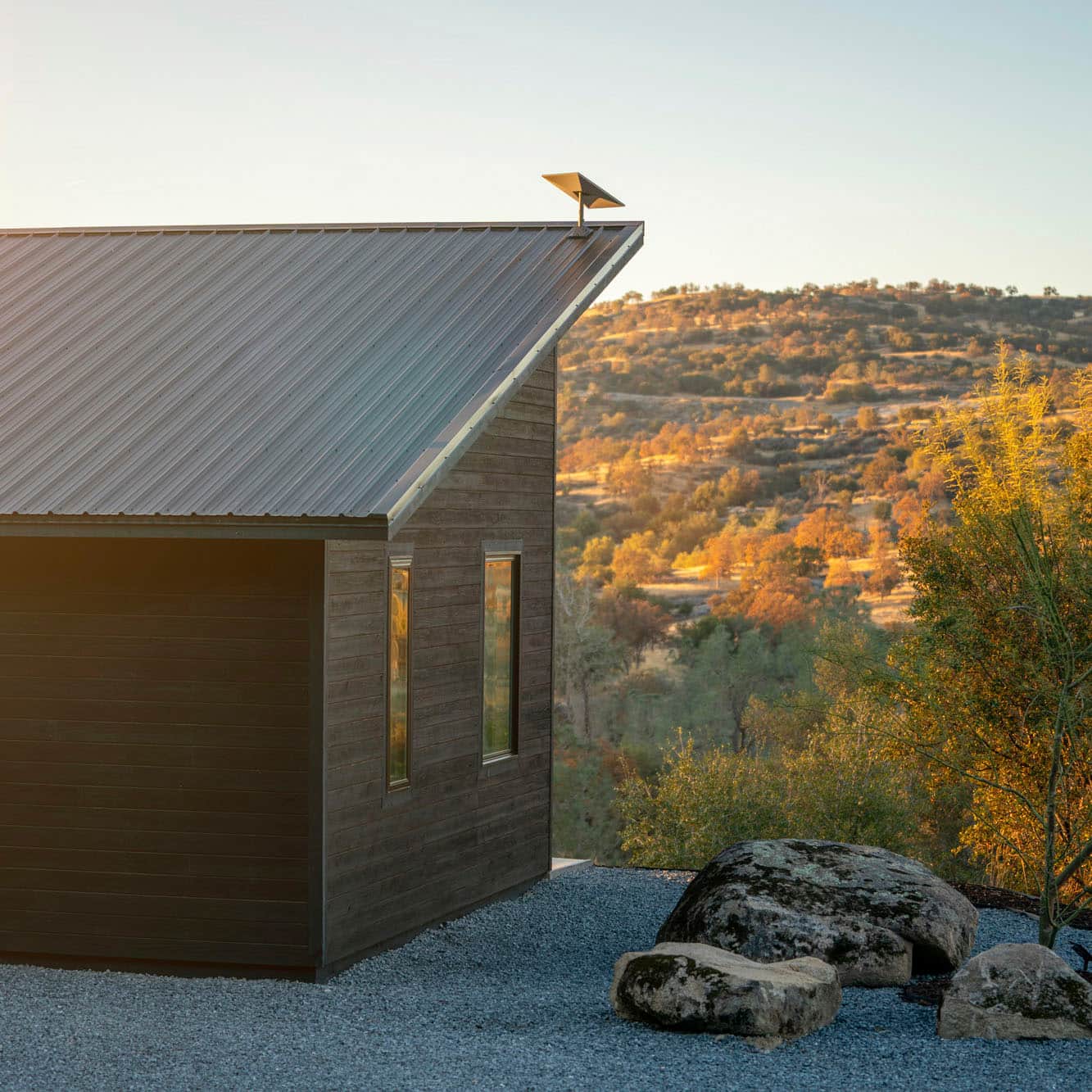
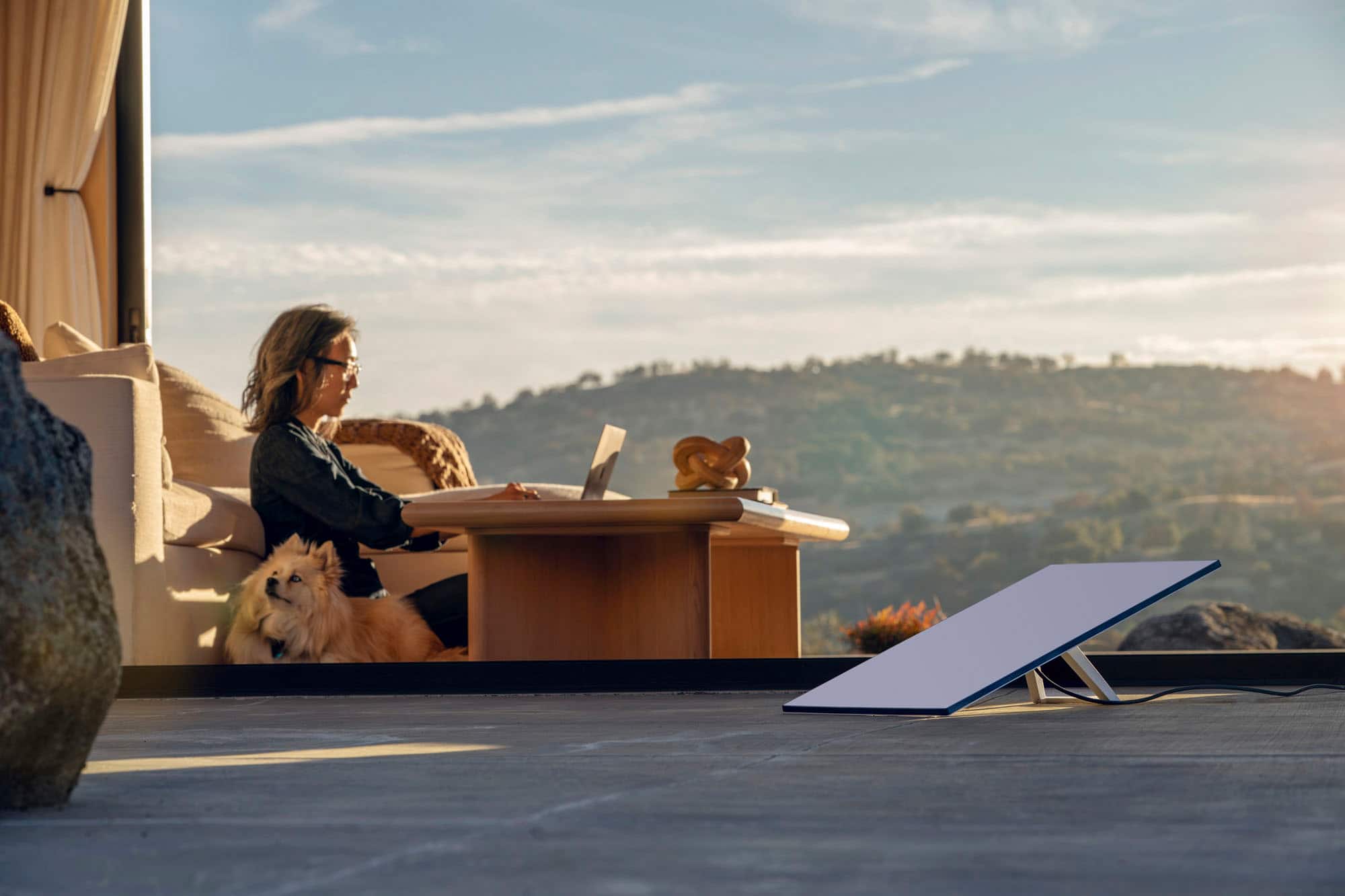
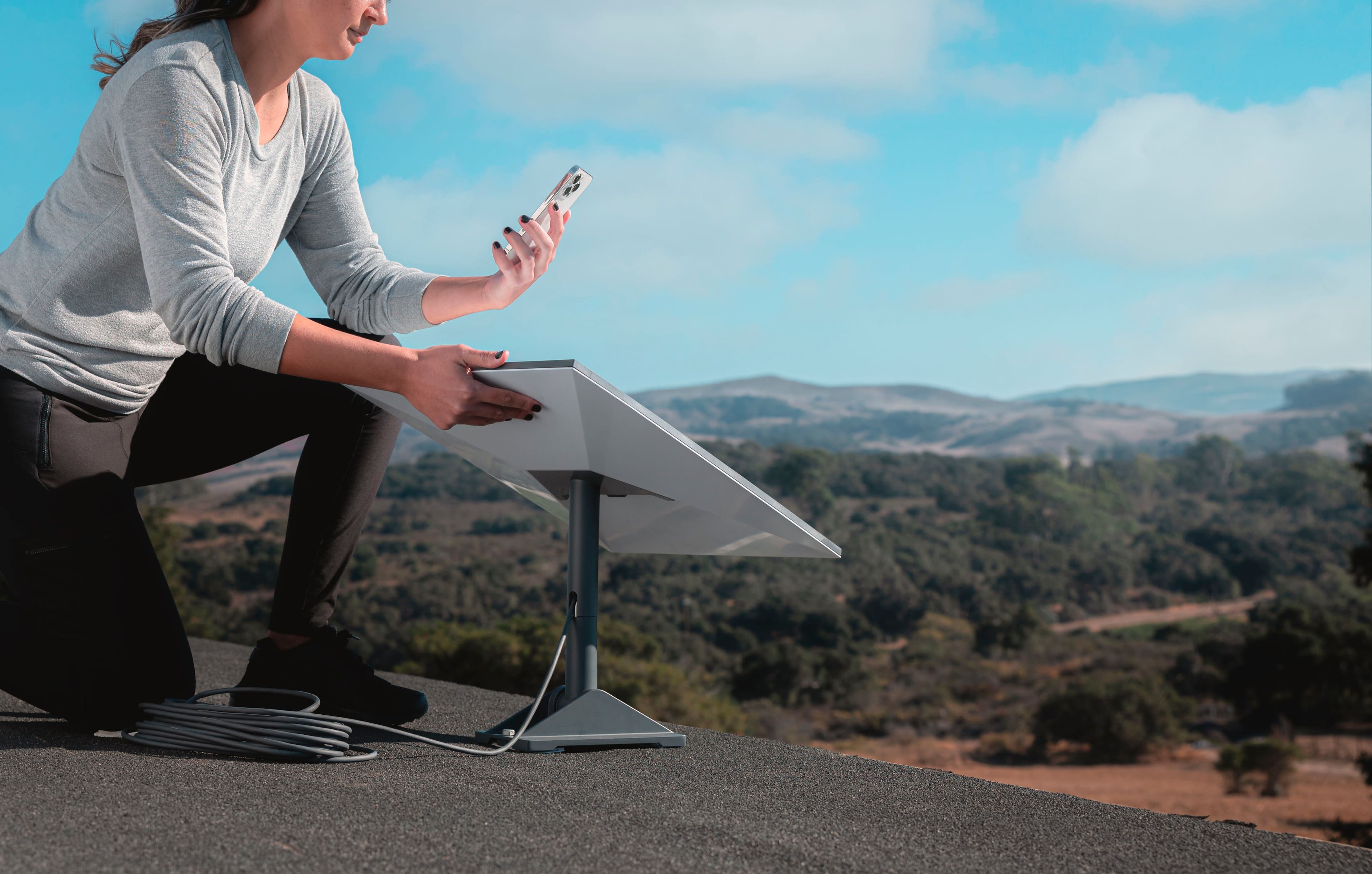
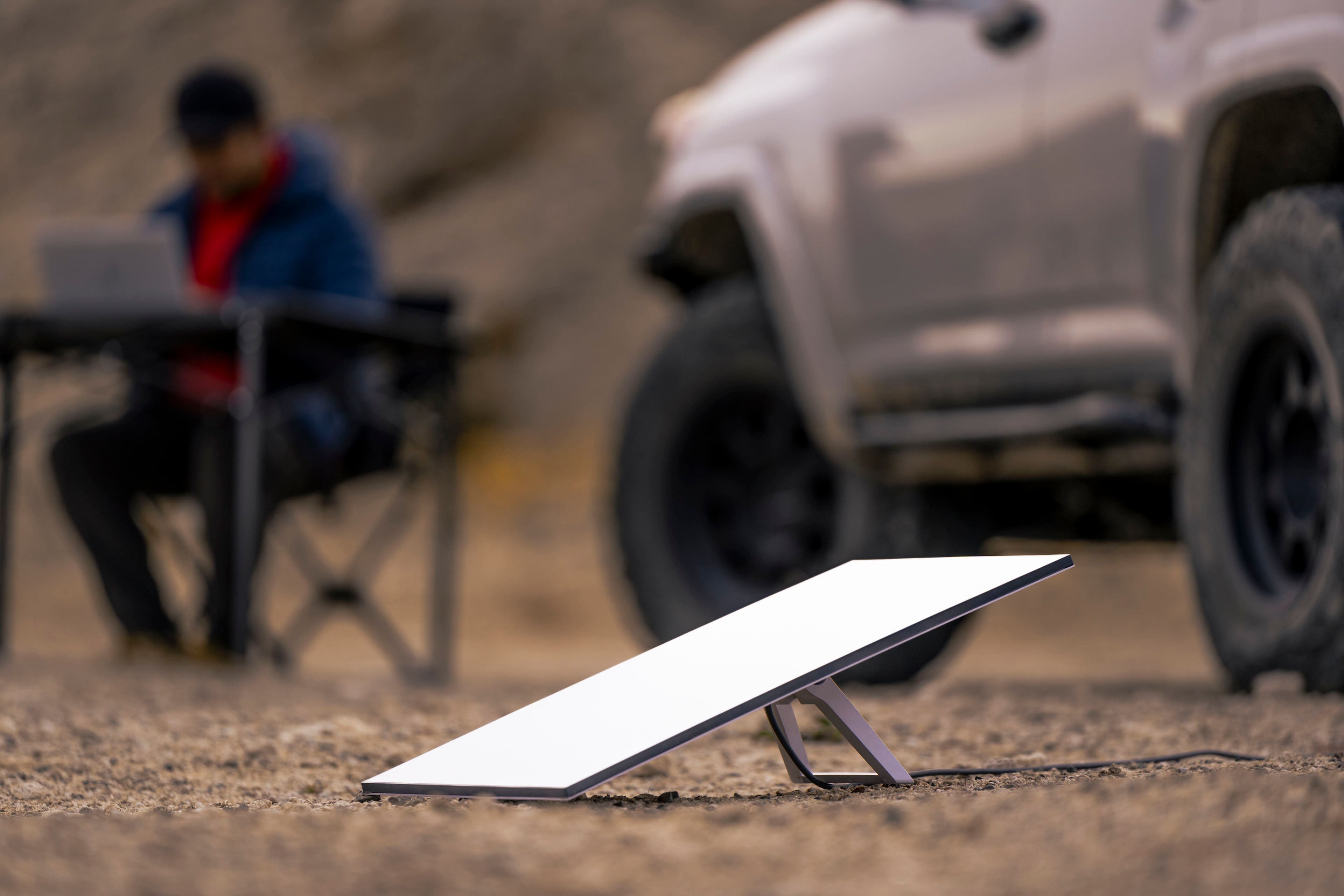
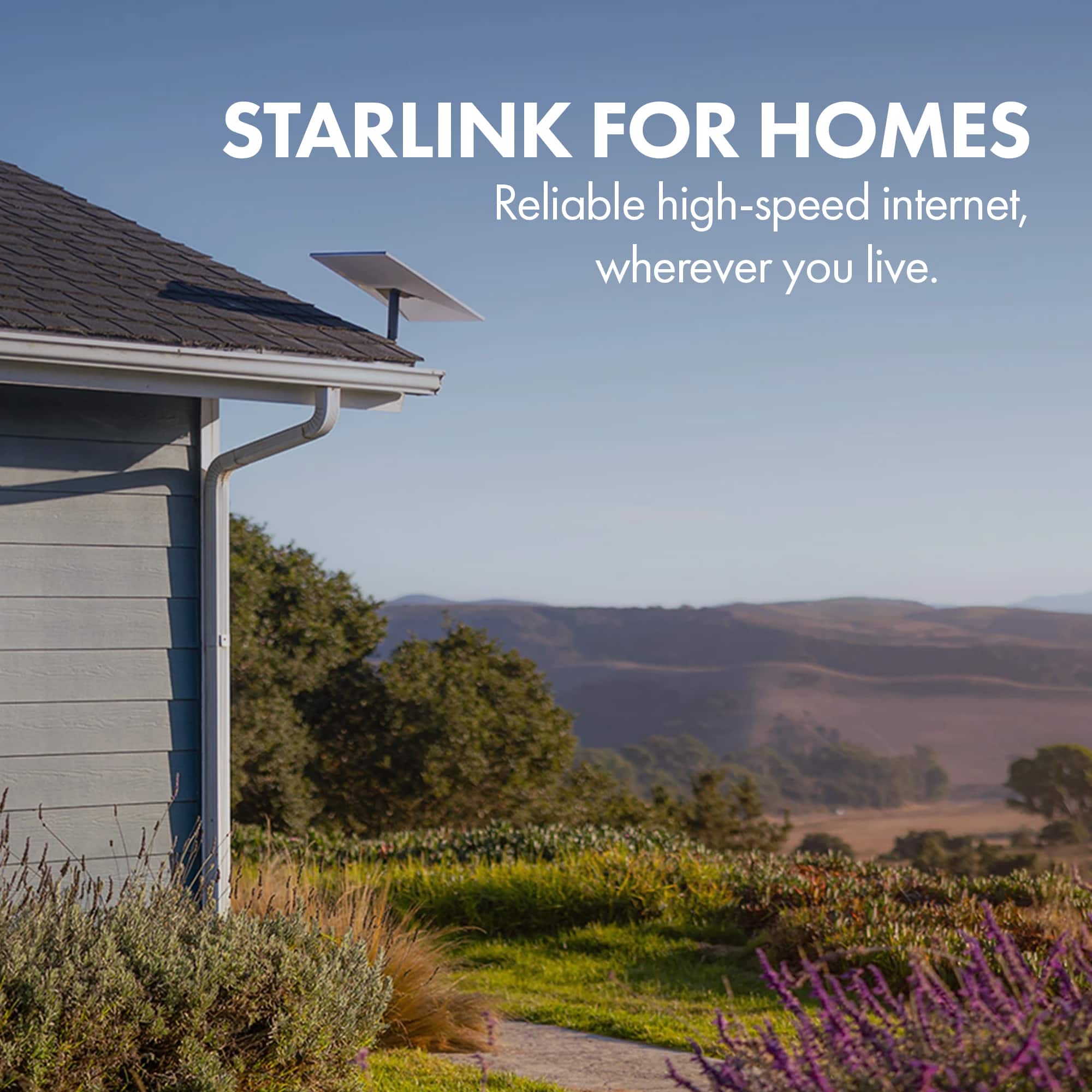
A:AnswerI think as along as you don't have any obstructions up (so that it connects to satellites) it should be ok. But I think you also need to have space around the starlink.
A:AnswerOver 20,000 bought in one month in Jamaica. There are now 2 neighbours and myself with Starlink and we live in the rural part of the country with no signal issues
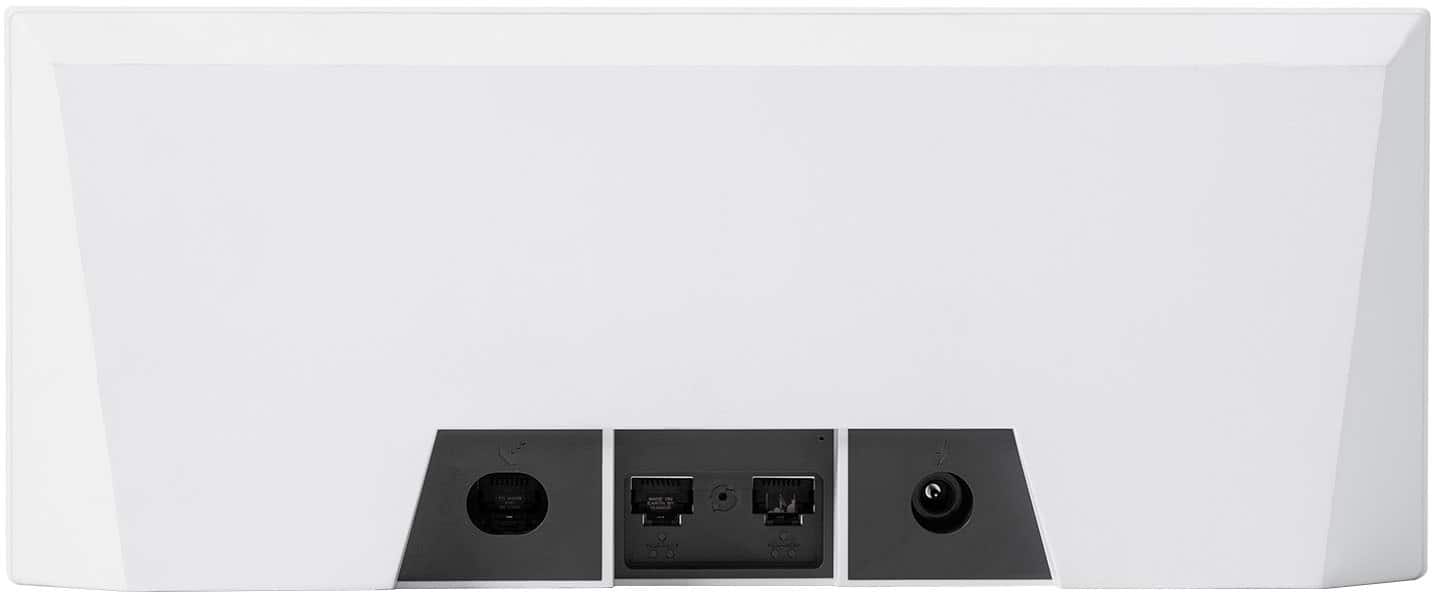
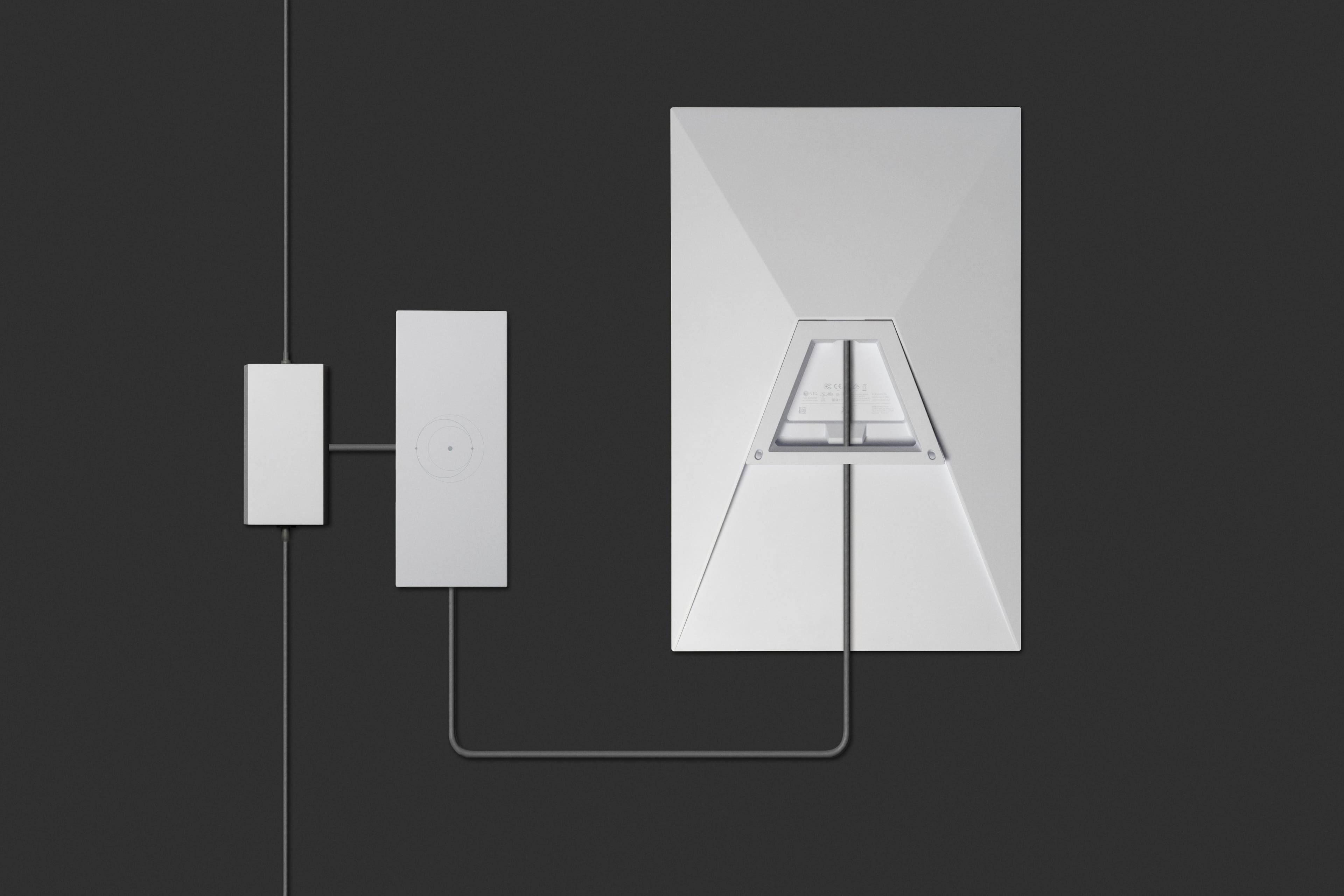
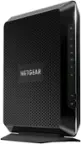
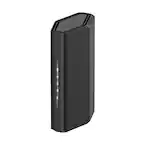
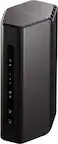
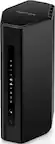
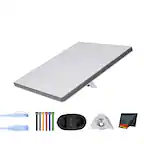
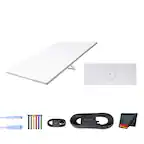
A:AnswerThe standard kit does include the wifi router that you can use from Starlink. Or if you already have a wifi router set up in your home then you can set the Starlink router into "bypass" mode and put an ethernet cable between the Starlink router and your preexisting wifi router and that works too.
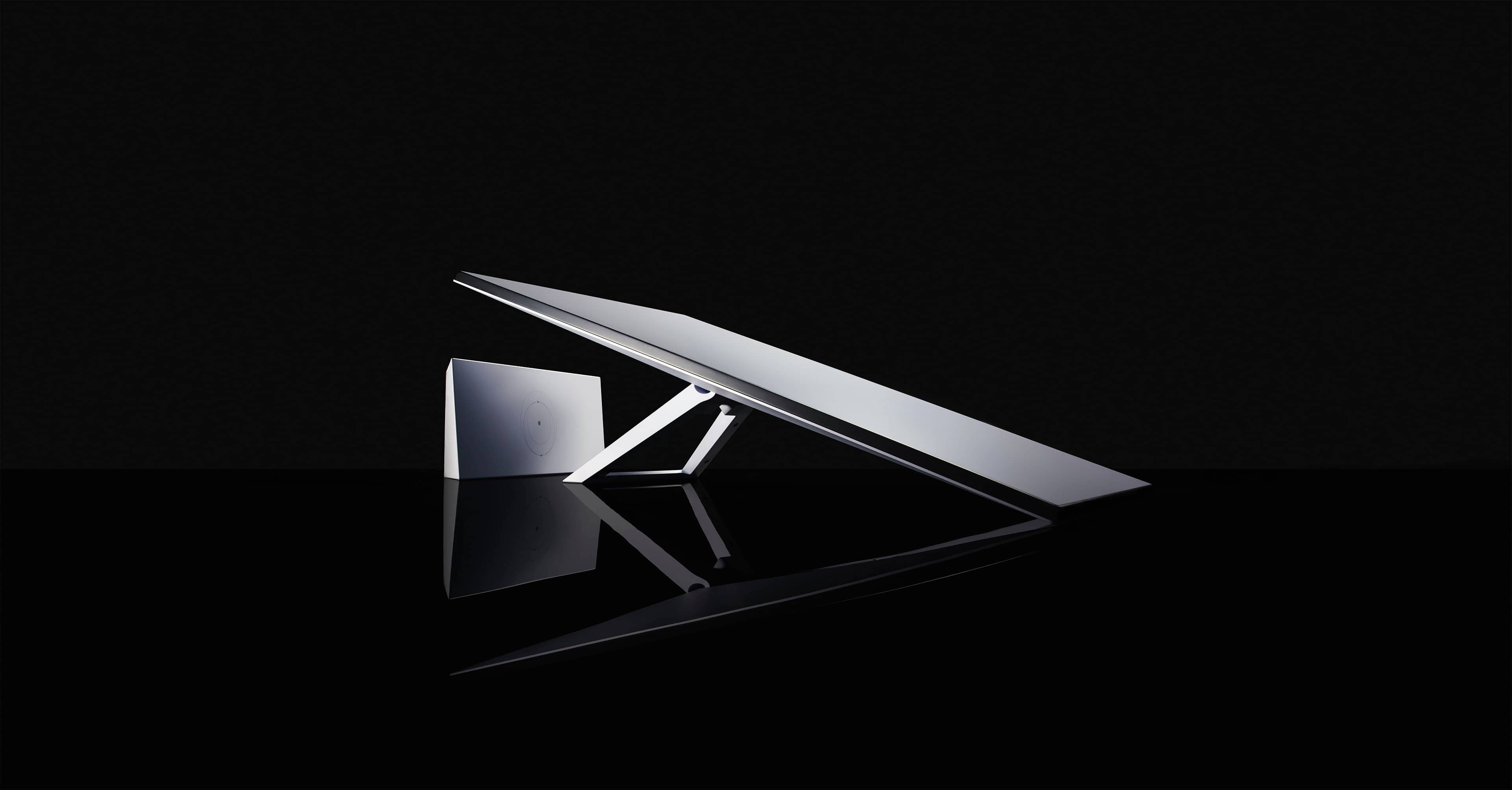
A:AnswerThis device you’re asking the question about is the Gen 3 so it is the newest device available. And no you do not have to join Geek Squad to purchase from Best Buy.
A:AnswerJust a normal Ethernet. However I used a mesh system with my previous isp but I did not need it with Starlink. Way better signal in all rooms without the mesh.
A:AnswerYes but shop around for price and use an insured installer. I called my existing internet company that uses a dish on the roof, and they allowed their installer to setup my new starlink dish for $200. Other folks in my area paid $450 which I though was too much. Good luck, happy streaming.
A:AnswerYep. Be glad you don't live in Southcentral Alaska (Anchorage) or Interior Alaska (Fairbanks). The demand surcharge for new customers signing up for service is $1,500. OUCH