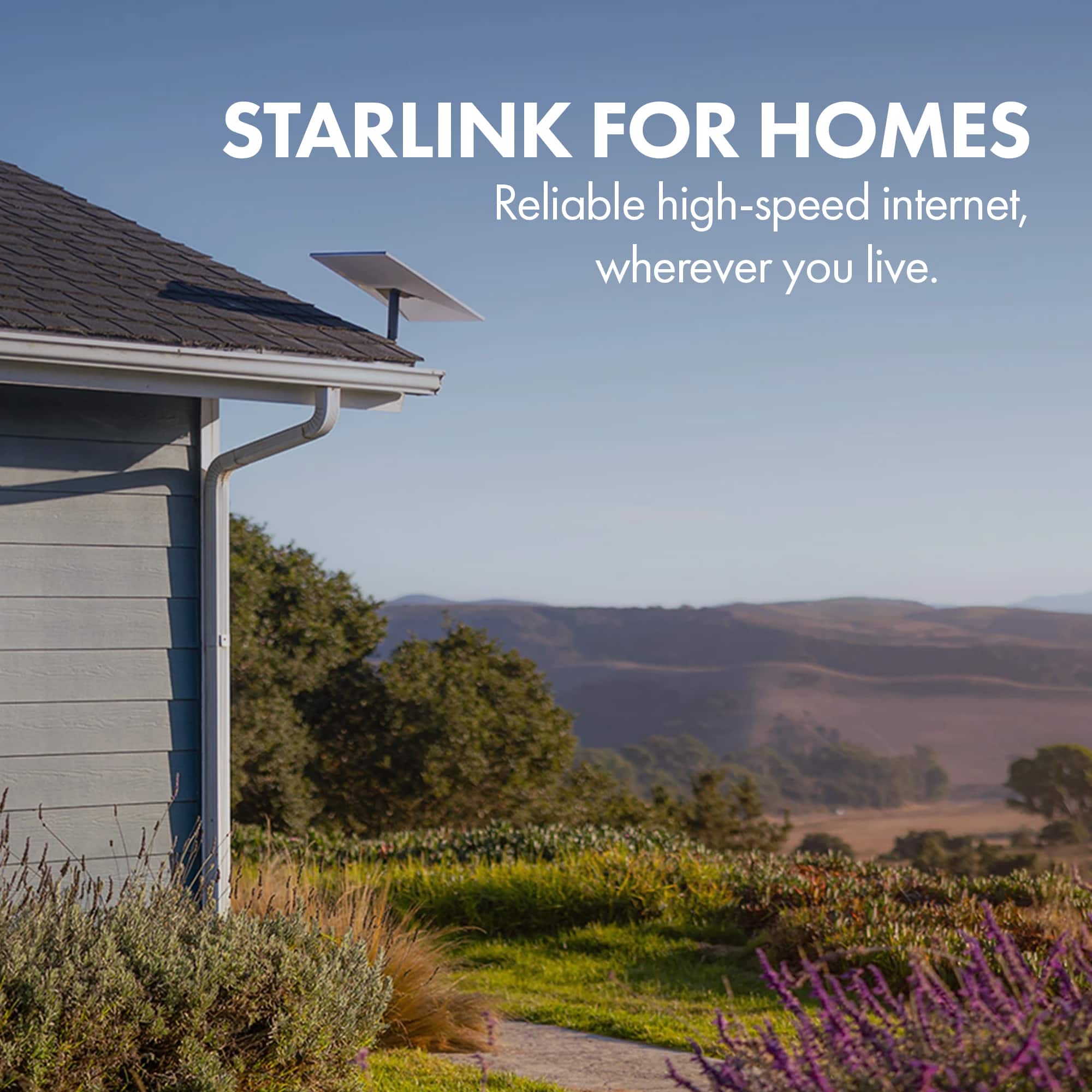
A:AnswerStarlink is available in many countries around the globe, however, it is not available everywhere. Please refer to the Starlink service map at this link: https://www.starlink.com/map
A:AnswerStarlink's payments are on a month-to-month basis. If you are planning on pausing your service you can do this through the app on your phone. You can then reactivate your service through the app whenever you want.
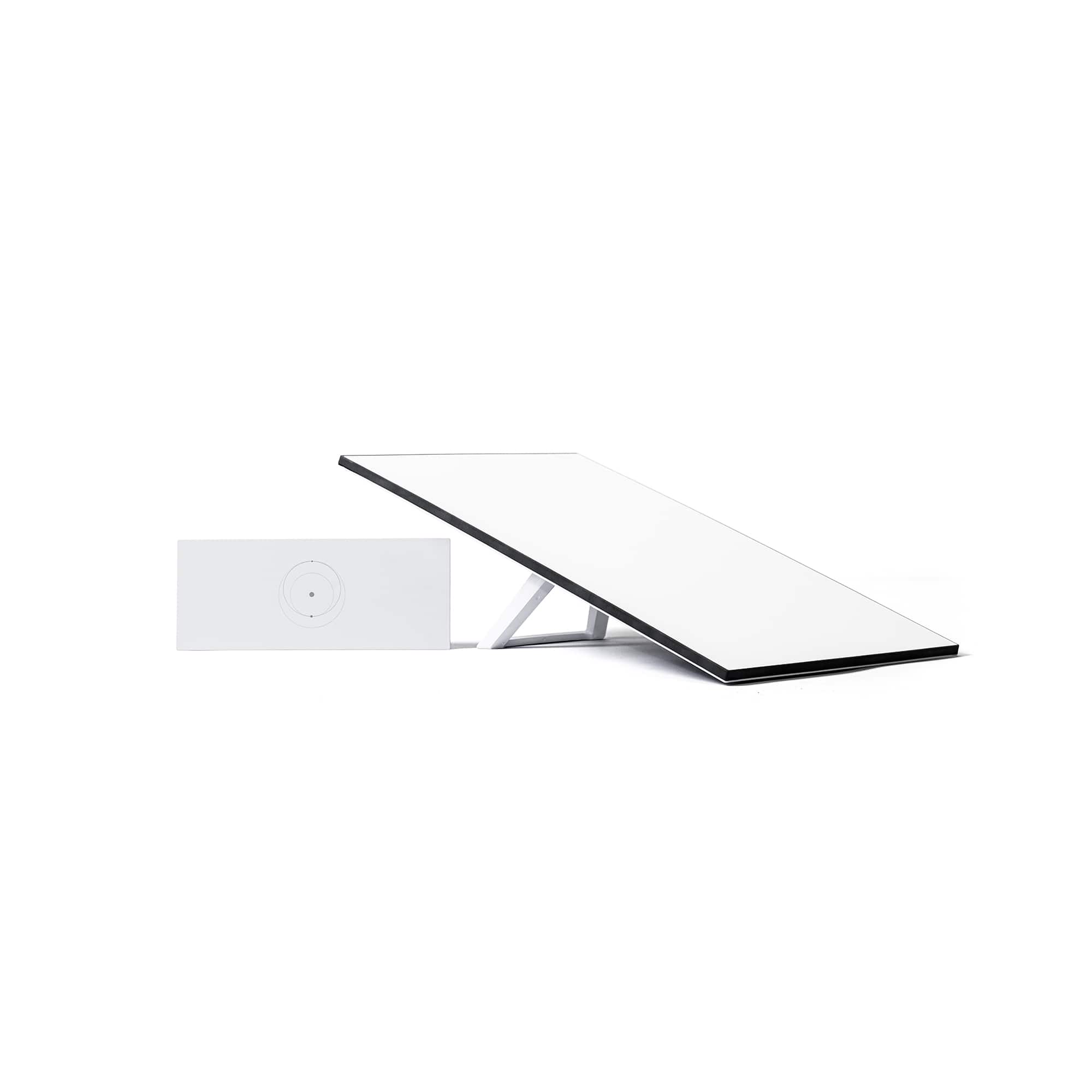
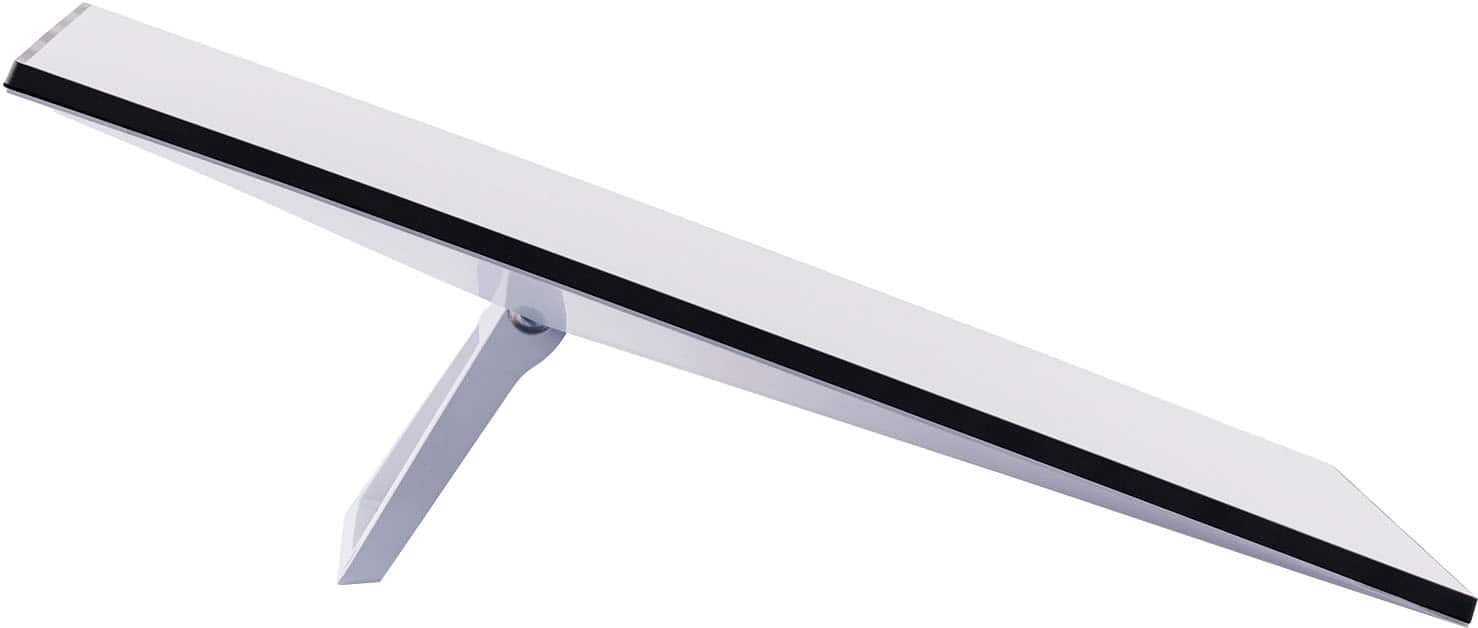
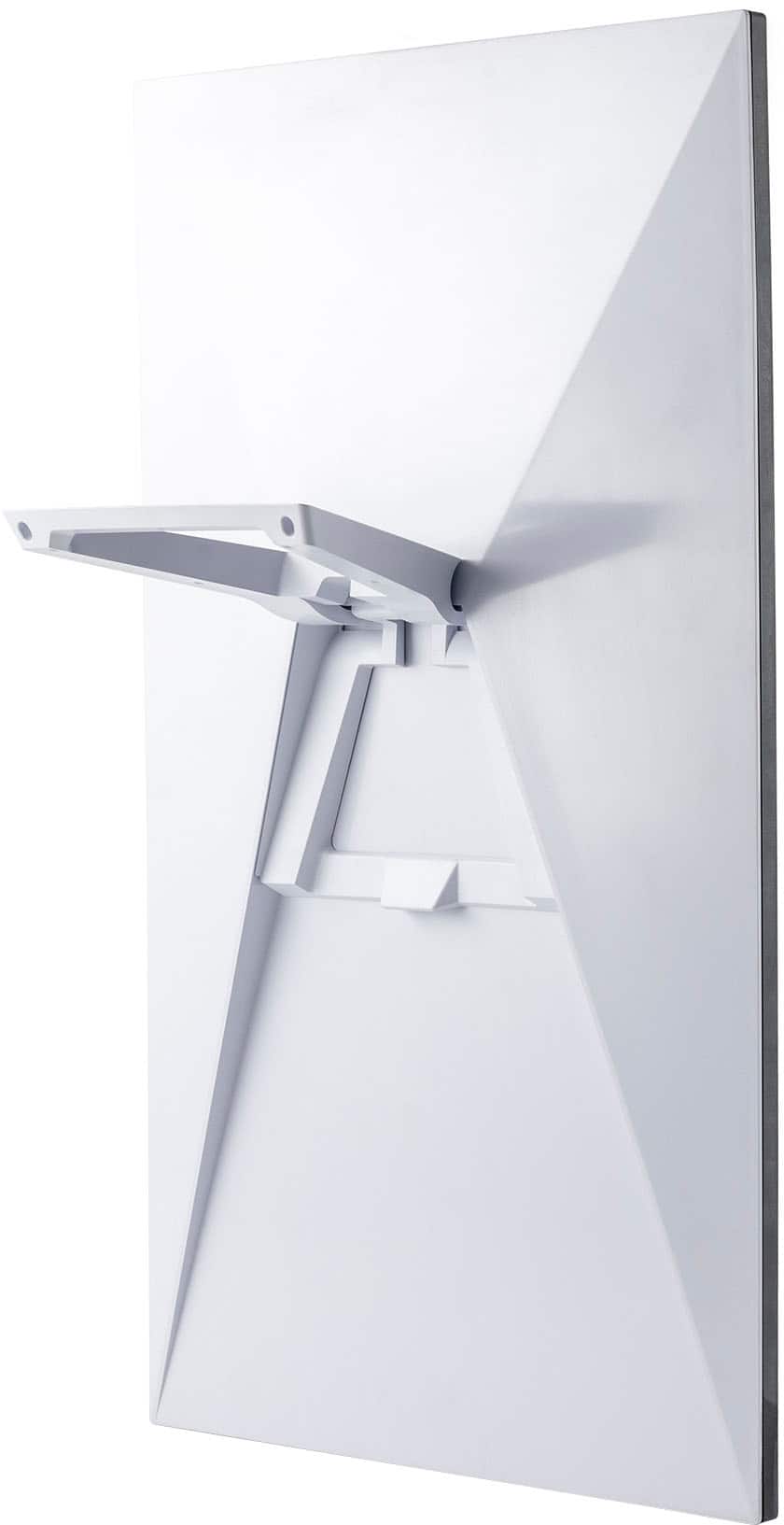
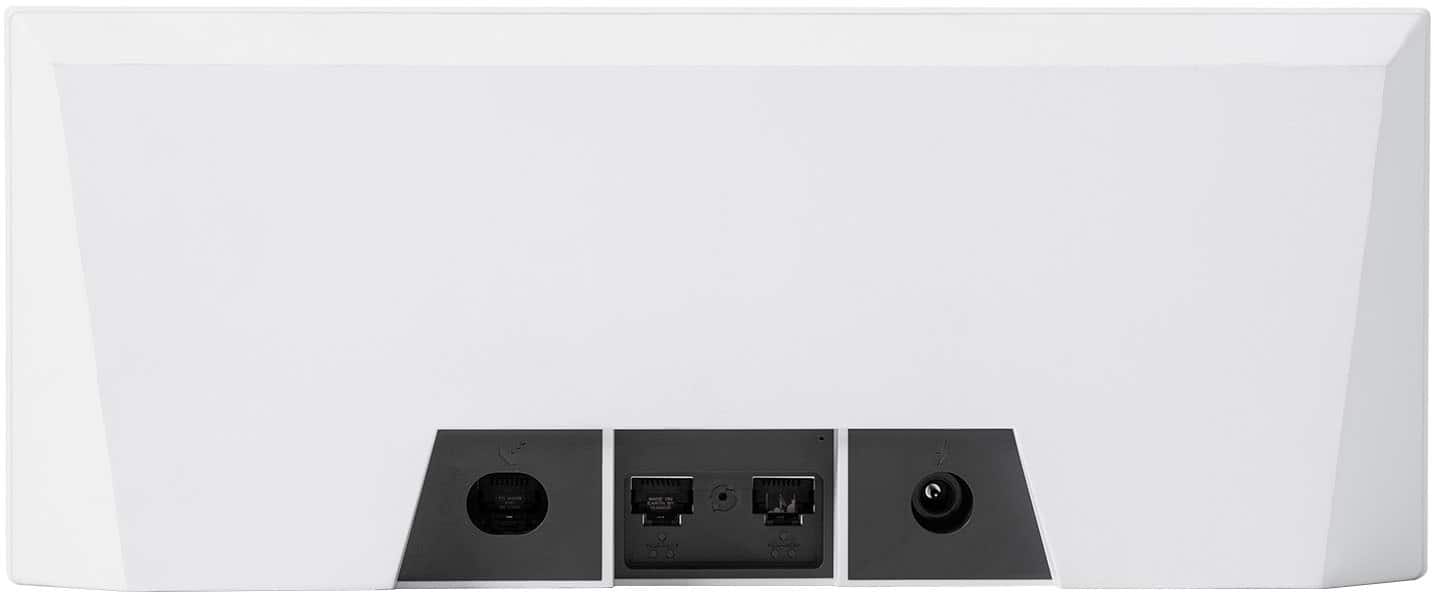
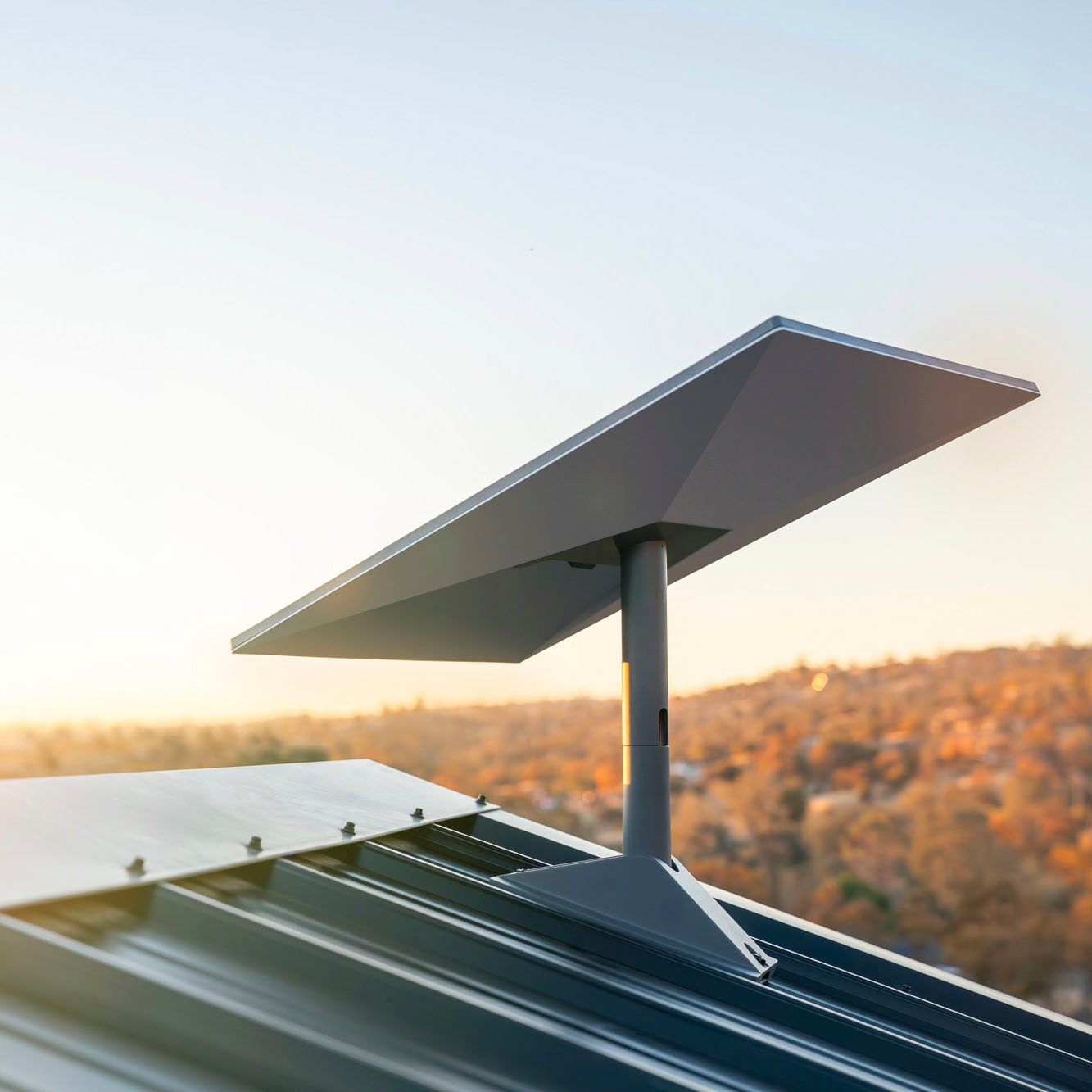
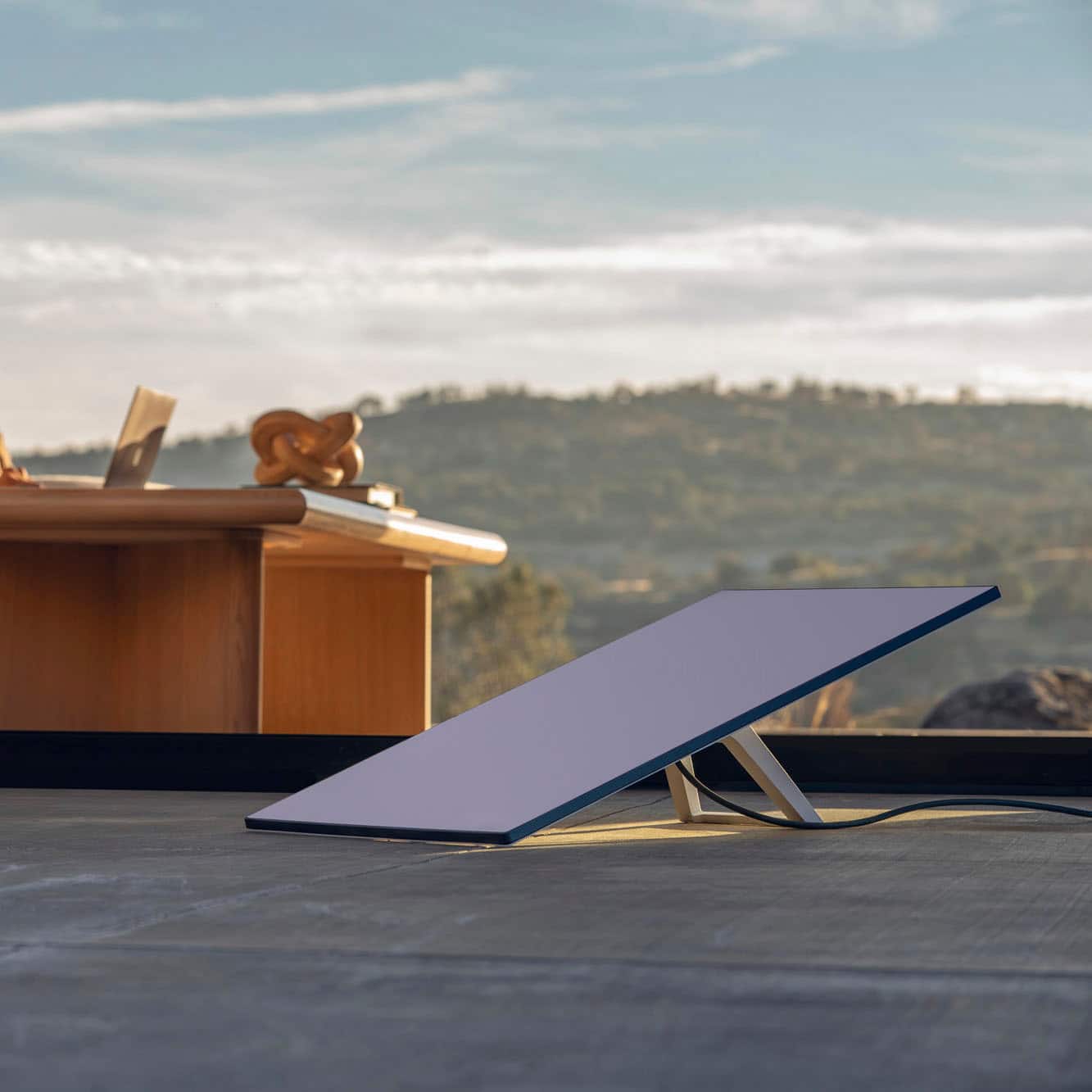
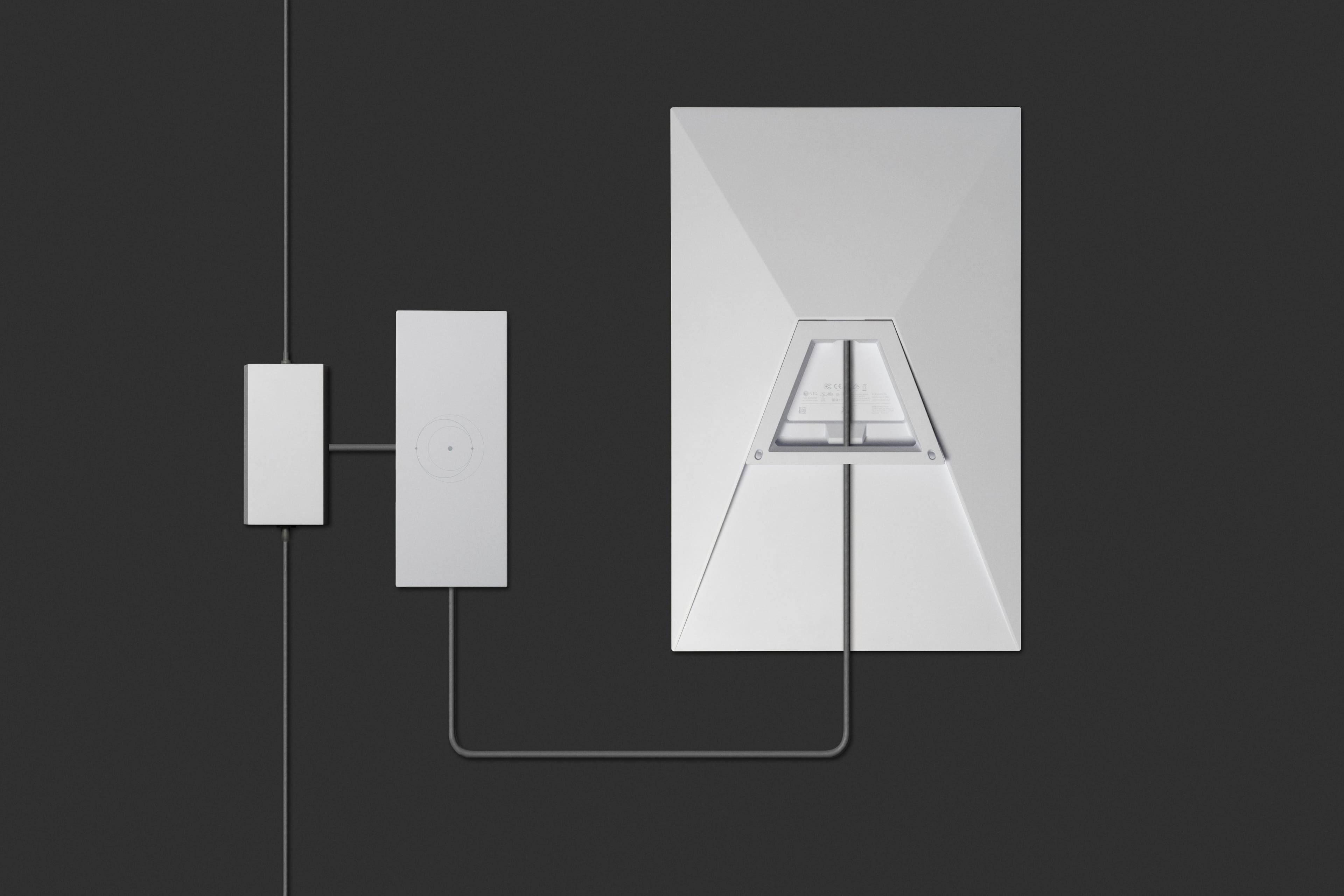
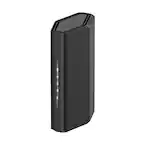
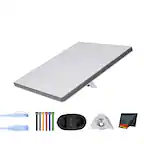
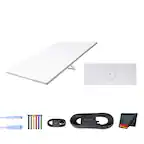
A:AnswerThe Starlink kit is just the antenna (the flat panel) and all it connect to the starlink wifi router that is part of the kit. The wifi router is what your computer or phone connects too. There is no wifi router you can connect to that has a 900ft reach. You can either get another kit for the shop OR less expensive is to connect your wifi to a Ubiquiti NanoStation or similar (point to point bridging)
A:AnswerYou will need to setup an account with Starlink after you setup your hardware. It is a monthly charge for data. You can checkout the plans on Starlinks website.
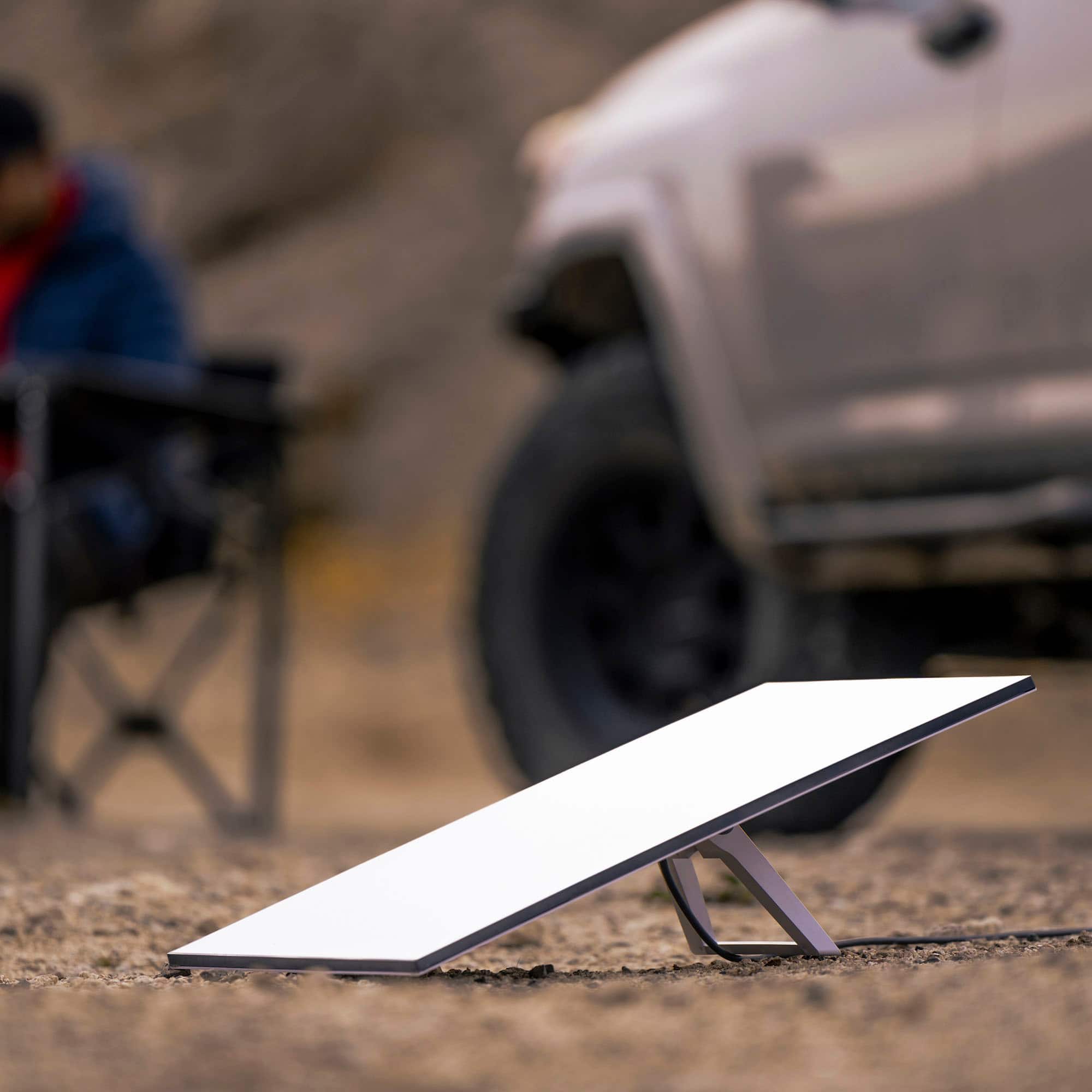
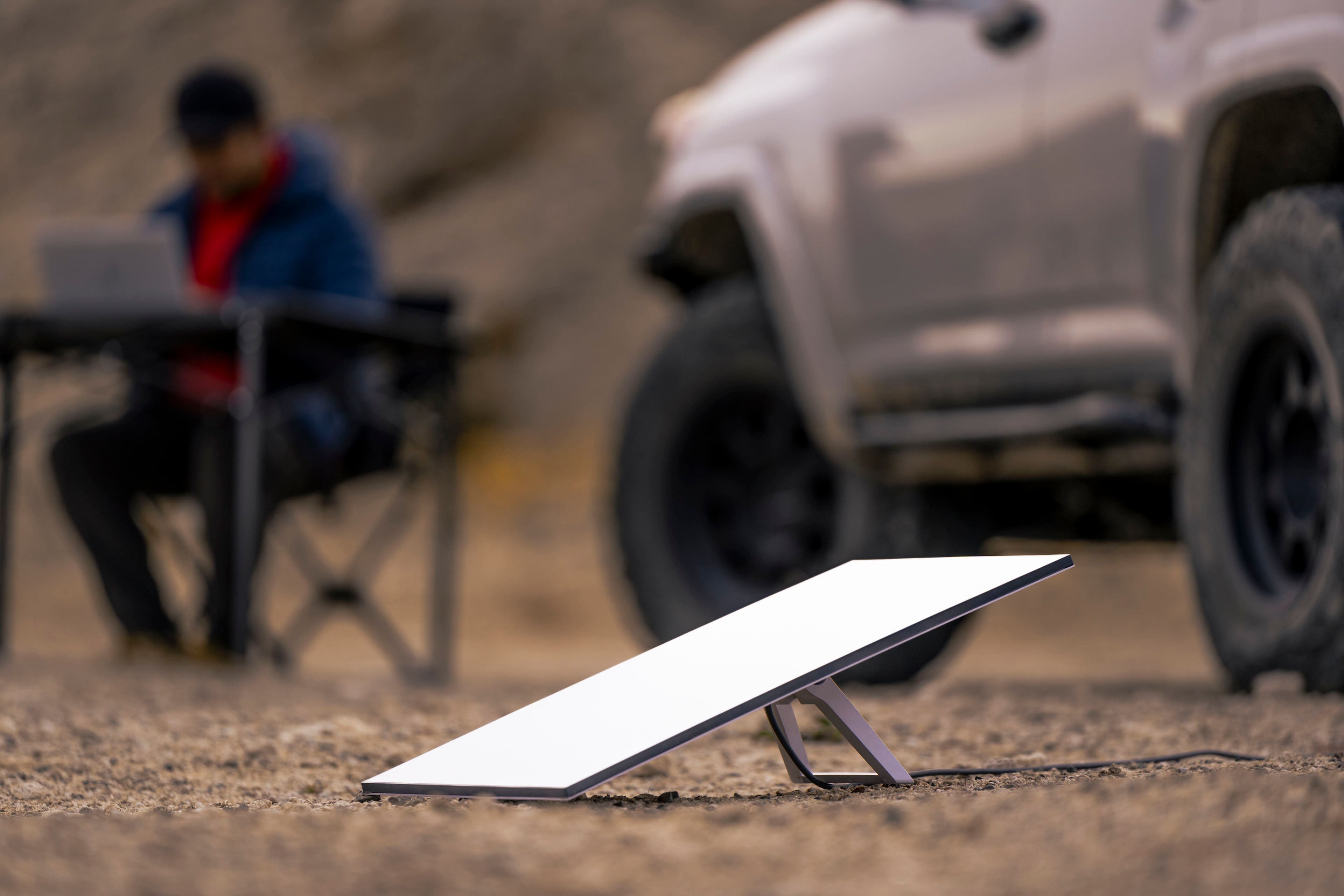
A:AnswerWith the mobile service plan, Starlink can be used while attached to a moving vehicle. You may experience occasional brief disconnections or slower speeds due to obstacle such as trees or overpasses.