A:AnswerYes. Just type the channel/app in search bar, but some broadcast channels will charge you if you are not a paying customer to either cable/satellite provider.
A:AnswerAs long as your non smart TV has a HDMI connector on the back these streaming sticks will work. I use both the Fire stick and the Roku streaming stick with non Smart TVs that have HDMI ports on the back and they work fine. If your TV does not have an HDMI port on the back then I would consider purchasing a new TV.
A:AnswerI don't have Spectrum TV, but there is a Spectrum app which can be downloaded from Roku's site. According to Roku: "...With Spectrum TV, you can enjoy up to 250 live TV channels and up to 30,000 On Demand TV shows and movies when you're connected to your Spectrum Internet service at home. To get started, sign in using your Spectrum username and password..." So it would see that as long as you are on your home network, the answer to your question is, yes.
A:AnswerWe (unfortunately) have to rely on CenturyLink as our only option and the speed is not great at 7 Mg. That said, yes we can use Roku with our CenturyLink WiFi. I’m sure higher speeds would work even better.
A:AnswerI am not sure exactly what you are asking. You have to connect to WiFi in order to use it. It sounds like either you have not have configured your TV to use the public WiFi, or the public WiFi you are using may be blocking the apps from working in order to prevent people from streaming on their shared WiFi. Assuming you have configured your smart tv correctly for WiFi, then most likely the public WiFi is blocking Netflix, Hulu, etc. at their end, and it will be blocked regardless of if you are using a Roku Streaming Stick Plus, an Amazon Firestick, or a smart TV.
A:AnswerHere's what I found on Roku's site:
Developed by: Comcast
Enjoy Xfinity TV with the Xfinity Stream Beta channel on Roku devices. Customers with Xfinity TV, Xfinity Instant TV, or Xfinity on Campus will feel right at home!
NEW to the Xfinity Stream Beta app! Channel surf and change channels with the new mini guide. Press the mini guide control on the live player or press right on your Roku remote. Surf channels and watch them without going back to the guide.
Xfinity TV, Xfinity Instant TV, or Xfinity on Campus customers with cloud DVR service can watch their recordings from their set-top boxes--as well as any purchases or rentals--all from their Xfinity Stream Beta channel.
Customers who rely on accessibility support have access to useful features including voice description, voice guides, and closed captions. They can also adjust their CC options for improved readability.
Look out for new features and improved functionality in future updates of the Xfinity Stream Beta channel. We appreciate your support. We welcome your feedback. We are committed to providing you with the ultimate Xfinity TV experience on Roku devices.
To use the Xfinity Stream Beta channel, you will need a Comcast Xfinity account, an active Xfinity TV, Xfinity Instant TV or Xfinity on Campus subscription, one primary Xfinity set-top box, and Xfinity Internet service. You will also need a web browser or mobile web browser to login, as well as your Comcast Xfinity username and password. Visit xfinity.com/xfinitytvbeta to learn more!
A:AnswerThere are a couple of differences between all of the devices. Other than the differences in cost.
If you compare each item using the compare tool. You will notice the difference in the description of the items.
The display resolution is the biggest difference (4K or 1080p), OS it can run on, voice controlled remote or not, and storage expansion.
Also, the newer ones have better wifi support and range.
A:AnswerYes, if it's a new Roku. I bought my Rokus three or four years back, and those didn't support YouTube TV. So I had to buy new ones (I bought the middle version of three available, approximately $45-50). The new ones do support YouTube TV, and help deliver massive monthly savings (think easily $100/month) vs. a high-end cable TV package. I highly recommend.
A:AnswerI have set-up three (3) Roku Streaming devices and at NO time was I EVER asked to pay anything. When connected to the TV, the Roku will initialize and then you go on the internet (there is a prompt) to gain a code that you then enter into the appropriate place on your TV screen. Of course, any other services that you access through the Roku device will charge you a monthly programming fee.
A:AnswerYes, you can download DTV on a Roku. Just download it under streaming channels. This website will tell you how: https://help.directvnow.com/hc/en-us/articles/115000637383
A:AnswerQuality is as good as your internet. YouTube tv gives local channels and others. I think you need an antenna but YouTube tv should cover most all of the antenna channels.
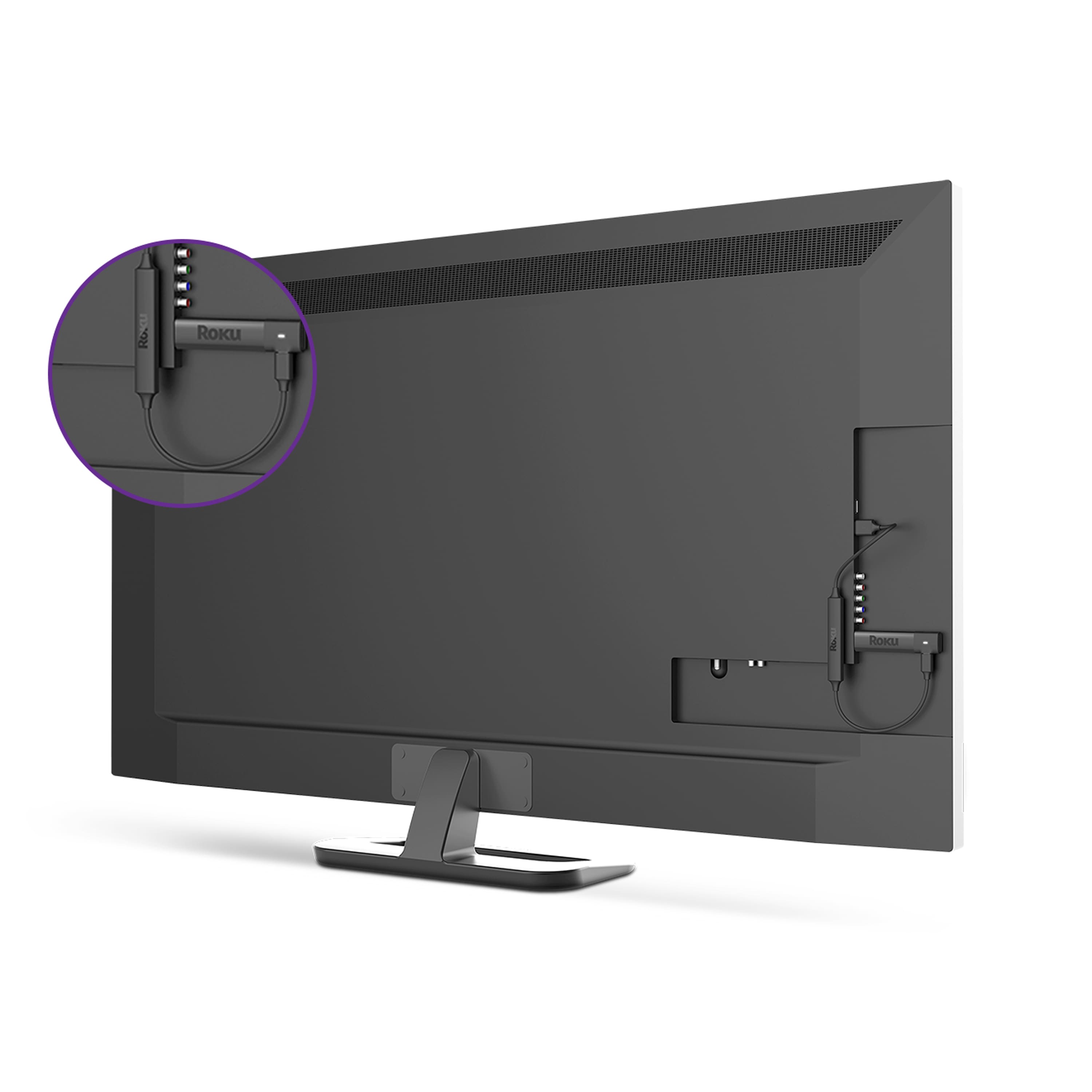
A:AnswerIt will work off of any HDMI-input device -- it runs based on a wireless internet connection, so provided you have that, you can access content. It's a mixed bag of free content (most requiring you to register with websites) or paid services (i.e. Hulu, Amazon Prime Netflix, etc.). Note that if your TV does not have a powered USB slot, you will have to plug the Roku unit into a power source (outlet). Quality and consistency of the Roku is HIGHLY dependent on your internet speed, and wireless router specs/capability, in addition to how many devices you have drawing on your wifi signal.