A:AnswerHello Matt,
Thank you for reaching out to us with your question. This information is not immediately listed. Please contact our support team and open a support ticket. Our team will get back to you with the information after looking further into this for you. Click on the blue box on the bottom right-hand corner to live chat with a technical support agent or contact us over the phone.
https://support.swann.com/s/
Please let us know how we may further assist you,
Thank you.
JV
Swann Customer Support
A:AnswerHello Mike,
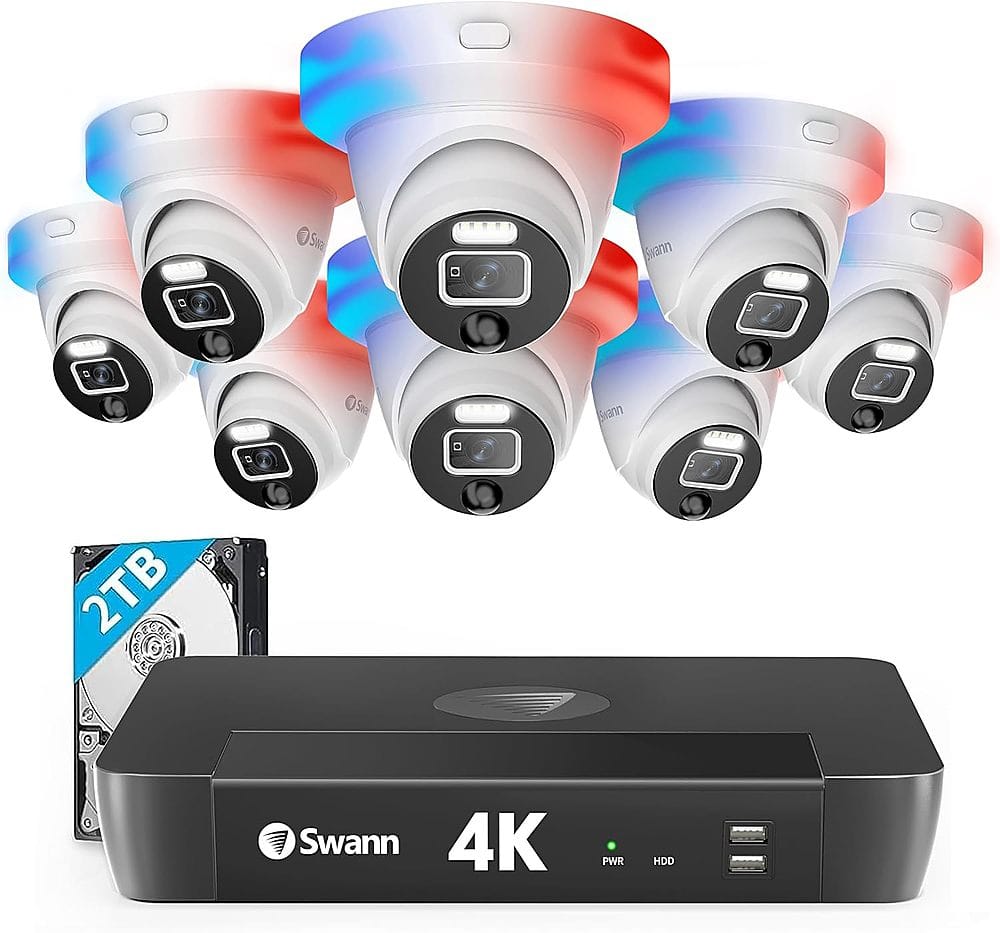
Thank you for reaching out to us with your question. Yes, you can adjust the settings on each camera individually. Swann does not offer different user profiles at this time. Anyone who has access to your Swann account will have admin access. These cameras will take a hardwired connection back to the recorder. The footage will be then saved to your recorder where it can be accessed while connected to your router. Click on the blue box on the bottom right-hand corner to live chat with a technical support agent or contact us over the phone.
https://support.swann.com/s/
Please let us know how we may further assist you,
Thank you.
JV
Swann Customer Support
A:AnswerHello,
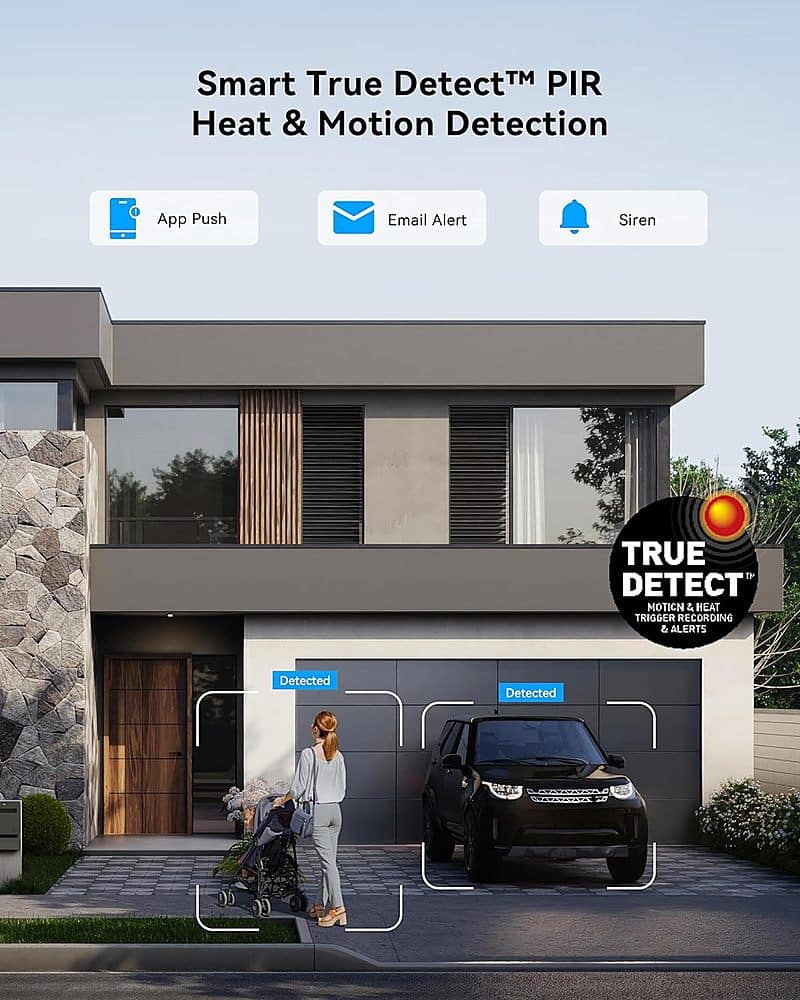
Thank you for reaching out to us with your question. No, the cameras included in this kit will use POE. The additional cables can be used for installations over 300 feet but are not required. For more information, contact our support team directly. Click on the blue box on the bottom right-hand corner to live chat with a technical support agent or contact us over the phone.
https://support.swann.com/s/
Please let us know how we may further assist you,
Thank you.
JV
Swann Customer Support
A:AnswerHello,
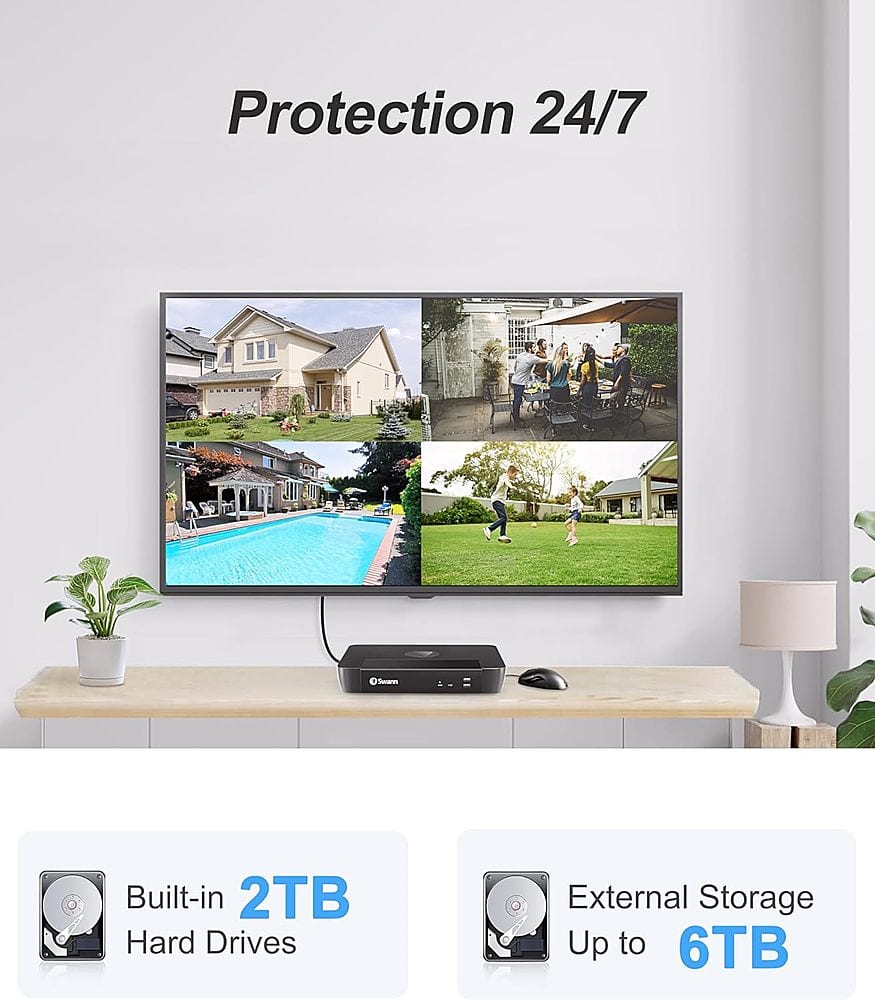
Thank you for reaching out to us with your question. Yes, the cameras included in this kit offer 2-way audio features.
Please let us know how we may further assist you,
Thank you.
JV
Swann Customer Support
A:AnswerHello Tommyjohn,
Thank you for reaching out to us with your question. Yes, the cameras are often recommended to be installed under eves to protect them from the direct elements. Although IP66 is weatherproof, the outside of the camera is still subject to frost, ice, and dew when out in the open air. We recommend you install under some sheltered location where possible but if this is not suitable for your location simply aiming the camera to look a little downward can stop moisture from settling on the camera lens.
Please let us know how we may further assist you,
Thank you.
JV
Swann Customer Support
A:AnswerHello Russell,
Thank you for reaching out to us with your question. Yes, this recorder does support ONVIF. Please contact a member of our support team for more information. Limited support is provided in this area. Click on the blue box on the bottom right-hand corner to live chat with a technical support agent or contact us over the phone.
https://support.swann.com/s/
Please let us know how we may further assist you,
Thank you.
JV
Swann Customer Support

A:AnswerHello Russell,
Thank you for reaching out to us with your question. The housing of the cameras is made of metal. The number of channels refers to the maximum amount of cameras that can be connected directly to the recorder. The number of cameras required will vary since not everyone's home is the same. Please contact our support team for more information.
Please let us know how we may further assist you,
Thank you.
JV
Swann Customer Support
A:AnswerHello Alex,
Thank you for reaching out to us with your question. Yes, this will connect to your network using an ethernet cable. You can connect to your wireless network using our Swann wireless adapter.
Please let us know how we may further assist you,
Thank you.
JV
Swann Customer Support
A:AnswerHello BG,
Thank you for reaching out to us with your question. Yes, the enforcer lights can be disabled on each camera as needed.
Please let us know how we may further assist you,
Thank you.
JV
Swann Customer Support
A:AnswerHello ChuckDo,
Thank you for reaching out to us with your question. These specifications are not immediately listed and will need to be requested with a product specialist. Please contact our support team and open a support ticket. A Level 2 Support Team member will help answer your questions. Click on the blue box on the bottom right-hand corner to live chat with a technical support agent or contact us over the phone.
https://support.swann.com/s/
Please let us know how we may further assist you,
Thank you.
JV
Swann Customer Support
A:AnswerHello AZEqualizer,
Thank you for reaching out to us with your question. The manual for this recorder will be the same as the one found at the link below.
https://www.dropbox.com/s/u7hxpaiifxiilhw/MNVR_SYSTEMV8_REV2E.pdf?dl=1
Please let us know how we may further assist you,
Thank you.
JV
Swann Customer Support
A:AnswerHello RolfYago,
Thank you for reaching out to us with your question. Faces can be added to the user interface for the detection of unwanted visitors. For more information on this feature contact our support team directly. The cameras can not be connected to an external warning siren. Click on the blue box on the bottom right-hand corner to live chat with a technical support agent or contact us over the phone.
https://support.swann.com/s/
Please let us know how we may further assist you,
Thank you.
JV
Swann Customer Support
A:AnswerThank you for your question. This is one of our latest units, and we continually release updates and improvements. Because technology evolves rapidly, there’s no exact timeframe for when it may become outdated.
Mary – Swann Team
A:AnswerHi Mx5msm. Yes, if you've setup Dropbox for your Swann Security account then the NVR will automatically upload clips to it. The feature is limited to a maximum of two cameras rather than all, & the storage capacity on Dropbox itself also varies depending on whether you have stuck with their free plan or upgraded to their paid plans. In short though, yes, it can do exactly what you're asking for. Hope that helps. -SD, Swann Team
A:AnswerHello Freemason,
Thank you for reaching out to us with your question. This can be done within the recorder settings while connected directly to a monitor. Not all analytics can be used simultaneously on one camera. For more information, please reach out to a member of our support team when you are in front of the device. We can be reached 24 hours a day. Click on the blue box on the bottom right-hand corner to live chat with a technical support agent or contact us over the phone.
https://support.swann.com/s/
Please let us know how we may further assist you,
Thank you.
JV
Swann Customer Support

A:AnswerHi Saul. Yes, every camera in this kit includes a microphone and speaker for 2-way audio. You can talk through the camera by simply pressing a talk button from the live view screen of the Swann Security app.
Sorry, I am not sure I fully understand the second part of your question. The lenses on these cameras are fixed (no optical zoom), and they have an automatic focus.
Hope this helps.
-SD, Swann Product Management.