Questions & Answers
- Model:
- DSU300US
- |
- SKU:
- 6071400
Highly rated by customers for: Ease of use, Size, Monitor Support
Page Showing 1-12 of 12 questions
Q: QuestionHow does this unit charge the laptop?
Asked by targususer.
- A:Answer It does not. laptop must be plugged in to its adapter.
Answered by allen
Q: QuestionI have an Asus HDMI monitor and a Dell monitor. I need the capability of seeing both screens along with my laptop. Will this do the trick?
Asked by Sam.
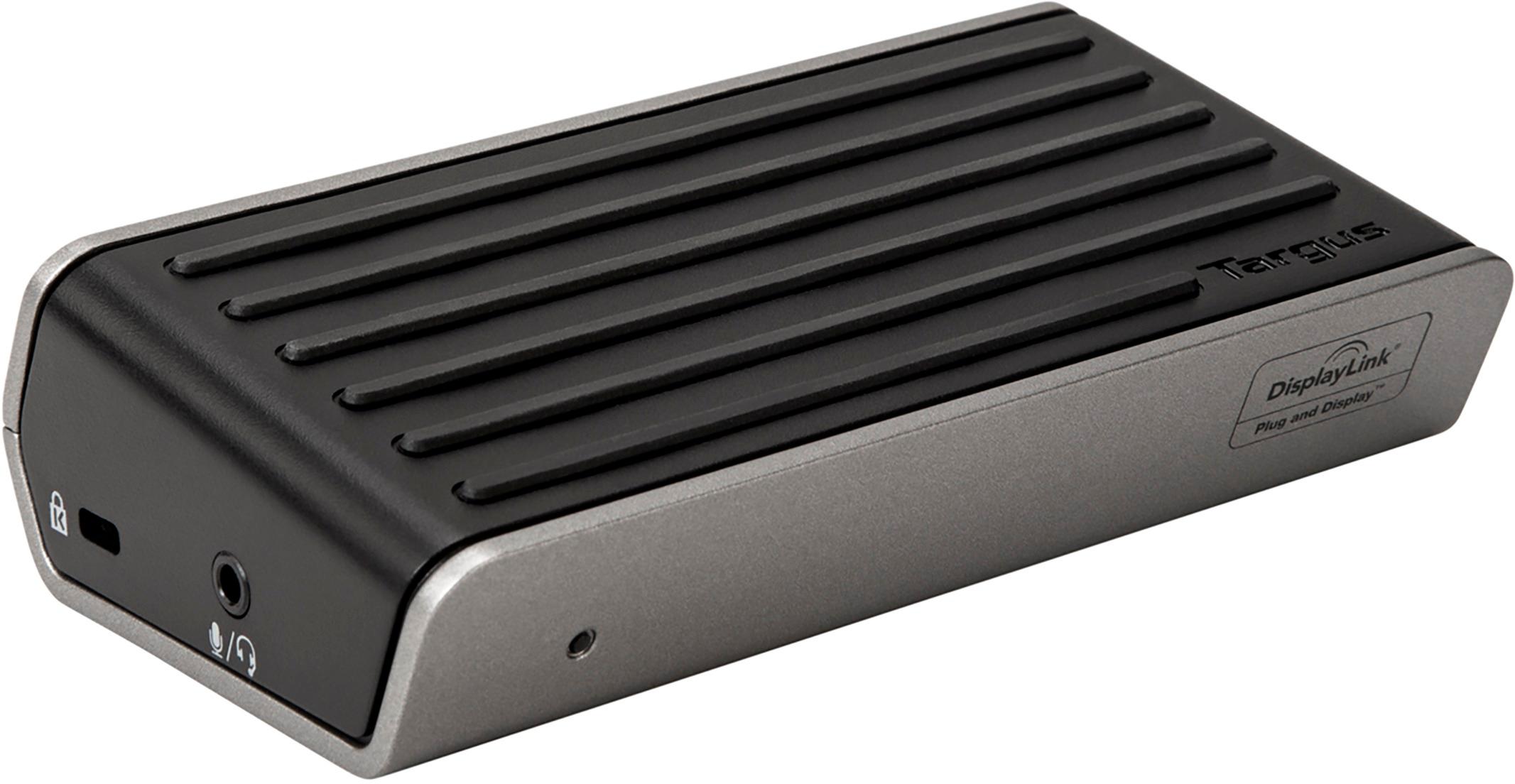
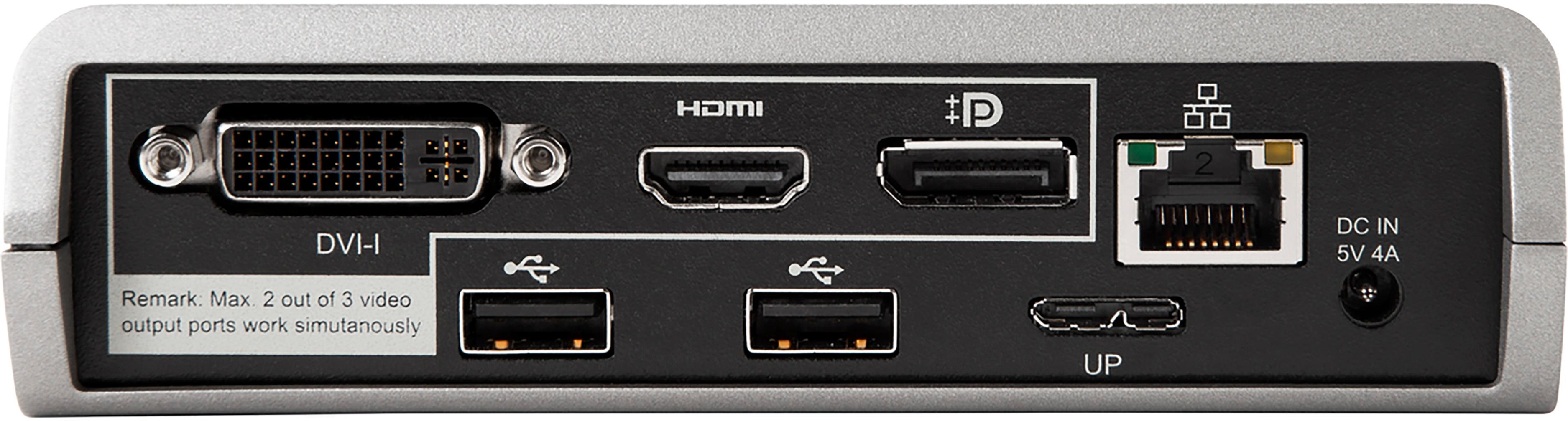
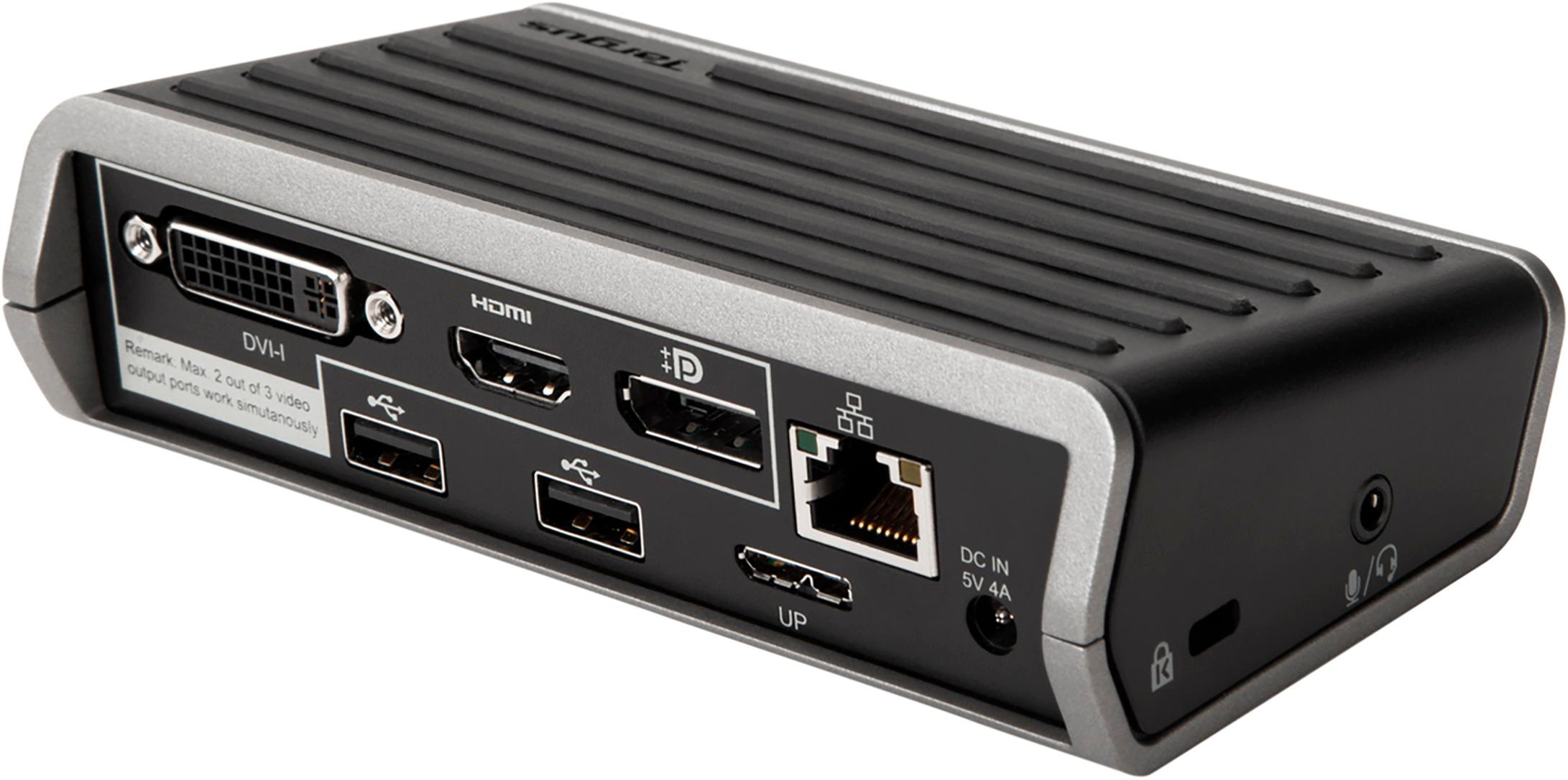
- A:Answer Yes. I can connect two monitors at same time. It's plug and play - just plug two monitors to the docking station. There are three monitor ports - one HDMI, one DVI and one display port. Only maximum two monitors can be supported.
Answered by Developer
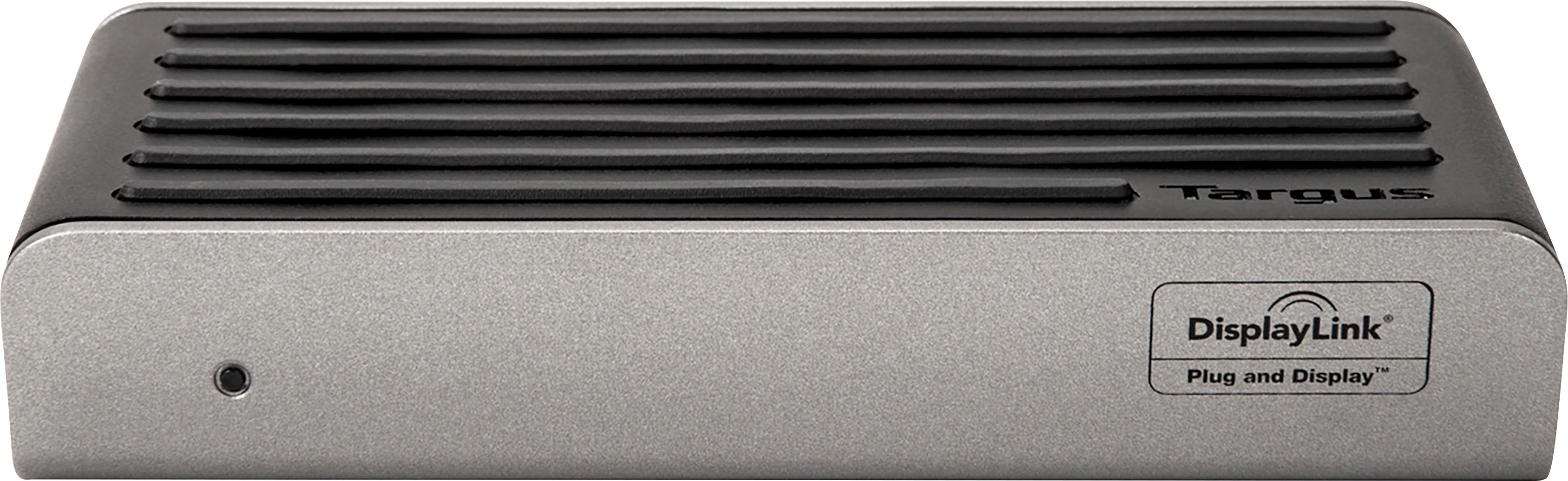
Q: QuestionIs this docking station compatible with DisplayLink Software?
Asked by DisplayLinkCompatible.
- A:Answer Yep, it certainly is. I'm currently using it with two displays on an M1 MacBook Air. To be clear, DisplayLink handles both of the displays connected to this adapter, so neither of them count toward any capacity limit the host computer might otherwise have for external displays (i.e. the one-display limit on an M1 MacBook Air, the two-display limit on a Thunderbolt chip).
Answered by Anonymous
Q: QuestionWill this work on a HP Laptop
Asked by Boone.
- A:Answer I have an HP laptop attached. It works fine.
Answered by Anne
Q: QuestionDoes it have a power button to power on and off your laptop?
Asked by Jen.
- A:Answer Unfortunately, no.
Answered by BurgerBoy
Q: QuestionWould this allow a early 2015 Macbook pro to drive two screens? One being mirrored from the laptop and the other being an extension?
Asked by Mike.
- A:Answer It does not say what models of mac this will work for but on the system requirements it says that it supports Mac OS X v10.9 or later. Also i don't know if your mac has just a usb c or if it is a traditional usb port but you might need a converter because it doesn't have a usb c port. Also it says for more info on compatible systems go to visit.targus.com
Answered by SwampRat56
Q: Questiondoes the displayport output support 4k video at 60Hz?
Asked by dokk.
- A:Answer I highly doubt it because there have not really been any changes in the last 2 years. But i don't know of the capabilities of the USB 3.0 port but if 4k 60Hz is supported by USB 3.0 then it should work.
Answered by SwampRat56
Q: QuestionCan I connect a printer, monitor, and laptop to this dock. Does it have a power button that ca power the lap top on and off?
Asked by Anonymous.
- A:Answer Yes. But, I usually use wireless for my printer.
Answered by Anne
Q: QuestionDOES THIS SUPPORT OPEN GL GRAPHICS? I CAN NOT GET IT TO WORK AUTOCAD.
Asked by JASON.
- A:Answer Hello, JASON. Thank you for reaching out to us. Please feel free to contact one of our customer service agents at 877-482-7487, Monday through Friday, 10AM EST to 7PM EST. We will be happy to assist you.
Answered by Targus Team
Q: QuestionI have a MacBook Pro made in 2013, uses MacOS Catalina Version 10.15.7. If I get this docking station, what will I need to do to get it installed using this OS? If I update the OS, will I need to uninstall the docking station and re-install it?
Asked by Helen.
- A:Answer Hello, Helen. Thank you for reaching out to us. Please feel free to contact one of our customer service agents at 877-482-7487, Monday through Friday, 10AM EST to 7PM EST. We will be happy to assist you.
Answered by Targus Team
Q: QuestionHow to hook up dual monitors ?
Asked by Me.
- A:Answer With this docking station. You plug one into the hdmi and the other you need an adapter. DVI to hdmi. Was simple . I’m 63 and I got it done!
Answered by Beckie
Page 1, Showing 1-12 of 12 questions
Best-selling Best Buy
- $299.99$299.99The price was $349.99
- $59.99$59.99The price was $99.00
- $199.99$199.99The price was $349.99
- $14.99$14.99The price was $19.00
- $24.99$24.99The price was $29.99
- $14.99$14.99The price was $19.00