A:AnswerAbsolutely! All TCL Roku TVs have access to Hulu. You would simply want to log in with your subscription in order to access Hulu Live. Hope this helps! Thank you, TCL Customer Support
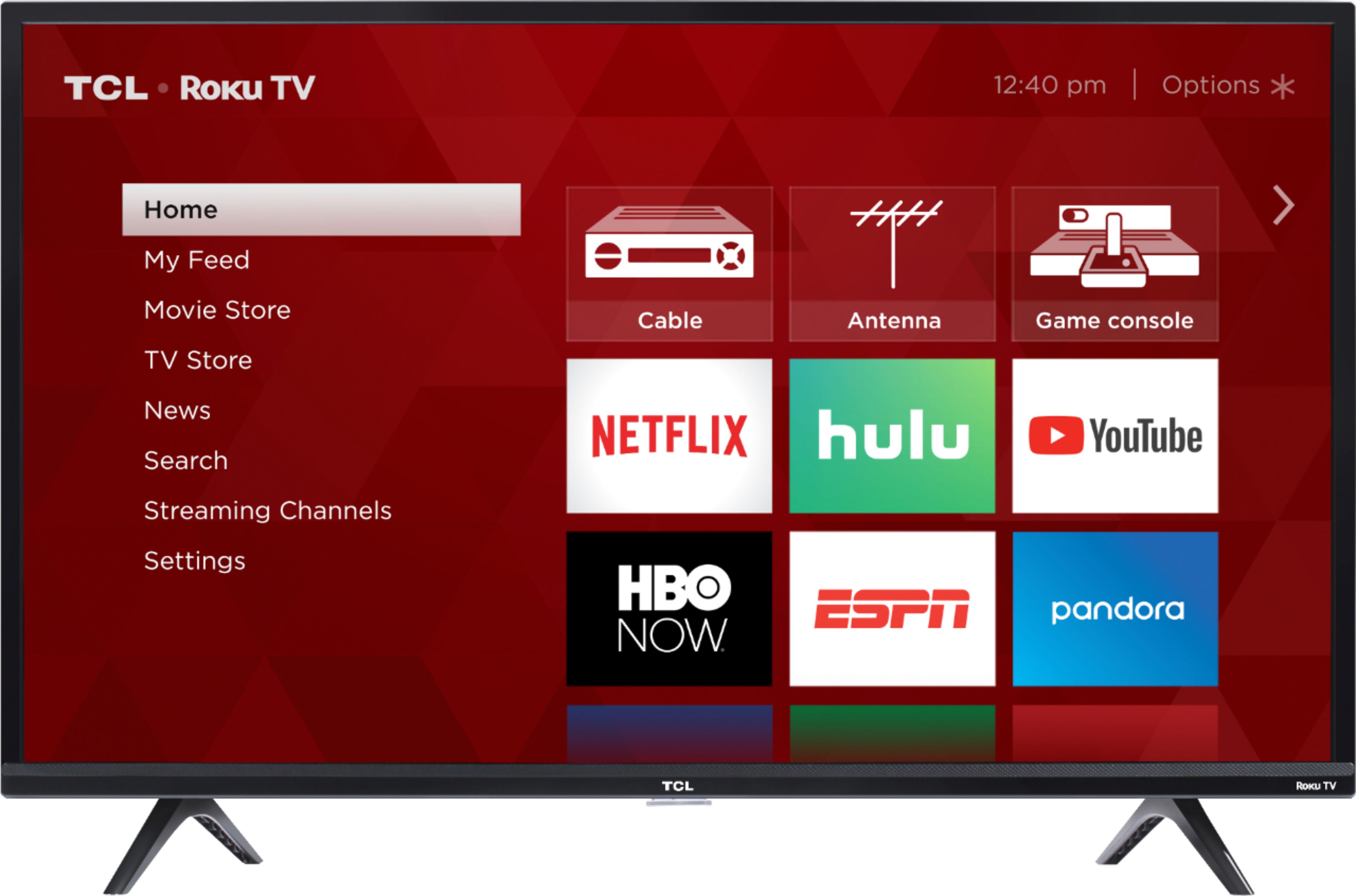
A:AnswerThere are options available to adjust the picture settings to better fit your personal preference. You can access the Options menu on the TV by pressing the asterisk (*) button on your remote while watching content. You can also find online other reviewer calibration recommendations. Hope this helps! Thank you, TCL Customer Support
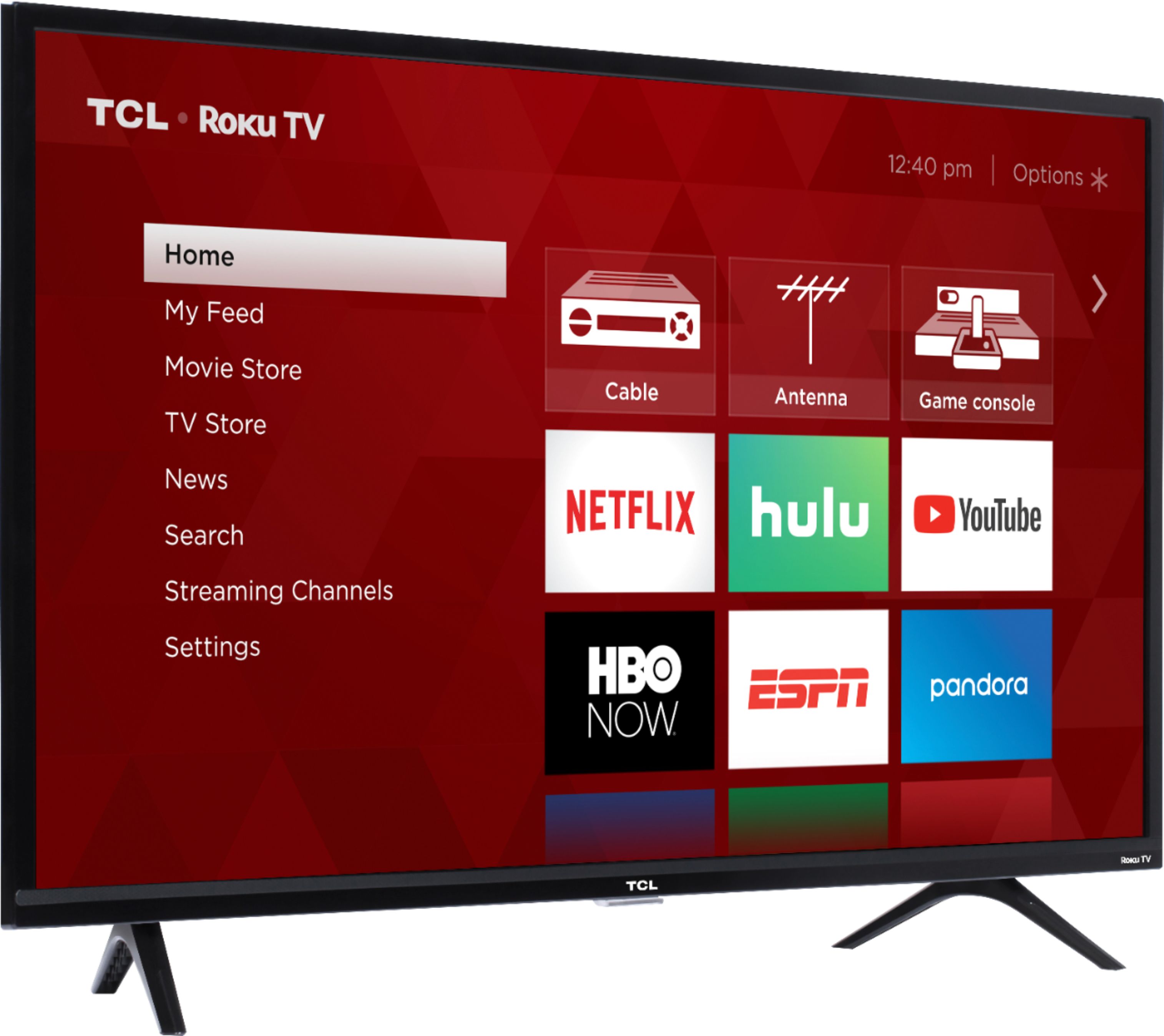
A:AnswerThis TCL Roku TV has the ability to connect to the Internet via WiFi. It does not feature an Ethernet port, and we cannot guarantee the use of adapters. Hope this helps! Thank you, TCL Customer Support
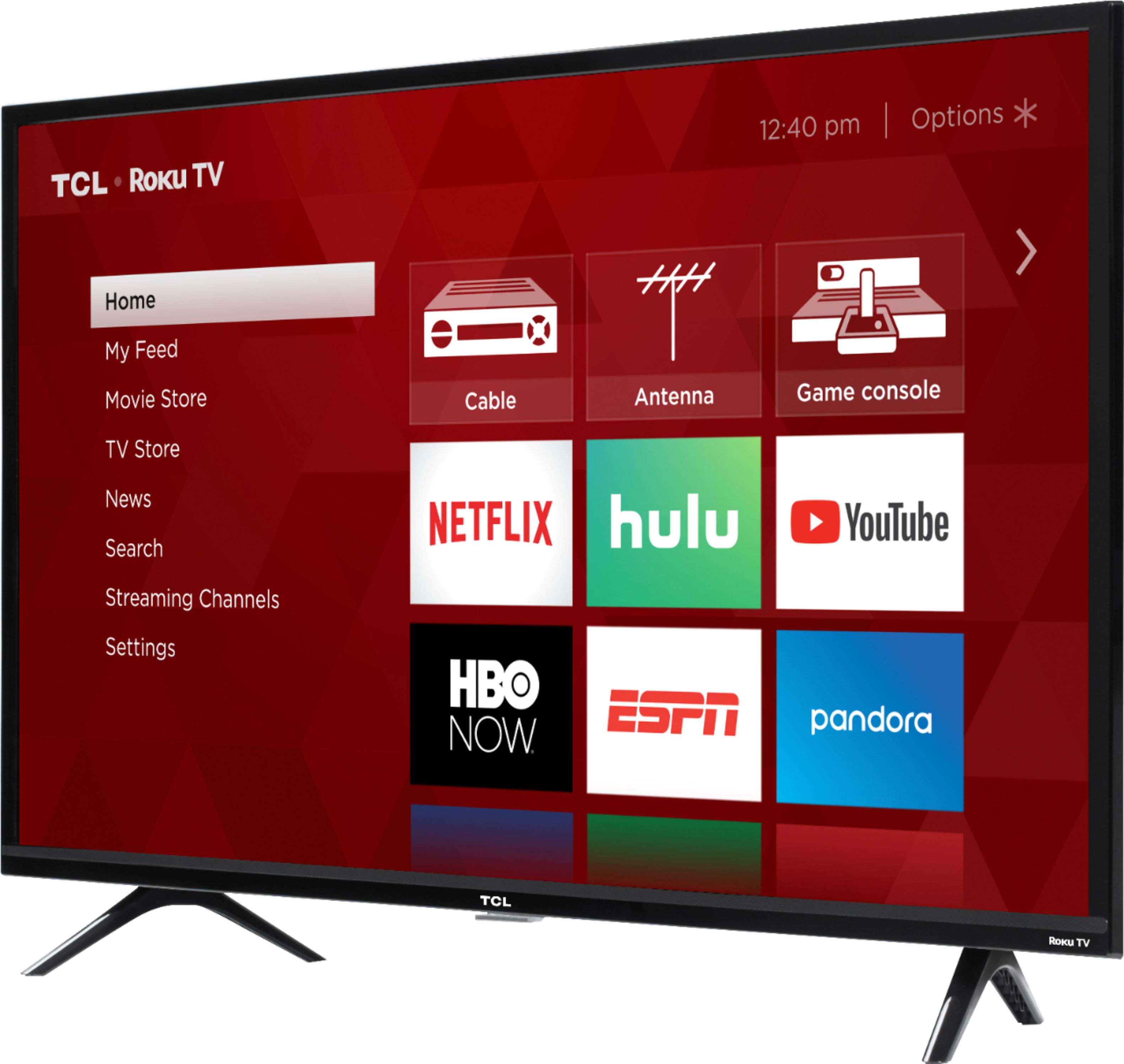
A:AnswerYou can go to www.Roku.com/whats-on to see what streaming channels and apps are offered through the Roku Channel Store. To search for a specific channel you would simply want to enter that information into the search section. Hope this helps! Thank you, TCL Customer Support
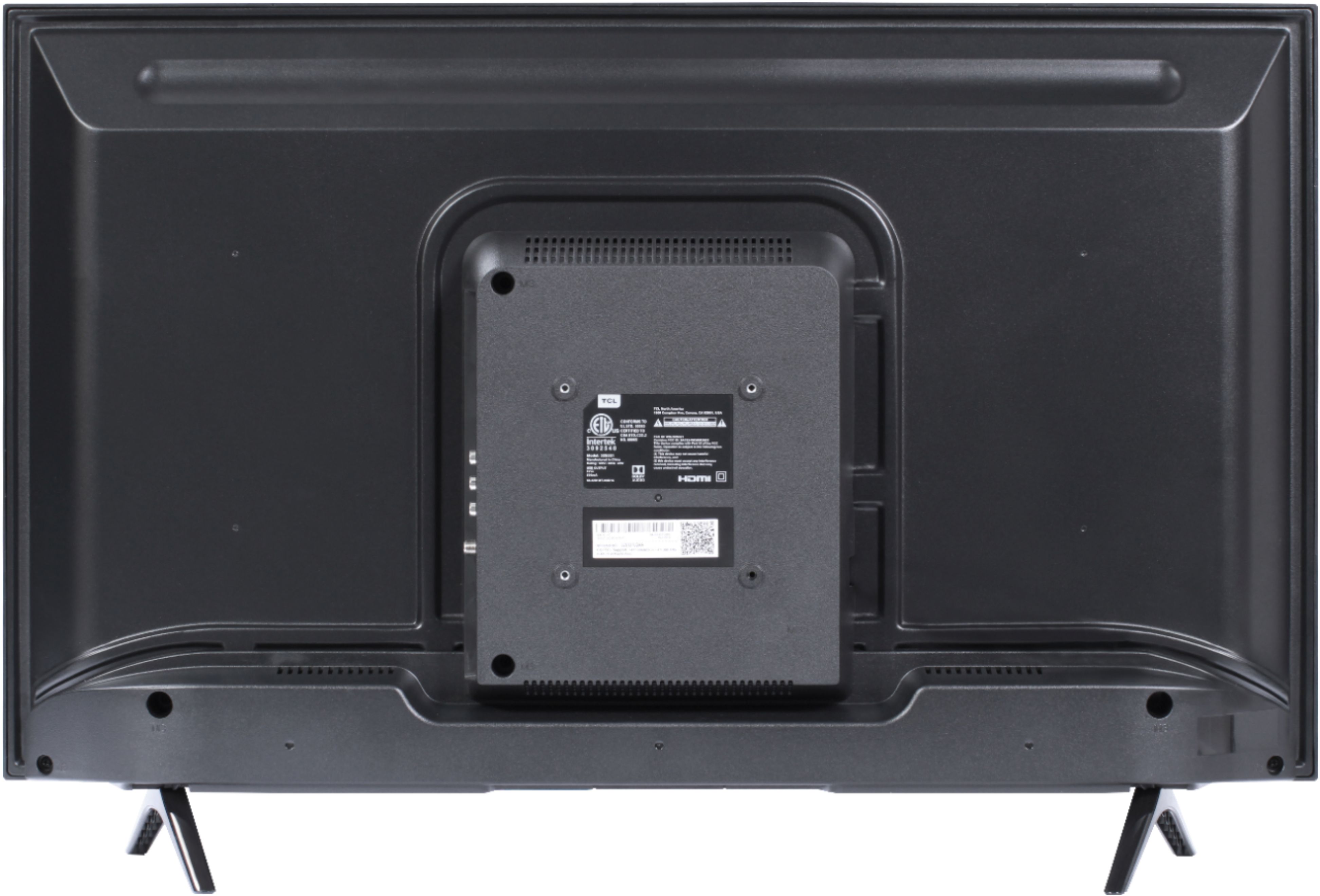
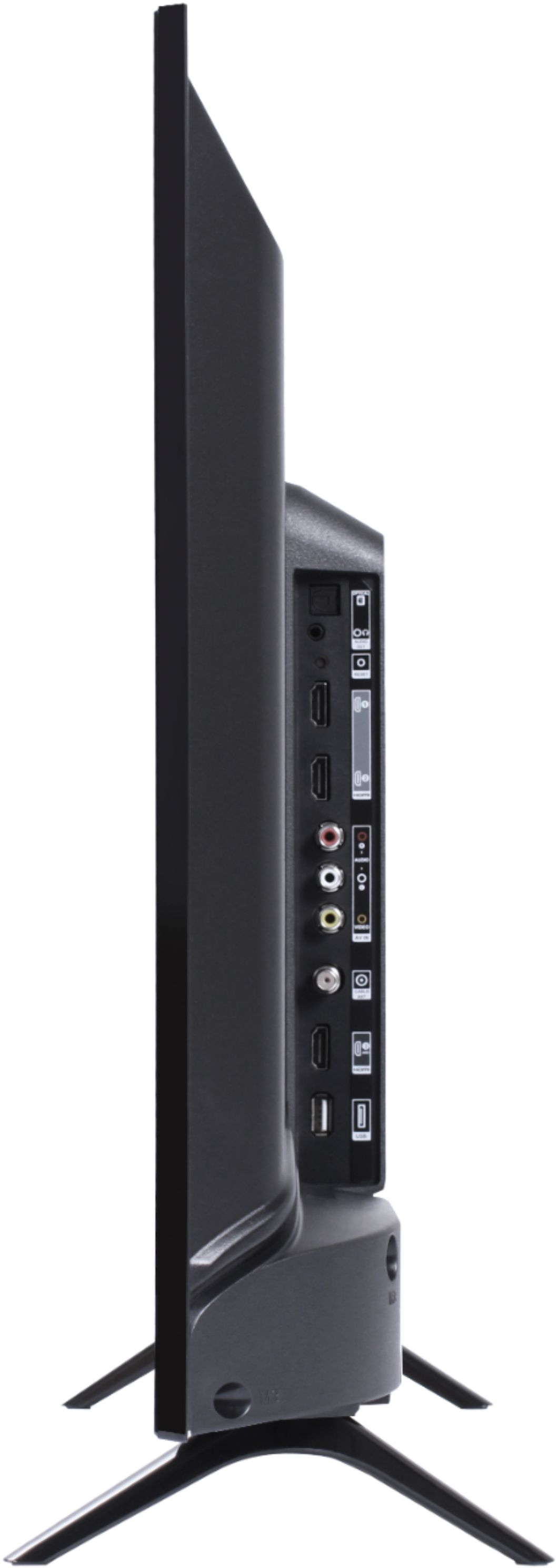
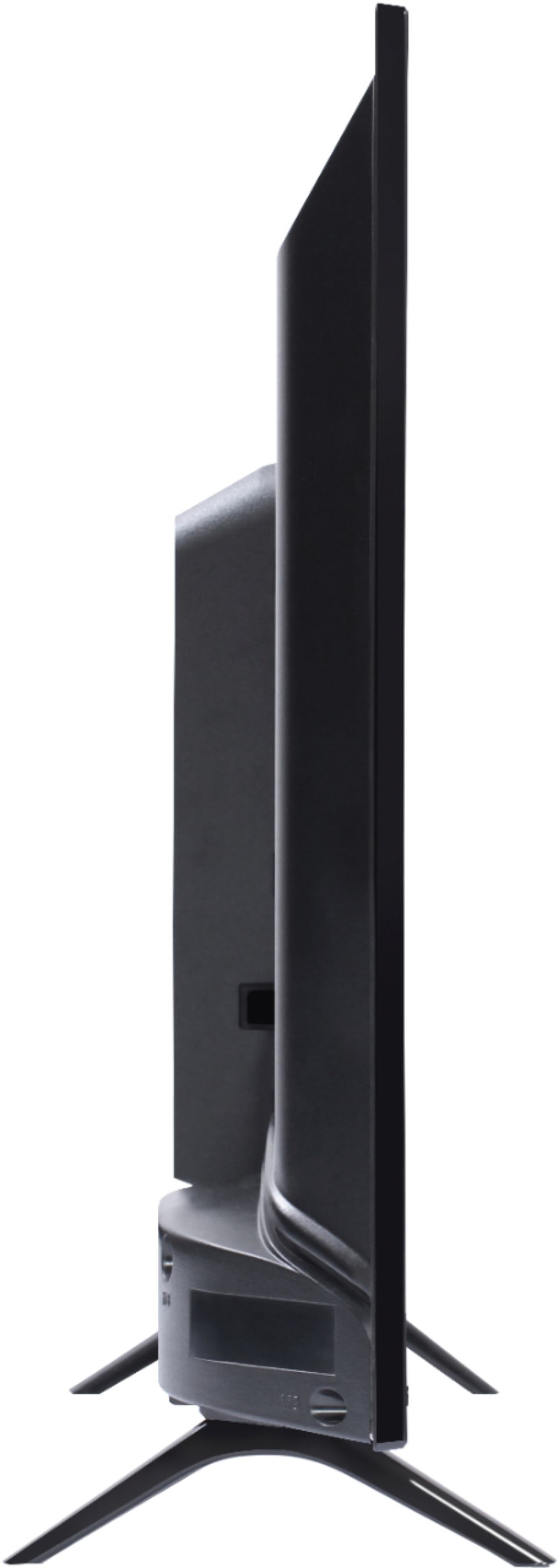
A:AnswerFor this 32 inch TCL Roku TV, the feet spacing to fit on a surface is 21.3 inches wide and 6.8 inches deep. Hope this helps! Thank you, TCL Customer Support
A:AnswerThe buttons located on the lower portion of the TCL Roku Remote are our partner buttons. They are designated at a factory level with some variation, and cannot be reprogrammed. They are intended to be shortcut buttons to select streaming channels. Hope this helps! Thank you, TCL Customer Support
A:AnswerYou can have various Roku TVs and devices activated under the same Roku account and use them at the same time. However, certain individual streaming channels may have a limitation on how many devices can simultaneous stream content. If you need any further assistance, please reach out to us at [email protected] with your contact information and a description of what you need help with. Hope this helps! Thank you, TCL Customer Support
A:AnswerYou do not need anything else. Just plug in, and answer the questions on the screen to set up. If you use the same email address on each roku device, they sync up with each other.
A:AnswerIn order for us to better assist, please reach out to us at [email protected] with your contact information and a description of what you are experiencing. Thank you, TCL Customer Support
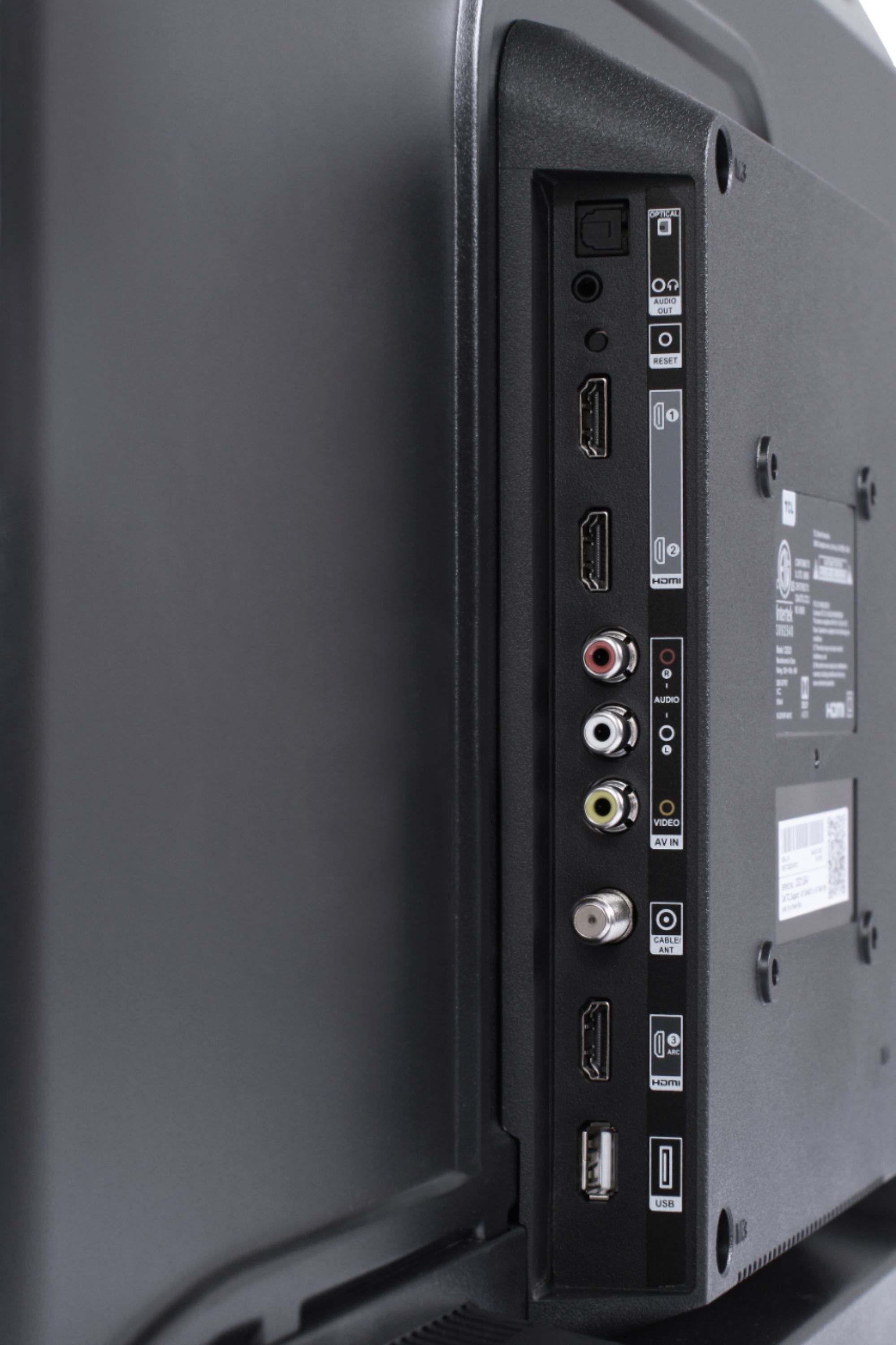
A:AnswerAlthough this TCL Roku TV is designed with the primary role of television in mind, it does come with 3 HDMI ports. Any of these ports can be used to connect the TV to external devices, such as a PC. Hope this helps! Thank you, TCL Customer Support
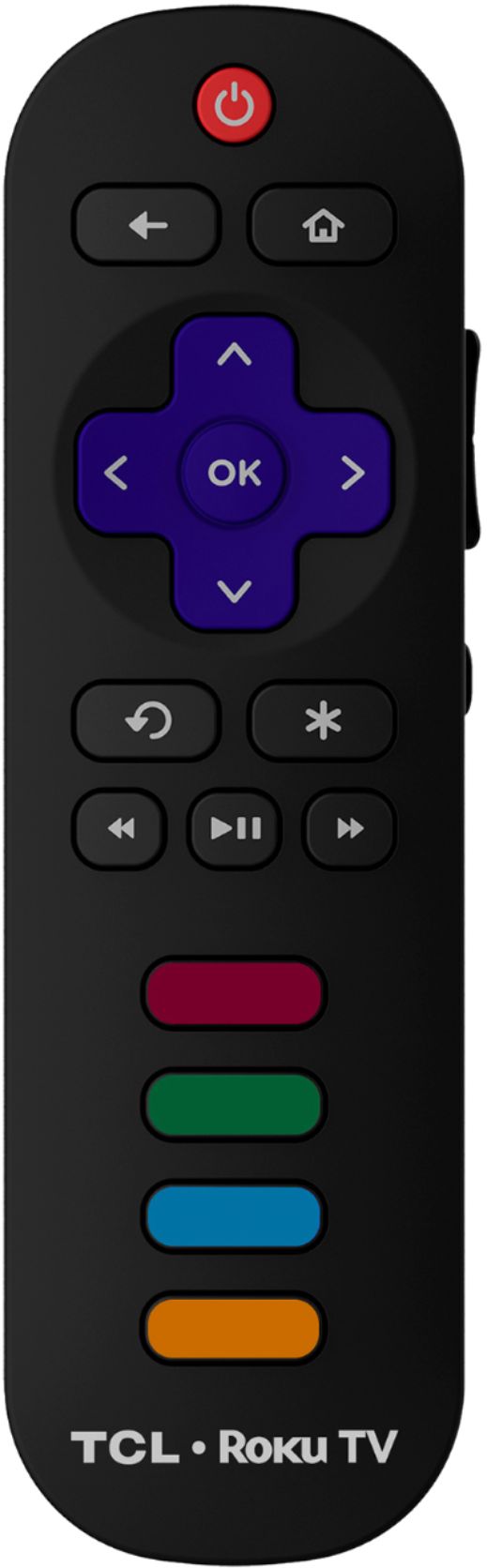
A:AnswerOur TVs are compatible with most Universal and cable remotes. Many Universal and cable box remotes can be programmed to control certain features on the TV. You can visit https://support.tclusa.com/tv-remote-codes for more information. Thank you, TCL Customer Support

A:AnswerThis TCL Roku TV has various inputs that can be used to connect external devices, such as a cable box. Hope this helps! Thank you, TCL Customer Support

A:AnswerIn order for us to better assist, please reach out to us at [email protected] with your contact information and a description of what you need assistance with. Thank you, TCL Customer Support














