A:AnswerI don’t have the exact box dimensions anymore since I no longer have the packaging. The TV was well-packed and arrived safely, but for precise measurements I’d recommend checking the manufacturer’s specifications or contacting the seller directly.
A:AnswerOur new TVs come with two feet with screws to secure them, a power cord, a remote, and a quick start guide. You may want to check your receipt to see if the TV you purchased is new or Open-Box/Previously Owned. For Open-Box/Previously Owned TVs, you would need to contact your retailer for assistance. If purchased new, we would love the opportunity to look into this for you and gather more information to see how we can best assist you. In order for us to better assist you, please reach out to us at tclsocial@tcl.com with your contact information, and someone will get back to you as soon as possible. Hope this helps! Thank you, TCL Customer Support
A:AnswerOur TVs are compatible with most Universal and cable remotes. Many Universal and cable box remotes can be programmed to control select functions on the TV. You can visit https://support.tcl.com/us-remote-codes for more information. If you do not see your specific remote, you would need to contact the remote's manufacturer to obtain the remote code from them. The TV does not support the input of direct channel numbers for antenna content. Hope this helps! Thank you, TCL Customer Support
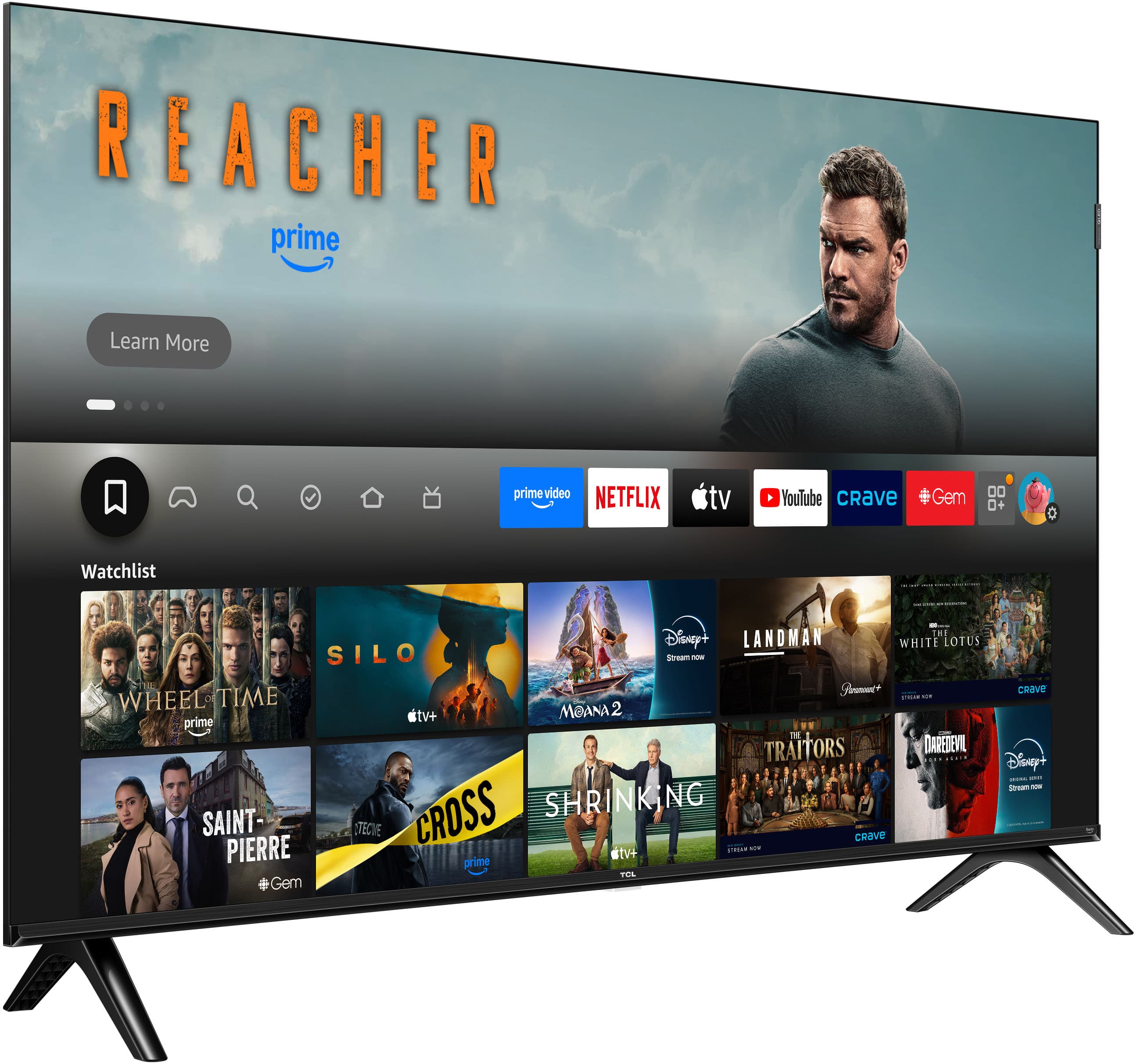
A:AnswerYou can download the Spectrum TV app directly from the TV’s app store. Once installed, open the app and sign in using your Spectrum username and password. If you don’t see the app available, you can also connect a Roku, Fire Stick, or cable box to the TV using HDMI.