A:AnswerThe SpectrumTV app is not currently an available streaming app on this TCL TV featuring Google TV. Hope this helps! Thank you, TCL Customer Support
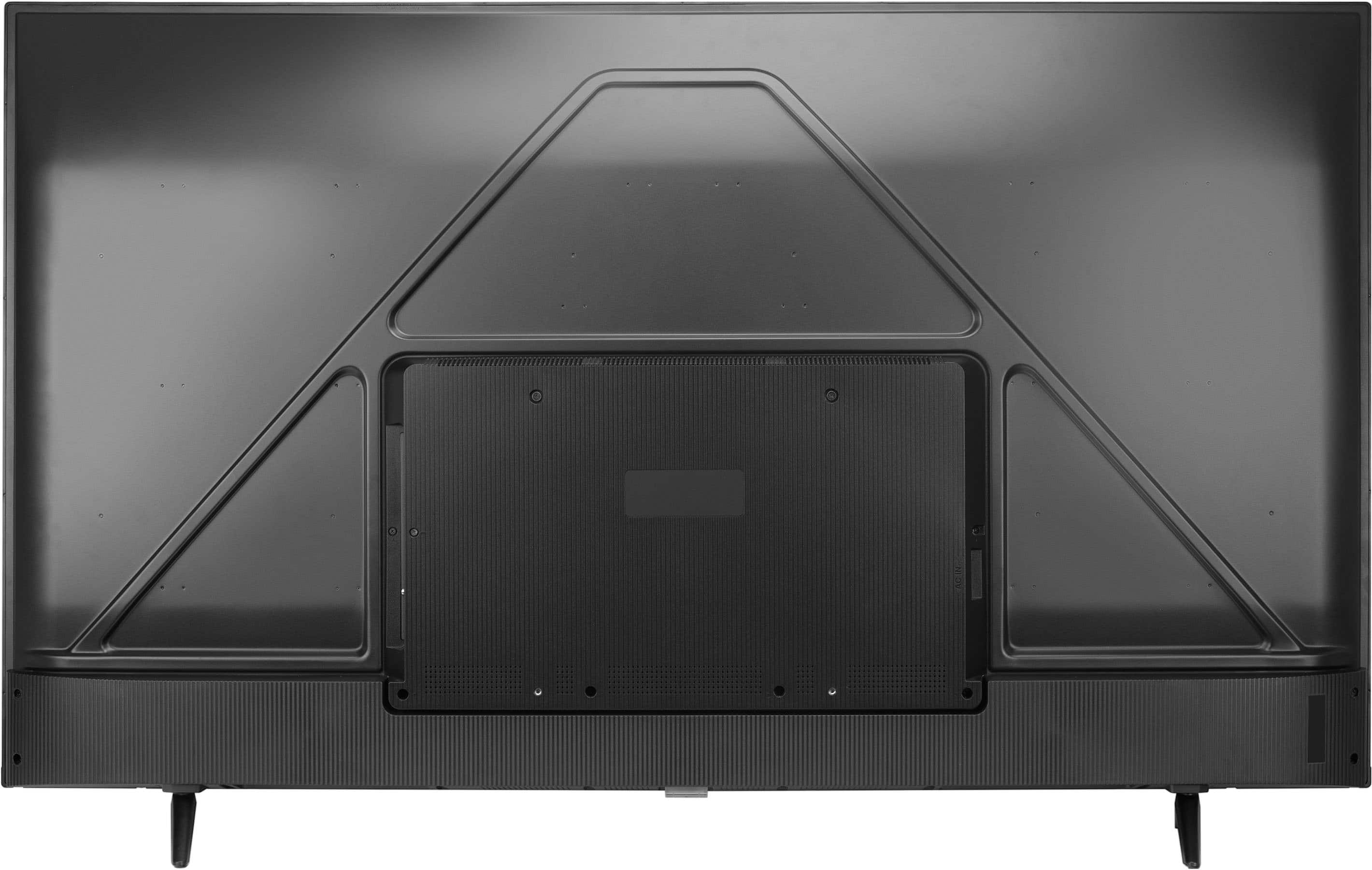
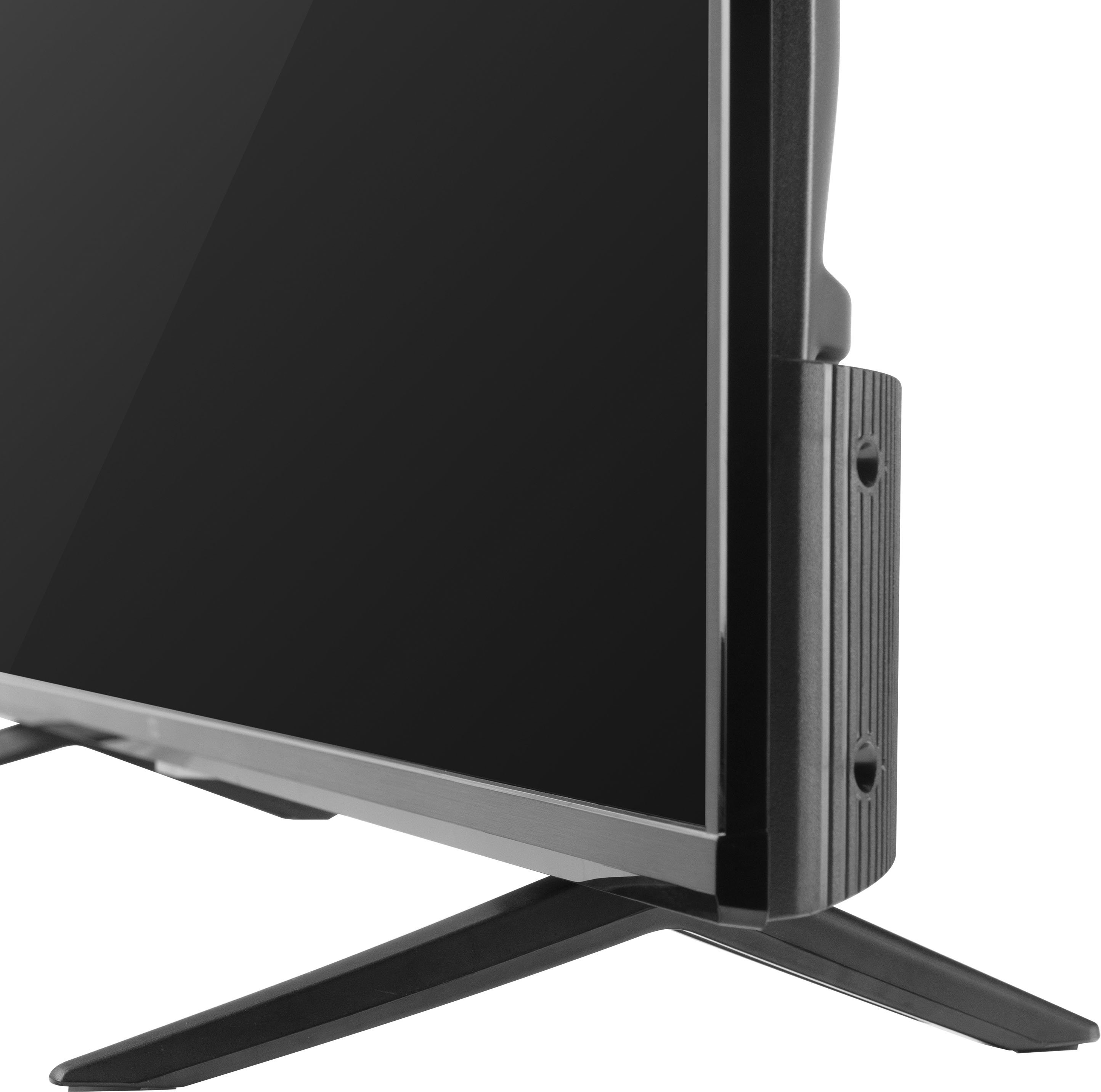
A:AnswerThis TCL TV is compatible with most stands and wall mounts that support a 200mm x 200mm VESA mounting pattern. Hope this helps! Thank you, TCL Customer Support
A:AnswerOur TCL TVs featuring Google TV do indeed support Bluetooth and can be paired with compatible audio devices that also support and pair via Bluetooth. Hope this helps! Thank you, TCL Customer Support
A:AnswerThere is a keyboard button on the remote but you can also use voice. Make sure your google home and TV are signed in the same account. I have three google accounts and it was creating havoc until I figured out that I was on different accounts.
A:AnswerSee the picture in my review, it’s an unusual remote but it is Bluetooth and it’s also very configurable so if you wanted to remap a button that’s definitely possible to do in case you didn’t need one that was on there, you don’t have that service etc.
A:AnswerThis TV does not support AirPlay. Our TCL TVs featuring Google TV do support casting from IOS devices. However, there may be a limitation depending on the IOS app you are casting from. Hope this helps! Thank you, TCL Customer Support
A:AnswerThe Xfinity app is not currently an available streaming app on this TCL TV featuring Google TV. Hope this helps! Thank you, TCL Customer Support
A:AnswerAbsolutely! This TV has access to 5,000+ apps with over 500,000 TV shows and movies available through the App Store. Hope this helps! Thank you, TCL Customer Support
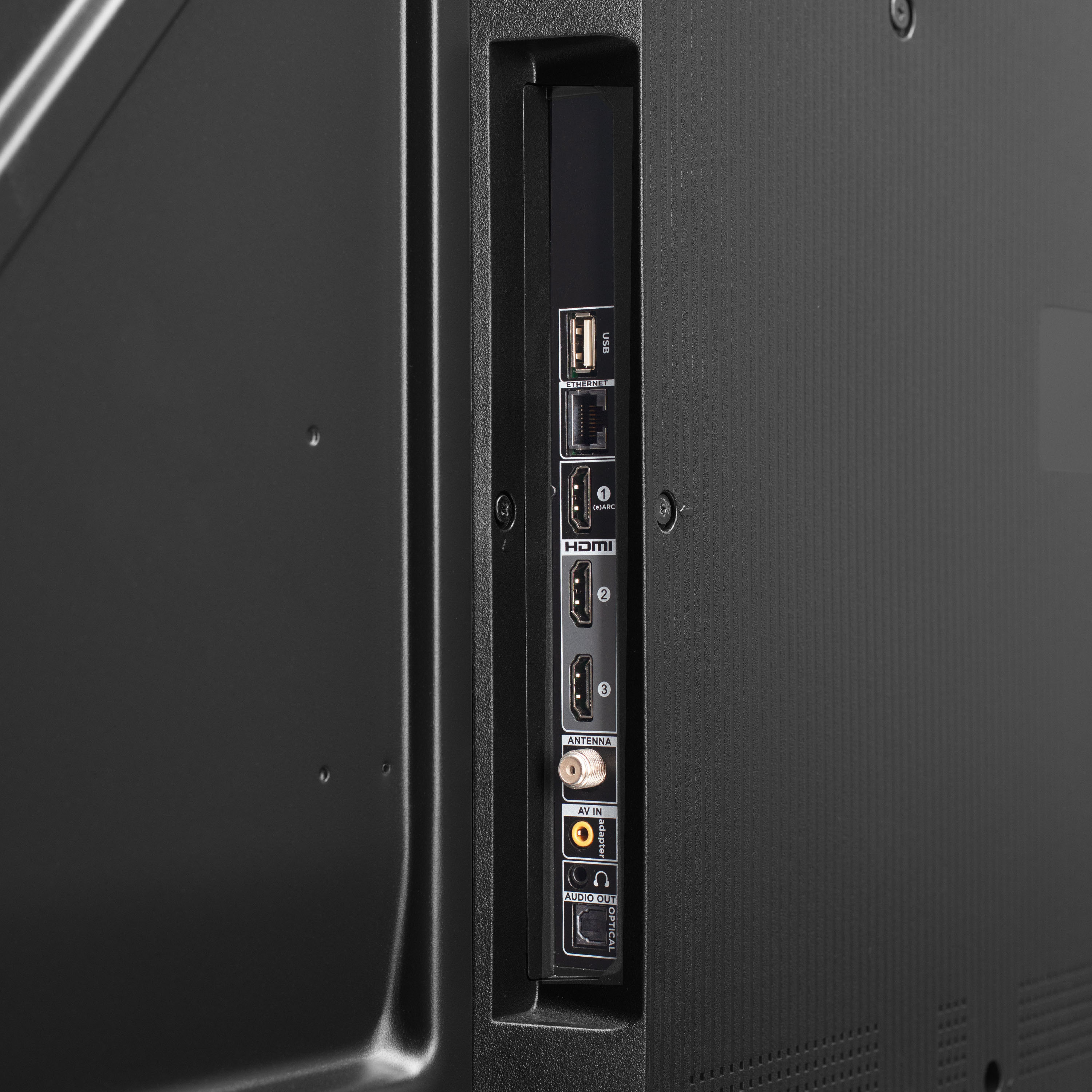
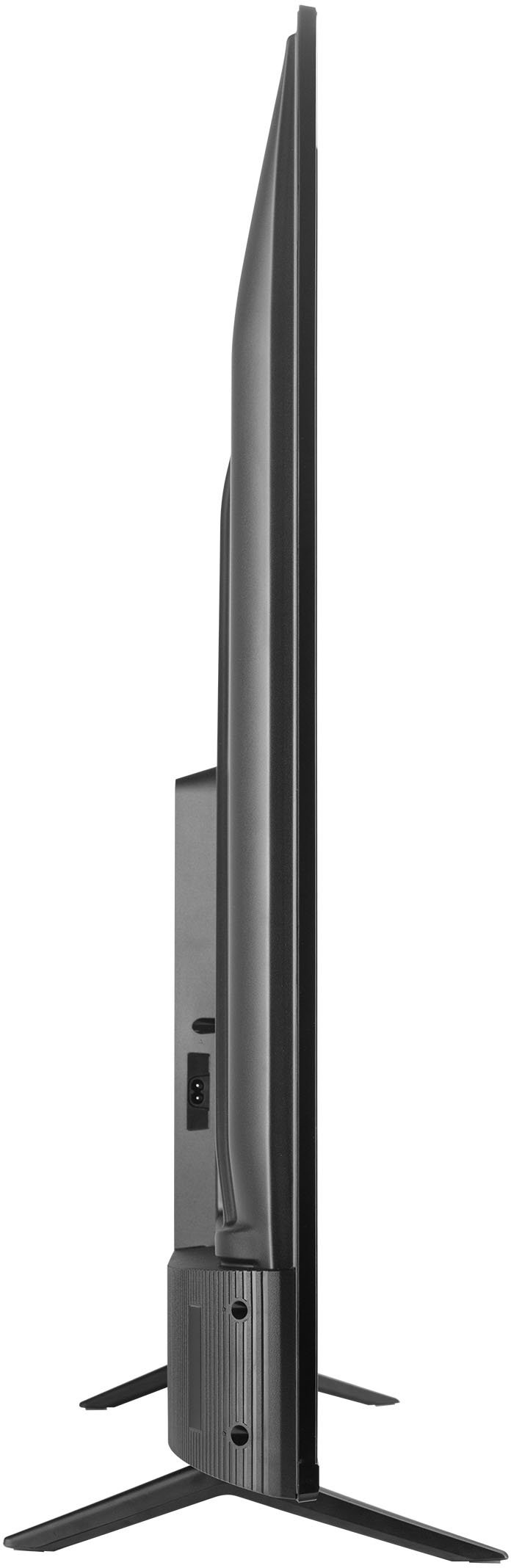
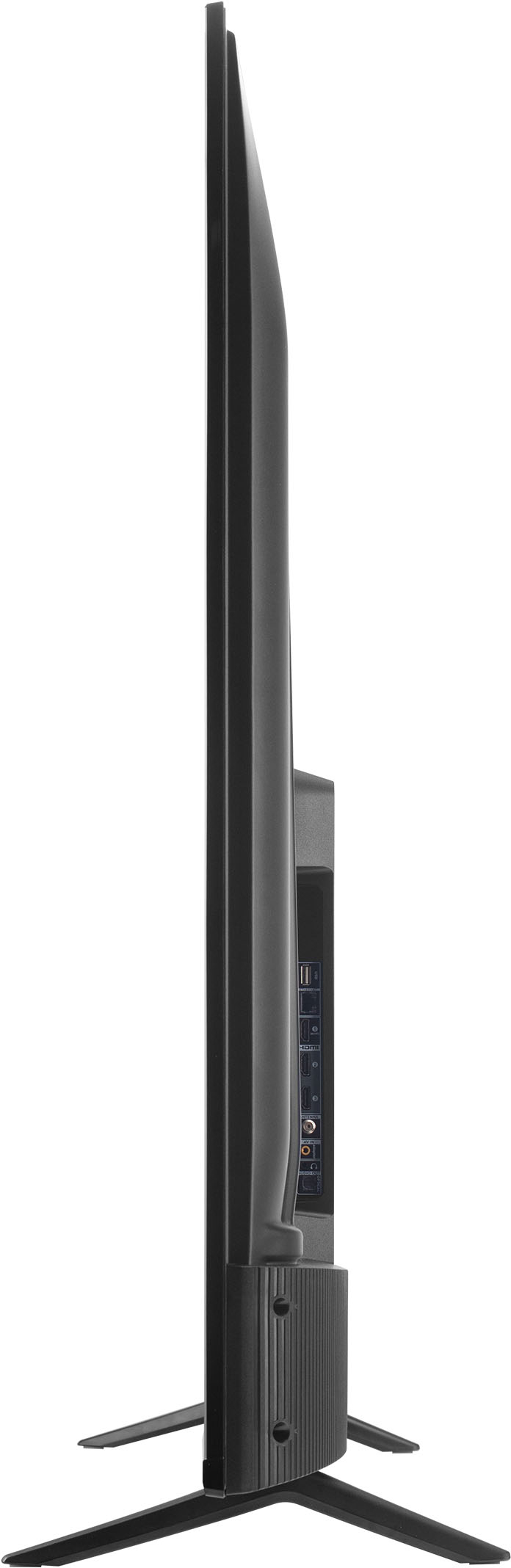
A:AnswerThis TCL TV is compatible with most wall mounts that support a 200mm x 200mm VESA mounting pattern. This TV features various inputs that can be used to connect external devices like a Roku Stick. Hope this helps! Thank you, TCL Customer Support