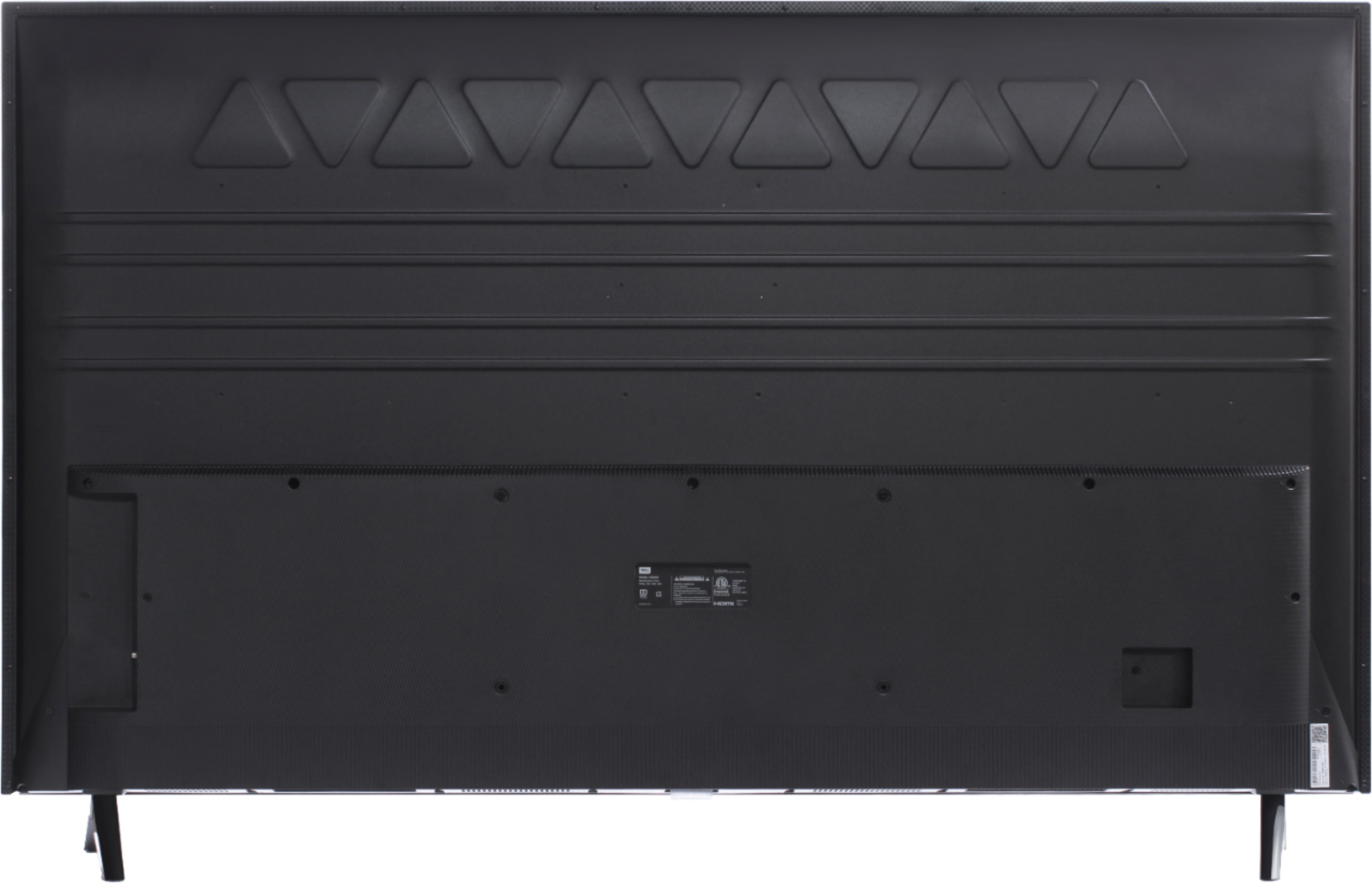
A:AnswerThere is a 3.5mm headphone jack located on the back of the TV. Additionally, you can download the free Roku mobile app on your Smartphone or tablet to use as a remote. Through the Roku mobile app, you gain access to power toggle, volume toggle, private listening, voice search, and more. Hope this helps! Thank you, TCL Customer Support
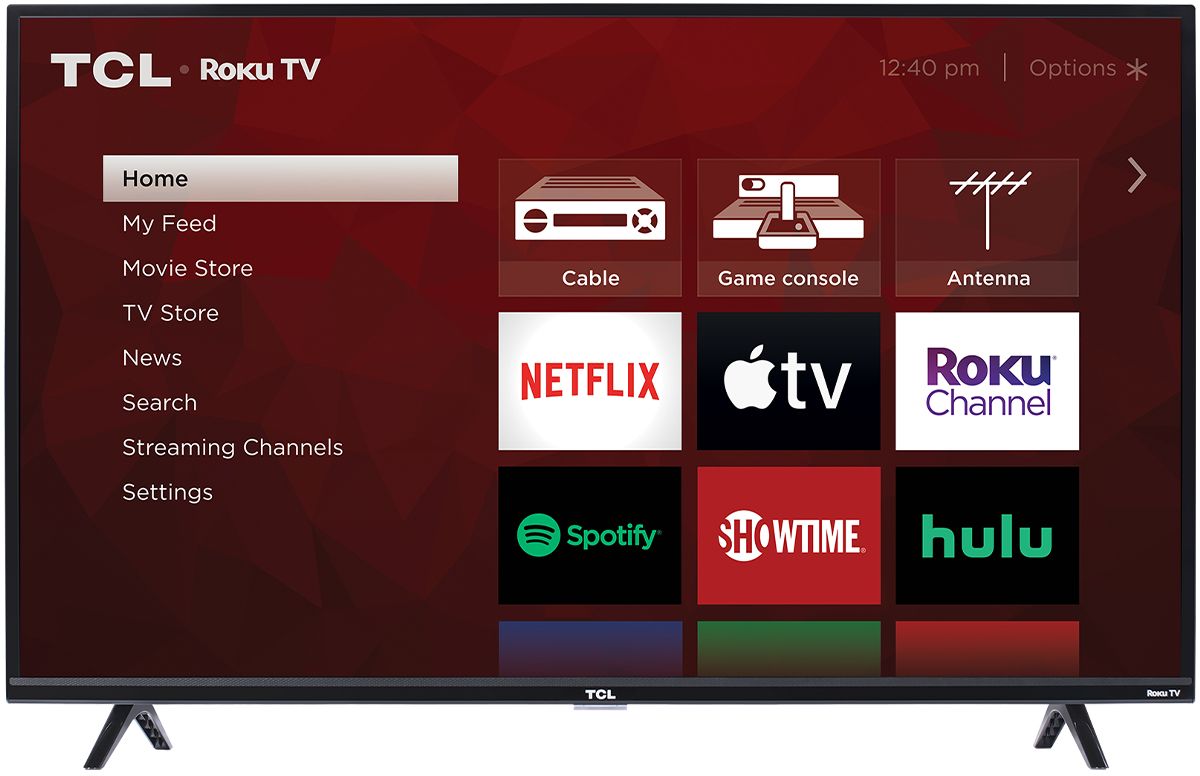
A:AnswerIn addition to the smart features on this TV, like streaming, you also have access to all of the TVs inputs that can be used to connect external devices like a cable box. You can switch between streaming channels and inputs on the Home screen on the TV. Hope this helps! Thank you, TCL Customer Support
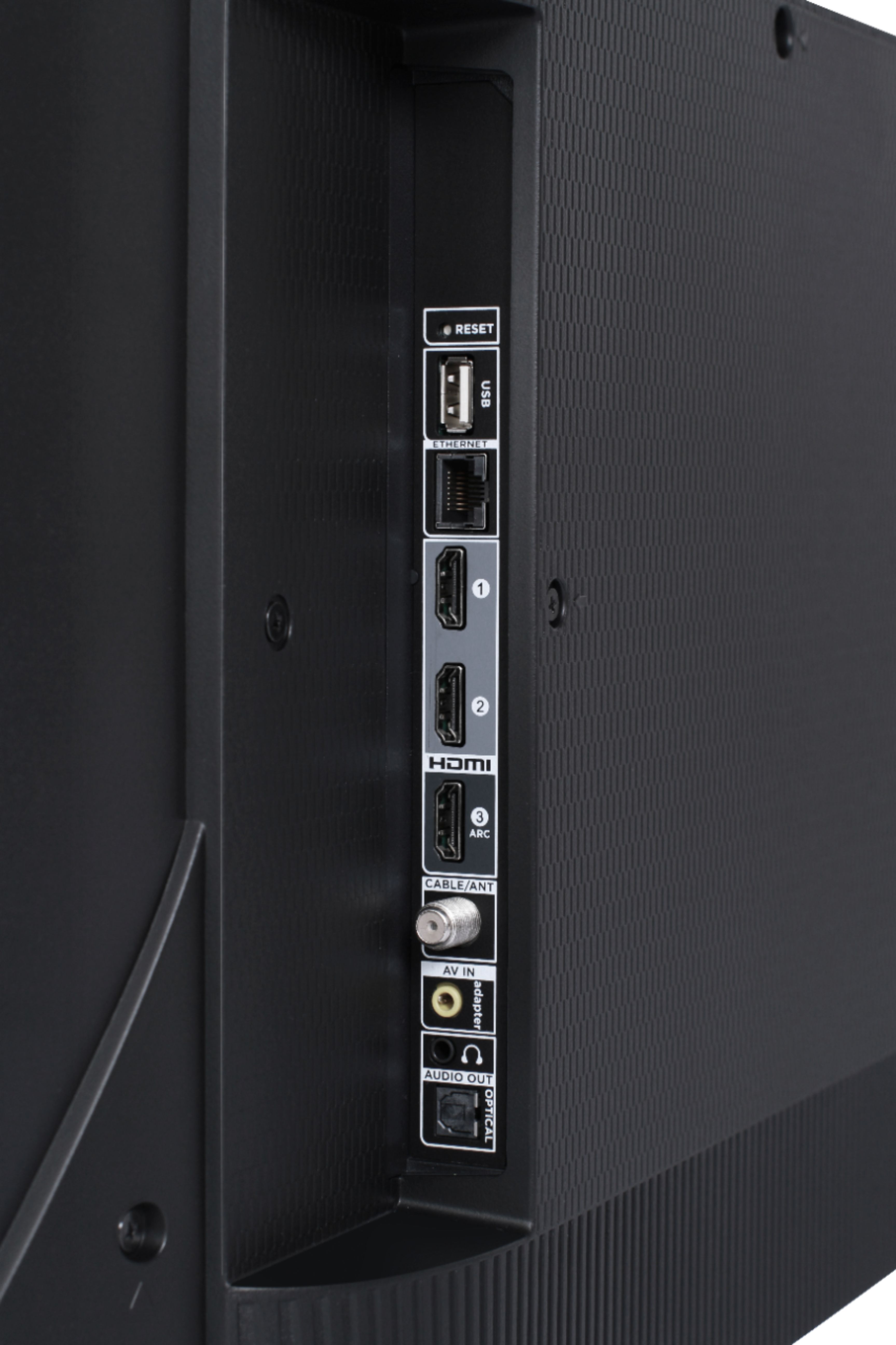
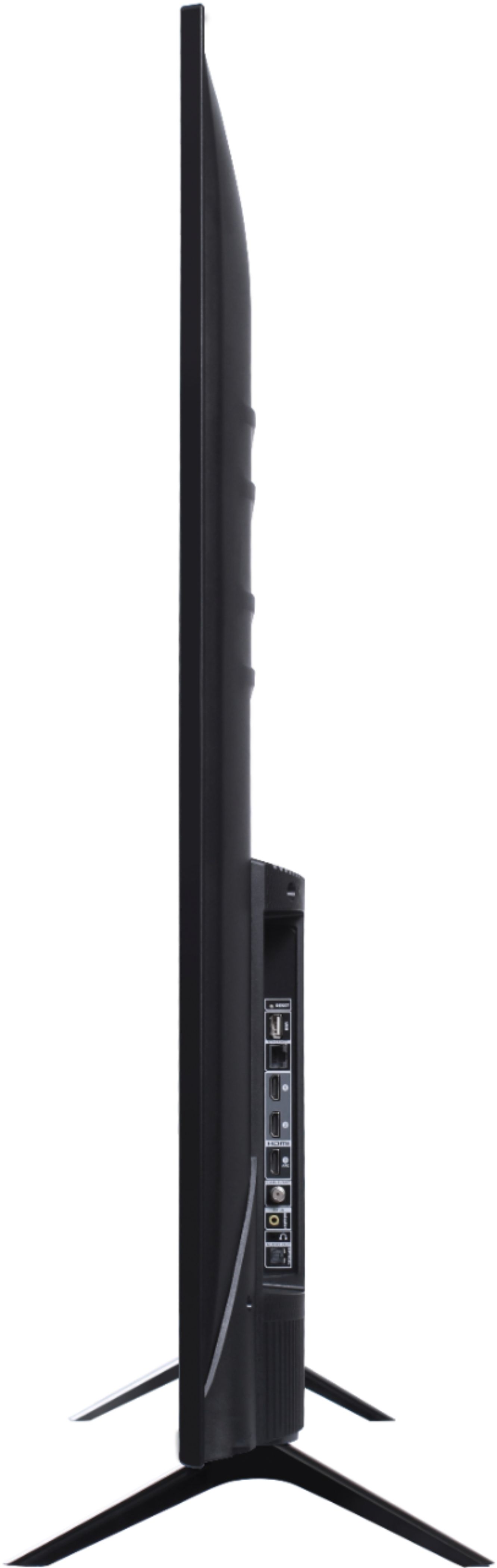
A:AnswerThis TCL Roku TV has the following Inputs: 3 HDMI (one with HDMI ARC), 1 USB (media player), Coaxial, Composite, Headphone Jack, Optical Audio Out, and Ethernet. Hope this helps! Thank you, TCL Customer Support
A:AnswerEach series builds on each other. Both of these series are 4K UHD, have HDR support, and have a Roku operating system. The 5-Series additionally has Dolby Vision Support, wide color gamut, auto-game mode, an edge-to-edge glass display, etc. You can also visit www.tclusa.com/products/home-theater/5-series and scroll down to "Compare All Models" to see all models compared. Hope this helps! Thank you, TCL Customer Support
A:AnswerCurrently, our TVs do not support Bluetooth. If you are trying to connect a sound bar or speakers you can use the Optical port, or the HDMI ARC port. For Headphones, there is a Headphone jack on the back of the TV, or you can download the Free Roku app for private listening. Hope this helps! Thank you, TCL Customer Support
A:AnswerThe majority of our customers report a great experiencing with gaming on our TVs. With the combination of 4K UHD, HDR10 support, a dedicated gaming mode, and low input lag, this is a great option for a gaming TV! Hope this helps! Thank you, TCL Customer Support
A:AnswerCurrently, our TVs do not support Bluetooth. If you are trying to connect a sound bar or speakers you can use the Optical port, or the HDMI ARC port. For Headphones, there is a Headphone jack on the back of the TV, or you can download the Free Roku app for private listening. Hope this helps! Thank you, TCL Customer Support
A:AnswerOur TCL Roku TVs are now compatible with Alexa voice assistant. You can visit https://support.tclusa.com/televisions-setup-configurations/using-amazon-alexa-to-control-your-tcl-roku-tv for more information. Hope this helps! Thank you, TCL Customer Support
A:AnswerYes, most all video streaming apps are available with Roku. it will provide defaults but you can add additional ones with the streaming channel search feature.
A:AnswerIt is on the bottom of the screen frame in the center. When the TV is on, it glows with a white LED and it will flash whenever it receives a signal from the remote to make it easy to visually see that it is receiving a signal.
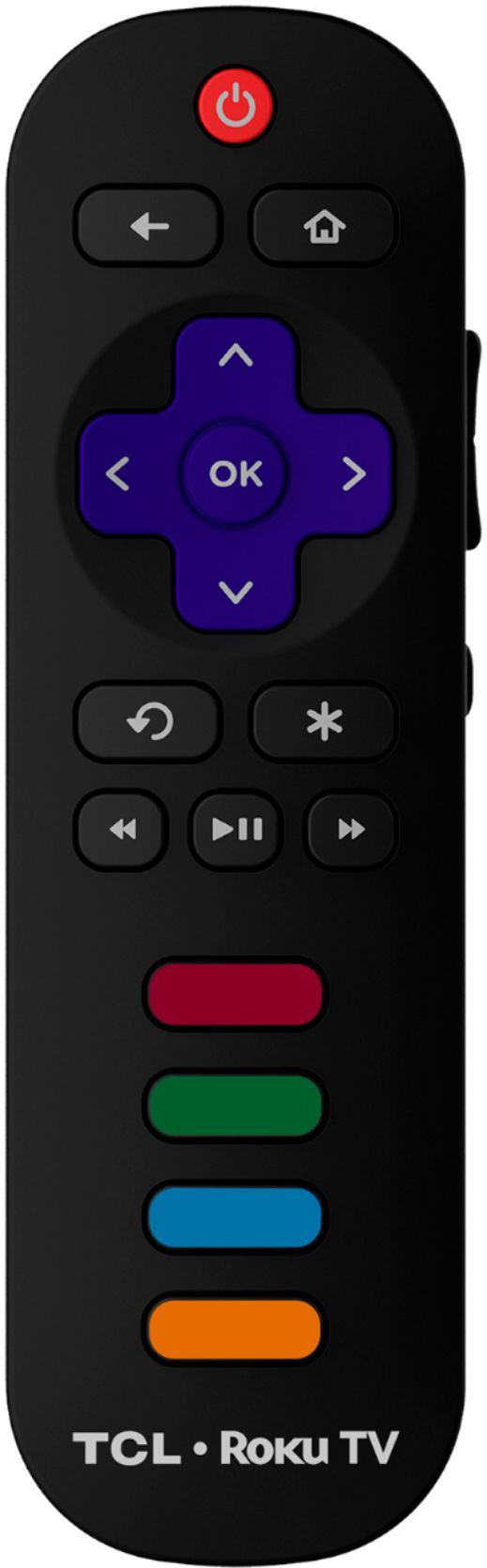
A:AnswerThe remote that comes with this TV does not feature a headphone jack. However, you can download the free Roku mobile app on your Smartphone or tablet to use as a remote. Through the Roku mobile app, you gain access to power toggle, volume toggle, private listening, voice search, and more. Hope this helps! Thank you, TCL Customer Support
A:AnswerThe composite connection for this TCL Roku TV is a single input located between the coaxial input and the Headphone Jack. You will need an adapter to connect the traditional red/white/yellow cables you are used to seeing. Hope this helps! Thank you, TCL Customer Support
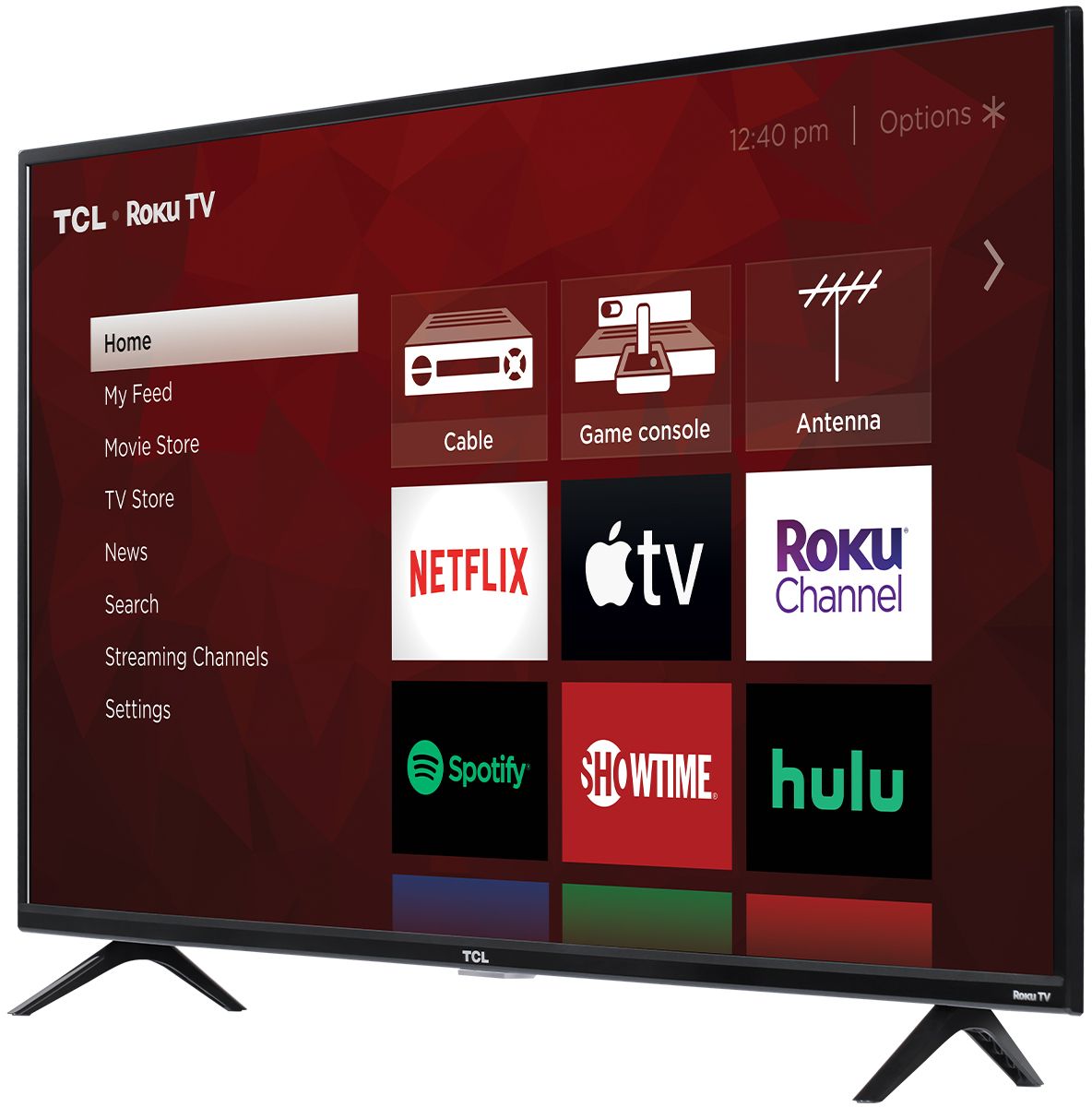
A:AnswerIn order to use the smart features of this TCL Roku TV, you would need to complete the guided setup. This includes connecting to the Internet via WiFi or Ethernet, creating a Roku account (completely free), and activating the TV (completely free). The Prime Video streaming channel is one of the thousands of streaming channels offered through the Roku Channel Store. You can also visit www.roku.com/whats-on to see other streaming channels Roku offers. Hope this helps! Thank you, TCL Customer Support