A:Answerwe were able to get it to work with Alexa but it was a lot of apps opening to get it to go. the Roku phone app was easier and more efficient to use.
A:AnswerThis TCL Roku TV is designed and engineered to be used within the US. As such, it supports 120V. Hope this helps! Thank you, TCL Customer Support
A:AnswerThere is a volume button on the side but likely you will program your Comcast remote to control the TV and continue to use the Comcast remote. This is not intended to be a full feature remote although you can certainly use it for the streaming functions of the TV. If you have an alternate input source such as satellite or cable you will continue to use that provider is remote.
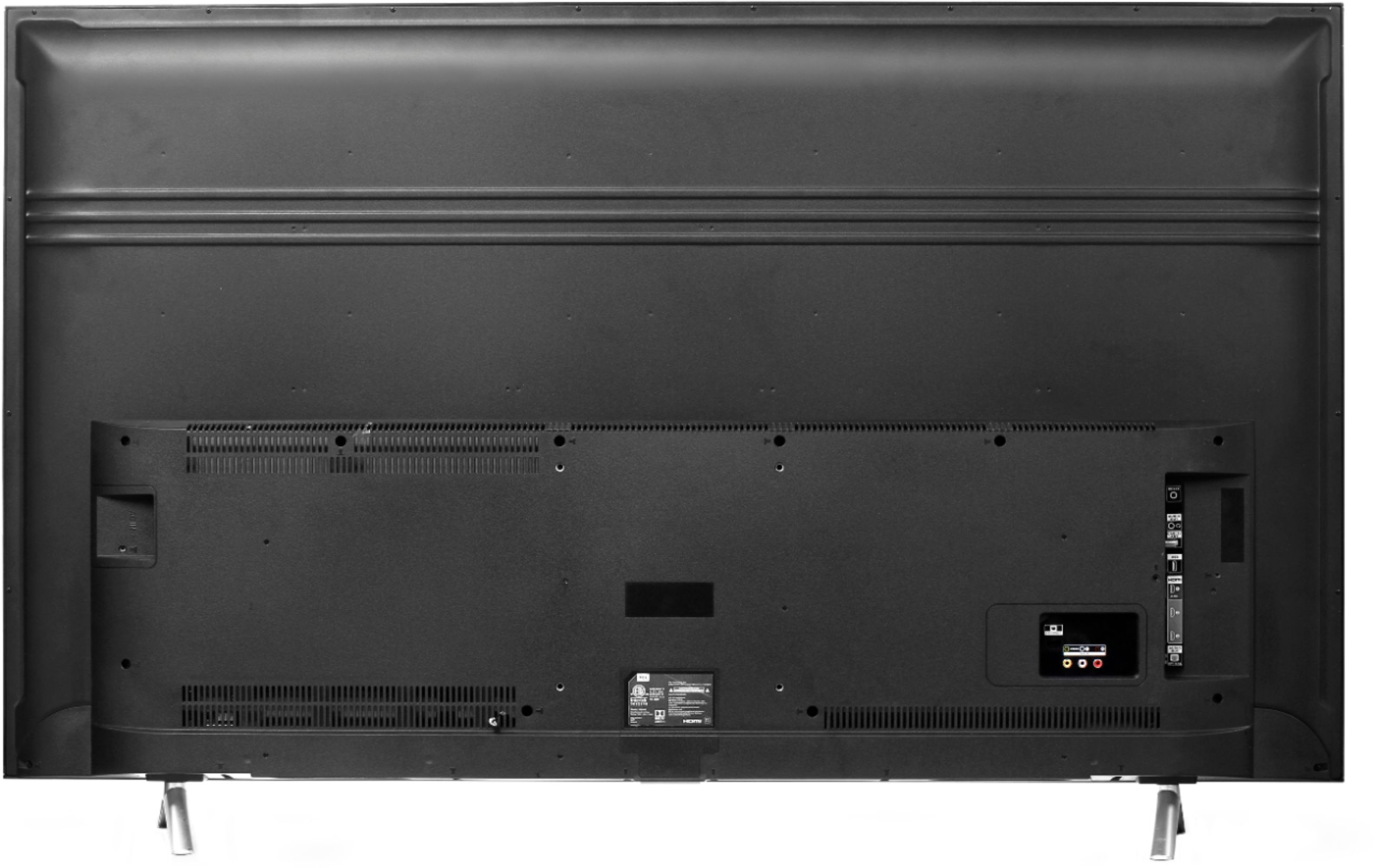
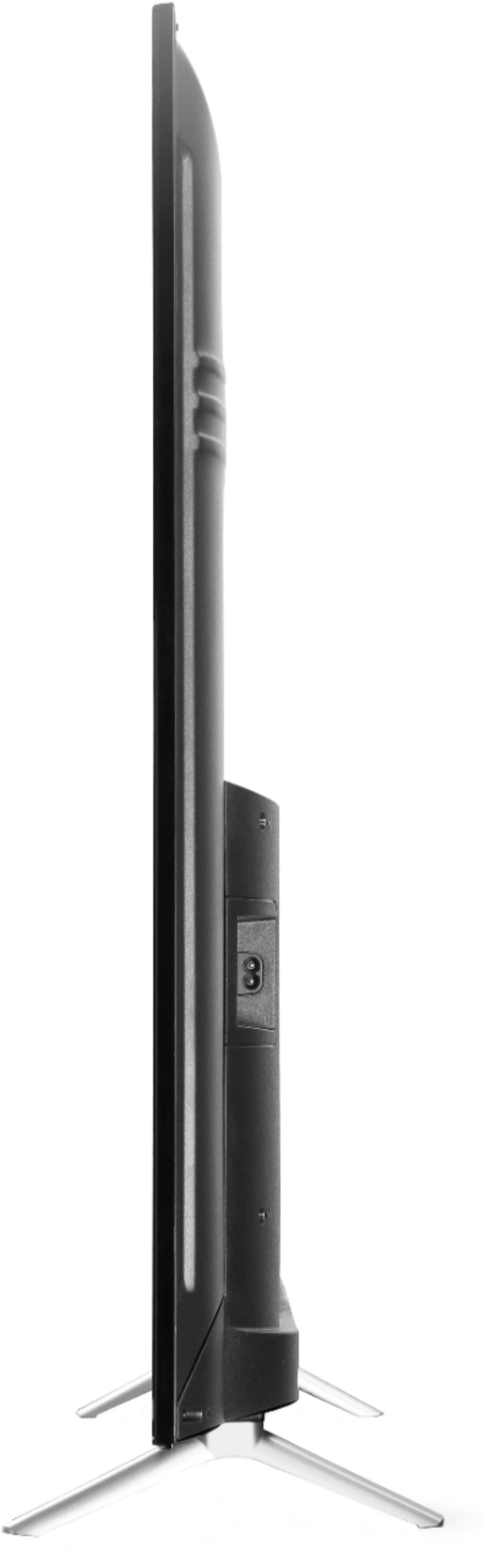
A:AnswerAbsolutely! This TCL Roku TV is compatible with most wall mounts that support a 100mm x 100mm VESA mounting pattern. Hope this helps! Thank you, TCL Customer Support
A:AnswerThe TV hardware does not collect any data. For this type of information, you may want to reach out to Roku directly. Hope this helps! Thank you, TCL Customer Support
A:AnswerOur TCL Roku TVs support screen mirroring with compatible Android and Windows devices. Here is a great article with more details how: https://support.roku.com/article/208754928-how-to-use-screen-mirroring-with-your-android-or-windows-device. Hope this helps! Thank you, TCL Customer Support
A:AnswerAbsolutely! This TCL Roku TV is compatible with most wall mounts that support a 100mm x 100mm VESA mounting pattern. Hope this helps! Thank you, TCL Customer Support
A:AnswerMost of our customer report a good experience with the sound on this TV. However, some people elect to add a soundbar to enhance their experience. Hope this helps! Thank you, TCL Customer Support
A:AnswerI recently found out I can stream YouTube from my iPhone, I don’t think its exactly mirrored, but I can pick the videos from my phone and watch them on my TCL Roku TV. On the older one it does take a few seconds to open up the app but the newer 43 in 4K TCL its almost instant.