Questions & Answers
- Model:
- 49S405
- |
- SKU:
- 5878701
Highly rated by customers for: Picture Quality, Ease of use, Price
Page Showing 1-20 of 91 questions
Q: Questionwhat is the difference between 4 series and 5 series on the TCL smart tvs ?
Asked by peanut.
- A:Answer Both series include a built in Roku operating system, 4K UHD, and HDR Support. The 5-Series builds on this and has additional features such as Dolby Vision, wide color gamut, HDR Dynamic Contrast, etc. For more information you can go to www.tclusa.com/products/home-theater/5-series and see the "compare all models" section. Hope this helps! Thank you, TCL Customer Support
Answered by TCLExpert

Q: QuestionOk - I asked this question and got a weird answer instead of the actual answer... Is the refresh rate actually 60hz with a 120hz CMI or is it actually 120hz with a 120hz CMI? Please answer the question fully and not deceitfully.
Asked by Paul.
- A:Answer No it is not the same. CMI means, clear motion index. This is from TCL themselves TCL Roku TV’s use a combination of advanced signal processing and back light scanning to enhance the native refresh rate of the LCD panel (60Hz or 60 frames per second) and present an effective refresh rate (what your eye sees) of 120Hz, or 120 frames per second. This is why you see different specs listed – but the result is a smooth, blur free image, perfect for fast moving sports or video games.
Answered by MD1951
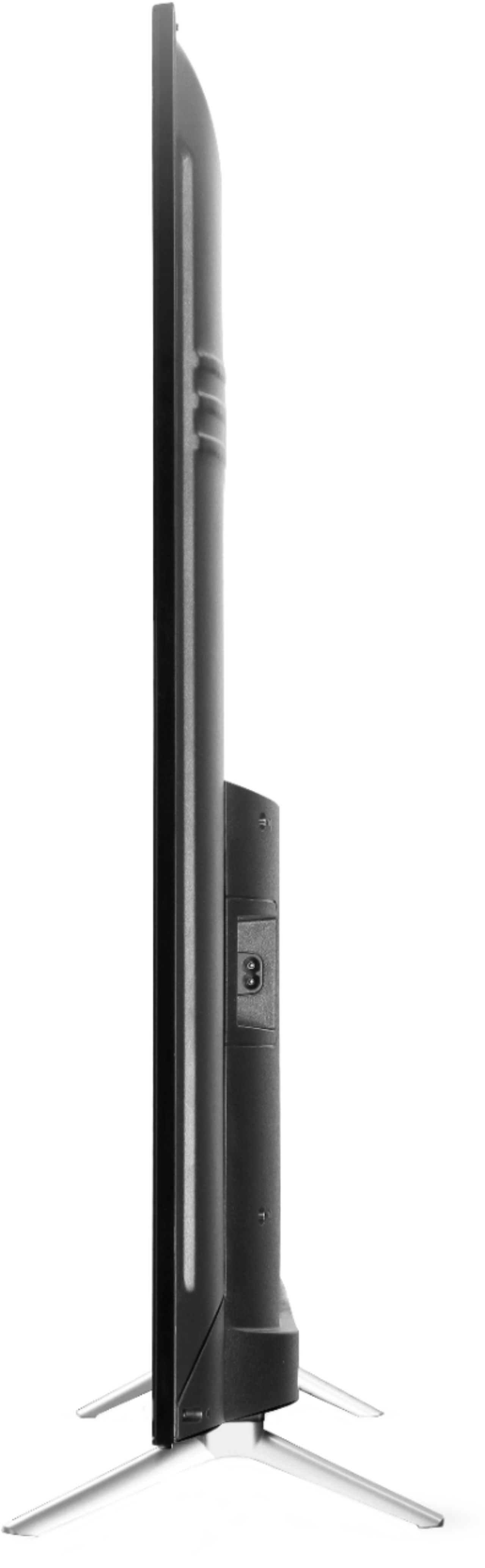
Q: QuestionWhat are the stand dimensions?
Asked by youngrancho.
- A:Answer The Legs are at a Angle. Front (facing the tv) are 35" apart from outside to outside and the back are 33" apart from outside to outside. Hope this of help to you Youngrancho or anyone else.
Answered by Irishflavor
Q: Questionwhat is the width needed to use the TCL 49" TV STAND?? I think I'm at about 38" of counter top space.
Asked by Mopi.
- A:Answer The TV's "feet" are just under 37 inches apart. Measured from outer foot to outer foot. Hope this helps
Answered by MattD
Q: QuestionCan a replacement remote be purchased?
Asked by Adams.
- A:Answer Yes, a replacement remote can absolutely be purchased for this TCL TV. Just make sure you know the model number of your TV when purchasing the replacement remote. There are slightly different TCL Roku remotes for their different TV's and you do want to make sure you get the correct one.
Answered by BuurmaBuckeye
Q: Questionhow long is the power cord ? Thanks !
Asked by lisa.
- A:Answer This TCL Roku TV comes with a standard power cord that is approximately 60 inches long. Thank you, TCL Customer Support
Answered by TCLExpert

Q: QuestionWhere are the speakers on this TV?
Asked by Anonymous.
- A:Answer There are two speakers on the bottom of the TV that are off center from the middle
Answered by Atticus2606
Q: QuestionWill there be any noticeable difference between the 3 series and the 4 series if all i have hooked up to the tv is an antenna?
Asked by taffaro.
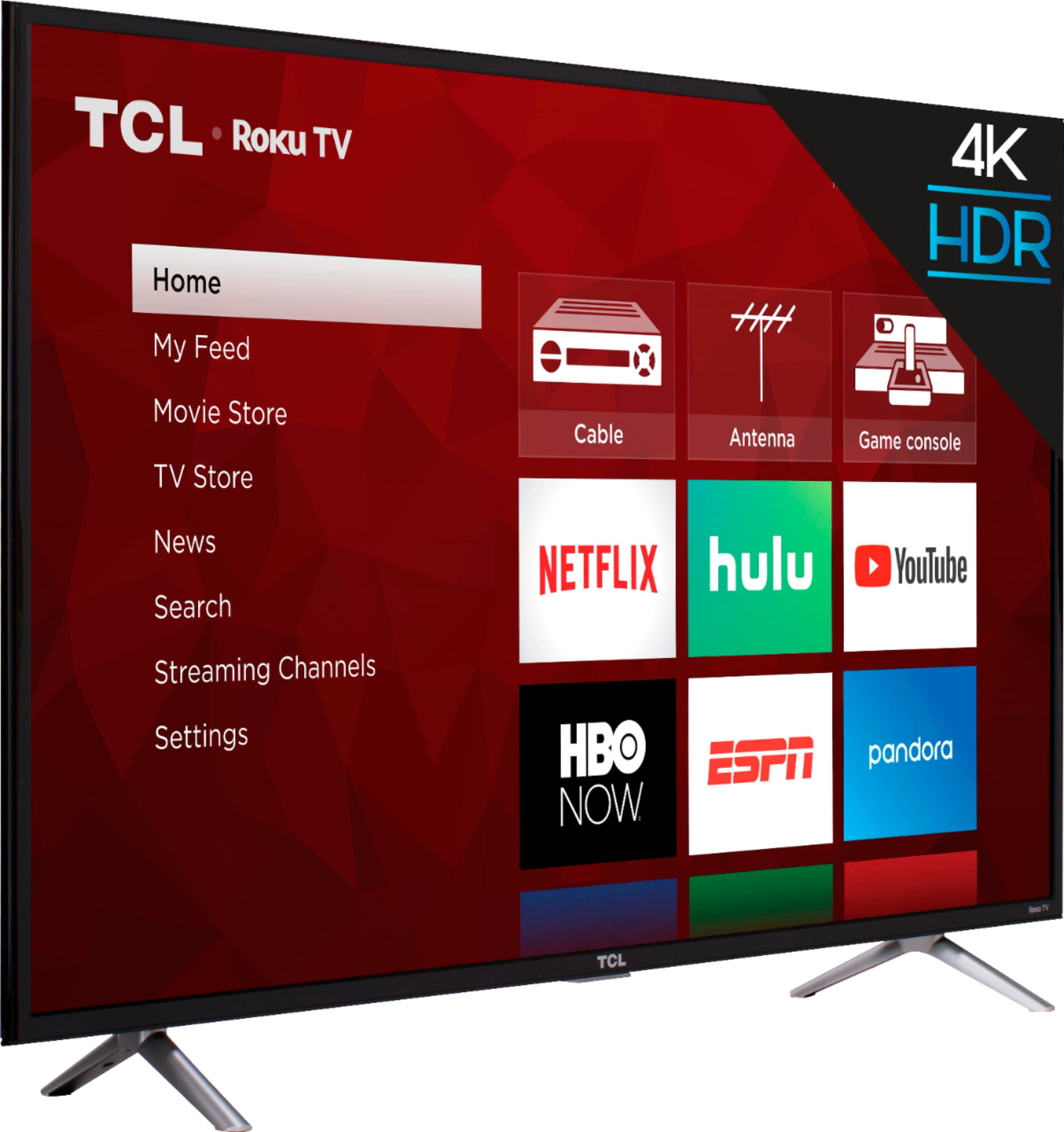
- A:Answer The 4-Series TV is a 4K TV and will upscale the content that is played on it. However, if you are strictly using the TV to watch antenna TV, the 3-Series should be adequate as over the air channels do not have higher resolutions. Hope this helps! Thank you, TCL Customer Support
Answered by TCLExpert

Q: QuestionCan I get Netflix, Amazon, Hulu on this model?
Asked by sammy361969.
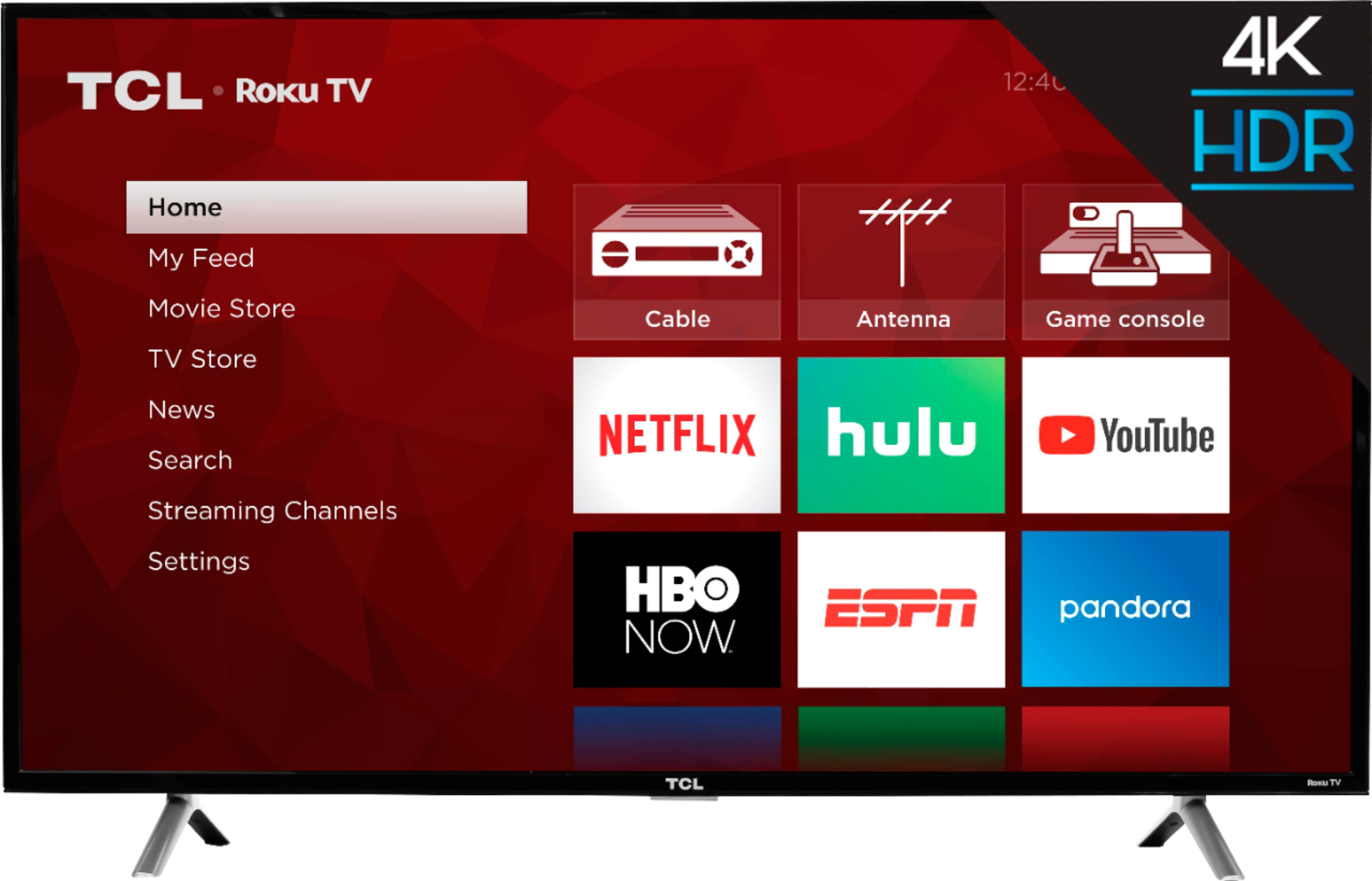
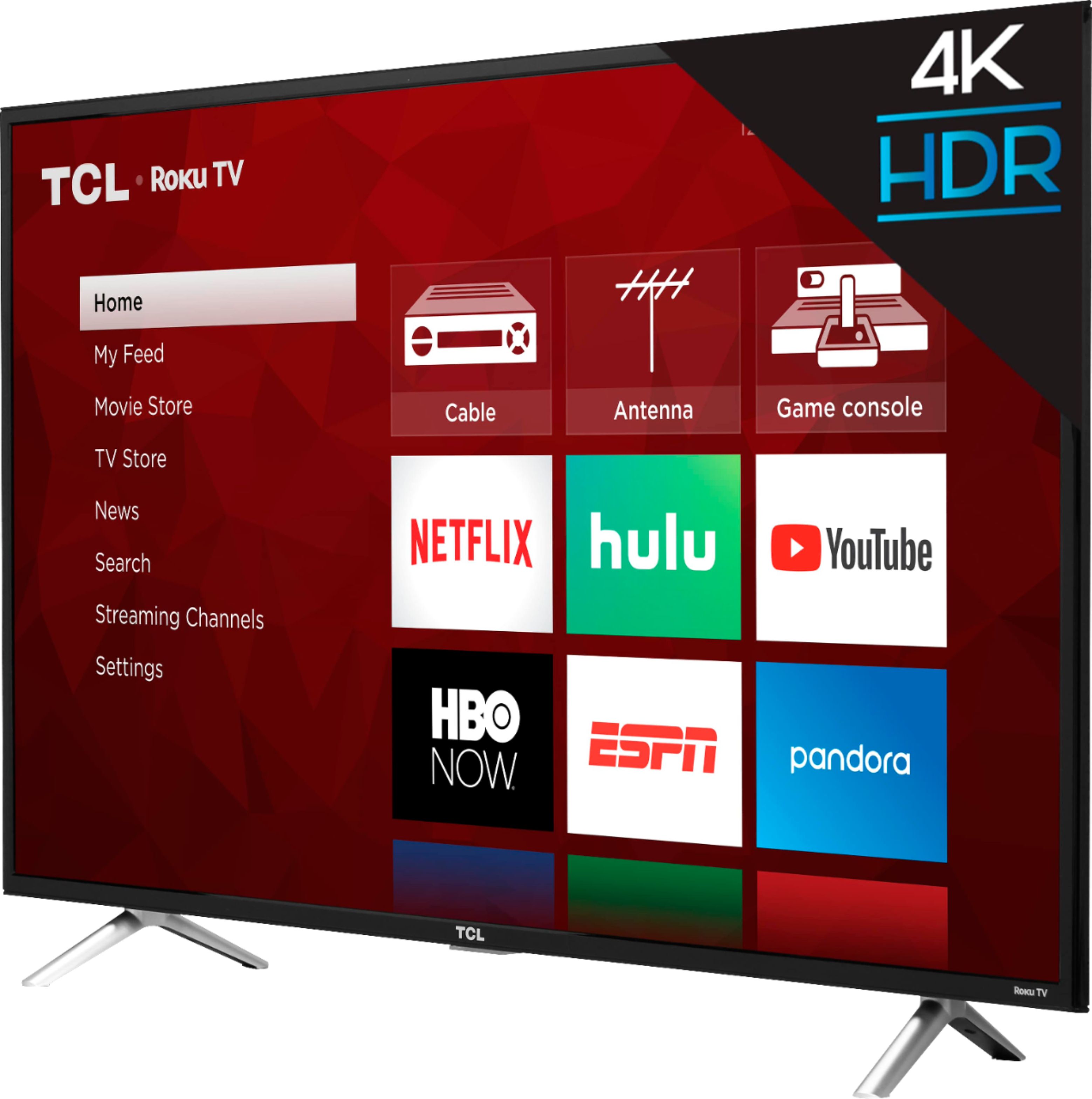
- A:Answer All of our TCL Roku TVs support Netflix, Prime Video, and Hulu. You can go to www.Roku.com/whats-on to see what streaming channels and apps are offered through the Roku Channel Store. To search for a specific channel you would simply want to enter that information into the search section. Hope this helps! Thank you, TCL Customer Support
Answered by TCLExpert

Q: QuestionCan you connect a USB hard drive to this unit and play movies? If so, what formats will it recognize? (AVI, MP4, MOV, WMV, MKV)
Asked by Knoll.
- A:Answer Absolutely! You can visit https://support.tclusa.com/20273-tcl/283183-playing-video-or-music-from-usb-devices-using-roku-media-player to see a list of supported formats. Hope this helps! Thank you, TCL Customer Support
Answered by TCLExpert

Q: QuestionAre there on/off etc buttons on tv if you can't find your remote?
Asked by DadO.
- A:Answer The physical power button is located under the status light you can see on the front of the TCL Roku TV. Right under the TCL logo you will feel 3 buttons; the middle button should be the power button. Additionally, if you download the free Roku app on your phone you can use it to toggle power, toggle volume, use voice search, and private listening. Hope this helps! Thank you, TCL Customer Support
Answered by TCLExpert

Q: QuestionDoes the roku remote have voice command?
Asked by LadyLee.
- A:Answer The remote cannot be voice activated.
Answered by Johnnytorch
Q: Questionplease give me a specific wall mount system that I can use for this model. thank you
Asked by socalives.
- A:Answer For this 49 inch TCL Roku TV you would want a wall mount that uses a 200mm x 200mm VESA mounting pattern. Thank you, TCL Customer Support
Answered by TCLExpert

Q: QuestionCan I connect my VHS/DVD box to this TV?
Asked by Sherry.
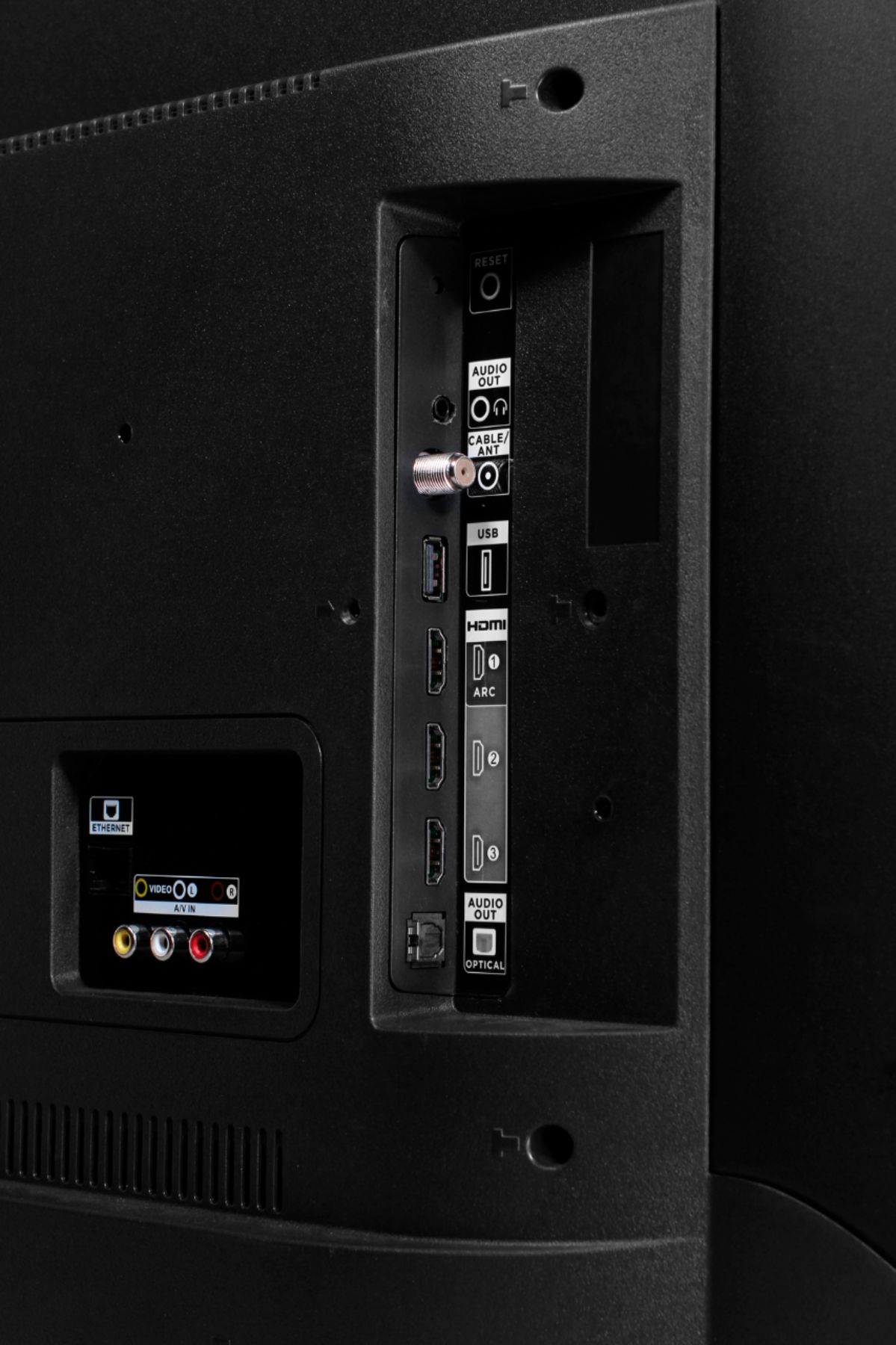
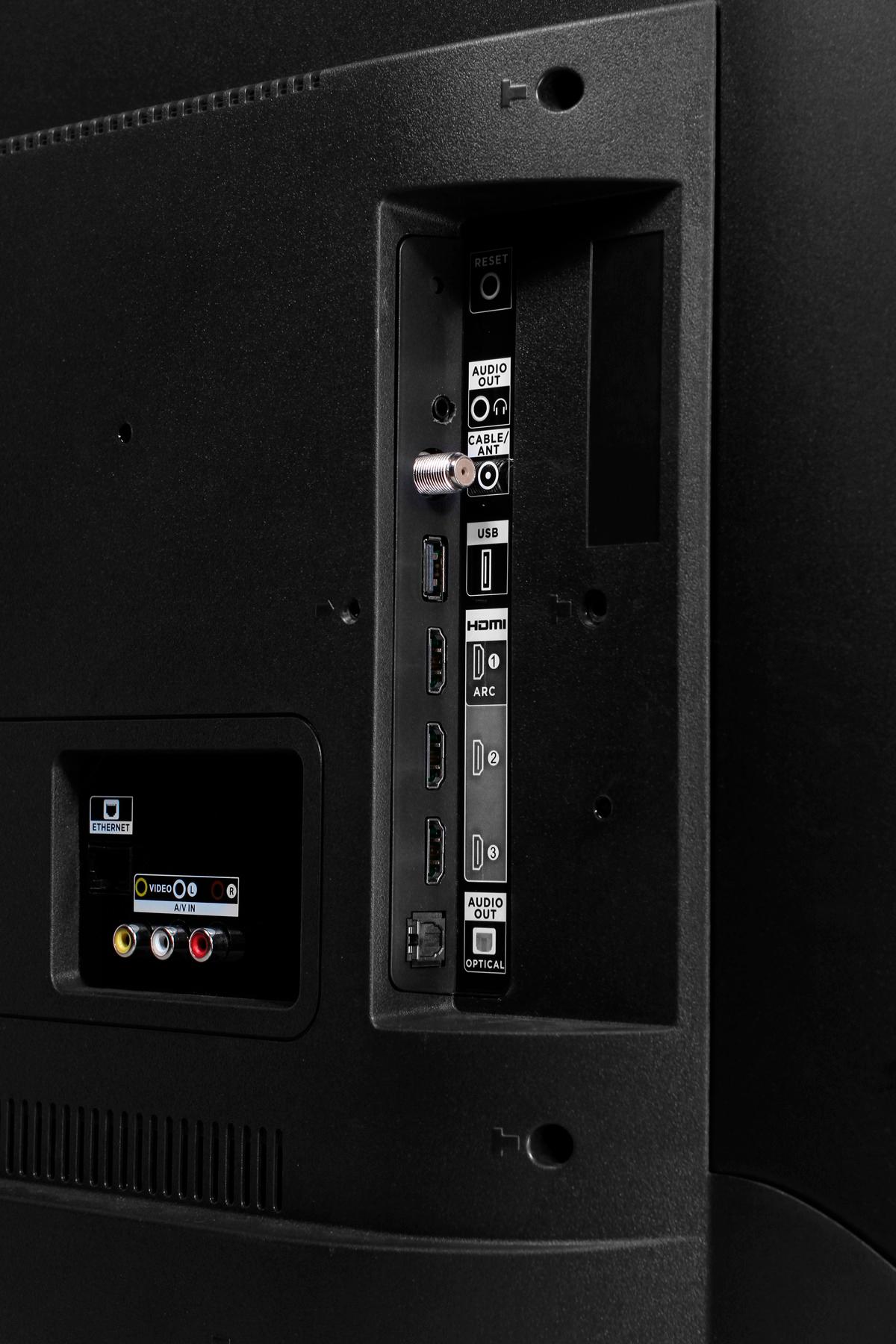
- A:Answer This TCL Roku TV has various inputs that can be used to connect external devices. You would simply connect it as you would any traditional TV. Hope this helps! Thank you, TCL Customer Support
Answered by TCLExpert

Q: QuestionDoes this tv or what 4k UHD tv comes with the closed caption for the hearing impaired?
Asked by Riker.
- A:Answer Yes, it is a closed caption capable.
Answered by CommunityAnswer
Q: QuestionDoes this tv have wireless n or ac? My streamers are ac which I need to pick up 5g.
Asked by Dave.
- A:Answer All of our TCL Roku TVs are AC and support 2.4GHz and 5GHz. Hope this helps! Thank you, TCL Customer Support
Answered by TCLExpert

Q: Questionis mirroring easy from my lap top
Asked by trs3.
- A:Answer All TCL Roku TVs support screen mirroring with any compatible windows or android device. Here is a great article with more details how: (https://support.roku.com/article/208754928-how-to-use-screen-mirroring-with-your-android-or-windows-device). Thank you, TCL Customer Support
Answered by TCLExpert

Q: QuestionCan I use flash drive in the usb port to pause and rewind live tv?
Asked by deoro.
- A:Answer Absolutely! Ff you connect a USB Drive to your TV you can access Live TV Pause. Here is a great article about this feature: https://support.tclusa.com/20272-roku/209528-what-is-live-tv-pause?from_search=29855470. Hope this helps! Thank you, TCL Customer Support
Answered by TCLExpert

Q: QuestionWhat is the distance between mounting feet?
Asked by CarlT.
- A:Answer The distance from outside of the feet to outside is 35". The distance from inside to inside is 33". The feet do go inward towards the back. The distance from outside to outside is 33" and inside to inside is 30".
Answered by April
Top-rated Best Buy
- $219.99$219.99The price was $399.99
- $199.99$199.99The price was $349.99
- $279.99$279.99The price was $529.99
- $239.99$239.99The price was $249.99
- $279.99$279.99The price was $299.99