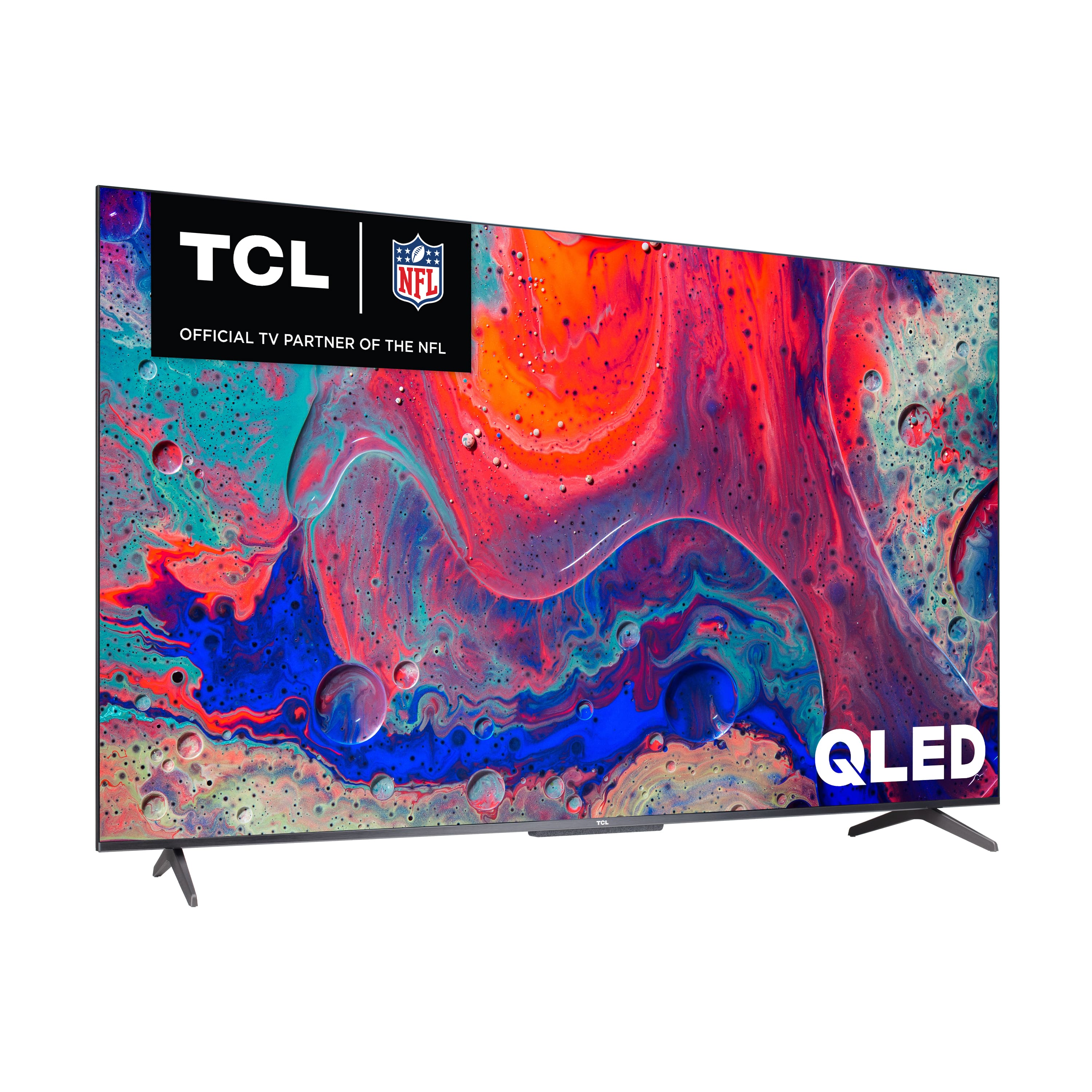
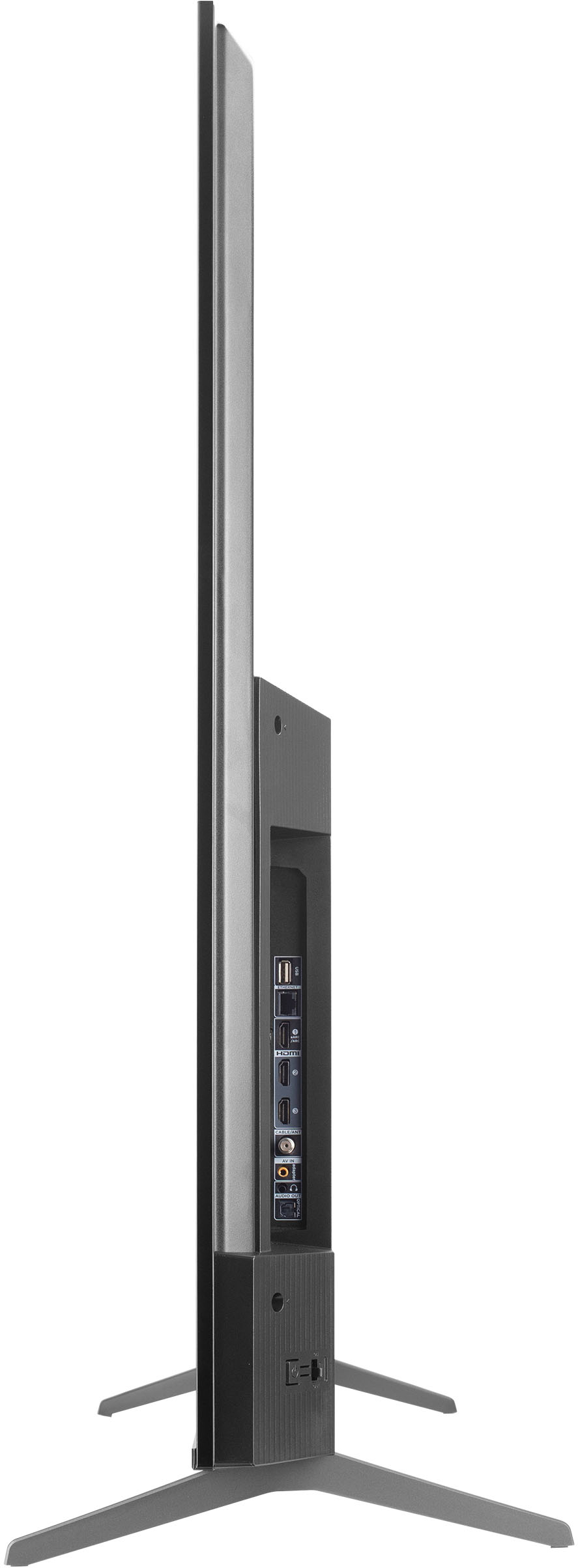
A:AnswerWithout the feet attached, the dimensions of this TV are as follows: (W x H x D) 43.8" x 25.5" x 3.1". Hope this helps! Thank you, TCL Customer Support
A:AnswerFor this 50 inch TCL TV, the feet spacing to fit on a stand is 36.1 inches wide and 11 inches deep. Hope this helps! Thank you, TCL Customer Support
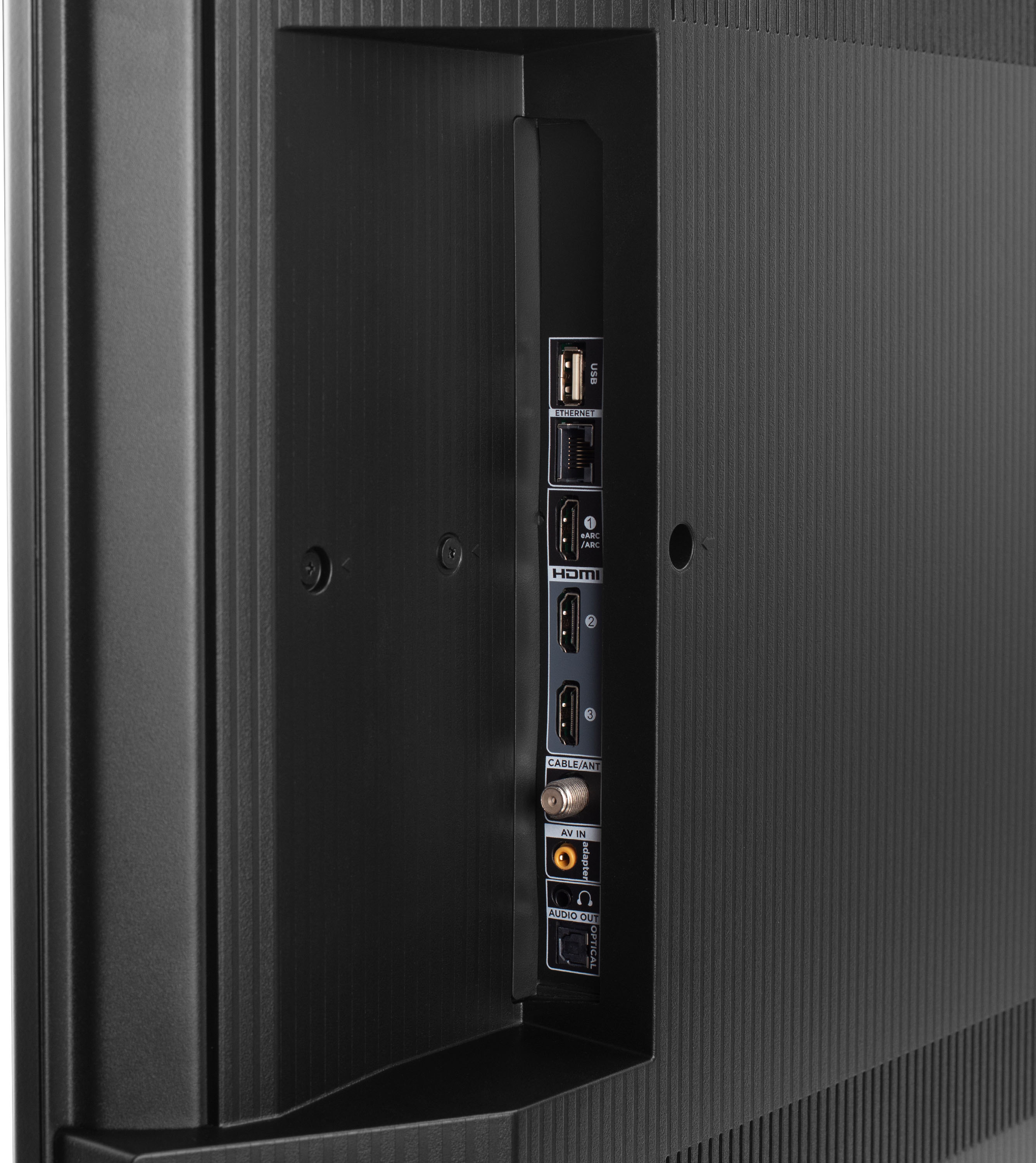
A:AnswerIt does have a headphone jack but be advised you'll have to unplug it from the back of the TV to resume using other sound outputs. It has several preinstalled + runs Android with plenty of space so this shouldn't be an issue. I think all but Paramount listed came preinstalled.
A:AnswerThis TCL TV powered by Google TV is specifically designed and engineered to be used within the US. Hope this helps! Thank you, TCL Customer Support
A:AnswerThe Sling TV and Pluto TV streaming apps are indeed some of the many available streaming apps on this TCL TV featuring Google TV. Hope this helps! Thank you, TCL Customer Support
A:AnswerHello PCbuyer,
The Optical port supports both Dolby 5.1 and PCM stereo, and does not support Dolby Atmos due to the limitation of optical port's bandwidth.
Thank you,
Joseph
TCL Customer Support
A:AnswerIn order for us to better assist, please reach out to us at [email protected] with your contact information and a description of what you need help with. Thank you, TCL Customer Support
A:AnswerYou mean a different TV than this one? On this TV the remote controls everything except whether the microphone is on or off so I think you're asking a question about something else, not this TV? (But if you haven't found them, the volume and mute buttons are on the right side of the remote which is different than any other Google TV remote.)
A:AnswerYes, bluetooth is built in. I use my AirPods Pros with it and they function flawlessly. They automatically pair when they come out of their case. The model I purchased came with Google TV, but I believe there is a Roku version.
A:AnswerIt has an input on back for your cable, but it does not connect directly to cable when you turn the tv in. you have to use the remote to click on tools icon, then input and select the connector your cable is attached to.
Mine connects from my cable box using an Hdmi cable, so I select the input 1 or 2 and it then opens to the my cable content.
It is the same I believe with all newer Smart TV’s. They program their tv’s to open to their preloaded apps first.
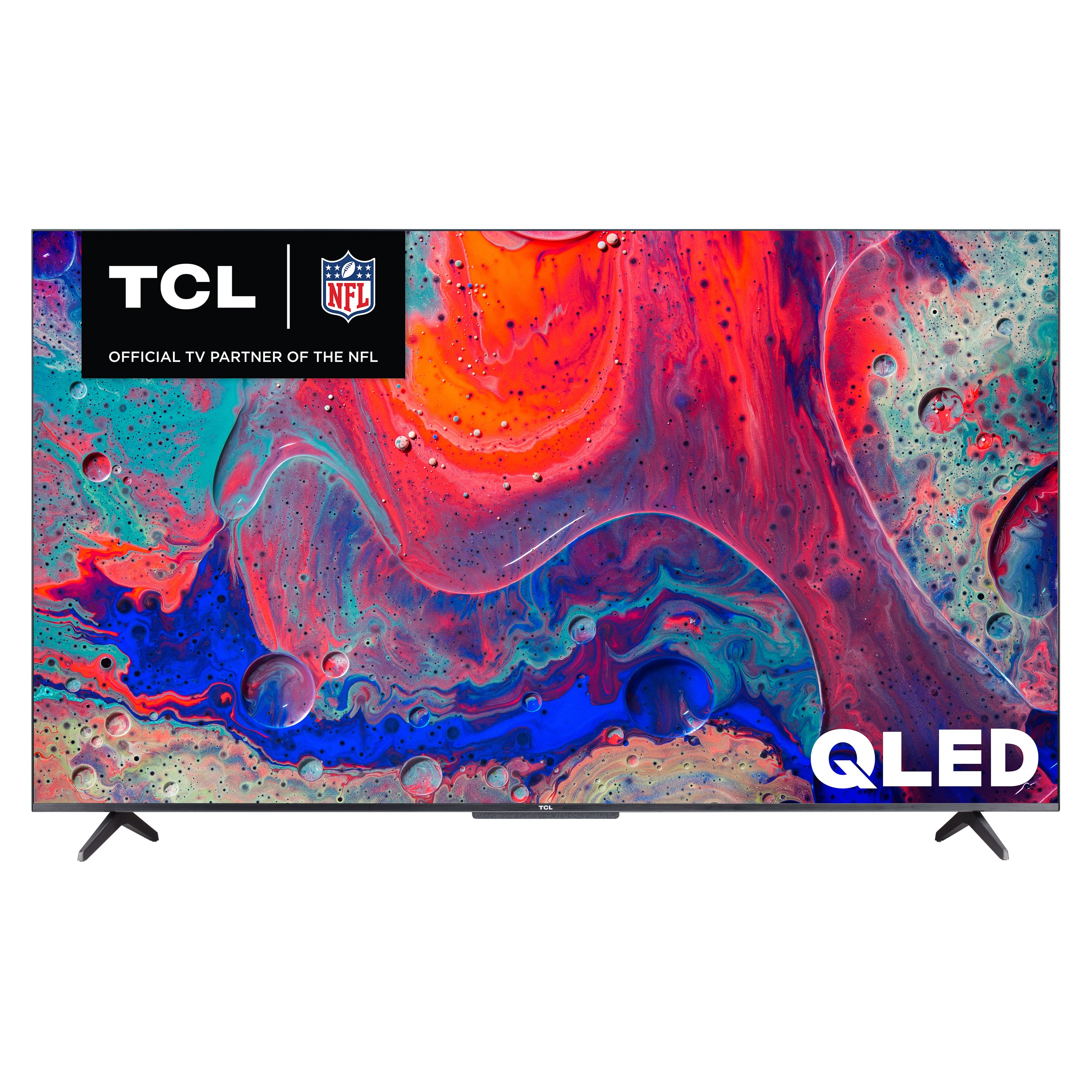
A:AnswerI work for spectrum and if the TV has Chromecast as it states, that means you can cast your spectrum tv app from your phone or other mobile device onto the TV.