A:AnswerHello SonnySmooth,
Thank you for taking the time to provide your feedback. We do not offer an extended warranty for our TVs at this time, but all our TVs come standard with a limited 1 year manufactures warranty. Also, all our TVs are carefully designed and engineered to give our customers years of entertainment. We take great measures to ensure that the TVs we send out are in great working condition. We would love the opportunity to look into this for you to see if we can assist you. Please reach out to us at [email protected] with your contact information and a description of what you need help with. Someone will get back to you as soon as they can.
TCL Social Support
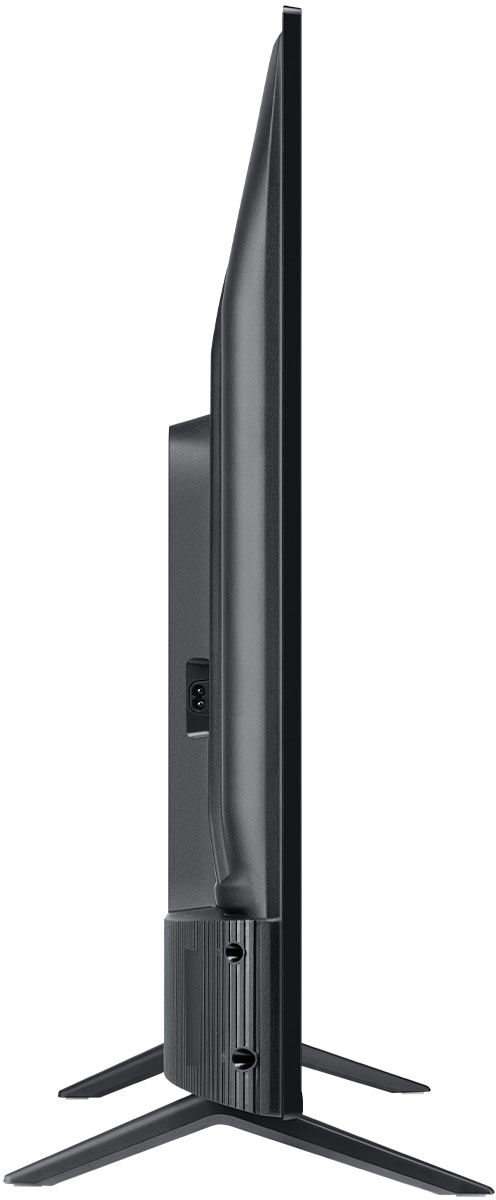
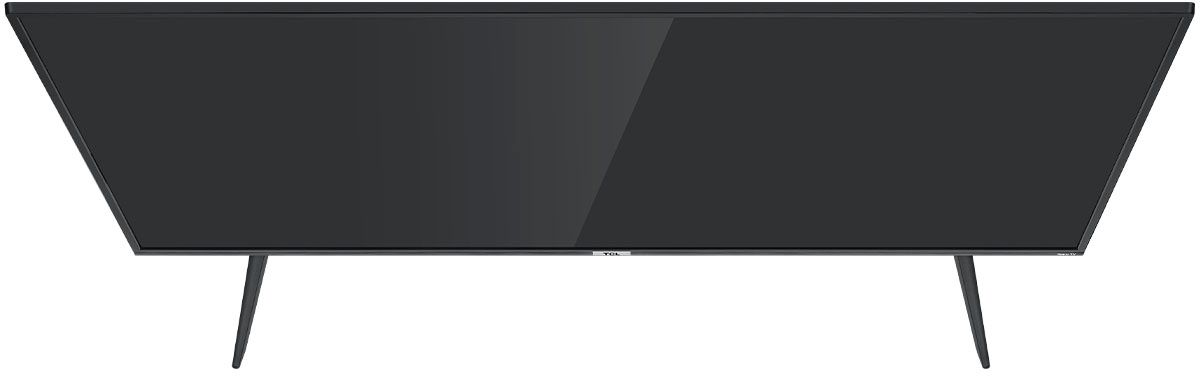
A:AnswerWithout the feet attached, the dimensions of this TV are as follows: (W x H x D) 44.2" x 25.8" x 3.3". Hope this helps! Thank you, TCL Customer Support
A:AnswerFor inquiries concerning installation services, you would want to contact your local Best Buy or Best Buy Customer Support as they would be best equipped to further assist you. Hope this helps! Thank you, TCL Customer Support
A:AnswerIf using the headphone jack, it will automatically disable the TV speakers. There is not currently a setting to adjust for this. Hope this helps! Thank you, TCL Customer Support
A:AnswerIn order to use the smart features of this TCL Roku TV, you would need to complete the guided setup. This includes connecting to the Internet via WiFi, creating a Roku account (completely free), and activating the TV (completely free). However, if you just want to use this TV as a traditional TV by connecting external devices through the various inputs and not use the smart features, you can elect to not connect this TV to the Internet at startup. You will still have access to all of the inputs and features of a traditional TV. The built-in media player and USB port are design to use moderately sized thumb drives for playing back movies, pictures, and music. You can visit https://support.tcl.com/setup-configuration/02-playing-video-or-music-from-usb-devices-using-roku-media-player for more information about the functionality and file types supported. Hope this helps! Thank you, TCL Customer Support
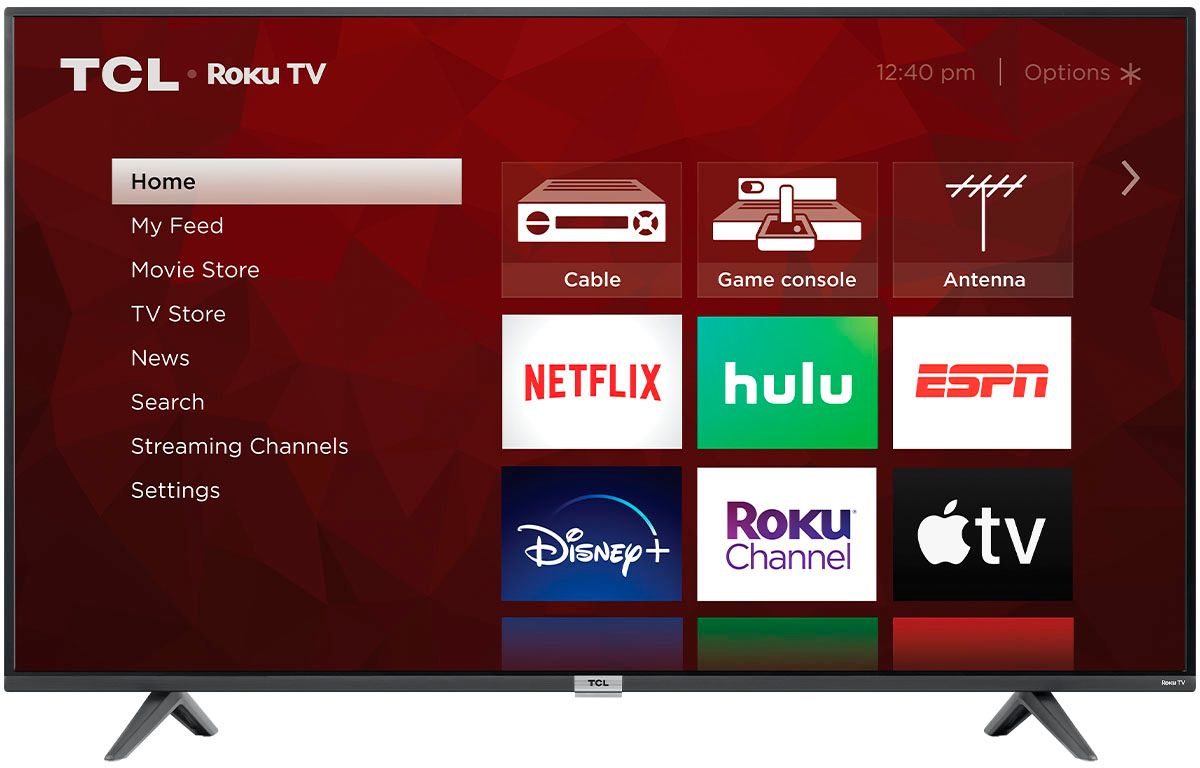
A:AnswerThis TCL TV features various inputs that can be used to connect external devices like a cable box. Hope this helps! Thank you, TCL Customer Support
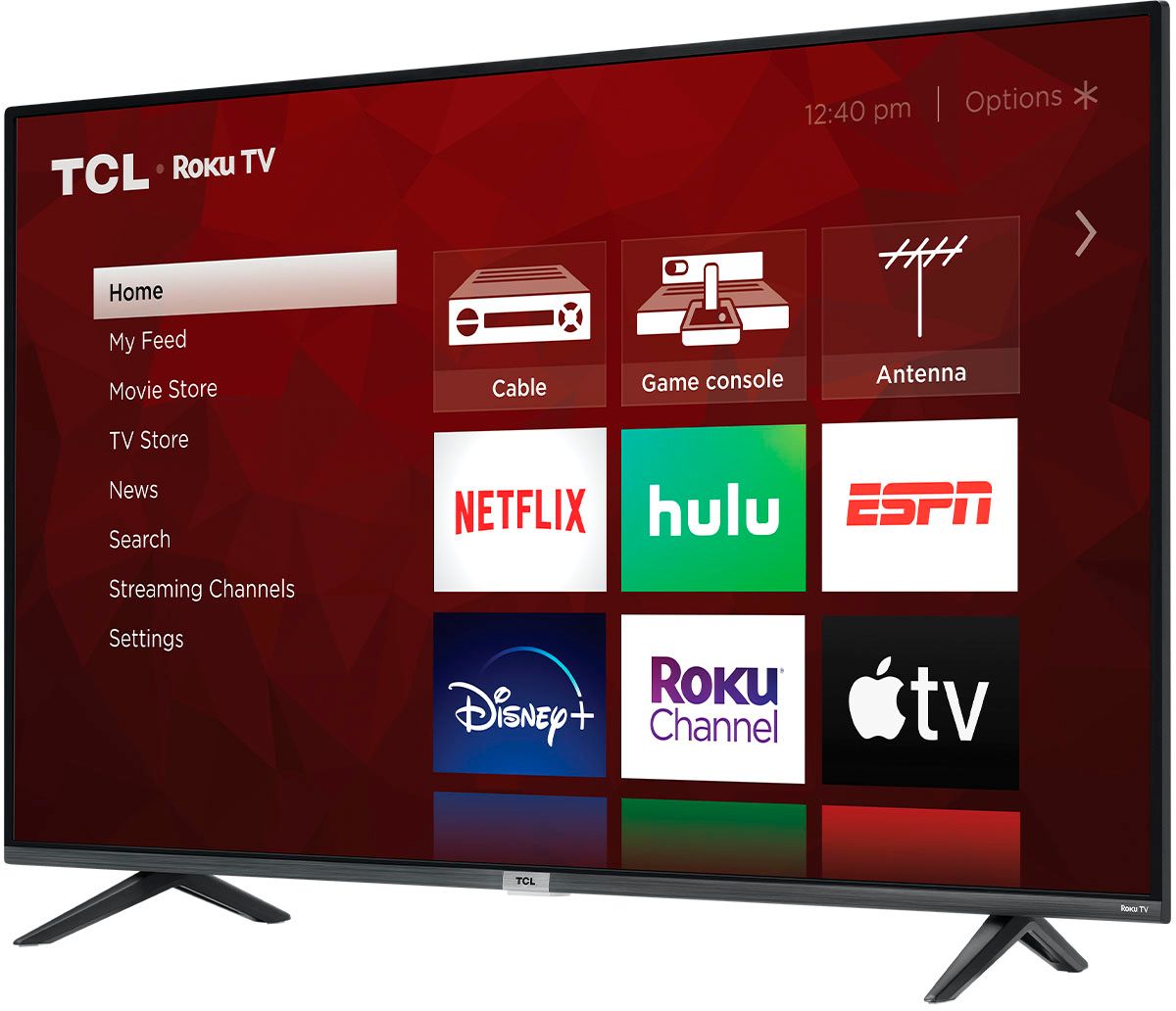
A:AnswerThis TV should indeed support AirPlay and HomeKit. You can visit https://support.roku.com/article/360057488733 for more information. Hope this helps! Thank you, TCL Customer Support
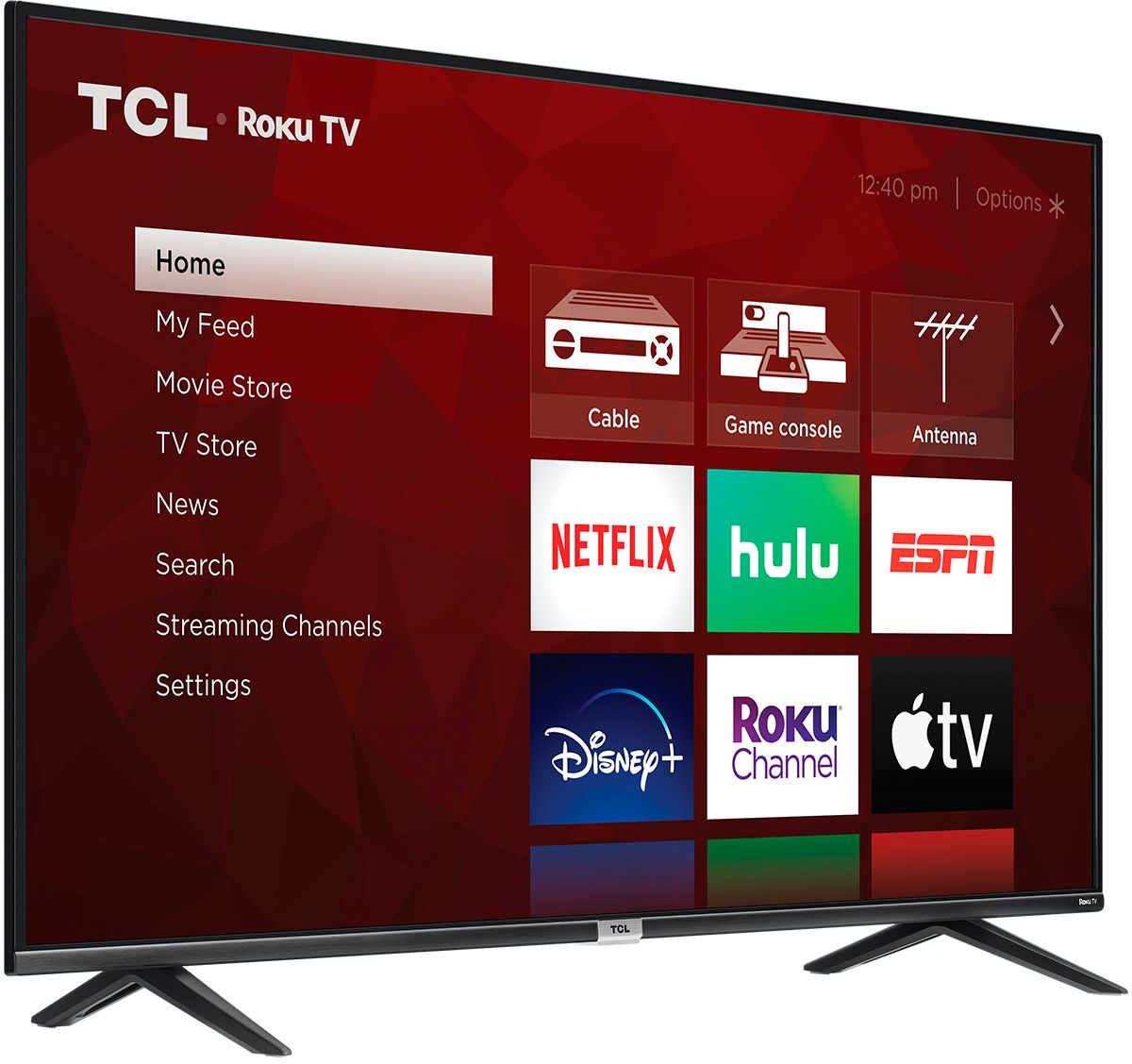
A:AnswerThe AT&T TV streaming channel is one of the thousands of streaming channels offered through the Roku Channel Store. You can also visit www.roku.com/whats-on to see other streaming channels Roku offers. Hope this helps! Thank you, TCL Customer Support
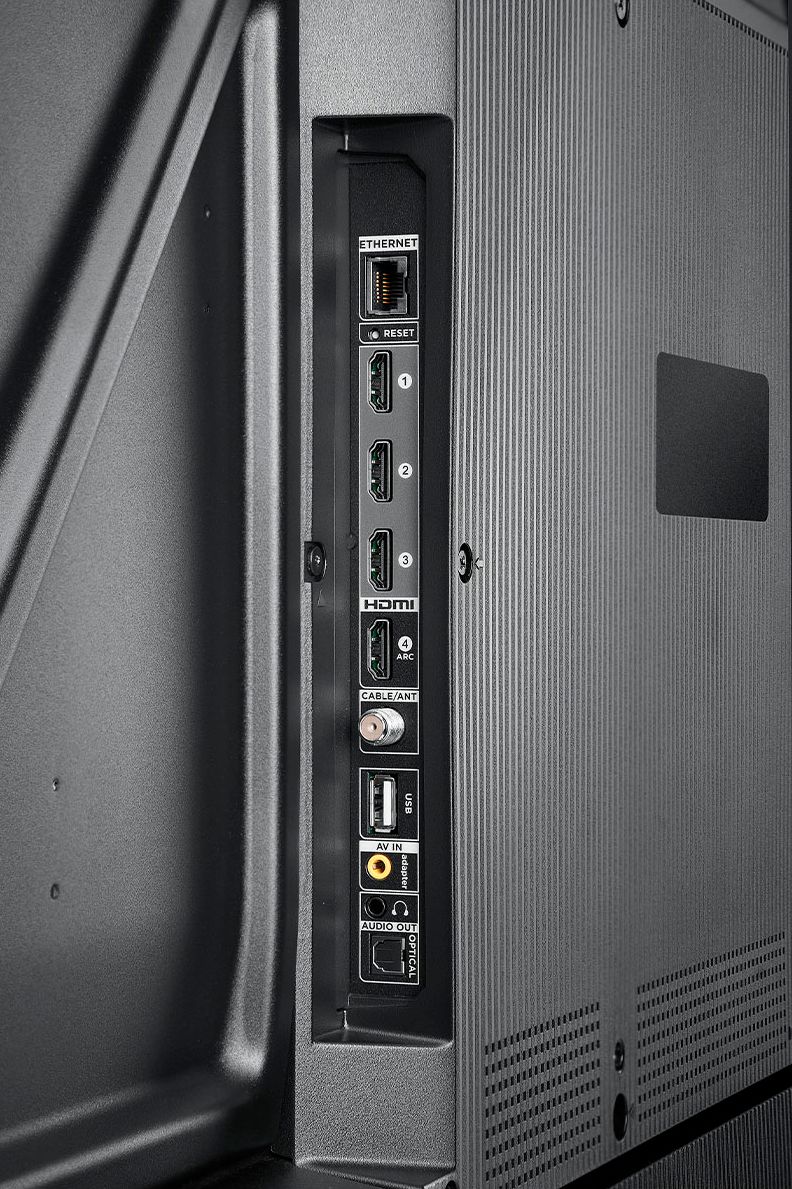
A:AnswerIf connecting a TCL soundbar to this TV, you should be able to use the TV remote to control the volume. Hope this helps! Thank you, TCL Customer Support
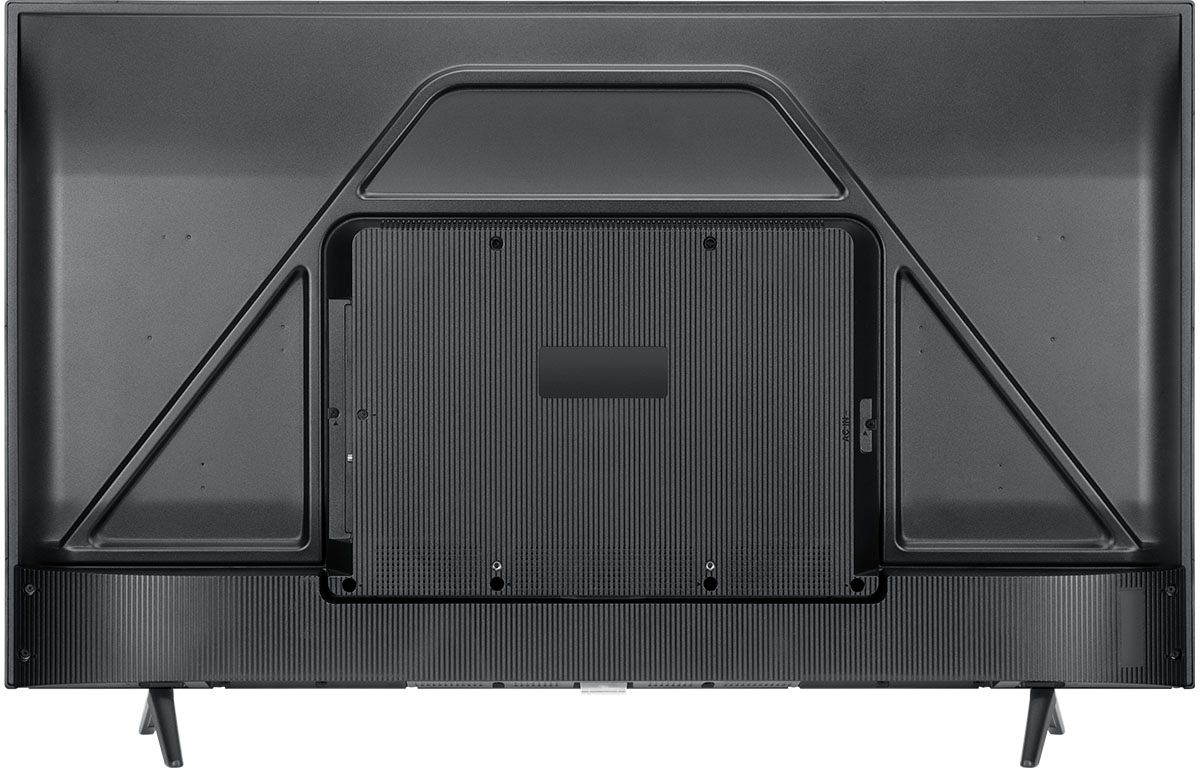
A:AnswerThis TCL TV has a coaxial located on the back of the TV near the other inputs. By connecting an antenna you can receive over-the-air channels. However, the reception depends on the signal strength. We cannot recommend a specific antenna. Hope this helps! Thank you, TCL Customer Support