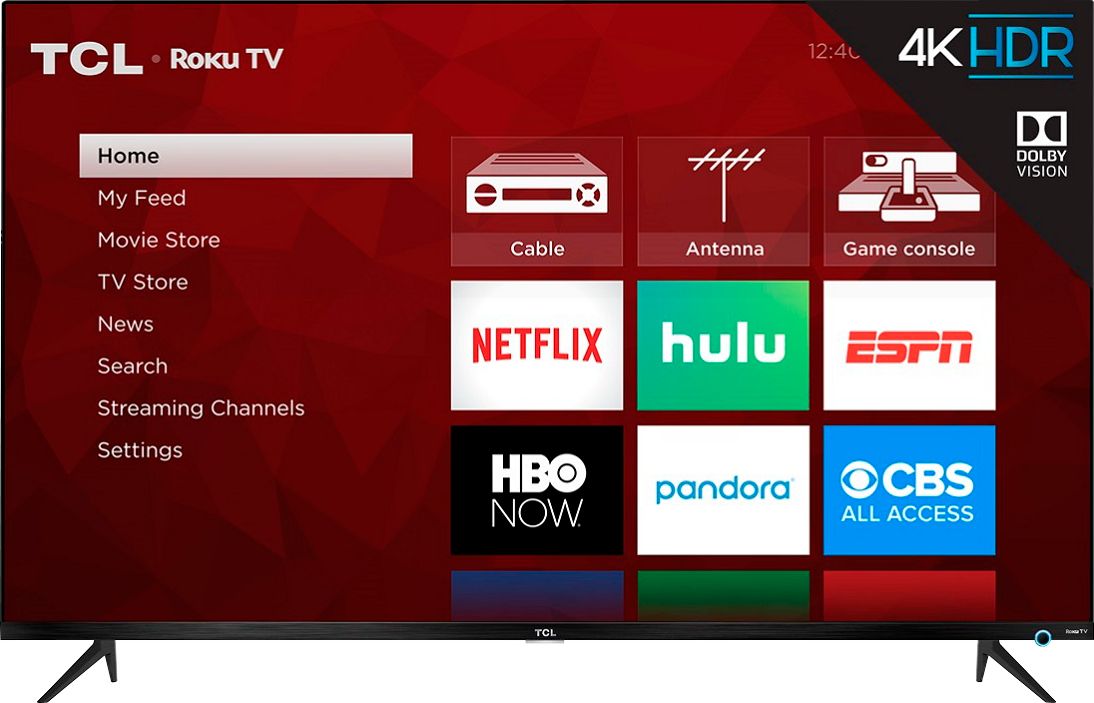
A:Answer If your Roku has motion smoothing, you’ll see “Action Smoothing” options under Advanced Picture Settings. There are four different levels of Action Smoothing you can select: High, Medium, Low, and Off. If you just want to get rid of the motion smoothing effect, select “Off”. The other levels will use less motion smoothing, but will still interpolate the content. (If you don’t see the Action Smoothing options, your Roku TV doesn’t have motion smoothing.)