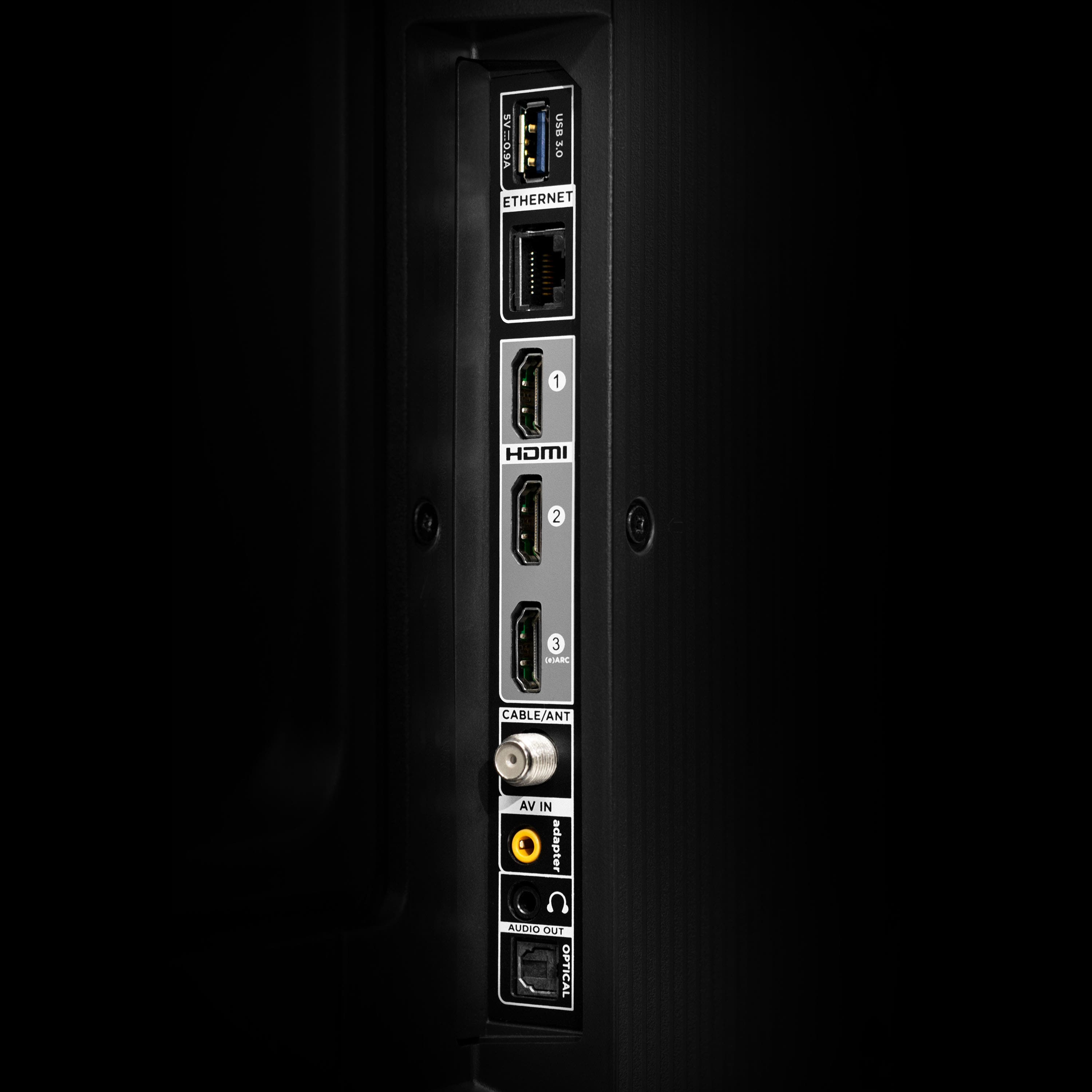
A:AnswerThis TCL TV is compatible with most soundbars and speakers and can be connected via HDMI eARC, Optical, Bluetooth, or the 3.5mm headphone jack. Hope this helps! Thank you, TCL Customer Support
A:AnswerIn order for us to better assist, please reach out to us at [email protected] with your contact information and a description of what you need help with. Thank you, TCL Customer Support
A:AnswerThis TCL TV features various inputs that can be used to connect external devices like a Roku device. You can program the TV to turn on to the last used input. Hope this helps! Thank you, TCL Customer Support
A:AnswerThe remote that comes with this TV features a mic that can be used with the built-in Alexa voice assistant. Hope this helps! Thank you, TCL Customer Support
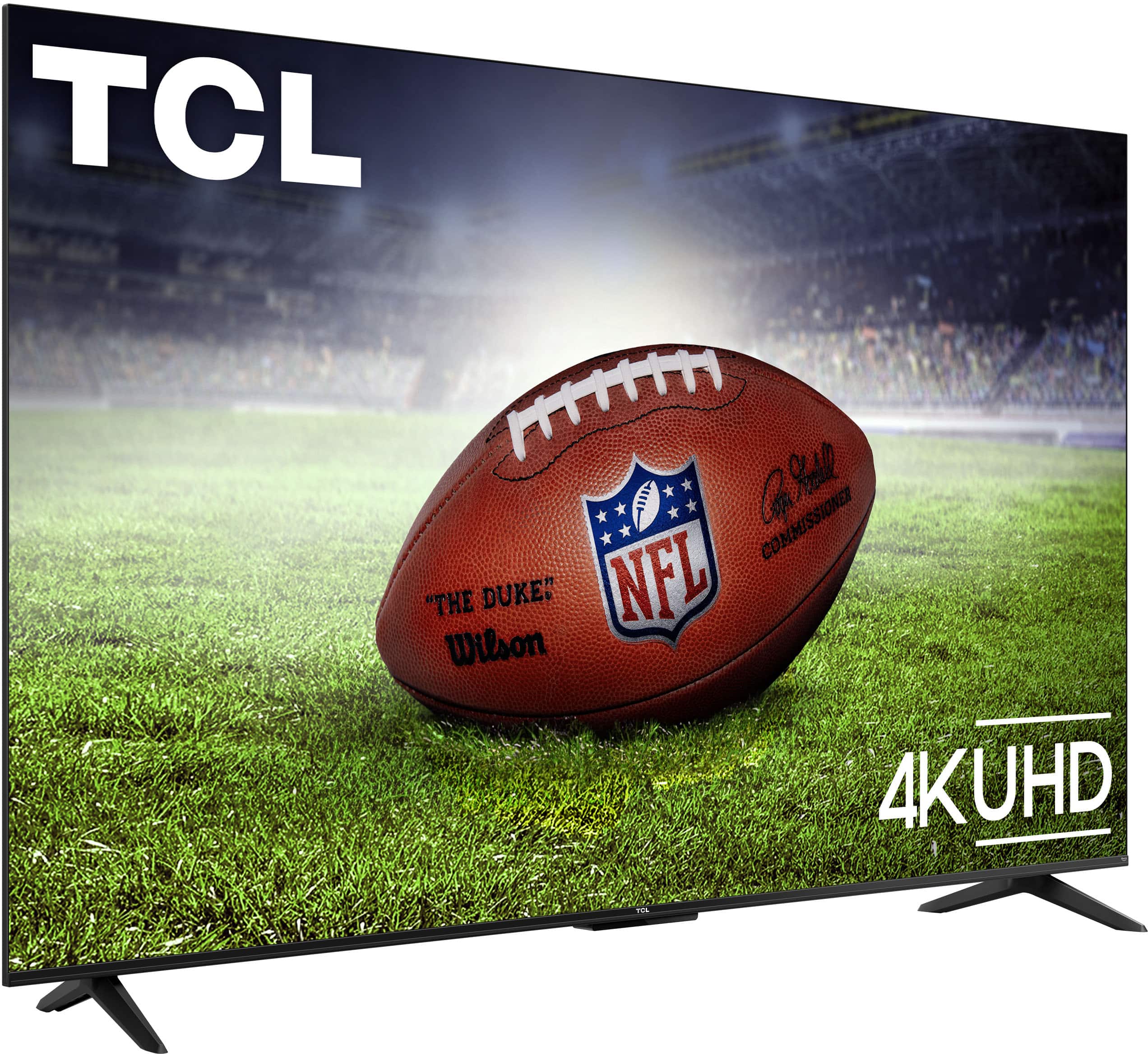
A:AnswerFor this 55 inch TCL TV, the feet spacing to fit on a stand is 41.3 inches wide and 10.04 inches deep. Hope this helps! Thank you, TCL Customer Support
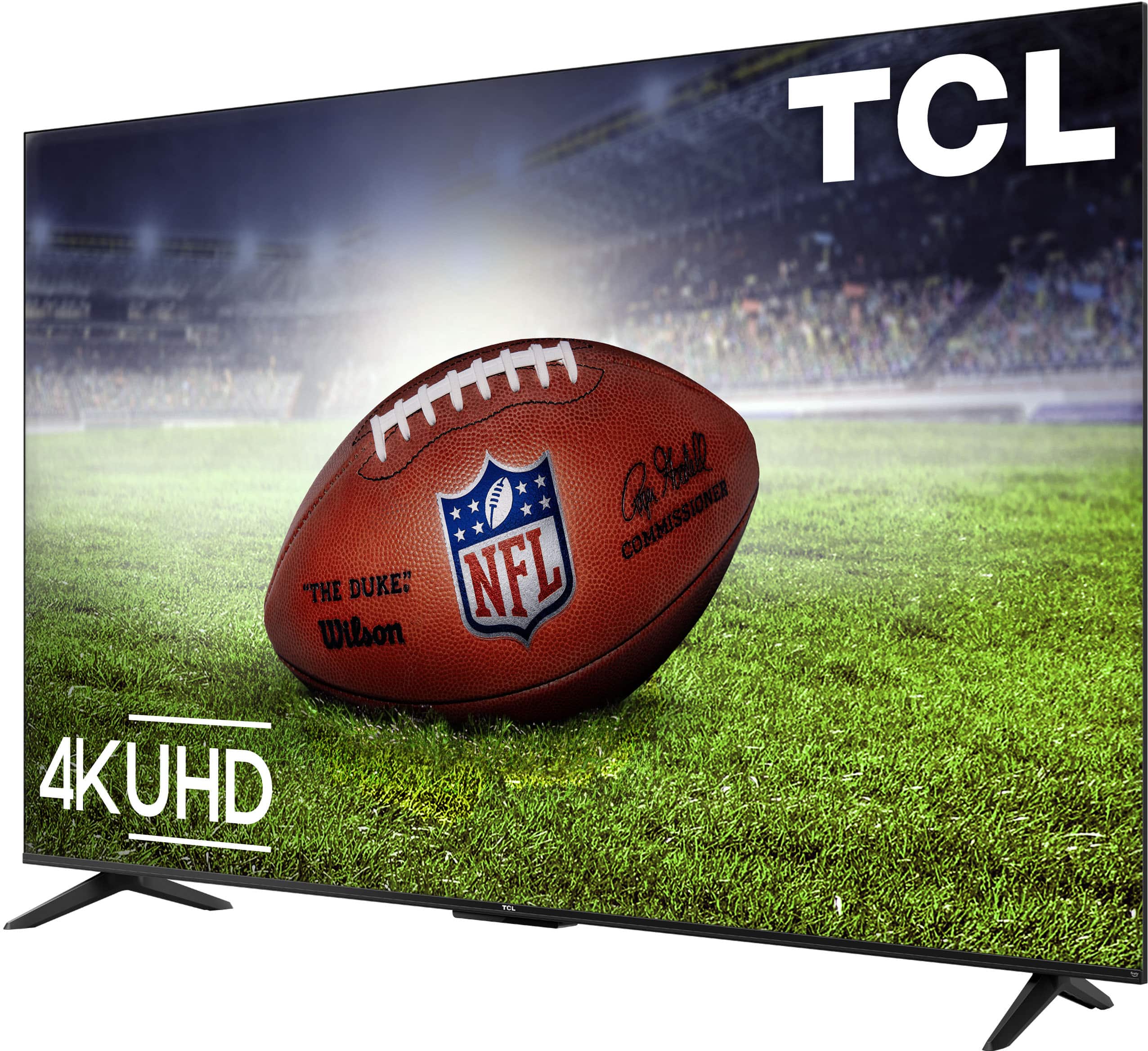
A:AnswerThis 55 inch TCL TV is compatible with most stands and wall mounts that support a 200mm x 200mm VESA mounting pattern. Hope this helps! Thank you, TCL Customer Support
A:Answerhttps://www.tcl.com/us/en/products/home-theater/s5-class/55-class-4k-uhd-hdr-led-smart-fire-tv-55f35
Go to Downloads tab. There is a Quick Start Guide that you are looking for.
A:AnswerWhile we can not recommend a specific web browser, there are various web browsers that can be downloaded through the App Store. Hope this helps! Thank you, TCL Customer Support
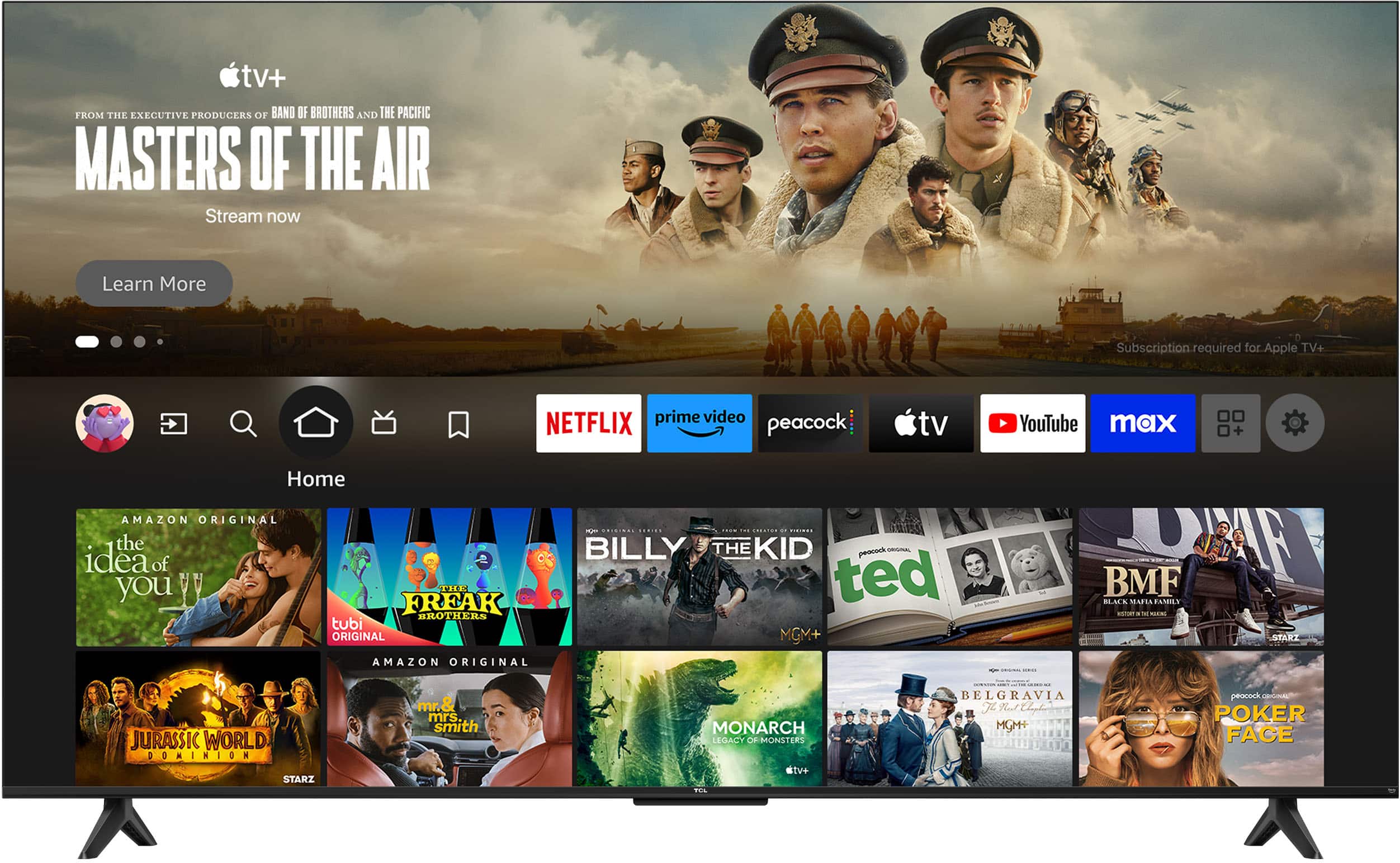
A:AnswerThis TCL TV powered by FireTV features access to thousands of apps. The Apple TV streaming app is indeed one of the many available streaming apps on this TV. Hope this helps! Thank you, TCL Customer Support
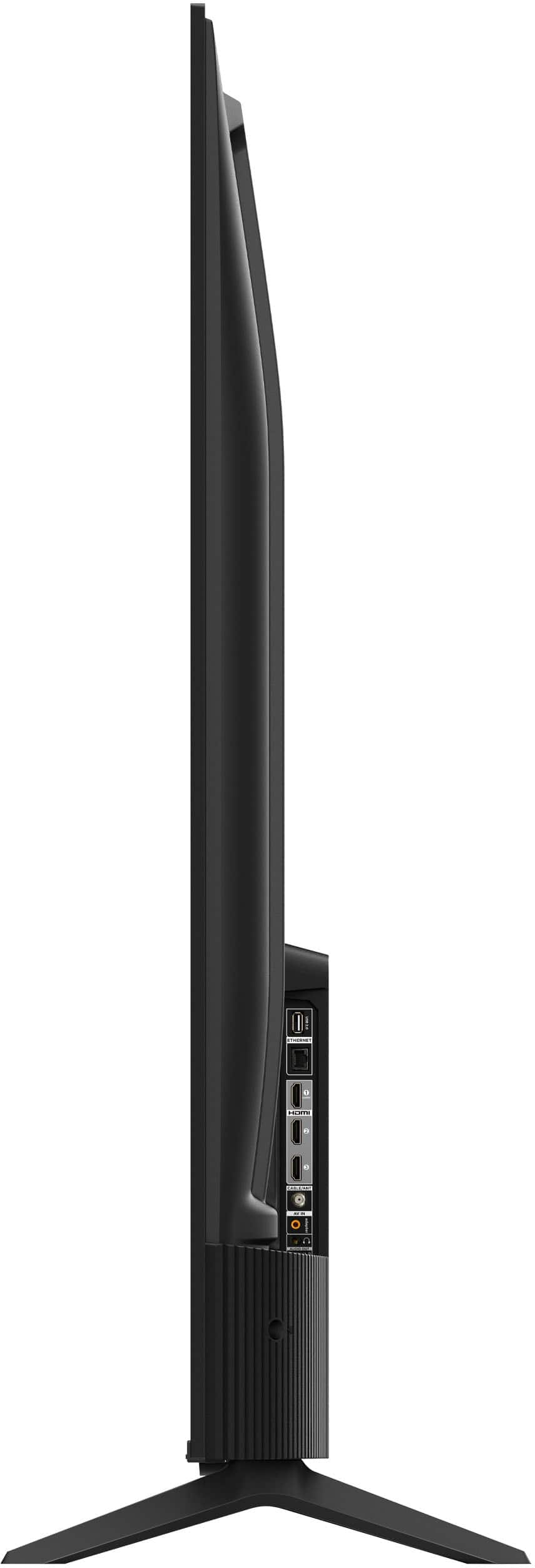
A:AnswerWithout the feet attached, the dimensions of this TV are as follows: (W x H x D) 48.3" x 28.0" x 2.8". Hope this helps! Thank you, TCL Customer Support
A:AnswerOur TVs are compatible with most Universal and cable remotes. Many Universal and cable box remotes can be programmed to control select functions on the TV. You can visit https://support.tcl.com/us-remote-codes for more information. If you do not see your specific remote, you would need to contact the remote's manufacturer to obtain the remote code from them. Hope this helps! Thank you, TCL Customer Support