A:AnswerYou have to find the settings on youtube i did the same and its improved i really didn't need to change the settings for it but sometimes you need it for certain movies or shows ,good luck
A:AnswerI think you can use the virtual remote in most cases by pressing the (123) "the button just below the mute button" it will bring up a virtual number pad on-screen. At least from the home screen and TV Tuner... Hope it helps as I too was a bit frustrated with the lack of number keys.
A:AnswerTypically, you could use the same connecting cables, like an HDMI cable. If you are upgrading the TV, you would want to make sure your cables are high speed and can support the new features of the TV. You would also want to make sure that you use the new power cable that comes with this TV. Hope this helps! Thank you, TCL Customer Support
A:AnswerFrom what I read on site the bluetooth pairs with only 1 device at time but believe this also has headphone jack outlet. That might allow you to add dongle to pair another bluetooth headset.
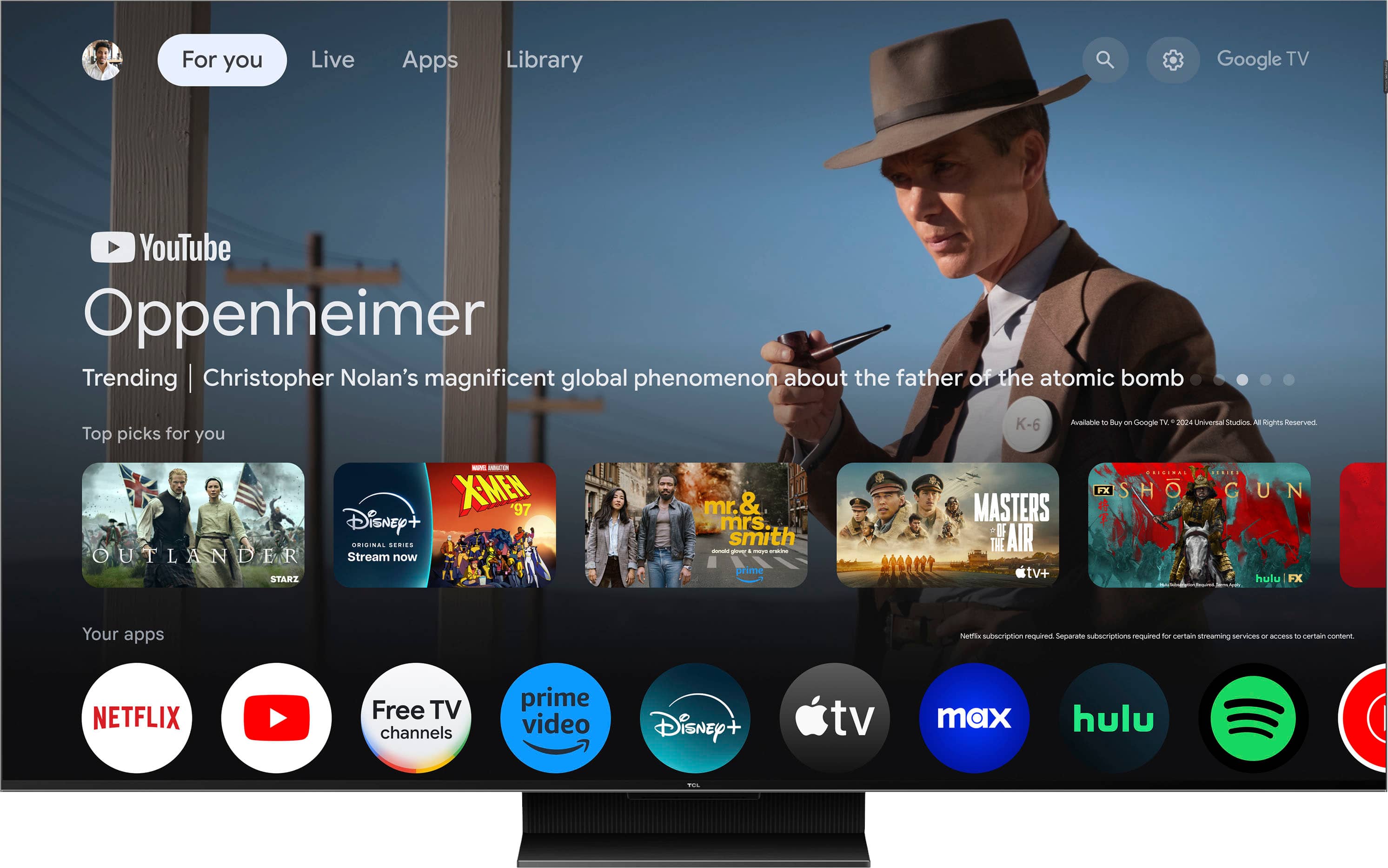
A:AnswerThe Apple TV streaming app is one of the many available streaming apps on this TCL TV featuring Google TV. Hope this helps! Thank you, TCL Customer Support
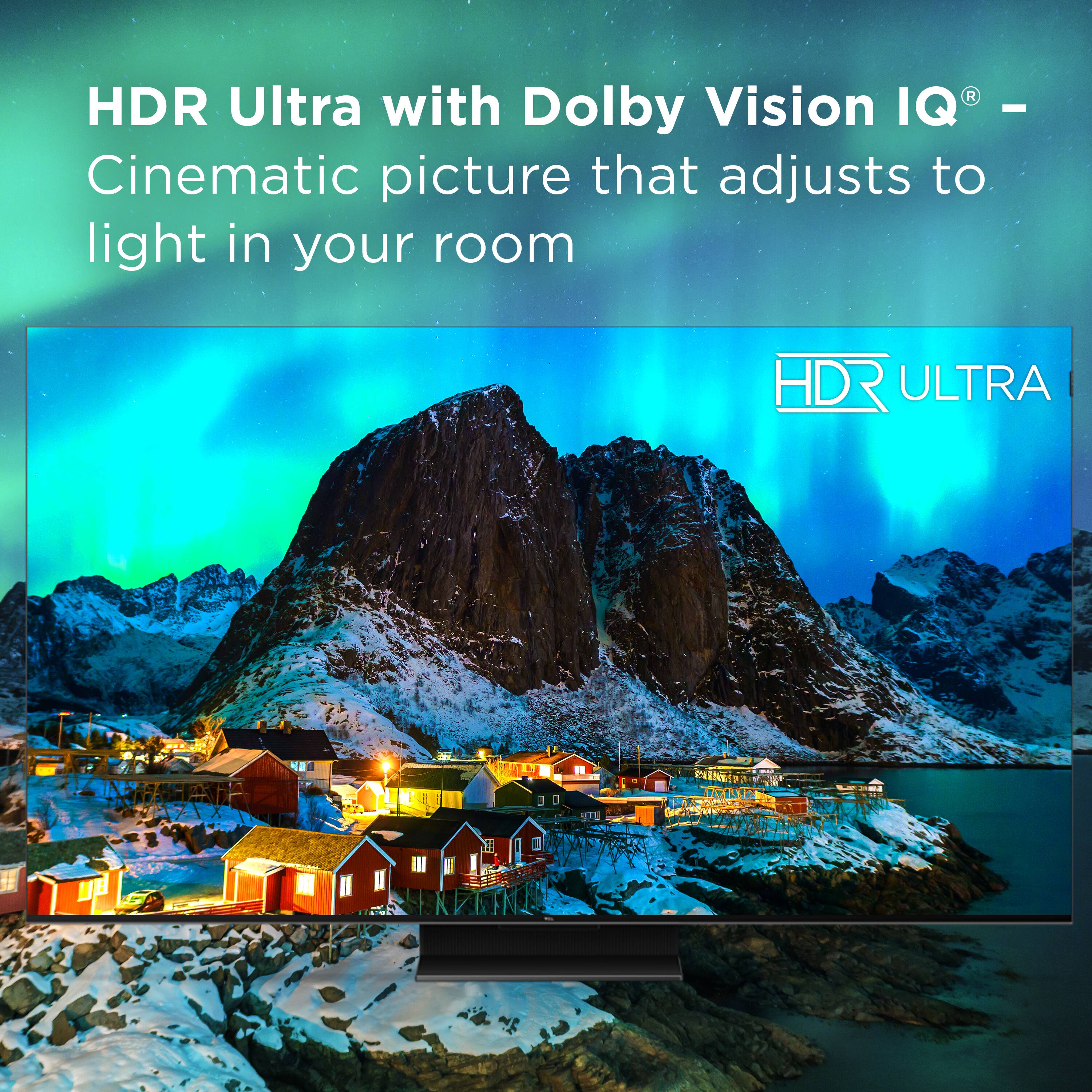
A:AnswerYes there are several different controls, and even an automated adjustment that reads the light in the room and adjusts the picture accordingly
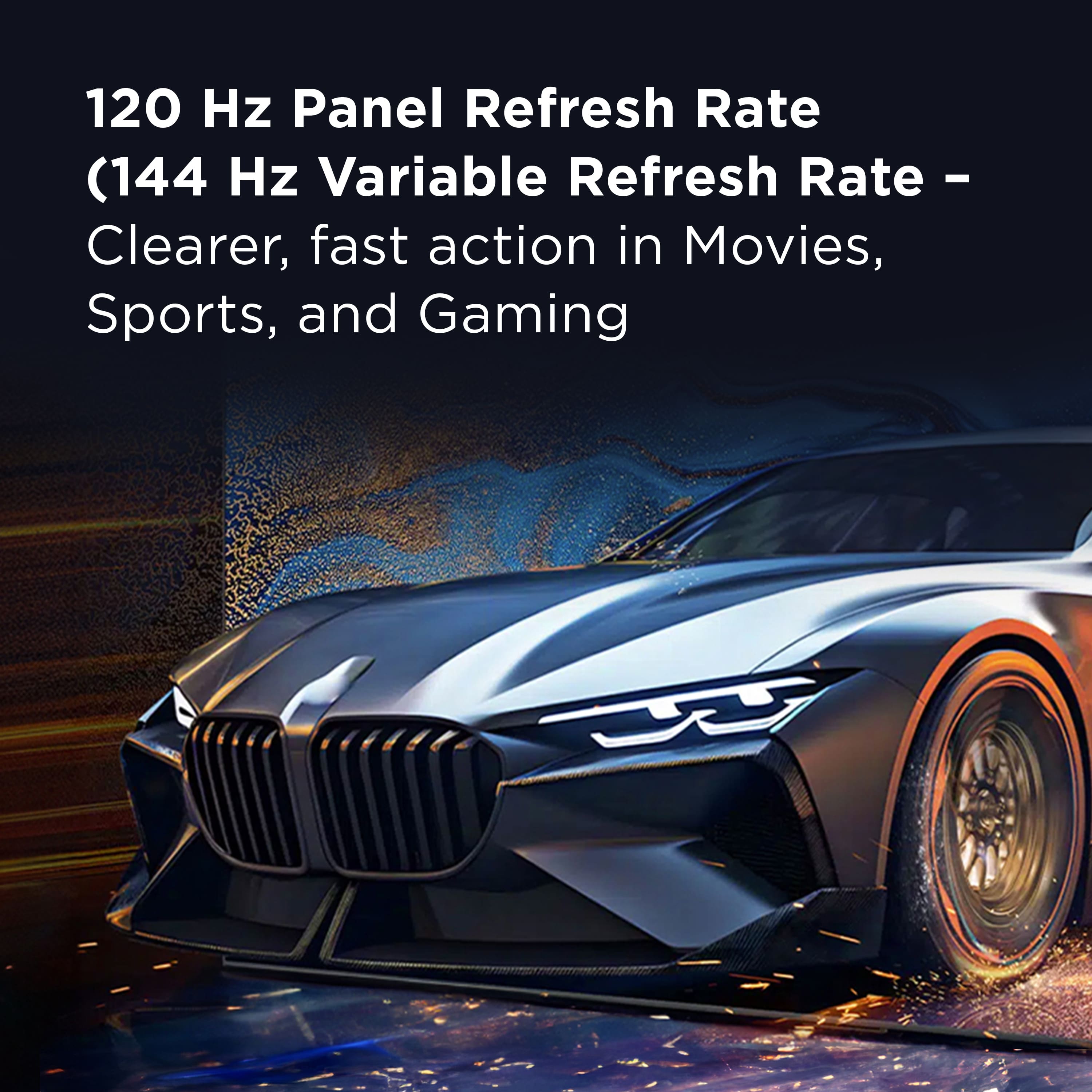
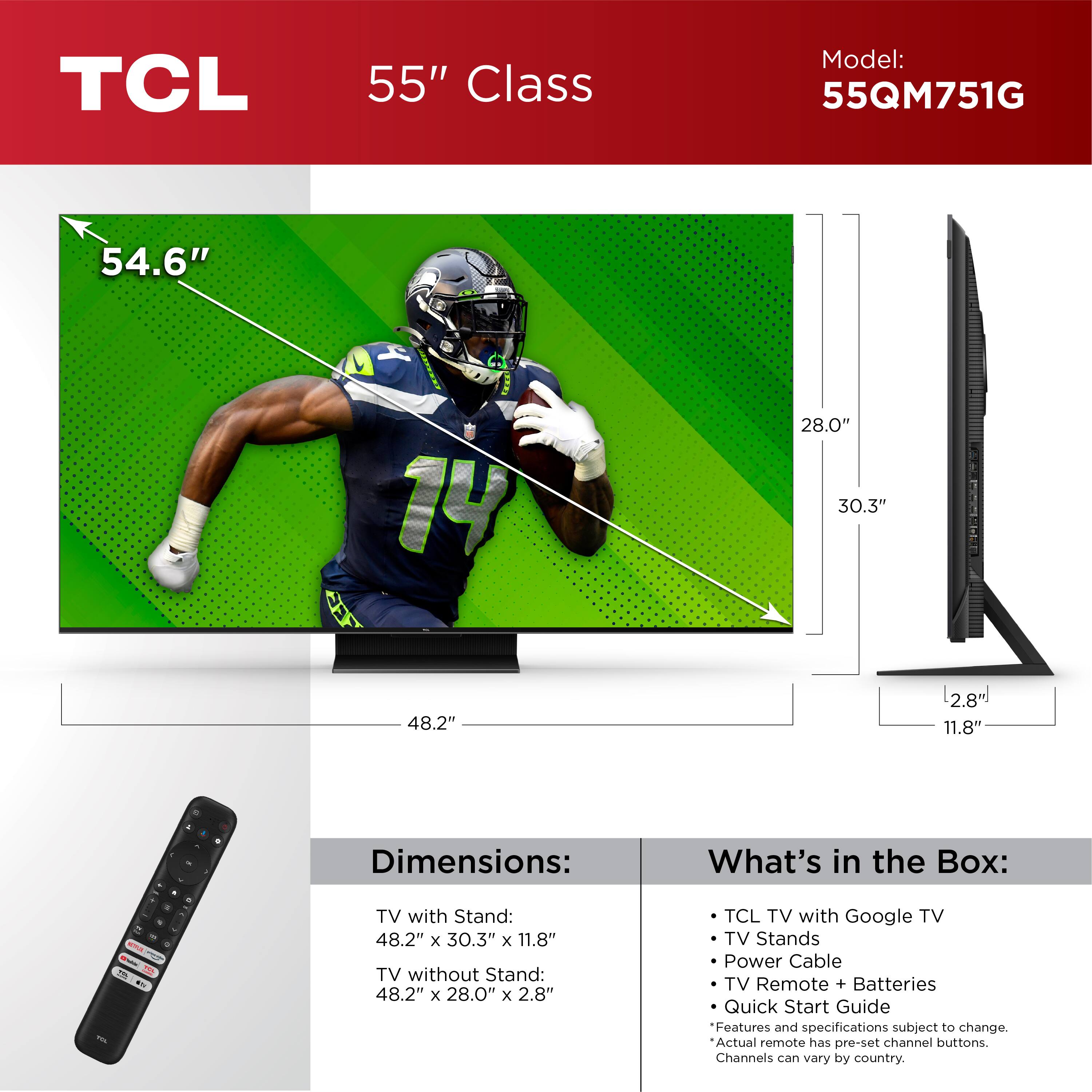
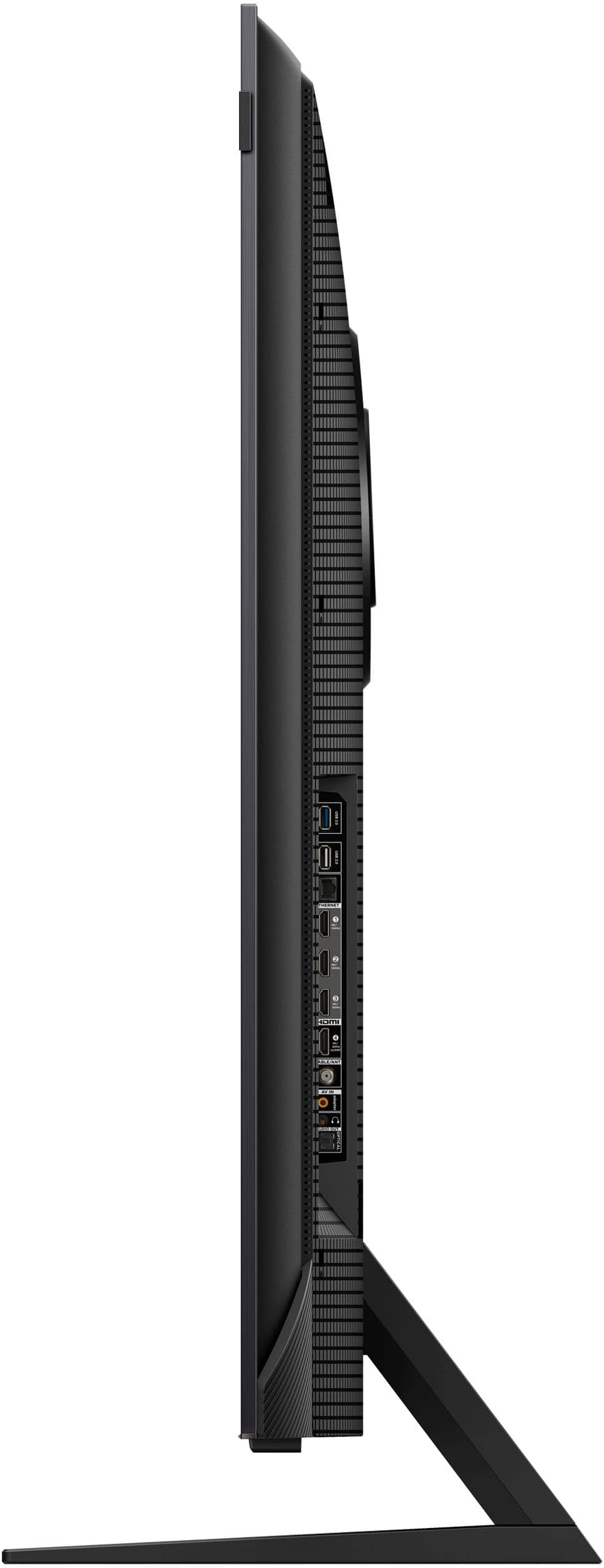
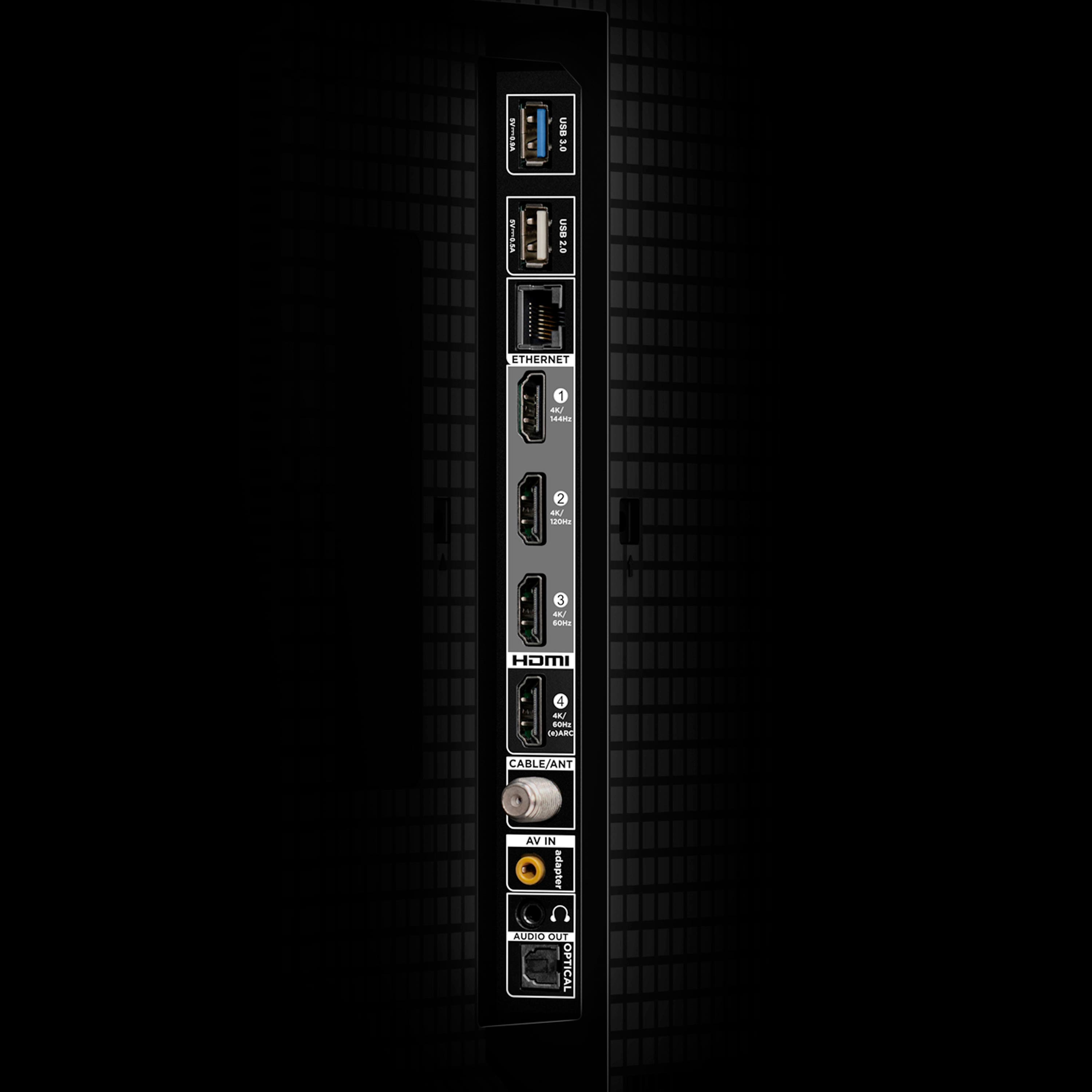
A:AnswerThis TV supports powerful new HDMI features, including eARC, Variable Refresh Rate, Game Accelerator 240, etc. HDMI 1 is capable of 4K/144Hz and HDMI 2 is capable of 4K/120Hz. Hope this helps! Thank you, TCL Customer Support
A:AnswerThis TV supports powerful new HDMI features, including eARC, Variable Refresh Rate, Game Accelerator 240, etc. HDMI 1 is capable of 4K/144Hz and HDMI 2 is capable of 4K/120Hz. For further assistance, please reach out to us at [email protected] with your contact information and a description of what you need help with. Thank you, TCL Customer Support
A:AnswerOur TCL TVs featuring Google TV support Bluetooth and can be paired with compatible audio devices that also support and pair via Bluetooth. You can visit support.tcl.com/us-googletv-setup-configuration/connect-bluetooth-devices-to-your-tcl-google-tv to see more information. Hope this helps! Thank you, TCL Customer Support
A:AnswerThis is definitely unusual. In order for us to better assist, please reach out to us at [email protected] with your contact information and a description of what you need help with. Thank you, TCL Customer Support