A:AnswerYes, the TV has built-in AirPlay. So, any iOS device that supports AirPlay should be able to link to the TV. I've used that feature several times to stream iPad content to the TV.
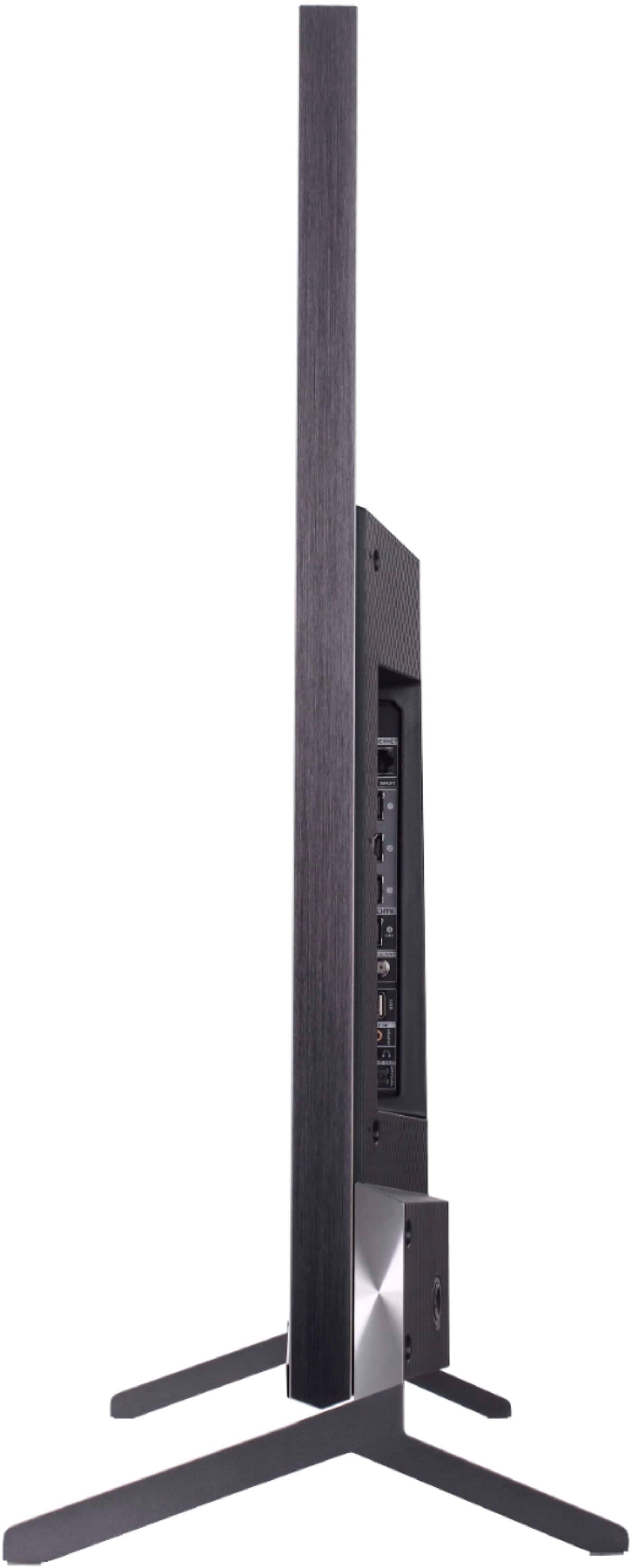
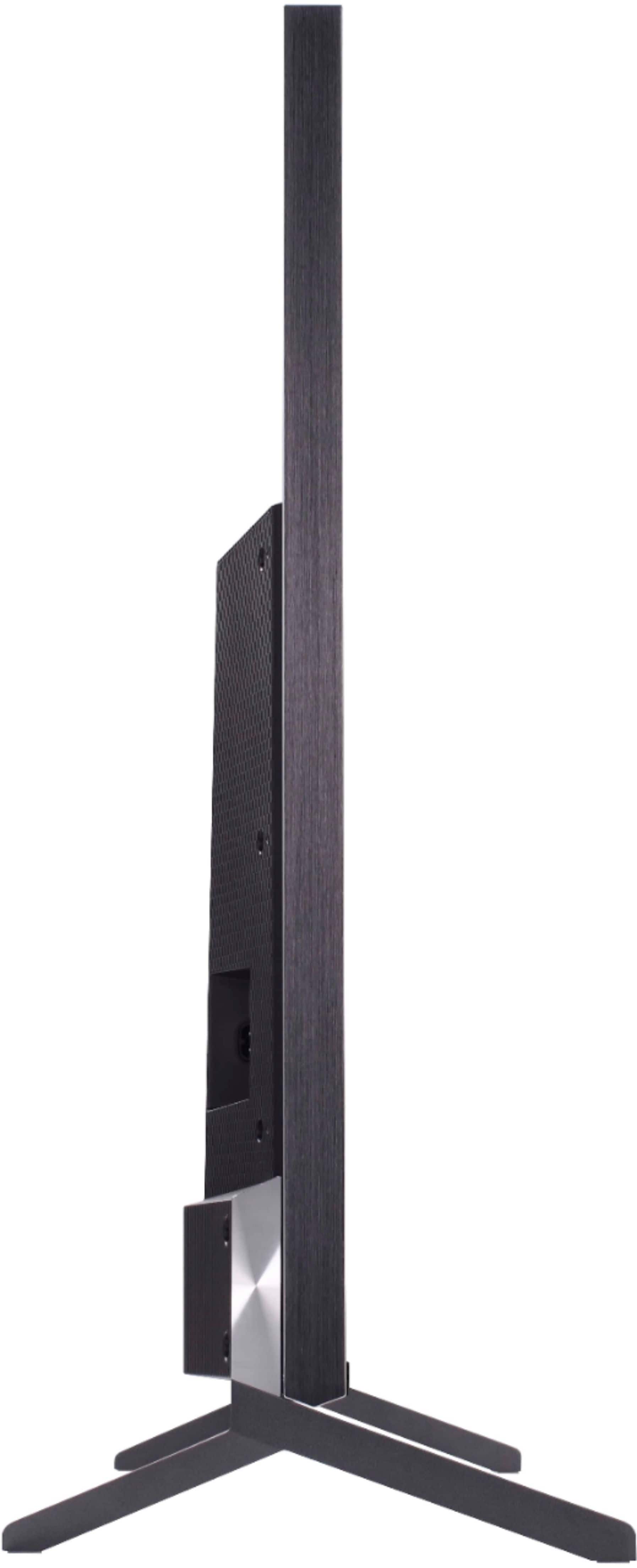
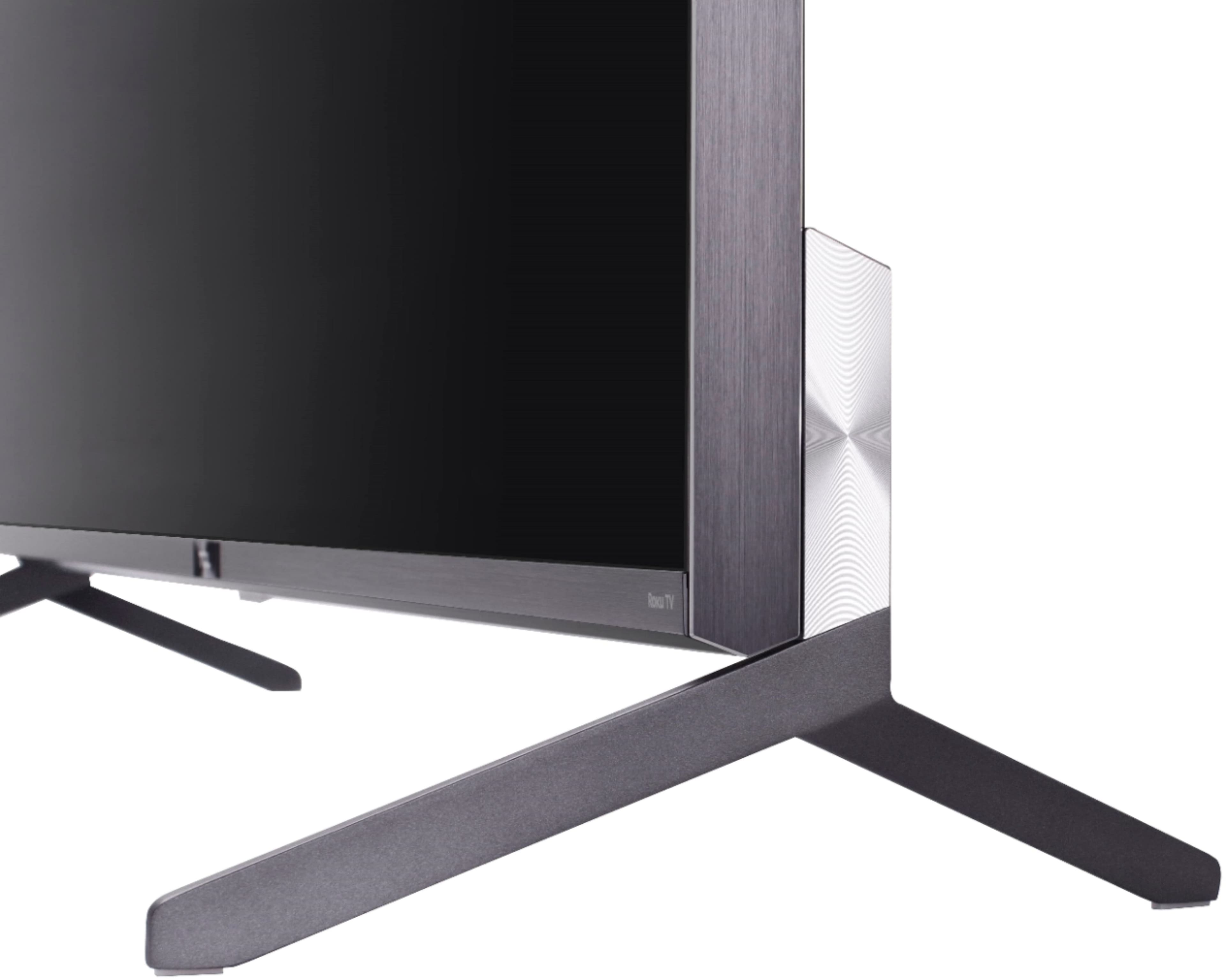
A:AnswerYes, the latest version allows the legs to be positioned further inward. Older models prior to 2020 you may find on clearance will not have this.
A:AnswerTCL and Samsung are two completely different brands and the smart TV feature different operating systems. For this TCL Roku TV, you can go to www.Roku.com/whats-on to see what streaming channels and apps are offered through the Roku Channel Store. To search for a specific channel you would simply want to enter that information into the search section. Hope this helps! Thank you, TCL Customer Support
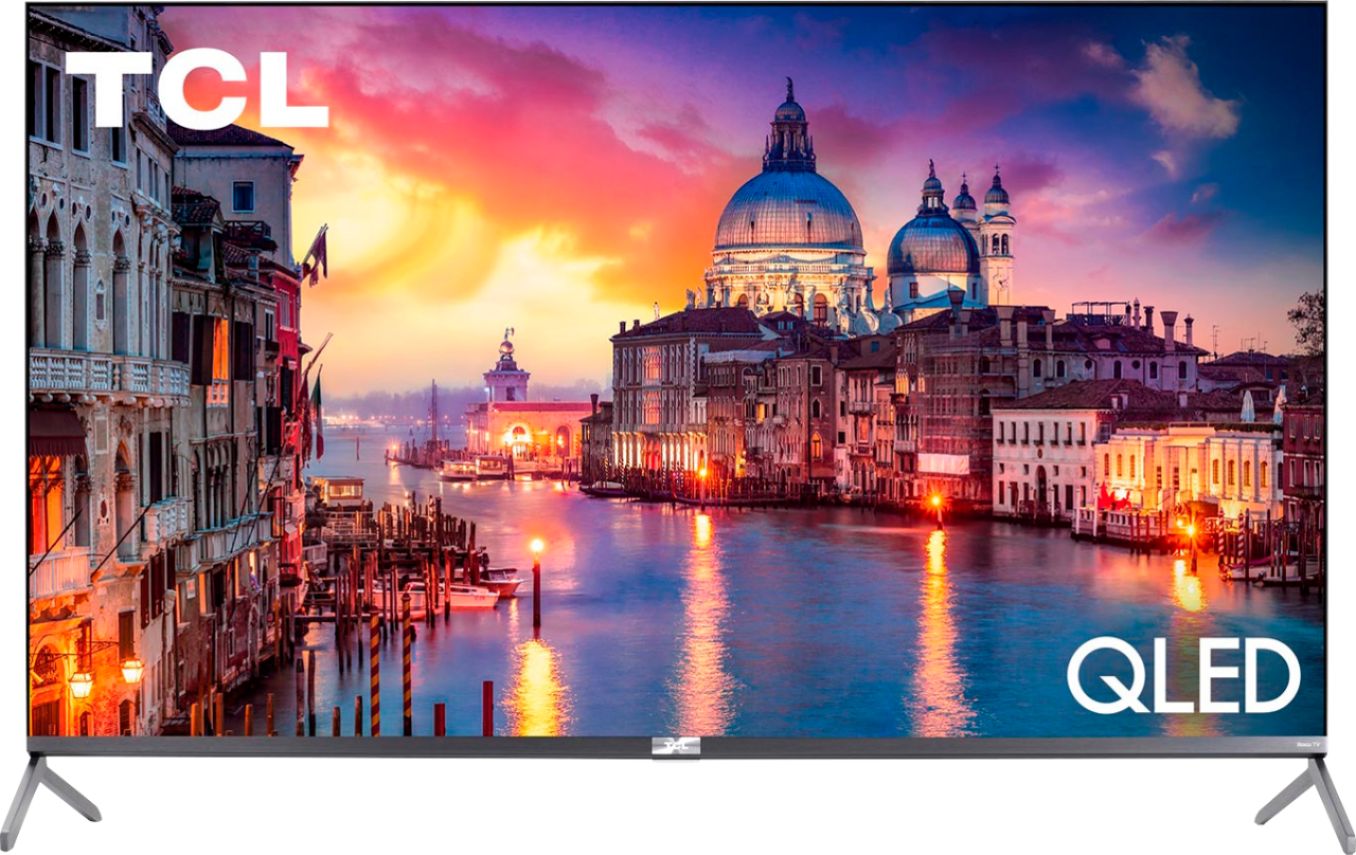
A:AnswerFor this 65 inch TCL Roku TV, the feet spacing to fit on a stand is 56.9 inches. The feet are not adjustable. Hope this helps! Thank you, TCL Customer Support
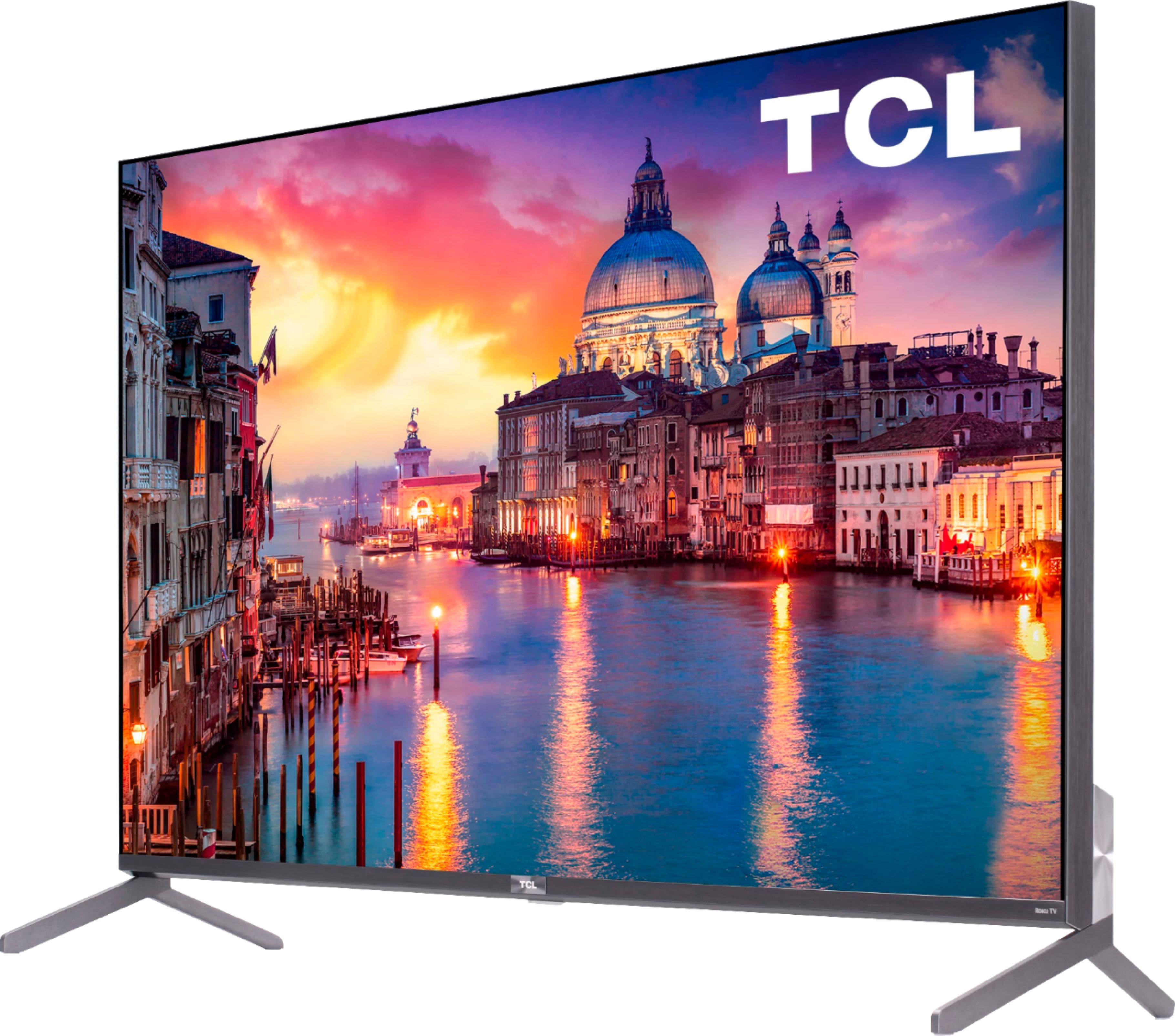
A:AnswerThe new 6-Series builds on the features of the previous year’s model. Both of these models feature a 4K UHD resolution, HDR10 and Dolby Vision support, Wide Color Gamut, CCZ technology, QLED technology, Auto-Game mode, a brushed metal cabinet, FullView edge-to-edge glass display, and have a Roku operating system. The new 6-Series additionally features Mini-LED technology, THX Certified Game Mode for exceptional picture performance with uncompromised responsiveness, Variable Refresh Rate, eARC, and more! You can also visit https://www.tcl.com/us/en/products/home-theater/6-series for more information about all of the amazing features our new 6-Series has to offer. Hope this helps! Thank you, TCL Customer Support
A:AnswerUnder settings, you can go to audio, and set the volume to low, medium or high. I don’t know what he numerical equivalent is for those settings.
A:AnswerNo, you would need an adapter for that, which I don't think are expensive. The other option is to use your phone as a backup remote, and I believe you can then connect headphones to your phone and use that for audio.
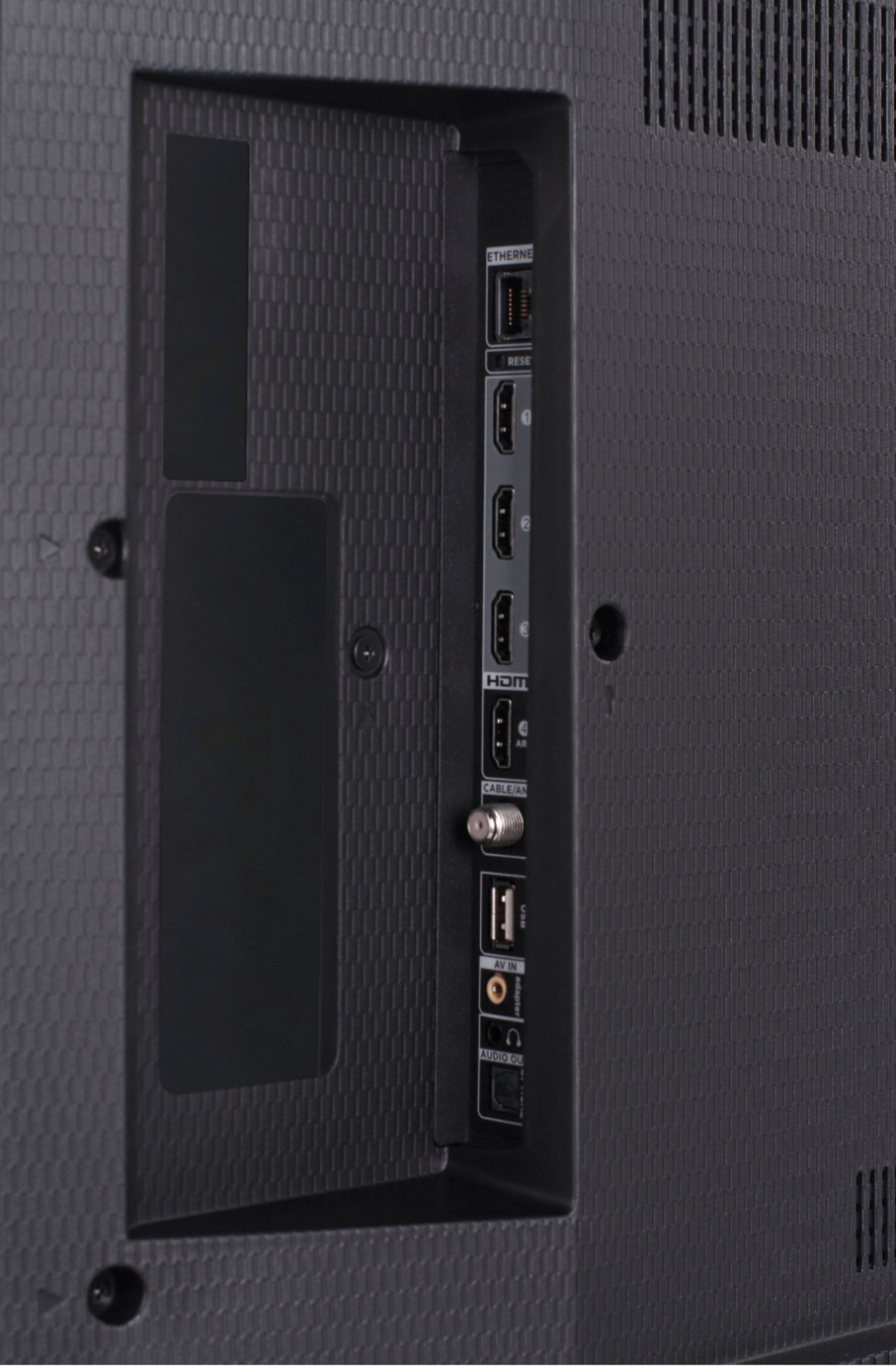
A:AnswerIf using the 3.5mm headphone jack for private listening, it will automatically disable all other audio output. This includes the built-in speakers. There is not currently a setting to override this. Hope this helps! Thank you, TCL Customer Support
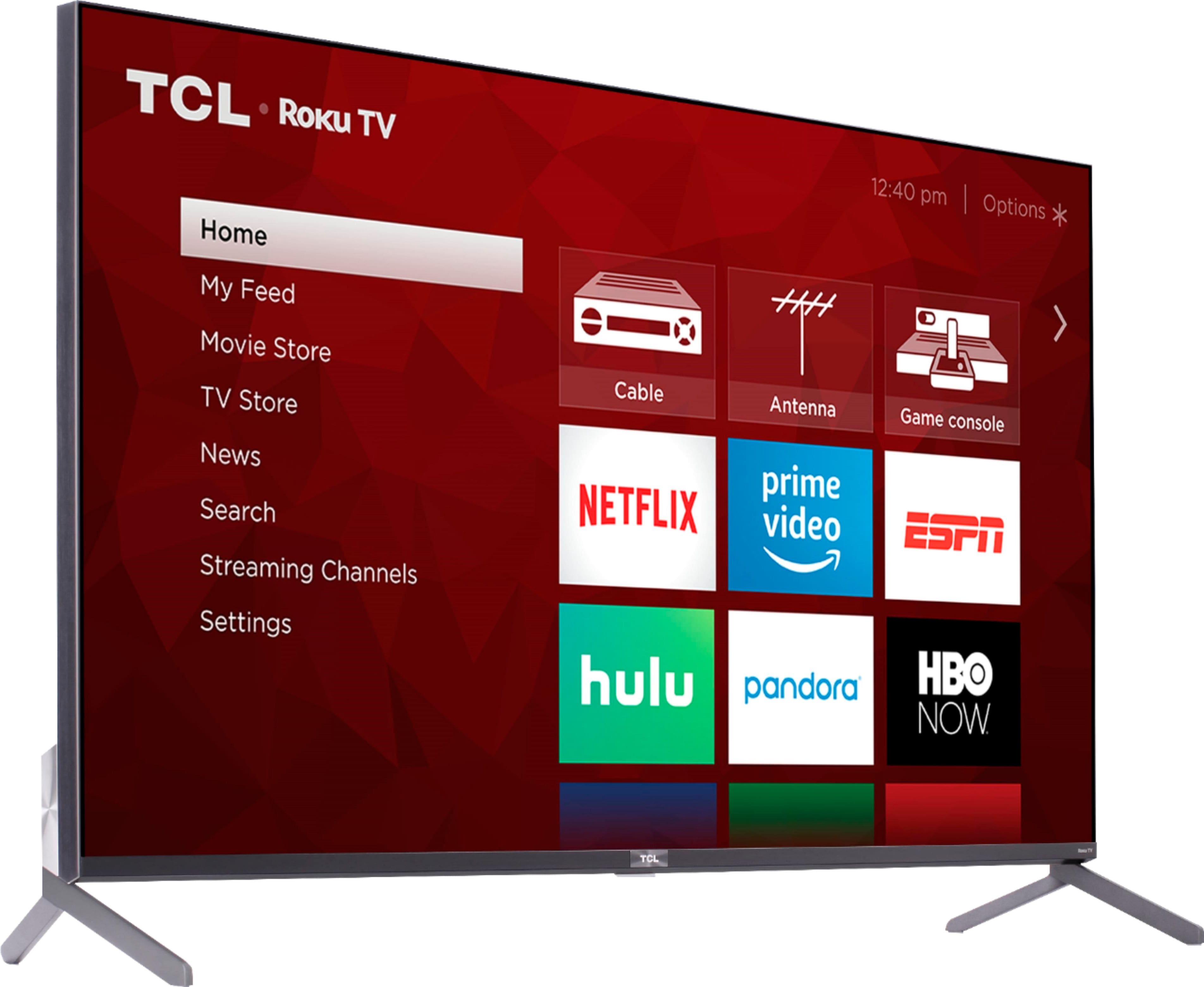
A:AnswerThe built-in media player and USB port are design to use moderately sized thumb drives for playing back movies, pictures, and music. You can visit https://support.tclusa.com/283183-playing-video-or-music-from-usb-devices-using-roku-media-player for more information about the functionality and file types supported. Hope this helps! Thank you, TCL Customer Support
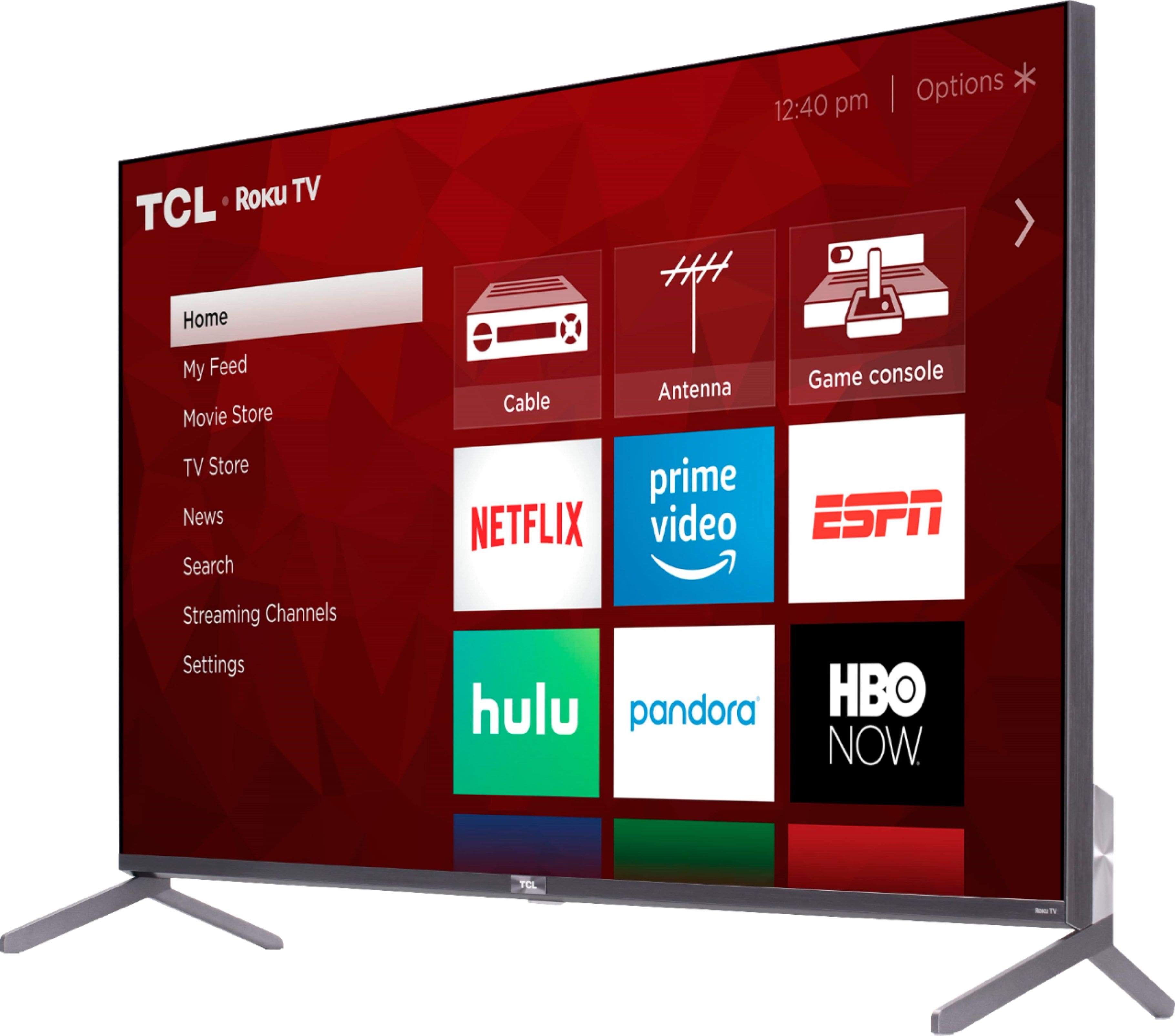
A:AnswerThis TCL Roku TV is designed and engineered to be used within the US. As such, it supports 120V. Hope this helps! Thank you, TCL Customer Support
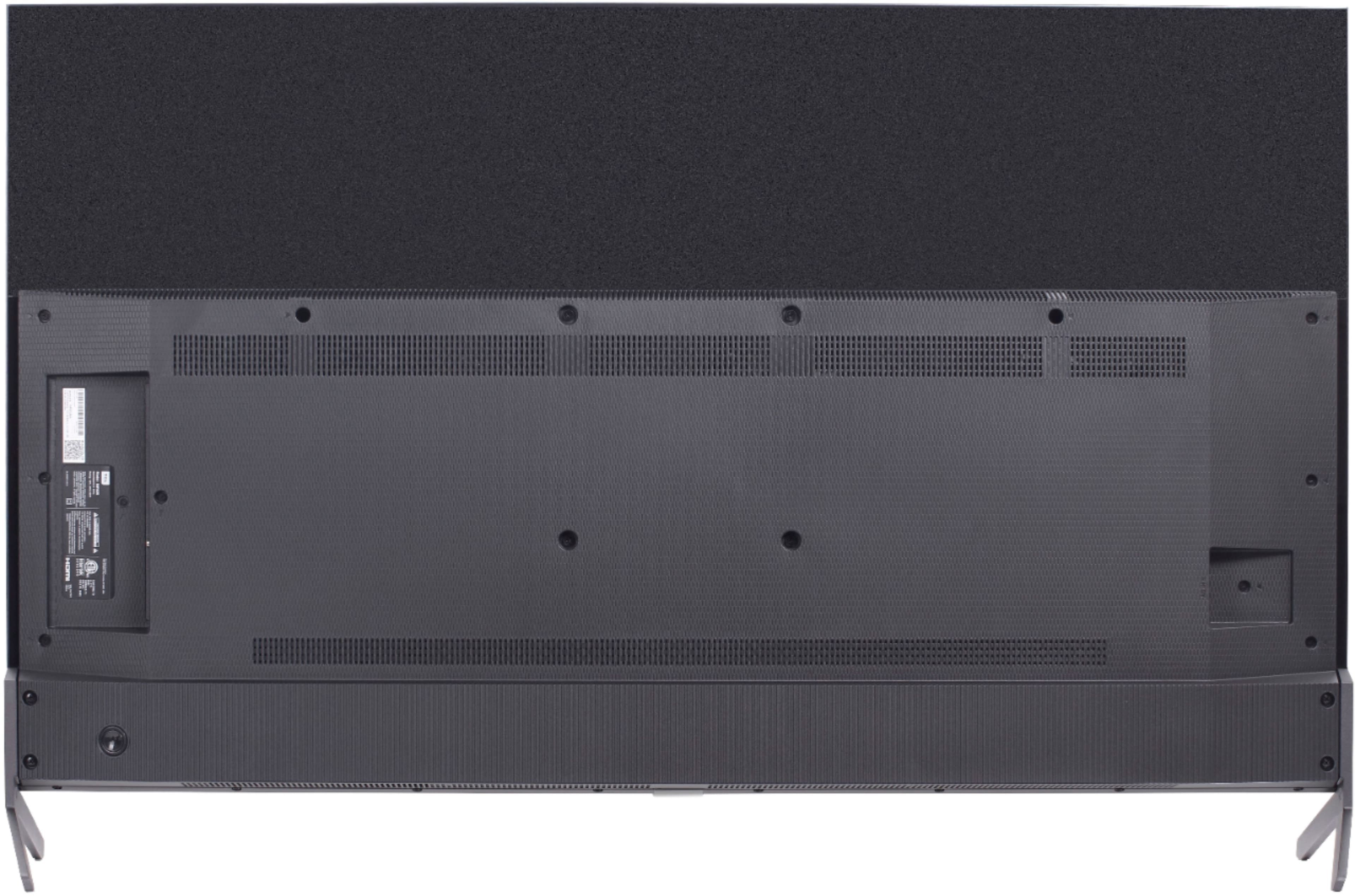
A:AnswerThis TCL Roku TV is compatible with most wall mounts that support a 300mm x 300mm VESA mounting pattern. Hope this helps! Thank you, TCL Customer Support
A:AnswerWhile we can't recommend a specific product or brand, this TCL Roku TV is compatible with most tabletop stands that support a 300mm x 300mm VESA mounting pattern. Hope this helps! Thank you, TCL Customer Support