A:AnswerIf you have a Modem Router Combo such as a NetGear NightHawk (example) you will have wireless internet for your entire home.
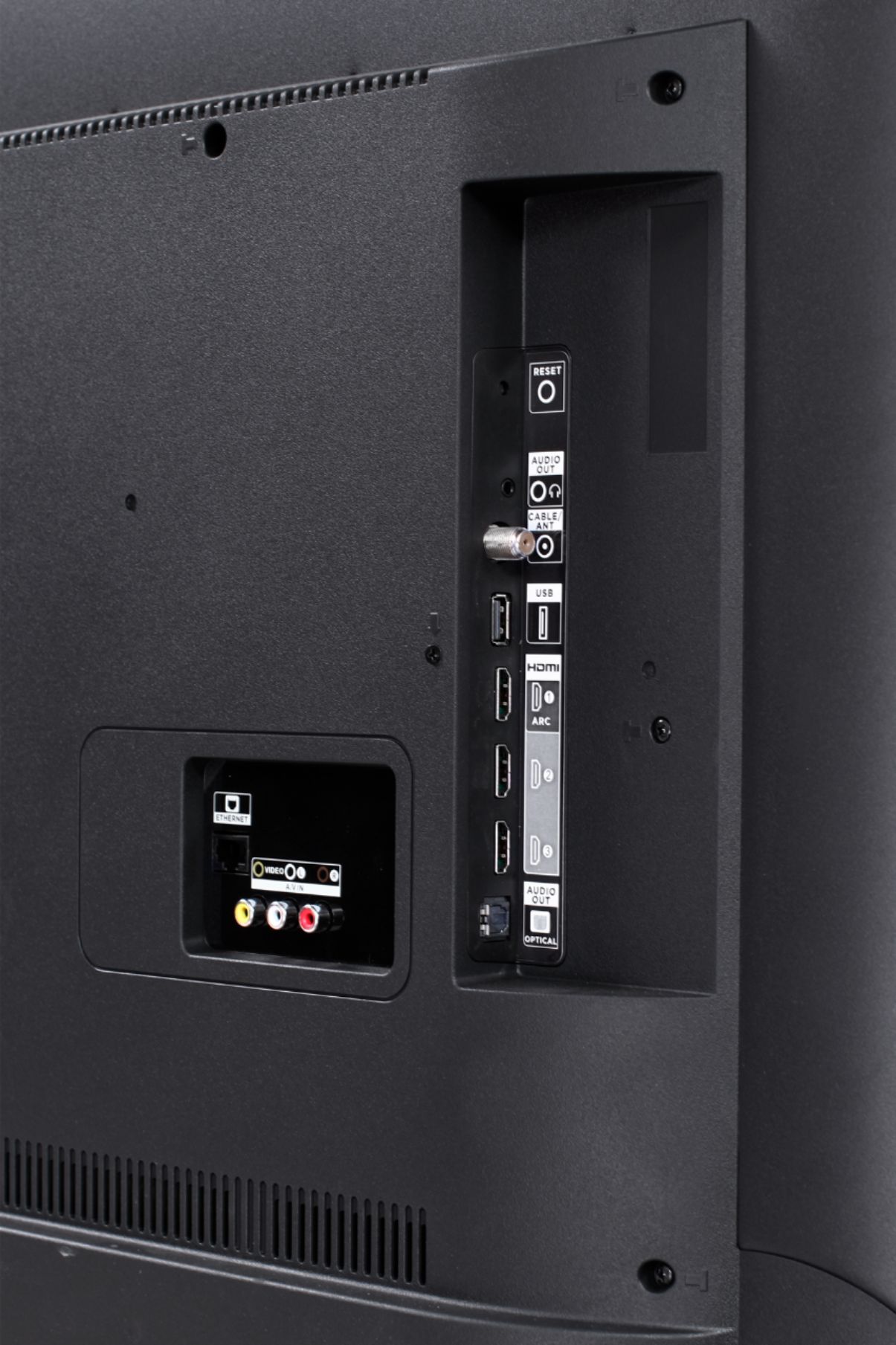
So your TV will use WIFI to connect to the Cable.
This is how mine is hooked up. IT has a built in WIFI same as your phone or laptop.
A:AnswerAbsolutely! The Spectrum TV streaming channel is one of the thousands of streaming channels offered through the Roku Channel Store. In fact of the top 25 streaming channels, TCL Roku TVs offer all 25! You can also visit www.roku.com/whats-on to see other streaming channels Roku offers. Hope this helps! Thank you, TCL Customer Support
A:AnswerAll TCL Roku TVs support screen mirroring with any compatible windows or android device. Here is a great article with more details how: (https://support.roku.com/en-ca/article/208754928-how-to-use-screen-mirroring-with-your-android-or-windows-device). Thank you, TCL Customer Support
A:AnswerThat and left arrow will pull up the guide so u can see whats on.You can scroll up and down and hit enter for that channel.Also They have a Roku app you can also use to control tv from phone or tablet and plug in headphones.The tv also if you connect a 32gb 3.0 usb flash drive you can pause live tv for 90 minutes.
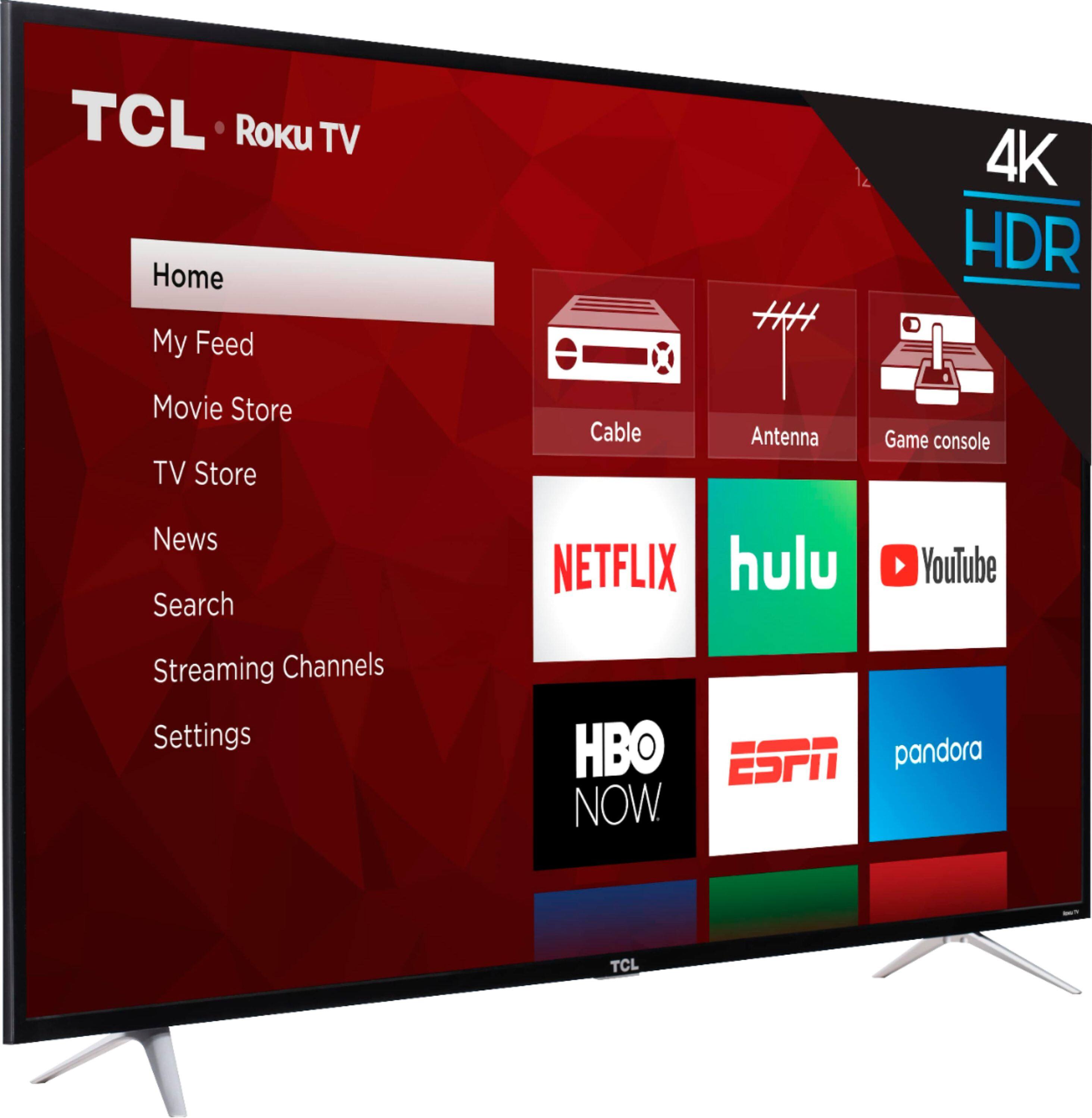
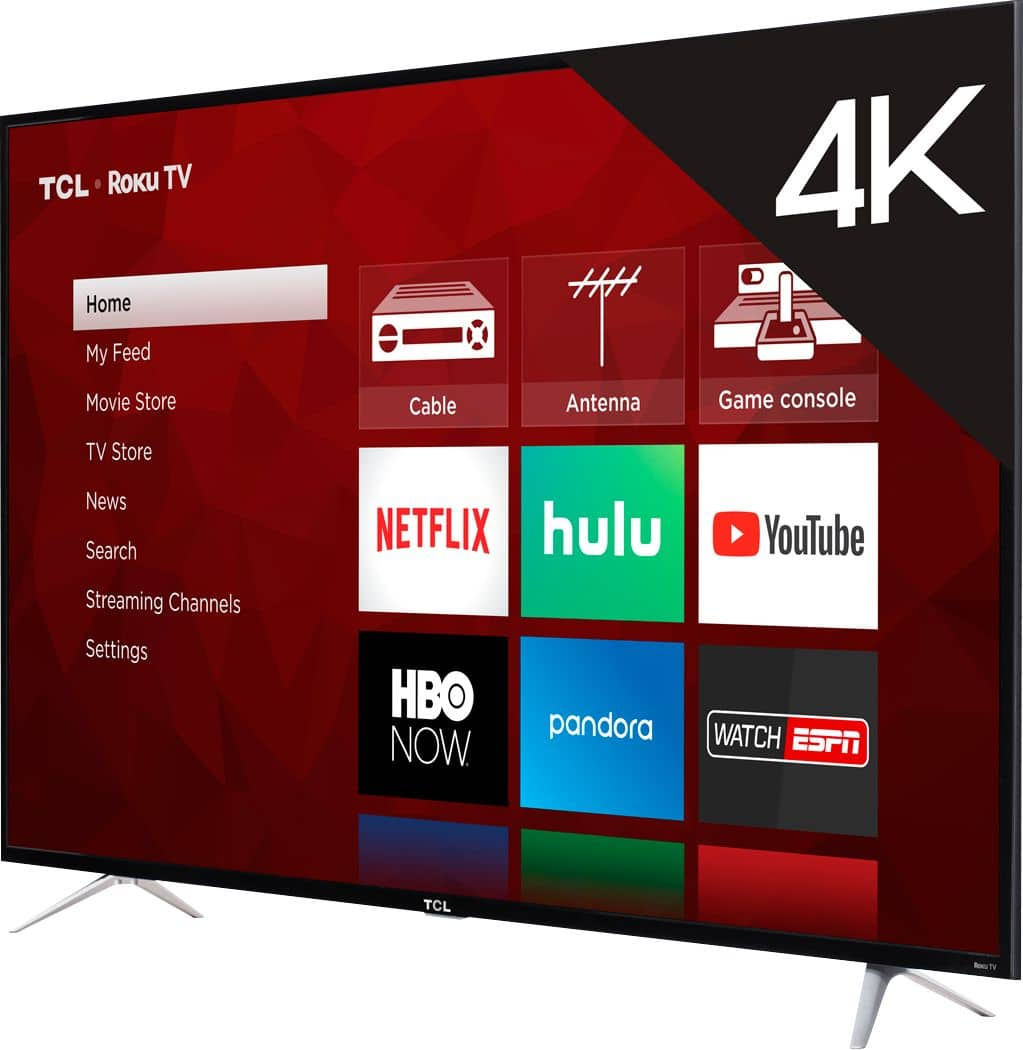
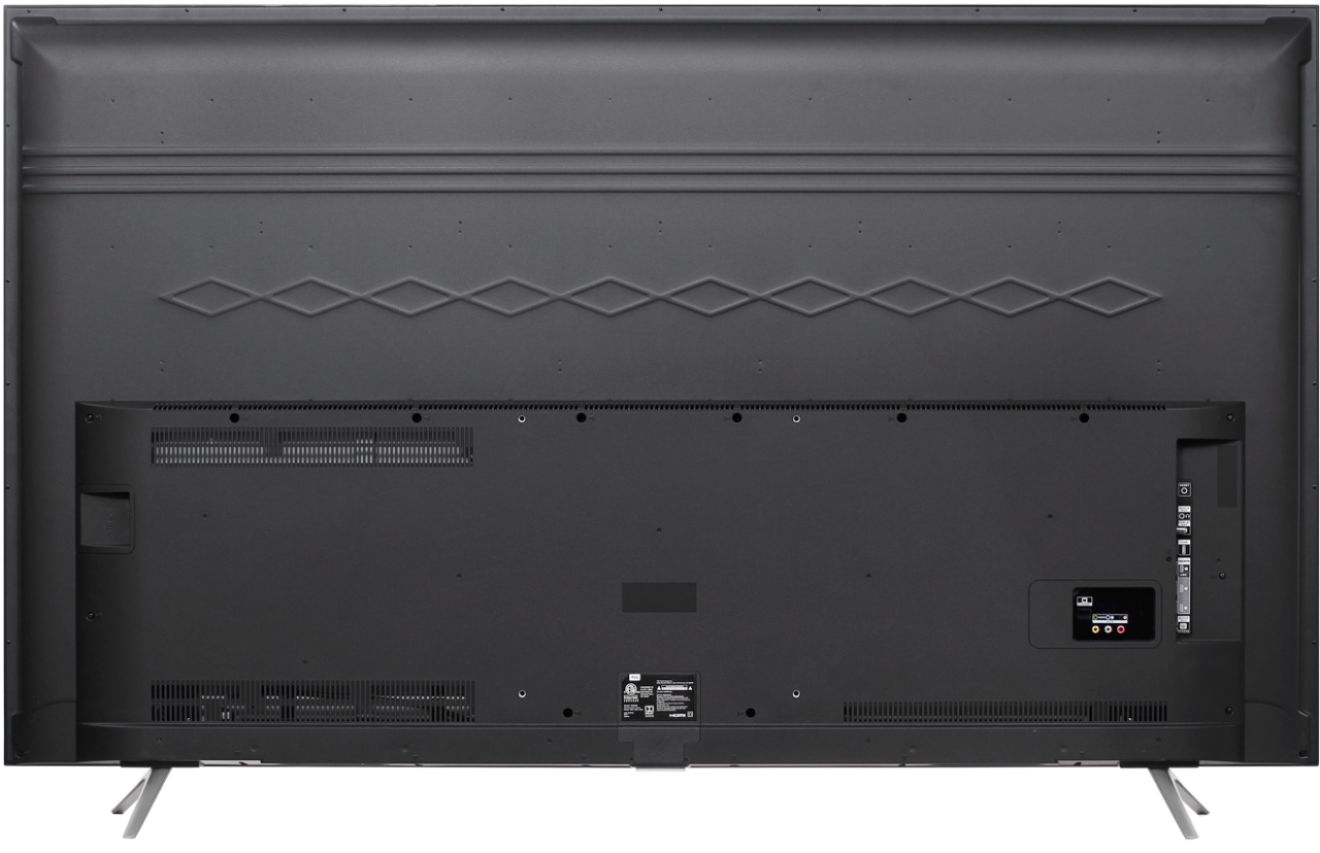
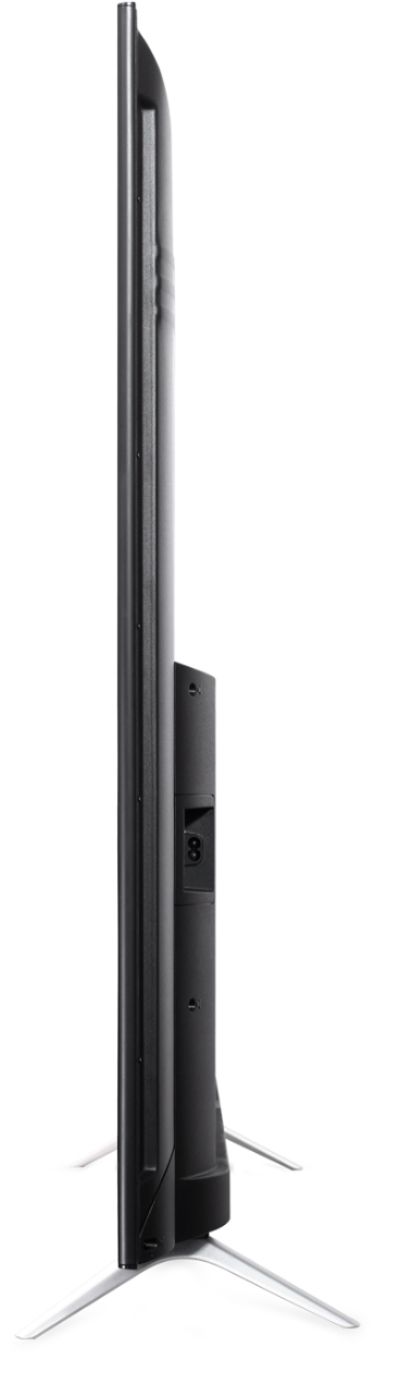
A:AnswerIt doesn't have a stand. It has 2 little feet. They are secured buy 2 screws they are 55 inches apart. I had to put TV on a wall mount because the feet are so far apart. It wouldn't fit on the stand we have.