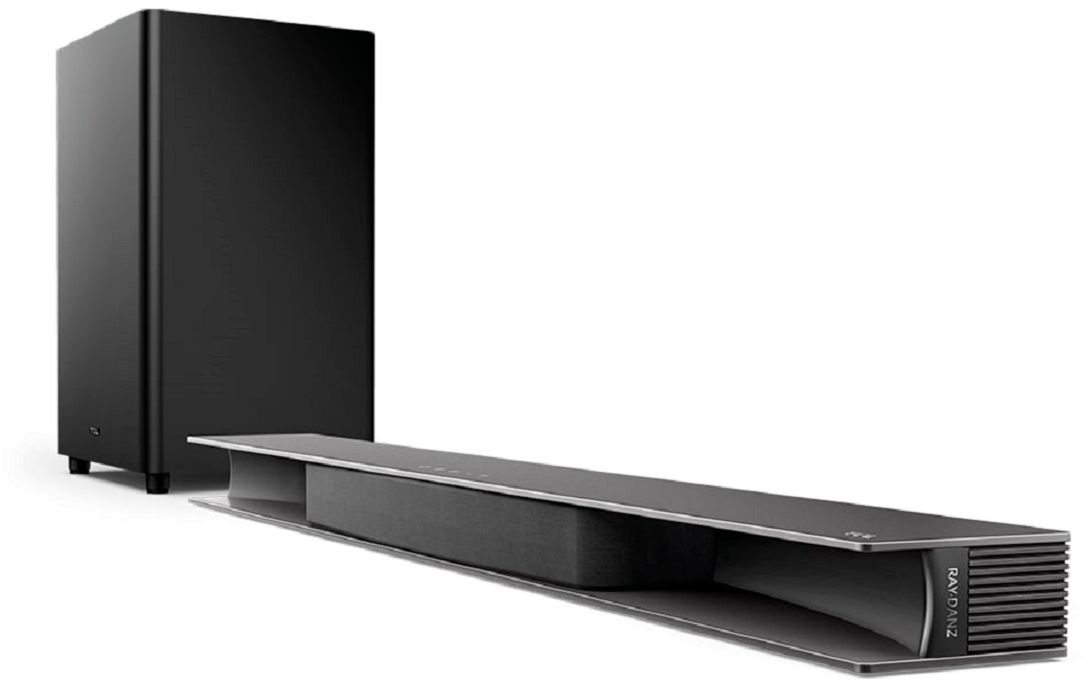
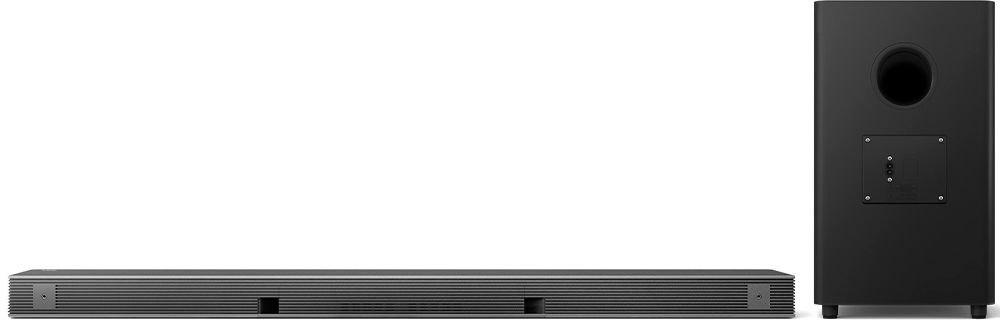
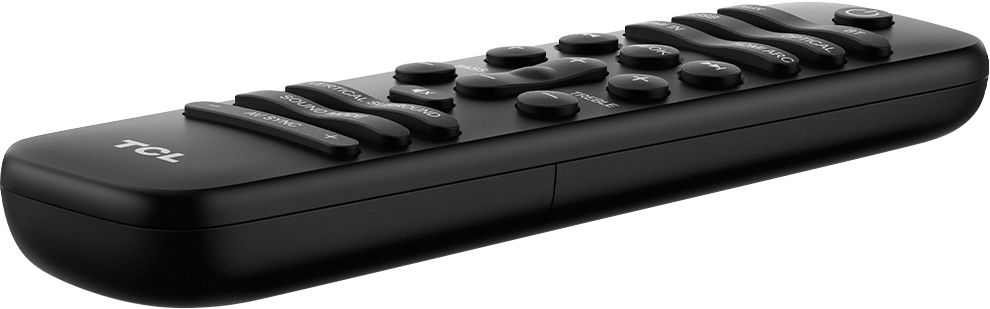
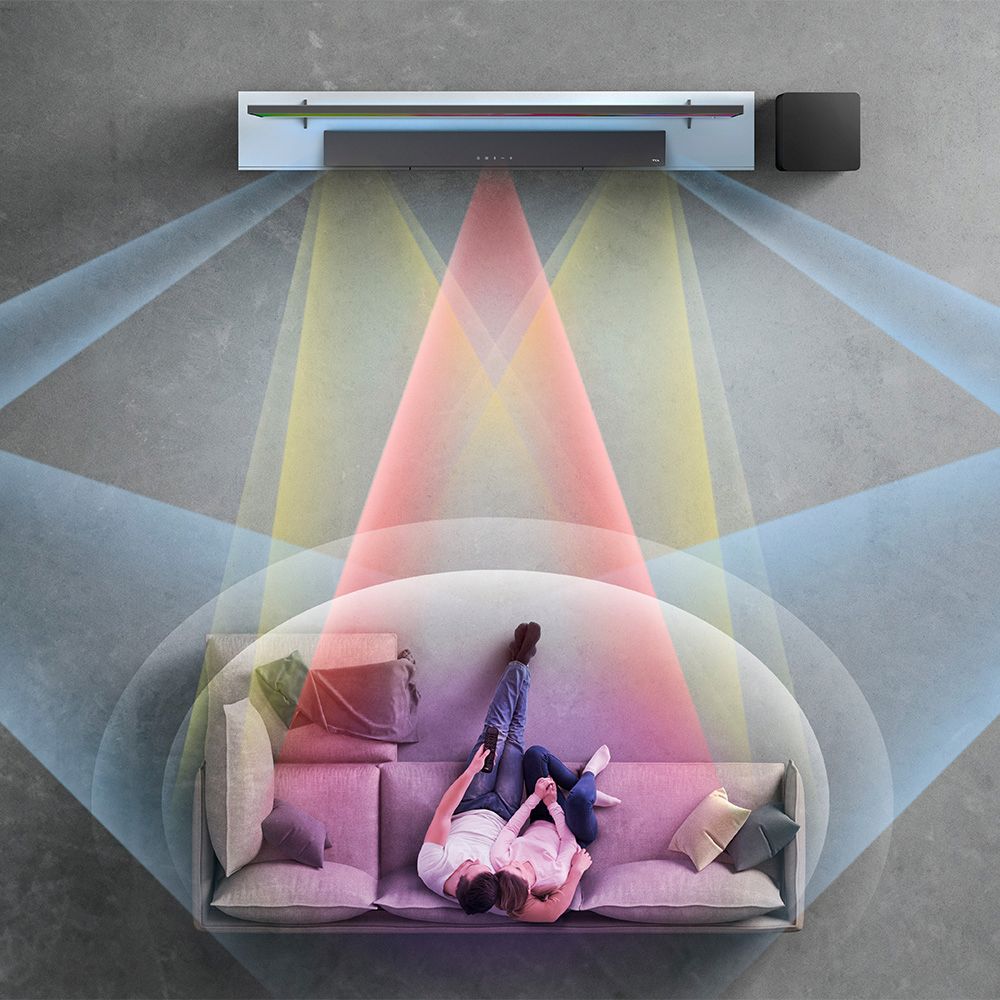
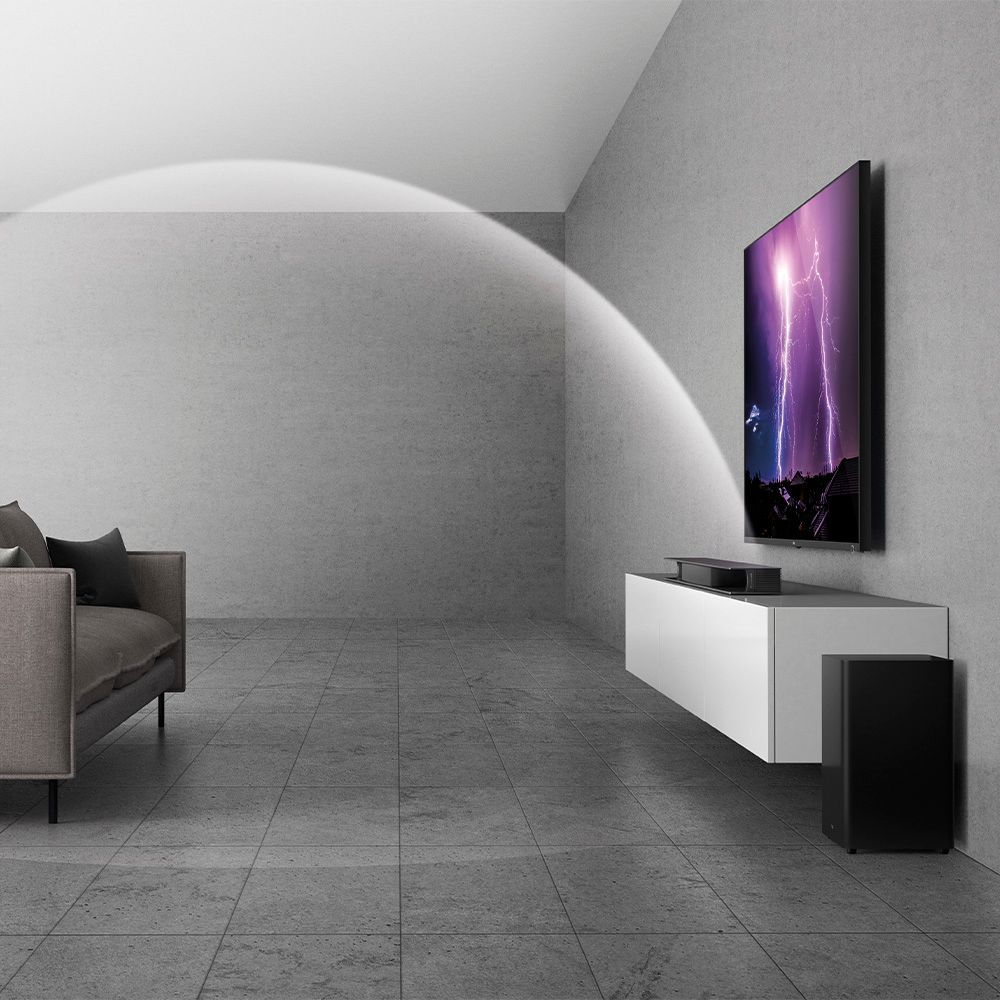
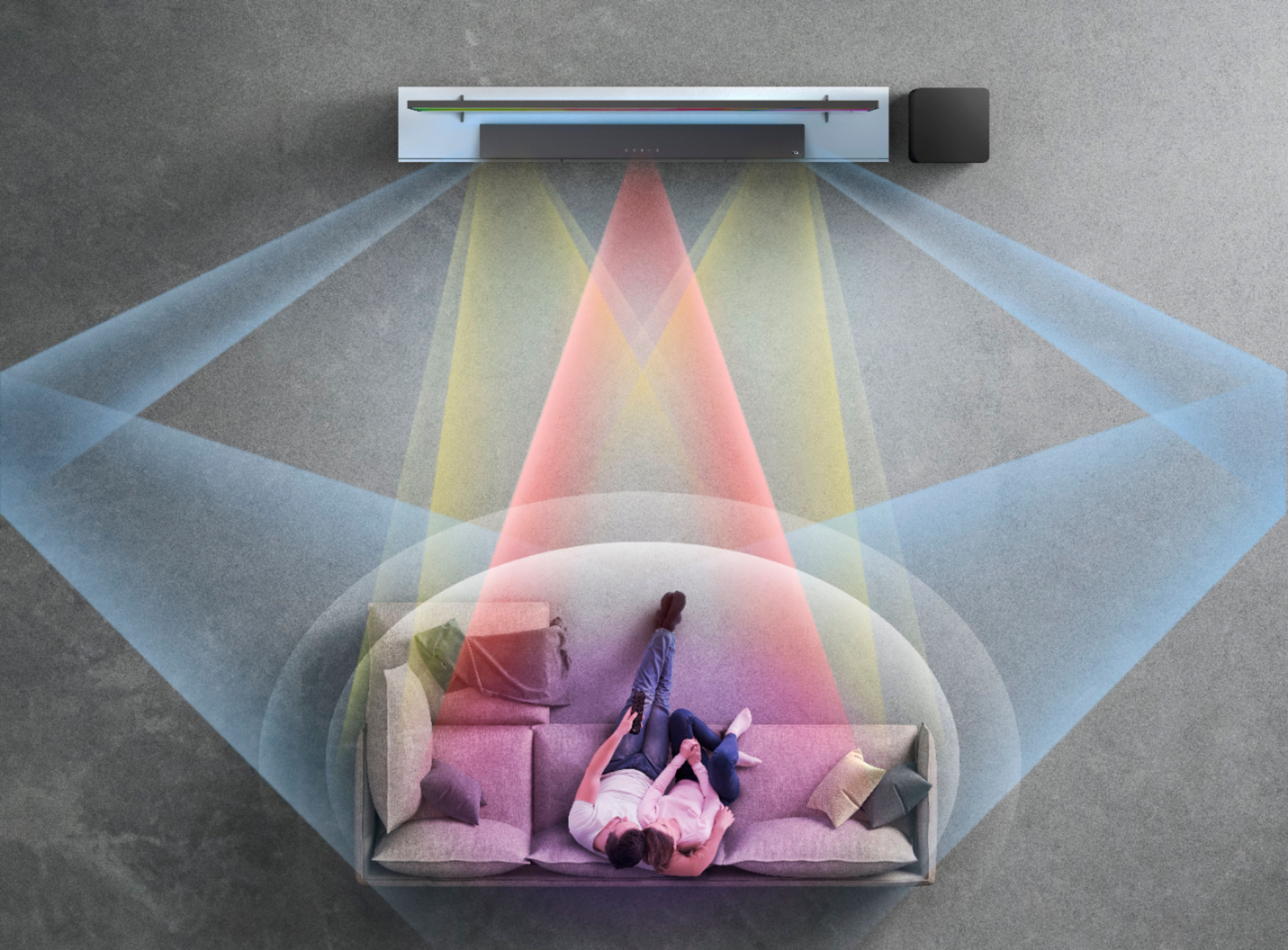
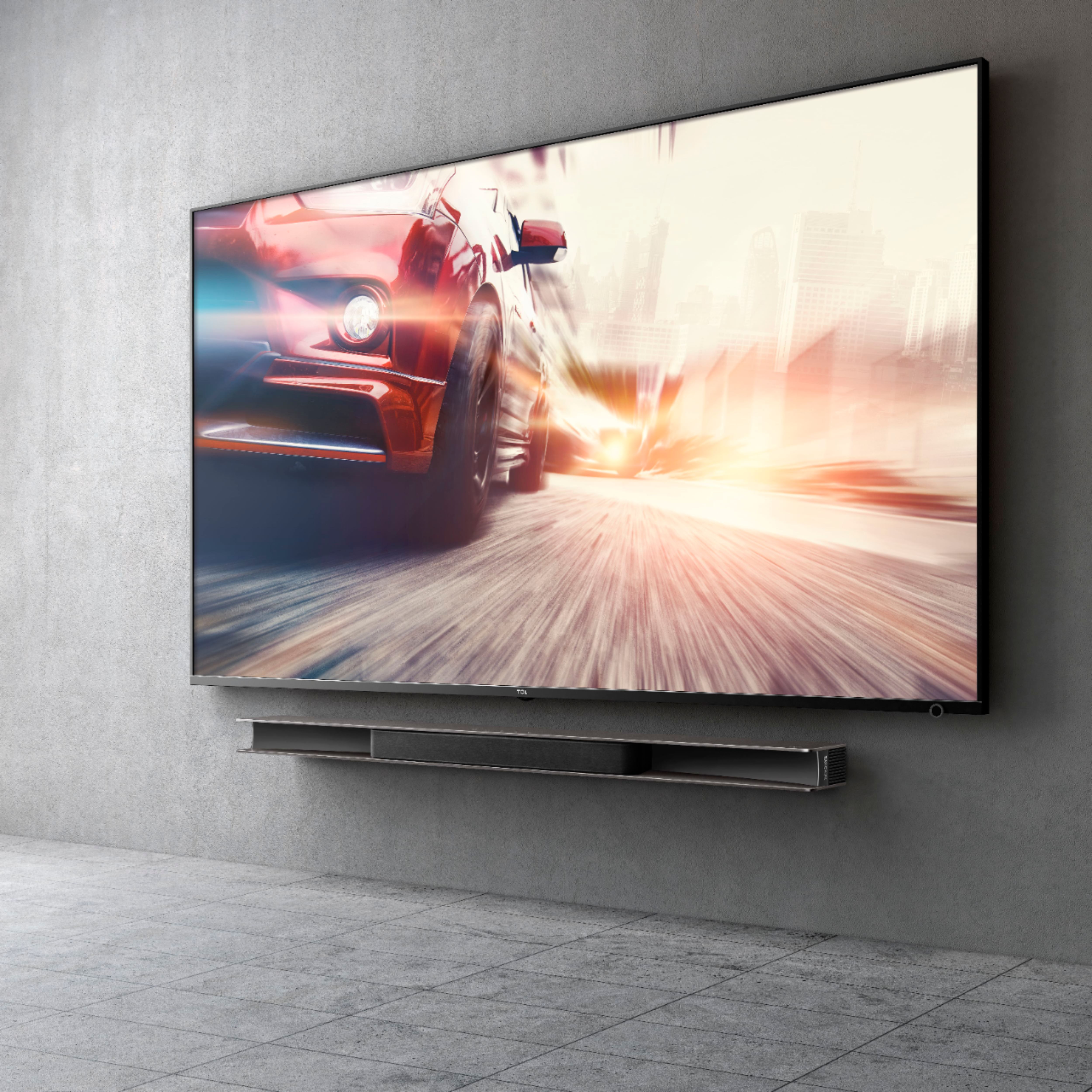
A:AnswerThis TCL Alto 9+ soundbar is compatible with most TVs and can connect via HDMI ARC, Oprtical, or AUX. Hope this helps! Thank you, TCL Customer Support
A:AnswerIn order for us to better assist, please reach out to us at [email protected] with your contact information and a description of what you need help with. Thank you, TCL Customer Support
A:AnswerHello,
Check the TCL directions (TCL site stores manual on helpjuice site)
https://static.helpjuice.com/helpjuice_production/uploads/upload/image/5306/direct/1602280900190-TS9030_UM_NA_20200821.pdf
The subwoofer is automatically set up to the sound bar.
1) Is the subwoofer LED solid or slow flashing?
Subwoofer LED indicator status during pairing:
• Standby mode: flashes slowly.
• Pairing: flashes quickly.
• Paired: on solidly.
See ‘Manual pairing’ on page 18,19 of the user manual:
1 Make sure the Sound Bar and wireless subwoofer are properly connected to the power supply.
2 Press PAIR at the back of the wireless subwoofer until The wireless subwoofer is ready to pair.
3 Press on the top panel of your Sound Bar main unit or remote control to power on your Sound Bar main unit.
The Sound Bar and wireless subwoofer will pair automatically.
Pairing is successful. The amber LED remains on solidly.
Note
• If the amber LED at the back of the subwoofer still
Disconnect the AC power cord from the wireless subwoofer and then connect again after 3 minutes. Then repeat steps 1 to 3.
If that doesn’t work, you can try again.
In my experience, return it, as it’s defective. I’ve put in 3 of these, and only ran into subwoofer scenario once.
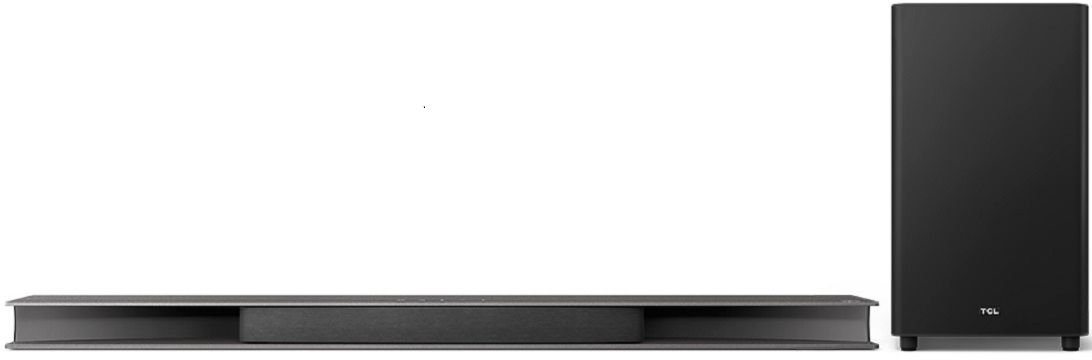
A:AnswerThis TCL Alto soundbar is compatible with most TVs and can be connected via HDMI ARC, Optical, or AUX. Hope this helps! Thank you, TCL Customer Support
A:AnswerYes. It can be paired by Bluetooth. However, if the non-TCL television has a dedicated ARC hdmi input spot, it can hook directly. Not long after I purchased this sound bar, I changed from a 43” TCL tv to a 65” LG tv. The new LG tv also has an ARC hdmi slot. It plugs directly into the tv via HDMI. Sound quality is still great on the non-TCL tv and it has its own remote.
A:AnswerOk thank you for the information. When I tried that, I had significant audio delay between the Xbox and Soundbar...anyway to solve that? It is set to dolby atmos on the Xbox. I have no delay when using audio straight from TV or Smart TV/Soundbar.
A:AnswerYou’ll need to manually connect to the device to get it to connect to your wifi. It’ll then update aswell. Instructions in the link below:
https://support.tcl.com/us-soundbars-setup-configuration/tcl-alto-9+-manual-wi-fi-set-up