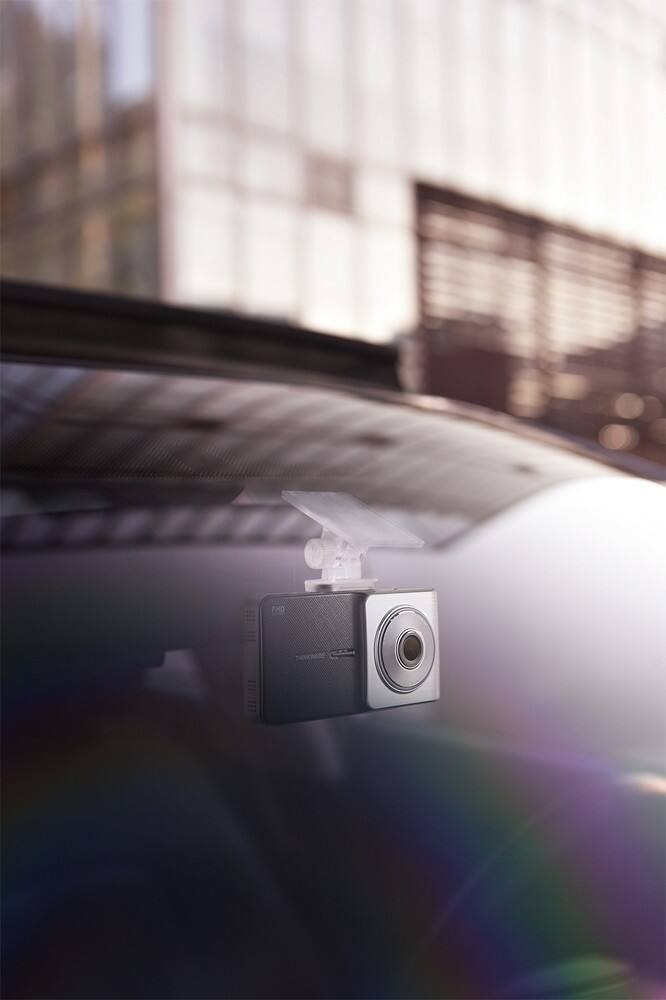
A:AnswerHi there,
The Thinkware X500 has a 140 degree viewing angle. You can also add a rear-view camera, which has a 140 degree viewing angle as well, to record simultaneously with the front camera. Please note that you will need to hardwire your dash cam using the Thinkware hardwiring cable to enable Parking Surveillance Mode if you want your dash cam to record with your car engine off.
Please contact us directly by phone (1-844-865-9273) or email ([email protected]) if you have any other questions!
Thinkware Customer Support
A:AnswerHi there, Yes the X500 has a red light and speed camera alert feature. Make sure once you have the X500 that your dash camera has the latest firmware so it will know where all the updated red light cameras are. You can download the firmware from this site: http://www.thinkware.com/Support/Download
Please let us know if you have other questions by contacting us directly by phone (1-844-865-9273) or email ([email protected]). Thinkware Customer Support
A:AnswerHi there! Geek Squad provides installation services at Best Buy. For more details, please check out the official Geek Squad page on BestBuy.com here: http://www.bestbuy.com/site/electronics/geek-squad/pcmcat138100050018.c?id=pcmcat138100050018. Let us know if you have any other questions! We can be contacted directly by phone (1-844-865-9273) or email ([email protected]). Thinkware Customer Support
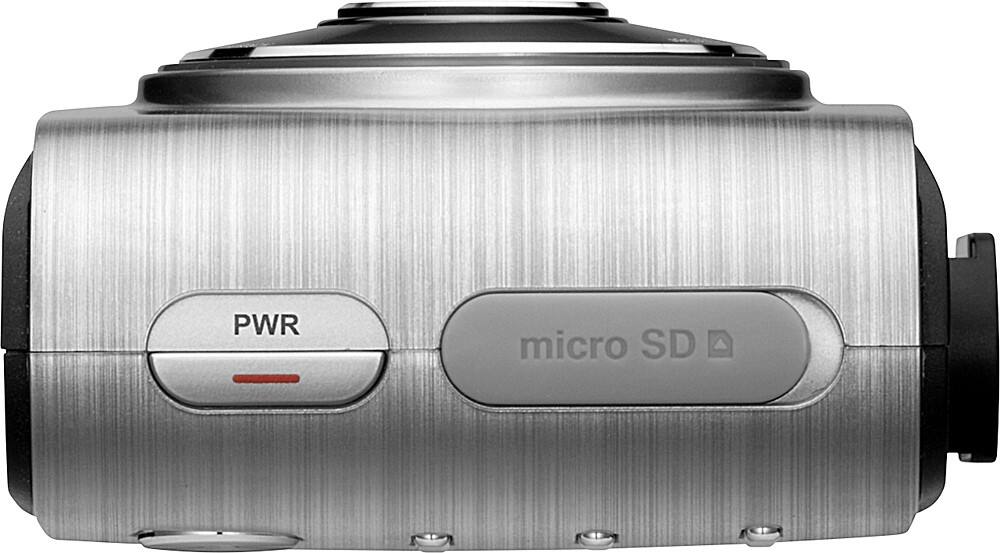
A:AnswerHi Rico! While the dash cam does not have specific night vision features, it can certainly record at night. The recording time before the dash cam overwrites itself is dependent on the size of MicroSD card used. However, the 16 GB MicroSD that is provided along with your dash cam will store approximately 2 hours of footage before overwriting the oldest footage to make space for new footage. Since the dash cam does not have a built-in Wi-Fi feature, users will not be able to download footage and send to their emails directly. With the X500, users will have to eject the MicroSD card and insert to their computers first in order to do so. Please look into the F750 and X350 models that are both available at Best Buy with the built-in Wi-Fi feature if you would like have immediate access to your footage! If you have any other questions or concerns, please feel free to contact our customer support department by email ([email protected]) or phone (1-844-865-9273). Kind regards, Thinkware Customer Support
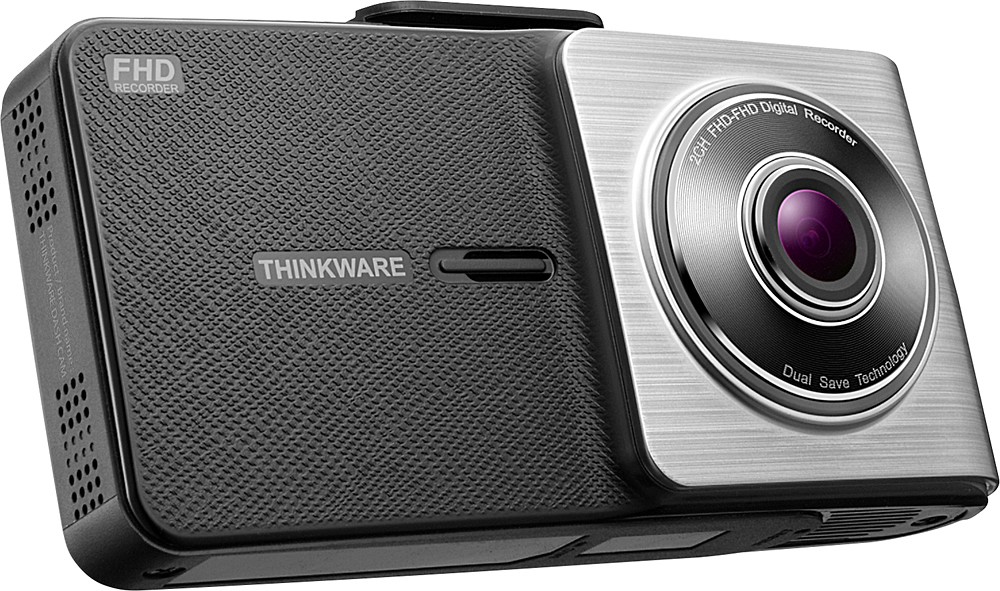
A:AnswerHi there! The F750 has built-in Wi-Fi. You can also turn off the lane departure warning system feature by going to "Dash Cam Settings" -> "Settings" -> "Road Safety Settings". We hope this helps! Please let us know if you have additional questions by contacting us directly by email ([email protected]) or phone (1-844-865-9273). Kind regards, Thinkware Customer Support
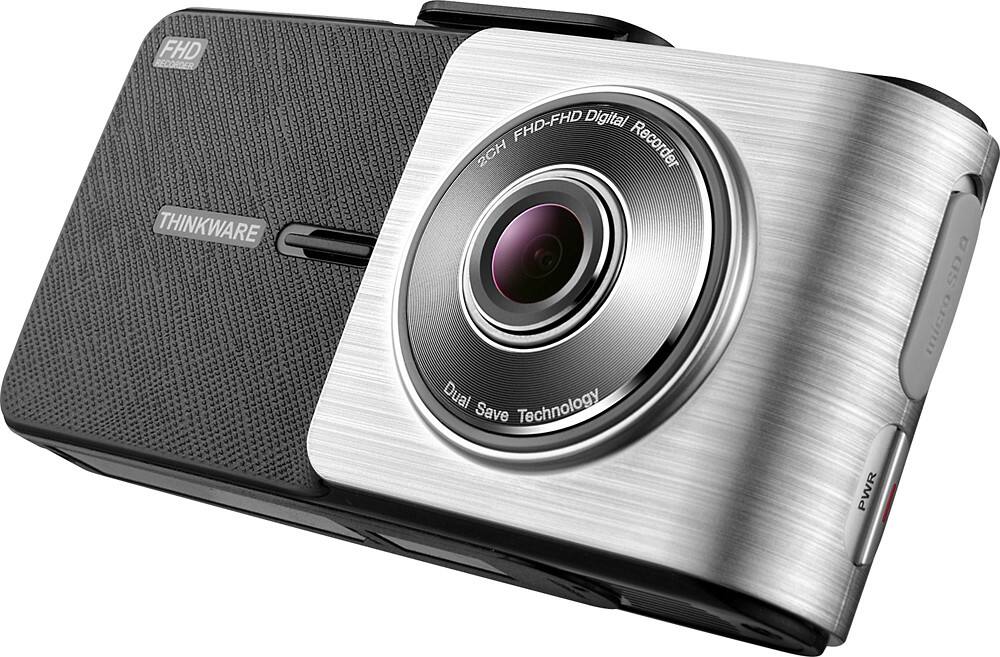
A:AnswerHi Ryan. The X500 does not have Bluetooth capability. Users will need to insert their MicroSD card into their computers in order to view and save footage. From there you will also have the ability to send the video via email. Please let us know if you have additional questions. We can be contacted by phone (1-844-865-9273) or email ([email protected]) Thinkware Customer Support
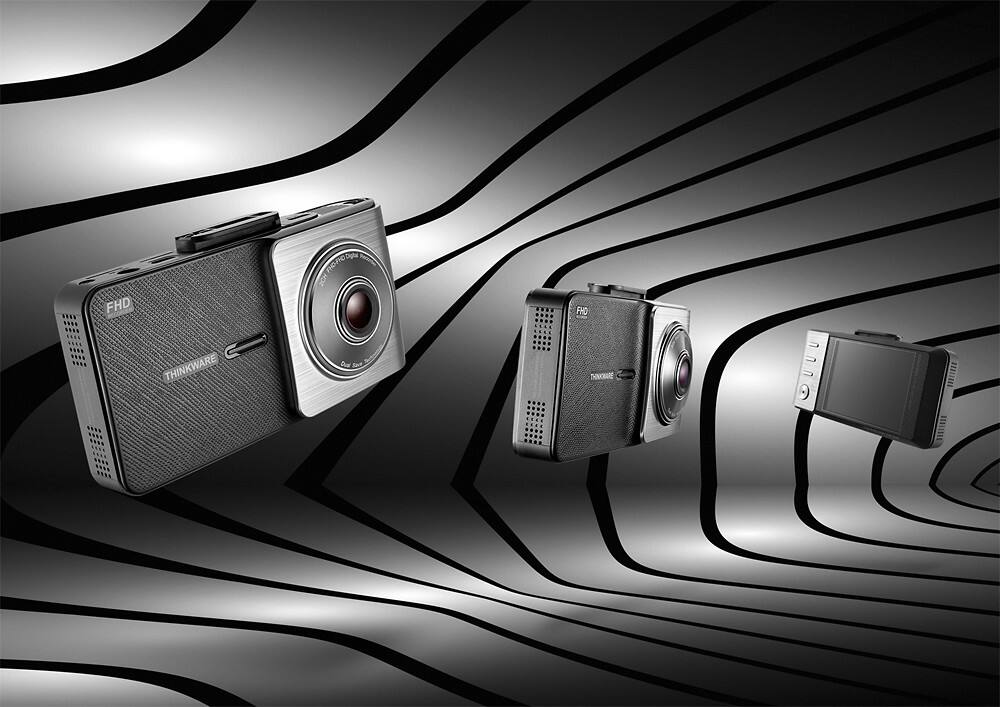
A:AnswerHi there! The rear-view camera is not water-proof, as it was designed to be installed inside your vehicle. We hope this answers your questions! If you have additional questions, we can be contacted by phone (1-844-865-9273) or email ([email protected]) Thinkware Customer Support

A:AnswerHi there. The X500 dash cam has an optional rear-view camera accessories to provide users front and back coverage simultaneously. This rear-view camera accessory is also available at BestBuy.com and its model number is TWA-X500F750R. We hope this answers your question! Please let us know if you have additional questions by contacting us directly by phone (1-844-865-9273) or email ([email protected]) Thinkware Customer Support

A:AnswerHi Diane. The X500 bundle with the rear-view camera and 32 GB MicroSD card is available at Best Buy here: http://bit.ly/2ewzoCb. Please contact your local Best Buy to check if the item is in stock. Please let us know if you have additional questions! Thinkware Customer Support

A:Answerthere are 2 different versions of this camera. One has WiFi the other does not. Be sure to read the packaging closely to make sure you are getting the right one. Both have GPS. As for the lane drift alarm, it must be turned on during the initial setup of the camera. (can be turned off but can only be done while vehicle is not in motion.)
A:AnswerHi there,
The X500 does not a snapshot mode. However, you can easily take a screen shot of a specific part of a video when reviewing footage with the PC Viewer. Please let us know if you have additional questions by contacting us directly by phone (1-844-865-9273) or email ([email protected]). Thinkware Customer Support
A:AnswerGood, if it is a dark Country road it pretty much records the area you see with the headlights. Definitely good enough to catch an incident as long as there is some sort of light source. You can see some shadows of trees etc. in the area outside of the headlight view.
A:AnswerHi there,
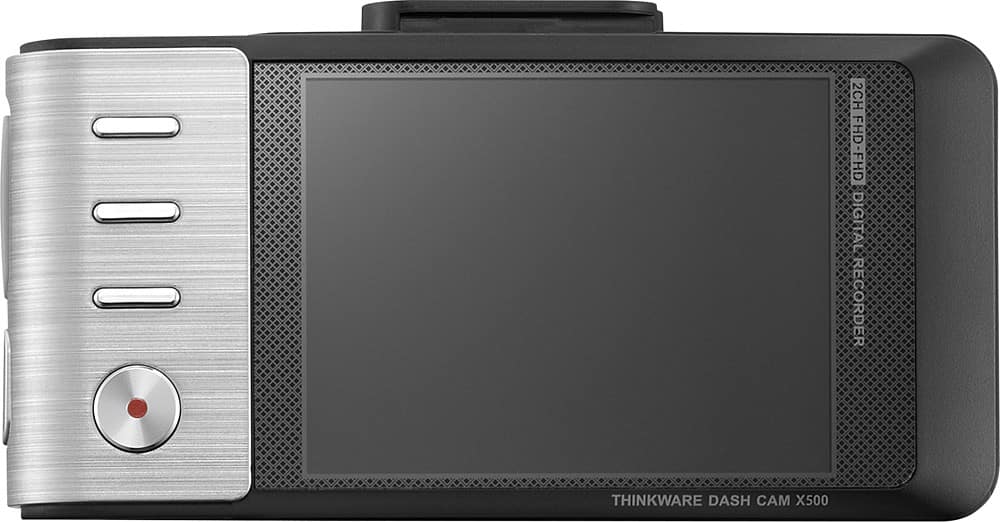
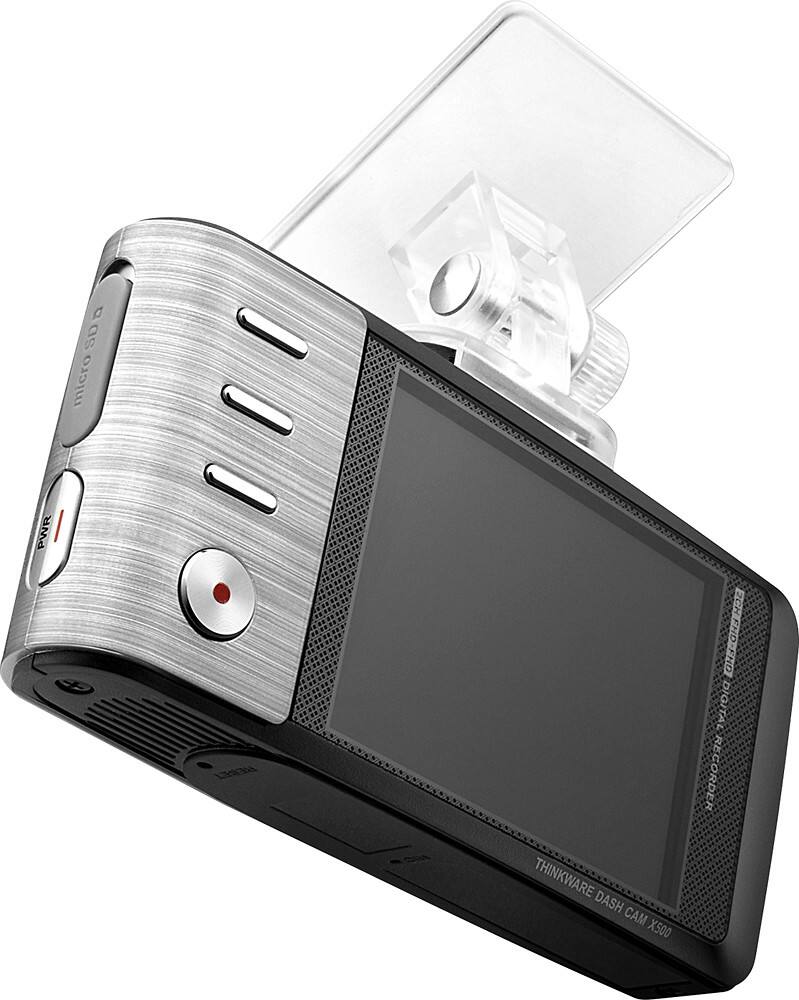
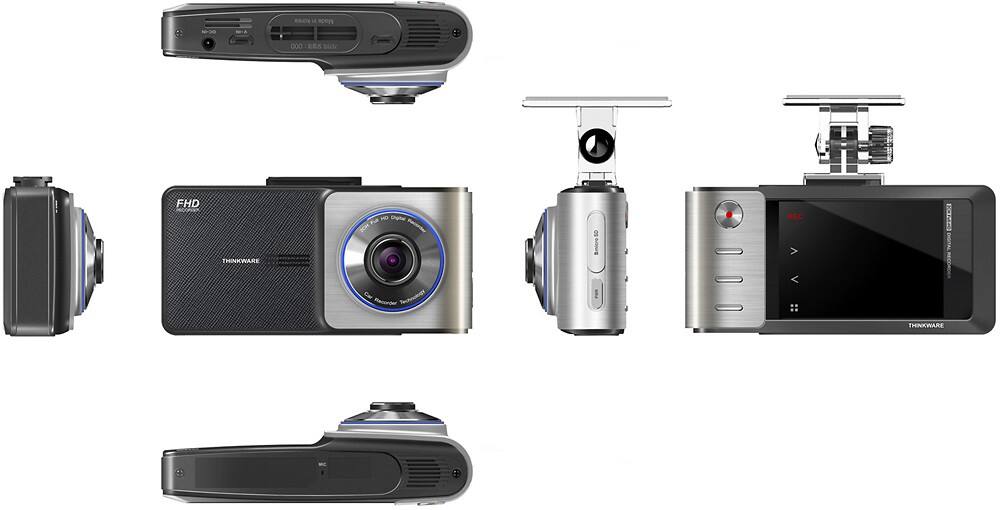
Yes, the X500 has audio recording! You can enable/disable this feature by pressing on the button (third button from the top) next to the microphone symbol. Please let us know if you have other questions.
Thinkware Customer Support