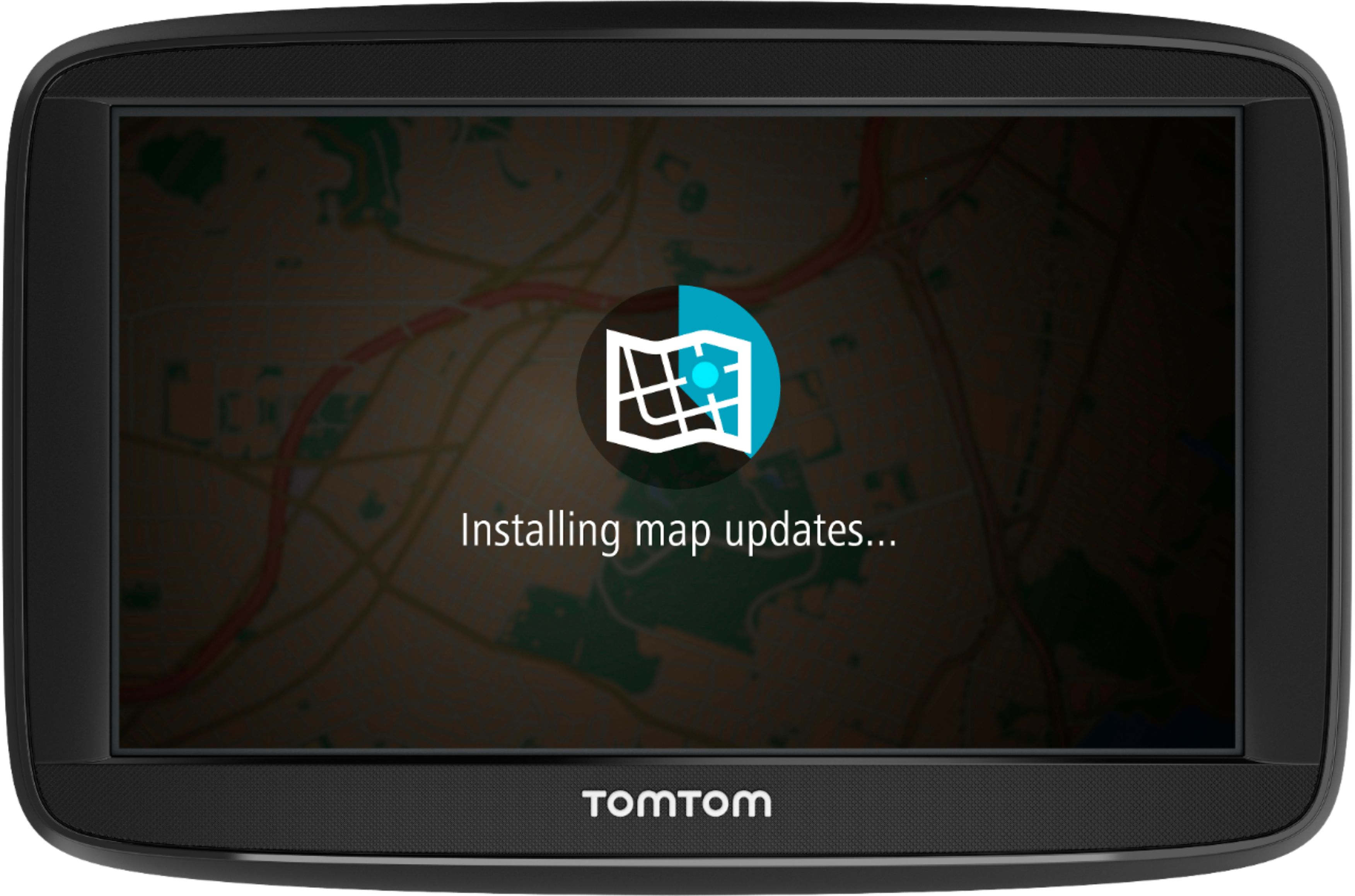
A:AnswerYes, you can. Once you type the addresses in the gps, then you can find them in your recent destinations - even if you haven't driven to them yet. It saves them ahead of time.
A:AnswerApparently TomTom just sold you a new GPS that they knew would be killed by the April 6 2019 GPS week number rollover. At least mine was 2.5 years old when it happened, so I did get to use it for a while. Check at this link: https://www.tomtom.com/en_us/updates/ and enter the serial number.
A:Answerthere are no prompts but if you begin your trip-she will begin talking to you. I just finished 1,064 mile trip and she never failed me. The cheaper models-go to menu set up leaving address and where your destination is. The prompt comes "let's go" and if you tap the screen so you can see the route she will being talking.
A:AnswerHey there,
The device comes with a car charger, and USB power cable, but not a wall socket adapter. You will need to charge via an existing USB wall socket adapter or computer.
Cheers,
- Cameron at TomTom
A:AnswerHi there, this device does come with lifetime traffic updates! This means you don't have to pay for the Traffic service.
Cheers,
- Cameron at TomTom
A:AnswerThis is a handheld. It has three modes to use it by. Car, bike and walking. Choosing one of the modes will show you the best way to your destination using your selected mode of travel and it has a screen that shows you the amount of time to get there using each mode. You can mount the unit to a bike for turn by turn navigation.