A:AnswerIf you are using the recovery mgr and an image for win7 you must use a HDD that is the same HDD size or larger (warning no msg is given). Contact the GeekSquad to confirm.
A:AnswerIf you are using the recovery mgr and an image for win7 you must use a HDD that is the same HDD size or larger (warning no msg is given). Contact the GeekSquad to confirm.
A:AnswerIf you are using the recovery mgr and an image for win7 you must use a HDD that is the same HDD size or larger (warning no msg is given). Contact the GeekSquad to confirm.
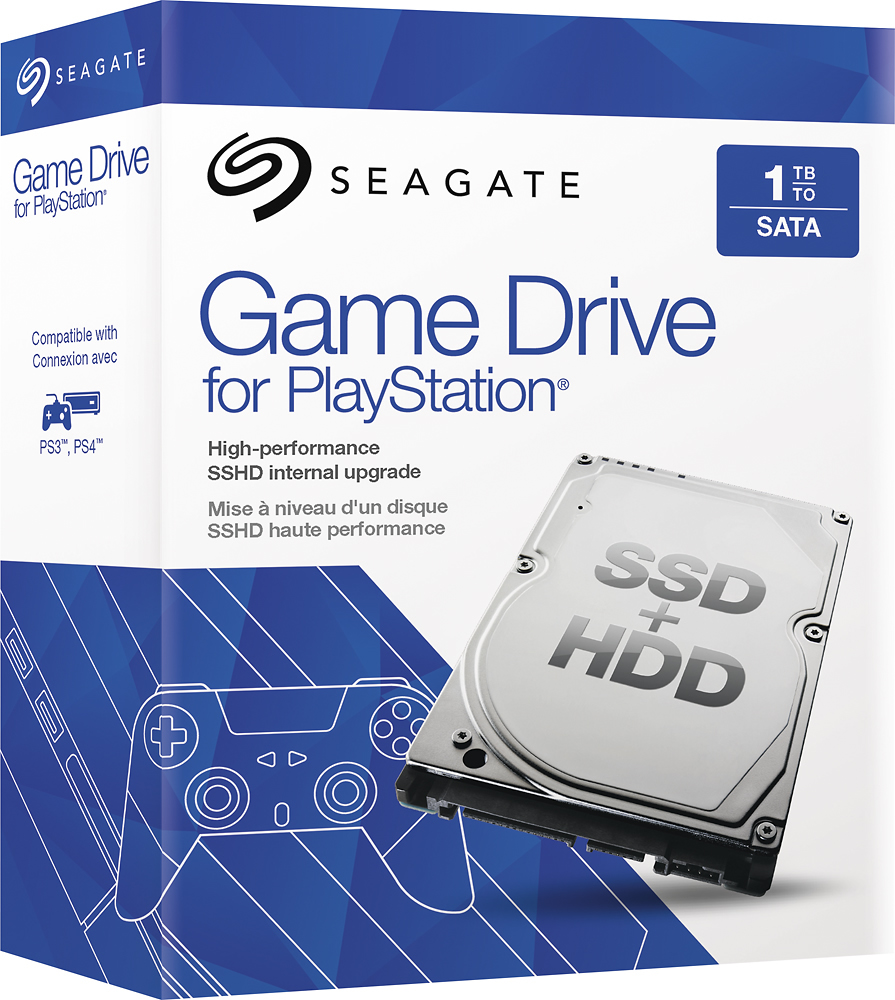
A:AnswerThe PS3 and PS4 use a laptop size hard drive. This drive will work fine in either system. I currently have it installed in my PS4. I've also changed the hard drive in my PS3, which is why I know it is the same drive size and type.
A:AnswerIf you are using the recovery mgr and an image for win7 you must use a HDD that is the same HDD size or larger (warning no msg is given). Contact the GeekSquad to confirm.
A:AnswerIf you are using the recovery mgr and an image for win7 you must use a HDD that is the same HDD size or larger (warning no msg is given). Contact the GeekSquad to confirm.
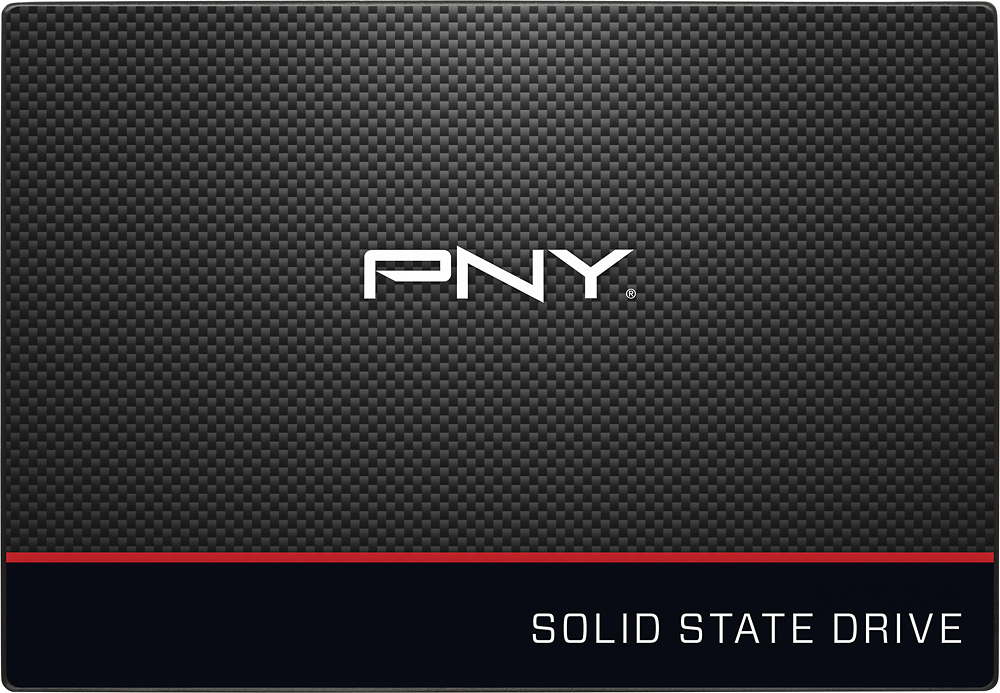
A:Answeryes you can use any SATA 2.5 inch ssd or hdd for the second drive. I recommend you make your primary drive (the one that will have your operating system on it) a ssd drive. for example the pny 128 gb and your second drive a spinner hdd of 500GB or 1TB like a Western Digital. This method will make your laptop most efficient & fast.
A:AnswerThanks for your question. The Satellite Radius 11 (L15W-B1303) features 32Gb solid state flash memory (eMMC) which means that it cannot be replaced with a traditional hard drive. The storage in this laptop is not user upgradeable.